iPhone Repair Price List by Model Template
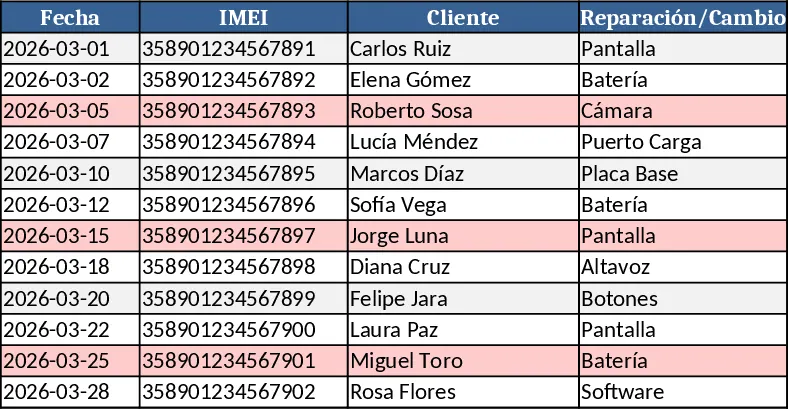
This Excel template is built for anyone who needs a clear, organized price list for every iPhone model, from the iPhone X to the latest release. Each model series gets its own worksheet, automatically colored for quick visual distinction. Within each sheet you’ll find columns for Part Description (e.g., back cover, battery, screen), Part Code, Supplier Cost, Suggested Retail Price, Margin %, and Notes. Dropdown menus let you tag the condition of each part (new, refurbished, used) and the currency. At the top of every sheet a small summary table aggregates total cost, total suggested price, and overall margin for that series, giving you an instant snapshot of profitability.
The template solves the common headache of juggling multiple product lists in a single sheet, where data gets mixed and colors are hard to track. By isolating each iPhone generation on its own tab, you avoid accidental edits, streamline updates, and make it easy to compare pricing across generations. The built‑in color coding further reduces the time spent searching for the right sheet, while the summary tables help you quickly assess which models are most profitable or need price adjustments.
Ideal for sales teams, retail managers, repair shops, and e‑commerce operators who regularly quote iPhone parts or create customer price sheets. Whether you’re preparing a quotation for a client, updating your inventory pricing, or generating a printable catalog for the storefront, this template provides a structured, repeatable process that keeps your data consistent and professional.
How to use
- Open the workbook and locate the sheet for the iPhone series you need (e.g., iPhone 13, iPhone 14). The tab color matches the series for easy identification.
- Fill in the Part Description, Part Code, Supplier Cost, and Suggested Retail Price for each component. Use the dropdowns to set part condition and currency.
- The template automatically calculates margin percentages and updates the summary table at the top of the sheet.
- Export the sheet as PDF or print it directly to share a clean price list with customers or colleagues.
Expected benefits: faster quote preparation, reduced manual errors, and a professional, color‑coded price list that saves you time each week.
Similar Templates Recommendation
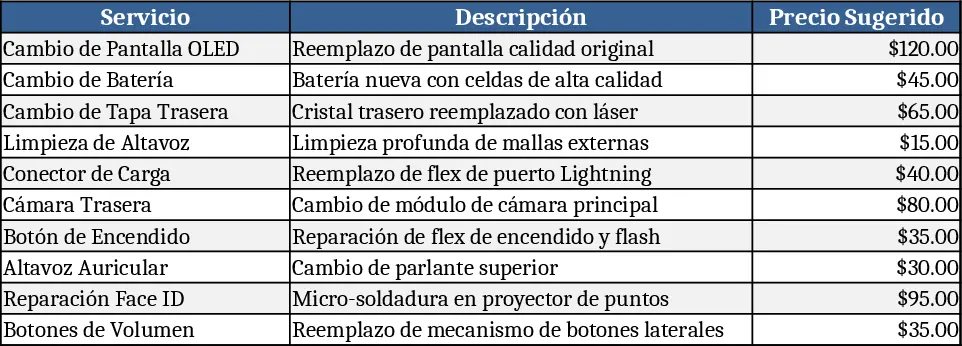
iPhone Multi‑Sheet Service Price List Template
A ready‑to‑use Excel price list template that separates each iPhone model into colored tabs with alternating row colors and includes repair services.
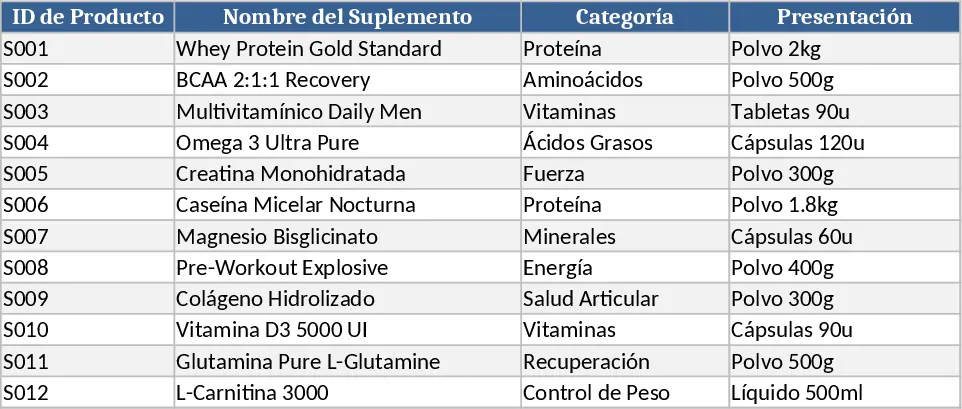
Supplement Sales & Inventory Tracker Template
Track supplement inventory, set prices, and record daily sales with a ready‑to‑use Excel template that generates summary reports.
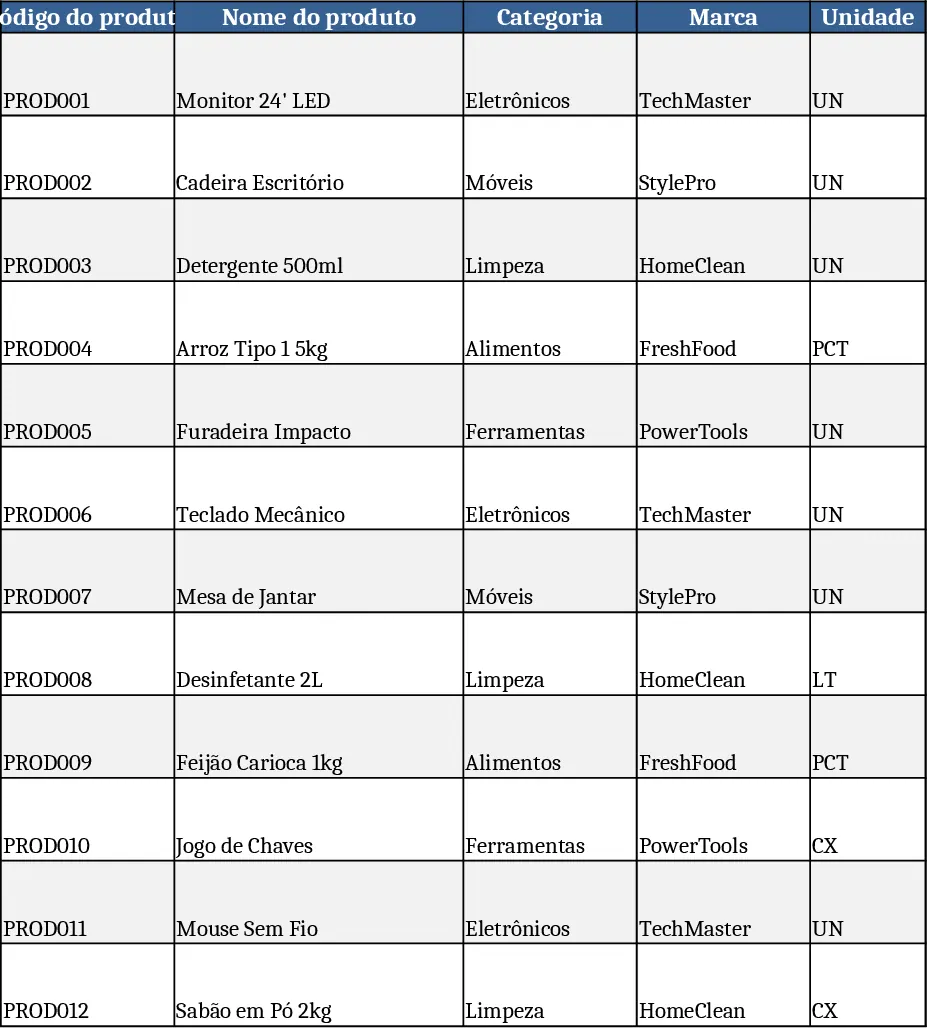
Comprehensive Inventory & Product Registration with Photo Tracking Template
A ready‑to‑use Excel workbook for product registration, stock tracking and outbound movements with images and automatic balances.