10-Year Techno-Economic Analysis (TEA) Financial Model Template
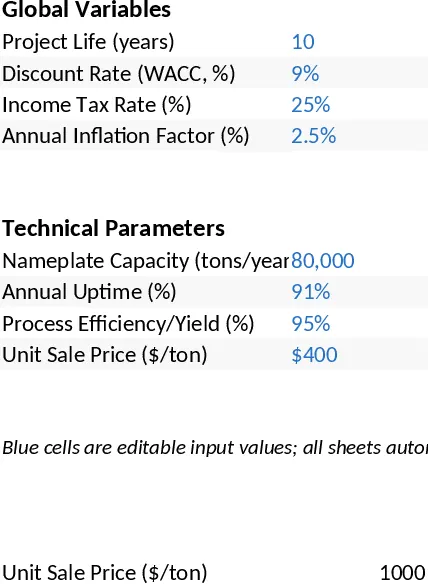
This 10-Year Techno-Economic Analysis (TEA) Model is a professional-grade financial tool designed to bridge the gap between technical performance and financial feasibility. The workbook is structured into five logically linked tabs: Assumptions, CAPEX, OPEX, Revenue Model, and a comprehensive Financial Summary. By centralizing global variables like WACC, inflation, and tax rates alongside technical parameters like nameplate capacity and process efficiency, the model ensures that any change in technical performance is immediately reflected in the bottom-line financial metrics. All input cells are clearly formatted with blue text, making it easy to distinguish between editable data and automated formulas.
The template is particularly useful for evaluating industrial projects, manufacturing plants, or infrastructure developments where long-term capital investment requires rigorous justification. It solves the common problem of fragmented data by integrating technical yields with financial forecasting, allowing users to see how uptime or efficiency impacts the Internal Rate of Return (IRR) and Net Present Value (NPV). This integrated approach streamlines the decision-making process for project stakeholders, providing a clear picture of when a project will break even and what its total value is over a decade. It eliminates the need for manual cross-referencing between engineering specs and financial spreadsheets.
Project managers, financial analysts, and engineers will find this model indispensable during the pre-feasibility and feasibility stages of a project. Whether you are pitching to investors or conducting internal strategic planning, the model provides a standardized framework to track EBITDA, taxable income, and free cash flow. The inclusion of inflation-adjusted revenue and straight-line depreciation ensures that the projections remain realistic over the 10-year horizon, accounting for the rising costs of labor and materials while managing the tax implications of capital assets.
How to use this template:
- Start in the Assumptions tab to define your global variables like the discount rate and inflation, then input your technical parameters such as nameplate capacity and process efficiency.
- Detail your initial investment in the CAPEX tab and your recurring costs in the OPEX tab, ensuring variable costs are linked to production volume for accurate scaling.
- Review the Revenue Model to adjust unit pricing and see the 10-year projection automatically update based on your technical inputs and inflation factors.
- Navigate to the Financial Summary to analyze the NPV and IRR, using these key metrics to determine the project's financial viability and present your findings to stakeholders.
Expected benefits: This model significantly reduces the time required to build complex financial projections from scratch while improving the accuracy of investment appraisals through automated logic and industry-standard formulas.
Similar Templates Recommendation
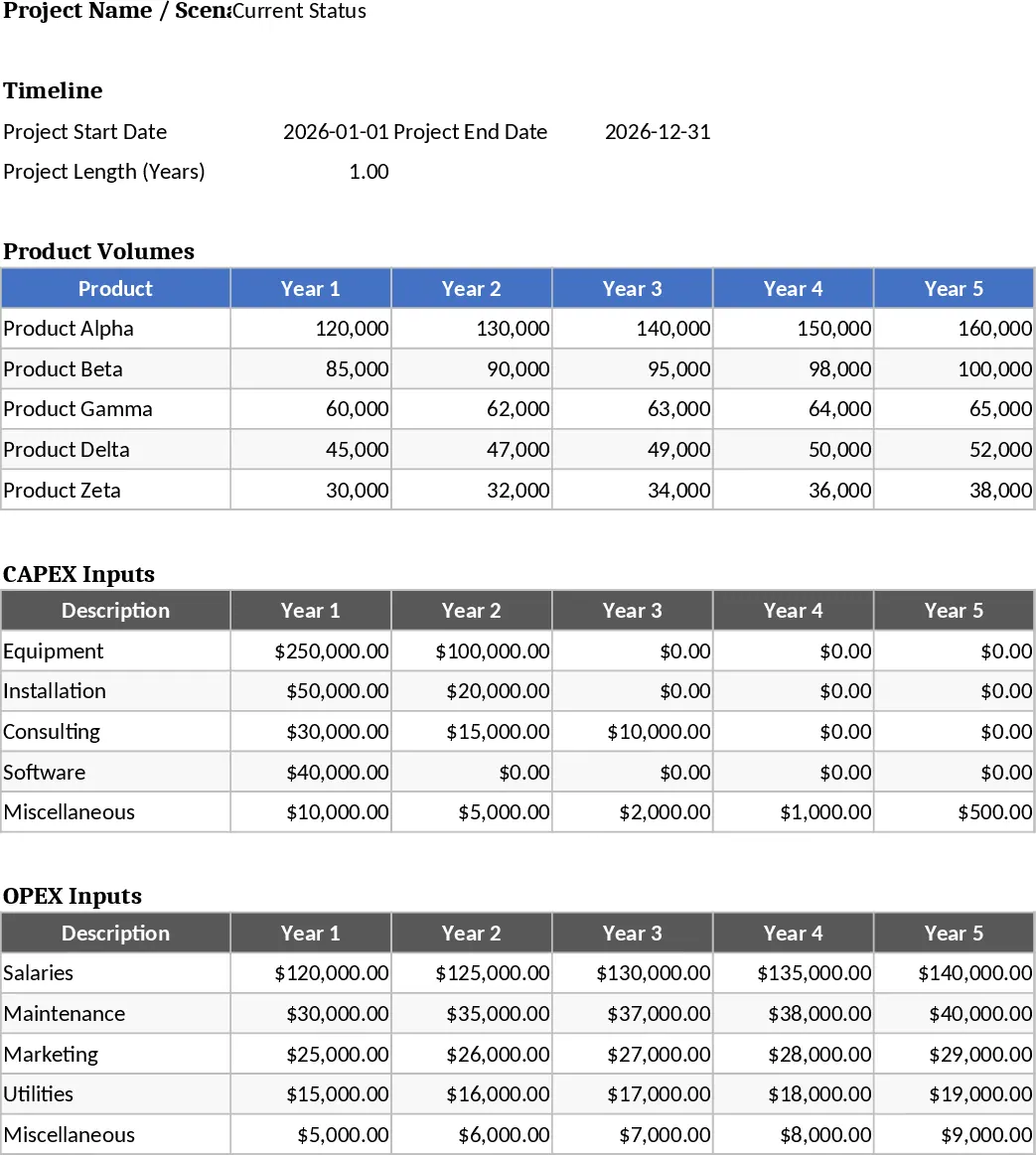
Project Financial Scenario Modeling and Evaluation Template
Compare project scenarios by analyzing CAPEX, OPEX, and volume timelines against current status to drive informed investment decisions.
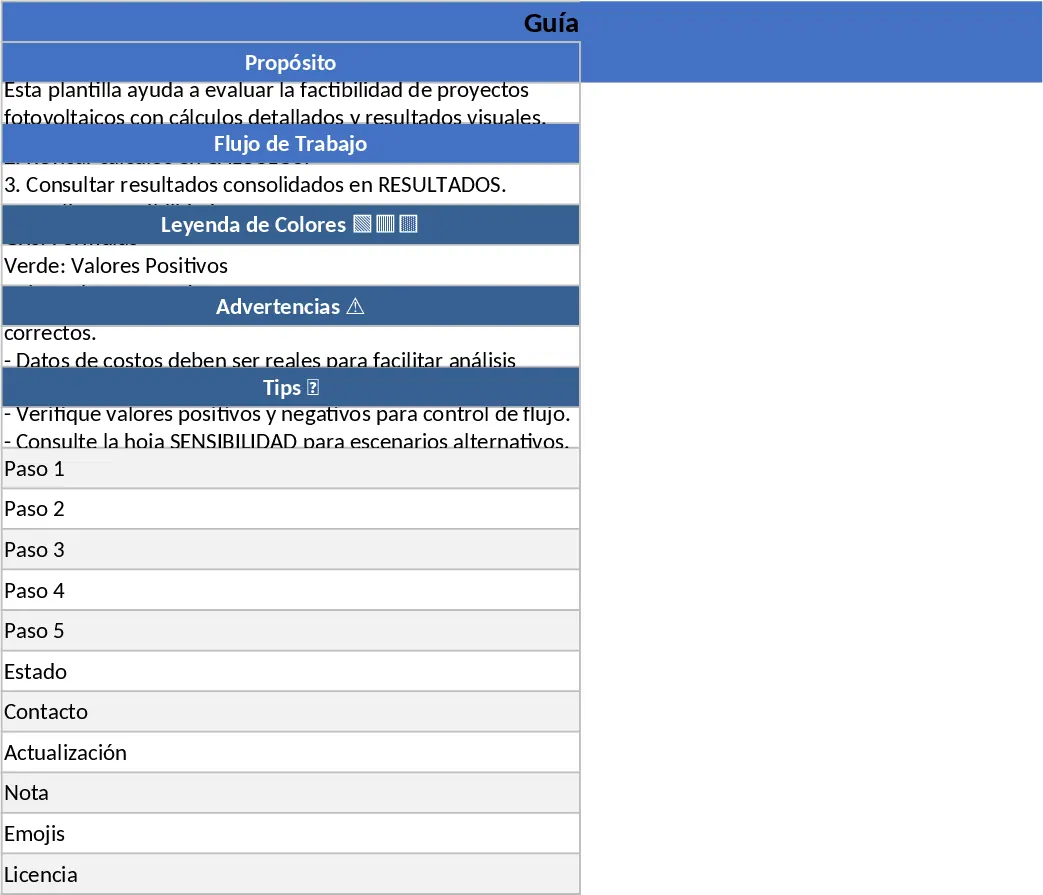
Solar PV Feasibility Study Template
Evaluate the financial and technical viability of solar energy projects with 25-year projections, NPV, IRR, and LCOE metrics.
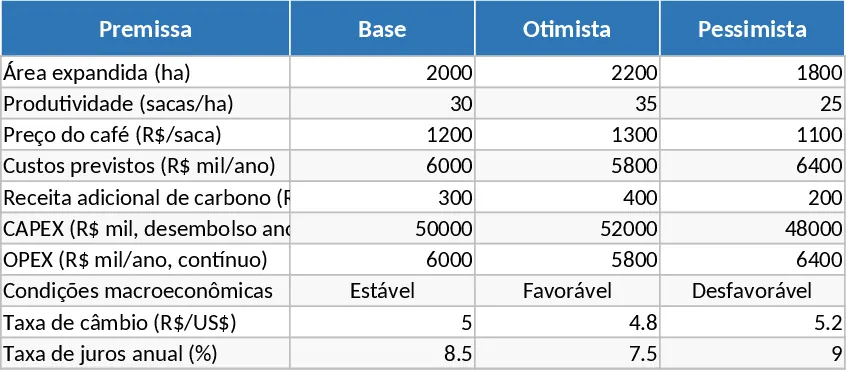
Agricultural Expansion Financial Model and Investor Return Analysis Template
Evaluate agricultural expansion projects with this comprehensive financial model featuring CAPEX, OPEX, IRR, and sensitivity analysis for investors.