Monthly Expense Tracker with Currency Conversion Template
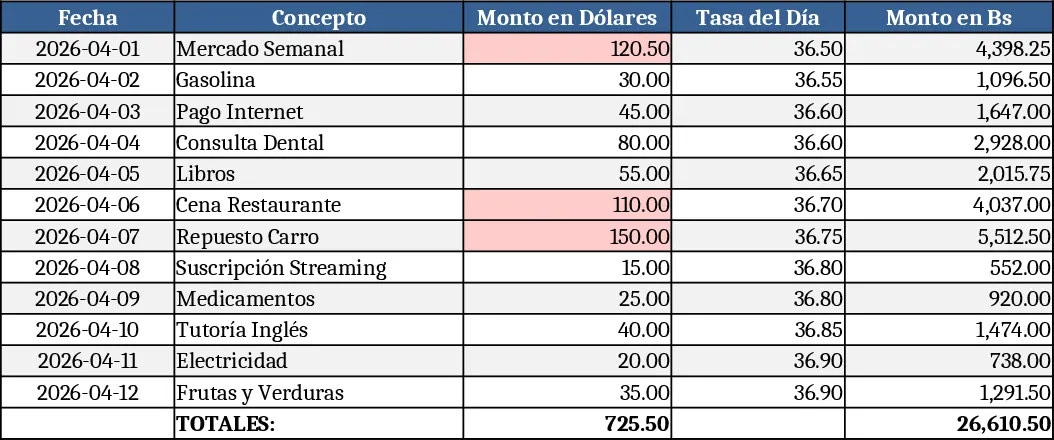
This Excel template is built for anyone who needs to monitor personal or small‑business spending in U.S. dollars while instantly converting the amounts to Venezuelan bolívares. The workbook contains three simple sheets: Data Entry, Rates, and Summary. In the Data Entry sheet you list each expense with columns for date, description, category, amount in dollars, and a linked cell that pulls the exchange rate from the Rates sheet. The Rates sheet holds a single input cell for the daily dollar‑to‑bolívar rate; you can update it each day or copy the rate from a reliable source. The Summary sheet aggregates the converted values, showing total dollars, total bolívares, and a month‑by‑month breakdown with a small chart for visual reference.
The template solves the tedious manual conversion that often leads to errors and wasted time. By centralising the exchange rate and using formulas, every new entry automatically reflects the correct bolívar amount, and the end‑of‑month totals are calculated instantly. This eliminates double‑entry, reduces the risk of mis‑calculations, and gives you a clear picture of how currency fluctuations affect your budget. It’s especially handy for freelancers, import‑export operators, or anyone receiving payments in dollars while paying local expenses.
Who benefits most? Individuals and small teams that receive income in dollars and need to pay local bills in bolívares, such as remote workers, expatriates, or small retailers. The template works in any scenario where you want a quick, reliable snapshot of monthly cash flow across two currencies without learning complex accounting software.
The workbook helps you track each expense, manage the daily exchange rate, and produce a concise financial summary. You’ll see at a glance how much you’ve spent in both currencies, identify high‑cost categories, and spot trends over time. The built‑in chart in the Summary sheet visualises the conversion impact, making it easier to discuss budgeting with partners or family members.
How to use
- Open the Rates sheet and enter the current dollar‑to‑bolívar rate in the highlighted cell.
- Switch to the Data Entry sheet and start filling rows: date, description, category, and amount in dollars.
- The template will automatically pull the rate and display the converted amount in bolívares for each row.
- Go to the Summary sheet to view total expenses in both currencies and a month‑wise breakdown; the chart updates automatically.
Expected benefits include a noticeable reduction in time spent on currency conversion and a clearer, error‑free view of monthly spending, allowing you to focus on decision‑making rather than number‑crunching.
Similar Templates Recommendation
Monthly Budget Tracker with Charts Template
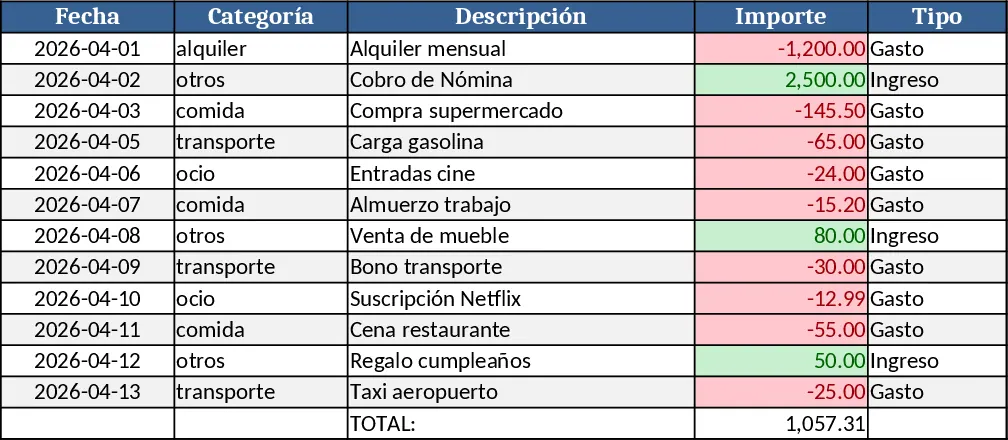
Track monthly income and expenses, visualize cash flow with built‑in charts, and see summaries at a glance.
Personal Monthly Budget & Expense Tracker with Cash Flow Template
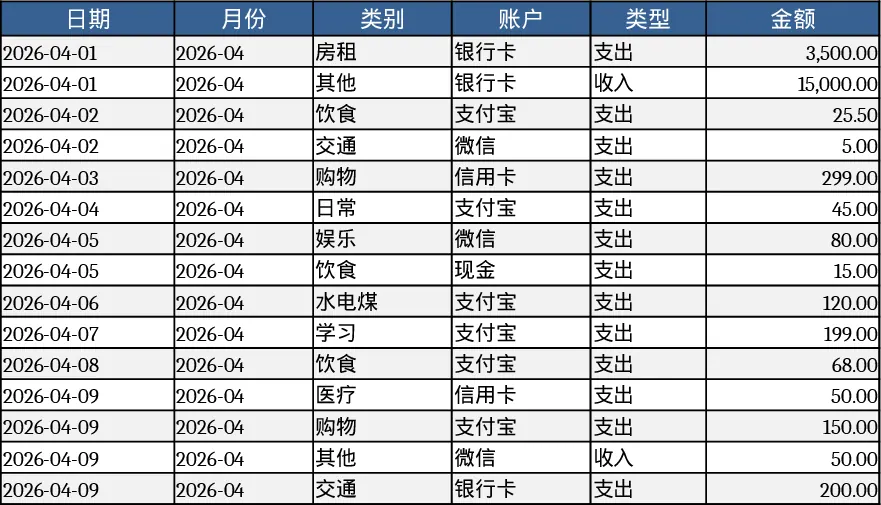
Track monthly personal income and expenses, compare against budgets, and view visual dashboards for savings insights.
Multi‑Currency Personal Budget Template
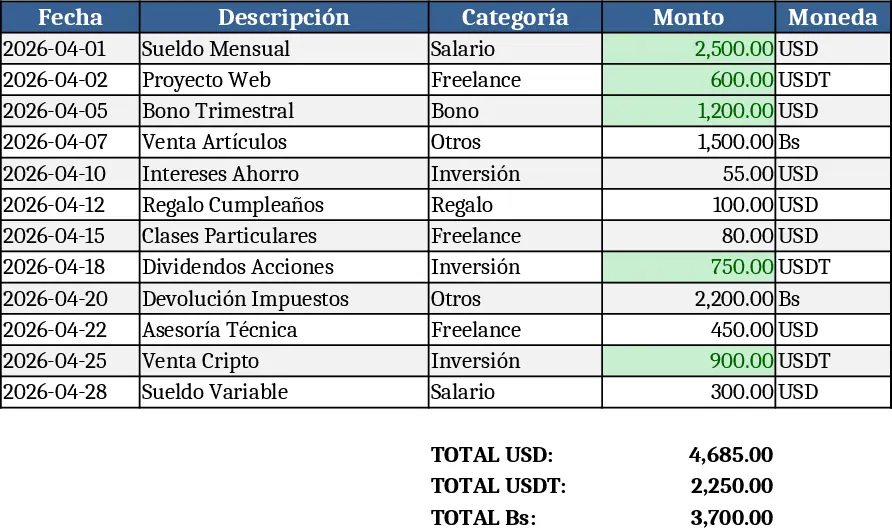
Track personal income and expenses across USDT, USD and Bolívar, see monthly balances, automatic currency conversions and budgeting insights.