Comprehensive Inventory Management Tracker with Dashboard Template
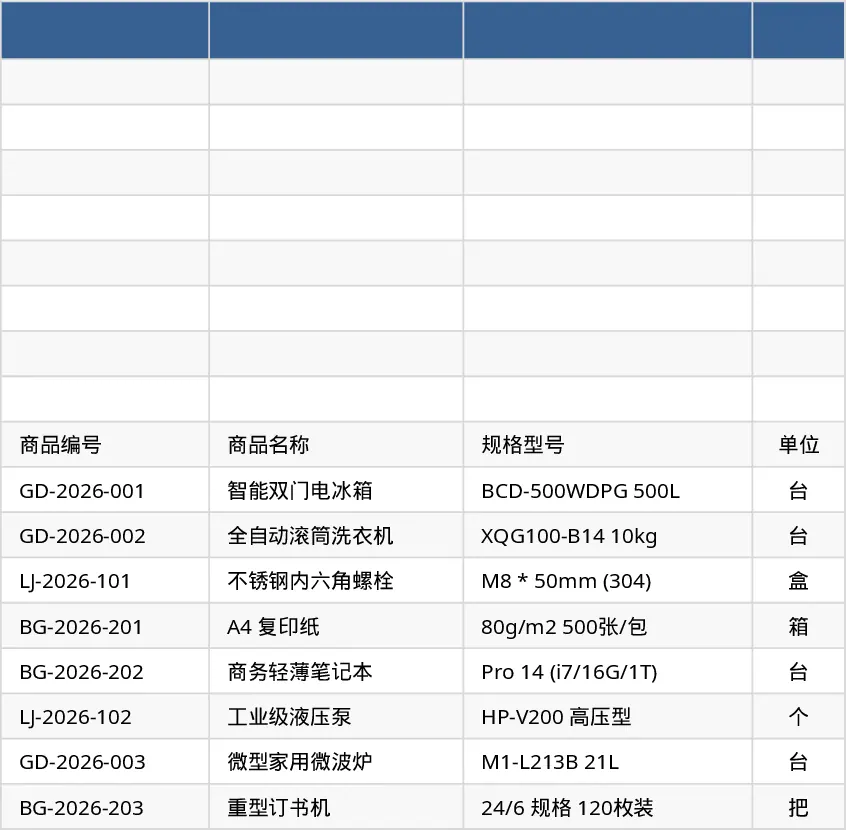
The Inventory Management template is organized into three clear worksheets that let you keep every aspect of stock control in one place.
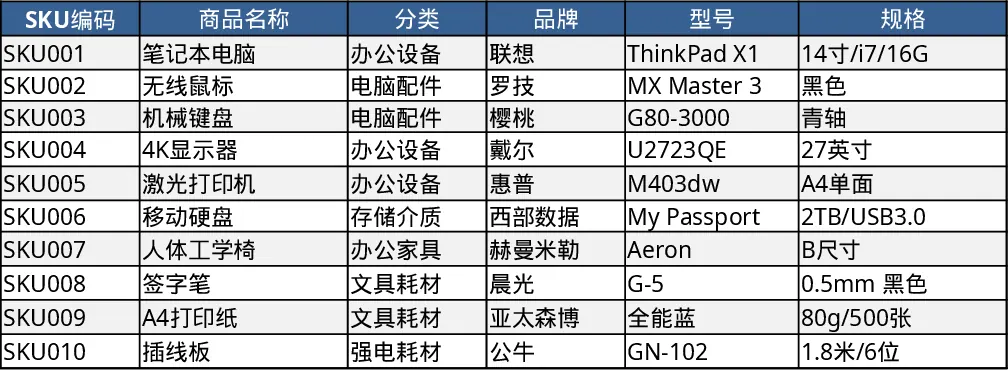
- Product Master Data – a catalog sheet where each SKU is entered once with its name, category (chosen from a drop‑down list), unit, supplier, purchase cost, selling price, reorder point and optional notes. The SKU column is enforced as unique and both cost and price must be non‑negative, preventing data entry errors.
- Inventory Transaction Log – a chronological record of every inbound, outbound or adjustment movement. Dates are mandatory, SKUs are pulled from the master list, and the movement type is selected from a predefined list (In, Out, Adjustment). Quantity must be positive; you can also capture unit cost, reference numbers, handler name and remarks.
- Inventory Summary – a dynamic dashboard that aggregates the data. For each SKU it shows the opening balance, total received, total issued, adjustments, and the calculated current stock. The current stock formula is Opening + In – Out + Adjustments. When the current stock falls to or below the reorder point, a conditional‑format flag displays “Reorder” in red, giving you an instant visual cue.
This workbook solves the common headache of juggling separate spreadsheets or manual counts. By centralizing product specifications and movement logs, you eliminate duplicate entry, reduce calculation mistakes, and always know exactly how much of each item you have on hand. The automatic reorder alert helps prevent stock‑outs and over‑stocking, ensuring smoother purchasing decisions and better cash flow.
It is ideal for warehouse supervisors, small‑to‑medium retail managers, and anyone responsible for maintaining optimal inventory levels. Whether you run a single store, a distribution hub, or a manufacturing line, the template adapts to any product range – just replace the sample SKUs with your own.
How to use
- Open the workbook and replace the 10 example SKUs in the Product Master Data sheet with your actual items, adjusting categories, suppliers and pricing as needed.
- Record each stock event in the Inventory Transaction Log – select the date, SKU, movement type and quantity; add optional cost or reference info.
- Switch to the Inventory Summary sheet to see the automatically updated totals and any “Reorder” warnings.
- Periodically refresh the data (or add new rows) and let the formulas keep your inventory picture current.
Expected benefits: streamlined data entry, instant visibility of stock status, and reduced risk of stock‑outs, all without needing specialized software.
Similar Templates Recommendation
Inventory Management Tracker with Category Breakdown Template
Track product stock levels, movements, and reorder alerts in a three‑sheet Excel template with master data, transaction log, and summary.
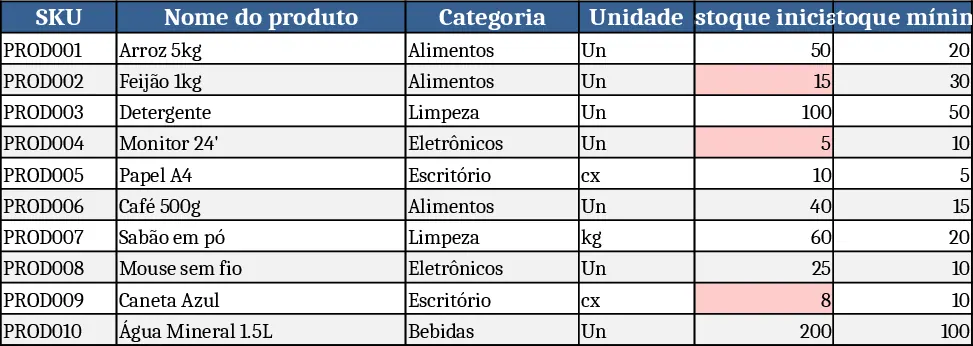
Inventory Management Master & Movement Tracker Template
Track inventory levels, movements, and reorder alerts across products with a three‑sheet Excel workbook that auto‑calculates stock balances.
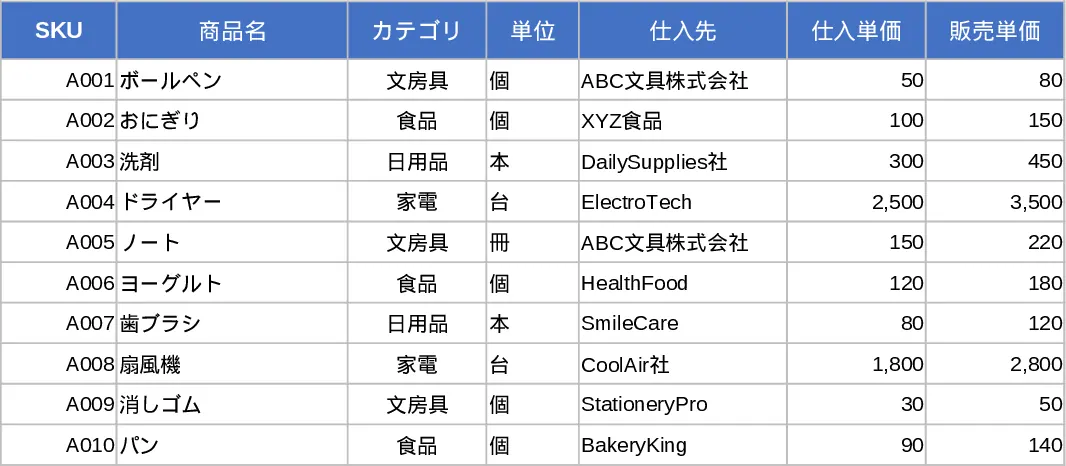
Three‑Sheet Inventory Management Template
Track product details, record stock movements, and view real‑time inventory summaries with three linked sheets and sample data.