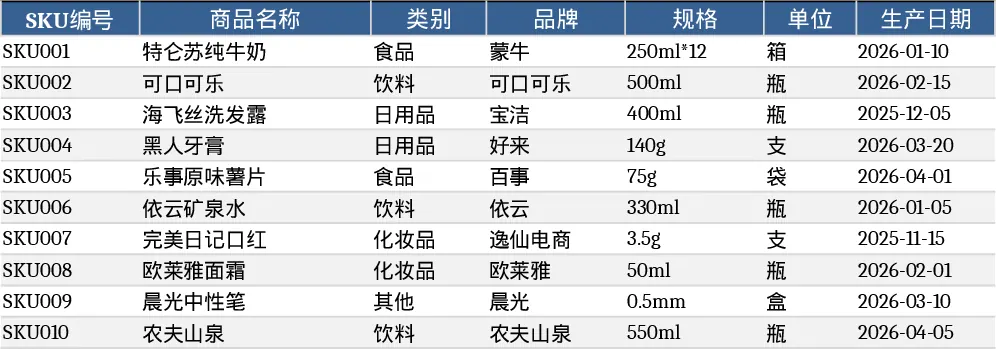
Three‑Sheet Inventory Management Template
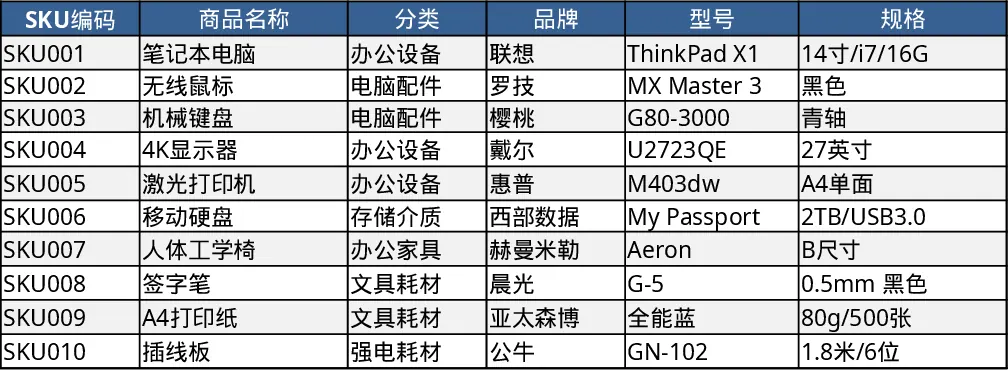
This Excel template is built for anyone who needs a clear, low‑cost way to manage inventory without a dedicated ERP system. It consists of three interconnected worksheets: Product Master Data, Stock Transaction Log, and Inventory Summary. The first sheet holds the core information for each SKU – code, description, category, unit of measure, supplier, and reorder point. The second sheet captures every inbound or outbound transaction, with columns for date, SKU reference (linked via a dropdown to the master list), transaction type, quantity, and remarks. The third sheet automatically aggregates the data, showing current on‑hand quantities, total receipts, total issues, and a flag when stock falls below the reorder point. Ten sample SKUs and twenty sample transactions are pre‑filled so you can see the calculations in action right away.
The template solves the common headache of scattered spreadsheets and manual tallies. By centralising product attributes and movement records, it eliminates duplicate entry errors and gives you an instant snapshot of stock levels. You can quickly identify fast‑moving items, spot potential stockouts, and plan replenishment with confidence. The built‑in formulas and conditional formatting keep the summary up‑to‑date whenever you add a new transaction, so you never have to run a separate reconciliation step.
It is ideal for small‑to‑medium retailers, warehouse supervisors, procurement officers, or anyone who handles physical goods and needs a simple audit trail. Whether you are preparing for a quarterly stock count, monitoring daily sales‑driven depletion, or just keeping a tidy record of incoming shipments, this template fits right into your routine.
The workbook helps you track three key aspects: the static product catalogue, the dynamic flow of inventory, and the resulting balance. By linking the SKU dropdown in the transaction log to the master data, you ensure consistency and reduce typing errors. The summary sheet pulls totals with SUMIF and MATCH functions, providing a ready‑to‑print report that can be shared with managers or used for budgeting.
How to use
- Open the file and review the sample SKUs on the Product Master Data sheet; replace them with your own items, filling in all required columns.
- Record each receipt or issue on the Stock Transaction Log sheet, selecting the SKU from the dropdown, choosing "In" or "Out", and entering the quantity.
- Switch to the Inventory Summary sheet to see the updated on‑hand quantities, total receipts, total issues, and any reorder alerts.
- Export or print the summary whenever you need a quick status report for meetings or audits.
Expected benefits include a noticeable reduction in time spent reconciling stock numbers and fewer errors caused by manual calculations, letting you focus on strategic decisions rather than data entry.
Similar Templates Recommendation
Comprehensive Inventory Management Tracker with Dashboard Template
Track product details, stock movements, and real‑time inventory levels with automatic reorder alerts in a single Excel workbook.
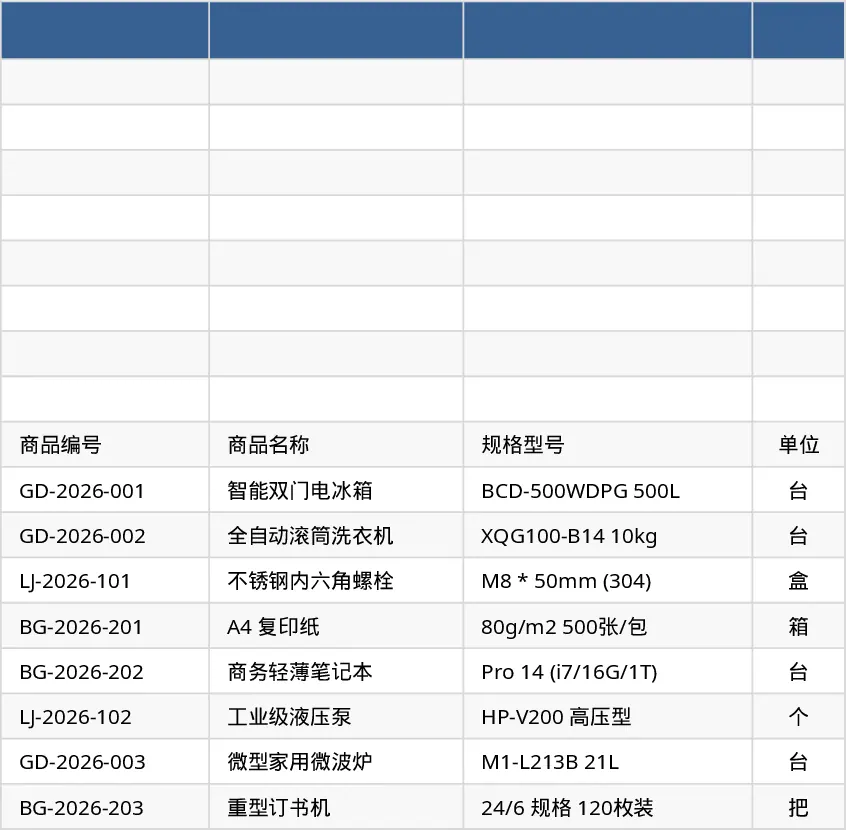
Comprehensive Inventory Management Tracker with Sample Data Template
Track items, movements, and stock levels with automatic reorder alerts in a three‑sheet Excel template.
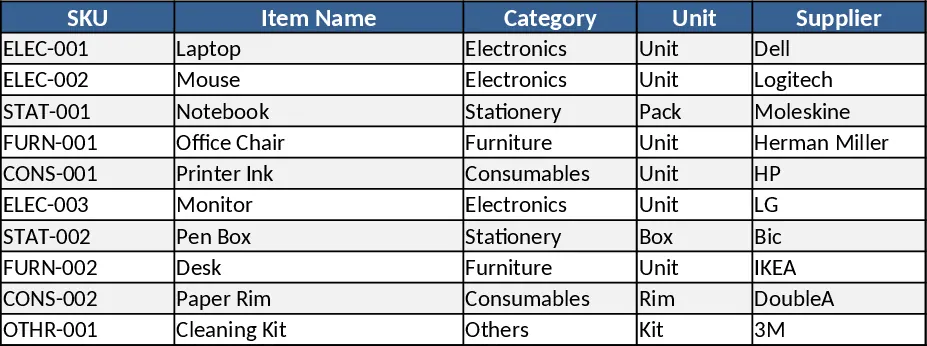
Three‑Sheet Inventory Management with Sample SKUs Template
Track product master data, record inventory movements, and view real‑time stock levels with a ready‑made 3‑sheet Excel template.