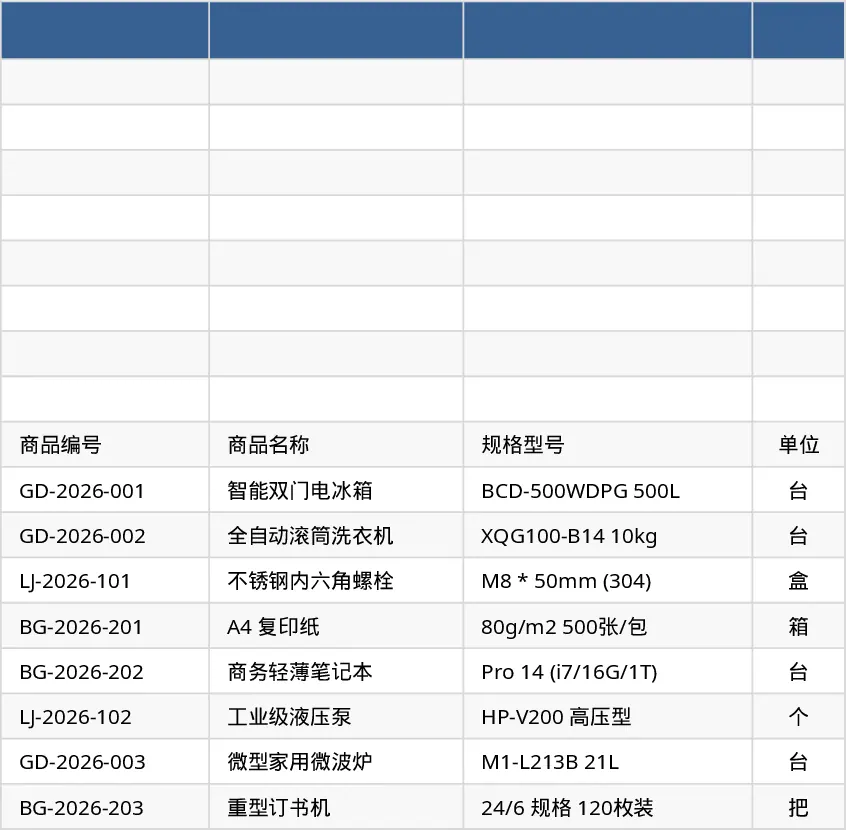
Comprehensive Inventory Management Tracker with Sample Data Template
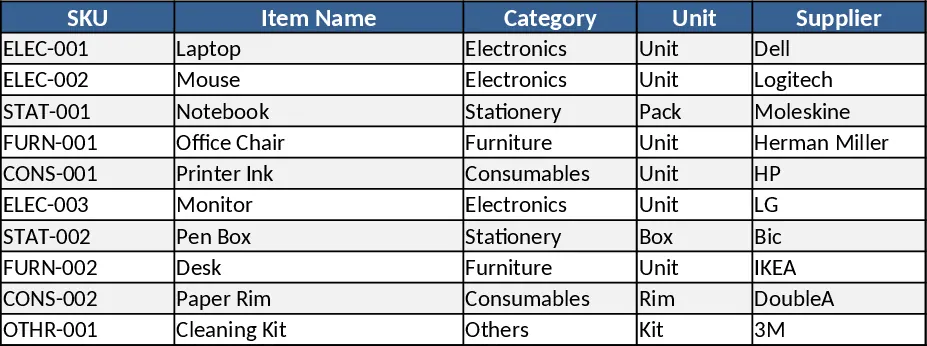
This Excel template is organized into three interconnected sheets. The Items Master sheet holds a catalog of products with columns for SKU, Item Name, Category (dropdown), Unit, Supplier, Purchase Cost, Selling Price, Reorder Point and Notes, and enforces unique SKUs and non‑negative costs. The Stock Movements sheet logs every inventory transaction, featuring Date, SKU (linked dropdown), Movement Type (IN/OUT/ADJUST), Quantity, optional Unit Cost, Reference No., Handled By and Notes, with required dates and positive quantities. The Stock Summary sheet pulls data from the first two sheets, displaying SKU, Item Name, Category, Opening Qty, Total IN, Total OUT, Adjustments, On‑hand Qty and a Reorder Alert that turns red when stock falls at or below the Reorder Point.
Designed for small‑business owners, warehouse supervisors and retail managers, the template solves the headache of manual stock counts, missed reorder points and inconsistent reporting. It gives a real‑time view of inventory health, helps prevent stockouts, and streamlines ordering decisions without complex software.
How to use: 1) Enter your product list in Items Master, ensuring each SKU is unique. 2) Record each receipt, sale or adjustment in Stock Movements, selecting the SKU from the dropdown and choosing the appropriate movement type. 3) Open Stock Summary to see automatically calculated totals, current on‑hand quantities and highlighted reorder alerts. 4) Adjust opening quantities or reorder points as business needs change.
Expected benefits include faster inventory reconciliation, reduced manual calculations and clearer insight into when to reorder, saving time and effort in daily stock management.
Similar Templates Recommendation
Inventory Management Tracker with Category Breakdown Template
Track product stock levels, movements, and reorder alerts in a three‑sheet Excel template with master data, transaction log, and summary.
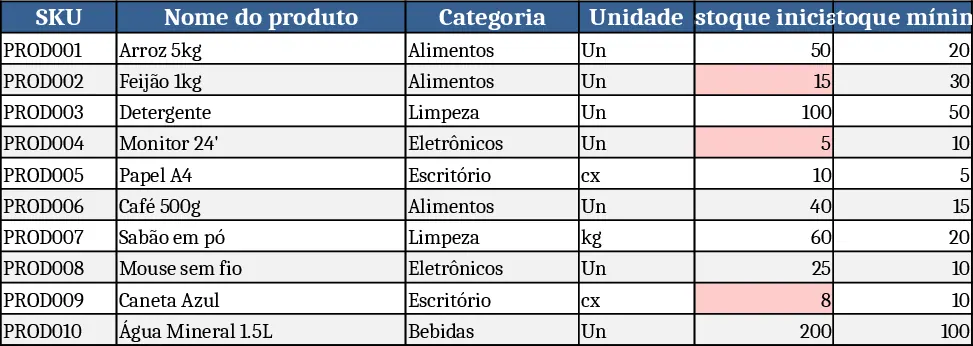
Inventory Control Tracker Template
Track stock levels, monitor movements, and generate real‑time inventory reports with a ready‑to‑use Excel template.
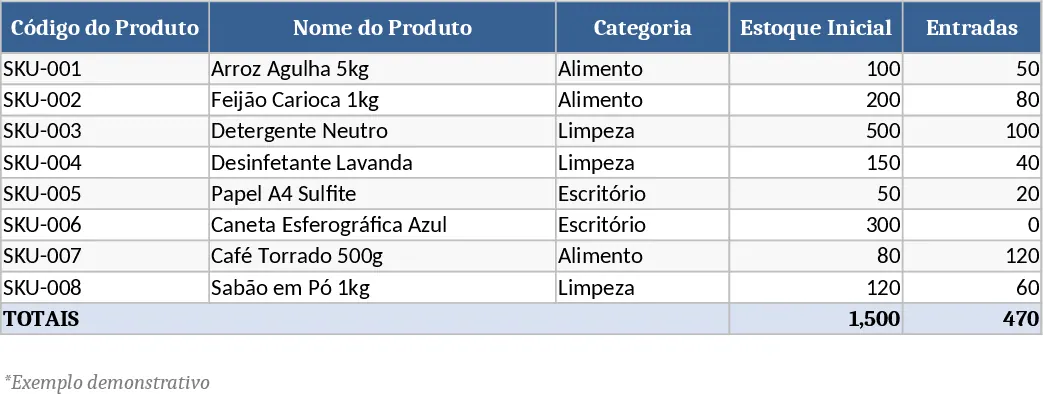
Comprehensive Inventory Management Tracker with Dashboard Template
Track product details, stock movements, and real‑time inventory levels with automatic reorder alerts in a single Excel workbook.