Steel Footbridge Construction Schedule Template
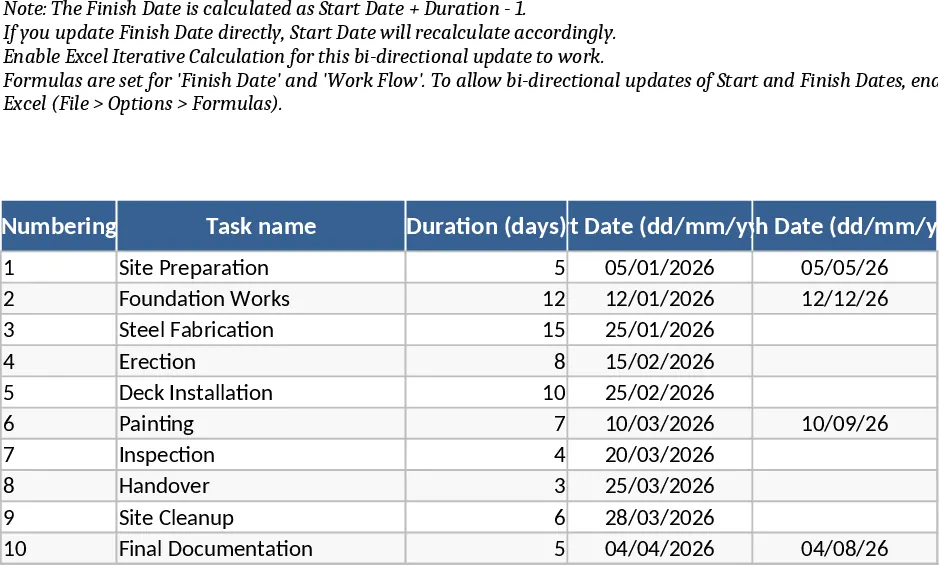
Managing a complex infrastructure project like a steel footbridge requires meticulous planning and the ability to adapt to shifting timelines. This Steel Footbridge Construction Schedule Program is designed to provide project managers, site engineers, and contractors with a robust framework for tracking every phase of development. From initial site preparation and piling to steel fabrication, girder installation, and final safety inspections, this template ensures that every task is accounted for and logically sequenced.
The template is built around a high-performance dynamic engine that links task durations, start dates, and finish dates. This means you no longer have to manually recalculate your entire schedule when a delay occurs. If a specific task like steel fabrication takes longer than expected, simply update the duration or the finish date, and the template will automatically adjust the corresponding fields to maintain project integrity. The layout features dedicated columns for task numbering, detailed task names, and precise date formatting in a clear dd/mm/yyyy style, ensuring professional documentation for stakeholders and site teams.
Beyond simple data entry, the template includes a visual workflow section that maps out your project across months and days. This visual representation acts as a simplified Gantt chart, allowing you to see overlapping tasks, resource requirements, and critical milestones at a glance. It solves the common problem of fragmented scheduling by keeping all temporal data in one synchronized view, which is essential for coordinating subcontractors and equipment rentals on a busy construction site.
This tool is particularly useful for civil engineering firms and construction leads who need a reliable way to communicate progress to clients or government bodies. By using this template, you can ensure that your footbridge project stays on track, budget-related delays are identified early, and the transition between different construction phases—such as moving from foundation work to structural steel assembly—is handled seamlessly.
How to use this template:
- List your project phases and specific tasks in the Task Name column, assigning a unique number to each for easy reference.
- Enter your initial project start date and the estimated duration for each task; the finish dates will calculate automatically based on your input.
- As the project progresses, update any column (Duration, Start, or Finish) to reflect real-world changes, and watch the dynamic formulas update the rest of the row instantly.
- Review the visual workflow section to monitor the overall project timeline and ensure that upcoming milestones are properly prepared for.
Expected benefits: This template significantly reduces the time spent on manual scheduling updates and minimizes the risk of date-related calculation errors, leading to better coordination and more predictable project delivery.
Similar Templates Recommendation
Construction Physical-Financial Schedule Template
Track construction progress and budget allocation with this integrated physical-financial schedule featuring automated charts and formulas.
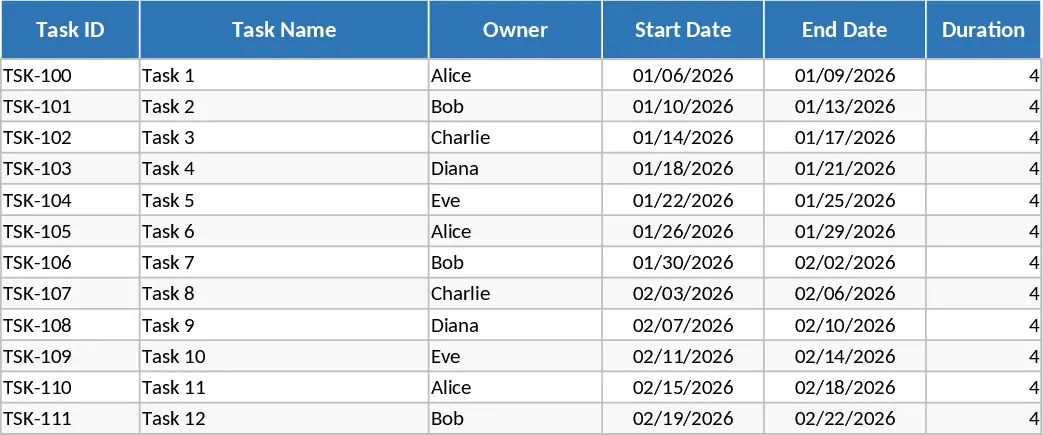
Gantt Chart Project Planning with Dashboard Template
Plan and track project timelines with an automated Gantt chart, task dependencies, and a summary dashboard for real-time progress monitoring.
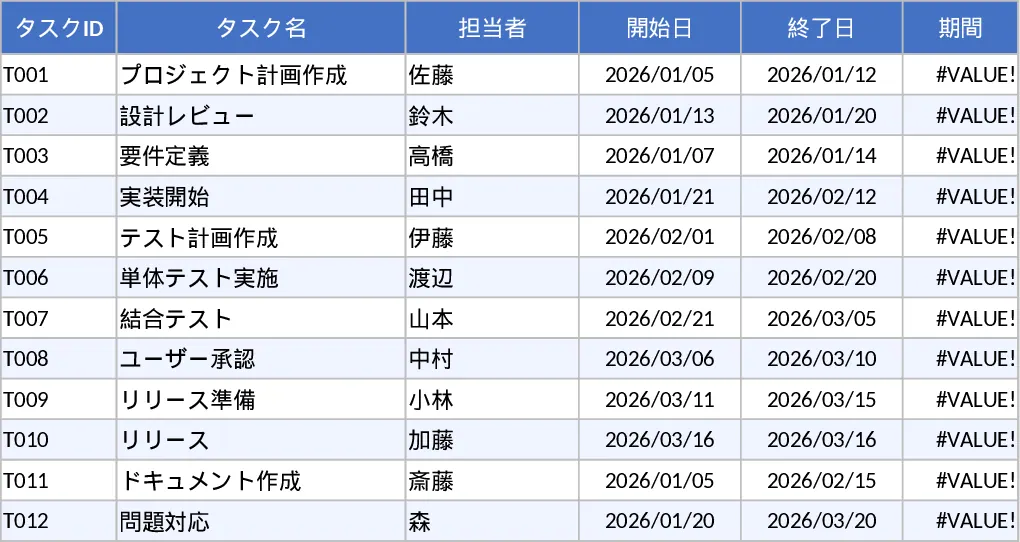
Automated Gantt Chart Project Plan and Timeline Template
Plan and track project timelines with an automated Gantt chart, task dependencies, and a summary dashboard for real-time progress monitoring.