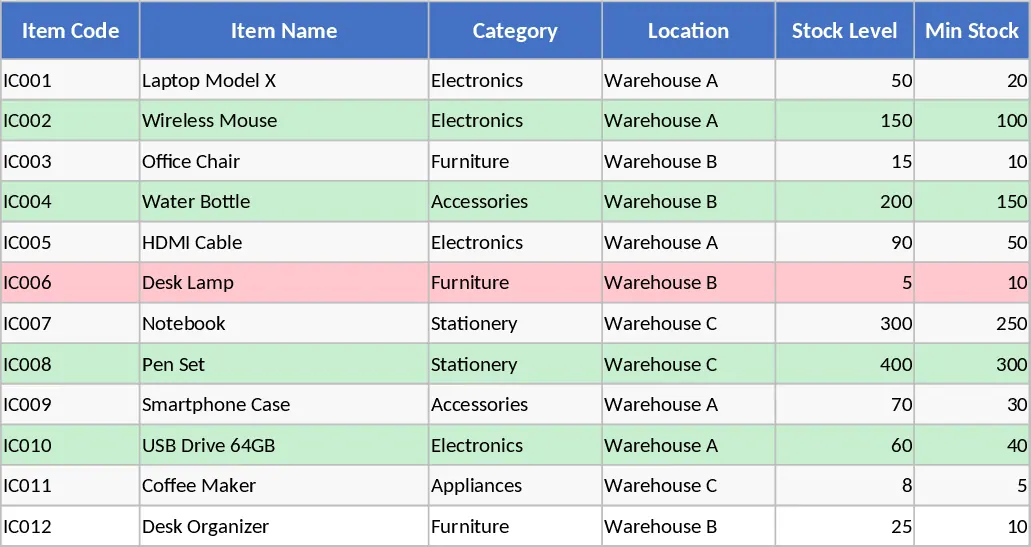
Automated Inventory Management and Reorder Alert Template
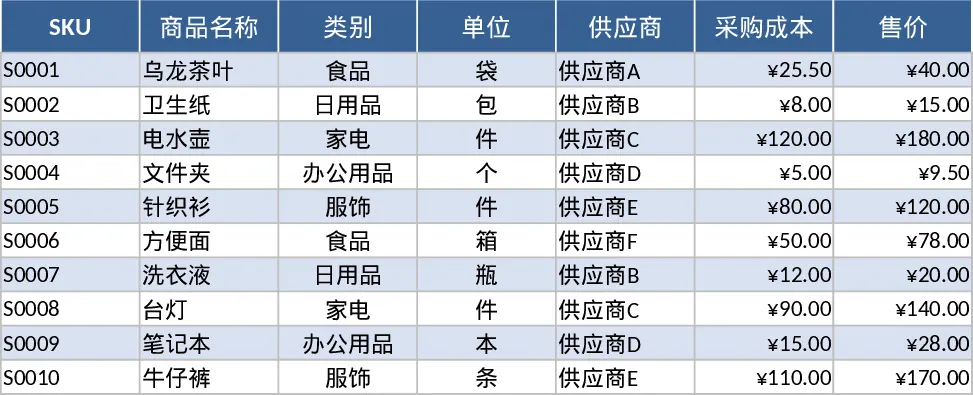
This comprehensive Inventory Management template provides a professional and structured approach to tracking stock levels across three integrated sheets, designed to streamline your daily warehouse or retail operations. The Product Master Data sheet serves as your central catalog and the foundation of the system. Here, you can define unique SKUs, product names, and categories via convenient dropdown menus. It also captures essential financial data like purchase costs and selling prices, alongside supplier information and critical reorder points. By centralizing this data, you ensure consistency across all your inventory records and eliminate the risk of duplicate entries or data silos. The master data sheet includes specific fields for SKU, Name, Category, Unit, Supplier, Purchase Cost, Selling Price, and Reorder Point, ensuring every item is fully documented.
The Inventory Transaction Records sheet is where the daily activity happens. It allows for granular logging of every stock movement—whether it is a new shipment arriving (Inbound), a customer order being fulfilled (Outbound), or a manual adjustment due to damage or returns (Adjustment). Each entry includes the date, a SKU selection from your master list, the quantity moved, and the person responsible for the transaction. This creates a transparent audit trail that is vital for troubleshooting discrepancies and understanding your stock turnover patterns. By recording the unit cost at the time of transaction, you can also track price fluctuations over time.
The real intelligence of the template is found in the Inventory Summary sheet. This sheet automatically aggregates data from your transaction logs to provide a real-time snapshot of your business. It calculates the current stock balance by taking your initial opening stock and factoring in all total inflows, outflows, and adjustments. Most importantly, it features an automated reorder alert system. When the current stock of an item falls to or below the reorder point you set in the master data, the template will automatically flag that item for replenishment using conditional formatting. This proactive feature helps you maintain optimal inventory levels, ensuring you never miss a sale due to unexpected stockouts.
This tool is particularly beneficial for small to medium-sized business owners, warehouse supervisors, and retail managers who need a reliable, spreadsheet-based system to replace manual counting or fragmented records. It solves the common problem of not knowing exactly what is in the back and provides the data needed to make informed purchasing decisions. By using this template, you can move away from guesswork and toward a data-driven approach to supply chain management.
How to use:
- Initialize your system by filling out the Product Master Data sheet. Enter your unique SKUs, item descriptions, and specifically set a Reorder Point for each item to trigger future alerts.
- Log every stock change as it happens in the Inventory Transaction Records sheet. Use the dropdown menus to select the correct SKU and transaction type to ensure the summary calculations remain accurate.
- Monitor the Inventory Summary sheet daily. Look for the Replenish status in the alert column to identify which products need to be reordered from your suppliers immediately.
- Periodically review the transaction history to identify high-performing products or potential issues with stock shrinkage and adjustments.
Expected benefits: This template significantly reduces the time spent on manual inventory calculations and helps prevent lost sales by ensuring you always have a clear, automated view of your stock requirements.
Similar Templates Recommendation
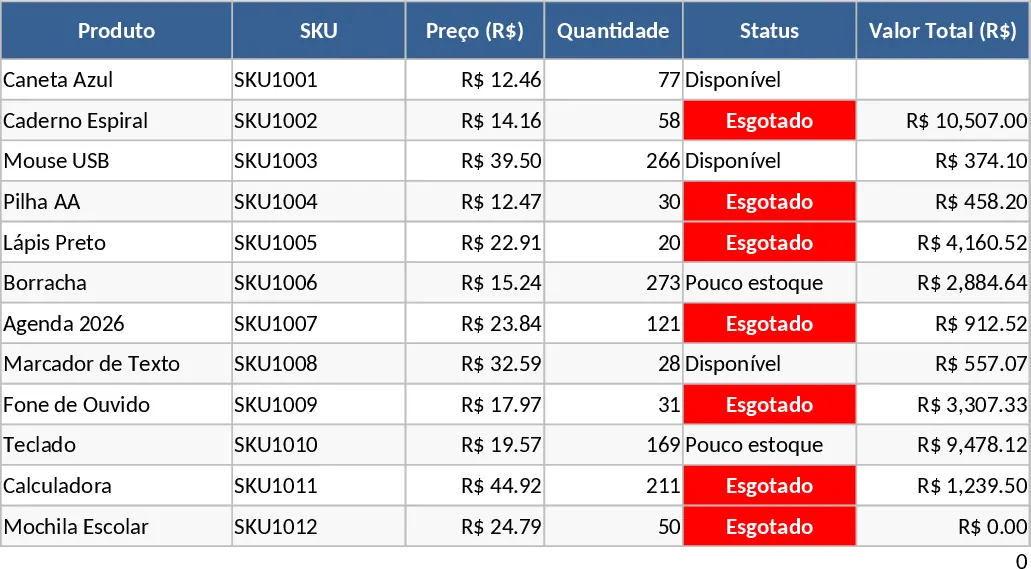
Product Inventory and SKU Tracking Template
Track inventory levels, manage SKUs, and monitor stock status with this comprehensive product management template.
Inventory Management and Stock Tracking with Automation Template
Efficiently track stock levels, manage item movements, and receive automatic reorder alerts to maintain optimal inventory balance for your business.
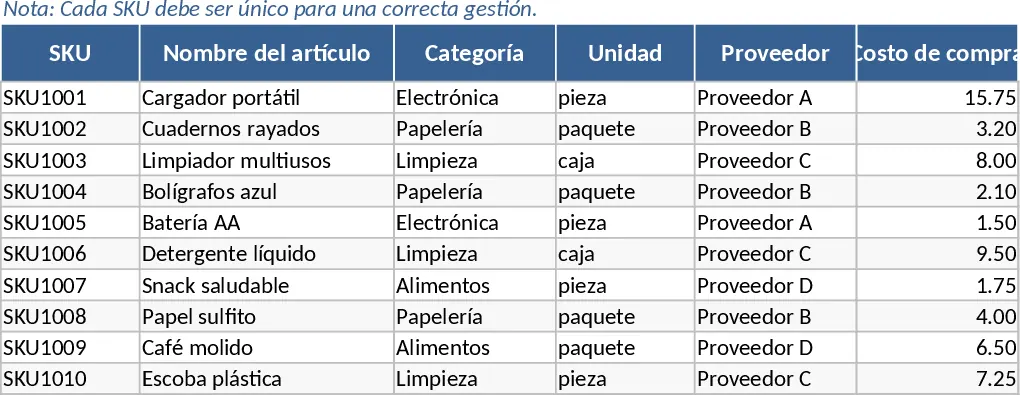
Automated Inventory Management and Stock Tracking with Conditional Formatting Template
Efficiently manage stock levels, track movements, and monitor reorder alerts across multiple SKUs to optimize your inventory control.