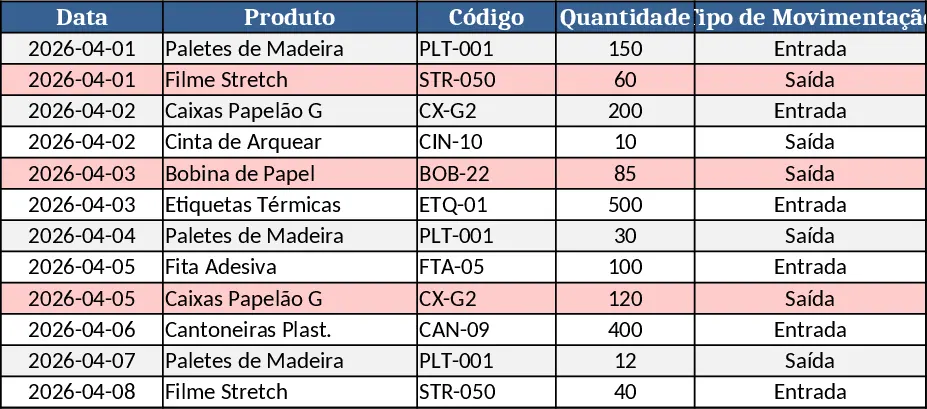
Inventory Management Tracker with Item Master & Movements Template
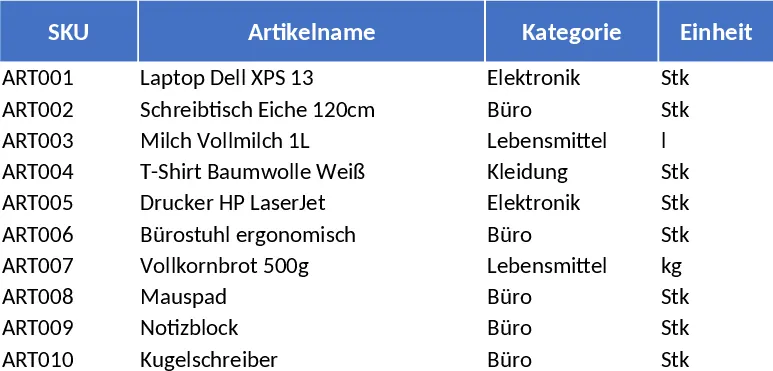
This Excel inventory‑management template is organized into three clear worksheets that together give you a complete picture of your stock. Artikelstamm (Item Master) holds the master list of products with unique SKUs, names, categories (chosen from a dropdown), unit of measure, supplier, purchase and sale prices, safety stock level, and free‑form notes. Validation rules ensure each SKU is unique and that all cost fields are non‑negative.
The Lagerbewegungen (Stock Movements) sheet logs every inbound, outbound, or adjustment transaction. Each row captures the date, SKU (selected from the master list), movement type (IN, OUT, ADJUST), quantity, optional unit cost, reference number, the employee handling the entry, and notes. Required fields and quantity checks keep data clean.
Finally, Bestandsübersicht (Stock Overview) aggregates the data. It pulls SKU, name, and category from the master sheet, then calculates opening balance, total IN, total OUT, adjustments, and the resulting current stock. A conditional format flags any item whose stock falls at or below its reorder point, displaying a clear "Nachbestellen" warning. Sample data includes ten SKUs and twenty movement rows to illustrate typical usage.
This template solves the common headache of manually reconciling inventory counts, spotting stock‑outs, and generating reorder signals. By centralizing item details and movement logs, you eliminate duplicate records, reduce errors, and gain instant visibility into which products need replenishment. It’s especially valuable for small‑to‑medium warehouses, retail stores, or any operation that needs a low‑cost, spreadsheet‑based inventory control system without investing in complex ERP software.
Anyone who handles purchasing, warehouse supervision, or sales fulfillment can benefit—store managers, logistics coordinators, and even freelancers managing their own product lines. The template helps you track each SKU’s lifecycle, monitor turnover, and make data‑driven ordering decisions, ensuring you keep enough stock on hand while avoiding excess.
How to use
- Open the workbook and fill the "Artikelstamm" sheet with your product list, using the dropdowns for category and ensuring each SKU is unique.
- Record every stock transaction in "Lagerbewegungen" – select the SKU, choose IN/OUT/ADJUST, enter the quantity and any relevant notes.
- Switch to "Bestandsübersicht" to see the automatically updated inventory levels and any reorder warnings highlighted.
- Adjust the safety‑stock (Meldebestand) values as needed; the warning column will instantly reflect changes.
Expected benefits: you’ll spend far less time reconciling spreadsheets, gain quicker insight into stock health, and reduce the risk of stock‑outs, all with a simple, reusable Excel file.
Similar Templates Recommendation
Basic Inventory Tracker Template
Track stock levels, monitor reorder points, and generate inventory reports with a simple, multi‑sheet Excel template.
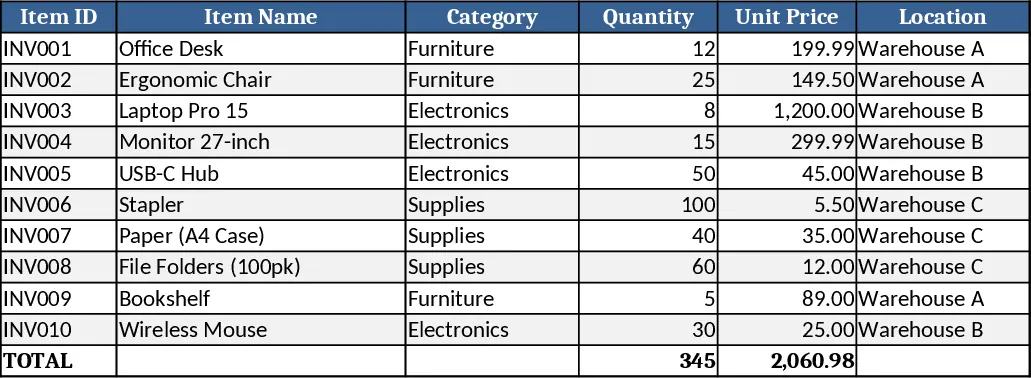
Inventory Control Tracker Template
Track stock levels, monitor movements, and generate real‑time inventory reports with a ready‑to‑use Excel template.
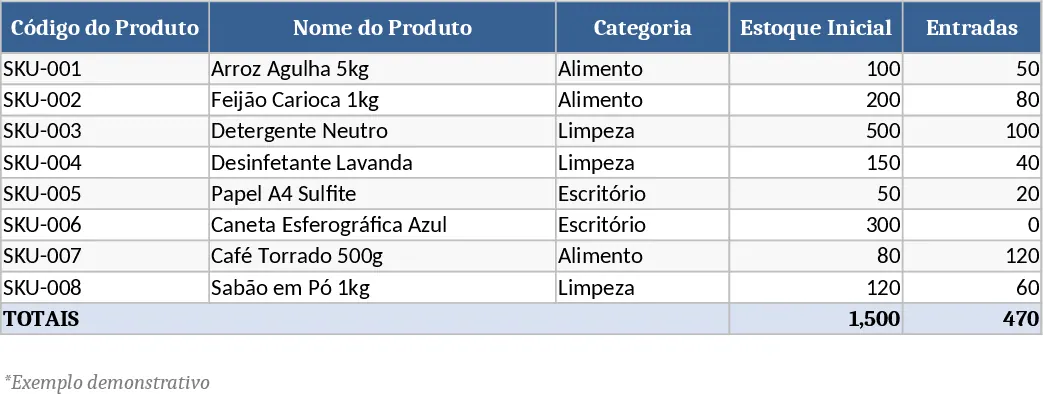
Logistics Management Tracker Template
Track shipments, inventory levels, carrier performance, and delivery schedules in one organized workbook.