Logistics Management Tracker Template
The Logistics Management template is built as a multi‑sheet workbook that gives you a clear, real‑time view of every movement in your supply chain. The Dashboard sheet pulls key metrics from the Shipments, Inventory, Carriers, and Settings sheets, displaying on‑time delivery %, inventory turnover, carrier cost per shipment, and a simple Gantt‑style schedule. In the Shipments sheet you record each load with fields for Shipment ID, origin, destination, departure/arrival dates, status (dropdown: Planned, In‑Transit, Delivered, Delayed) and assigned carrier. The Inventory sheet tracks SKU, warehouse location, opening balance, inbound/outbound quantities, and reorder points, while the Carriers sheet stores carrier names, contact details, contract rates, and performance scores. A Settings sheet lets you maintain master lists for warehouses, carriers, and product codes, which feed the dropdowns throughout the workbook.
This template solves the common headache of juggling spreadsheets, emails, and manual logs to keep logistics under control. By consolidating shipment tracking, stock levels, and carrier evaluation in one place, you eliminate duplicate data entry, reduce errors, and gain instant insight into bottlenecks. The visual KPI cards on the Dashboard let you spot late deliveries or low‑stock items before they become critical, helping you keep customers happy and inventory costs low. It also supports basic what‑if analysis: change a carrier’s rate in Settings and see the cost impact reflected instantly on the Dashboard.
The workbook is ideal for logistics coordinators, supply‑chain analysts, small‑to‑mid‑size operations teams, and anyone responsible for moving goods from supplier to customer. Whether you run a regional distribution center, an e‑commerce fulfillment operation, or a field service fleet, the template adapts to the size of your data and the complexity of your routes. It works best when you need a low‑cost, no‑software‑required solution that still offers professional‑grade reporting and easy data entry.
How to use
- Open the Settings sheet and fill in your list of warehouses, carriers, and product SKUs; the dropdowns in other sheets will populate automatically.
- Record each new shipment on the Shipments sheet, selecting the appropriate carrier and status from the dropdown menus.
- Update inventory movements in the Inventory sheet whenever stock arrives or leaves a warehouse; the opening balance and reorder point fields keep safety stock calculations current.
- Switch to the Dashboard sheet to see refreshed charts, KPI cards, and a summary table that reflects all the data you just entered.
Expected benefits include a noticeable cut in time spent compiling reports, fewer manual errors, and faster decision‑making thanks to instant visibility of key logistics metrics.
Similar Templates Recommendation
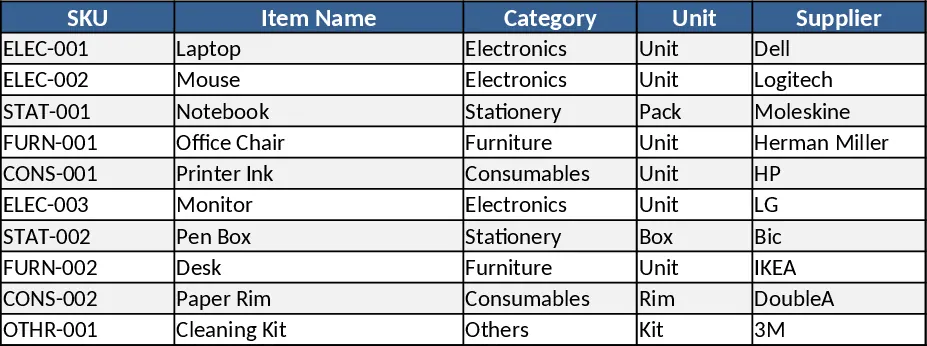
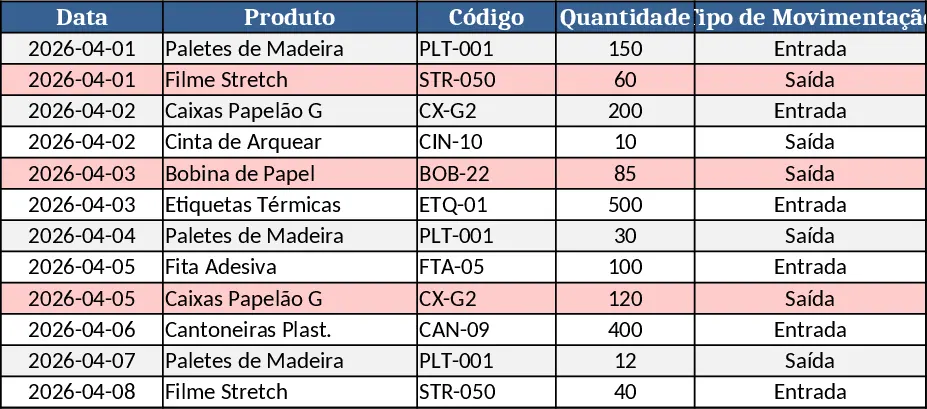
Inventory Management Tracker with Item Master & Movements Template
A ready‑to‑use Excel template that tracks items, records stock movements, and automatically calculates current inventory with reorder alerts.
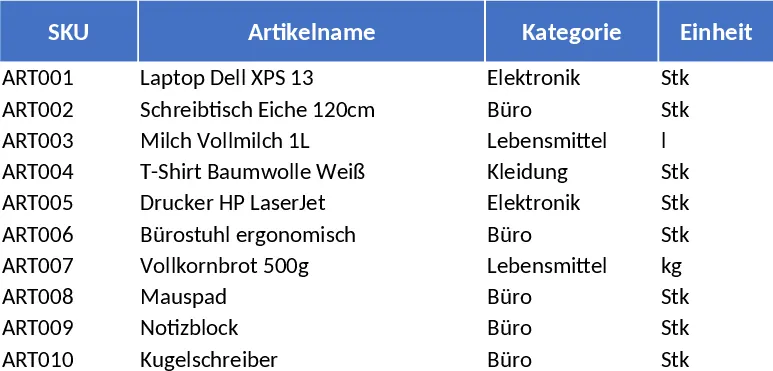
Basic Inventory Tracker Template
Track stock levels, monitor reorder points, and generate inventory reports with a simple, multi‑sheet Excel template.
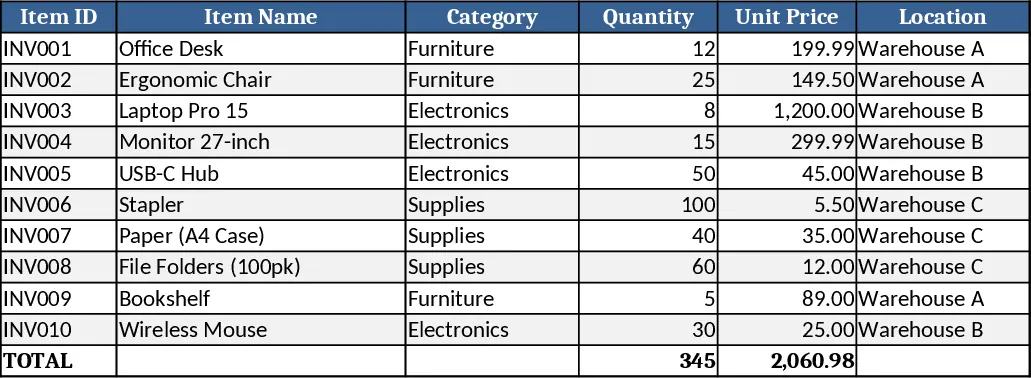
Comprehensive Inventory Management Tracker with Sample Data Template
Track items, movements, and stock levels with automatic reorder alerts in a three‑sheet Excel template.