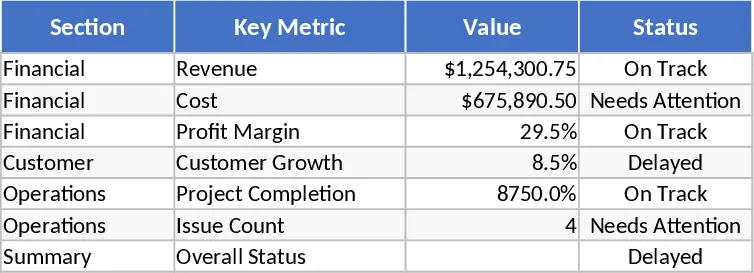
Modern Data Table Template
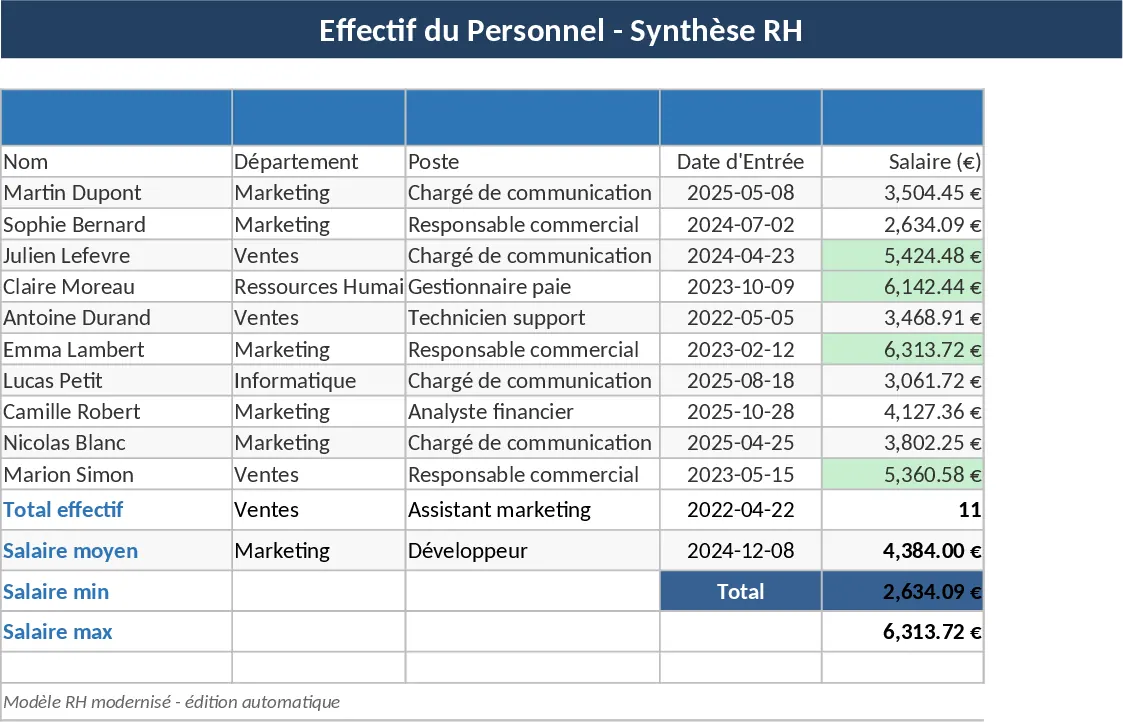
This modern data management template is the ultimate solution for professionals looking to upgrade their legacy spreadsheets into a high-performance, visually stunning dashboard. It moves beyond simple rows and columns, offering a sophisticated structure that includes dedicated sheets for data entry, configuration settings, and automated visual reporting. The template utilizes advanced Excel features like slicers, dynamic arrays, and conditional formatting to ensure that your most important information always stands out, making it easier to navigate even the most complex datasets.
In a fast-paced work environment, clarity is key. This template solves the common problem of data overload by filtering out the noise and focusing on actionable insights. It is particularly useful for operations managers, project leads, and small business owners who need to maintain a bird's-eye view of their activities while still having the ability to drill down into specific details. By centralizing your information in this modern format, you reduce the risk of errors and ensure that everyone on your team is looking at the same single source of truth. The clean aesthetic and intuitive navigation help reduce visual fatigue and make daily data entry a much more pleasant experience.
The template is built to be versatile and highly customizable. You can use it to track project milestones, manage a sales pipeline, or oversee inventory levels. The inclusion of pre-configured dropdown menus ensures that data entry remains consistent, which is vital for accurate reporting later on. The summary section provides a variety of outputs, including progress bars, trend lines, and status distributions, all of which are ready to be copied into presentations or shared as professional PDF reports for stakeholders.
How to use:
- Start by visiting the Configuration tab to define your specific categories, team members, or status levels; this will automatically populate the dropdown menus throughout the file.
- Enter your operational data into the main Tracking sheet, filling out the key fields such as dates, descriptions, and assigned owners while letting the conditional formatting highlight priorities.
- Use the built-in filters and slicers to narrow down the data by specific timeframes or categories to find exactly what you need in seconds.
- Navigate to the Dashboard tab to view your automatically generated charts and KPIs, which refresh instantly as you update your data.
By adopting this modern layout, you can expect to save significant time previously spent on manual formatting and chart creation. It reduces the mental effort required to interpret complex datasets and provides a professional edge to your internal documentation. This template is not just about looking better; it is about working smarter and making your data work for you.
Similar Templates Recommendation
Google Sheets Data Management Template
Manage and visualize your data effectively with this Google Sheets overview template designed for tracking key metrics and organizing information.
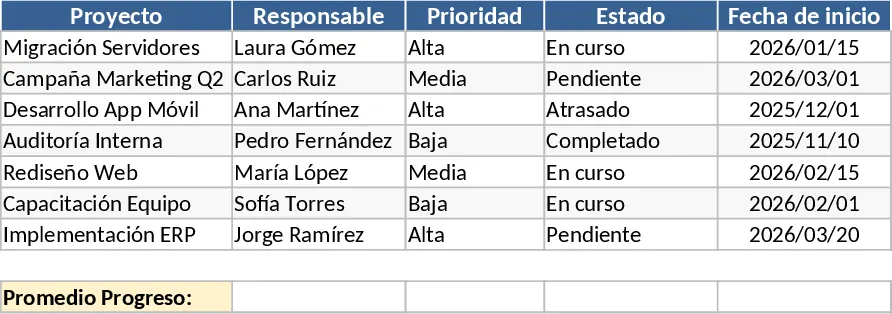
Professional Business Dashboard with Charts Template
Visualize key performance indicators and track data trends with this customizable dashboard template designed for clear business insights.
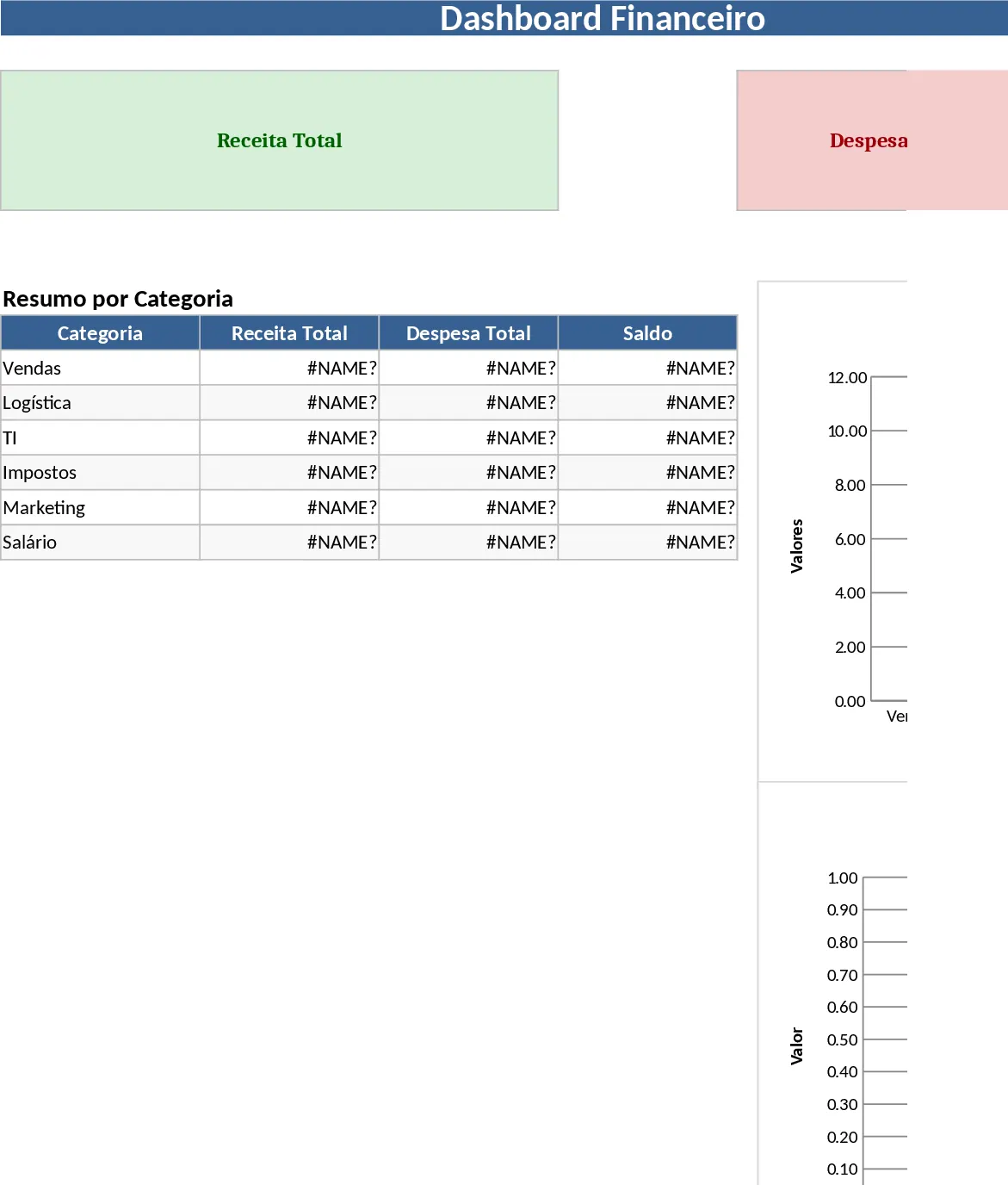
Professional Business Reporting Template
Create professional reports with this automated template to track key performance indicators and visualize business data effectively.