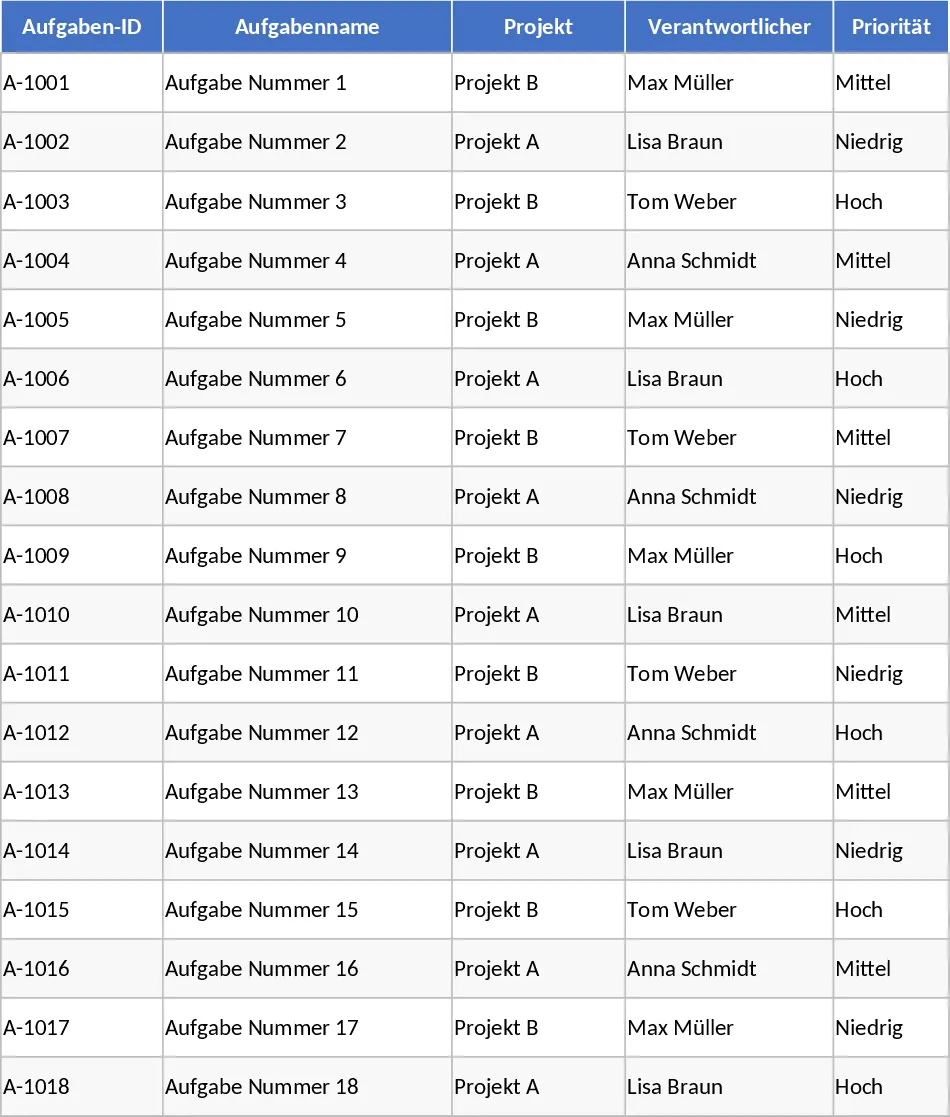
Comprehensive Project Task Tracker and Status Dashboard with Project Timeline Template
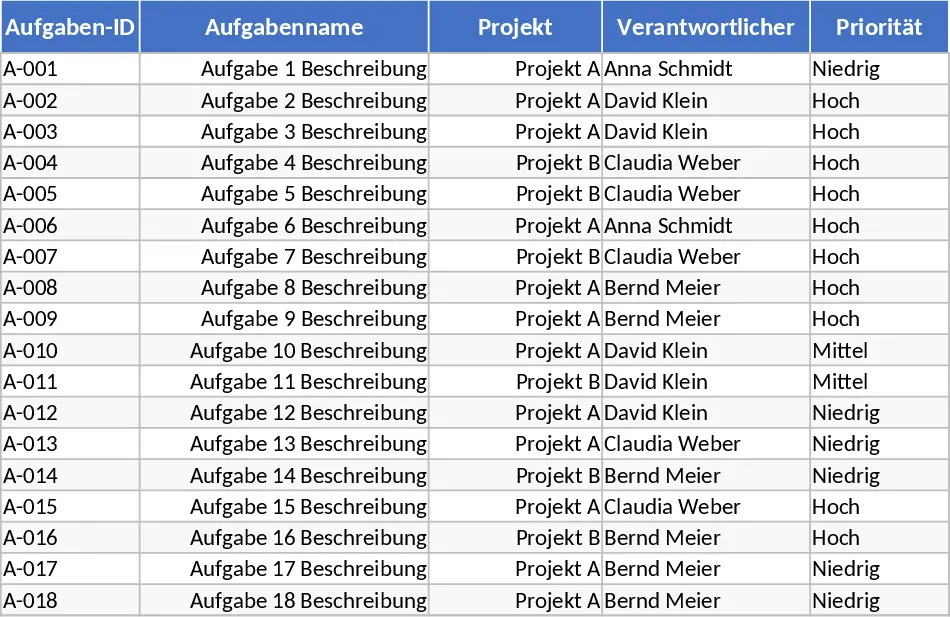
Managing multiple moving parts in a project requires more than just a simple to-do list; it requires a centralized system that provides both granular detail and high-level visibility. This Project Task Tracker is engineered to bridge that gap, offering a structured environment to document every task while providing an automated dashboard to monitor overall health. By organizing data into two distinct sheets—Tasks and Project Overview—this template ensures that project managers can dive into the specifics of a dependency or zoom out to see which team members are nearing capacity.
The Tasks sheet serves as the engine of the template. It includes comprehensive fields such as Task ID, Project Name, and Assigned Owner, alongside critical temporal data like Start and Due Dates. To maintain data integrity, the template utilizes dropdown menus for Priority (High, Medium, Low) and Status (Not Started, In Progress, Blocked, Completed). One of its most powerful features is the built-in conditional formatting: any task that has passed its due date without being marked as Completed is automatically highlighted in red. This visual cue acts as an immediate call to action, ensuring that bottlenecks are addressed before they derail the entire project timeline. Furthermore, the inclusion of Estimated vs. Actual Hours allows for precise tracking of labor costs and helps in refining future project estimates.
The Project Overview sheet transforms raw data into actionable intelligence. It features a Summary by Owner section, which is indispensable for team leads. Here, you can see exactly how many tasks are assigned to each person, their completion percentage, and how many of their tasks are currently overdue. This level of transparency helps in balancing workloads and identifying who might need additional support. Additionally, the Status Summary provides a bird's-eye view of the project's lifecycle, showing the distribution of tasks across different stages. For those who need to focus on immediate risks, the dedicated Overdue Tasks table pulls the most critical information into one place, allowing you to address delays without sifting through hundreds of rows of data.
This template is particularly beneficial for project managers, department heads, and freelance coordinators who handle multi-phase projects with various stakeholders. Whether you are managing a marketing campaign, a software development sprint, or a construction schedule, the ability to track dependencies and notes alongside status updates ensures that no detail is lost. It solves the common problem of status fragmentation, where information is scattered across emails and chat logs, by providing a single source of truth for the entire team.
How to use:
- Start by navigating to the Tasks sheet and entering your project details. Use the dropdown menus to assign team members and set the initial priority and status for each task.
- Ensure every task has a Due Date; the template relies on this field to trigger the automated overdue alerts and dashboard calculations.
- As work progresses, update the Status and Actual Hours columns. This keeps the Project Overview sheet accurate and provides real-time insights into your team's velocity.
- Regularly check the Project Overview sheet to identify Blocked tasks or team members with a high volume of overdue items, then use the summary tables to guide your next project meeting.
Expected benefits: By centralizing task management, you can expect a significant reduction in time spent on manual status reporting and a noticeable improvement in deadline compliance across your team.
Similar Templates Recommendation
Project Activity Tracking and Status Template
Manage project tasks and timelines with this structured activity log featuring automated status color-coding for leaders and team members.
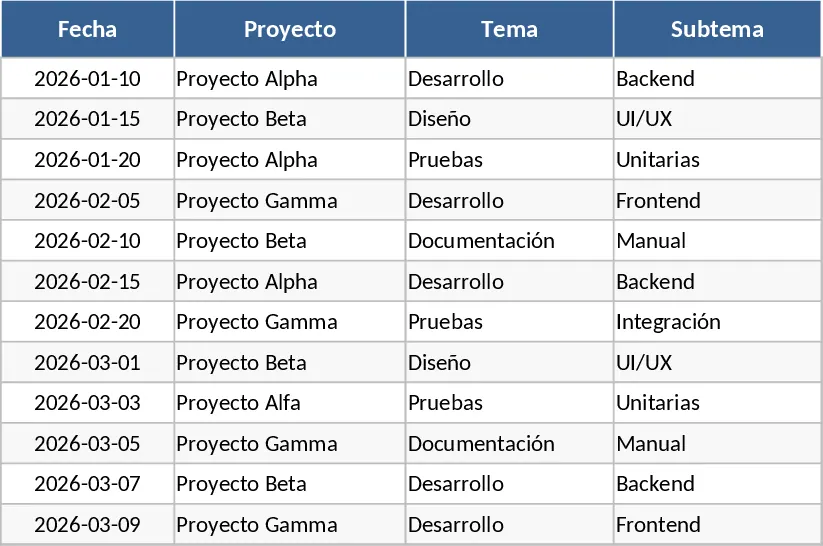
Project Task Tracker and Status Overview Template
Track project tasks, monitor team progress, and identify overdue items with this automated dashboard and detailed task management system.
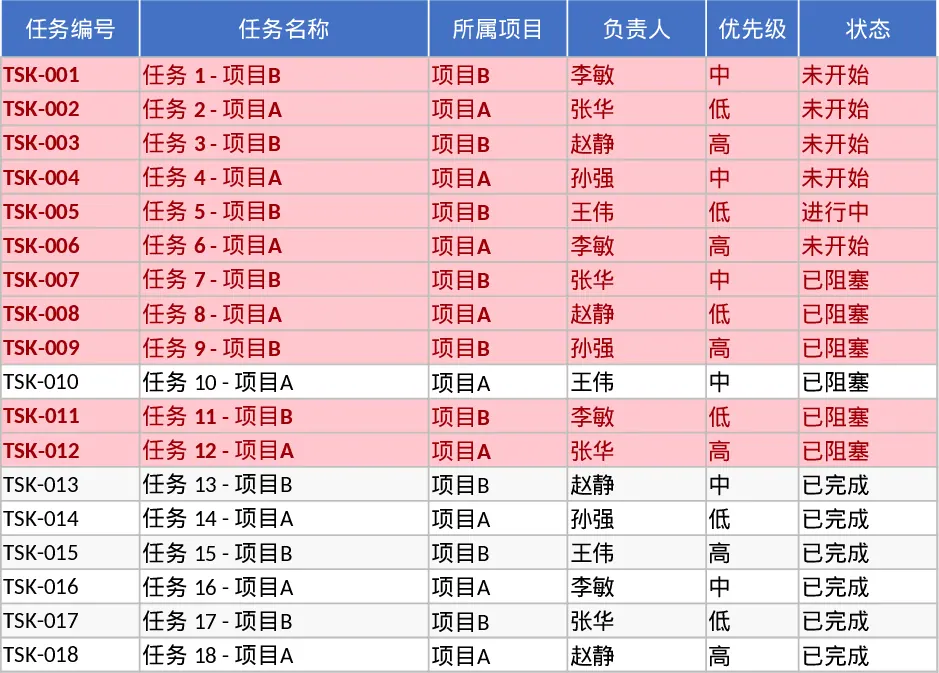
Project Task Tracker and Status Dashboard with Schedule Planner Template
Track project tasks with automated status updates, priority management, and a dashboard summarizing team performance and overdue deadlines.