Early Childhood Language Stimulation Gantt Template
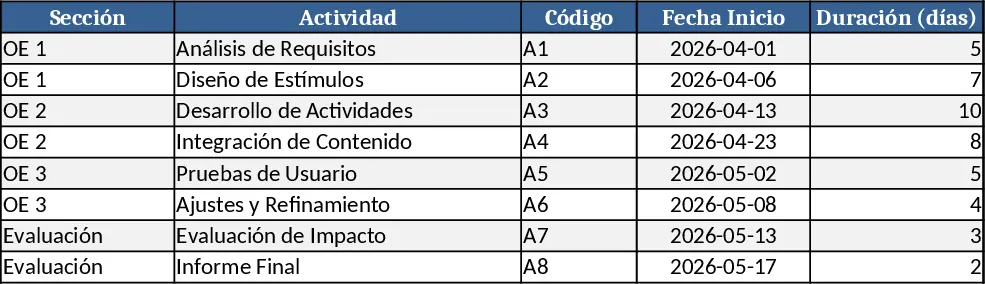
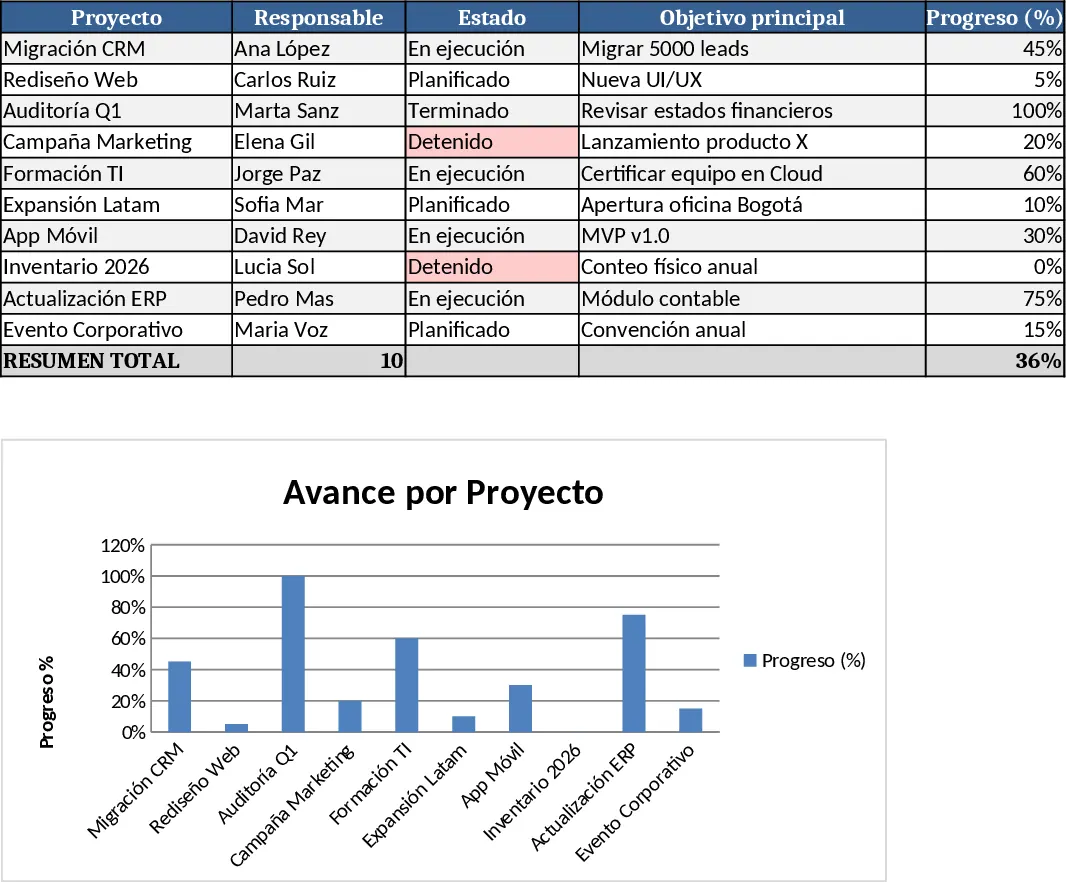
This template provides a ready‑made Gantt chart for designing and tracking a language‑stimulation program for young children. The workbook contains a single sheet where you list each activity (e.g., "Mapeo del Paisaje Lingüístico", "Laboratorio de Roles"), assign a start date, duration, and optional dependency. Drop‑down cells let you mark status (Planned, In‑Progress, Completed) and priority. The built‑in chart automatically visualises the timeline, colour‑codes critical tasks, and highlights the overall project end date. A summary section at the top aggregates total weeks, counts completed versus pending tasks, and shows the projected lexical growth target.
The template solves the common headache of juggling multiple pedagogical interventions, parent workshops, and evaluation checkpoints without a clear visual plan. By laying out every step on a calendar, educators can see overlaps, adjust sequencing, and ensure that assessment activities follow the instructional phases. This reduces the risk of missed deadlines, improves coordination among staff, and creates a transparent record for reporting to stakeholders or funding bodies.
It is ideal for early‑childhood teachers, speech‑language pathologists, program coordinators, and parent‑engagement specialists who need to organise a multi‑phase language‑development initiative. Whether you are launching a new curriculum in a preschool, running a community‑based language‑rich program, or preparing a grant‑report, the template gives you a structured way to map theory, practice, and measurement in one view.
How to use
- Enter each activity name in the "Task" column, choose the appropriate section (OE 1, OE 2, etc.), and set the start date using the YYYY‑MM‑DD format.
- Specify the duration in days; if the task depends on a previous one, select the predecessor in the "Depends On" drop‑down.
- Update the status column as work progresses; the chart will recolour bars automatically.
- Review the summary at the top for total timeline, completed tasks, and the lexical‑growth target. Export the chart as PNG or PDF for presentations.
Expected benefits: clearer scheduling, fewer missed milestones, and smoother collaboration across educators and families, saving time on manual tracking and reporting.
Similar Templates Recommendation
All-in-One Project Management Template
A comprehensive Excel template to plan, detail, execute, track and monitor all your projects step by step.
Project Gantt Chart Planner Template
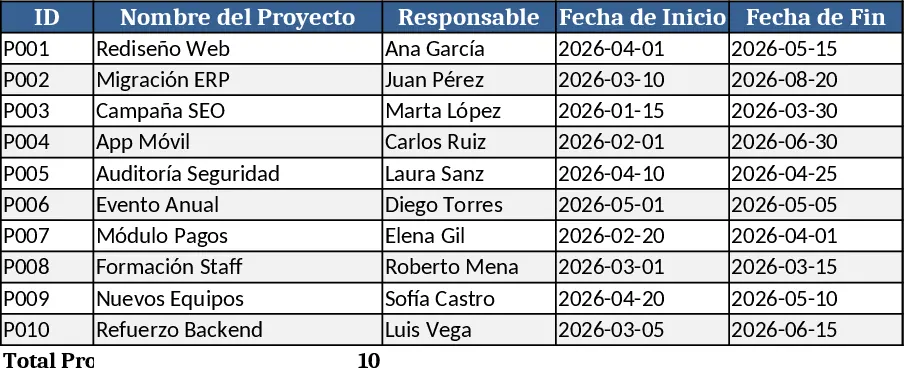
A ready‑to‑use Excel Gantt chart template with task list, timeline view and summary dashboard for tracking project progress.
Multi-Project Planner with Dashboard Template
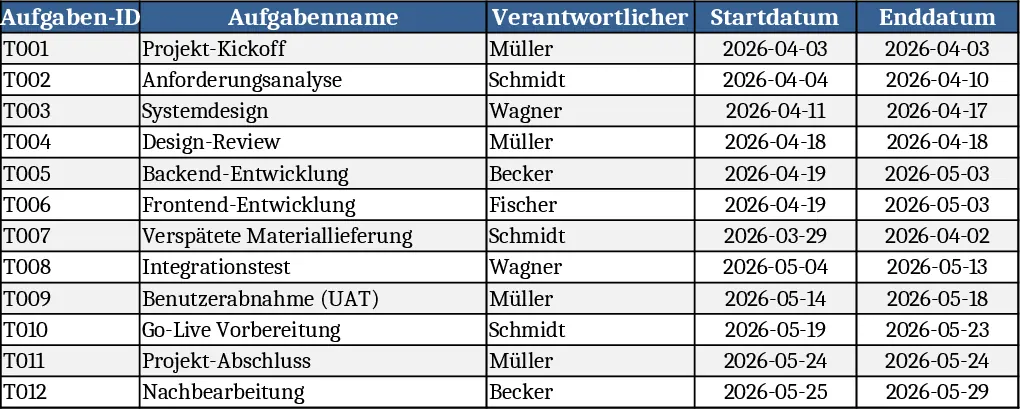
A comprehensive Excel template to plan, execute, and monitor projects with detailed steps, timelines, objectives, and visual dashboards.