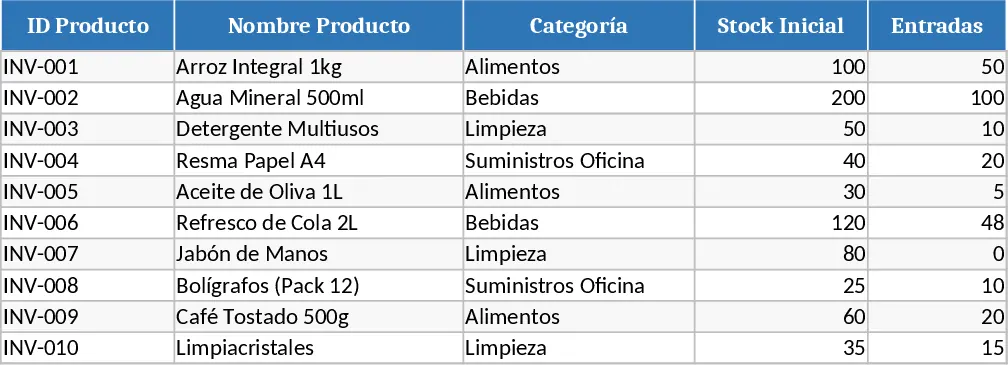
Professional Inventory Management Dashboard Template
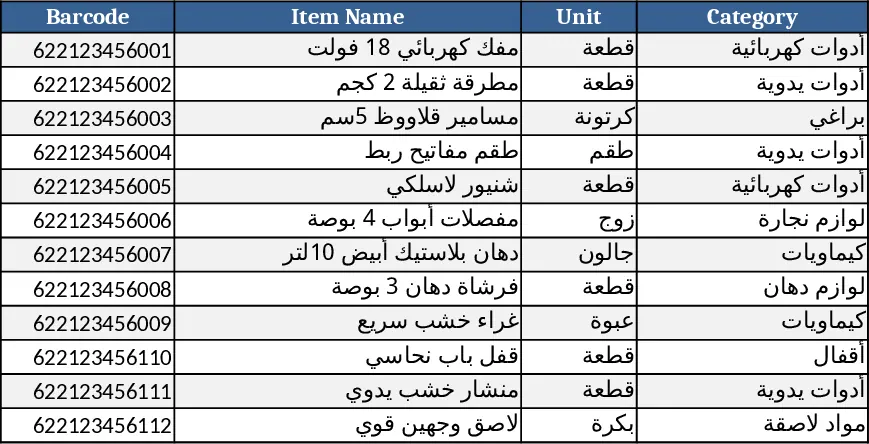
This Excel template is built as a complete inventory management system. It includes an Items Directory sheet (barcode, name, unit, category, location, reorder point), a Transactions Log that captures every receipt and issue with invoice number, date and source, and a read‑only Live Inventory Dashboard that calculates current balances, highlights items at reorder or out‑of‑stock, and visualizes stock value and category distribution. Two dedicated data‑entry forms – Goods Received Note and Stock Issue Note – let users add purchases or withdrawals, automatically generate sequential document numbers, validate quantities against available stock, and optionally record expiry dates. A Post button moves entered data to the log and instantly updates the dashboard. Built‑in reports include an Item Ledger, Slow‑Moving Items, and a Periodic Stock Count sheet that compares book and physical balances. All reports can be exported to PDF or Excel with one click, and the workbook supports barcode scanner integration and role‑based protection.
The template solves common warehouse headaches: manual stock tallies, missed reorder alerts, and fragmented record‑keeping. By centralizing data, it reduces errors, speeds up stock audits, and gives managers real‑time insight into inventory health, helping them make faster purchasing and clearance decisions. It is ideal for warehouse supervisors, procurement officers, and small‑to‑mid‑size businesses that need a low‑cost, customizable inventory solution.
How to use
- Fill the Items Directory with all products, assigning barcodes and reorder points.
- Use the Goods Received Note form to scan or type incoming items; the system validates and logs each entry.
- For outgoing items, open the Stock Issue Note, select the product, enter quantity, and click Post – the dashboard updates automatically.
- Open any report sheet, set the desired date range or item filter, and export the result if needed.
Expected benefits: faster data entry, fewer stock‑out incidents, and streamlined inventory reporting, saving time and effort in daily warehouse operations.
Similar Templates Recommendation
Comprehensive Inventory Management Tracker with Sample Data Template
Track items, movements, and stock levels with automatic reorder alerts in a three‑sheet Excel template.
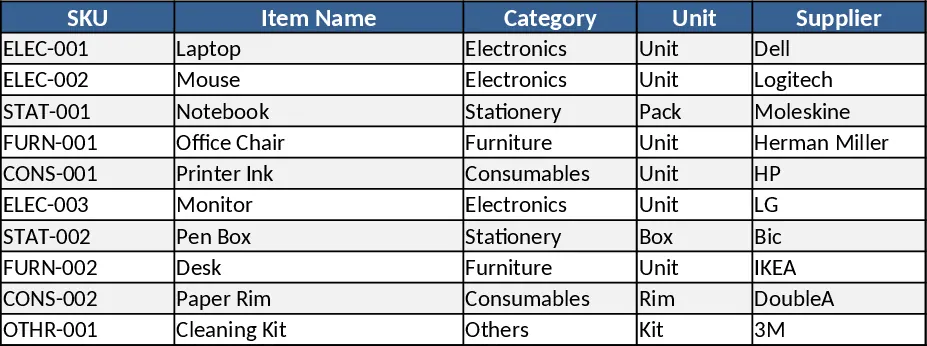
Basic Inventory Tracker Template
Track stock levels, monitor reorder points, and generate inventory reports with a simple, multi‑sheet Excel template.
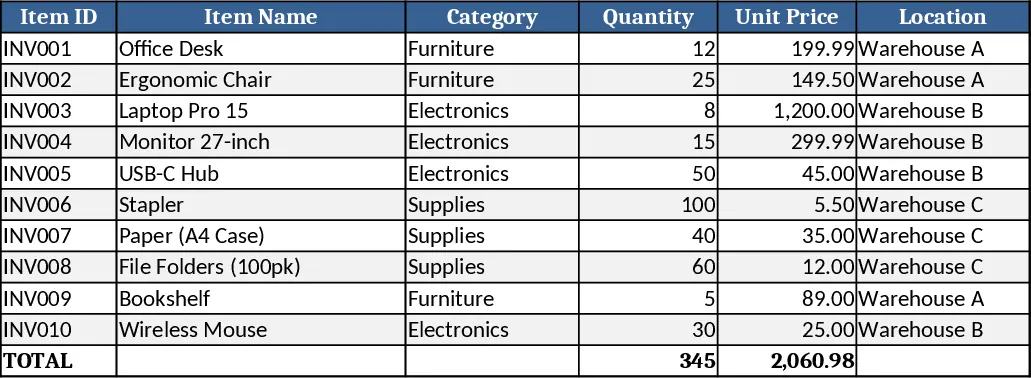
Inventory Management and Automated Sales Tracker Template
Track inventory levels, record incoming and outgoing stock, and generate automated sales reports in one Excel workbook.