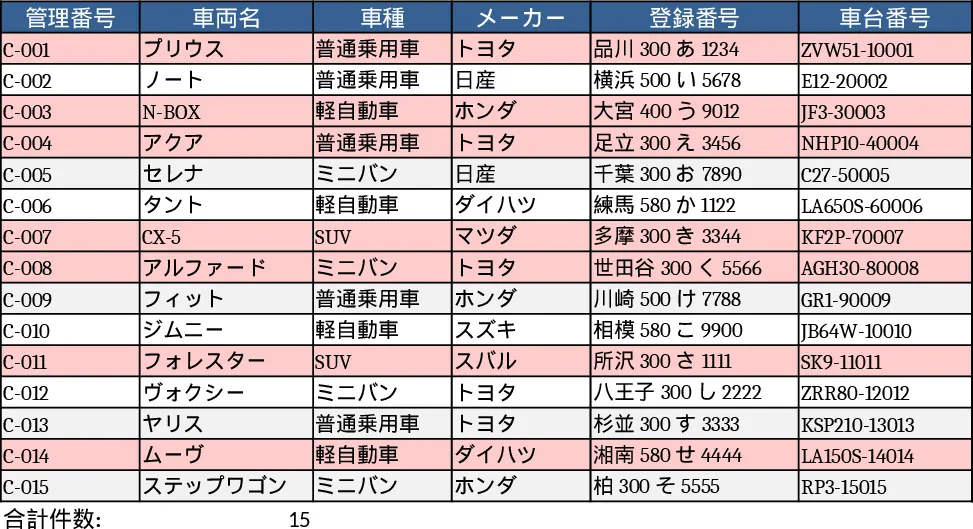
Vehicle KPI Dashboard and Maintenance Tracker Template
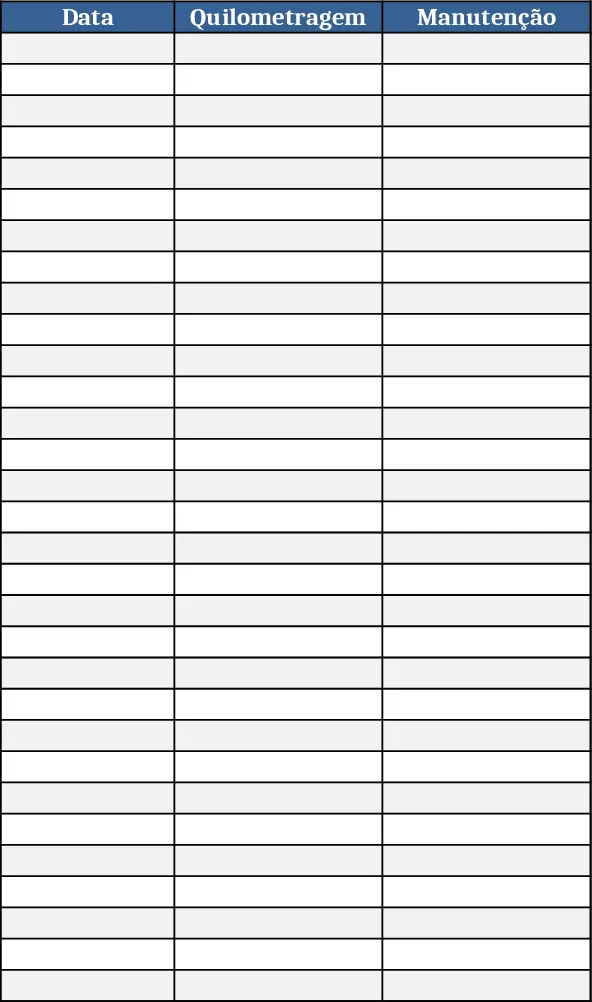
The template is organized as a workbook where each vehicle gets its own tab, named after the license plate. Inside each tab you’ll find structured sections for daily entries – odometer reading (Km), mechanical work performed, and fuel fill‑ups – followed by a compact monthly summary that aggregates the data into key performance indicators. A separate Dashboard sheet pulls the monthly KPIs from all vehicle tabs and visualizes them with charts and conditional formatting, giving you a quick overview of fleet health, fuel efficiency, and maintenance trends.
This workbook solves the common headache of scattered spreadsheets and manual calculations for fleet managers, small business owners, or anyone who needs to keep a close eye on vehicle usage. By centralising daily logs and automatically calculating monthly totals, you eliminate duplicate data entry, reduce errors, and gain instant insight into cost drivers such as fuel consumption per kilometre or frequency of repairs. The visual dashboard turns raw numbers into actionable information, helping you schedule preventive maintenance, optimise routes, and control operating expenses.
Anyone who manages one or more cars – from a delivery service, a sales team, a rental agency, or a private household with multiple vehicles – will find this template useful. It works equally well for a single‑car hobbyist who wants to monitor fuel economy and a small fleet that needs to compare performance across several vehicles.
The template helps you track daily mileage, record each maintenance activity, log fuel purchases, and automatically generate a month‑end summary that includes total kilometres driven, average fuel consumption, maintenance cost per kilometre, and a high‑level health score. These metrics let you spot inefficiencies early, plan budgets more accurately, and make data‑driven decisions about vehicle replacement or route optimisation.
How to use
- Open the workbook and rename the default vehicle tabs with the actual licence plates of your cars.
- In each vehicle tab, enter the daily odometer reading, describe any mechanical work performed, and record the amount of fuel added and its cost.
- At the end of the month, go to the "Monthly Summary" section of the same tab – the template will auto‑calculate totals and KPIs based on your entries.
- Switch to the Dashboard sheet to see all vehicles’ KPIs visualised; use the built‑in filters to focus on a specific car or time period.
Expected benefits include faster data entry, reduced manual calculations, clearer visibility into fleet performance, and more informed decisions about maintenance scheduling and fuel budgeting.
Similar Templates Recommendation
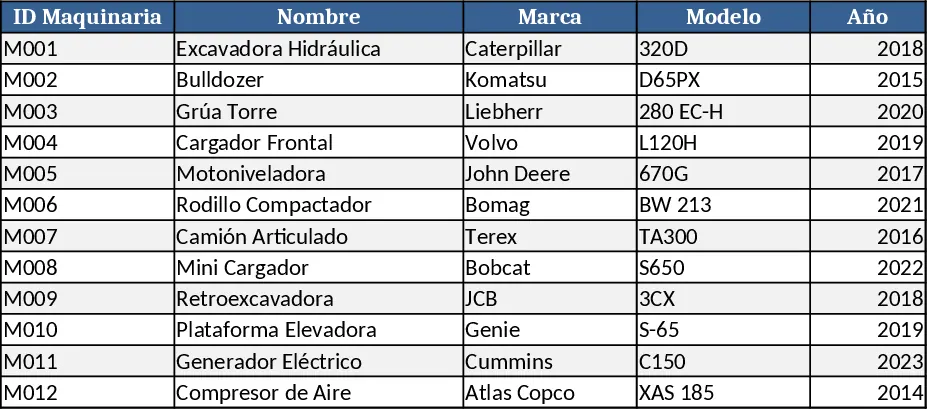
Machinery Control Panel Tracker Template
Track machine performance, maintenance schedules, downtime, and utilization in a single dashboard to keep equipment running smoothly.
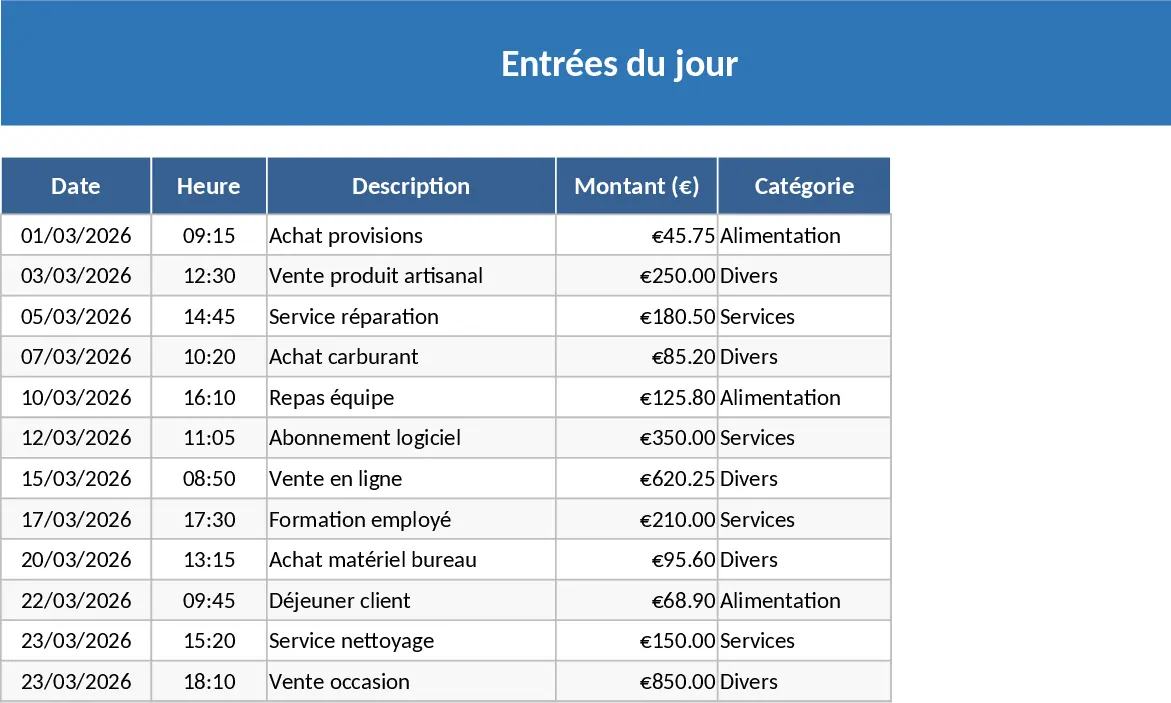
Daily Entry Tracker with Monthly View Template
Track daily data entries and automatically generate a month‑by‑month view of each day’s totals for quick performance insights.
Vehicle Management List PDF Extraction Template
Extract vehicle data from PDFs and automatically populate an up‑to‑date vehicle management spreadsheet.