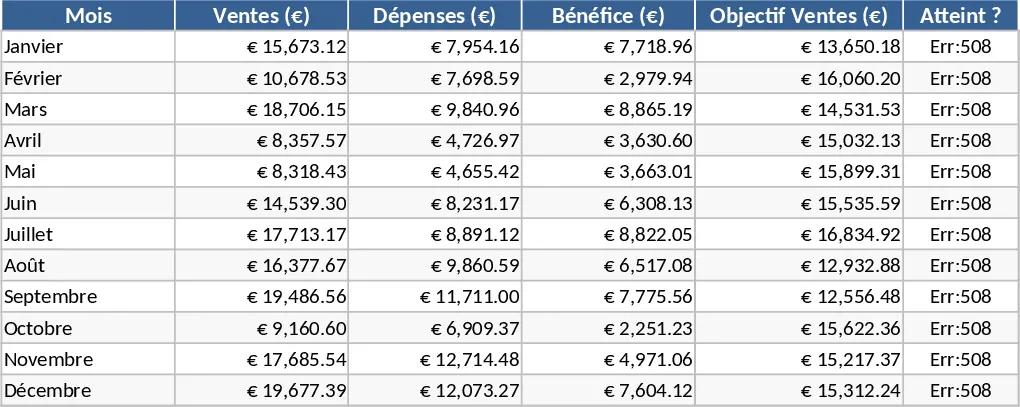
Simple Pie Chart Template
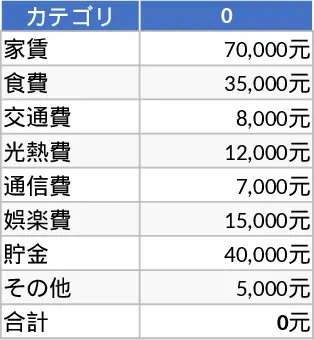
Visualizing data is a critical step in turning raw numbers into actionable insights, and this Pie Chart template is designed to make that process as seamless as possible. At its core, the template provides a clean and organized structure for inputting categorical data and instantly transforming it into a professional-grade visual representation. The workbook is divided into a user-friendly data entry section and a dynamic visualization dashboard. Within the data sheet, you will find fields for category names, numerical values, and optional notes, allowing you to keep your source information well-documented. The template automatically calculates percentages and handles the scaling, so you do not have to worry about the underlying math.
This tool is exceptionally useful for anyone who needs to communicate the relative size of different components within a dataset. In a daily workflow, it solves the problem of cluttered spreadsheets by providing a focal point for your most important metrics. For instance, a marketing manager can use it to show the distribution of leads across different channels, or a finance professional can use it to illustrate the breakdown of departmental expenses. By presenting data visually, you can immediately highlight which areas are performing well and which require more attention, facilitating faster decision-making and more effective communication with team members or clients.
The template is ideal for business professionals, students, and researchers who frequently deal with distribution-based data. Whether you are preparing a slide deck for a board meeting or a report for a school project, this template ensures your charts look polished and consistent. It helps you track everything from budget allocations and inventory levels to demographic breakdowns and survey responses. The primary benefit is the clarity it brings to your data; instead of looking at a wall of numbers, your audience can see the big picture in seconds.
To get the most out of this template, follow these simple steps:
- Open the Data Entry sheet and input your categories in the first column and their respective numerical values in the second column.
- Use the built-in formatting options to select a color palette that matches your brand or presentation style.
- Observe the Pie Chart sheet to see your data instantly visualized with automatic labels and percentage callouts.
- Copy the final chart directly into your reports or presentations for a professional finish.
By using this template, you can expect to significantly reduce the effort required to create high-quality visuals. It streamlines the reporting process, ensuring that your data is always presented in the most impactful way possible while saving you valuable time on manual formatting and design.
Similar Templates Recommendation
Simple Pie Chart Dashboard Template
Create professional pie charts in seconds to visualise category breakdowns, percentages and trends directly within Excel.
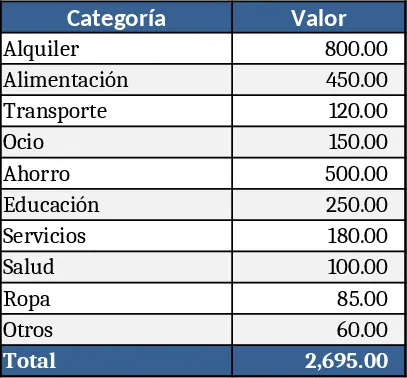
Multi-Range Percentage Pie Chart Template
Create a dynamic pie or bar chart that visualizes percentage allocations such as 45‑60%, 10‑20%, and 10‑15% for quick insight.
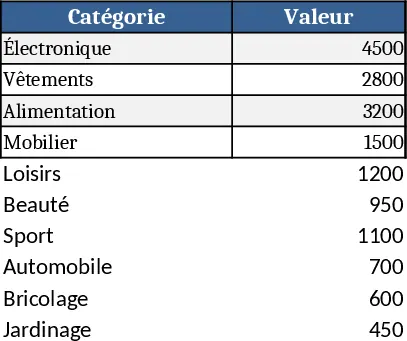
Professional Business Dashboard with Weekly Trends Template
Visualize your key performance indicators and business metrics in one centralized view to make data-driven decisions with ease.