"Which AI is best for financial analysis?" is the wrong question, and it is the reason most tool roundups are useless. A tool that reconciles invoices to audit standard is not the tool that drafts your variance commentary, and neither one builds your forecast.
So the honest answer is: it depends which hour of your month you are trying to get back.
Key takeaways:
- Pick by task, not by brand. The comparison table below maps nine tools to the specific job each one does well.
- If your files arrive as messy exports and PDFs, start with a file-based tool. If you query a clean warehouse, start with BI.
- "Excel-native" is only an advantage if you can actually install an add-in. Check that before shortlisting.
- Whatever you choose, the output needs checking before it leaves your desk. There is a checklist at the end.
Quick comparison
| Tool | The job it does | Best for | Needs an install | Free tier |
|---|---|---|---|---|
| RowSpeak | Messy files to reviewable analysis and reports | Teams working from exports and PDFs | No | Yes |
| Datarails | FP&A consolidation and dashboards | Monthly and quarterly planning cycles | Yes | No |
| Grid | Turning a model into an interactive dashboard | Analysts reporting to stakeholders | No | Yes |
| Numeral | Reconciliation and month-end close | Controllers, multi-entity teams | Partial | No |
| Vic.ai | Accounts payable automation | AP-heavy finance teams | No | No |
| Cube | Structured planning on top of ERP and CRM | Growth-stage finance teams | Partial | No |
| DataSnipper | Audit evidence, testing, disclosure review | External and internal audit | Yes | No |
| Copilot in Excel | Workbook-native help where your model lives | Microsoft 365 teams with clean data | Built in | No |
| ChatGPT / Claude | Explaining concepts, drafting formulas and text | Ad hoc questions, any team | No | Yes |
Two columns in that table rarely appear in vendor comparisons, and they are often the ones that decide the outcome. If your laptop is managed by IT, "needs an install" is a multi-week approval, not a checkbox. And if you cannot trial a tool on your own file before a sales call, you will not know whether it handles your data.
1. RowSpeak
Get instant insight in one sentence.
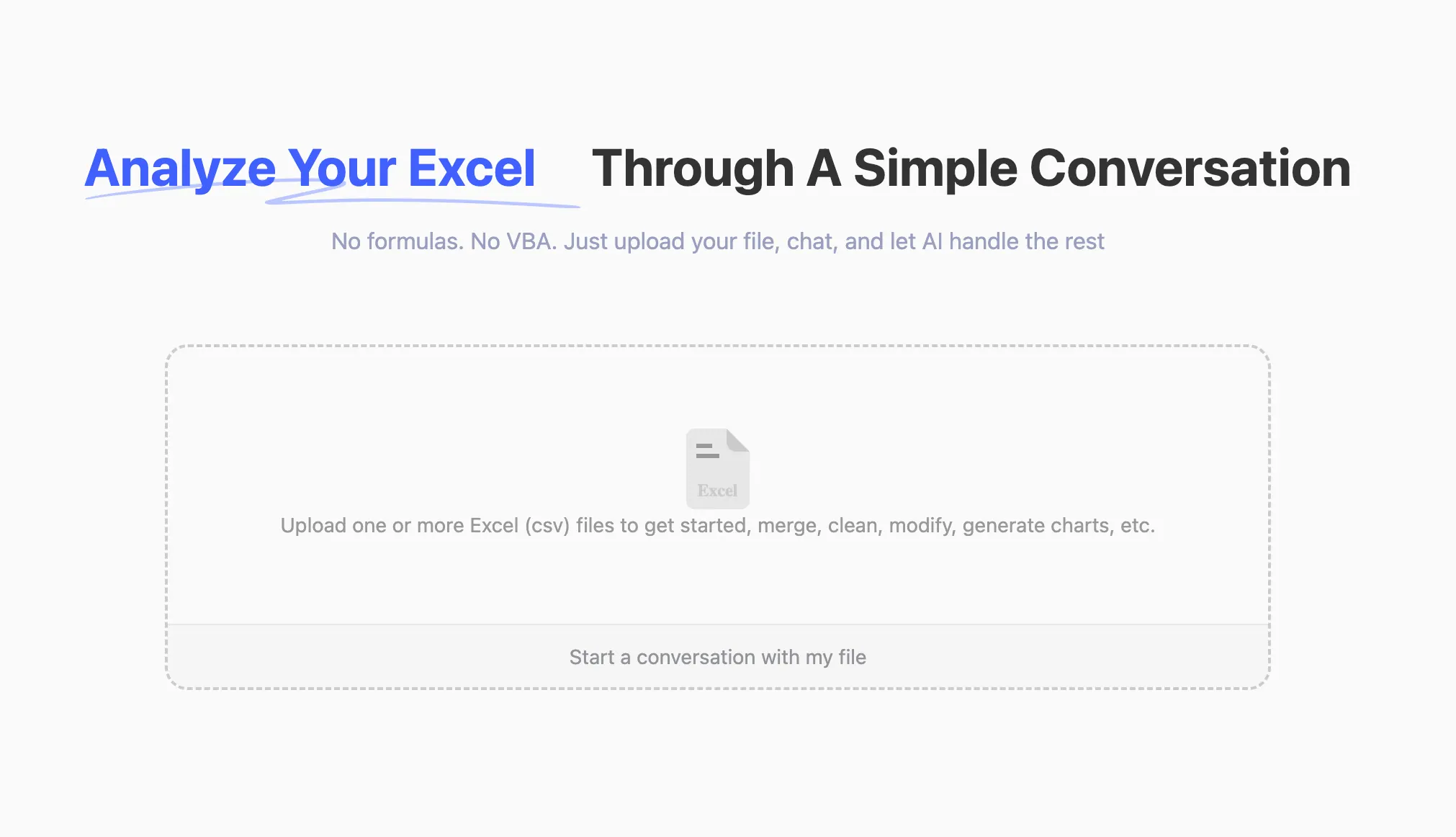
If you’re still using Excel manually for everything—budget tracking, forecast modeling, expense audits—then RowSpeak is the AI sidekick you didn’t know you needed.
Upload your spreadsheet. Type what you want.
“Summarize Q1 spend by department.”
“Which vendors were paid twice?”
“Flag line items above $10,000 missing approval codes.”
RowSpeak returns clean answers: tables, charts, even written summaries. It can clean data, unify date/currency formats, calculate variance, and build charts without you touching a formula.
It is the one entry point on this list you can test today without a sales call. Nothing to install, so nothing to get through IT. PDF and image inputs work too, which matters when the numbers arrive as a report rather than a sheet. Exported .xlsx files keep their formulas, and existing formulas in your uploaded workbook are not deleted, so your model survives the round trip.
What it is not: an audit platform. If you need document-level evidence linking, that is DataSnipper's job, further down this list. There is also no direct Google Sheets connection, so Sheets users export to xlsx or csv, upload, then re-import the result.
Pricing: Free tier of 10 conversations a month, no credit card required
Best For: Finance teams working from messy exports, CSVs, and PDFs rather than a clean BI model
2. Datarails
Turn your recurring spreadsheets into live, dynamic dashboards.
Once you’ve mastered RowSpeak, Datarails is the natural next step.
It connects to your existing Excel files (yes, your beloved Q2_Final_v4_V2.xlsx), extracts the logic, and turns them into auto-updating dashboards. Think of it as FP&A automation without having to migrate to a whole new system.
You keep Excel as your modeling layer, and Datarails handles consolidation, permissions, and presentation. No more “send me the latest file” madness.
It works especially well when you’re tracking multi-entity P&Ls, capex vs opex views, or forecast vs actuals across time periods. Once your stakeholders see how smooth it is, they’ll never ask for “just a quick Excel version” again.
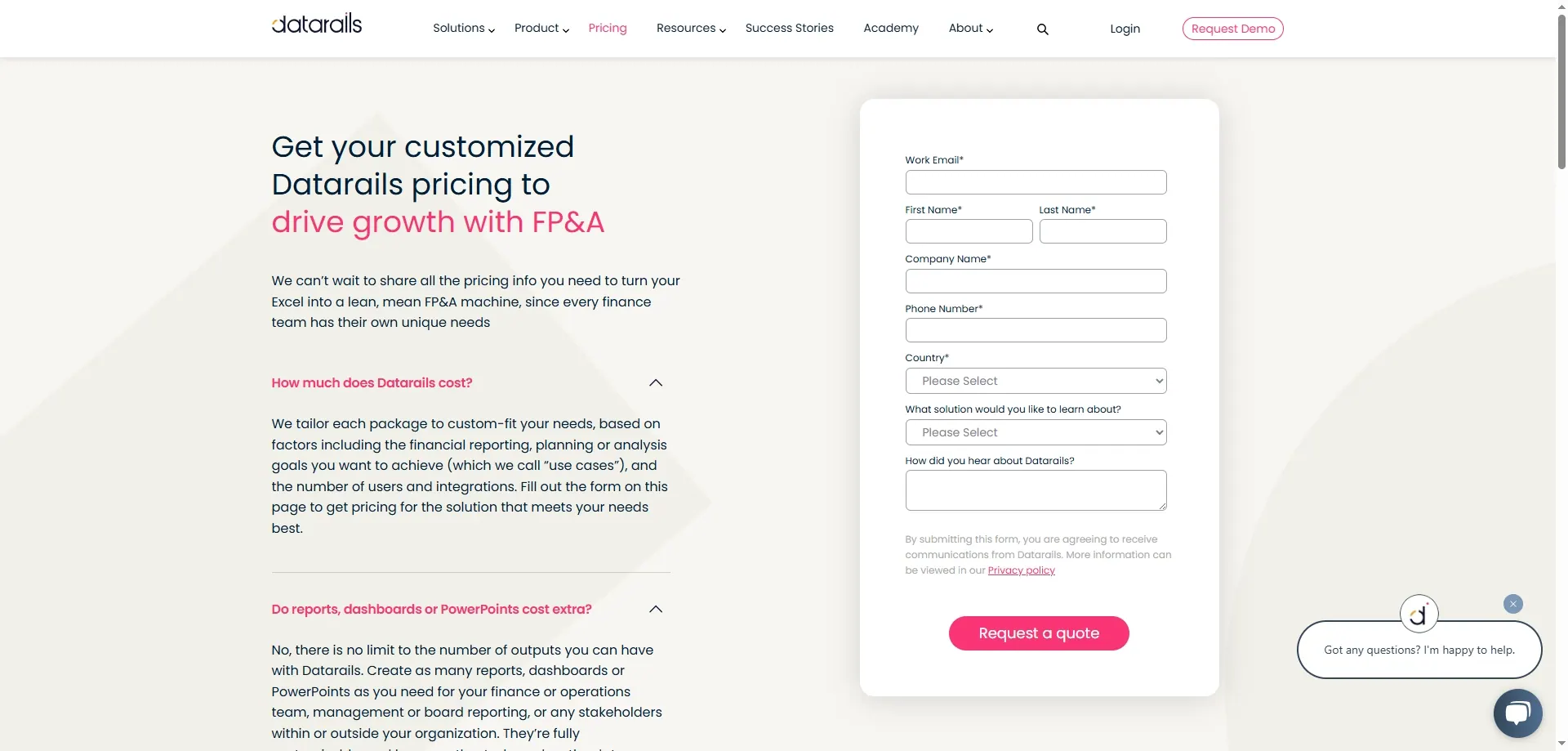
Pricing: Custom quote (typically mid-market to enterprise pricing)
Best For: FP&A teams doing monthly and quarterly planning cycles
3. Grid
Turn your financial models into interactive dashboards anyone can use.
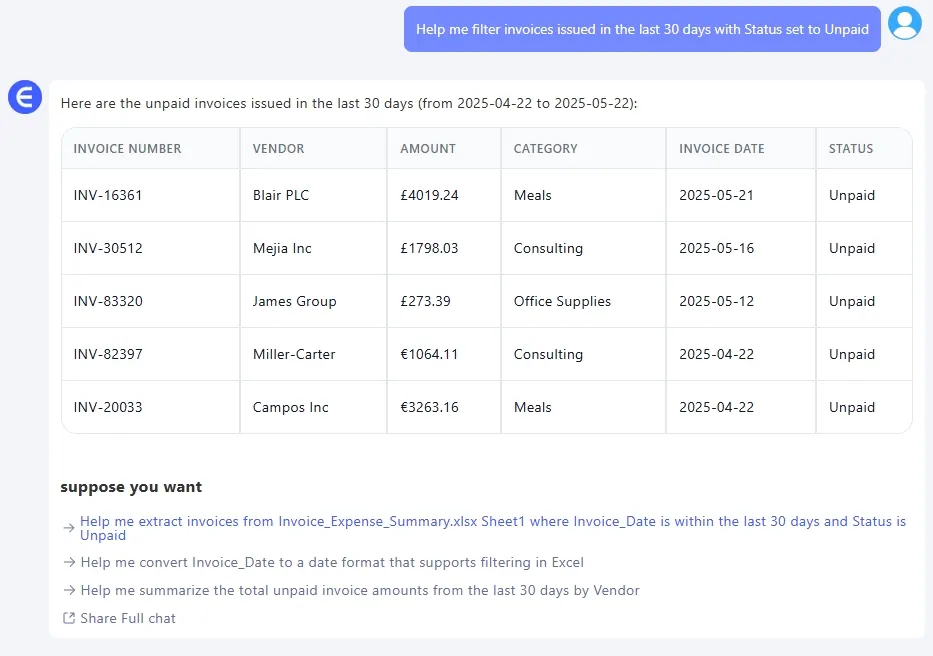
You’ve built a perfect forecast model. Now you want your CFO, VP Sales, and Head of Ops to adjust inputs without breaking your formulas. Enter Grid.
It connects to your spreadsheet and wraps it in a clean, interactive UI. Users get dropdowns, sliders, and real-time graphs—but the backend stays under your control.
Grid helps you turn complex Excel models into self-service dashboards. It’s perfect for scenario planning, what-if analysis, board presentations, or investor updates. Plus, it looks way better than a tab called “Sensitivity_Final_Clean”.
Think of it as “Excel for grown-ups with opinions.”
Pricing: Free plan available; Pro from ~$29/month
Best For: Financial analysts and startup finance leads building reports for stakeholders
4. Numeral
The reconciliation & close automation engine for multi-entity teams.
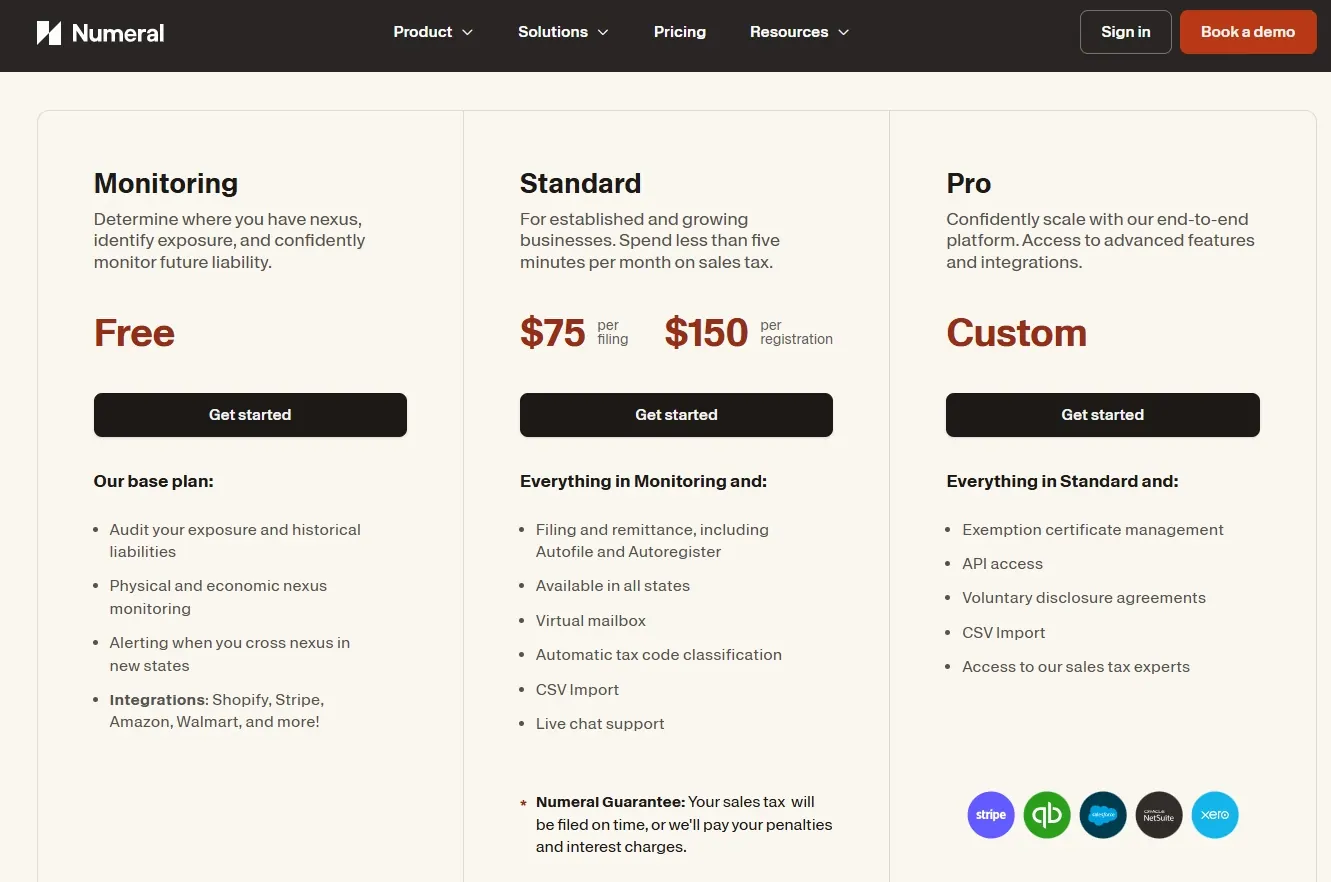
Now that your reports are cleaner and models more accessible, let’s fix the back office chaos.
Numeral helps with month-end close, automating painful steps like reconciliation, journal entry validation, and expense rule application. It plugs into accounting systems and flags mismatches automatically.
It’s ideal if you’re managing multiple legal entities or dealing with intercompany transactions. No more digging through GLs looking for that one missing $417.
It doesn’t require you to leave Excel entirely—but it handles the tasks you never want to touch again.
Pricing: Custom pricing based on company size
Best For: Controllers and accounting ops teams handling volume and audit pressure
5. Vic.ai
Let AI handle invoices, so your AP team doesn’t have to.
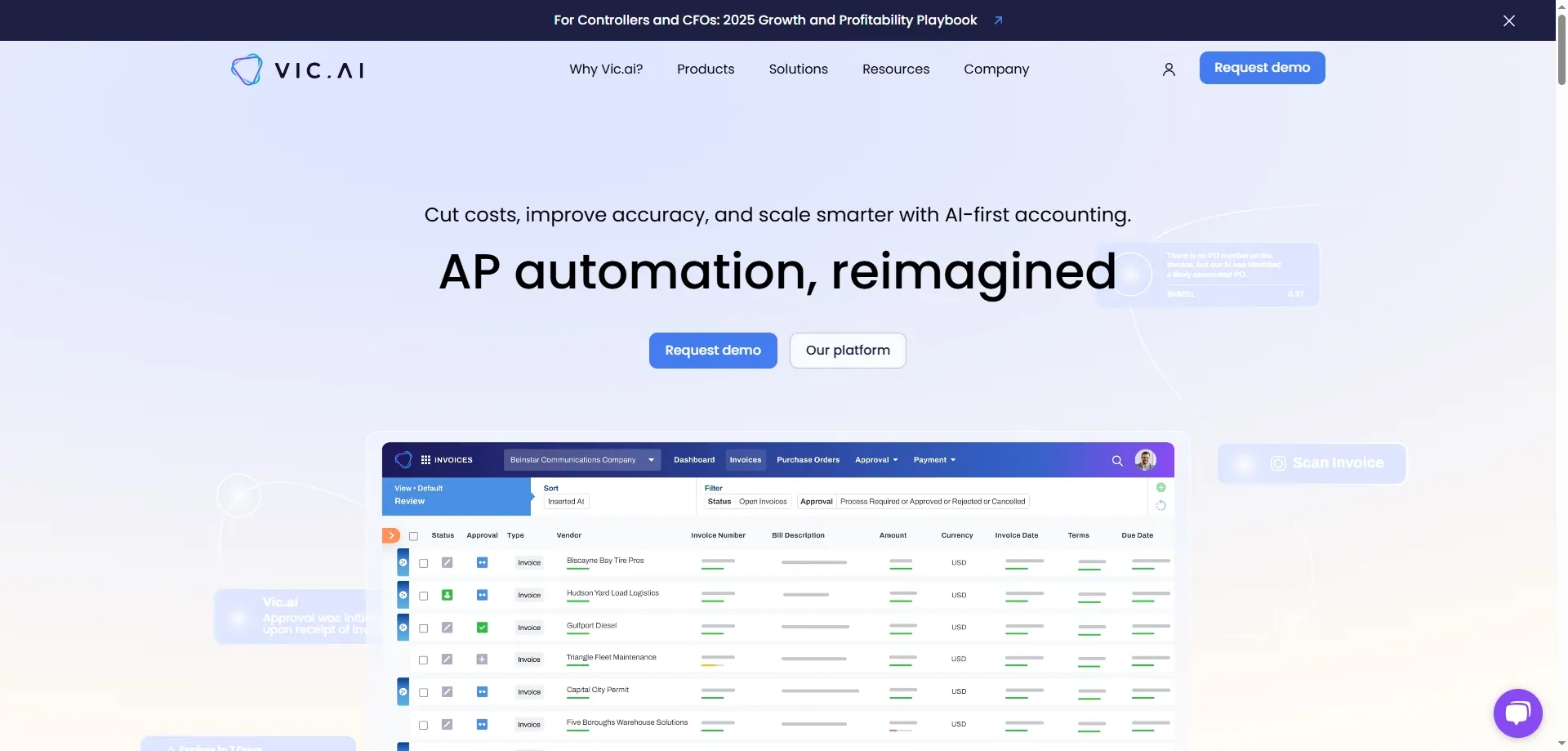
Vic.ai focuses on accounts payable automation. It uses machine learning to classify expenses, predict GL codes, and flag outliers or duplicates.
It learns from your historical invoice patterns, vendor behaviors, and coding rules—and keeps getting smarter the more you use it.
When paired with RowSpeak and Numeral, it completes the “automate everything between expense and payment” stack.
Pricing: Starts from ~$200/month depending on volume
Best For: AP-heavy companies or any finance team processing 100+ invoices monthly
6. Cube
Structure + speed for finance teams growing beyond spreadsheets.
Cube sits between your Excel and your source systems (ERP, CRM, payroll). It centralizes your financial data and connects it to your planning models, giving you version control, audit trails, and multi-scenario planning.
Unlike Datarails, which focuses more on dashboards, Cube is better suited for modelers who want to stay in Excel but level up to something cleaner, faster, and more collaborative.
If you're starting to build out a finance tech stack and want something more structured than folders of spreadsheets but less complex than Anaplan—Cube is your middle ground.
Pricing: Starts around $1,000/month
Best For: Growth-stage finance teams building maturity without killing Excel
7. DataSnipper
Audit evidence and testing, with everything traceable back to the source.
If your work is external audit, internal audit, or SOX evidence, this is a different category from everything above. DataSnipper runs inside Excel and matches invoices, bank statements, and contracts to your schedules, with each match linked back to the source document. It also reviews financial statements against IFRS and GAAP disclosure requirements.
The reason it sits in its own bucket is the traceability requirement. A general analysis tool gives you an answer; an audit tool gives you an answer a file reviewer can follow back to the evidence. If someone will inspect your workpapers, you need the second kind.
The tradeoff is that it is an Excel add-in with enterprise pricing and no public price list or self-serve trial. Expect IT approval and a sales conversation.
Pricing: Custom quote, three tiers
Best For: Audit teams and anyone preparing evidence that will be formally reviewed
8. Microsoft Copilot in Excel
AI where your model already lives.
Copilot is the lowest-friction option if your organisation already pays for Microsoft 365, because there is nothing to procure. It explains formulas, writes them, summarises a range, and builds basic charts without leaving the workbook.
Its limits show up on real files. It works well on clean tabular ranges with proper headers, and much less well on the kind of export that has three header rows, merged cells, and a total halfway down the sheet. Check which licence you have, too, as Copilot availability in Excel varies by plan.
Pricing: Included with eligible Microsoft 365 plans
Best For: Teams already standardised on Microsoft 365, working with reasonably clean data
9. ChatGPT, Claude, and Gemini
The general-purpose option most finance roundups skip.
Worth naming explicitly, because "which AI model is best for financial analysis" is one of the most common questions on this topic and the answer is usually "the model matters less than you think".
General AI chat is excellent for explaining a concept, drafting a formula, rewriting a commentary paragraph, or thinking through an approach. It is weaker on large or messy files, and genuinely hard to make repeatable: run the same request next month with slightly different wording and you get a different shape of answer.
The real constraint is policy, not capability. Check what your organisation allows you to upload before you paste in a P&L.
Pricing: Free tiers available; paid plans roughly $20/month per user
Best For: Ad hoc questions, learning, and drafting, rather than a recurring reporting process
Before you send any of it out
Every tool on this list produces output that looks finished. Five checks, two minutes, and they catch most of what goes wrong:
- Sum the key columns in the original file and compare with the totals you were given.
- Compare the row count before and after any cleaning, so nothing was silently dropped.
- Confirm what the percentages are a percentage of. A quietly changed denominator is the most common error.
- Recalculate two numbers by hand: the biggest one, and one at random.
- Confirm the comparison basis is the one you asked for: month-over-month, versus budget, or year-over-year.
Write down anything excluded or merged, and put it in the note you send. For a fuller treatment, see how to audit AI-generated Excel reports.
Final Word: Start Small, Scale Smart
The beauty of this toolstack? You don’t need to change everything at once.
Start with RowSpeak. Let it clean your spreadsheets and get you fast answers. Then, when your models grow too big to manage, layer in Grid or Datarails for visibility. Need to reconcile faster? Add Numeral. Drowning in invoices? That’s Vic.ai’s job.
Every tool here solves a problem finance teams actually face—today, not someday.
Pick the one that matches the hour of your month you most want back, and test it on a file you already have. A tool that handles your real export beats a tool that handles a demo.
Next: AI for financial analysis walks through a variance workflow with copyable prompts and a review checklist, and the free AI forecasting tutorial does the same for a 12-month forecast.
Frequently asked questions
Which AI is best for financial analysis? There is no single winner, because the tools do different jobs. For audit evidence, DataSnipper. For a dashboard a whole team reads, Datarails or BI. For messy monthly files that need to become a reviewable answer, RowSpeak. For explaining a concept or drafting text, ChatGPT or Claude. Start from the task, not the brand.
What is the best free AI for financial analysis? RowSpeak's free tier covers 10 conversations a month with no credit card, which is enough to test a real variance or forecast workflow. Grid has a free plan for dashboards, and the general AI chat tools have free tiers that handle questions well but messy spreadsheets less reliably.
Which AI model is best for financial analysis? Model choice matters less than file handling. A strong model that cannot parse your three-header-row export will lose to a weaker one wrapped in a workflow that cleans the file first. Judge the tool on what it does with your actual file.
Do these tools work inside Excel? Some do. DataSnipper, Datarails, and Copilot operate in Excel directly. RowSpeak, Grid, and the chat tools work on files you upload or connect. Excel-native is an advantage only if you can install an add-in on your machine, which is worth confirming before you shortlist.
Can AI replace a financial analyst? No. It removes the middle of the work: the cleaning, the ranking, the first draft. Choosing which question matters and owning the answer is still the job.