Running an LLM on-prem is only the first step.
If the goal is AI spreadsheet analysis, the model endpoint is not enough. A business user does not want to send raw JSON to an internal inference server. They want to upload a workbook, ask a question, get a reliable answer, build a chart, and know where the numbers came from.
That requires an architecture around the model.
This guide explains the main components of an on-prem AI spreadsheet system.
Reference architecture
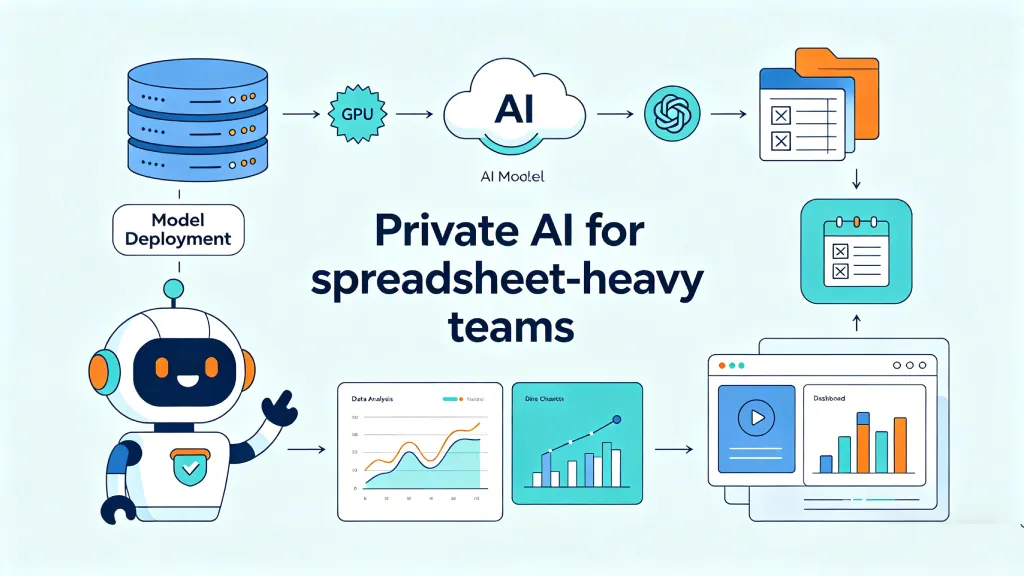
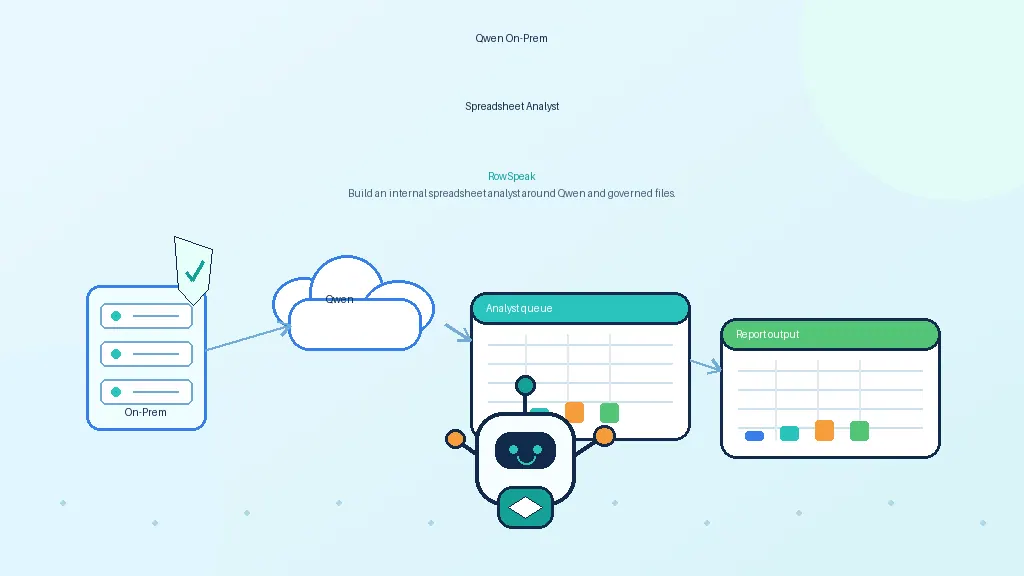
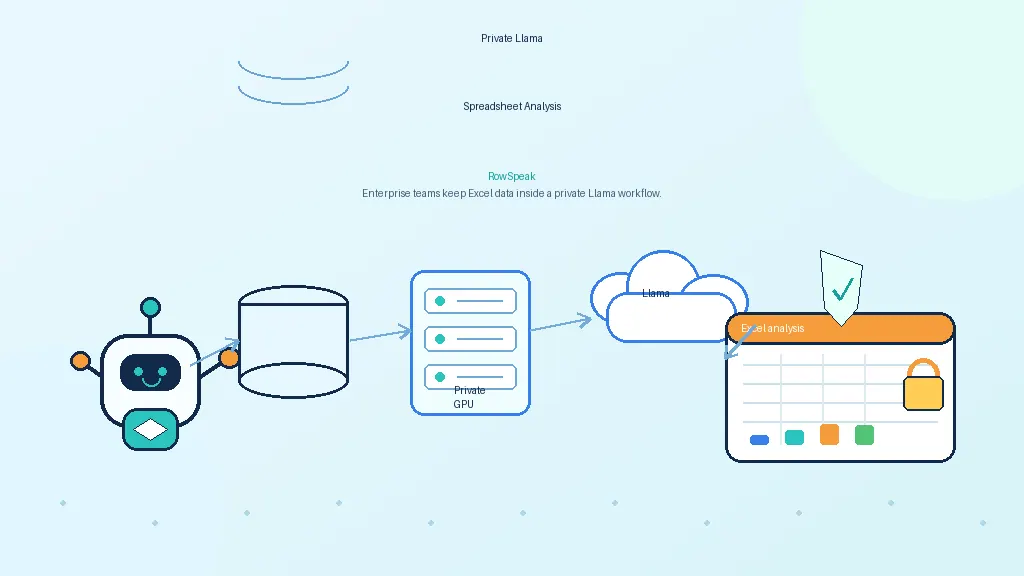
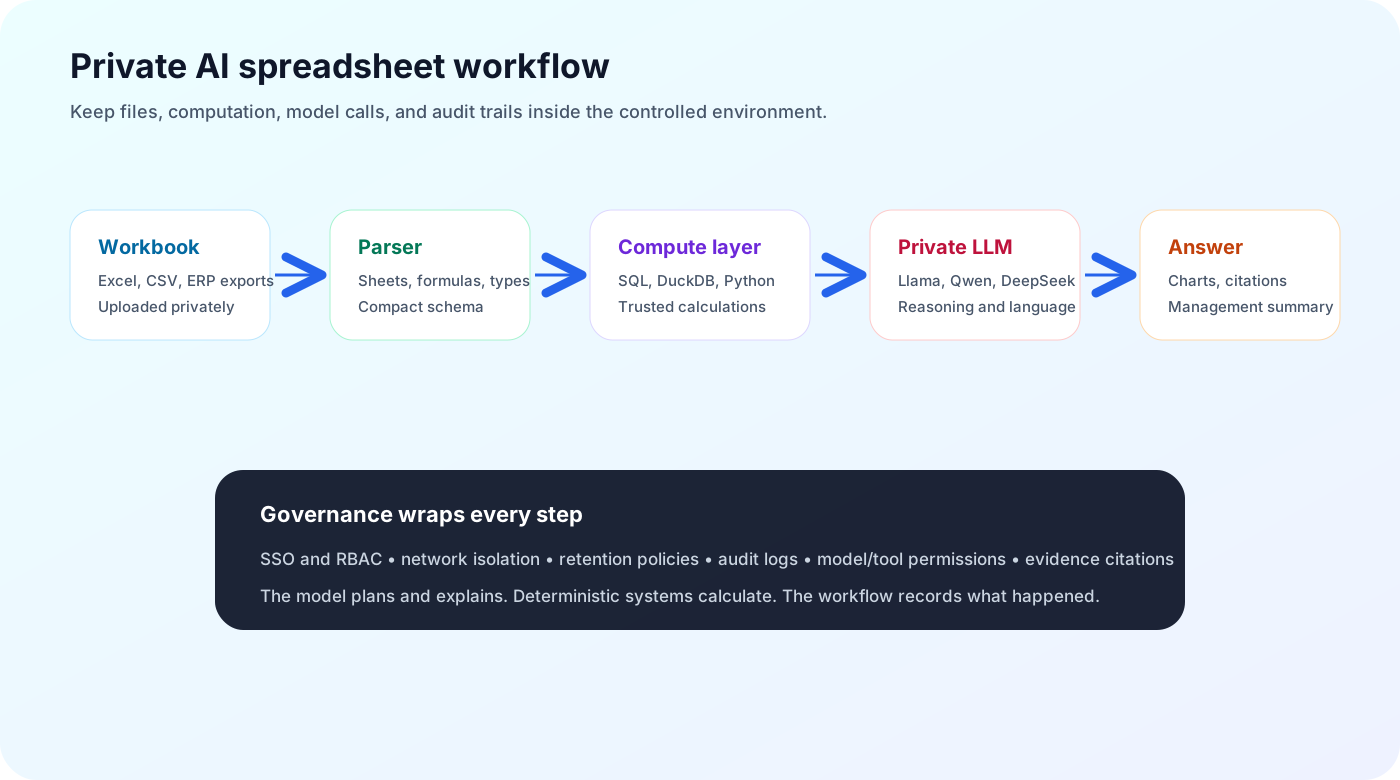
A practical on-prem AI spreadsheet architecture looks like this:
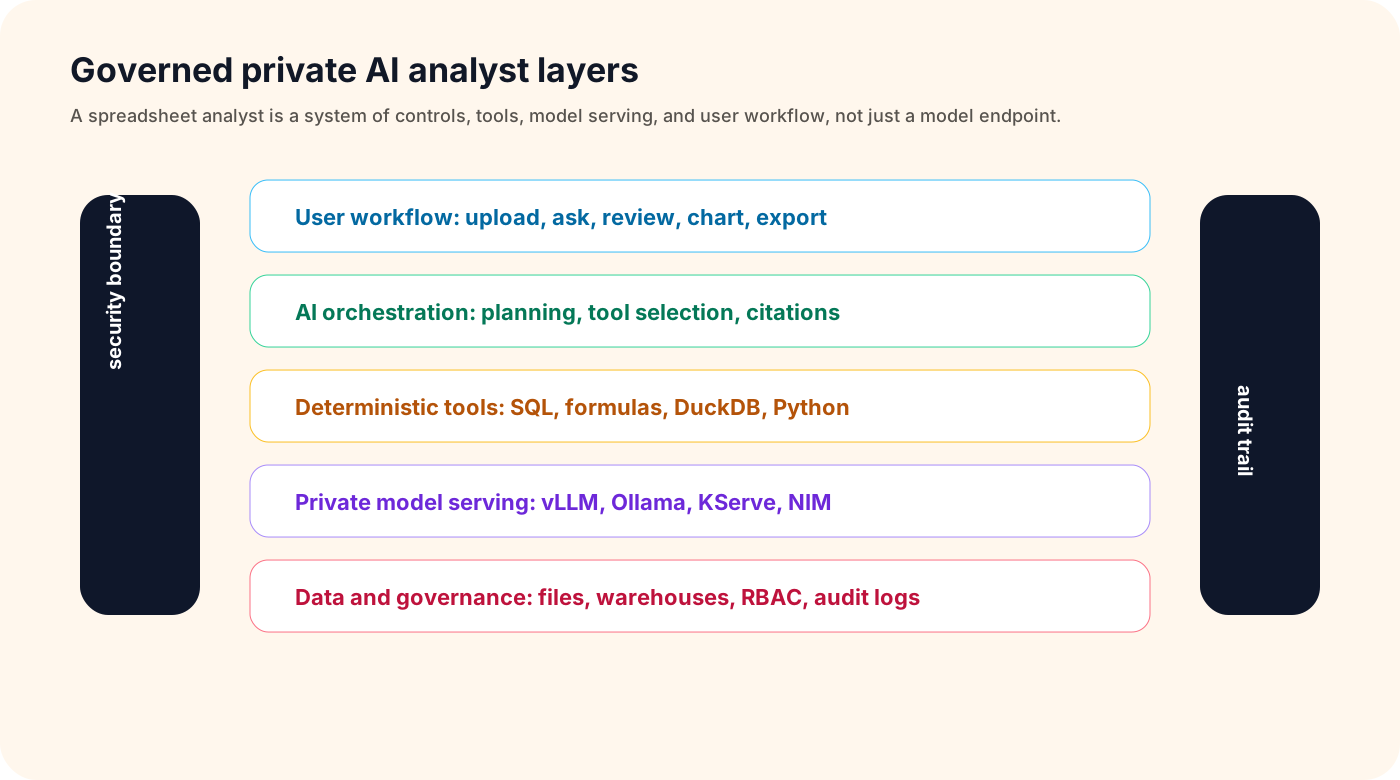
The order can vary, but the principle is consistent: the LLM should reason and explain, while controlled systems handle data access, computation, security, and auditability.
Identity and access control
Start with identity.
Every AI answer should be tied to a user, a workspace, a file, and a permission decision.
Enterprise deployments usually need:
- SSO through SAML or OIDC
- role-based access control
- group mapping from the identity provider
- workspace-level permissions
- file-level permissions
- dataset allowlists
- admin controls
If the system connects to databases or object storage, it should not bypass existing permissions. The AI should not become a shortcut around governance.

Workbook ingestion
Spreadsheet ingestion is harder than it looks.
A real workbook may contain:
- multiple sheets
- hidden sheets
- formulas
- merged cells
- inconsistent headers
- named ranges
- comments
- formatting used as meaning
- protected sheets
- charts and pivots
- external links
- macros
A production system should parse enough of this structure to avoid giving the model a distorted view of the data.
For security, macro-enabled files should be handled carefully. If the system executes anything, it should do so in a sandbox. In many deployments, macros should be scanned, blocked, or treated as metadata rather than executed.
Spreadsheet understanding
After ingestion, the system should build a useful representation of the workbook.
That may include:
- sheet summaries
- table boundaries
- column names and inferred types
- sample rows
- formula dependency maps
- detected metrics
- date ranges
- missing values
- anomalies
- relationships across sheets or files
This representation is what the model should see first. Sending an entire workbook into a prompt is usually wasteful and risky.
The goal is to give the model enough context to plan the next step, not to make the model memorize the whole file.
Deterministic compute layer
For spreadsheet AI, this is one of the most important components.
The model should not calculate critical numbers internally. It should call tools.
The compute layer may include:
- spreadsheet formulas
- SQL
- DuckDB
- pandas
- Polars
- warehouse pushdown
- chart generation
- validation checks
For example, if a user asks for top customers by revenue, the model can identify the correct fields and produce a query. The compute layer runs the query. The model then explains the result.
This separation improves accuracy, speed, and auditability.
Private model serving
The model layer can be served in several ways.
vLLM is commonly used for high-throughput self-hosted inference and provides an OpenAI-compatible server.
KServe is useful when the organization wants Kubernetes-native model serving and standard inference services.
NVIDIA NIM provides optimized inference microservices for NVIDIA-accelerated infrastructure.
Ollama is useful for pilots and local testing, though production deployments often need stronger scaling, access control, and observability around it.
The model layer should be treated as internal infrastructure:
- authenticated
- versioned
- monitored
- isolated by network controls
- configured with clear data-retention policies
- evaluated before model upgrades
AI orchestration
The orchestration layer decides how the system uses the model and tools.
It handles:
- prompt templates
- model selection
- tool selection
- context construction
- clarification questions
- query validation
- code sandboxing
- retry logic
- response formatting
This layer is where many safety controls belong.
For example, if the model generates SQL, the system should validate that the SQL is read-only, scoped to allowed tables, and not too expensive. If the model generates Python, the system should run it in a sandbox with network access disabled unless explicitly allowed.
Auditability
Audit logs are not optional in serious deployments.
A useful log should include:
- user
- timestamp
- workbook or dataset accessed
- prompt
- model name and version
- generated query, formula, or code
- tool outputs
- final answer
- permission decisions
- errors and fallbacks
This does not mean every sensitive value must be stored forever. Retention should be configurable. But the system needs enough traceability for review, debugging, and compliance.
Observability
Technical teams need to monitor both infrastructure and answer quality.
Infrastructure metrics:
- latency
- GPU utilization
- queue depth
- token usage
- model errors
- tool execution time
- storage usage
Quality metrics:
- answer correctness
- citation quality
- formula validity
- query success rate
- user corrections
- hallucination reports
- failed clarifications
Without observability, teams cannot know whether the AI analyst is improving or quietly producing unreliable work.
Common pitfalls
Treating the model as the spreadsheet engine
This leads to hallucinated totals and fragile answers. Use tools for calculations.
Retrieving first and filtering later
Permissions should be enforced before context reaches the model.
Ignoring workbook complexity
CSV demos do not prove the system can handle real Excel files.
Logging too much sensitive data
Auditability matters, but logs must also follow retention and privacy rules.
Building around one model
Models change quickly. Build the workflow so the model can be swapped.
A phased rollout plan
A realistic rollout can happen in stages.
- Prototype with sample or redacted spreadsheets.
- Validate common analysis tasks and failure cases.
- Add deterministic compute for all numerical work.
- Connect identity and permissions before using real files.
- Deploy a private model endpoint through vLLM, KServe, NIM, or another approved stack.
- Add audit logs and monitoring.
- Pilot with one team, usually finance, operations, or sales reporting.
- Evaluate outputs against known answers before expanding.
This avoids the common mistake of turning a model demo into a production system before the governance layer exists.
Where RowSpeak fits
RowSpeak can act as the workflow layer on top of private model endpoints and governed data execution.
The model server provides reasoning. RowSpeak provides the spreadsheet experience: workbook upload, natural-language questions, charts, summaries, reports, and user-facing analysis flows such as weekly sales reporting.
For on-prem deployments, that separation is valuable. IT can control the model and infrastructure. Business users can still work through an interface designed for spreadsheet analysis rather than raw API calls, whether the end result is an AI dashboard or a finance report.
Final thought
An on-prem LLM endpoint is infrastructure. An on-prem AI spreadsheet analyst is a product experience plus governance.
The model is important, but the architecture around it determines whether the system is trusted. For a model-specific example, see the related guide on self-hosting DeepSeek for RowSpeak.
Sources and further reading
- vLLM OpenAI-compatible server: https://docs.vllm.ai/en/latest/serving/openai_compatible_server/
- KServe: https://kserve.github.io/website/
- NVIDIA NIM: https://www.nvidia.com/en-us/ai-data-science/products/nim-microservices/
- Ollama library: https://ollama.com/library
- llama.cpp: https://github.com/ggml-org/llama.cpp