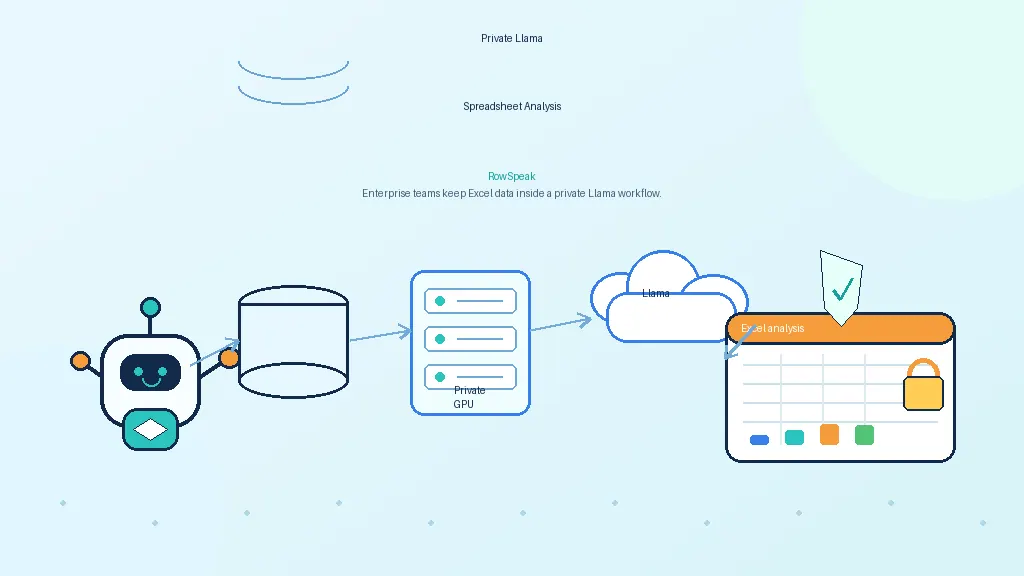
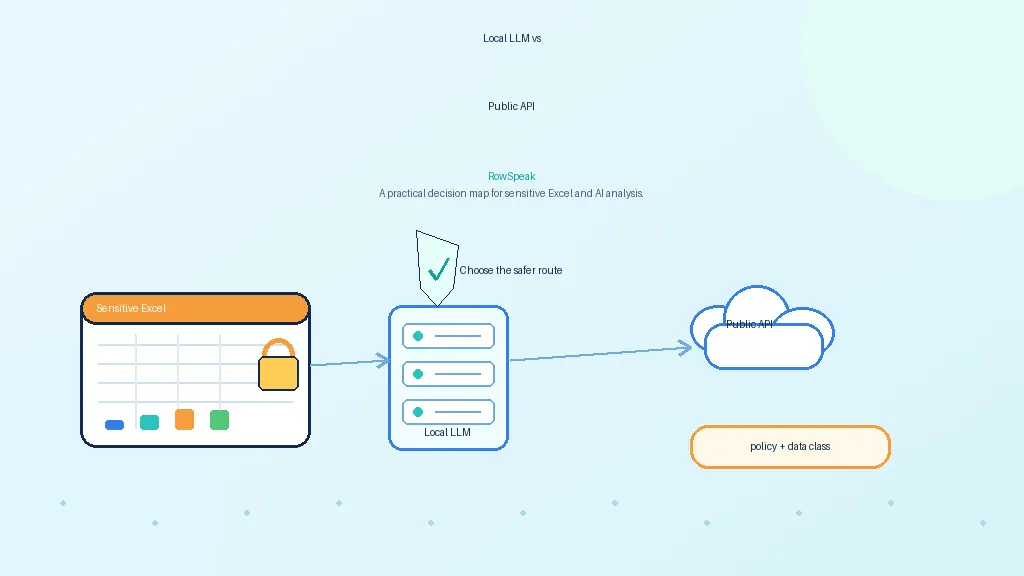
Many enterprise teams want the same thing: a ChatGPT-like analyst for company data.
They want to ask questions in plain language. They want answers from spreadsheets, databases, dashboards, and internal reports. They want the speed of AI without losing control of sensitive data.
That sounds simple until you try to build it.
A private AI data analysis system is not just a chatbot connected to files. It needs governed access, reliable computation, audit logs, model serving, and a user experience that fits how teams actually work.
What enterprises mean by private AI data analysis
When a company asks for private AI analytics, it usually means several things at once:
- data should not be sent to unapproved public AI tools
- users should only see data they are allowed to access
- sensitive files should stay in approved storage
- calculations should be traceable
- prompts and outputs should be auditable
- models should run in an approved environment
- admins should control retention and logging
This is why generic AI demos often disappoint enterprise buyers. The demo answers a question. The real system has to answer the question while respecting identity, permissions, data lineage, and compliance requirements.
Why a chatbot is not enough
A chatbot can summarize text. It can help explain a report. It can draft a response.
But analytics is different. Many business questions require computation.
Consider this question:
Why did gross margin decline in Q3, and which region contributed most?
A useful answer requires several steps:
- identify the right revenue and cost fields
- apply the margin formula
- filter to Q3
- compare against the previous period
- group by region
- calculate contribution to change
- explain the result with evidence
A retrieval-only system may find a document that mentions margin. It will not reliably calculate the answer.
For enterprise analytics, RAG is helpful, but it is not enough.
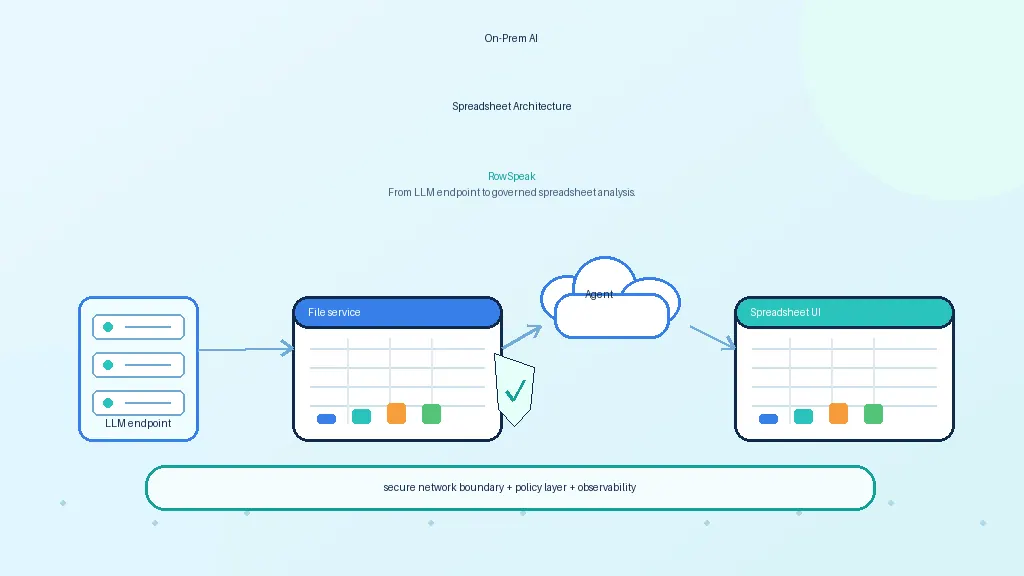
The four layers of a private AI analyst
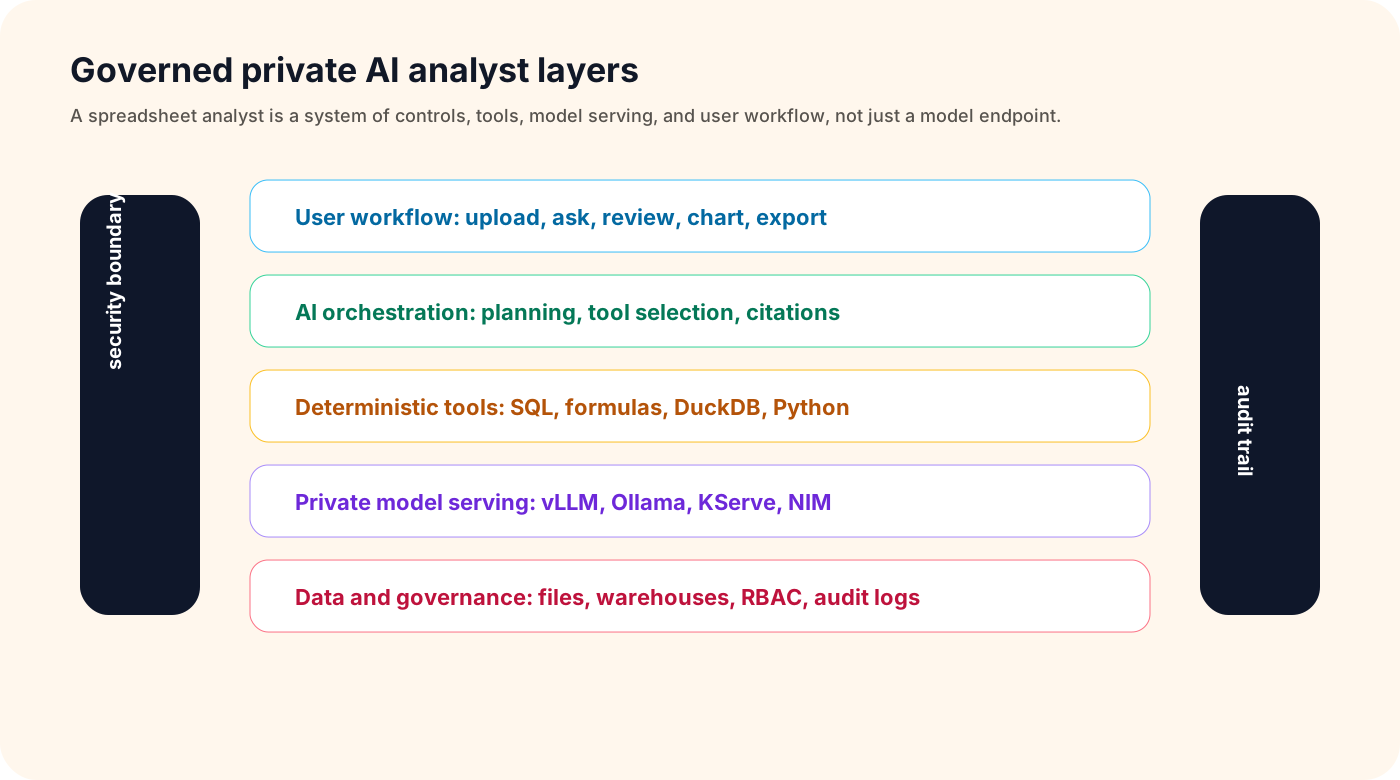
A practical system has four layers.
1. Interface layer
This is where users ask questions and review answers.
It may be:
- a spreadsheet interface
- a chat sidebar
- a dashboard assistant
- an internal web app
- an API for existing tools
For business teams, the spreadsheet interface is often the most natural. It is where ad hoc analysis already happens.
2. Reasoning layer
This is the LLM or agent layer.
It interprets the user's question, asks clarifying questions, chooses tools, writes SQL or formulas, and explains results.
It should not be trusted as the source of truth for calculations.
3. Execution layer
This is where the actual data work happens.
The execution layer may use:
- SQL warehouses
- DuckDB
- pandas or Polars
- spreadsheet formula engines
- BI semantic layers
- internal APIs
This layer calculates numbers, joins tables, filters rows, and returns structured evidence.
4. Governance layer
This layer controls who can access what, what is logged, how long data is retained, and how outputs are reviewed.
It includes:
- SSO and RBAC
- row-level and column-level policies
- audit logs
- prompt and response retention controls
- data lineage
- sensitive-data redaction
- model and tool permissions
Without this layer, a private AI analyst is not enterprise-ready.
RAG vs direct analysis
RAG is useful when the question is about text.
Examples:
- What does this policy say?
- How is net revenue defined?
- Which report explains churn methodology?
Direct computation is needed when the question is about data.
Examples:
- Which region drove the decline?
- What are the top five customers by margin?
- Which expenses were unusual this month?
- What changed between these two exports?
The best enterprise architecture combines both.
Use RAG to retrieve definitions, business context, and documentation. Use SQL, spreadsheet formulas, or Python to calculate results. Then use the model to explain the answer in plain language.
Governance requirements that cannot be added later
Governance should be designed early.
A private AI data analysis system should be able to answer:
- Who asked the question?
- Which data did the system access?
- Which model answered?
- Which tools ran?
- What query or formula was generated?
- What result was returned?
- Was any sensitive data masked?
- Could another user reproduce or review the answer?
These questions matter for regulated teams, but they also matter for normal business operations. If an AI answer influences a forecast or executive report, someone needs to know where it came from.
Observability and evaluation
Enterprise AI analytics needs more than uptime monitoring.
Operational metrics include:
- latency
- token usage
- model errors
- tool-call failures
- query execution time
- GPU utilization
- cost per question
Quality metrics include:
- answer correctness
- citation accuracy
- SQL validity
- formula validity
- hallucination incidents
- user correction rate
- clarification rate
The best teams build a test set of real questions and expected answers. They run it before changing models, prompts, tools, or retrieval settings.
Spreadsheet-specific needs
Spreadsheets are a special case because they are flexible and messy.
A production system should handle:
- multiple sheets
- hidden sheets
- formulas
- merged cells
- named ranges
- comments
- inconsistent headers
- exported CSVs
- pivot-like summaries
- local date and currency formats
This is why spreadsheet AI is different from generic document Q&A. The system has to understand structure and perform calculations, not only summarize text.
Build vs buy
Building a private AI data analyst gives maximum control, but it requires a lot of engineering. Many teams first map the product surface they need, from AI reporting to dashboard delivery, before deciding what to build:
- model serving
- workbook parsing
- prompt orchestration
- data connectors
- sandboxed execution
- access control
- audit logging
- evaluation
- user interface
Buying or deploying a specialized workflow layer can shorten that path.
The key is to avoid locking the whole strategy to one model. Models change quickly. The durable part is the governed workflow around company data.
Where RowSpeak fits
RowSpeak is designed for spreadsheet-native AI analysis, especially when teams need AI data analysis without sending users into raw model endpoints.
In a private architecture, RowSpeak can sit above approved model endpoints and data systems. The model provides reasoning. RowSpeak provides the workflow for uploading spreadsheets, asking questions, generating charts, producing summaries, and keeping the analysis tied to the underlying data.
That makes RowSpeak different from a raw model server. It is the layer that turns private AI capability into a usable analyst experience for business teams, similar to the workflow described in AI business intelligence data strategy.
Final thought
A private AI analyst is not one model and one prompt. It is a governed system.
The winning pattern is:
LLM reasoning + deterministic computation + permission-aware data access + auditability + a workflow users already understand.
For many enterprise teams, that workflow still starts with spreadsheets.
Sources and further reading
- KServe: https://kserve.github.io/website/
- NVIDIA NIM: https://www.nvidia.com/en-us/ai-data-science/products/nim-microservices/
- dbt Semantic Layer: https://docs.getdbt.com/docs/use-dbt-semantic-layer/dbt-sl
- Snowflake Cortex Analyst: https://docs.snowflake.com/en/user-guide/snowflake-cortex/cortex-analyst
- vLLM OpenAI-compatible server: https://docs.vllm.ai/en/latest/serving/openai_compatible_server/