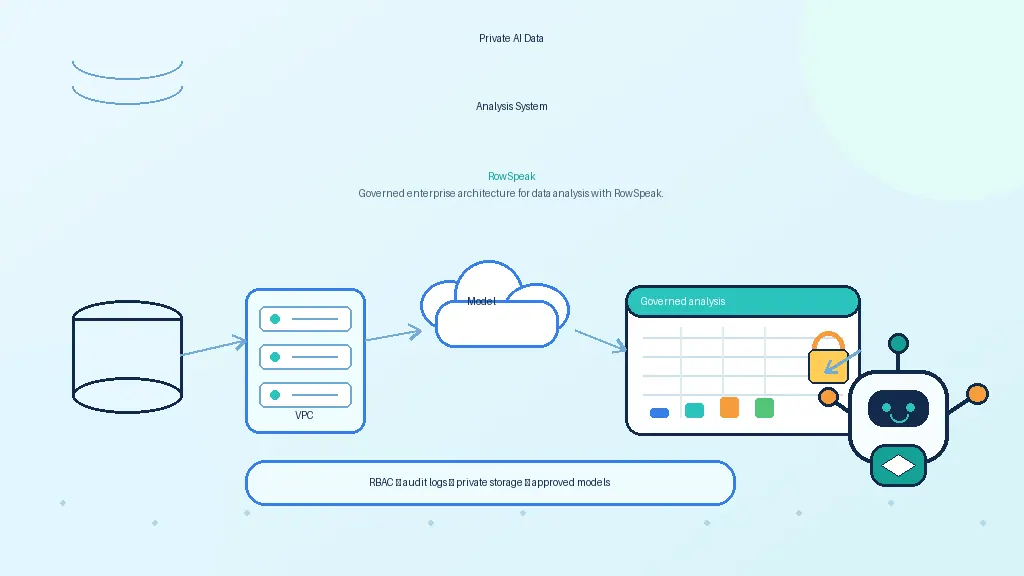
Qwen is becoming a serious option for teams that want private AI data analysis.
The reason is not only that Qwen models can be deployed outside a hosted chatbot. It is also that spreadsheet analysis often depends on coding, formulas, SQL, and structured reasoning. Those are areas where Qwen's ecosystem is especially relevant.
But the same rule applies here as with every model: Qwen is not a spreadsheet product by itself. It is a reasoning layer. To make it useful for finance, operations, sales, or reporting teams, you need a workflow around it.
This article explains what that workflow should look like.
Why Qwen is interesting for spreadsheet work
Many spreadsheet questions are secretly data-engineering questions.
A user asks:
Which customers had revenue growth but declining margin over the last two quarters?
That sounds conversational. Under the hood, the system may need to identify date columns, group by customer, calculate revenue and margin, compare periods, filter results, and generate a chart.
That is why Qwen is interesting. The official Qwen ecosystem includes general models, coding-oriented models, and agent/tool-use work. Qwen is also available through official project pages, GitHub, Hugging Face, and ModelScope-style deployment paths.
For spreadsheet analysis, the useful abilities are:
- generating pandas or SQL
- explaining formulas
- planning multi-step transformations
- working across English and Chinese business contexts
- interpreting column names and messy schemas
- using tools instead of only producing text
That makes Qwen a good candidate for a private AI analyst. It still needs the rest of the system.
The right mental model: Qwen plus tools
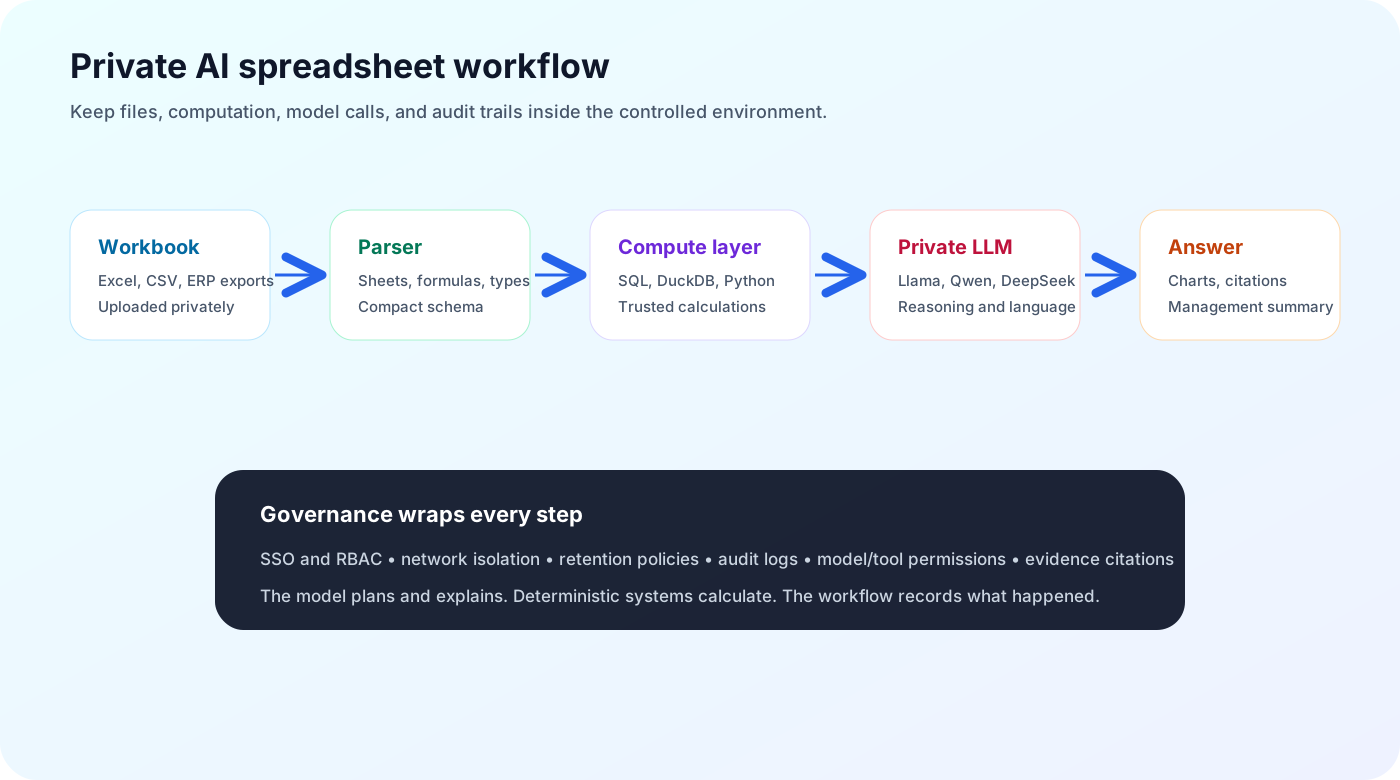
Do not ask Qwen to calculate a spreadsheet total from raw pasted rows. Ask Qwen to plan the calculation, then execute that plan through a trusted tool.
A better workflow looks like this:
- The user uploads a workbook inside the private environment.
- The system extracts sheets, columns, formulas, and data types.
- Qwen receives a compact description of the workbook.
- Qwen decides which operation is needed.
- A compute tool runs SQL, Python, DuckDB, pandas, or spreadsheet formulas.
- Qwen explains the result and cites the evidence.
This is the difference between a demo and a dependable analyst workflow.
Deployment options for Qwen
Qwen can be used in several ways, depending on the stage and constraints.
For early testing, teams often use local serving tools because they make it easy to try prompts and workflows. For production, they usually need a more controlled serving layer with monitoring, concurrency, and internal API access.
Common options include:
- vLLM for production GPU serving and OpenAI-compatible APIs
- Ollama for local testing and lightweight internal prototypes
- Transformers for custom pipelines and research workflows
- llama.cpp or GGUF builds where quantized local inference is available and appropriate
The important point is not the brand of runtime. The important point is that the model endpoint should be treated like internal infrastructure: authenticated, monitored, versioned, and isolated from data it should not access.
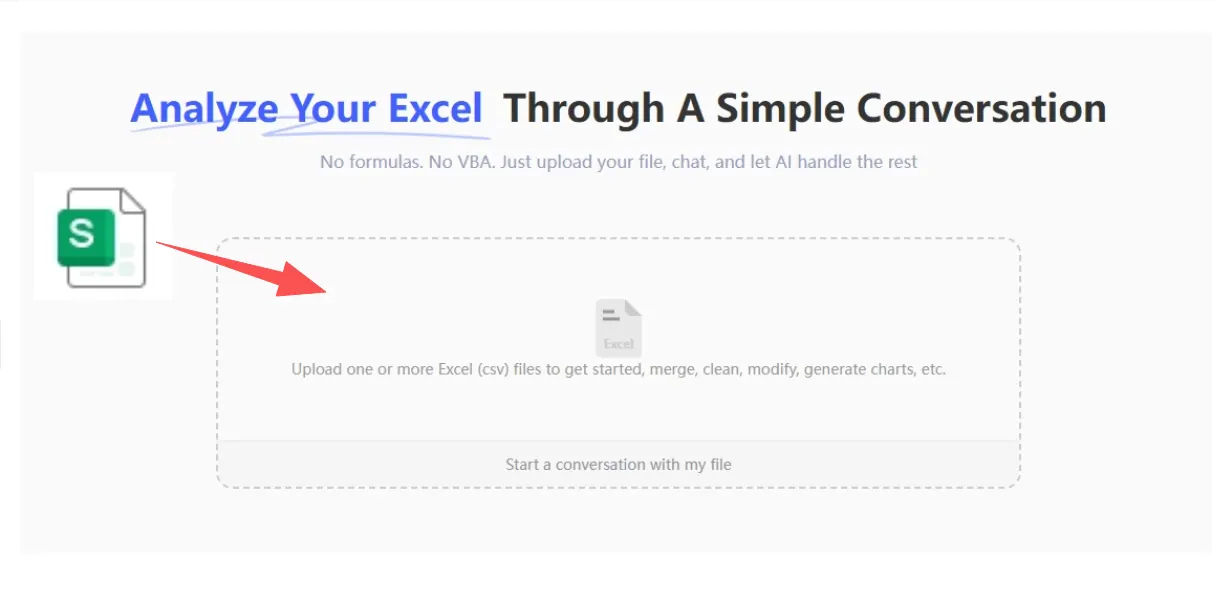
Spreadsheet-native architecture
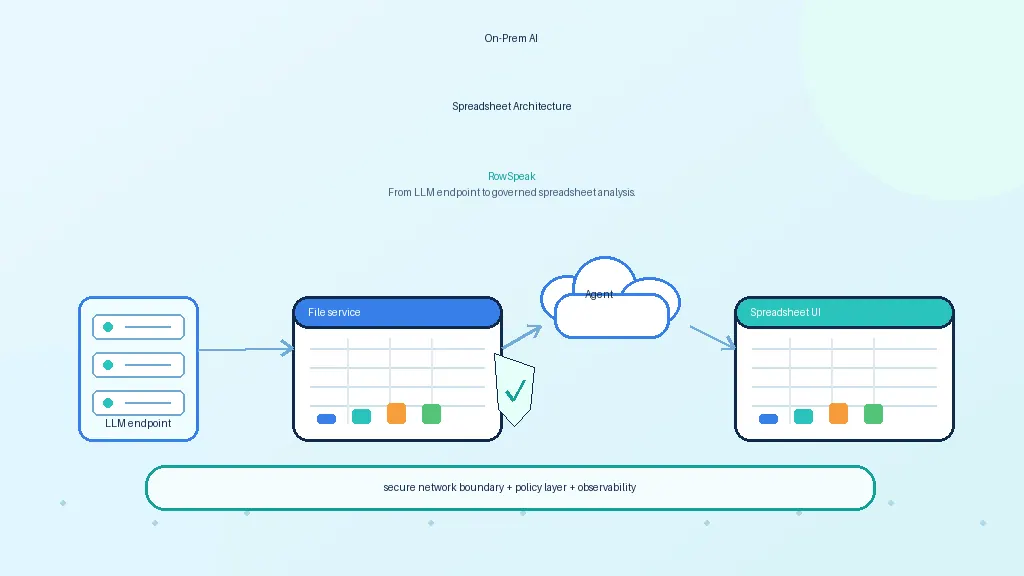
An on-prem Qwen spreadsheet analyst should include the following components.
Workbook ingestion
The system needs to understand real workbooks, not just clean CSV files.
That means handling:
- multiple sheets
- formulas
- merged cells
- hidden sheets
- named ranges
- comments
- pivot-like structures
- inconsistent date and number formats
- exported tables from ERP, CRM, BI, or accounting tools
If this layer is weak, the model will reason over a distorted version of the spreadsheet.
Deterministic execution
Qwen should not be the calculator. Use a reliable engine for calculations.
Depending on the data, that could be:
- SQL
- DuckDB
- pandas
- Polars
- an Excel-compatible calculation engine
- warehouse pushdown into Snowflake, BigQuery, Postgres, or another governed system
The model can generate or choose the operation. The engine should execute it.
Citations and traceability
A business user should be able to ask, "Where did this answer come from?"
A good answer should point back to:
- workbook name
- sheet name
- columns used
- filters applied
- row ranges or row IDs
- generated query or formula
- output table or chart
This is especially important in finance and operations, where a confident but wrong answer can create real business risk.
Security and governance checklist
A private Qwen deployment is only private if the whole workflow is private.
Check these points:
- Does the model call any external API?
- Are uploaded files stored in approved infrastructure?
- Are prompts and outputs logged?
- Can admins control retention?
- Does the system enforce file and dataset permissions before retrieval?
- Is outbound network access restricted?
- Can users access only the files they are allowed to see?
- Is generated code sandboxed?
- Are sensitive columns masked when necessary?
On-prem deployment is not magic. It removes one class of vendor exposure, but it adds operational responsibility.
Where RowSpeak fits
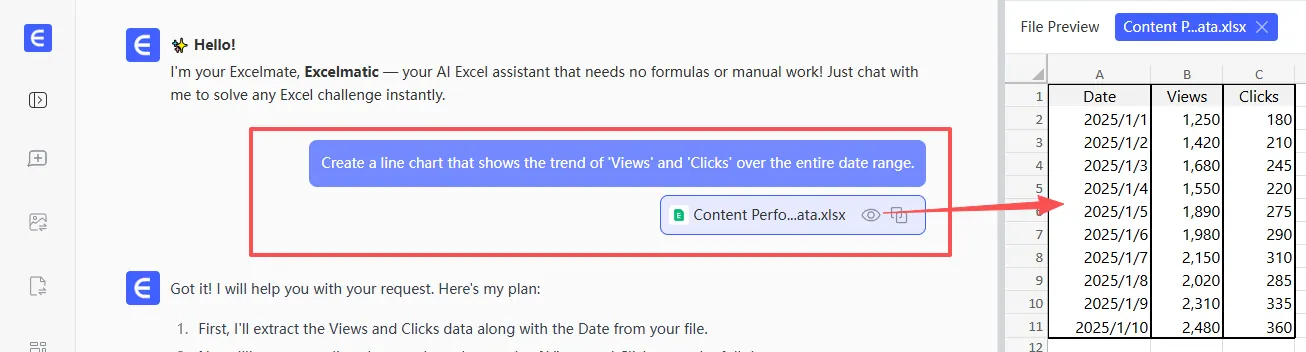
RowSpeak can sit above Qwen as a spreadsheet workflow layer.
That means Qwen can provide model reasoning, while RowSpeak handles the user-facing analysis workflow: uploading spreadsheets, asking questions, generating charts with AI chart tools, producing summaries, and keeping outputs tied to the underlying workbook.
For enterprise teams, this model-agnostic approach is useful. A company may start with Qwen, compare it with Llama or DeepSeek, and later change models. The spreadsheet workflow should not have to be rebuilt every time; the same logic also applies when teams evaluate ChatGPT-style spreadsheet tools.
When Qwen is a good fit
Qwen is especially worth evaluating when the workflow involves:
- pandas or SQL generation
- formula explanation
- data-cleaning steps
- multilingual teams
- internal coding/data-analysis agents
- private deployment requirements
- spreadsheet-to-report automation
It may be less suitable if the team expects the model to read complex workbooks directly without parsing, or if they need guaranteed arithmetic without an external compute engine.
Final thought
Qwen can be a strong foundation for private spreadsheet analysis. But the value comes from combining it with the right architecture.
The winning system is not "Qwen over Excel." It is Qwen plus private deployment, spreadsheet understanding, deterministic computation, citations, governance, and a workflow that business users can trust, especially for repeatable work like monthly management reporting.
Sources and further reading
- Qwen official site: https://qwenlm.github.io/
- Qwen3 GitHub: https://github.com/QwenLM/Qwen3
- Qwen Hugging Face organization: https://huggingface.co/Qwen
- vLLM OpenAI-compatible server: https://docs.vllm.ai/en/latest/serving/openai_compatible_server/
- Ollama library: https://ollama.com/library