
RowSpeak
RowSpeak
 Top AI Tools
10 Best CSV to PDF Converters in 2026: Choose by Workflow
A practical, evidence-labeled guide to choosing a CSV to PDF converter for wide tables, leading zeros, CJK text, recurring reports, and automated workflows.
Ruby • Top AI Tools
10 Best Excel to PDF Converters in 2026: How to Choose
A practical guide to Microsoft Excel, Google Sheets, LibreOffice, PDF services, and RowSpeak for turning real workbooks into readable PDFs.
Ruby • AI Dashboard
Still Copy-Pasting PDFs into Excel? Turn Reports into Dashboards
Copying tables from PDF reports into Excel is slow and fragile. This workflow shows how to extract, validate, combine, and turn PDF or CSV exports into an actionable dashboard.
Ruby •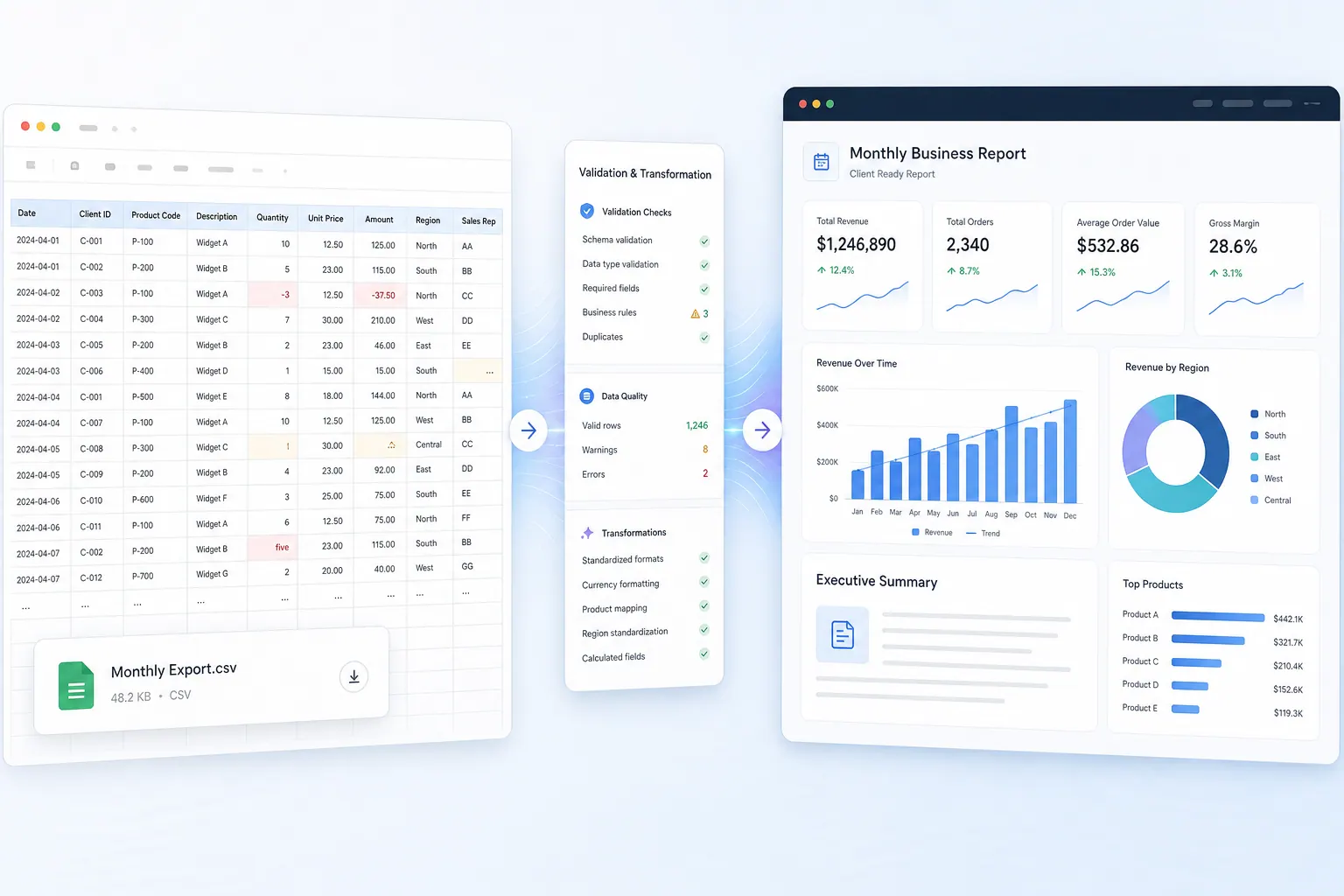 Excel AI
From Messy CSVs to Board-Ready Reports: A Finance Team Workflow
A practical workflow for combining quarterly CSV exports, cleaning messy fields, running repeatable finance analysis, and sharing a report leadership can review.
Ruby • Excel AI
Grok for Excel vs RowSpeak: Which AI Tool Respects Your Data?
Grok-style Excel assistance can help at the cell level. RowSpeak is designed for file-to-report work. The right choice depends on data boundaries, review needs, and the output your team needs.
Alex • AI Reporting
How to Build a Facebook Ads Report From Messy Exports (With a Campaign ROI Template)
A practical Facebook Ads reporting workflow: export the right fields, clean messy CSVs, separate platform ROAS from order-based ROI, and turn campaign data into a report people can trust.
Ruby • Excel AI
How to Build Reliable AI-Powered Excel Automation for Recurring Reports
An evidence-led workflow for recurring Excel reports, including recorded RowSpeak outputs, seeded defects, reconciliation checks, and human review gates.
Alex • Excel AI
5 Best Rows Alternatives in 2026: Compare Features, Fit, and Trade-Offs
The closest Rows replacement depends on the job: an online spreadsheet, AI inside Excel or Sheets, flexible analysis, or a report built from real business files.
Ruby • Excel Automation
How to Generate 100+ Client Excel Reports from One Pivot Table
If your team creates dozens or hundreds of client reports from the same Excel pivot table every month, the problem is not only speed. You need a repeatable workflow that controls filters, formatting, review, and client data boundaries.
Ruby •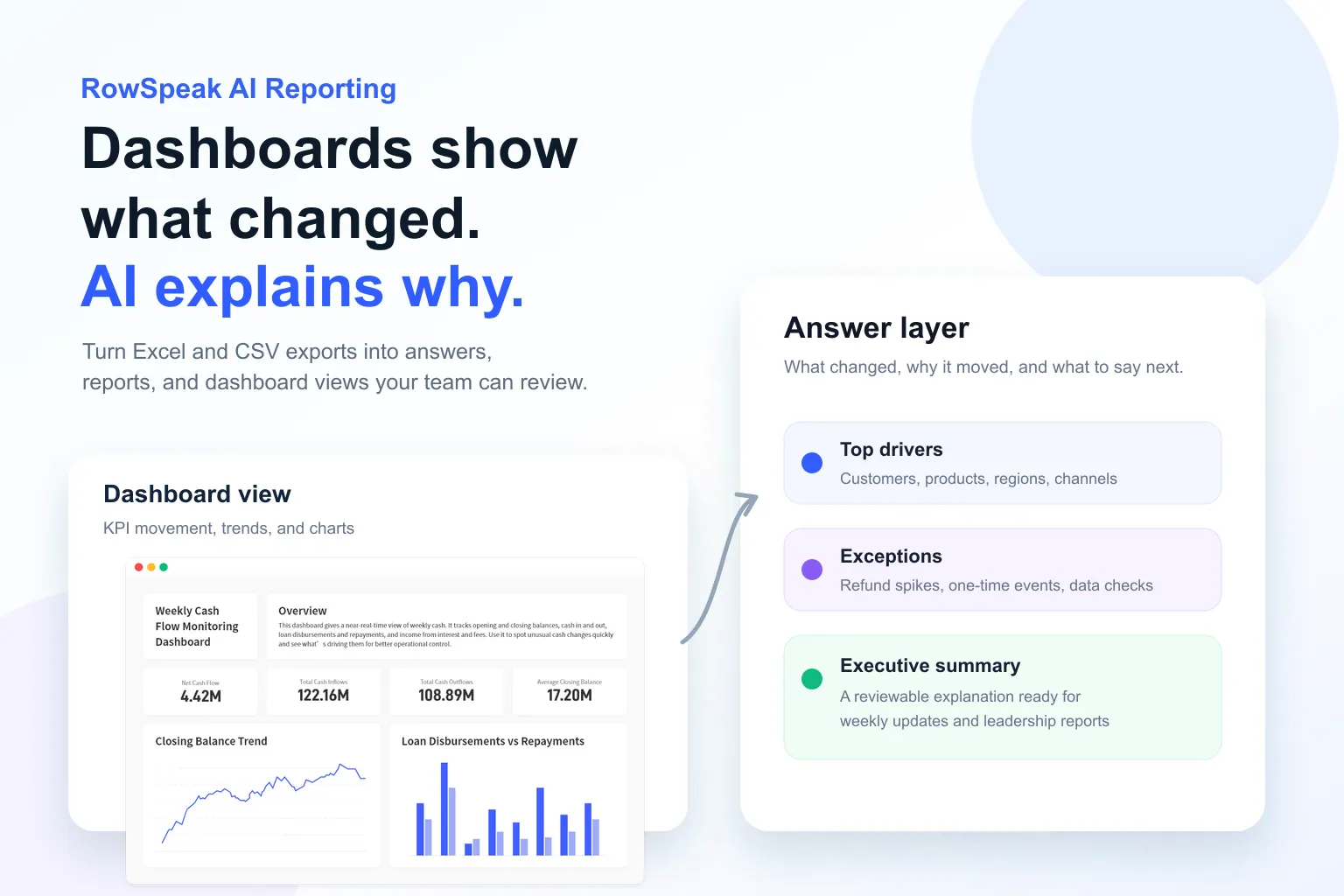 AI Reporting
Dashboards Show What Changed. AI Reporting Explains Why.
A dashboard can show that a metric moved. It usually cannot explain the customers, products, regions, and one-time events behind the movement. Here is how AI reporting closes that gap.
Ruby • AI Deployment
Can Copilot Cowork See Too Much? RowSpeak Alternative
Security teams reviewing Copilot Cowork need to know whether an AI assistant can reach files beyond the spreadsheet task. This guide compares that risk with RowSpeak's upload-only analysis boundary.
Ruby • AI for Statistics
The Future of Data: Scaling Statistical Analysis with Statistic AI
Struggling with p-values, regressions, or standard deviations? Learn how Statistic AI turns complex data into clear insights using simple conversational commands.
Ruby • AI Data Analysis
Best AI Tools for Data Analysis in 2026
The best AI data analysis tool depends on where your data starts and what output your team needs: charts, dashboards, reports, evidence, or governed BI.
Alex • Data Cleaning
Data Cleansing Tools: 12 Best Options for Cleaning Messy Spreadsheets in 2026
The best data cleansing tool depends on the job: cleaning a messy spreadsheet, preparing recurring CSV reports, standardizing customer records, or governing enterprise data quality.
Alex •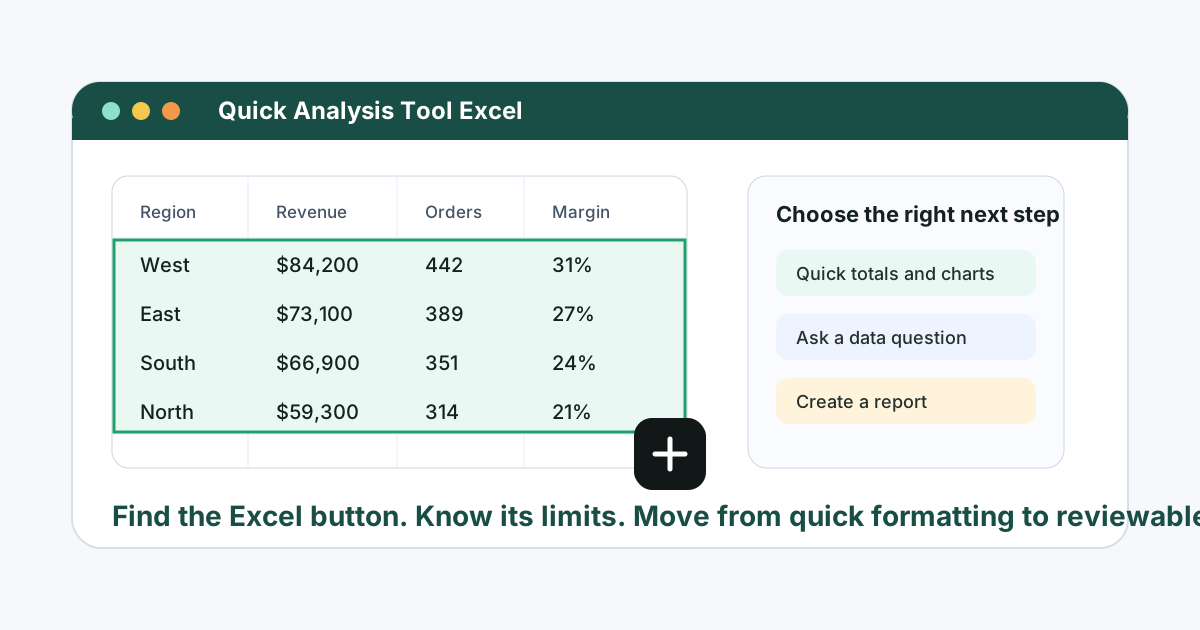 Excel AI
Quick Analysis Tool in Excel: Where It Is, How to Use It, and When to Use AI Instead
A practical guide to Excel's Quick Analysis tool: where to find it, how to use it, why it disappears, and when RowSpeak is a better workflow for real business analysis.
Ruby •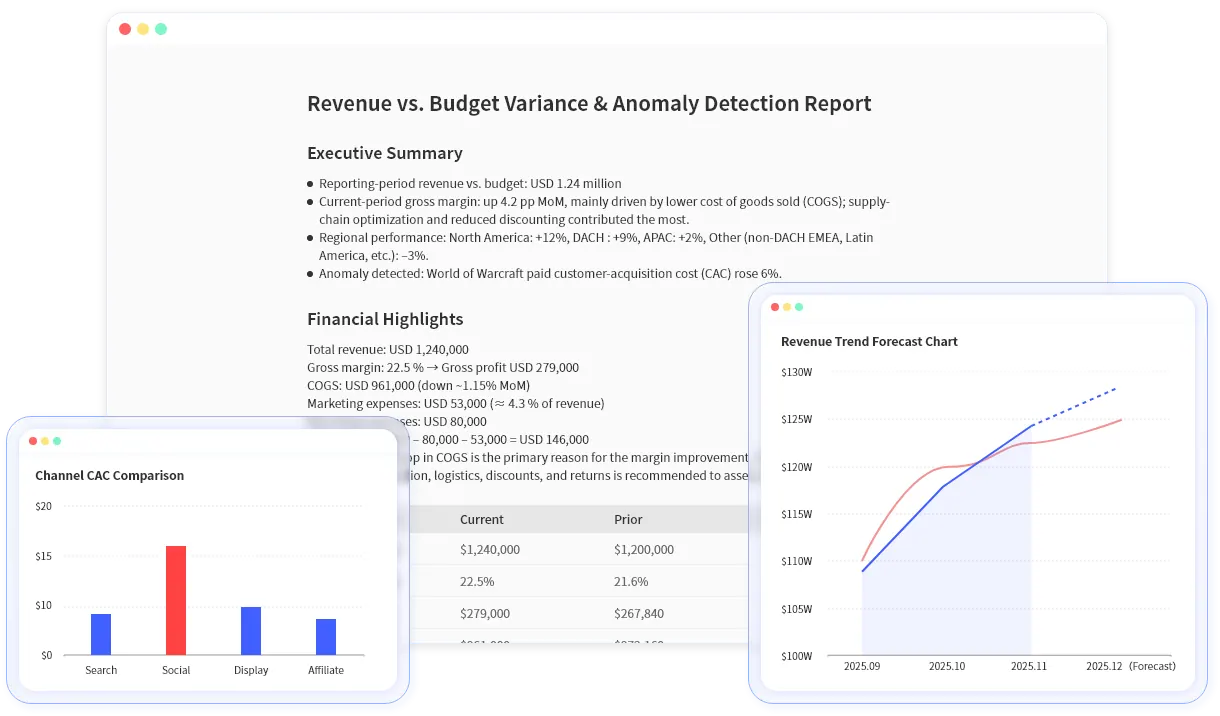 Financial Analysis
Cash Flow Forecasting with AI in Excel: A Practical Finance Team Workflow
Cash flow forecasting with AI works best when the assumptions, periods, and review checks are explicit. This guide shows a practical Excel workflow.
Ruby •- Financial Analysis
AI Finance Tools for Excel: How to Choose the Right Workflow
Finance teams do not need another abstract AI trend. They need a practical way to turn Excel files, exports, and PDFs into reviewable analysis.
Ruby •  Excel AI
Copilot Agent Mode vs RowSpeak: Which Excel AI Workflow Fits Business Reporting?
Copilot Agent Mode is useful when work stays inside Excel and Microsoft 365. RowSpeak is stronger when business teams need to turn Excel, CSV, PDF, screenshots, and exported data into reviewable charts, dashboards, and reports.
Ruby •- Excel AI
Best Excel AI Agents for Business Reporting in 2026
The best Excel AI agent depends on the job: workbook-native editing, audit evidence, formula automation, ad hoc analysis, or file-to-report workflows from messy business data.
Alex •  Excel AI
What Is an Excel AI Agent? Turn Excel Files Into Charts, Dashboards, and Reports
An Excel AI agent is useful only when it can work with the real files business teams use, explain the analysis path, and produce outputs people can review before they share them.
Alex •- AI Data Analysis
AI Agents for Data Analysis: A Practical Guide for Spreadsheet-Heavy Teams
AI agents for data analysis are useful only when they can work with real business files, explain their reasoning, and produce outputs teams can review.
Alex •  Data Analytics
Best Data Analysis Tools in 2026: Excel, BI, AI, and Spreadsheet Tools Compared
A practical guide to choosing the right data analysis tool for your workflow, from Excel and BI dashboards to AI tools that analyze Excel, CSV, PDF, and business exports.
Ruby •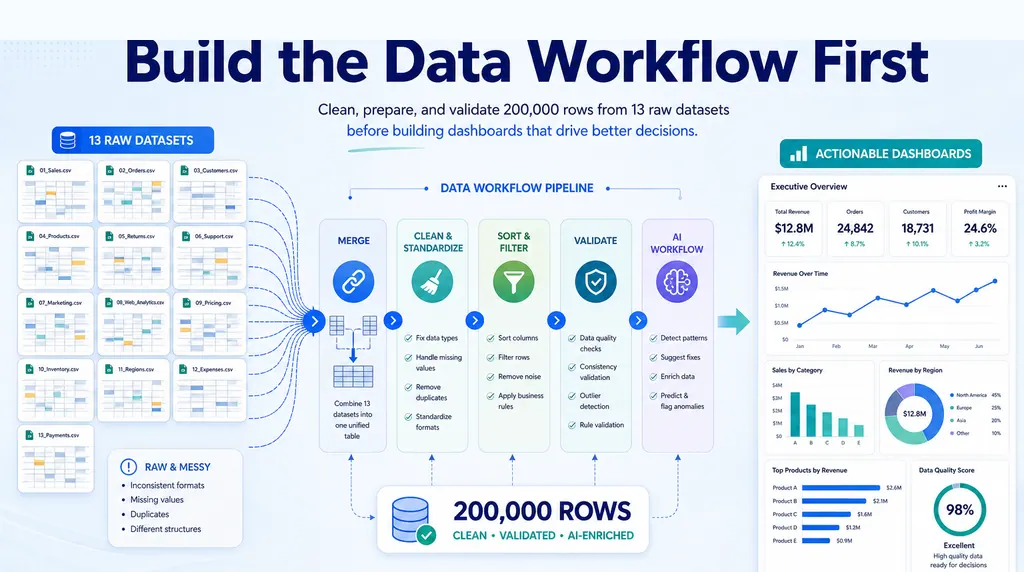 Excel AI
How to Clean Messy CSV and SAP Exports Before Reporting
Messy CSV and SAP exports break reporting before charts begin. Use a safer cleanup workflow before building dashboards, summaries, or analysis reports.
Ruby • Excel AI
How to Create a Pivot Table: AI vs Manual Excel Tutorial
A practical pivot table tutorial in two paths: first create the analysis with RowSpeak prompts, then follow the manual Excel workflow shown in Kevin Stratvert's step-by-step video.
Ruby •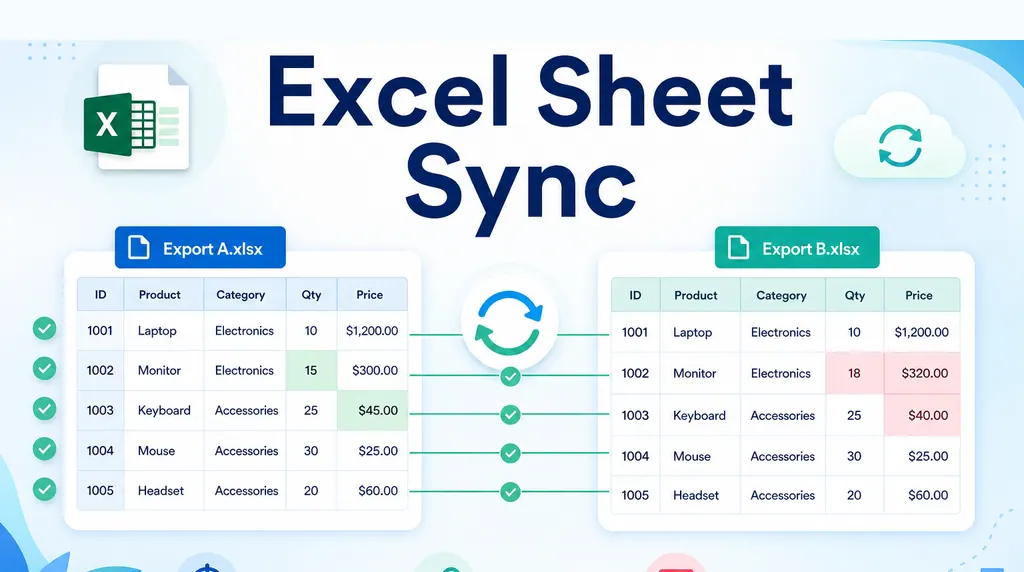 Excel AI
Automate Weekly Excel Reports and Preserve Review Notes
Weekly Excel reports break when comments are tied to row numbers. Use a stable-key workflow to refresh exports while preserving review notes.
Ruby •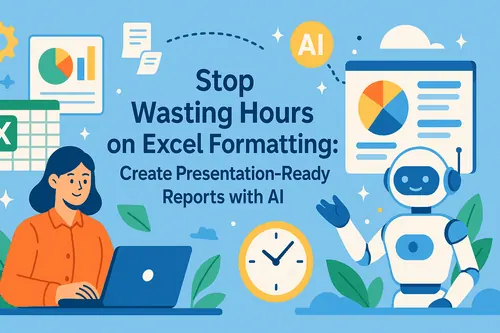 Excel AI
Excel Management Reporting: From Spreadsheet to Board Report
A repeatable Excel management reporting workflow helps teams move from month-end exports to board-ready reports without stale charts or mismatched commentary.
Ruby •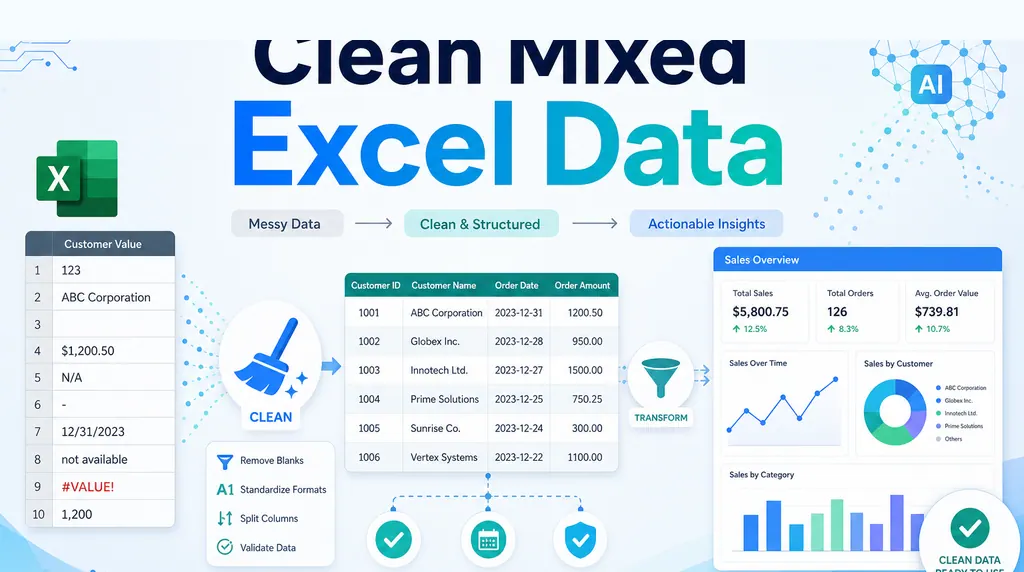 Excel AI
How to Clean Mixed Data in an Excel Column Before Summing
A column that looks numeric can still be unusable. Before summing it, clean the messy values and keep a review trail.
Ruby •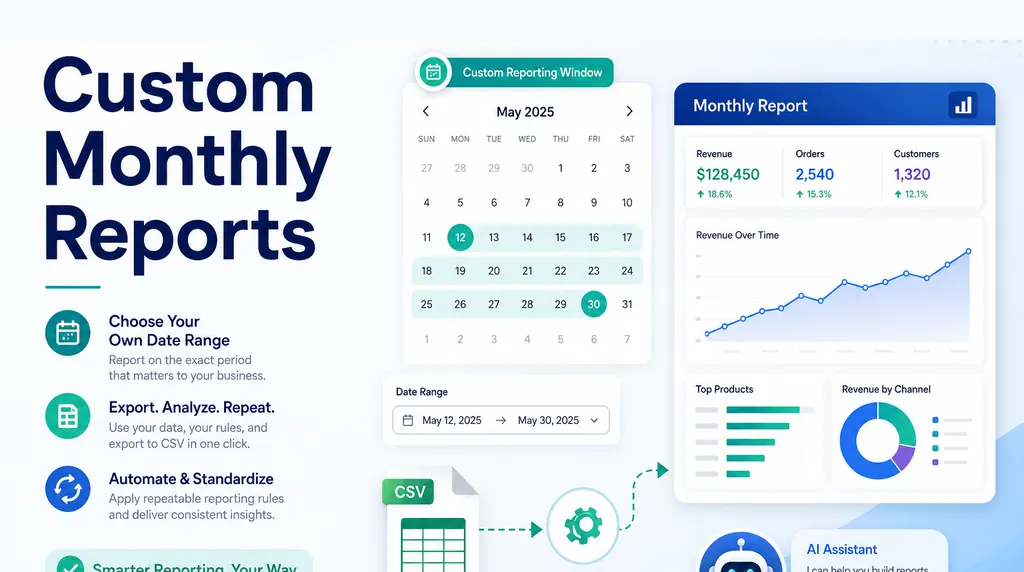 Excel AI
How to Create Monthly Reports for a Custom Date Range
Many reports do not follow calendar months. If your business reports from the 24th to the 23rd, the date window must be part of the reporting logic, not a manual afterthought.
Ruby •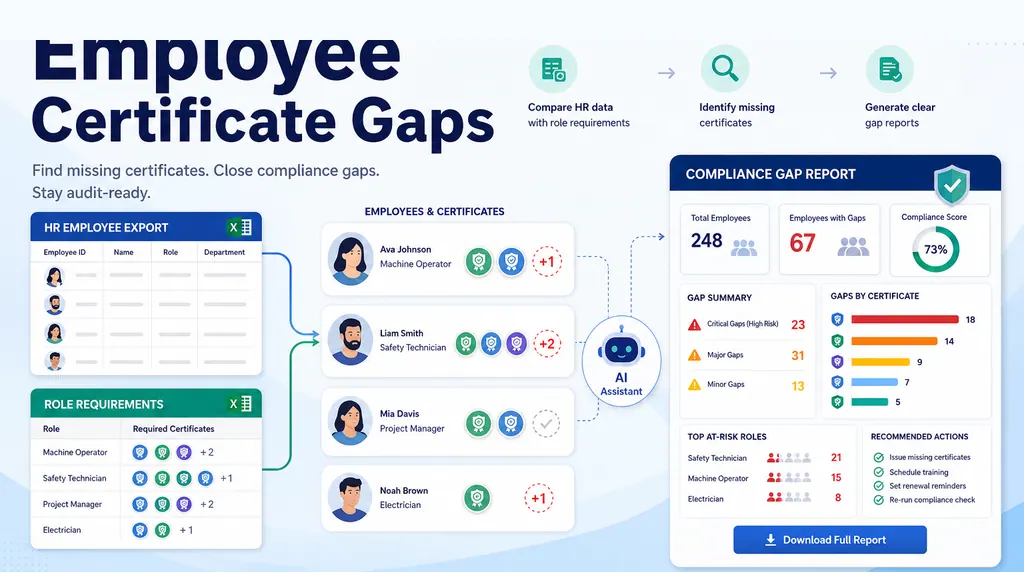 Excel AI
How to Build an Employee Training Gap Report in Excel
Two spreadsheets are not a compliance report. Here is a practical workflow for matching employee training records against role requirements and finding the real gaps.
Ruby •- Excel AI
How to Keep Two Excel Views in Sync with Different Sort Orders
When two tabs need the same records in different orders, the safest answer is usually one source table, formulas for generated views, and checks for missing records.
Ruby • 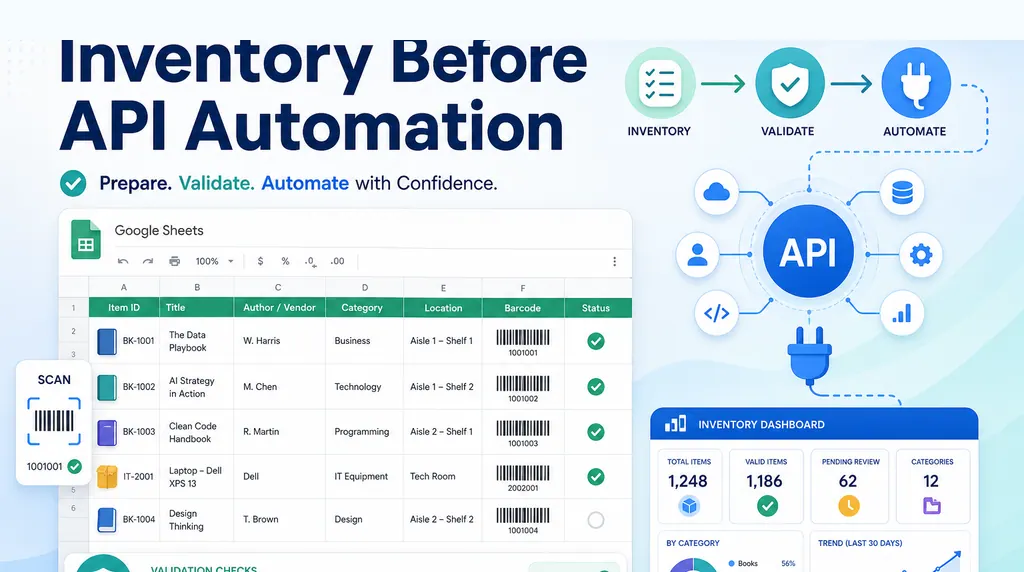 Excel AI
How to Design a Google Sheets Library Inventory Before API Automation
For a small library, the first challenge is not the API. It is designing a simple inventory table that non-technical volunteers can maintain.
Ruby •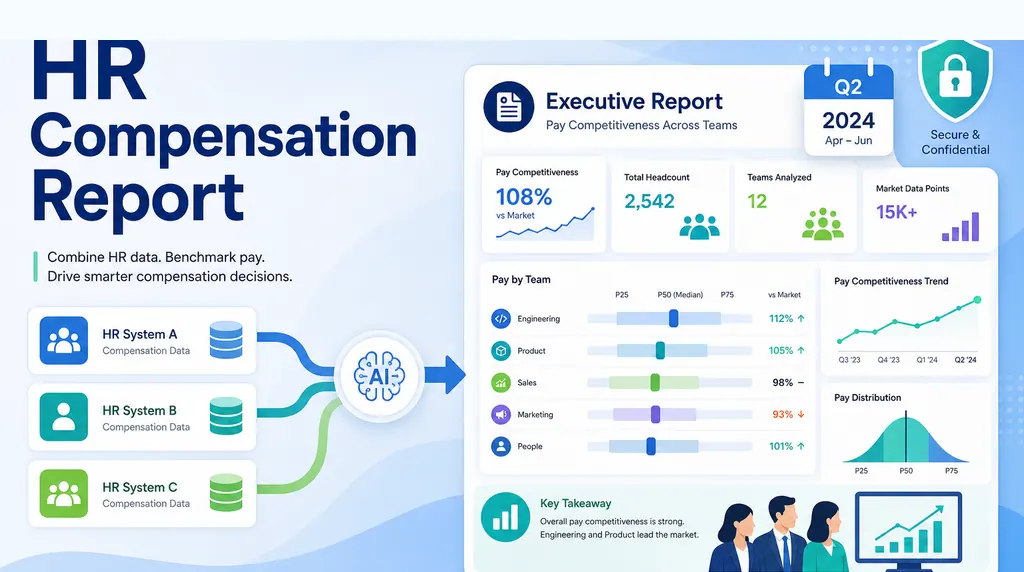 Excel AI
How to Create an HR Compensation Report from Multiple Systems
When compensation data lives in three systems, the quarterly leadership question needs more than a spreadsheet merge. It needs a repeatable executive reporting workflow.
Ruby •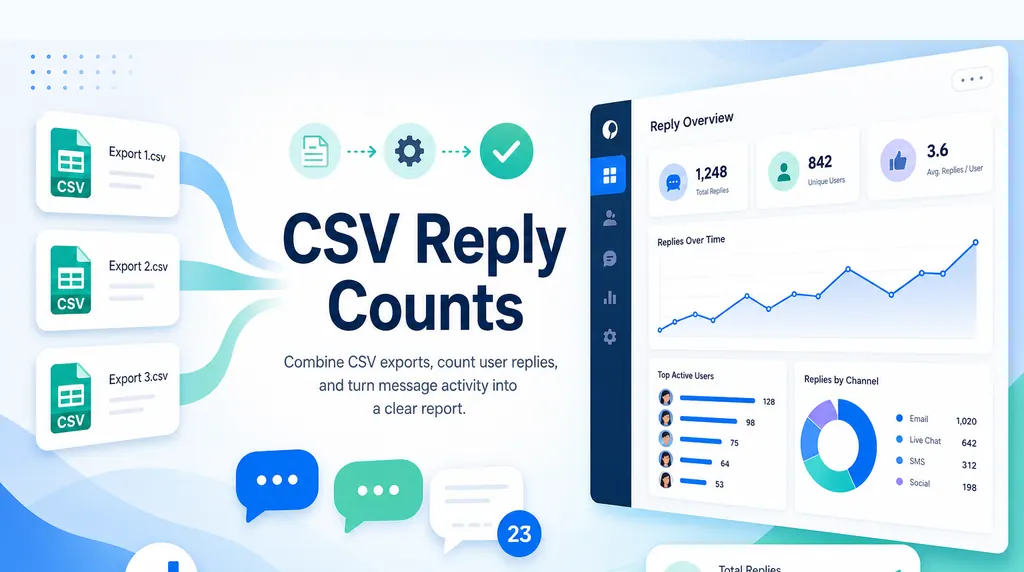 Excel AI
How to Merge and Count Records Across Multiple CSV Files
When every system exports its own CSV, the real job is combining files, counting records correctly, and keeping the result traceable.
Ruby •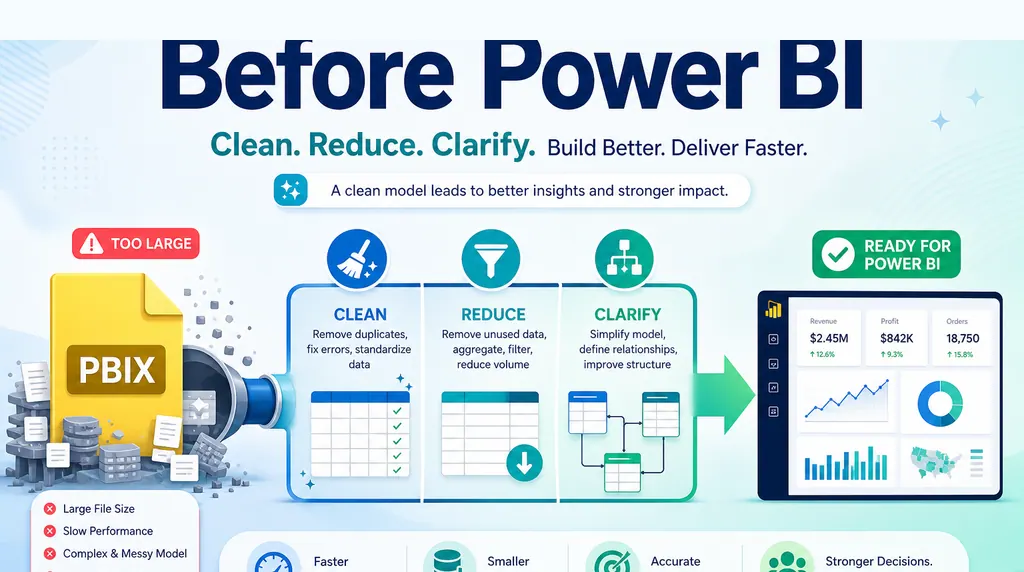 Excel AI
Power BI PBIX File Too Large? What to Do Before Development
A giant PBIX before development is often a sign that the report logic has not been narrowed yet. Before building the model, validate what the business actually needs to see.
Ruby •- Excel AI
How to Clean Data Before Building a Dashboard in Excel
When a boss asks for dashboards from 13 raw datasets, the first job is not charting. It is building the data workflow that makes the charts meaningful.
Ruby • - Excel AI
How to Turn a Monthly CSV Export Into a Client-Ready Report
A CSV export is not a report. Here is a repeatable workflow for turning raw rows into a clean analysis report, executive summary, dashboard/report view, and shareable link stakeholders can actually review.
Ruby •