Enterprise teams do not evaluate AI spreadsheet tools only by how good the answer looks.
They also ask a harder question:
What data can this AI reach when something goes wrong?
That question became sharper after PromptArmor published its June 16, 2026 report, Microsoft Copilot Cowork Exfiltrates Files. The report describes a file-exfiltration attack path involving Microsoft Copilot Cowork, indirect prompt injection, Microsoft 365 file access, and actions through Email or Teams.
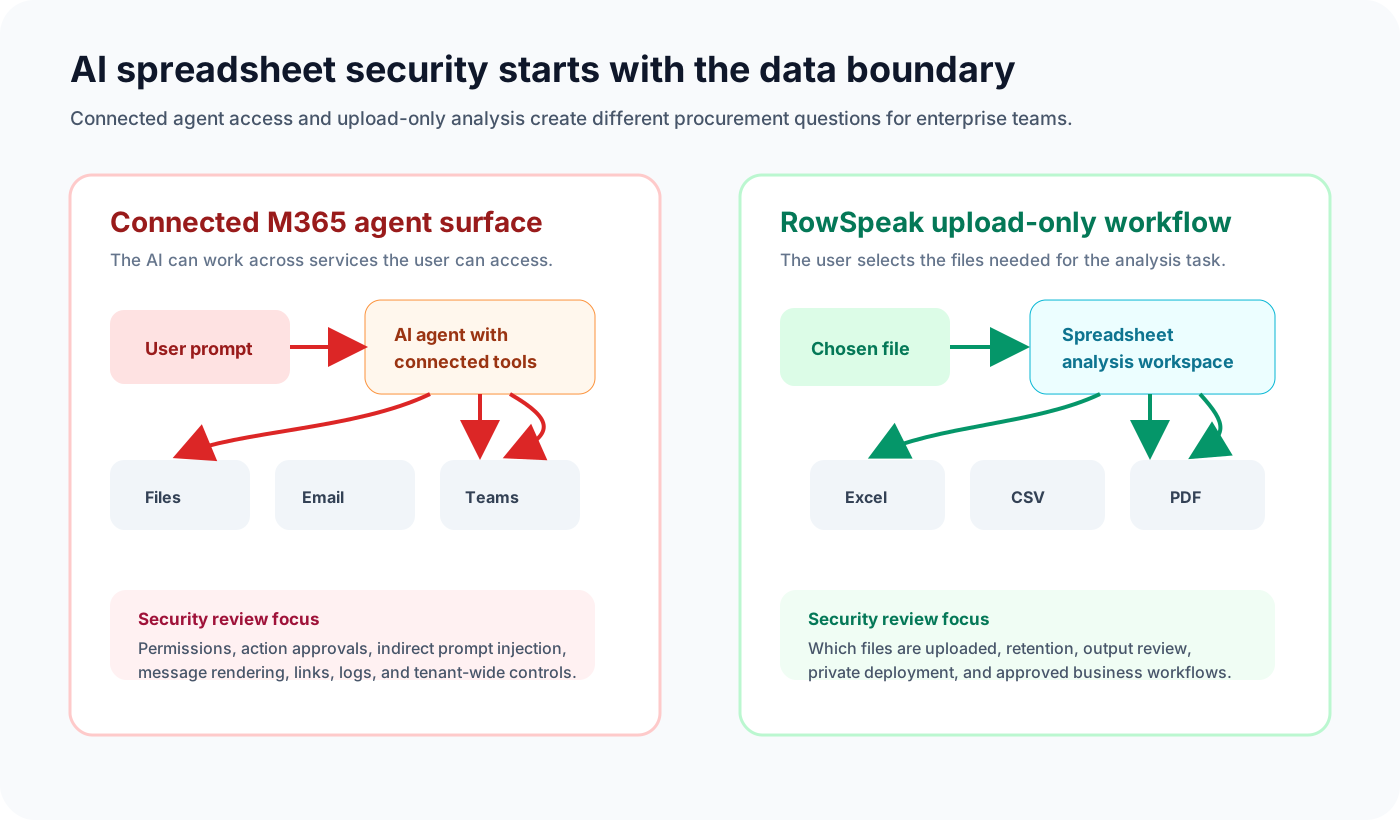
This article is not a claim that every Microsoft Copilot deployment is unsafe. Microsoft 365 has a large security and administration surface, and enterprise teams can apply controls. The practical point is narrower: a connected Microsoft 365 agent and an upload-only spreadsheet analysis tool create different data boundaries.
If your team is choosing a secure AI spreadsheet workflow, that boundary matters.
Key takeaways:
- A secure AI spreadsheet tool should be judged by its data boundary, not only by its model quality.
- Copilot Cowork is designed to work across Microsoft 365 services the user can access, which makes permissions, approvals, messages, links, and connected files part of the security review.
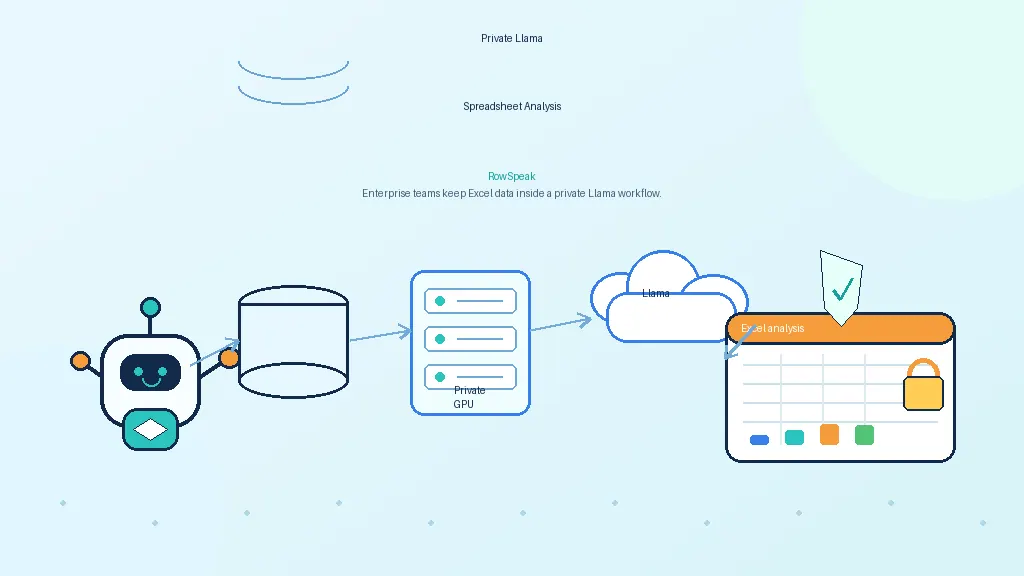
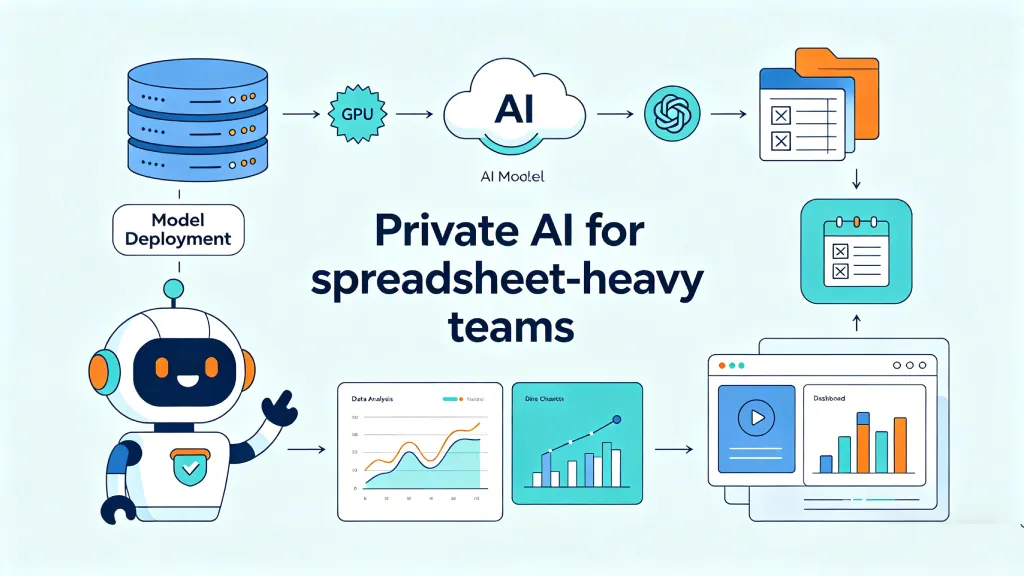
- RowSpeak takes a narrower workflow approach: users upload the Excel, CSV, PDF, or image-based table they choose to analyze, then review the answer, chart, dashboard, or report output.
- For enterprise teams, RowSpeak's browser-based, upload-only workflow and private deployment option can be easier to reason about than a broad M365-connected agent.
What the PromptArmor report actually changes
PromptArmor's report is useful because it moves the discussion away from vague AI-security language.
The report describes a concrete agent risk:
- A user has sensitive Microsoft 365 files.
- A poisoned Copilot Cowork skill contains an indirect prompt injection.
- Copilot Cowork is asked to review recent work.
- The manipulated agent prepares a Teams or Email message.
- When the message is opened, file links can be exposed through externally loaded content.
The exact technical details matter to security teams, but the broader lesson matters to finance, operations, and analytics leaders:
When an AI agent has broad access to your work graph, the blast radius is not limited to the file you meant to analyze.
Microsoft's own Copilot Cowork documentation describes Cowork as a system that can carry out tasks on a user's behalf, including sending emails, creating documents, scheduling meetings, and searching across the organization. That is the product value. It is also the security design question.
For spreadsheet-heavy teams, the concern is simple. A monthly close workbook, CRM export, pricing sheet, board pack, customer list, or sales forecast may live somewhere in Microsoft 365. If an AI agent can search broadly across those resources, the security review is no longer just about spreadsheet analysis. It is about connected agent access.
That concern also explains why Copilot rollout news matters to enterprise buyers. In September 2025, TechRadar reported that Microsoft planned to automatically install the Microsoft 365 Copilot app on some Windows devices. Later coverage changed the timeline: on March 18, 2026, Windows Central reported that Microsoft had temporarily paused planned automatic installations.
Those rollout details may continue to change. The durable procurement lesson is simpler: if AI assistants can appear by default in enterprise environments, security teams need a clear position before broad adoption reaches every employee.
The real comparison is not "AI vs AI"
Many comparison pages ask which tool is more capable.
For enterprise security, the better comparison is:
| Security question | Microsoft Copilot Cowork | RowSpeak |
|---|---|---|
| What is the default workflow? | Connected Microsoft 365 agent experience | Browser-based file-to-analysis workflow |
| What data can the AI use? | Data available through the user's Microsoft 365 context and permissions, depending on configuration | The files the user chooses to upload for analysis |
| Is M365 integration required? | Yes, the value depends on Microsoft 365 context | No M365 integration is required |
| Main data-boundary question | Can the agent reach more than the user intended for this task? | Did the user upload the right file for this task? |
| Main security review surface | Microsoft Graph permissions, skills, approvals, Email, Teams, links, logging, tenant controls | Upload policy, retention, private deployment, output review, workflow governance |
| Best-fit workflow | Microsoft 365 users who want an assistant embedded in their existing work graph | Teams that want AI spreadsheet analysis without exposing the broader M365 data backbone |
This is why RowSpeak can be a practical Copilot Cowork alternative for teams whose primary job is secure AI data analysis.
Copilot Cowork is broad by design. RowSpeak is narrower by design.
That narrower design is not a limitation for every buyer. For many enterprise teams, it is the point.
Why connected work graphs are powerful and risky
A connected work graph helps AI answer questions that depend on context.
For example:
Summarize what I worked on last week and draft updates for my team.
That request benefits from access to documents, messages, meetings, and tasks. A Microsoft 365-native assistant is built for that kind of work.
Spreadsheet analysis is different.
An FP&A manager usually does not need an AI tool to scan every file they can access. They need it to analyze a specific workbook or export:
- actuals by department
- budget by owner
- headcount plan
- variance notes
- month-end adjustment file
- prior-period report
For this job, the strongest security posture is often not "connect everything." It is "analyze this file and nothing else."
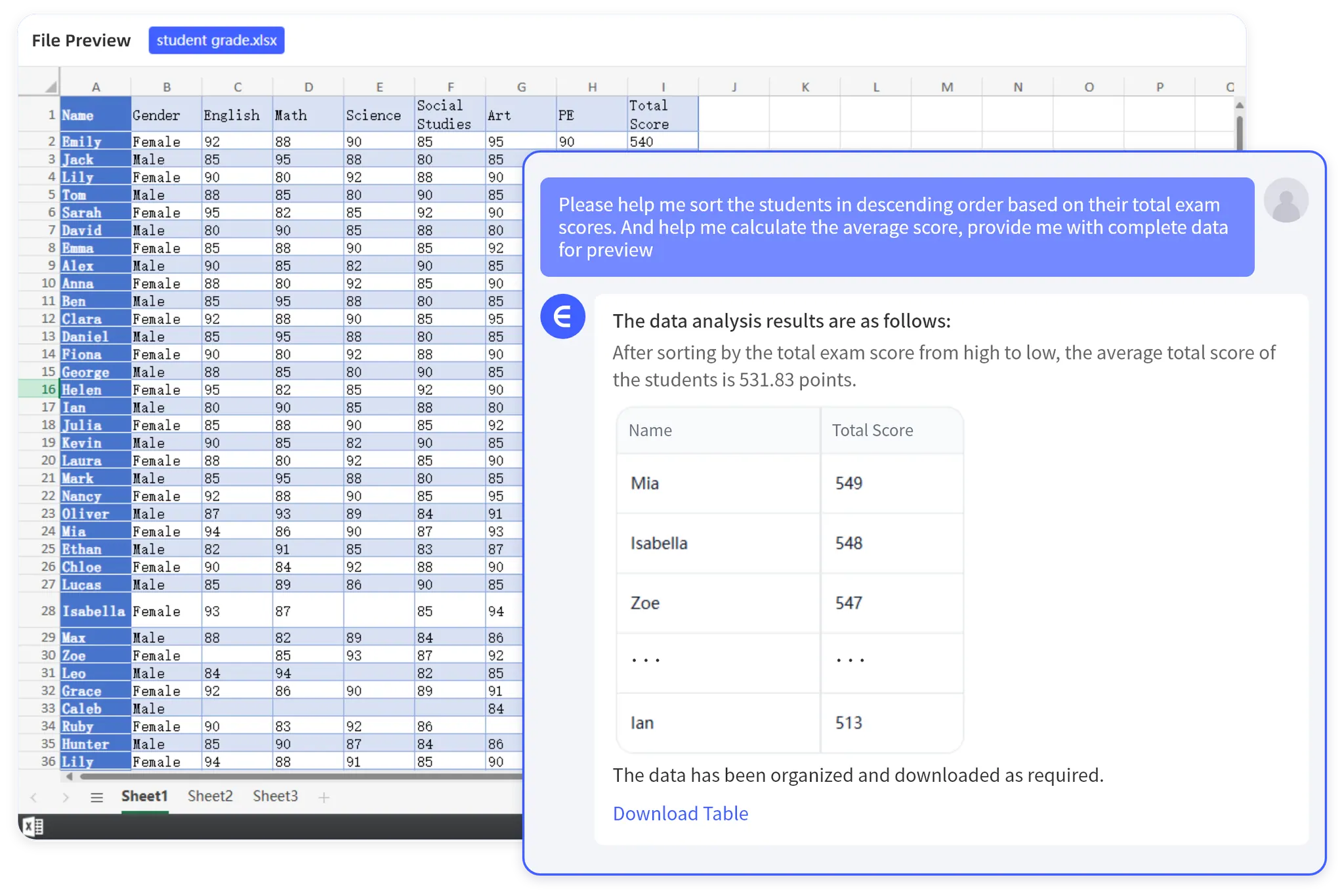
That is the difference RowSpeak is built around. RowSpeak helps teams turn selected business files into answers, charts, dashboards, summaries, and reports. It supports Excel, CSV, PDF, screenshots, and image-based tables, so the workflow can handle messy reporting inputs without requiring broad integration into the organization's file system.
If your data team wants a broader analytics architecture, read How to Build a Private AI Data Analysis System for the governance layers behind a full enterprise deployment.
RowSpeak's security design advantage: fewer connected surfaces
RowSpeak is not a magic security shield. No AI tool should be described that way.
The advantage is more practical: RowSpeak gives enterprise buyers a smaller surface to evaluate for spreadsheet work.
Instead of connecting an AI agent to the Microsoft 365 data backbone, a user chooses the file they want to analyze. The AI workflow is scoped around that selected file and the requested output.
That design changes the security conversation.
1. Upload only what the analysis needs
In RowSpeak, the user starts with a file-level decision.
For example:
- upload
May_Actuals.csv - upload
Q2_Budget.xlsx - upload a PDF vendor statement
- upload a screenshot of a table from an exported report
The assistant does not need to crawl OneDrive, SharePoint, Teams, Outlook, or the rest of the user's Microsoft 365 context to answer a spreadsheet question.
That does not remove all security obligations. Teams still need policies for sensitive files, anonymization, retention, and access. But the working boundary is easier to explain:
RowSpeak analyzes the files you choose to bring into the workflow.
2. No M365 integration means no M365 data-backbone exposure
For some teams, Microsoft 365 integration is a benefit. For security-conscious spreadsheet analysis, it can also be a source of review complexity.
RowSpeak does not require a Microsoft 365 integration to analyze spreadsheets. That means the RowSpeak workflow does not depend on permission inheritance across Microsoft Graph, automatic access to SharePoint files, or action approvals in Teams and Email.
This is the core fit for the concern raised in the PromptArmor discussion: if the AI tool is not connected to the broader M365 work graph, the exfiltration path described for a connected agent does not map cleanly to the RowSpeak workflow.
The procurement question becomes narrower:
- Who can upload files?
- Which file types are allowed?
- Where is data processed?
- How long is data retained?
- Can the workflow run in a private deployment?
- How are outputs reviewed before they are shared?
Those are still serious questions. They are also easier to scope than "What can this agent reach across the tenant?"
3. Private deployment can keep sensitive analysis inside approved boundaries
Some spreadsheets should not go into a public SaaS workflow at all.
That includes files with customer PII, payroll, board materials, unreleased financials, deal terms, pricing, or regulated operational data.
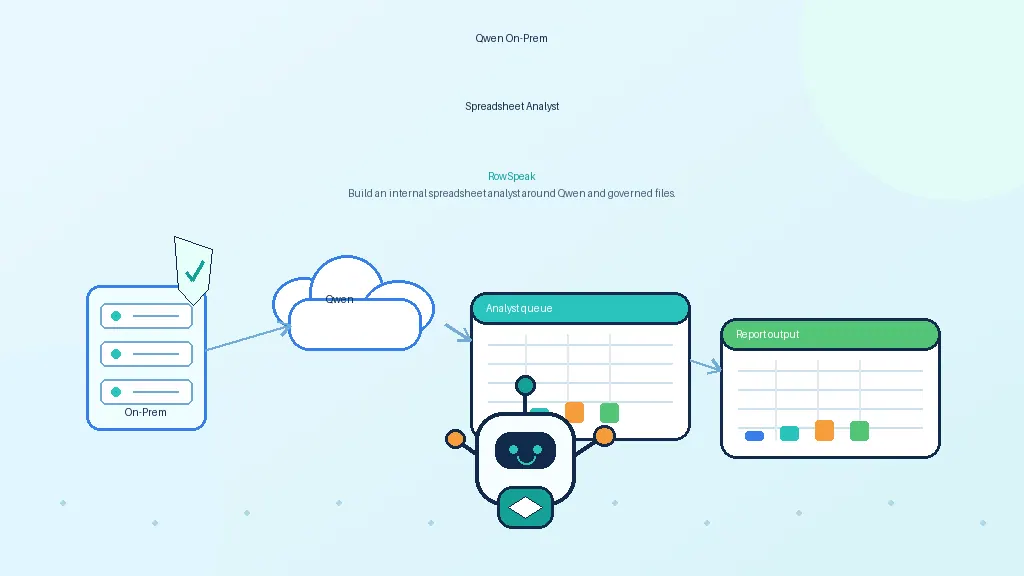
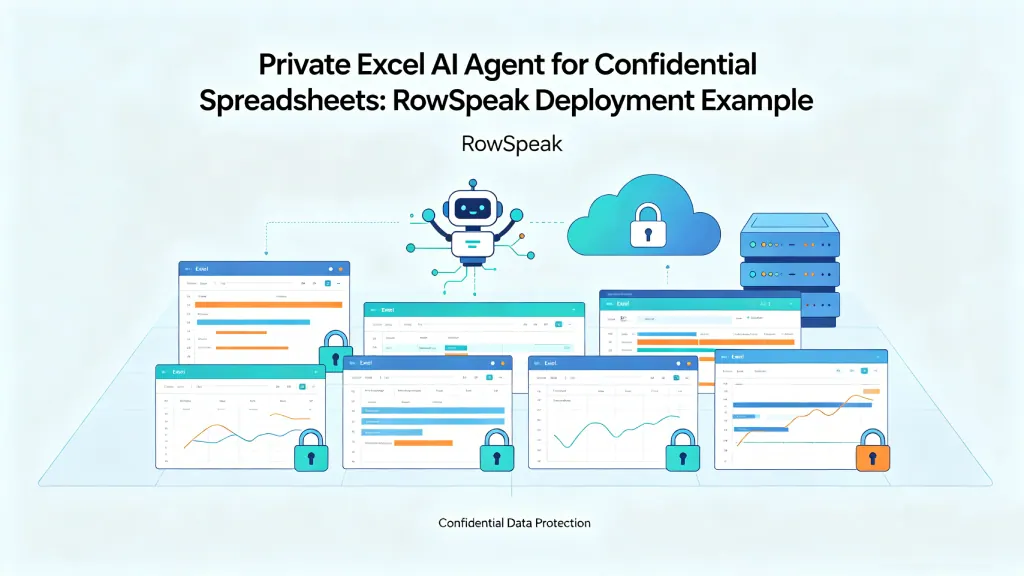
For those cases, RowSpeak's private deployment path is the safer evaluation route. A private deployment can be reviewed around the organization's approved network, model, storage, access, and logging requirements.
Do not treat "private deployment" as a checkbox. Treat it as an architecture conversation:
- Where are files stored during analysis?
- Which model or model provider is used?
- Can the deployment run in a customer-controlled environment?
- Who has admin access?
- What is logged?
- How are prompts and outputs retained?
- Can sensitive fields be removed or masked before analysis?
For a deeper spreadsheet-specific security guide, see How to Use an Excel AI Agent Without Exposing Confidential Spreadsheets.
A practical example: secure FP&A variance analysis
Consider a normal monthly FP&A workflow.
The finance team has three files:
Actuals_May.csvfrom the accounting systemBudget_Q2.xlsxfrom the planning workbookHeadcount_Adjustments.xlsxfrom HR finance
The team needs an explanation for why operating expense is above budget, which departments drove the variance, and what changed from April to May.
With a broad Microsoft 365 agent, the question may be framed as:
Search my recent finance files and explain the May operating expense variance.
That is convenient. It also raises a security review question: which recent finance files can the agent search, what links or messages can it create, and how are actions approved?
With RowSpeak, the workflow is more explicit:
- Upload the three files needed for this analysis.
- Ask RowSpeak to identify the department-level variance by month.
- Request a chart of the top drivers.
- Ask for a written summary for the finance review.
- Review the numbers, assumptions, and source fields before sharing.
A practical prompt might be:
Compare May actual operating expense against the Q2 budget.
Group the variance by department and account category.
Show the top five drivers by absolute variance.
Flag any department where actuals are more than 10% over budget.
Create a short CFO-ready explanation with the source columns used.
The security difference is visible in the workflow. RowSpeak is not asked to find every relevant finance file across the company. The analyst selects the files needed for the task.
That is less automatic. It is also more reviewable.

What enterprise buyers should ask before choosing a secure AI spreadsheet tool
Use this checklist before buying any AI spreadsheet or AI data analysis product.
1. What is the data boundary?
Ask whether the tool analyzes selected uploads, connected drives, email, chats, databases, BI workspaces, or the full employee work graph.
There is no universal right answer. A connected assistant may be better for general productivity. Upload-only analysis may be better for sensitive spreadsheet workflows.
2. What can the AI do without explicit human review?
For agentic tools, list every action the assistant can take:
- send email
- post to chat
- create documents
- retrieve file links
- schedule tasks
- call plugins
- browse connected repositories
- run code
- export reports
Then ask which actions require approval, which actions can run on a schedule, and what the user actually sees before the action happens.
3. Can the workflow be limited to one business file or project?
For finance, sales, operations, and reporting teams, the safest useful workflow is often project-scoped.
For example:
- this CRM export
- this monthly close workbook
- this vendor invoice PDF
- this inventory aging report
- this board reporting pack
The AI should not need access to unrelated files to produce a reliable answer.
4. Are outputs reviewable before they are shared?
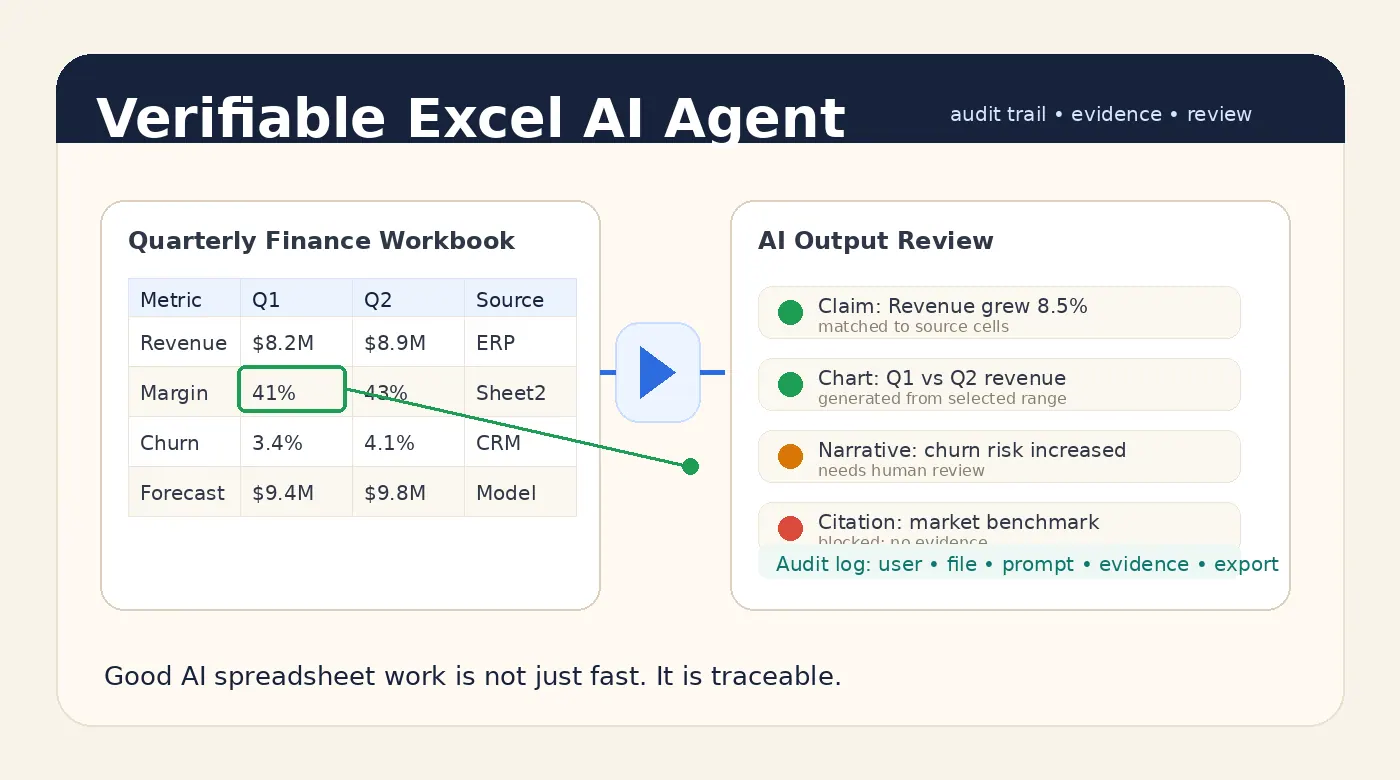
Secure AI spreadsheet work is not only about preventing leaks. It is also about preventing bad numbers from moving into a meeting, dashboard, or executive report.
RowSpeak is useful here because the workflow is built around outputs business teams can review: charts, dashboards, summaries, and reports. If you need an AI reporting workflow from messy spreadsheet files, the review step should be part of the process, not an afterthought.
5. Is private deployment available for sensitive files?
If your files contain confidential financial, customer, employee, or operational data, ask about private deployment early.
Public-upload workflows may be fine for low-risk sample data, anonymized exports, or exploratory analysis. Sensitive production data needs a controlled deployment conversation.
When Copilot Cowork still makes sense
Copilot Cowork can still be the right tool when the work is primarily Microsoft 365 productivity work.
Examples:
- drafting updates from meetings and documents
- coordinating tasks across Microsoft 365
- creating documents from organizational context
- working inside a Microsoft-approved tenant governance model
- helping users who live in Outlook, Teams, SharePoint, and Office apps
The important point is to match the tool to the risk.
If the job needs broad Microsoft 365 context, evaluate Copilot Cowork with Microsoft 365 security controls, tenant permissions, action approvals, conditional access, data loss prevention, and monitoring.
If the job is spreadsheet analysis from selected business files, RowSpeak may be a cleaner fit.
When RowSpeak is the better secure AI spreadsheet choice
RowSpeak is strongest when the work starts with a specific file and ends with a business output.
Choose RowSpeak when:
- the team wants a secure AI spreadsheet workflow without connecting the entire M365 work graph
- analysts need to upload Excel, CSV, PDF, screenshots, or image-based tables
- the output should become a chart, dashboard, summary, or report
- the work repeats weekly or monthly
- finance, operations, sales, or reporting teams need reviewable numbers
- IT wants a private deployment path for sensitive files
This is the practical RowSpeak fit:
You upload what you choose to analyze, nothing more. No Microsoft 365 integration is required. No broad data backbone has to be exposed for a spreadsheet analysis task.
That is not only a product distinction. For enterprise buyers, it is becoming a procurement criterion.
The bottom line
The PromptArmor report is a reminder that AI agent security is not only about model behavior. It is about access, actions, integrations, messages, links, files, and the size of the connected surface.
For Microsoft 365 productivity, a connected agent can be powerful. For secure AI spreadsheet analysis, a narrower upload-only workflow can be easier to govern.
RowSpeak is built for that narrower job: selected business files in, reviewable answers, charts, dashboards, and reports out.
If your team is evaluating secure AI spreadsheet analysis for confidential files, start with RowSpeak's private deployment path and compare it against your current Microsoft 365 agent risk model.