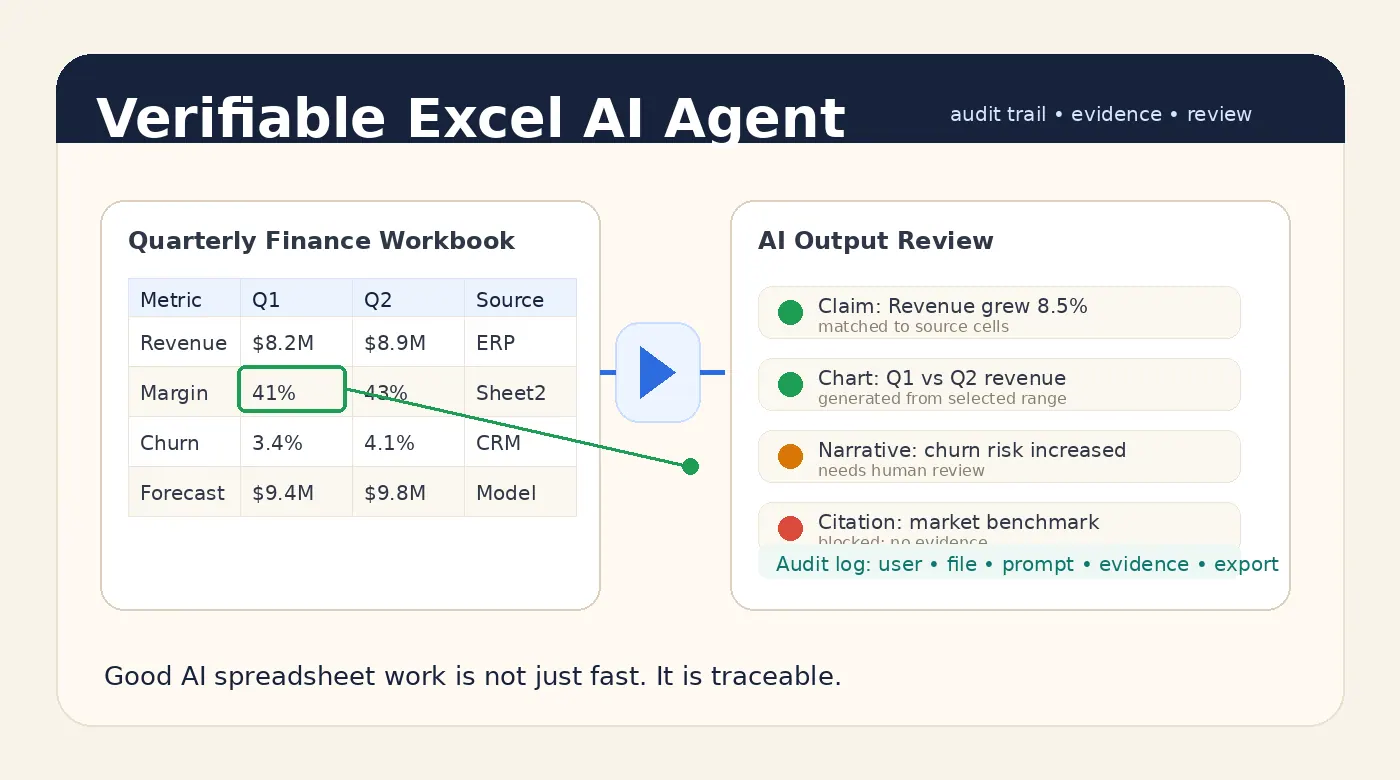
If your team has ever asked one of these questions, this guide is for you:
- "Can we upload company Excel files to an AI tool?"
- "How do we use AI on customer lists, finance reports, or payroll files without leaking data?"
- "Is there a private Excel AI Agent we can run inside our own environment?"
- "Can business users get AI analysis without sending spreadsheets to a public SaaS product?"
The tension is real. Your company has more spreadsheets than people want to admit: monthly finance workbooks, sales pipeline exports, inventory trackers, customer lists, operational reports, HR files, and board reporting packs. These files are valuable exactly because they contain sensitive information.
Manual processing is slow, fragile, and expensive. But copying confidential spreadsheets into a public AI chat box is hard to approve.
The practical answer is not "never use AI." It is to move the AI workflow inside a controlled data boundary. That is where a private Excel AI Agent becomes useful.
This article explains what that means, why it matters, and how a tool like RowSpeak can be deployed as a private spreadsheet AI layer for internal teams.
The real problem is the data boundary
Most companies do not have an Excel problem. They have a data boundary problem.
The files usually look ordinary:
- a CFO's monthly close workbook
- a sales team's CRM export
- a customer success renewal tracker
- an inventory aging report
- a payroll variance file
- a department budget spreadsheet
- a board reporting pack with notes and assumptions
But inside those files are customer names, revenue, employee compensation, vendor costs, margin assumptions, supplier information, contract details, or non-public financial results.
That is why the first question from IT, security, legal, or finance is not "Can AI read Excel?" It is:
Where does the spreadsheet go, who can access it, how is it stored, and what model sees the data?
Public AI tools can be useful for low-risk work. But once the spreadsheet contains confidential company data, the deployment model matters as much as the model capability.
Security teams are right to care. The NIST AI Risk Management Framework frames trustworthy AI around security, privacy, accountability, and risk management. The OWASP Top 10 for LLM Applications also calls out sensitive information disclosure as a major LLM application risk.
For spreadsheet-heavy companies, that risk becomes very concrete: a single workbook may contain enough context to expose customers, strategy, pricing, salaries, or financial performance.
Why manual spreadsheet processing breaks down
Without AI, teams usually fall back to manual spreadsheet work:
- copy data between files
- clean inconsistent column names
- rebuild pivot tables
- reconcile formulas
- prepare charts for meetings
- write the same explanations every month
- depend on one "Excel person" who knows how the workbook works
That approach may be acceptable for one file. It breaks down when every department has recurring spreadsheet work.
Finance teams need management reporting workflows that are repeatable. Sales teams need faster insight from pipeline and revenue exports. Operations teams need to catch inventory anomalies before they become expensive. Analysts need to turn messy files into clean summaries, tables, and dashboards.
The cost is not just time. It is also review fatigue, hidden formula errors, inconsistent reporting logic, and slow decision-making.
AI can help, but only if the implementation matches the risk level of the data.
Why a normal AI chat tool is hard to approve
For confidential spreadsheets, a basic "upload and chat" workflow creates several approval problems.
First, the file may leave the company's controlled environment. Even if the tool has strong enterprise privacy terms, many organizations still need to verify data residency, retention, subcontractors, access controls, and auditability before approving usage.
Second, business users may create shadow workflows. If there is no approved internal AI path, employees may paste sensitive slices of data into whatever tool is easiest. That is not a user problem as much as a systems problem: people will route around friction when the manual workload is painful enough.
Third, a raw model interface does not understand spreadsheet operations as a governed business workflow. It may answer questions, but it does not automatically solve permissions, file handling, generated outputs, logs, exports, or repeatable report generation.
For low-risk examples, a public AI tool may be fine. For confidential business spreadsheets, the safer pattern is to keep files, prompts, outputs, and logs inside a controlled environment.
What is a private Excel AI Agent?
A private Excel AI Agent is an AI workflow layer for spreadsheets that runs inside your approved environment instead of forcing employees to send files to a shared public workspace.
In practice, it has five jobs:
- Accept Excel, CSV, and related business files from authorized users.
- Parse spreadsheet structure, sheets, columns, formulas, and tables.
- Let users ask plain-language questions about the data.
- Generate summaries, cleaned tables, charts, dashboards, and reports.
- Keep file handling, model access, logs, and exports inside a governed boundary.
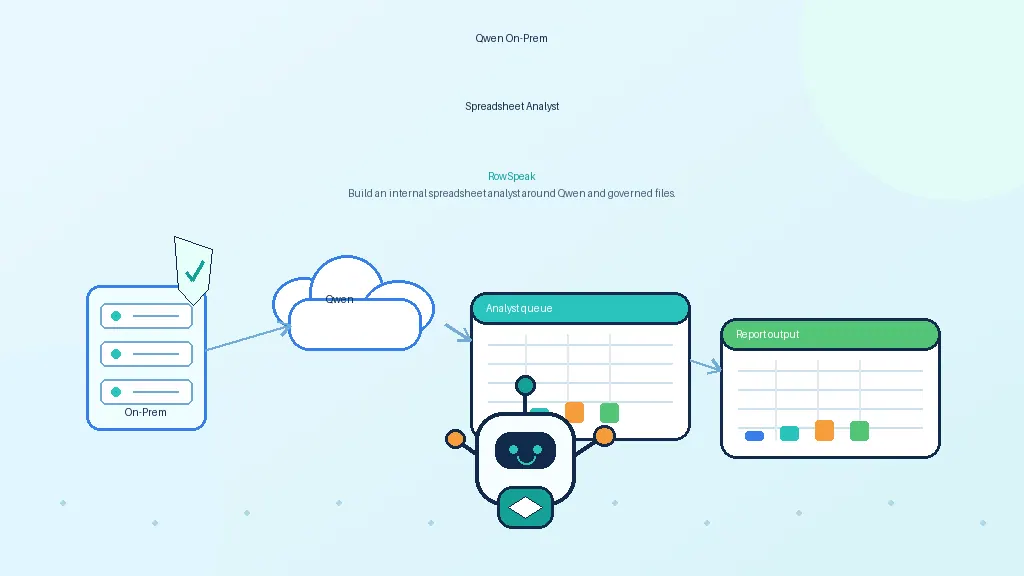
With RowSpeak, that private workflow can sit on top of your chosen infrastructure: on-premises servers, a private cloud, a VPC, or an approved private model endpoint.
The goal is simple: give business teams the benefits of AI spreadsheet analysis without asking security teams to accept uncontrolled data movement.
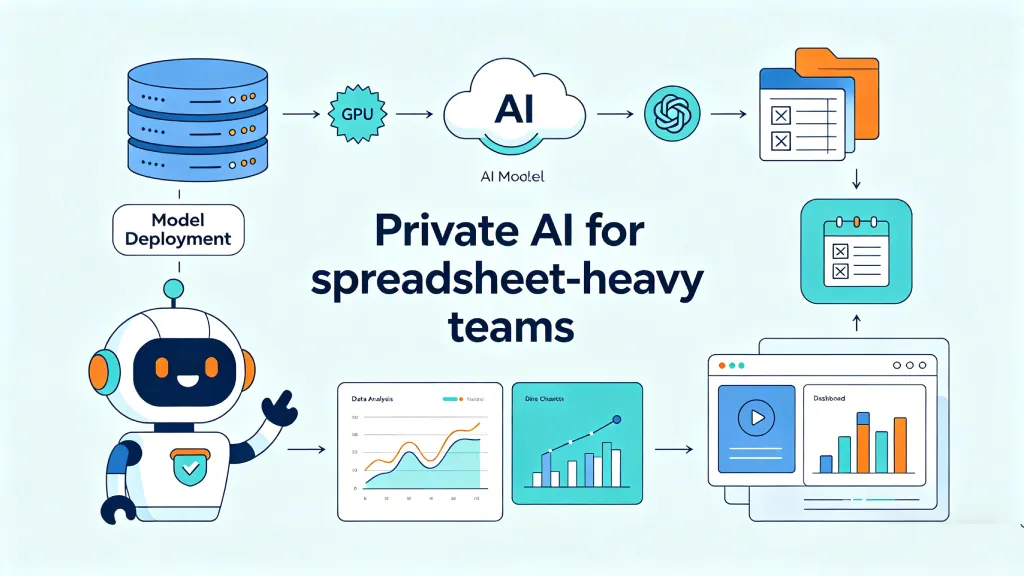
RowSpeak reference architecture for private Excel AI
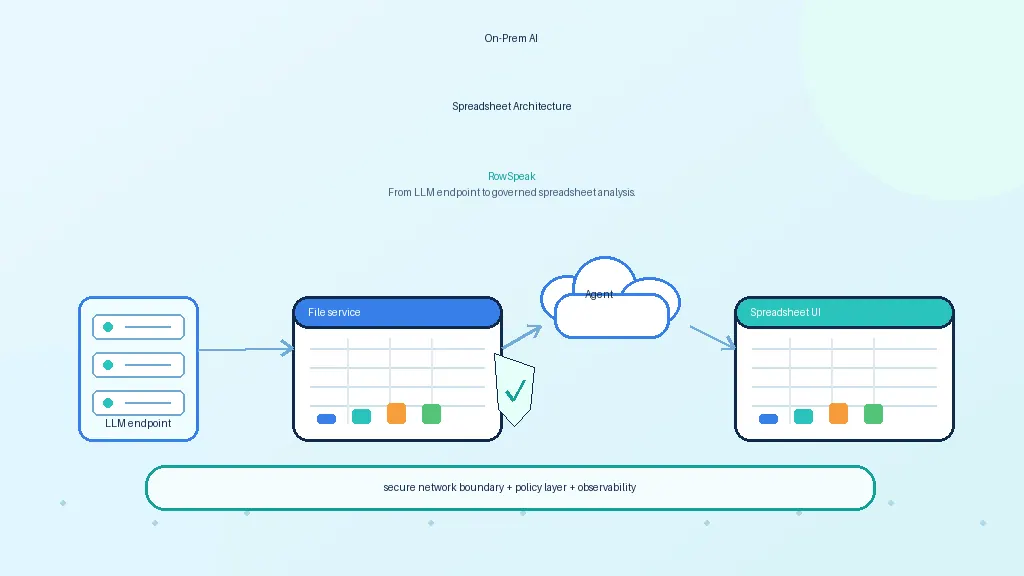
A private RowSpeak deployment usually separates the workflow layer from the model layer.
At a high level, the architecture looks like this:
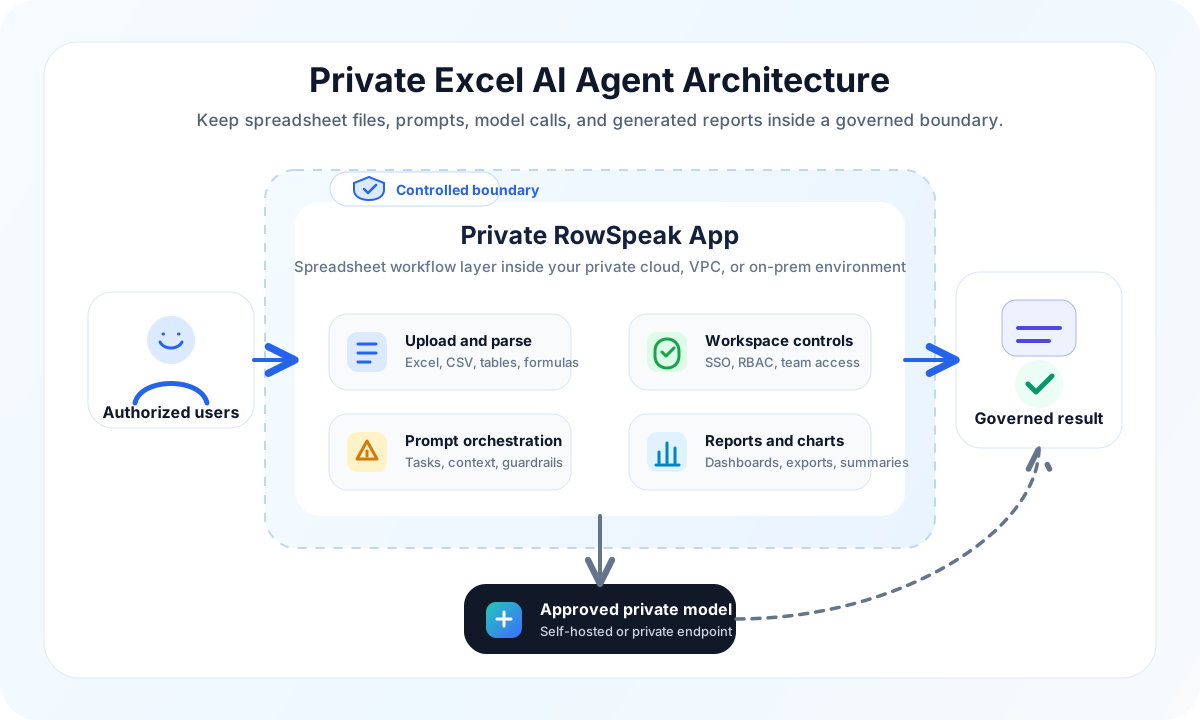
Depending on your policy, the model endpoint can be:
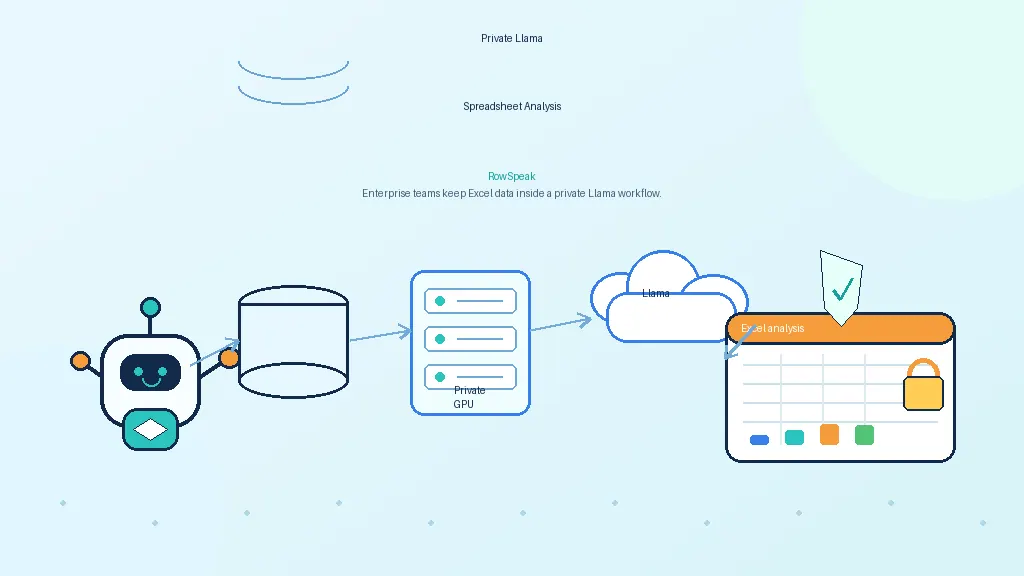
- a self-hosted open-weight model running on your GPU server
- a private cloud model endpoint
- an approved enterprise AI service with private networking and data controls
- a hybrid setup where certain workloads stay fully on-premises
The key is not that every company must use the same model. The key is that the spreadsheet workflow, model access, and output handling are designed around your data boundary.
That is the difference between "we let employees try AI" and "we deployed a controlled Excel AI Agent."
What users can actually do with it
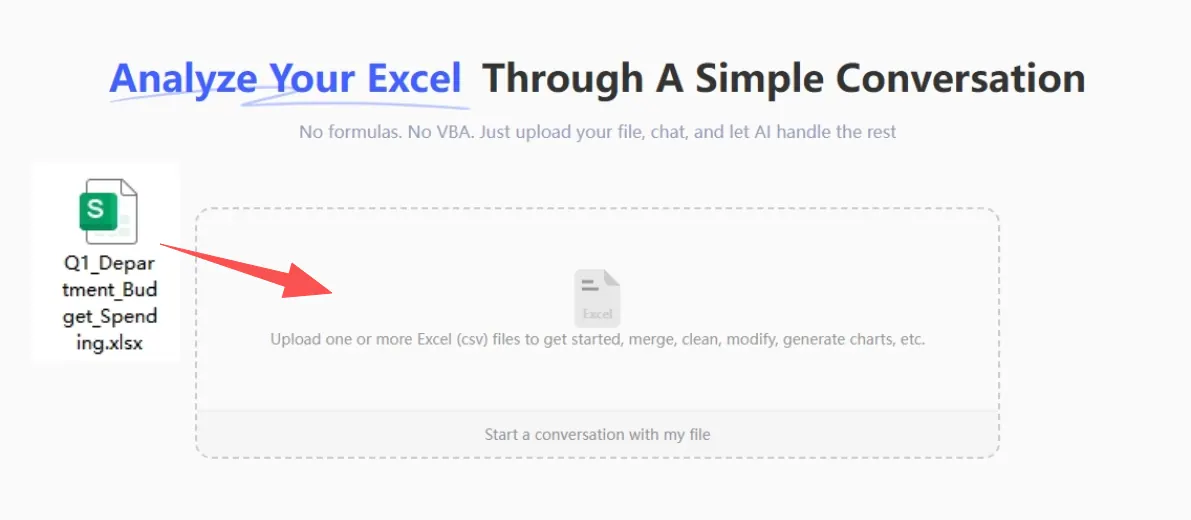
A private deployment is only useful if non-technical users can still work naturally. RowSpeak is designed around the normal spreadsheet workflow: upload a file, ask a question, inspect the answer, refine it, and export the result.
For example, a finance user might upload a monthly workbook and ask:
Compare actual expenses against budget by department. Highlight any category that is more than 12% over budget and write a short explanation for the finance review.
A sales operations user might upload a CRM export and ask:
Group opportunities by region and stage, calculate weighted pipeline, and show which regions are most likely to miss target this quarter.
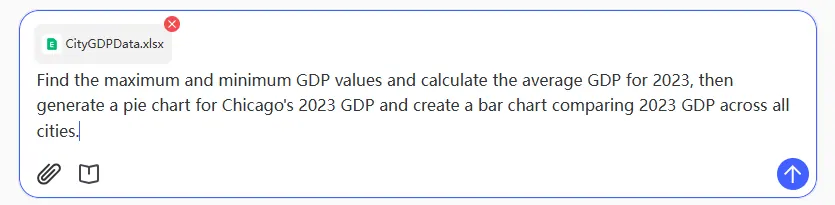
An operations team might upload inventory data and ask:
Find SKUs with high stock value, low movement, and more than 90 days of inventory. Create a summary table and recommend which items need review.
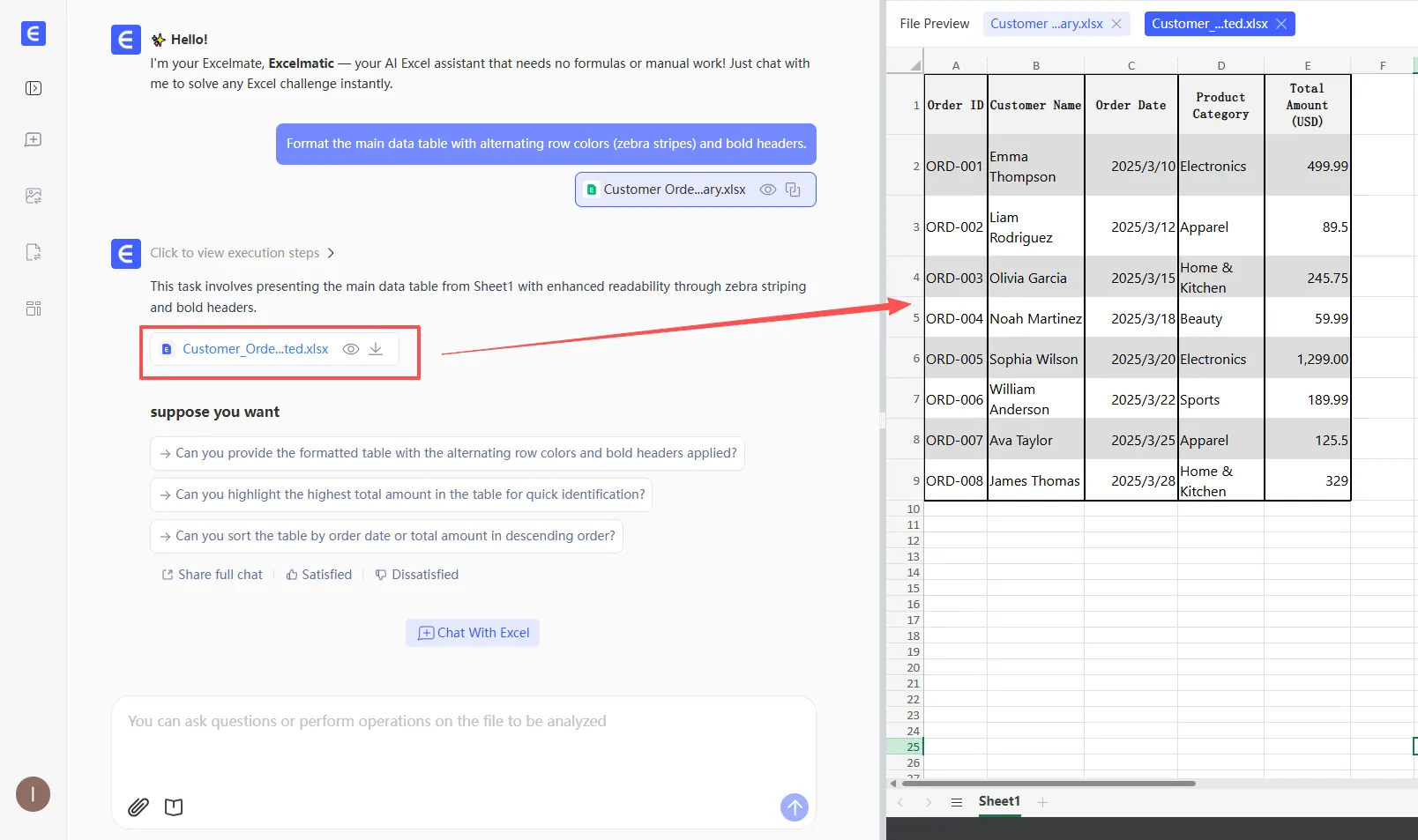
These are not abstract chatbot tasks. They map to real workflows:
- finance analysis and reporting
- management reporting
- sales pipeline analysis
- inventory analysis
- spreadsheet assistant workflows
- Excel to dashboard automation
- AI report generation
The private deployment question is what makes these workflows acceptable for sensitive data.
What should stay inside the private boundary?
When evaluating a private Excel AI Agent, be specific about which artifacts are controlled.
At minimum, the private boundary should cover:
- original uploaded spreadsheets
- extracted text, tables, formulas, and metadata
- user prompts and follow-up questions
- generated summaries and explanations
- generated charts, dashboards, and reports
- logs that may contain file names or business context
- temporary files created during parsing or export
- model requests and responses
This matters because a spreadsheet workflow creates more than one data object. Even if the original Excel file is protected, a generated summary may still reveal revenue, customer names, account plans, payroll variance, or internal strategy.
A private deployment should treat the full workflow as sensitive, not just the source file.
Security checklist for a private Excel AI Agent
Before rolling this out broadly, use a checklist that security, IT, finance, and business teams can understand together.
1. Data residency
Where are uploaded files stored? Are temporary files deleted? Are outputs retained? Can the system run in your preferred region, VPC, or on-premises environment?
2. Model boundary
Which model sees the spreadsheet content? Is it self-hosted, private cloud, or external API? Are prompts and files used for training? Can traffic stay on private networking?
3. Access control
Can permissions follow existing identity systems? Can users only access their own workspaces or approved team workspaces? Can admins remove access when employees change roles?
4. Auditability
Can you see who uploaded a file, what task was run, and when outputs were created? Can logs be retained according to company policy without overexposing sensitive content?
5. Output governance
Can generated reports be reviewed before sharing? Can users export only approved formats? Are there controls around copying, downloading, or sharing outputs externally?
6. Human review
AI should speed up analysis, not remove accountability. For finance, legal, HR, and board-facing reports, final review should stay with qualified humans.
7. Workflow fit
Does the system support the actual work users need to do: cleaning data, creating charts, explaining variances, building dashboards, and preparing reports? A secure tool that users cannot use will not reduce shadow AI behavior.
When private deployment is worth it
Private deployment is usually worth evaluating when at least one of these is true:
- spreadsheets contain customer, employee, finance, legal, or regulated data
- teams repeatedly process similar reports every week or month
- analysts spend hours cleaning files before any analysis starts
- executives want AI adoption but security wants stronger control
- users are already experimenting with public AI tools unofficially
- outputs influence finance, operations, sales, or management decisions
It may be overkill for public datasets, one-off personal spreadsheets, or non-sensitive template examples.
But for companies where spreadsheets are the operating layer of the business, private deployment can be the practical middle ground: AI productivity without uncontrolled data movement.
How to start without overbuilding
The best first project is not "AI for every spreadsheet." Start with one painful, repeatable workflow.
A good pilot looks like this:
- Choose one workflow with real value, such as monthly variance analysis, sales pipeline review, or inventory aging analysis.
- Identify the data boundary: where files can be stored, which model endpoint is approved, and who can access outputs.
- Deploy RowSpeak in the approved environment.
- Test with realistic spreadsheets, not toy examples.
- Build a prompt library for common business questions.
- Compare AI-generated outputs with the current manual process.
- Add review and export rules before expanding to more teams.
This keeps the project practical. You are not asking the company to approve a vague AI transformation. You are proving that a specific confidential spreadsheet workflow can be made faster, safer, and more repeatable.
Example pilot: monthly finance reporting
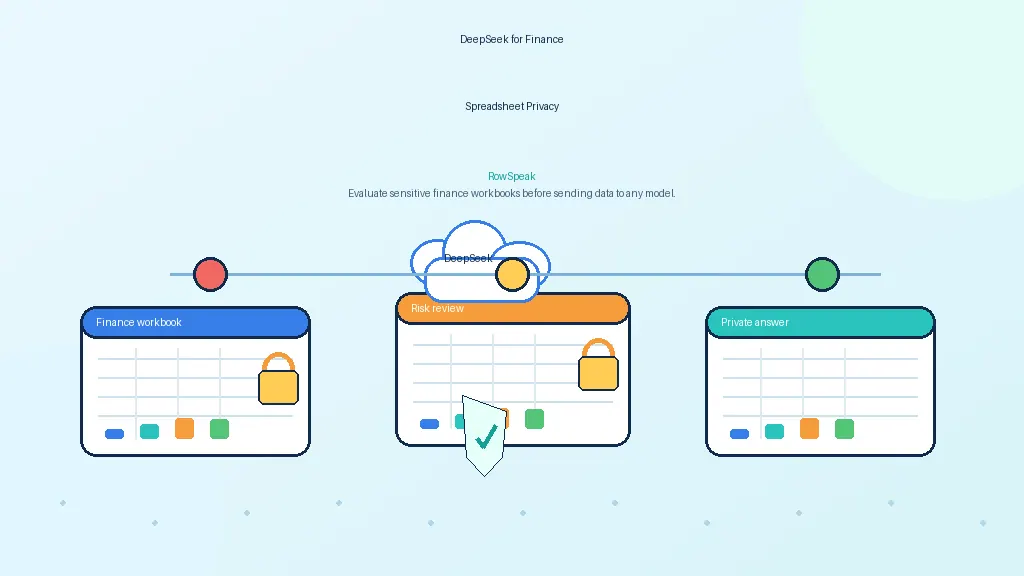
Monthly finance reporting is often the best first use case because the pain is obvious and the data sensitivity is high.
The current workflow may involve:
- downloading accounting exports
- merging department budget files
- cleaning inconsistent categories
- checking formulas
- building variance charts
- writing commentary for leadership
- rebuilding the same report next month
With a private RowSpeak deployment, the finance team can keep the files inside the approved environment and use natural-language prompts to produce first-pass analysis:
Analyze this monthly finance workbook. Summarize revenue, gross margin, operating expenses, and cash movement. Flag any department with more than 10% variance versus budget, then draft a management-reporting note for each variance.
From there, the team can ask follow-up questions, generate charts, and prepare a report draft. The important shift is not that AI writes the final finance report alone. It is that analysts stop spending most of their time on mechanical preparation and can focus on judgment.
For this type of workflow, RowSpeak's private deployment is especially relevant because the source files and generated commentary can both stay within the same controlled environment.
FAQ
Is a private Excel AI Agent the same as self-hosting a model?
No. Self-hosting a model is only one layer. A private Excel AI Agent includes the spreadsheet workflow around the model: file upload, parsing, permissions, prompts, charts, reports, exports, and audit rules.
Do we have to run the model on our own GPU server?
Not always. Some companies require fully on-premises models. Others allow a private cloud endpoint or an approved enterprise model service. The right answer depends on your security, compliance, and performance requirements.
Can this replace Excel?
Usually no. It is better to think of it as an AI layer for Excel-heavy work. Teams can still use Excel files, CSV exports, and existing reporting processes, but RowSpeak helps analyze, summarize, clean, chart, and report on them faster.
Is private deployment only for finance teams?
No. Finance is a common starting point because the data is sensitive and the reporting burden is heavy. But the same pattern works for sales operations, inventory, HR, procurement, customer success, and executive reporting.
What is the main benefit?
The main benefit is not just speed. It is controlled speed: business users get AI help with confidential spreadsheets while the company keeps a clearer boundary around data, models, permissions, and outputs.
Bottom line
If your company has confidential spreadsheets and manual reporting work, the choice is not simply "AI or no AI."
The better question is:
Can we give teams an approved AI workflow that keeps sensitive spreadsheet data inside our own boundary?
That is what a private Excel AI Agent is built to do.
With RowSpeak, the model can be connected to a practical spreadsheet workflow: upload files, ask business questions, generate analysis, create charts, and prepare reports. The difference is that the deployment can be designed around the security and governance requirements your company already cares about.
For teams buried in sensitive spreadsheets, that is the path worth evaluating first.