
Spreadsheet Analysis
Spreadsheet Analysis
 Excel AI
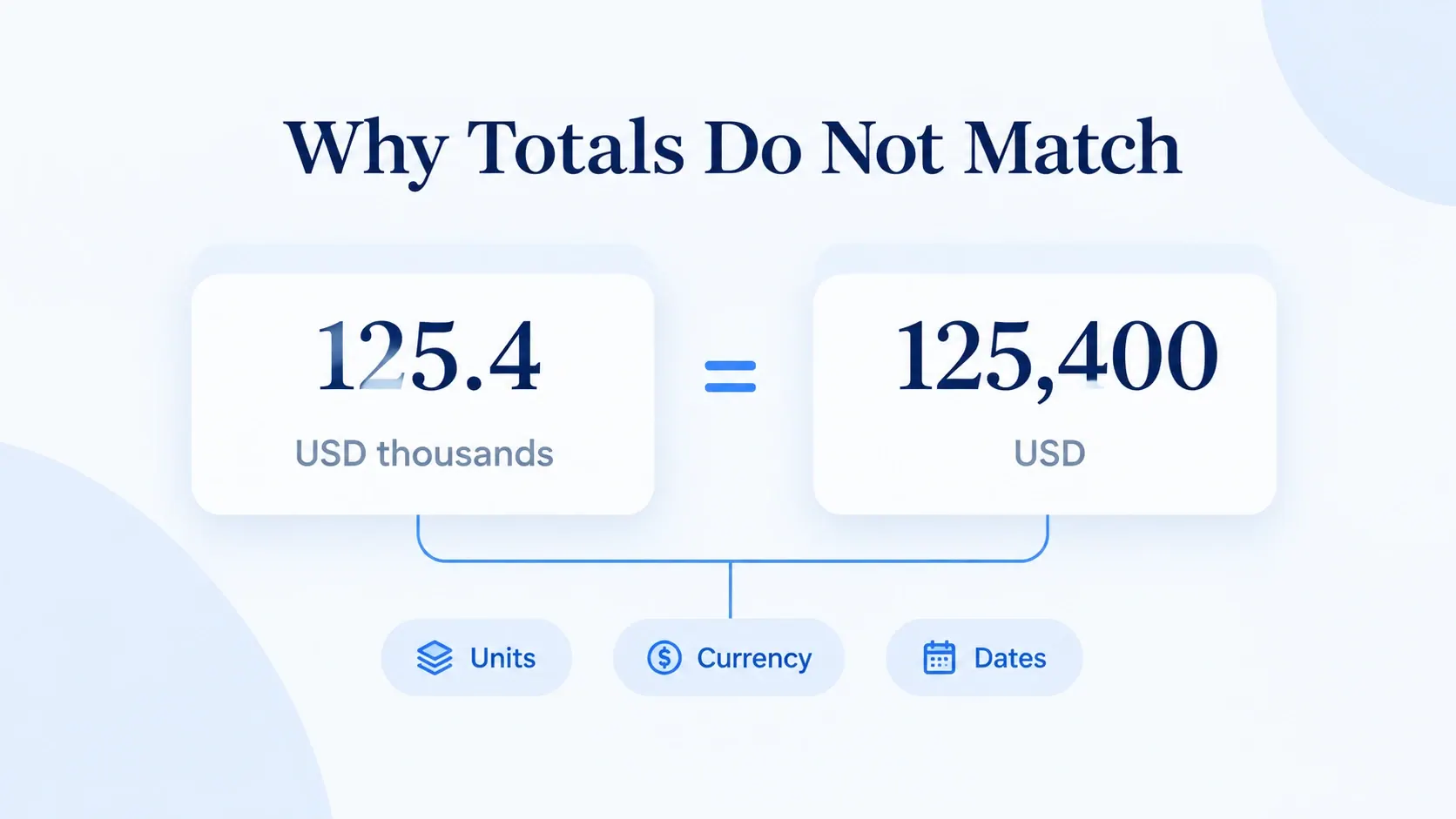
Excel Report Totals Don't Match? Check Units, Currencies, and Dates
125.4 and 125,400 may describe the same revenue. Learn which differences to correct, which to keep separate, and which need confirmation before your next report.
Gogo • Excel AI
6 Best AI Tools for Excel in 2026: Which One Fits Your Workflow?
A practical guide to six AI tools for Excel: what each is designed to help with, when to use it, and what to check before trusting the result.
Ruby •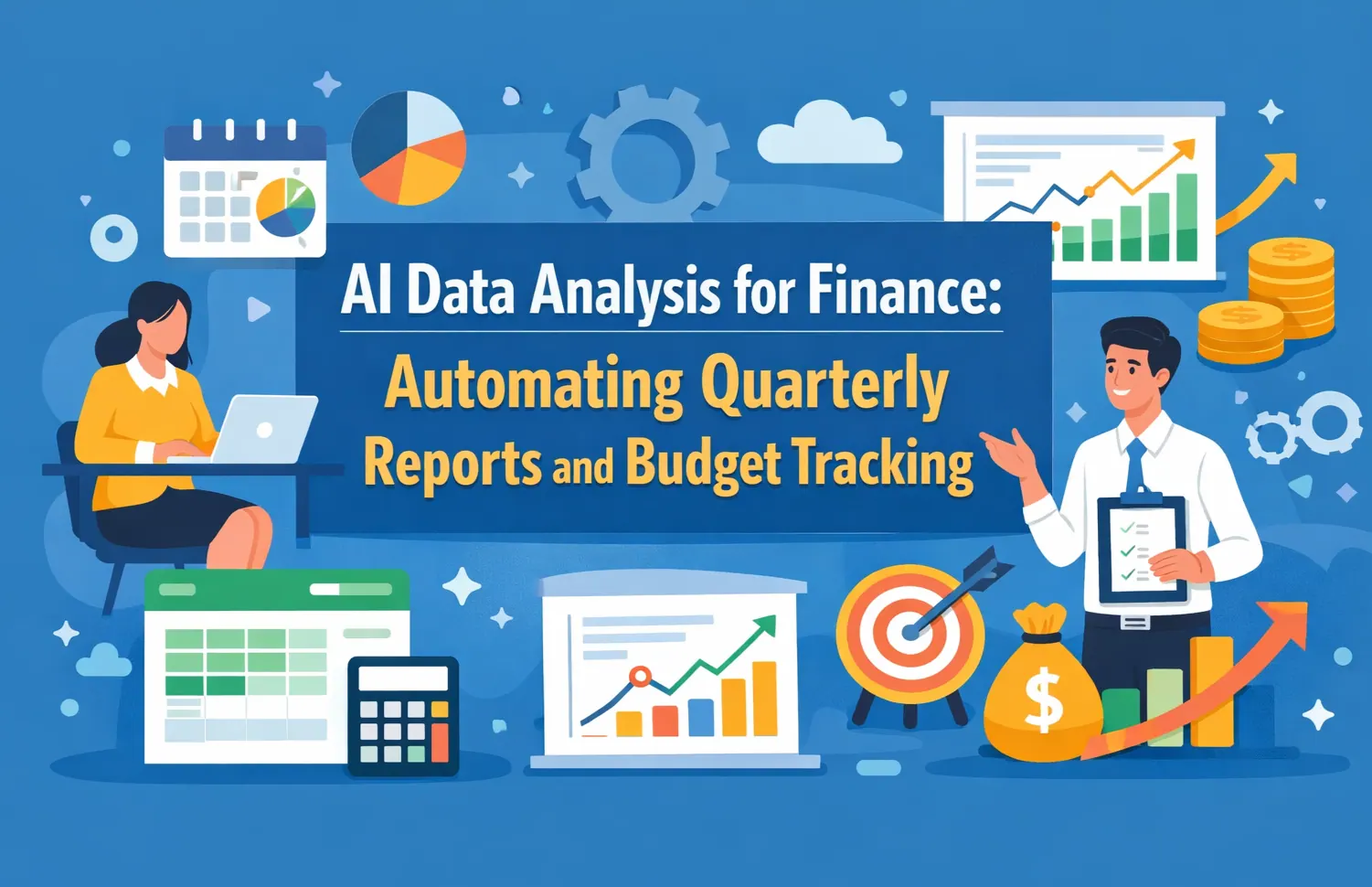 AI Reporting
Insurance Reports Always Arrive Too Late? Use RowSpeak AI to Decide Faster
“By the time I get the data, the decision I needed to make is already late.” This guide shows how RowSpeak AI turns policy, claims, renewal, and agent exports into a repeatable reporting workflow.
Ruby • Excel AI
How to Audit an AI-Generated Excel Report Before You Share It
AI can make an Excel report look finished before the numbers are trustworthy. Use this review workflow to trace inputs, recalculate KPIs, and separate facts from guesses.
Gogo • Excel AI
25 AI Spreadsheet Analysis Tasks for Finance and Operations (With Prompts)
Twenty-five testable spreadsheet prompts supported by recorded RowSpeak evidence, seeded edge cases, control totals, and a reusable review log.
Alex • Excel AI
5 Best Rows Alternatives in 2026: Compare Features, Fit, and Trade-Offs
The closest Rows replacement depends on the job: an online spreadsheet, AI inside Excel or Sheets, flexible analysis, or a report built from real business files.
Ruby • AI Deployment
Can Copilot Cowork See Too Much? RowSpeak Alternative
Security teams reviewing Copilot Cowork need to know whether an AI assistant can reach files beyond the spreadsheet task. This guide compares that risk with RowSpeak's upload-only analysis boundary.
Ruby •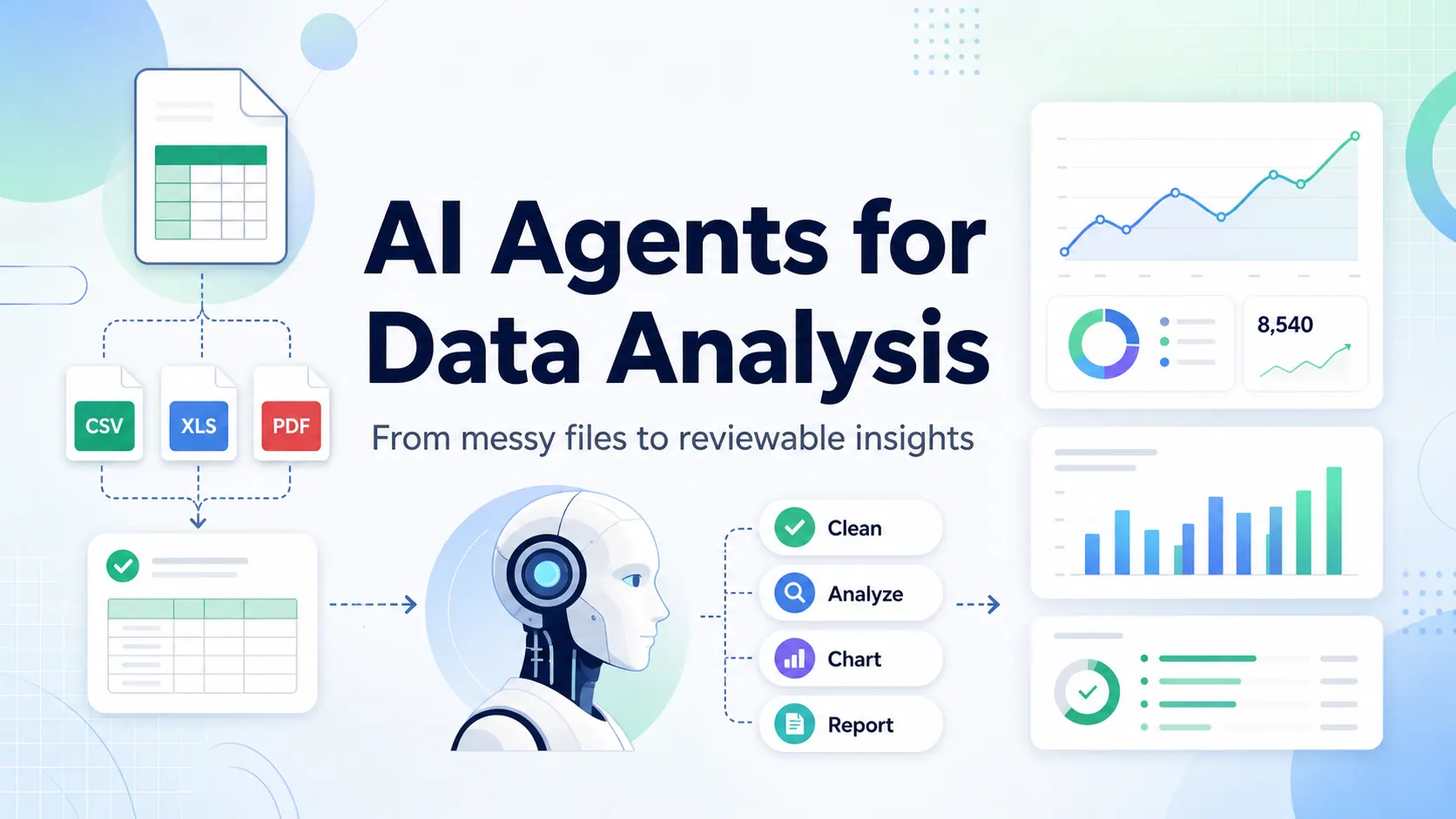 Excel AI
What Is an Excel AI Agent? Turn Excel Files Into Charts, Dashboards, and Reports
An Excel AI agent is useful only when it can work with the real files business teams use, explain the analysis path, and produce outputs people can review before they share them.
Alex •- AI Data Analysis
AI Agents for Data Analysis: A Practical Guide for Spreadsheet-Heavy Teams
AI agents for data analysis are useful only when they can work with real business files, explain their reasoning, and produce outputs teams can review.
Alex • 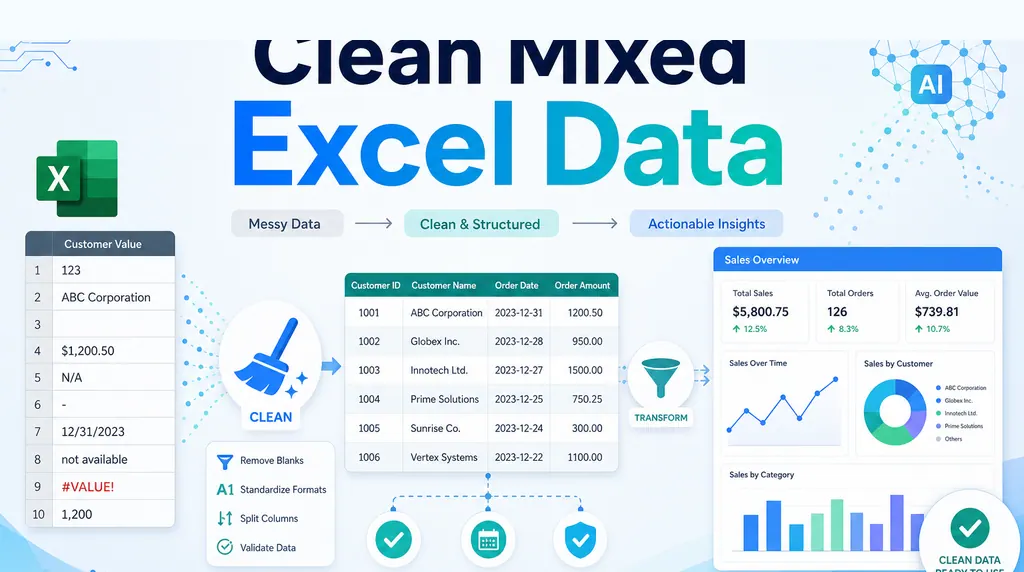 Excel AI
How to Clean Mixed Data in an Excel Column Before Summing
A column that looks numeric can still be unusable. Before summing it, clean the messy values and keep a review trail.
Ruby •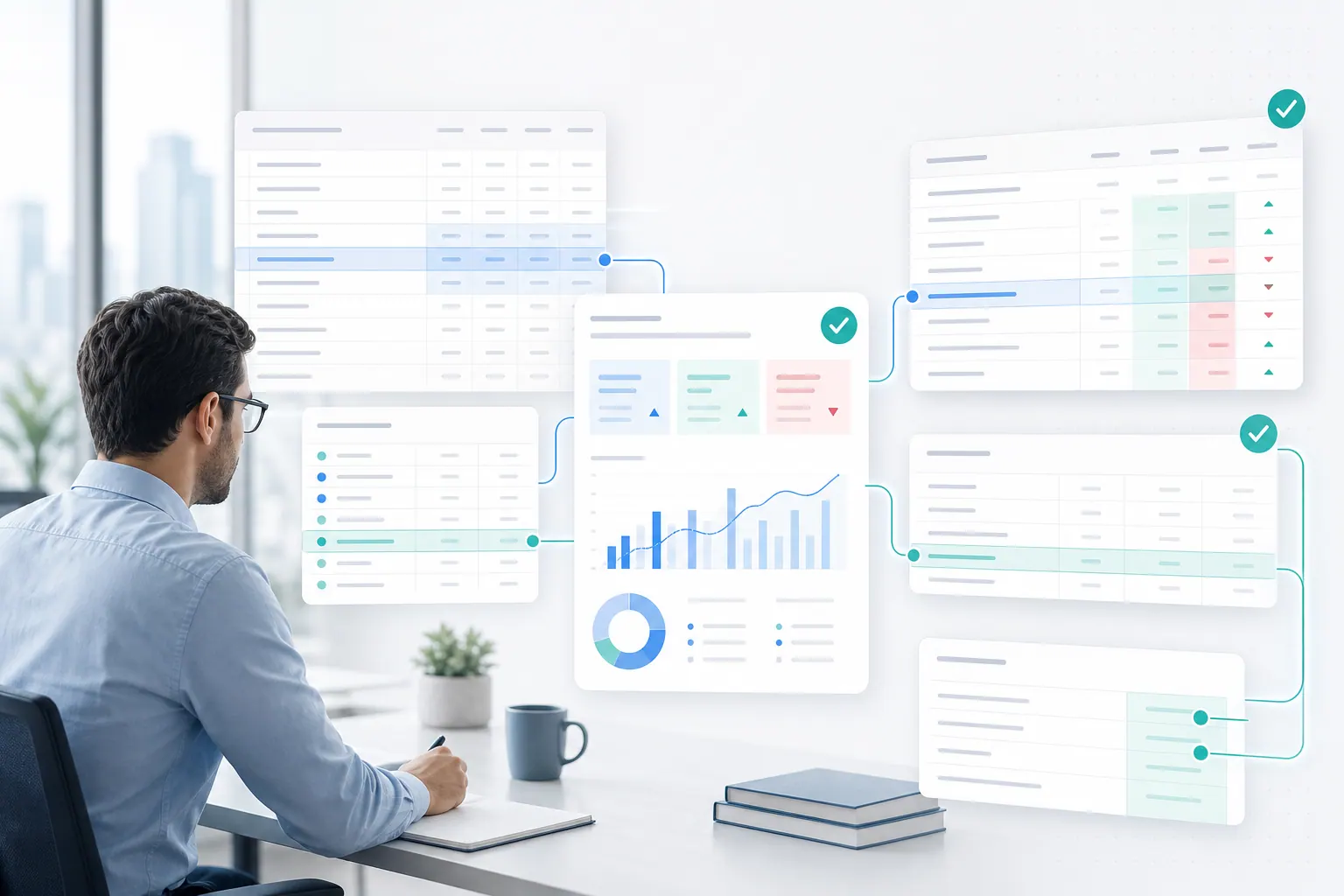 Excel AI
What FP&A Teams Actually Want From AI: Less Manual Excel, More Evidence
Finance teams do not need AI that hides the work. They need AI that cleans the file, drafts the analysis, and shows the evidence behind every answer.
Alex •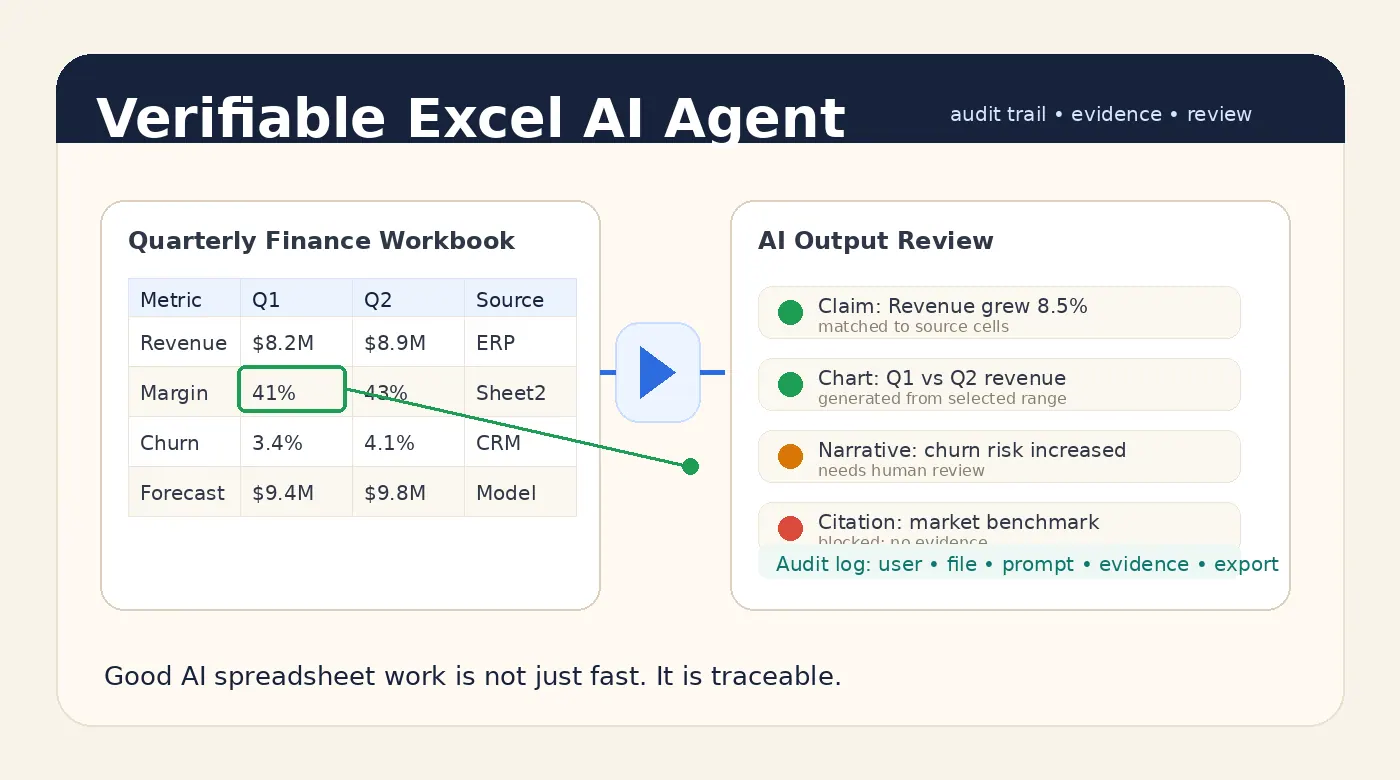 Excel AI
A Good Excel AI Agent Should Produce Answers You Can Verify
A good Excel AI Agent should not only answer quickly. It should show where the numbers came from, what was checked, what remains uncertain, and who approved the final output.
Alex •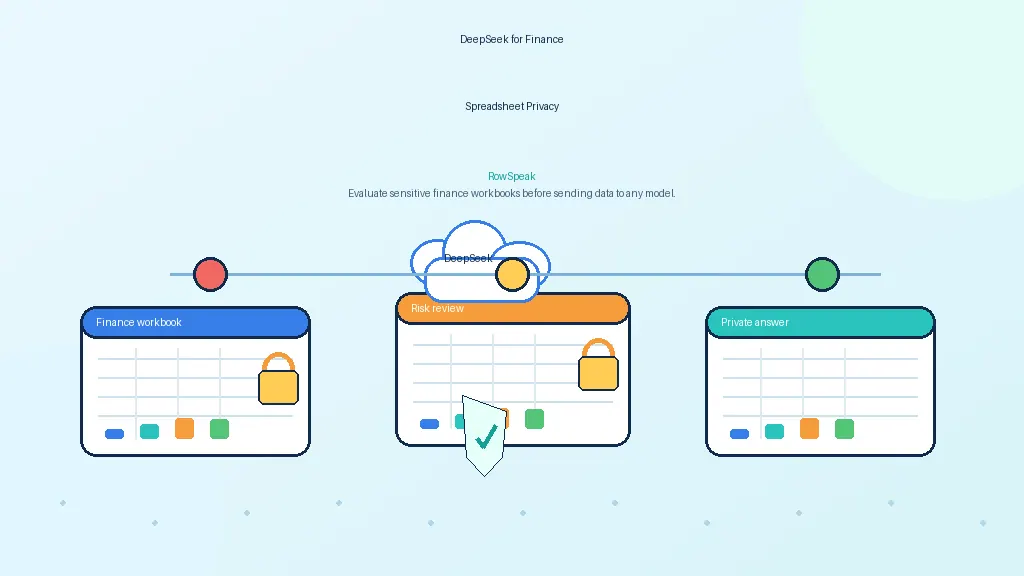 AI for Finance
DeepSeek for Financial Spreadsheets: Powerful, But Should You Upload Private Excel Data?
Finance teams want AI for variance analysis, forecasts, and reports. Before uploading spreadsheets to DeepSeek or any AI tool, understand the privacy and governance tradeoffs.
Ruby •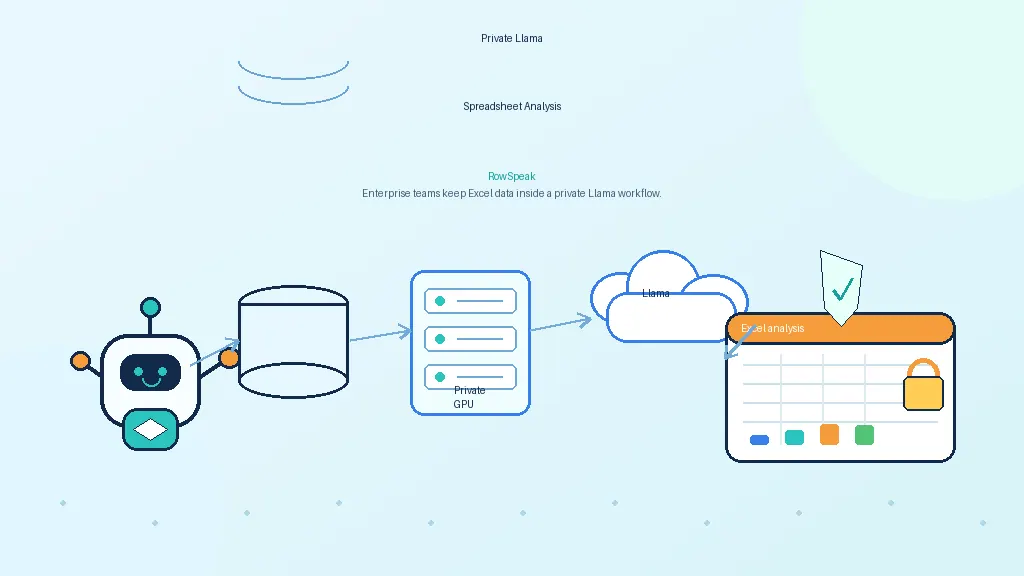 AI Deployment
Can Llama Analyze Spreadsheets Privately? A Practical Guide for Enterprise Teams
Llama can be part of a private AI spreadsheet analyst, but the model is only one layer. This guide explains parsing, deterministic computation, citations, governance, and where a workflow layer fits.
Ruby •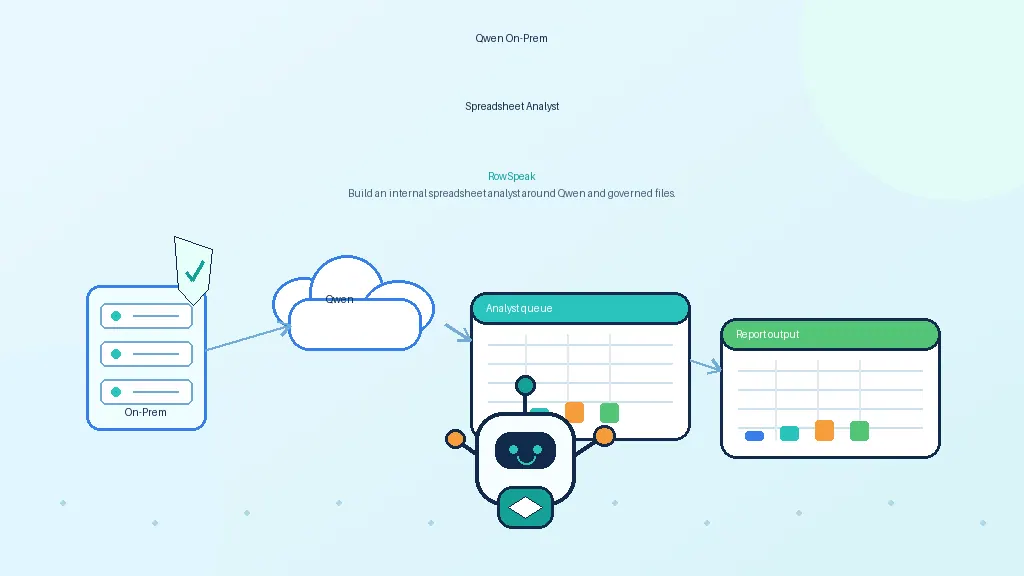 AI Deployment
How to Build an On-Prem AI Spreadsheet Analyst with Qwen
Qwen is attractive for private spreadsheet workflows because of its coding, math, and tool-use strengths. This guide explains how to turn it into a governed on-prem AI analyst.
Ruby •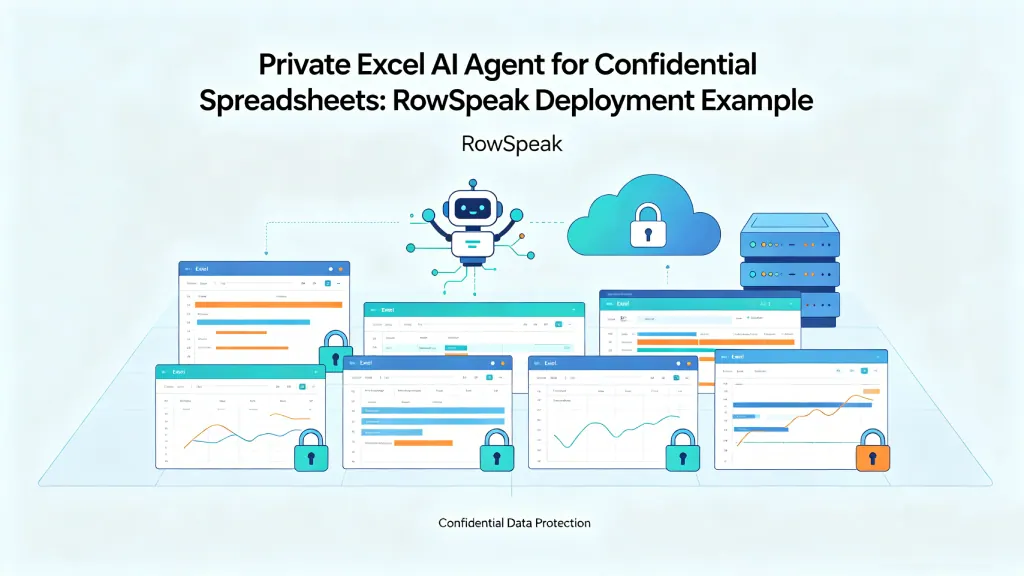 AI Deployment
How to Use an Excel AI Agent Without Exposing Confidential Spreadsheets
A practical guide for teams with sensitive Excel files: how to use a private Excel AI Agent for finance reports, sales exports, inventory sheets, and internal analysis without sending confidential data outside your environment.
Ruby •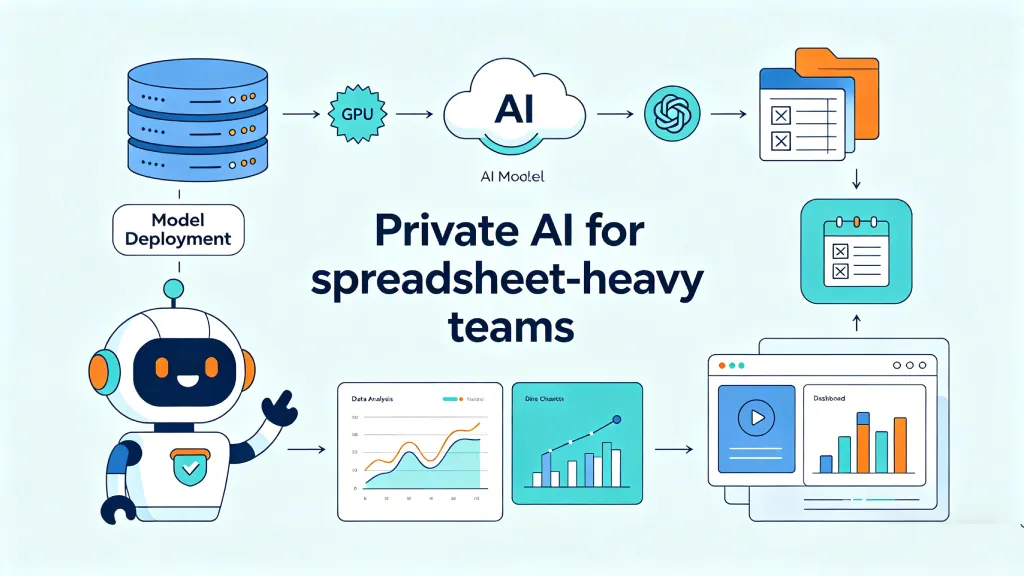 AI Deployment
How to Run DeepSeek-V4-Flash as a Private AI Server for Internal Spreadsheet Analysis
A practical guide for teams evaluating private AI: deploy DeepSeek-V4-Flash on your own GPU server, expose a secure internal API, and use it for spreadsheet analysis workflows.
Ruby • Company News
RowSpeak Is Becoming RowSpeak: Why We Rebranded and What It Means for You
We’re changing our brand name from RowSpeak to RowSpeak. Same product, same team, clearer focus. Here’s the full story behind the rebrand and what it means for customers.
Gogo •