Finance teams are interested in DeepSeek for a good reason.
A strong reasoning model can help explain budget variance, summarize monthly reports, classify expenses, draft management commentary, and generate formulas. For teams buried in Excel exports, that is immediately useful.
But the most important question is not whether DeepSeek can help with finance work. It is whether you should upload private finance spreadsheets to a hosted AI tool.
That question deserves a careful answer.
Why finance teams want AI for spreadsheets
Finance work is full of repeated analysis patterns:
- compare actuals against budget
- explain margin changes
- summarize revenue by segment
- identify unusual expenses
- draft board-reporting commentary
- clean exported ERP data
- reconcile tables from different systems
- turn a spreadsheet into a management summary
These tasks are not always technically hard, but they are time-consuming. They require context, judgment, and clear communication.
AI can help with that. A model like DeepSeek can turn a rough prompt into a structured analysis plan. It can explain a formula. It can draft a concise variance narrative. It can suggest the right chart for a CFO report.
The risk is that finance spreadsheets often contain the most sensitive data in the company.
Spreadsheet data is not harmless
A spreadsheet may look ordinary, but it can contain:
- revenue by customer
- salaries and commissions
- forecasts
- board materials
- fundraising plans
- M&A scenarios
- bank details
- vendor contracts
- tax records
- personally identifiable information
Uploading that file to a public chatbot or hosted API is not the same as asking a general question online. It is a data-governance decision.
Before using any hosted AI system, finance and IT teams should ask:
- Where is the data processed?
- Is it stored?
- For how long?
- Is it used to train models?
- Can admins delete it?
- Is there a data processing agreement?
- Does company policy allow this type of upload?
- Is the data subject to GDPR, HIPAA, SEC, FINRA, or internal retention rules?
The answer may still be yes for some tools and some data. But it should be an approved yes, not an accidental one.
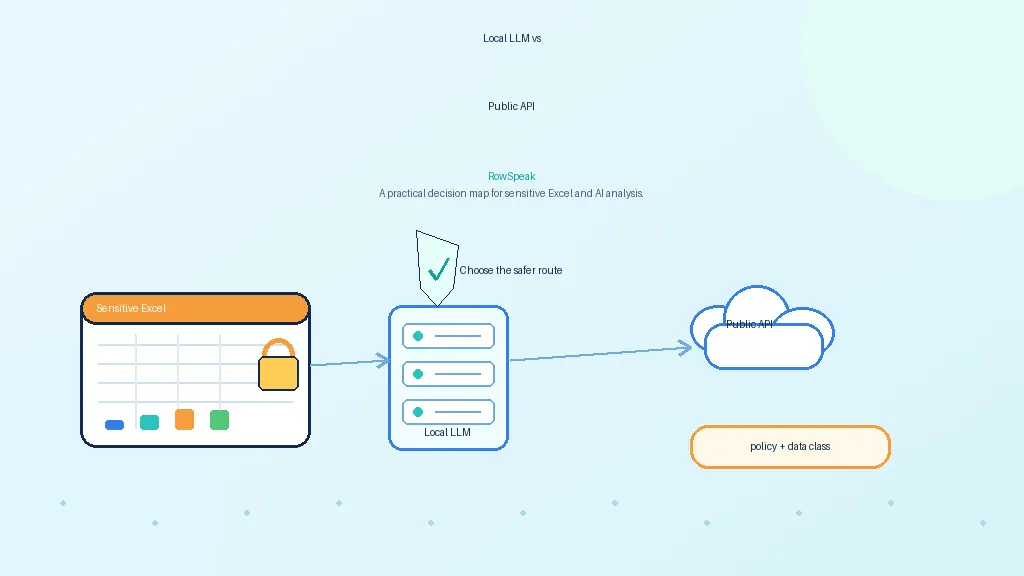
Hosted DeepSeek and local DeepSeek are different decisions
It is important to separate two ideas.
Using a hosted DeepSeek app or API means your prompts and uploaded content are processed by DeepSeek-controlled infrastructure and governed by its terms and privacy policy.
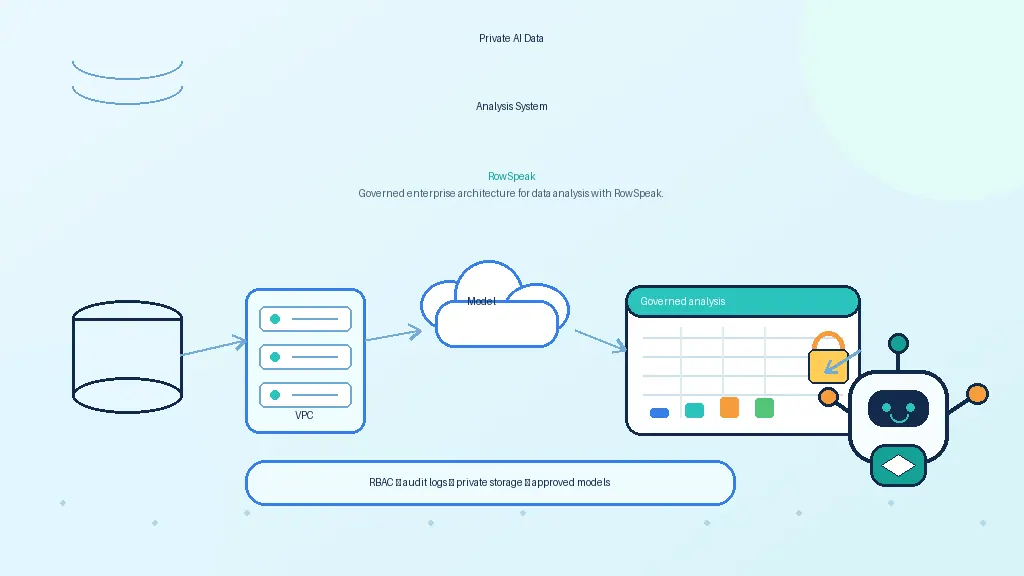
Running an open-weight DeepSeek model locally or in your own private environment is a different architecture. In that setup, spreadsheet data can stay inside your machine, server, VPC, or data center.
Those two approaches may use related model technology, but they have very different risk profiles.
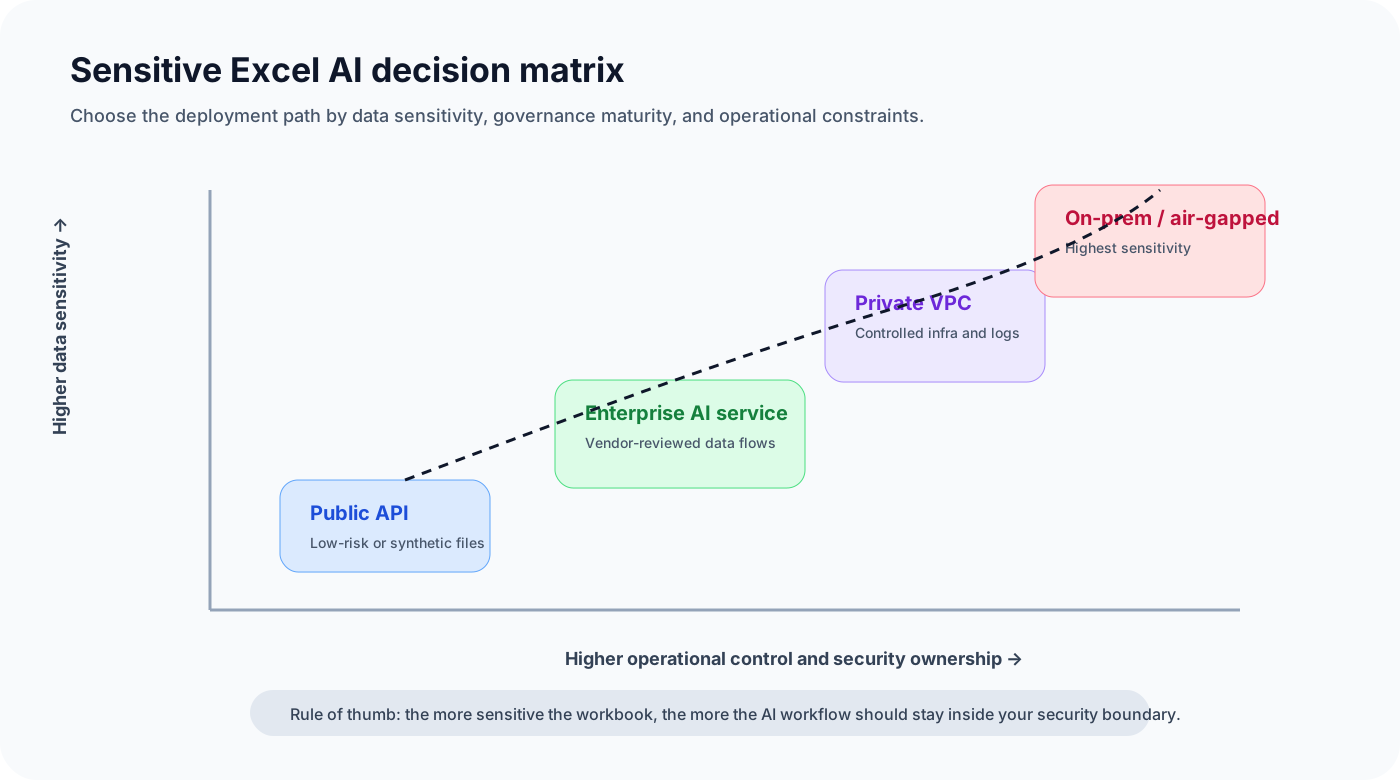
A finance team should not say "we use DeepSeek" without saying which one:
- hosted chatbot
- hosted API
- enterprise gateway
- private VPC deployment
- on-prem model server
- air-gapped deployment
The deployment model matters as much as the model name.
When hosted AI may be acceptable
Hosted AI can be fine for low-risk tasks.
Examples:
- explaining a generic formula
- drafting a public investor-relations paragraph
- analyzing a synthetic sample file
- creating a template variance-analysis checklist
- summarizing public market data
Hosted enterprise APIs may also be acceptable for internal data if the company has reviewed the vendor, contract, retention policy, training policy, encryption, access control, and logging.
Major enterprise AI providers publish privacy and data-use pages. OpenAI, AWS Bedrock, Google Vertex AI, Microsoft Azure OpenAI, and others make specific commitments for business or cloud customers. Those commitments are often stronger than consumer chatbot terms.
The practical point is not "cloud AI is bad." The point is that finance data deserves deliberate vendor review.
When local or private deployment makes more sense
Private deployment becomes more compelling when spreadsheets include:
- payroll
- unreleased financial results
- customer-level revenue
- regulated data
- board materials
- M&A analysis
- detailed forecasts
- confidential operating metrics
In these cases, the safer architecture is often:
- keep the spreadsheet inside company-controlled infrastructure
- run the model through an approved private endpoint
- use deterministic tools for calculations
- log every query and data access
- return cited answers rather than unsupported summaries
This is where open-weight models become interesting. A company can evaluate DeepSeek-style models while keeping sensitive workbooks inside its own environment.
Accuracy matters as much as privacy
Even if the deployment is private, finance teams should not trust an LLM as a calculator.
AI can misread dates, miss hidden rows, invent formulas, or summarize a partial view of the data. For finance reporting, that is not acceptable.
A safer workflow is:
- AI interprets the question
- a calculation engine runs the numbers
- AI explains the result
- the system shows the source rows, filters, and formulas
- a human reviews the output before it becomes official
That is how AI becomes useful without becoming reckless.
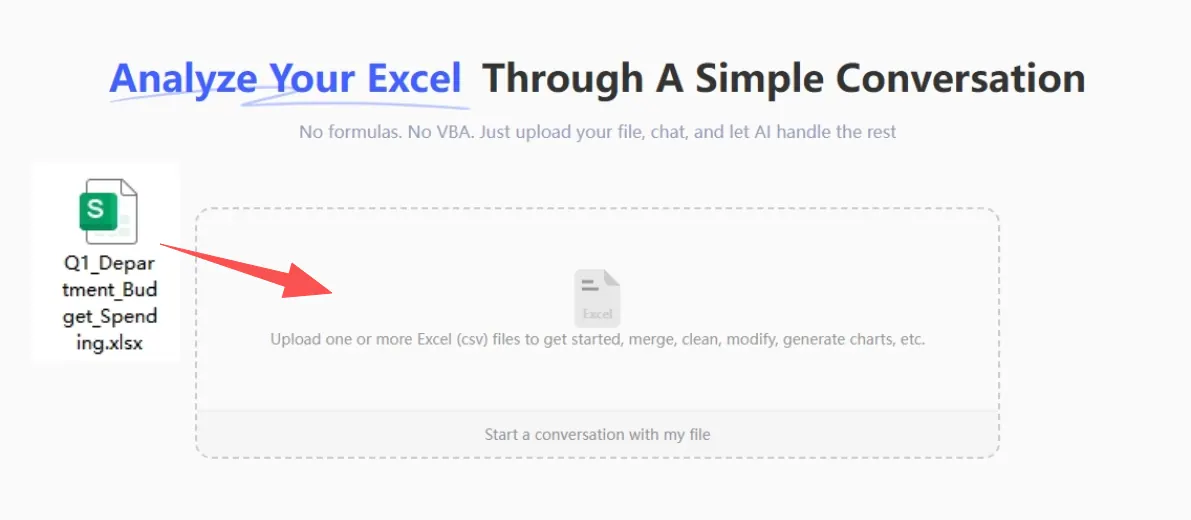
A safer private finance workflow
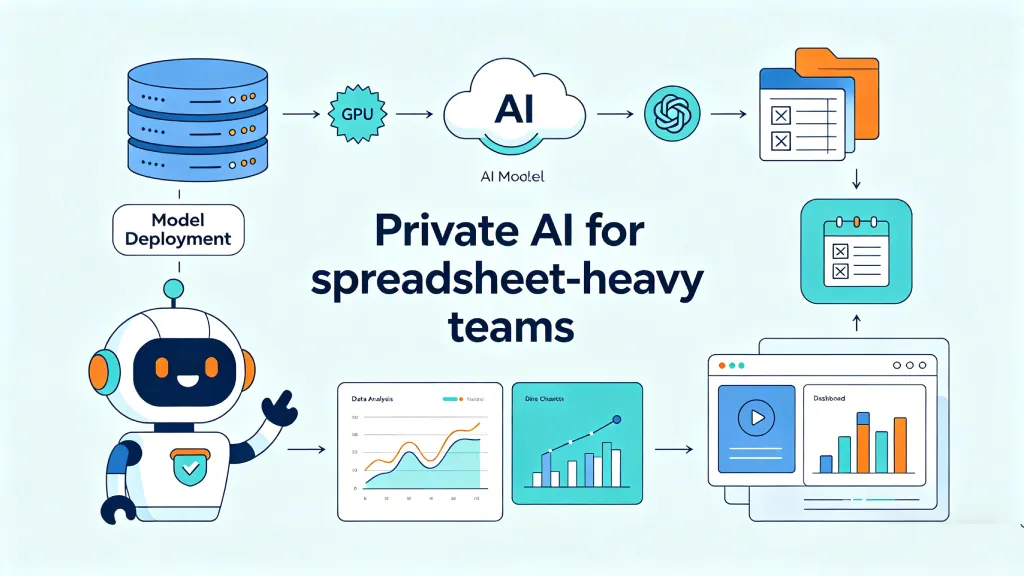
A practical private setup for finance spreadsheet analysis looks like this:
- workbook upload inside the company environment
- permission checks before the file is opened
- spreadsheet parser extracts sheets, columns, formulas, and metadata
- deterministic engine calculates totals, variances, and comparisons
- private model endpoint explains findings
- outputs cite sheets, columns, filters, and generated formulas
- audit logs record the prompt, model, data accessed, and answer
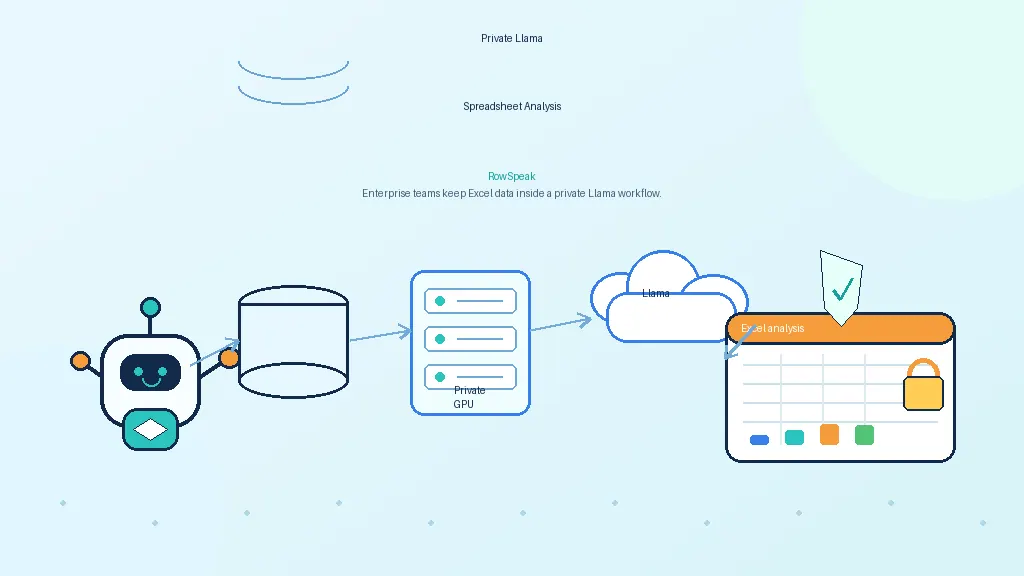
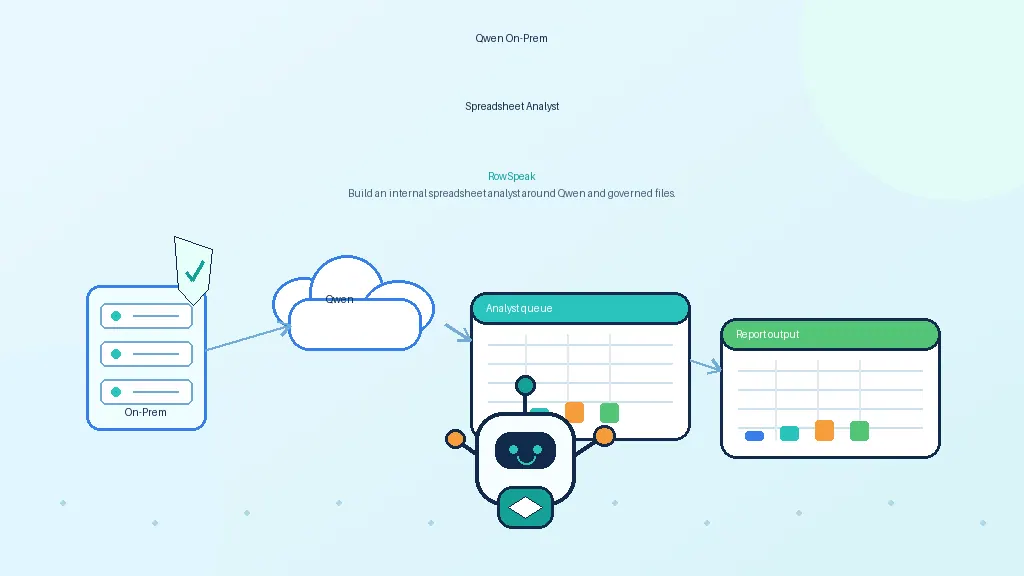
This workflow can use DeepSeek, Llama, Qwen, or another model. The architecture is the main point.
Where RowSpeak fits
RowSpeak is designed for the workflow layer above the model.
In a private finance deployment, the model provides reasoning. RowSpeak provides the spreadsheet-facing experience: upload a workbook, ask a question, generate charts, summarize findings, and produce report-ready explanations for finance AI workflows.
That distinction is useful for finance teams. They do not need to choose between AI usefulness and raw API complexity. They need a governed way to apply AI to spreadsheets, from financial forecasting to management reporting.
Decision checklist before using DeepSeek with finance files
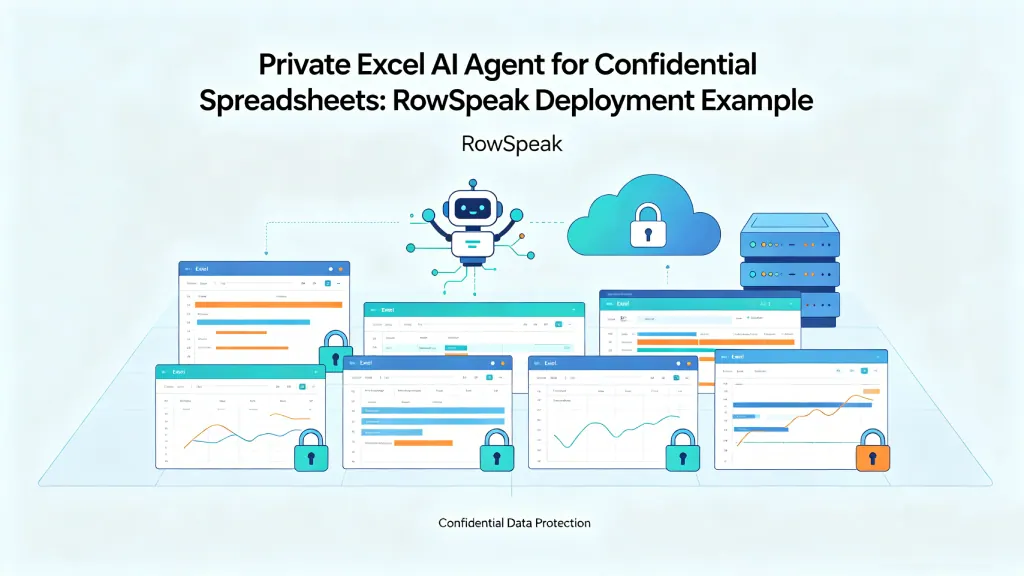
Before uploading a finance spreadsheet to any AI tool, ask these questions. For a broader comparison, see the guide to private Excel AI agents for confidential spreadsheets.
- Is the data public, internal, confidential, or regulated?
- Does the file contain payroll, customer revenue, forecasts, or board content?
- Is the tool approved by IT/security?
- Is the vendor allowed to store or train on the data?
- Where is the data processed?
- Can the company delete logs and files?
- Is there an enterprise agreement?
- Would a redacted sample be enough?
- Should this run through a private model endpoint instead?
DeepSeek may be useful for finance. But for private spreadsheets, the safer question is not "Can the model answer?" It is "Can the workflow protect the data and prove the answer?"
Sources and further reading
- DeepSeek official site: https://www.deepseek.com/
- DeepSeek-R1 GitHub: https://github.com/deepseek-ai/DeepSeek-R1
- OpenAI enterprise privacy: https://openai.com/enterprise-privacy/
- AWS Bedrock FAQs: https://aws.amazon.com/bedrock/faqs/
- Google Vertex AI data governance / zero data retention: https://docs.cloud.google.com/vertex-ai/generative-ai/docs/vertex-ai-zero-data-retention