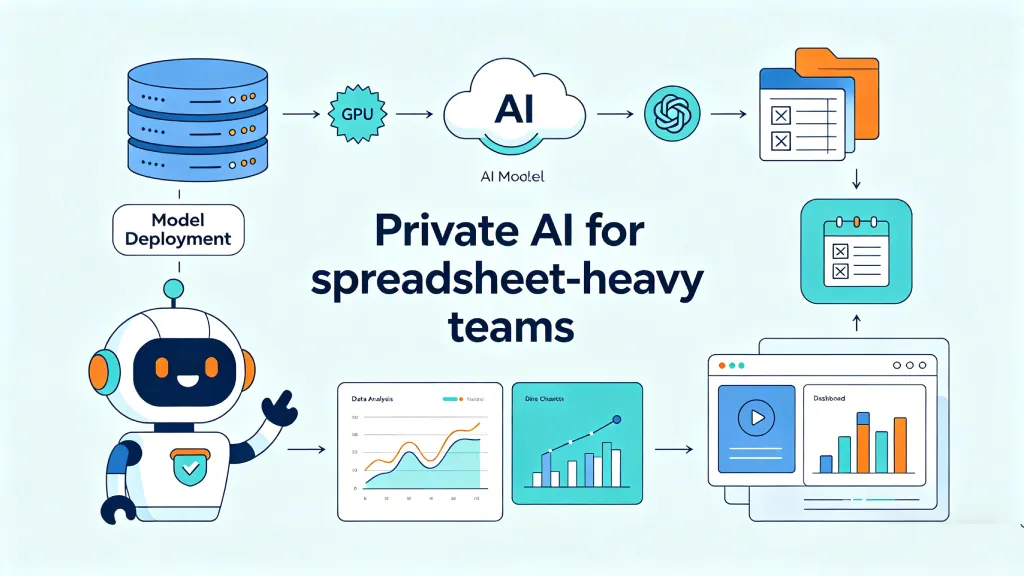
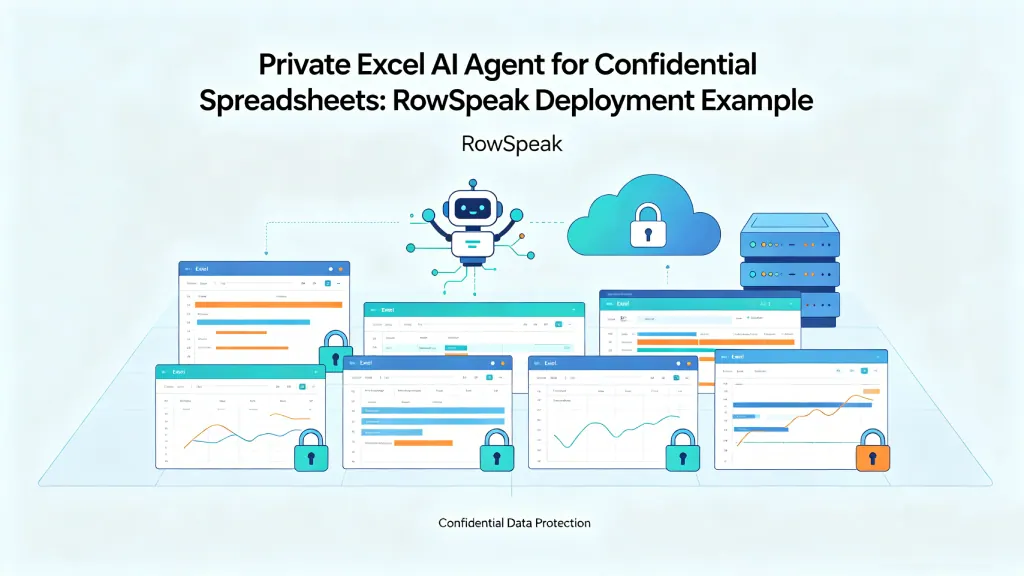
A lot of teams are asking a simple question right now: can we use Llama to analyze spreadsheets without sending confidential files to a public AI service?
The short answer is yes, but with an important caveat. Llama can be the reasoning layer inside a private spreadsheet analysis system. It should not be treated as the whole system.
A model can explain trends, generate formulas, write SQL, suggest charts, and turn messy business questions into a plan. But enterprise spreadsheet work also needs workbook parsing, deterministic calculation, permission checks, audit logs, and a user workflow that normal finance or operations teams can actually use.
That distinction matters. Most failed AI spreadsheet pilots fail because the team asks the model to be a database, calculator, security layer, and analyst at the same time.
Why enterprises are interested in Llama for spreadsheet analysis
Llama is attractive because it can run in environments a company controls. Meta maintains official Llama repositories on GitHub, and Llama models are widely supported across self-hosted inference stacks.
For a company with sensitive spreadsheet data, that opens a useful path:
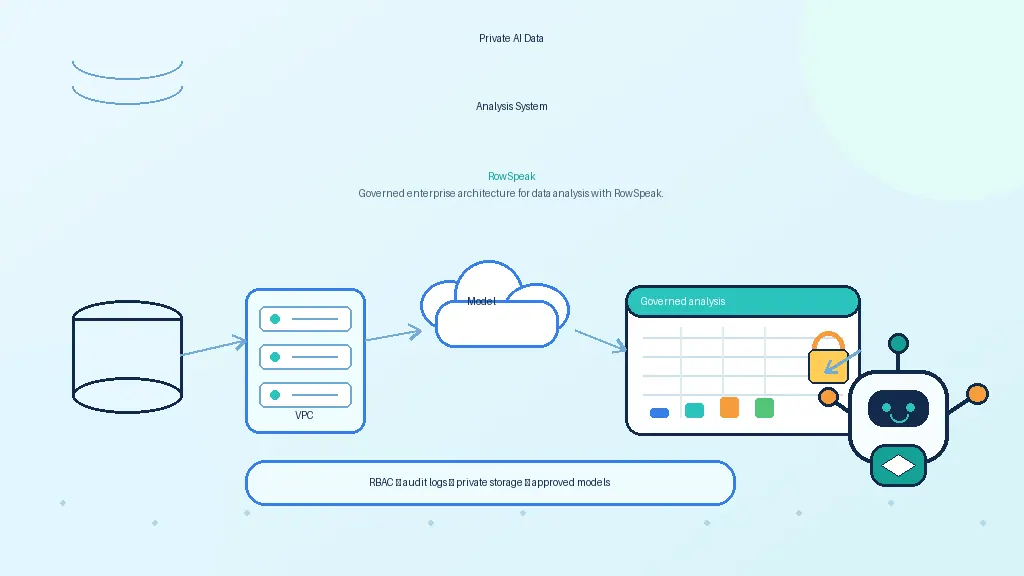
- run the model in a private VPC or on-prem environment
- expose it through an internal API
- keep workbooks inside approved storage
- avoid ad hoc copy-paste into public chatbots
- build an internal AI analyst that follows company rules
The use cases are usually practical, not experimental.
A finance team wants to ask why gross margin changed by region. A sales operations team wants to summarize pipeline changes from a weekly export. A reporting team wants draft commentary from a workbook before a management meeting. These are exactly the kinds of workflows where AI can save time, but they are also the kinds of workflows where data exposure matters.
What Llama can do well
For spreadsheet analysis, Llama is useful when the task involves language, reasoning, or workflow planning.
It can help with:
- interpreting a user's plain-English question
- identifying likely columns and metrics
- generating Excel formulas or SQL
- explaining a variance or trend
- suggesting charts for a report
- summarizing outputs from a calculation
- drafting management commentary
- turning a vague question into a structured analysis plan
For example, a user might ask:
Which product category drove the margin decline last quarter, and what chart should I use in the executive report?
A good AI system can use Llama to interpret the request, decide which fields matter, call a calculation tool, and explain the result in plain language.
The key phrase is "call a calculation tool."
What Llama should not do alone
A spreadsheet model should not ask Llama to calculate totals by reading thousands of rows inside a prompt. That is slow, expensive, and unreliable.
LLMs can hallucinate numbers. They can miss hidden rows. They can confuse similarly named columns. They can produce a plausible explanation from incomplete context.
That does not make Llama unsuitable. It means the architecture has to be honest about what the model is good at.
Use Llama for intent understanding, reasoning, code or query generation, and explanation. Use deterministic systems for arithmetic and data operations.
Those deterministic systems may include:
- SQL
- DuckDB
- pandas or Polars
- an Excel-compatible formula engine
- a BI semantic layer
- a governed warehouse query
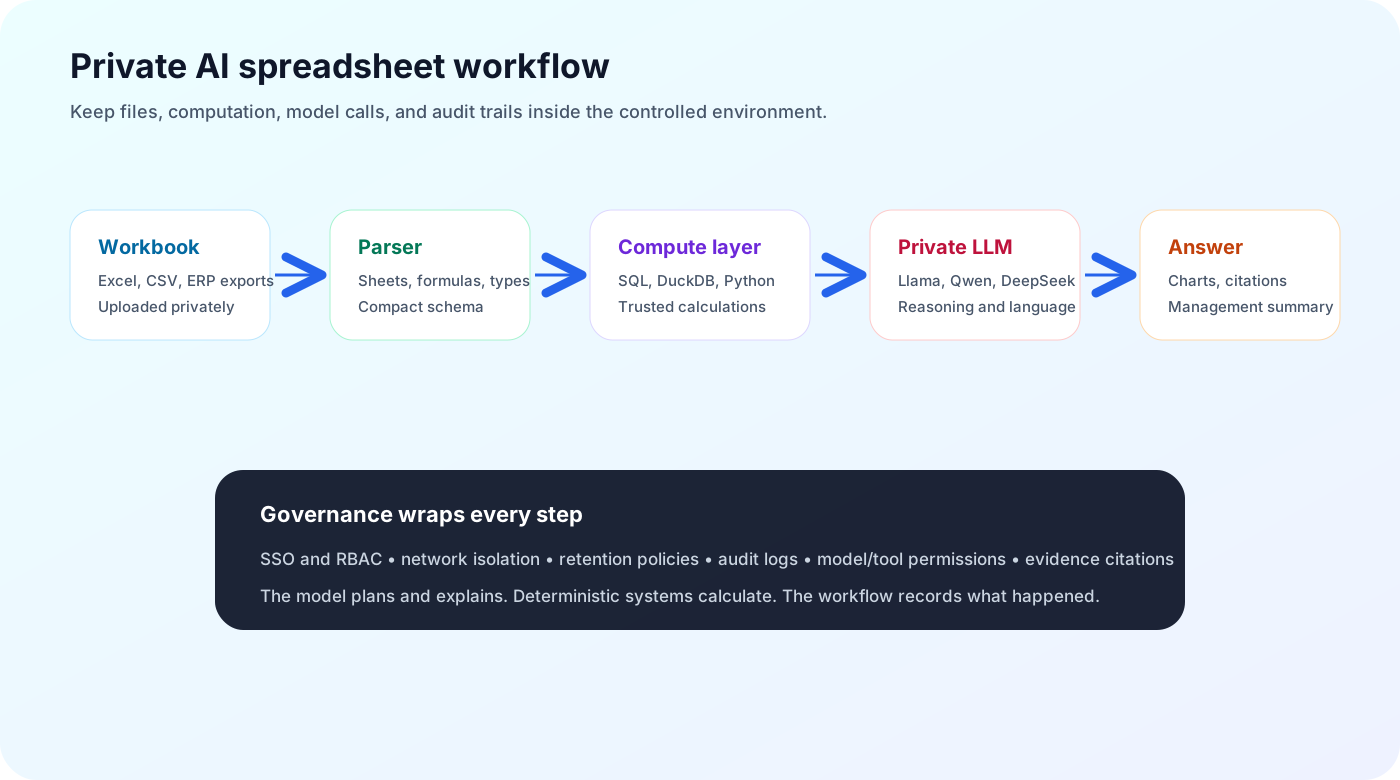
The model plans and explains. The compute layer calculates.
A practical private architecture
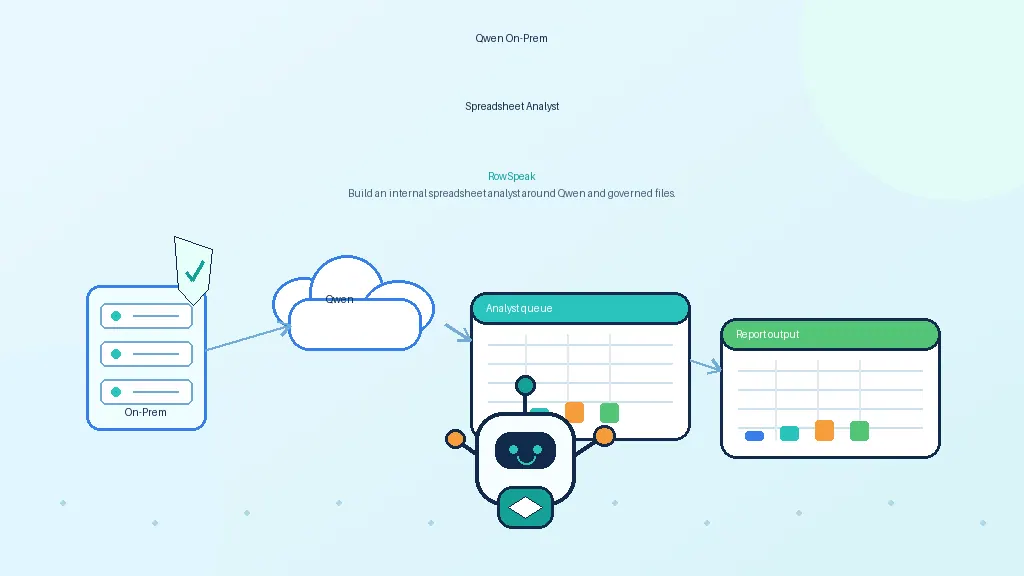
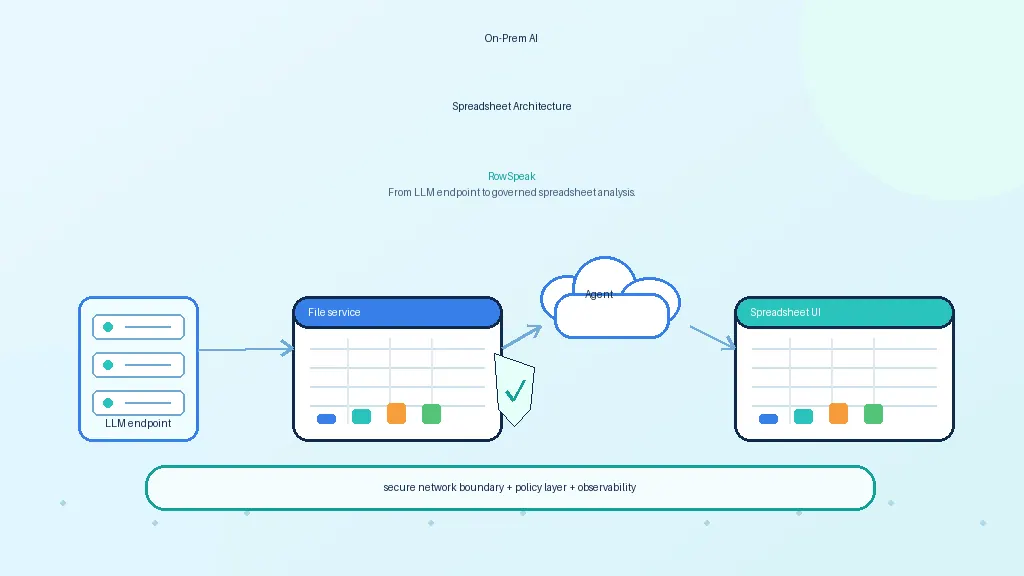
A private Llama spreadsheet system usually needs these layers:
Private file ingestion
Workbooks, CSVs, and exports are uploaded inside the company's environment.Workbook understanding
The system extracts sheets, columns, formulas, named ranges, data types, and table structure.Computation layer
Calculations run through SQL, Python, spreadsheet formulas, or another deterministic engine.Model endpoint
Llama runs through a private inference server.Workflow layer
Users ask questions, review outputs, create charts, and generate reports without calling the model API directly.Governance layer
The system enforces permissions, logs data access, controls retention, and records what answer was produced from which data.
This is why the model alone is not enough. Llama may be powerful, but business users do not want a raw /v1/chat/completions endpoint. They want an analyst experience.
vLLM, Ollama, or llama.cpp?
The right runtime depends on the stage of the project.
Ollama is useful for local testing and fast prototypes. It is easy to run and good for validating prompts and workflow ideas.
vLLM is a better fit when the team needs production GPU serving, batching, and an OpenAI-compatible API. The vLLM project documents an OpenAI-compatible server, which makes it easier to connect model-serving infrastructure to application layers.
llama.cpp is useful for quantized local inference, CPU or Apple Silicon experiments, and constrained environments.
For enterprise spreadsheet analysis, a common path is simple: prototype with Ollama, validate the workflow, then move serious internal deployment to vLLM or another production serving stack.
The accuracy problem is solvable, but only if you design for it
Accuracy in spreadsheet AI does not come from asking the model to be more careful. It comes from grounding the model in tools and evidence.
A private spreadsheet analyst should:
- inspect schema before answering
- ask clarifying questions when columns are ambiguous
- run calculations outside the model
- return row, sheet, or query references
- show intermediate tables when useful
- separate facts from interpretation
- keep a log of the generated formula, SQL, or code
This makes the answer reviewable. A finance analyst can see where the number came from. An IT team can see what data was accessed. A manager can trust the process more than a black-box summary.
Where RowSpeak fits
RowSpeak is not meant to replace Llama. It sits above models like Llama as the spreadsheet assistant workflow layer.
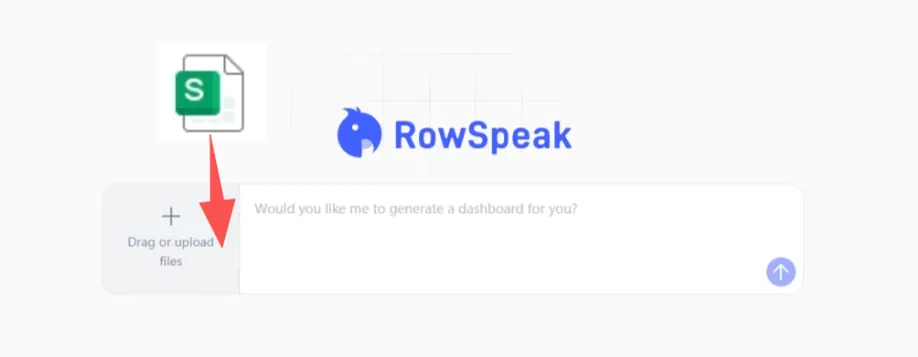
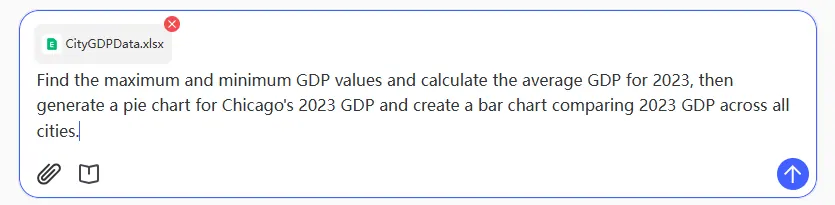
In a private deployment, the model provides reasoning. RowSpeak provides the experience around that reasoning: upload a spreadsheet, ask in plain language, run AI spreadsheet data analysis, create charts, and produce report-ready explanations.
That layer is where a lot of enterprise value lives. It handles the messy parts that a raw model endpoint does not solve: workbook structure, user workflow, calculation grounding, and business-facing outputs.
For companies evaluating Llama, the strategic question is not only "Can we run the model?" It is "Can we turn the model into a governed spreadsheet analyst our teams will actually use?"
Checklist before piloting Llama for private spreadsheet analysis
Before you start, answer these questions:
- What kinds of spreadsheets will users analyze?
- Are there hidden sheets, formulas, pivots, or multiple related files?
- Which data is confidential or regulated?
- Where will files be stored?
- Which runtime will serve the model?
- Which engine will perform calculations?
- How will outputs cite source rows, cells, or queries?
- How will access be logged?
- Who can see uploaded files and generated reports?
- What is the fallback when the model is uncertain?
If these questions are clear, Llama can become a strong foundation for private spreadsheet analysis and repeatable work like recurring spreadsheet reporting. If they are ignored, the project becomes another chatbot demo.
Sources and further reading
- Meta Llama GitHub: https://github.com/meta-llama
- vLLM OpenAI-compatible server: https://docs.vllm.ai/en/latest/serving/openai_compatible_server/
- Ollama model library: https://ollama.com/library
- llama.cpp: https://github.com/ggml-org/llama.cpp