DeepSeek-V4-Flash is now official, public, and open-weight.
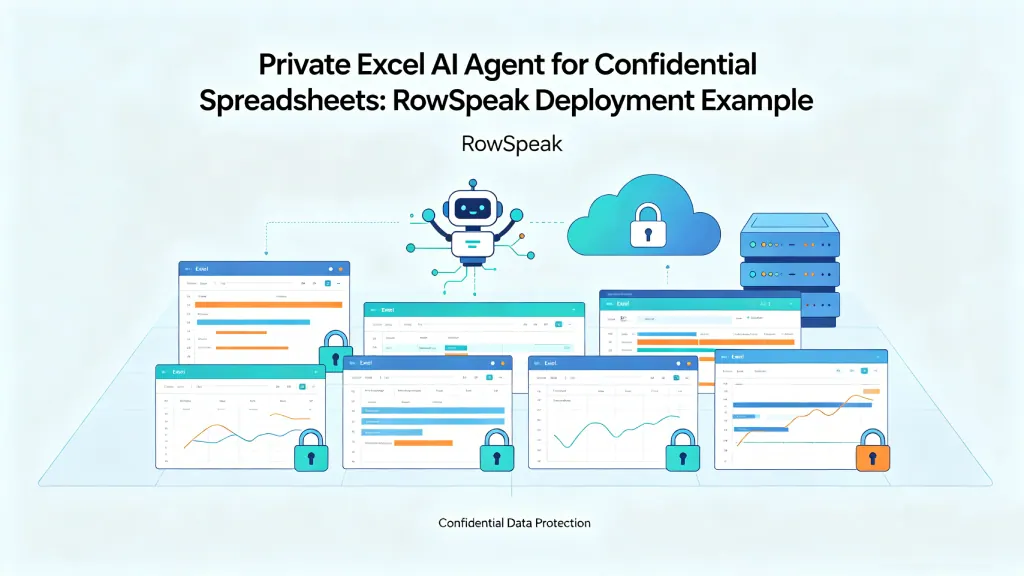
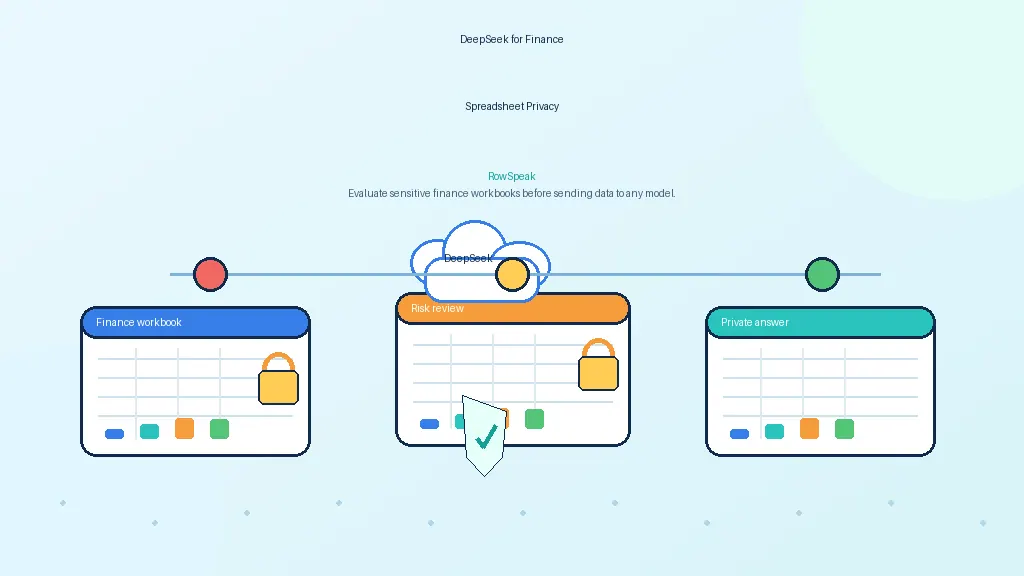
That matters for a very specific kind of buyer: teams that want stronger AI capability without sending sensitive spreadsheet data to an external API.
If you are evaluating private AI for finance reports, operational workbooks, internal exports, or recurring spreadsheet analysis, the question is no longer just whether a model like this can run on your own infrastructure. The real question is whether you can turn it into a secure internal service that people can actually use.
That is what this article is designed to help with.
More specifically, it walks through a practical private-AI setup for internal spreadsheet analysis:
- run DeepSeek-V4-Flash on your own GPU server
- expose it as a private inference API
- validate that the endpoint works on business-style prompts
- connect it to a workflow layer like RowSpeak so non-technical users can analyze spreadsheet data without dealing with raw model calls
This is not really an article about “chatting with a model.” It is about building a private AI server that can support real internal spreadsheet workflows.
Why teams want a private AI server for spreadsheet analysis
When people talk about self-hosting, they often make it sound ideological. In reality, the motivation is usually operational and commercial.
A finance team does not want board-reporting spreadsheets passing through a public API if they can avoid it, especially when those files support management reporting workflows. An operations team does not want internal trackers, revenue exports, and messy cross-functional workbooks leaving their environment just to get analysis done. And an IT or security team usually wants something simpler still: a model endpoint they control, monitor, audit, and restrict like the rest of their internal systems.
That is where DeepSeek-V4-Flash becomes attractive.
DeepSeek has quickly become part of the private-AI conversation because teams now see it as a realistic foundation for internal AI deployments.
It is strong enough to be worth deploying, and open enough to make a private AI rollout realistic.
If your use case is casual consumer chat, a hosted API may still be the easier choice.
But if your real workload looks more like this:
- finance workbooks
- weekly sales reports
- exported BI tables
- CSV dumps from internal systems
- messy operational spreadsheets that still drive important decisions
then the private-server path starts to look much more compelling.
What you are actually building
The good news is that the architecture itself is simple.
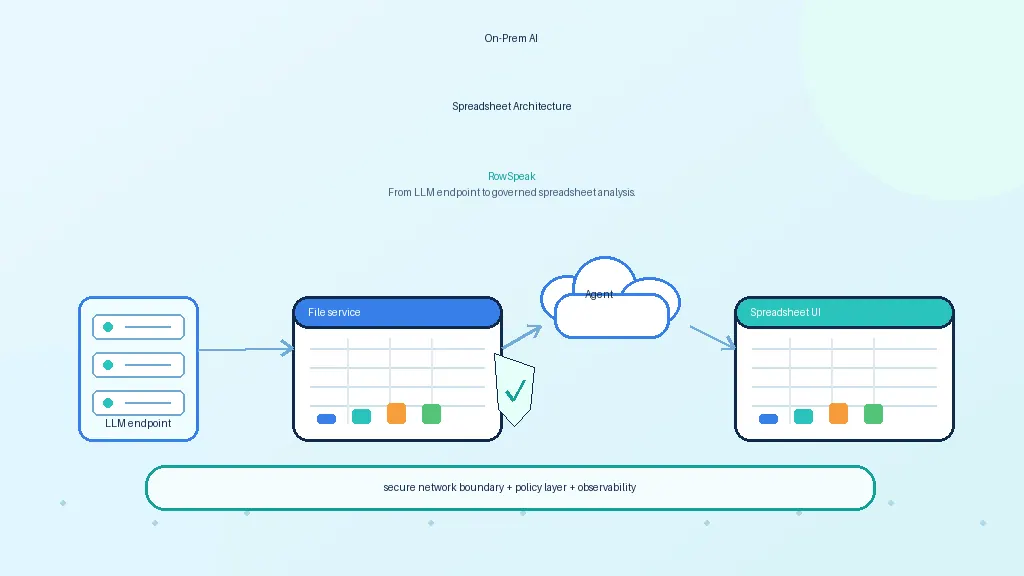
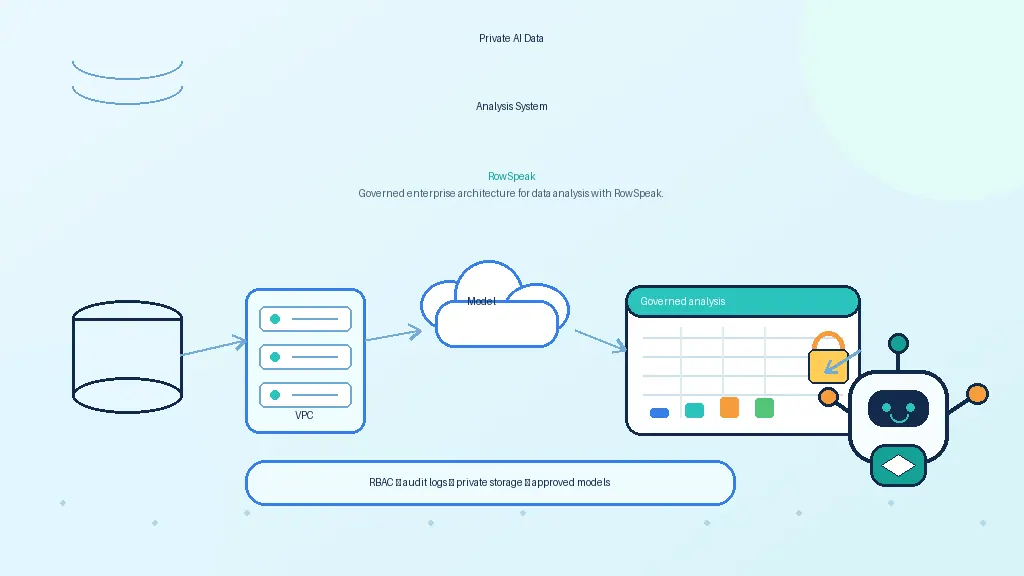
You do not need a giant AI platform to get value. You need four things:
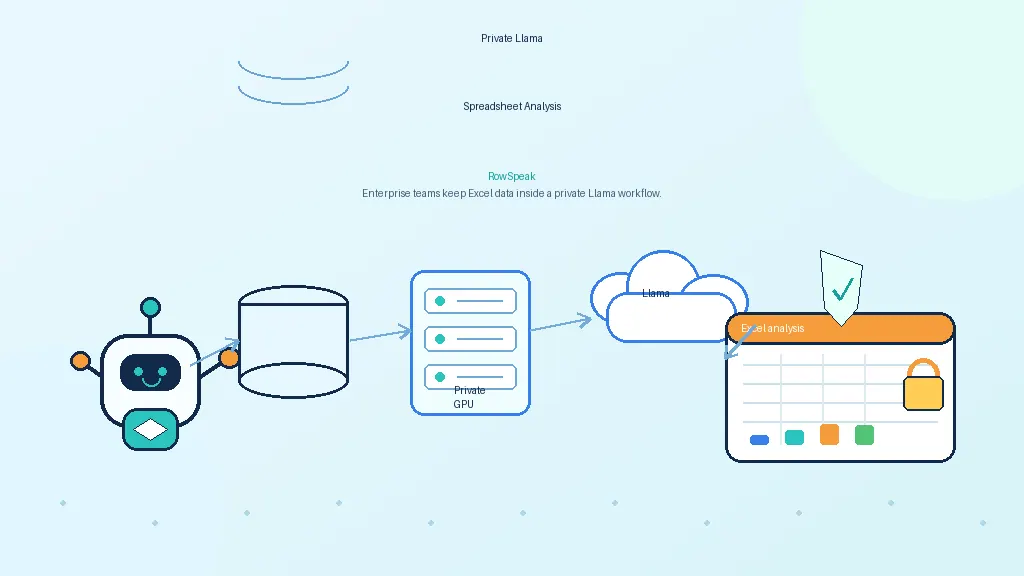
- a GPU server you control
- a model runtime
- a private API endpoint
- a workflow layer on top of that endpoint for real users
In this setup:
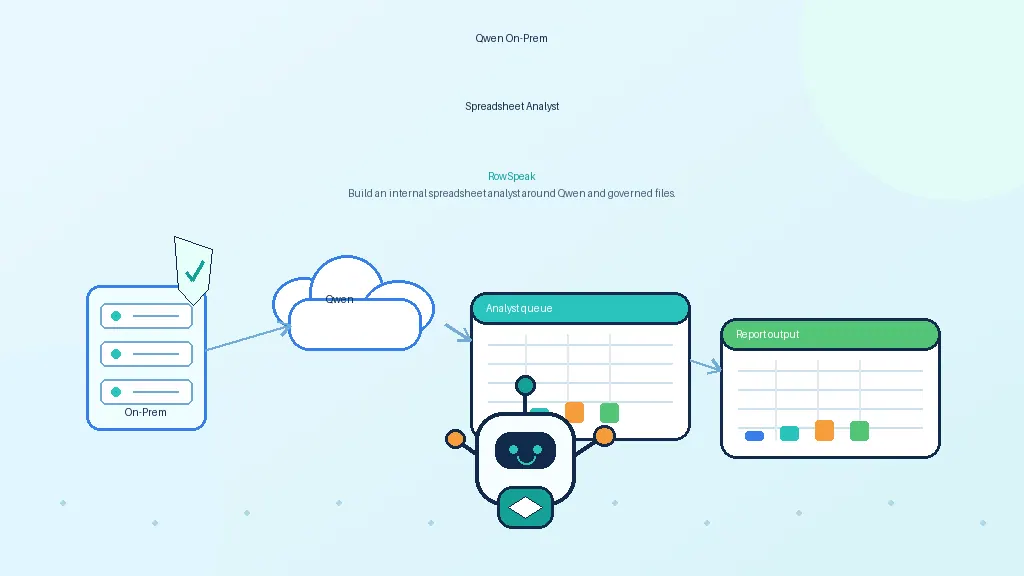
- DeepSeek-V4-Flash is the model
- vLLM or Ollama is the serving layer
- RowSpeak is the workflow layer that turns model access into spreadsheet analysis tasks
That separation matters because it keeps each layer focused.
The model server handles inference. The workflow layer handles the messy reality of business usage: file uploads, spreadsheet context and plain-language questions, summaries, and chart-ready outputs.
Which deployment route makes the most sense?
There are two realistic routes here, and the right choice depends on what kind of internal service you are trying to operate.
Option 1: vLLM
If you are building a serious internal AI endpoint for repeated business use, this is the route I would recommend first.
The reason is straightforward: vLLM is a production-oriented serving stack, and its OpenAI-compatible API makes integration cleaner. If your goal is to put DeepSeek-V4-Flash behind an internal spreadsheet-analysis workflow, API compatibility and deployment control matter a lot.
Option 2: Ollama
Ollama is the more convenient option when the model packaging and runtime support line up with what you want to deploy.
It is easier to get moving with, and for lighter internal scenarios or faster proofs of concept it can be a sensible choice.
But if I had to summarize the decision in one sentence, it would be this:
use vLLM when you want a more production-style private AI server, and use Ollama when speed and simplicity matter more than infrastructure control.
Before you start: check the server, not just the idea
The exact hardware you need depends on the exact DeepSeek-V4-Flash artifact you choose, the precision you want, your context length, and how much concurrency you expect.
That is why generic “you need X GPUs” advice is often misleading.
The better approach is to start from the official model artifact and size the machine around what you are actually planning to serve.
At a minimum, your server should have:
- Linux you control
- NVIDIA GPUs
- healthy driver installation
- a working CUDA environment
- Python installed
- enough VRAM for the model artifact you choose
Before doing anything else, run a sanity check:
nvidia-smi
python3 --version
It sounds basic, but it is worth doing. A surprising number of deployment problems are not model problems at all. They are driver issues, environment issues, or simple machine-preparation mistakes.
Deploying with vLLM
If you want the cleanest “real deployment” path, start here.
Step 1: install vLLM in a clean environment
python3 -m venv .venv
source .venv/bin/activate
pip install --upgrade pip
pip install vllm
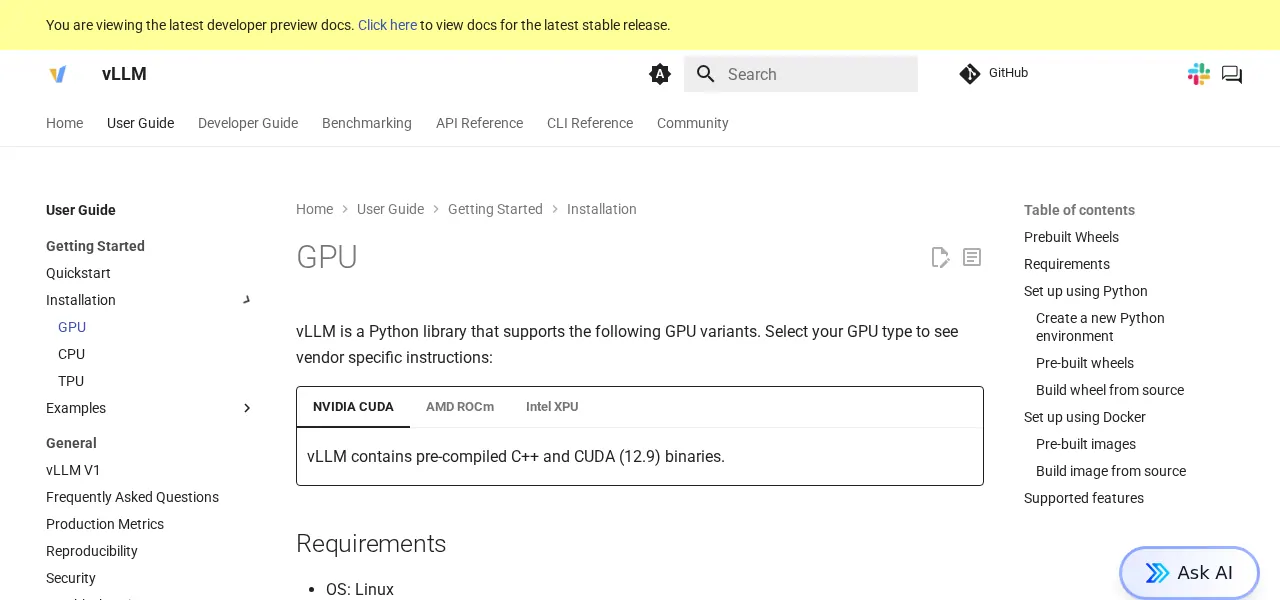
Useful docs:
Step 2: use the official DeepSeek artifact
This is one of those places where a small shortcut can create a lot of pain later.
Do not start from random mirrors if you can avoid it. Start from the official DeepSeek release page, then follow the official Hugging Face collection linked from there.
That gives you a cleaner provenance trail and lowers the odds of deploying the wrong thing.
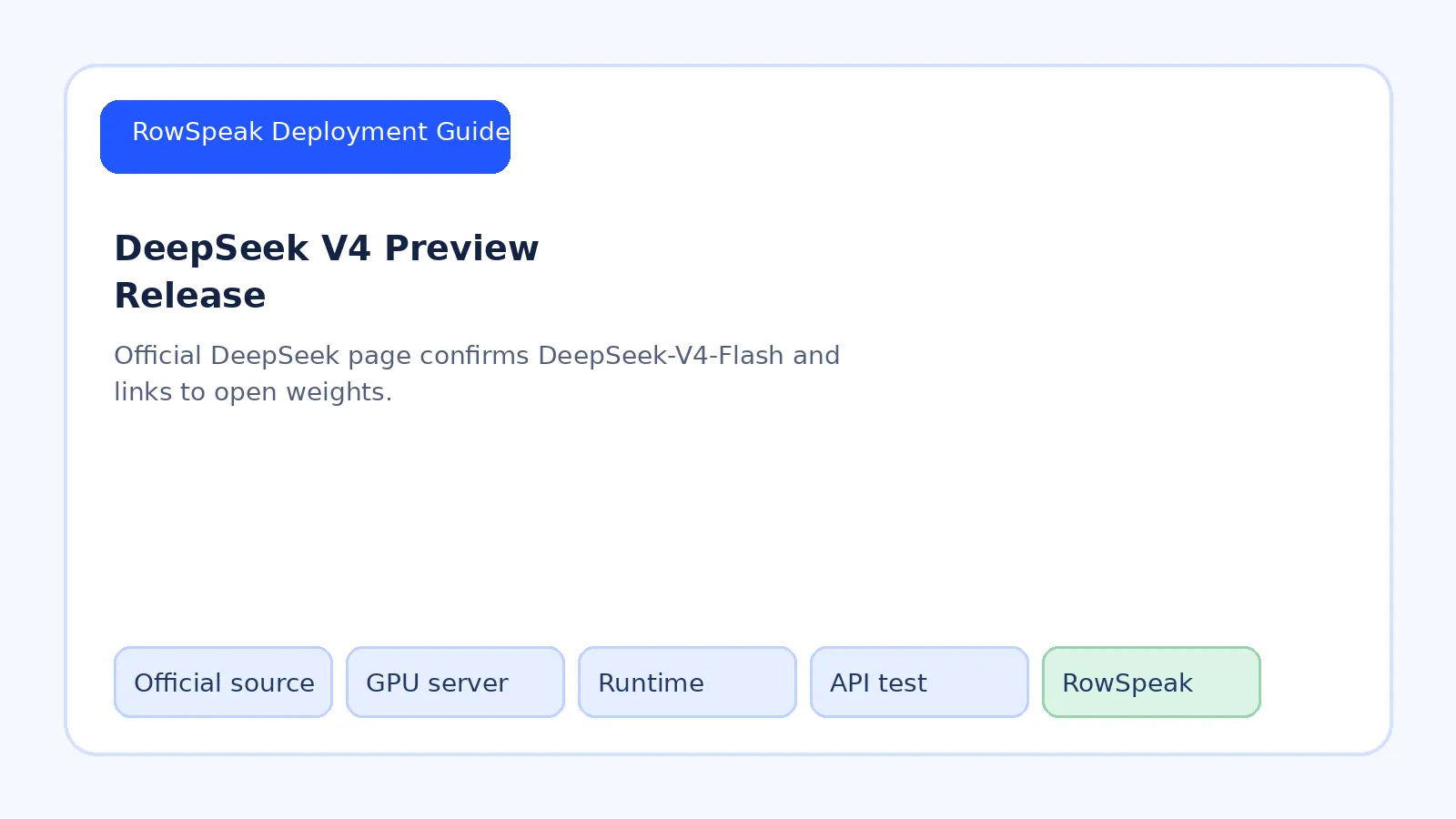
DeepSeek’s official release page announcing V4-Flash as part of the DeepSeek V4 Preview launch.
Step 3: start the API server
A typical vLLM launch looks like this:
python -m vllm.entrypoints.openai.api_server --model deepseek-ai/DeepSeek-V4-Flash --host 0.0.0.0 --port 8000
Depending on the model artifact and machine, you may also need to tune:
- tensor parallelism
- dtype
- max model length
- GPU memory utilization
But the basic idea stays the same. Launch the model, expose the endpoint, and make sure the serving layer is stable before you touch the application side.
Step 4: test the endpoint like an API, not like a demo
Before you connect RowSpeak or anything else, verify that the model server responds correctly on its own.
For example:
curl http://YOUR_SERVER_IP:8000/v1/chat/completions -H "Content-Type: application/json" -d '{
"model": "deepseek-ai/DeepSeek-V4-Flash",
"messages": [
{"role": "user", "content": "Summarize the benefits of self-hosting an LLM for spreadsheet analysis."}
]
}'
If the server returns a valid response, you have the core serving path working.
At this point, resist the urge to overcomplicate the test. You are not benchmarking the whole system yet. You are checking that the endpoint is alive, the model loads correctly, and the API behaves the way your app expects.

Deploying with Ollama
Ollama is the more lightweight path, and when the packaging fits, it can be the fastest way to get a usable deployment running.
The important thing is not to treat it as a universal answer. It is the right option when the exact DeepSeek build you want is available in a form that Ollama can serve cleanly.
Official docs:
Install it first:
curl -fsSL https://ollama.com/install.sh | sh

Then pull or register the model in the format your Ollama setup supports, and test it directly before trying to integrate it anywhere else.
A minimal local test looks like this:
ollama run YOUR_DEEPSEEK_MODEL
If you are exposing it over the Ollama API instead, test that API directly first.

Test with a business prompt, not a toy prompt
This part is easy to underestimate.
A lot of private AI deployments get declared “working” because someone asked the endpoint to say hello, summarize a paragraph, or write a joke. That tells you almost nothing about whether the system is useful for the internal work you actually care about.
If your goal is spreadsheet analysis, the smarter test is to use the kind of prompt your finance, operations, or AI reporting teams would really care about.
For example:
I have a weekly sales spreadsheet with columns for region, rep, revenue, units, and margin.
Find the weakest-performing regions, identify the reps with falling margin, and recommend three charts for an executive summary.
That kind of test is much more revealing. It tells you whether the model is merely alive, or whether it can support internal spreadsheet analysis in a way that is actually useful to the business.
Where RowSpeak fits
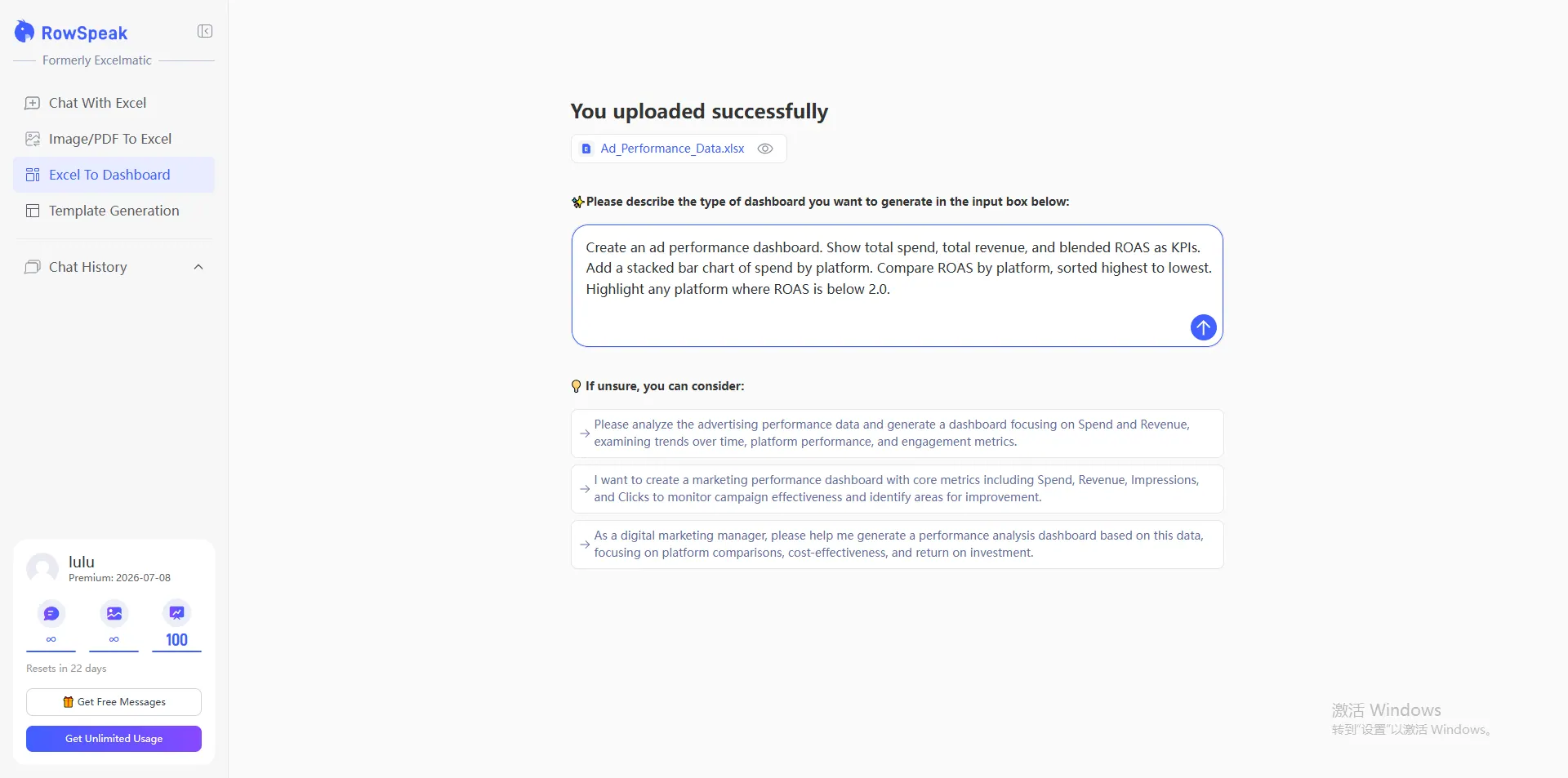
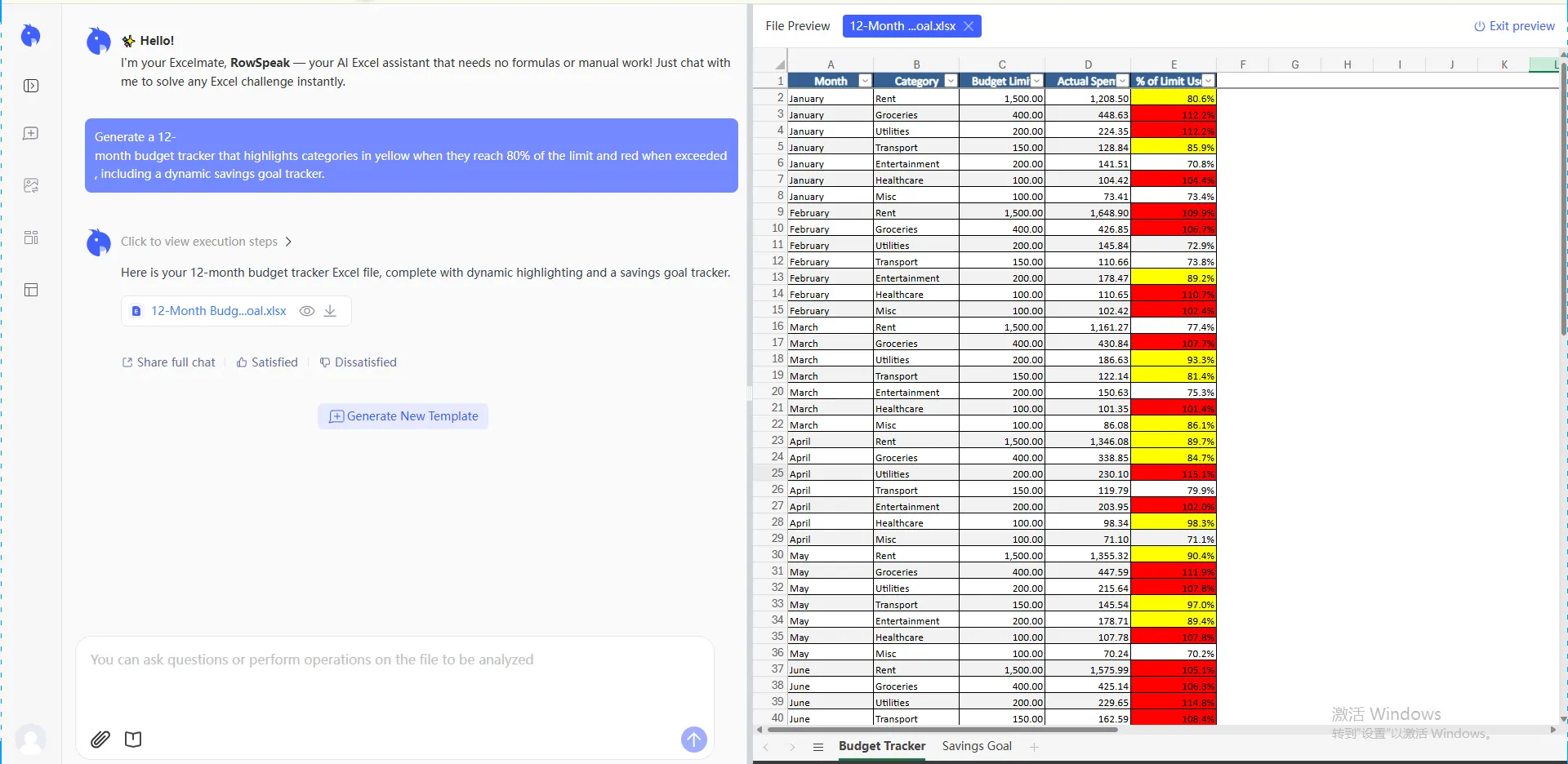
Once the private model endpoint works, RowSpeak becomes the layer that makes the whole system usable for actual teams.
Instead of forcing users to think in raw inference requests, RowSpeak gives them a workflow around files and spreadsheet-analysis tasks.
That means they can:
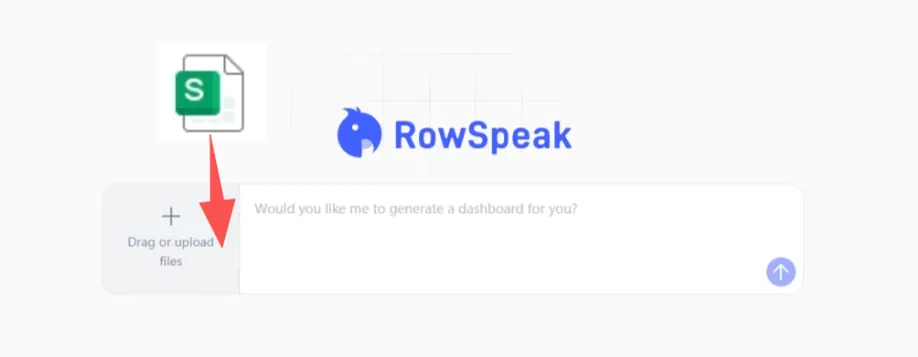
- upload spreadsheets
- ask analysis questions in plain language
- generate summaries
- create chart-oriented outputs
- work through messy business data more naturally
This is the most important framing in the whole article:
the value is not “chat with a CSV.”
The value is taking messy internal spreadsheet data, routing it through a private AI server you control, and turning the results into outputs people can actually use for AI-generated reporting, decision support, and internal workflows.
Final validation: what actually matters
Before you call the deployment done, check the things that matter in a real internal rollout:
- does the endpoint stay stable under repeated requests?
- is latency acceptable for real internal use?
- is the model name wired correctly in the app?
- are the network rules and access controls correct?
- are the analysis and chart outputs actually useful on real spreadsheet tasks?
That last point is the one people skip too often.
A private AI deployment is not successful just because the server is running. It is successful when internal users can rely on it for real spreadsheet work without sending sensitive data outside your environment.
The shortest working takeaway
DeepSeek-V4-Flash is now official, public, and open-weight. If you want to run private AI for internal spreadsheet analysis, the cleanest path is to deploy it on your own GPU server with vLLM first, or Ollama where that route fits better, verify the API with business-style prompts, and then connect a workflow layer like RowSpeak on top.
Then, in your environment variables, set orchestrator_model=deepseek-v4-flash, and you can use RowSpeak for internal data analysis and chart generation without routing the work through a public model API.
FAQ
Is DeepSeek-V4-Flash a good fit for private AI deployments?
Yes—if your goal is to run a capable model inside your own environment for internal use cases such as spreadsheet analysis, reporting support, or operational workflows. The main reason teams look at DeepSeek-V4-Flash is that it gives them a stronger model option without forcing sensitive internal data through a public model API.
Should I use vLLM or Ollama for an internal deployment?
If you want a more production-style internal AI server, start with vLLM. If you want a faster proof of concept or a simpler local deployment path, Ollama can be a good fit. In practice, many teams use Ollama to explore and vLLM to operationalize.
What should I test before calling the deployment successful?
Do not stop at "the server responded." Test whether the endpoint stays stable, whether latency is acceptable, whether access controls are correct, and whether the outputs are actually useful on real spreadsheet-analysis tasks from finance, operations, or reporting teams.
Is this really about spreadsheet analysis, or just general chat?
For most business buyers, the value is not generic chat. The value is using a private AI server to help internal teams work through spreadsheets, CSV exports, reports, and other structured business data without exposing that work outside the company environment.
Where does RowSpeak fit in this architecture?
RowSpeak is the workflow layer on top of the private model endpoint. Instead of asking users to interact with a raw model API, it gives them a spreadsheet-focused interface for uploads, questions, summaries, and chart-ready outputs.
Need a private deployment for your team?
If you want to run AI for internal spreadsheet analysis without sending sensitive data to a public model API, RowSpeak can help you turn a self-hosted model into a usable internal workflow.
A typical enterprise setup can include:
- private or on-prem deployment options
- connection to your own model endpoint
- spreadsheet-focused analysis workflows
- support for finance, operations, and reporting teams
- controls aligned with internal data-security requirements
If you are evaluating a private AI rollout and want a working path—not just a model demo—contact RowSpeak to discuss your use case.