Key Takeaways
- Predictive Visibility: Move from recording past spending to predicting future savings with AI-driven forecasting logic.
- Smart Alerts: RowSpeak Template Generation builds automatic "Burn Rate" alerts that highlight overspending before it happens.
- Dynamic Customization: Whether you are managing a household budget or a startup’s seed funding, the AI builds the categories that fit your lifestyle.
- Professional Assets: Access the Template Library for high-end financial frameworks designed for immediate download.
Why Static Budgeting Always Fails
Most people fail at budgeting not because of a lack of discipline, but because of clunky tools. Standard templates are often just digital lists—they don't tell you the "Story" of your money.
For finance-specific reporting, RowSpeak's AI finance workflow connects budgets, forecasts, variance checks, and leadership-ready summaries.
Small business owners and individuals alike often find themselves unhiding columns to find hidden costs or struggling to insert rows for every new transaction. It’s time to move toward a Command-Based Financial Infrastructure.
Method 1: The Manual "Cell-by-Cell" Struggle
Building a professional financial tracker manually is a high-stakes task where one error can ruin your analysis:
- Formula Complexity: Creating conditional logic to compare "Actual vs. Budget" across multiple categories.
- Manual Formatting: Trying to set up "Heat Maps" or bars that show spending percentages.
- Data Fragmentation: Getting stuck when trying to merge multiple sheets of bank statements into one clean view.
- Scaling Friction: Trying to insert multiple columns for new months or tax categories without breaking the summary charts.
The Result: A fragile sheet that feels like a chore to update.
Method 2: The RowSpeak "Intelligent CFO" Solution
RowSpeak turns your financial goals into a functional dashboard. It’s not just a table; it’s an early warning system for your capital.
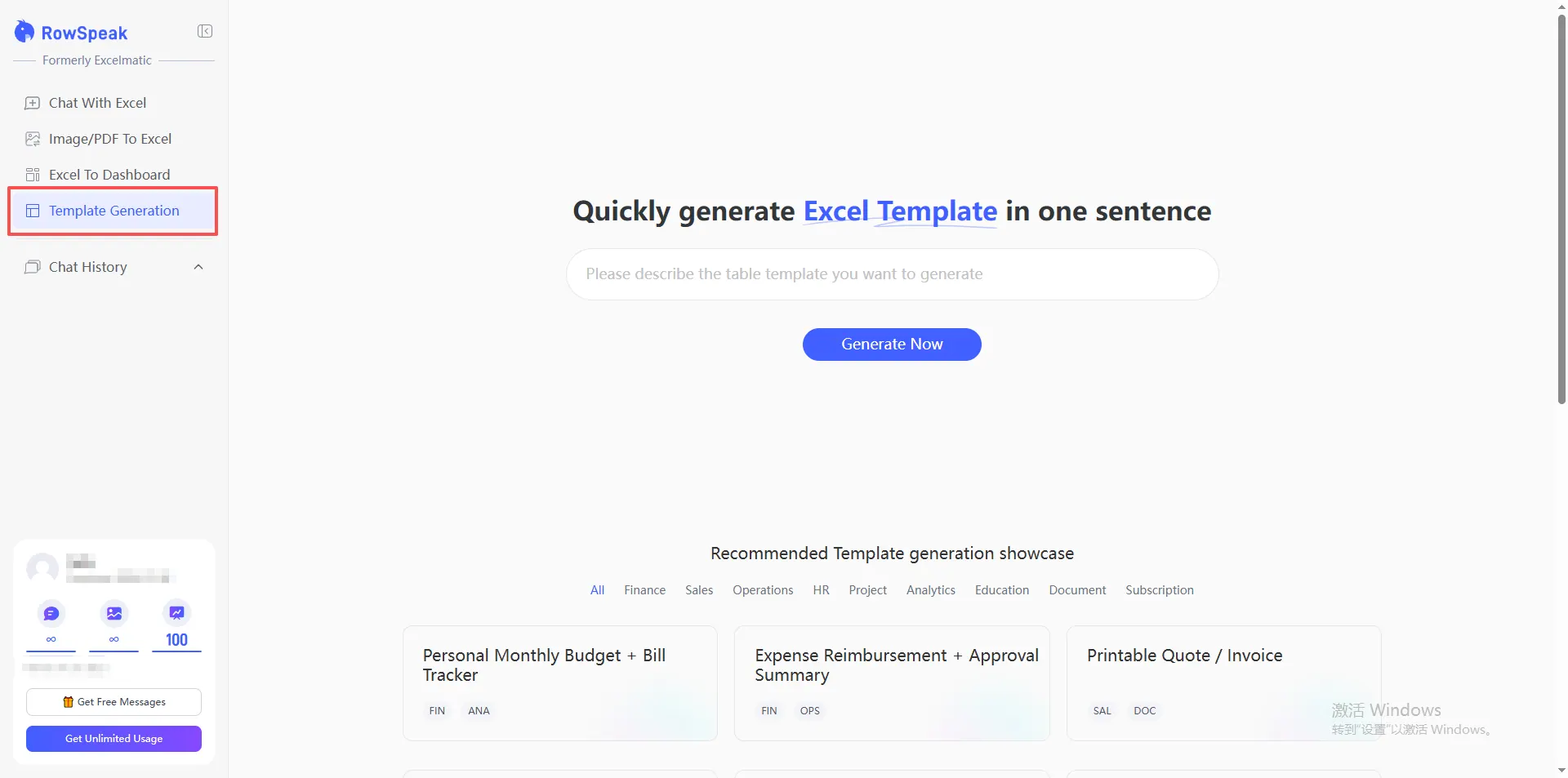
Step 1: Define Your Financial Logic
Don't settle for "Income vs. Expense." Be specific about your goals.
The Financial Master Command:
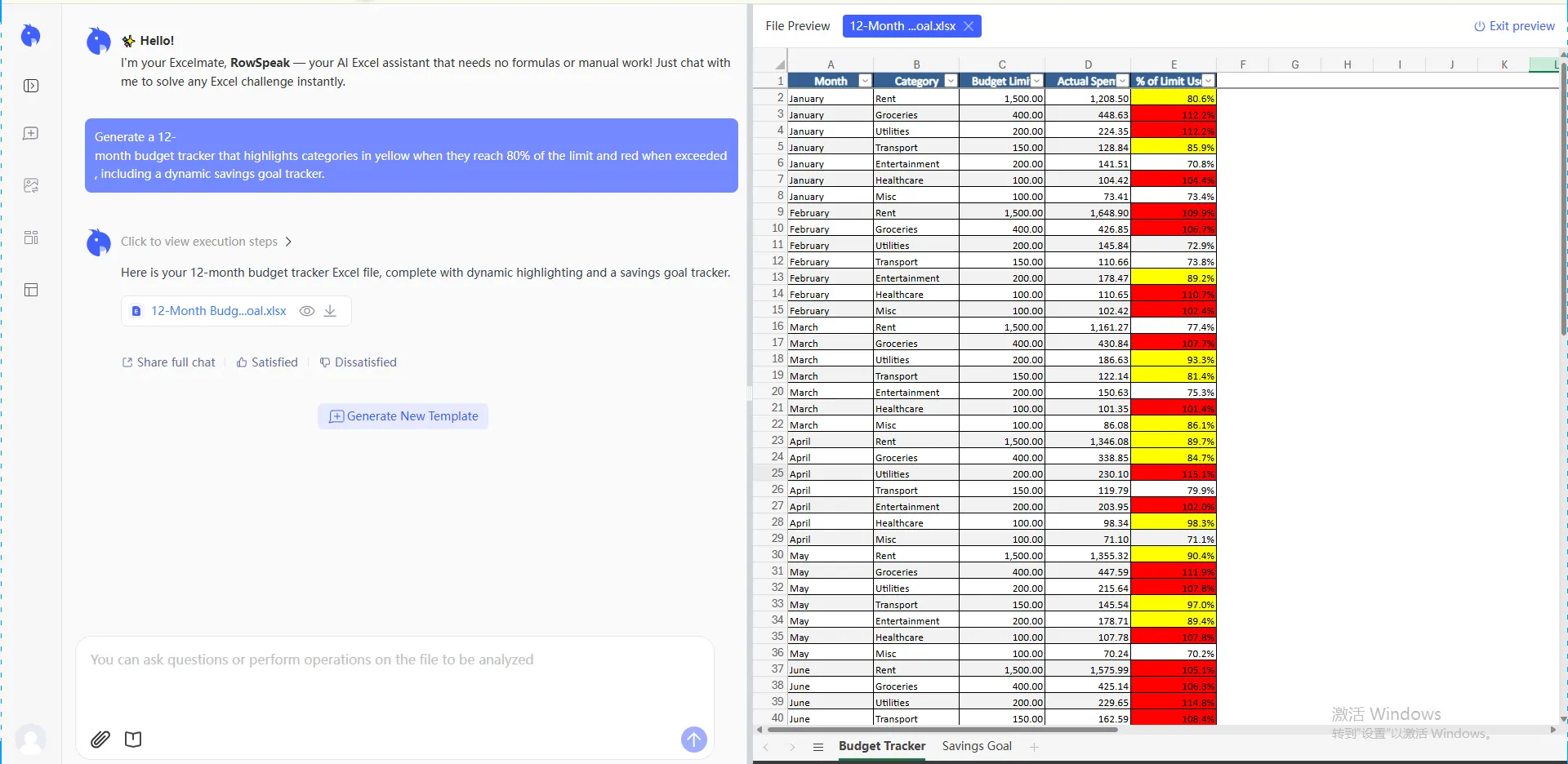
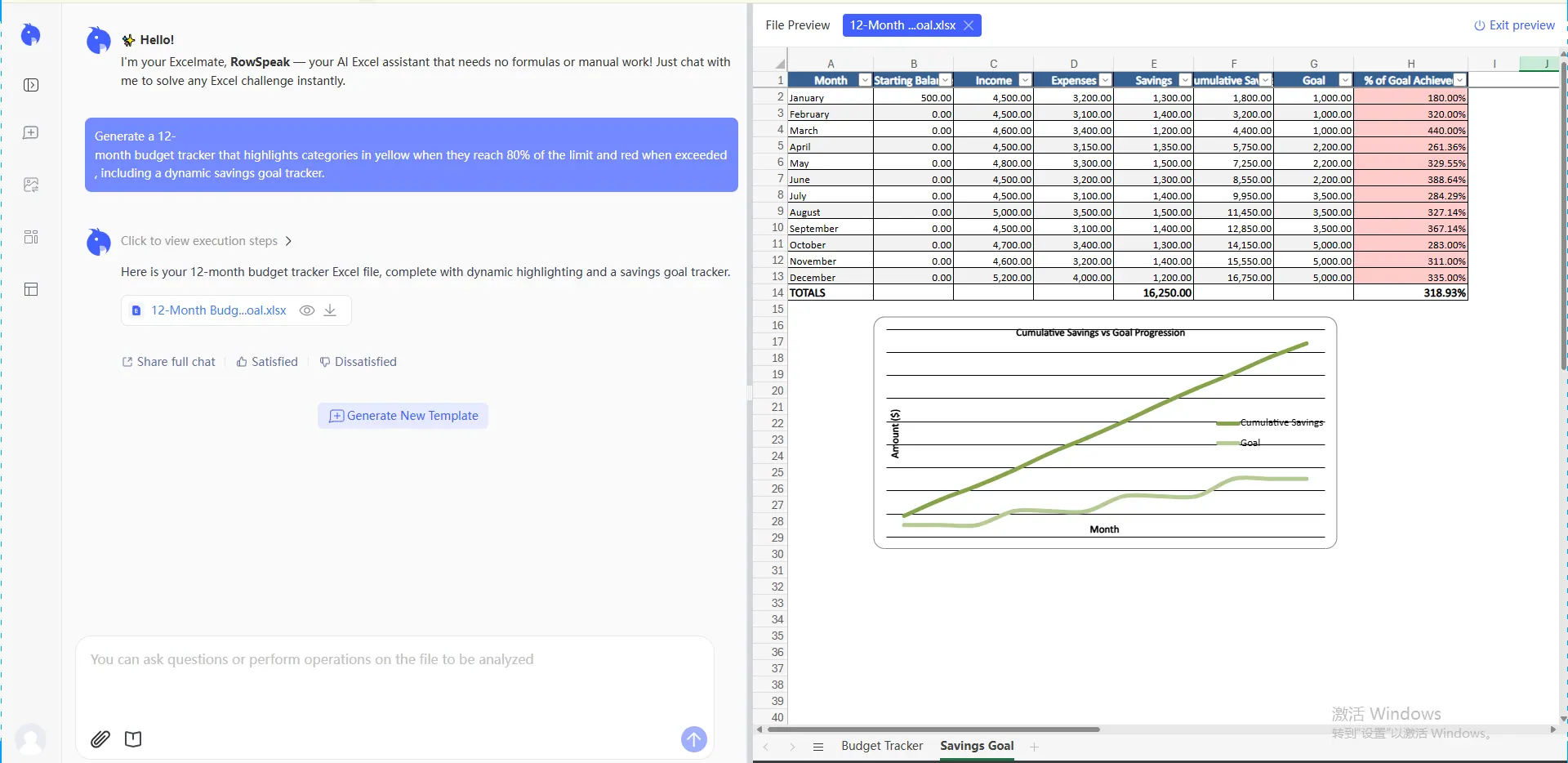
Generate a 12-month budget tracker that highlights categories in yellow when they reach 80% of the limit and red when exceeded, including a dynamic savings goal tracker.
Step 2: Automated Architecture
RowSpeak builds the mathematical backbone. It ensures your statistical analysis is ready, allowing you to see your projected net worth by the end of the year based on current habits.
Step 3: Clean and Refine
Inherited a messy list of expenses? RowSpeak can clean messy data as it generates your new sheet. If you need to add specific prefixes to transaction IDs for tax purposes, simply ask the AI to handle it.
Comparison: Manual Expense Sheets vs. AI Financial Dashboards
| Feature | Standard Excel Budget | RowSpeak AI Dashboard |
|---|---|---|
| Setup Time | Hours of logic building | < 60 Seconds |
| Alert System | None (Manual checking) | Automated Visual Alerts |
| Forecasting | Static (Past data only) | Predictive (Future trends) |
| Maintenance | High risk of locked workbook errors | Prompt-based real-time updates |
FAQ: Mastering Your Cash Flow
1. Can I track both business and personal expenses in one file? Yes. You can command RowSpeak to build a VLOOKUP-powered summary that separates these streams while giving you an "All-in" view of your liquidity.
2. What if I want to visualize my spending by category? The AI-generated templates include high-end Pie and Bar charts by default. If you want to change the visual style, just ask the AI to "Update the dashboard to a minimalist dark-mode theme."
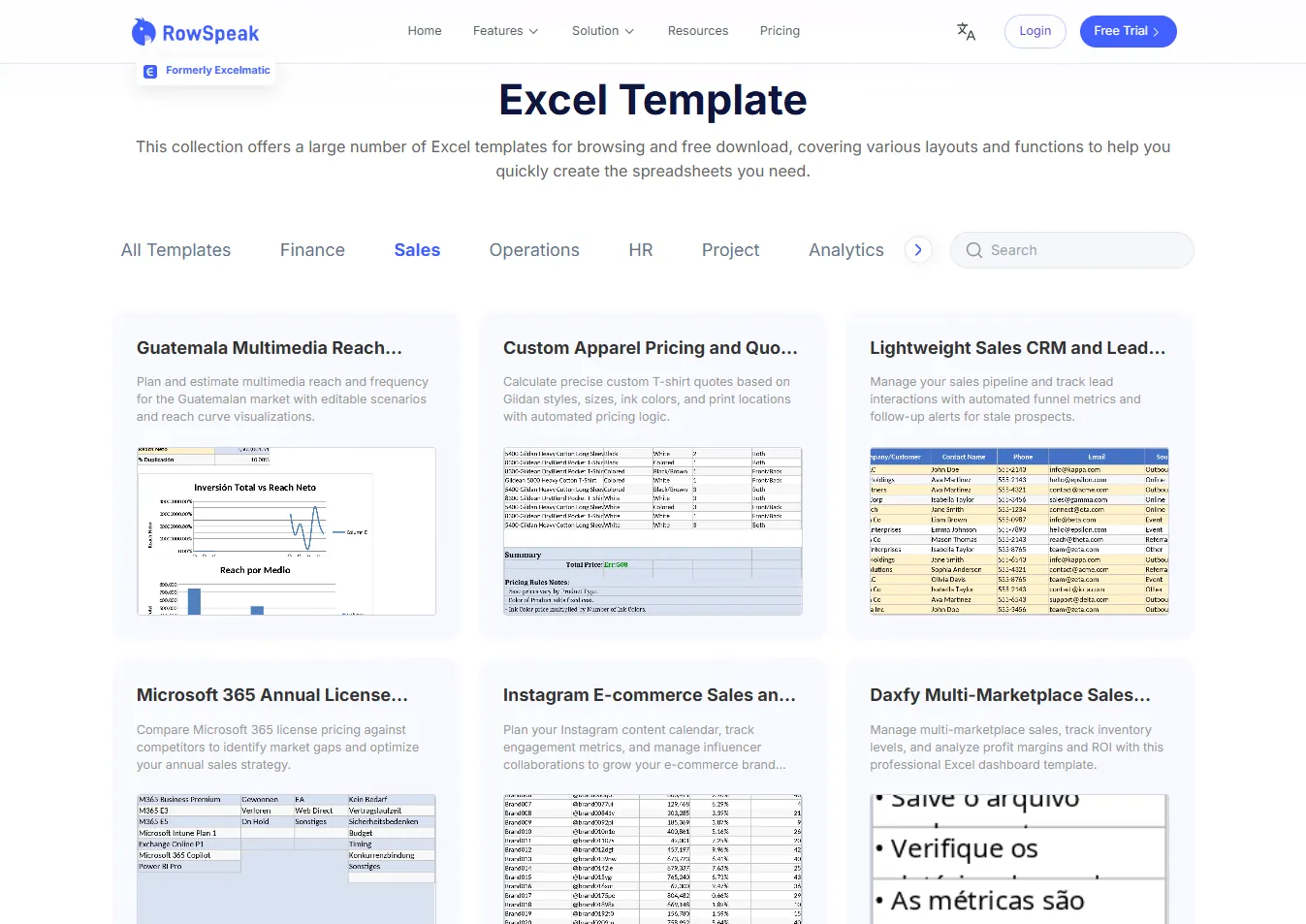
3. I need a template right now. Where do I go? Visit the Template Library. We have thousands of specialized financial frameworks—from Marketing Budget Trackers to Household Expense Portals—available for instant download.
From Managing Money to Commanding Wealth
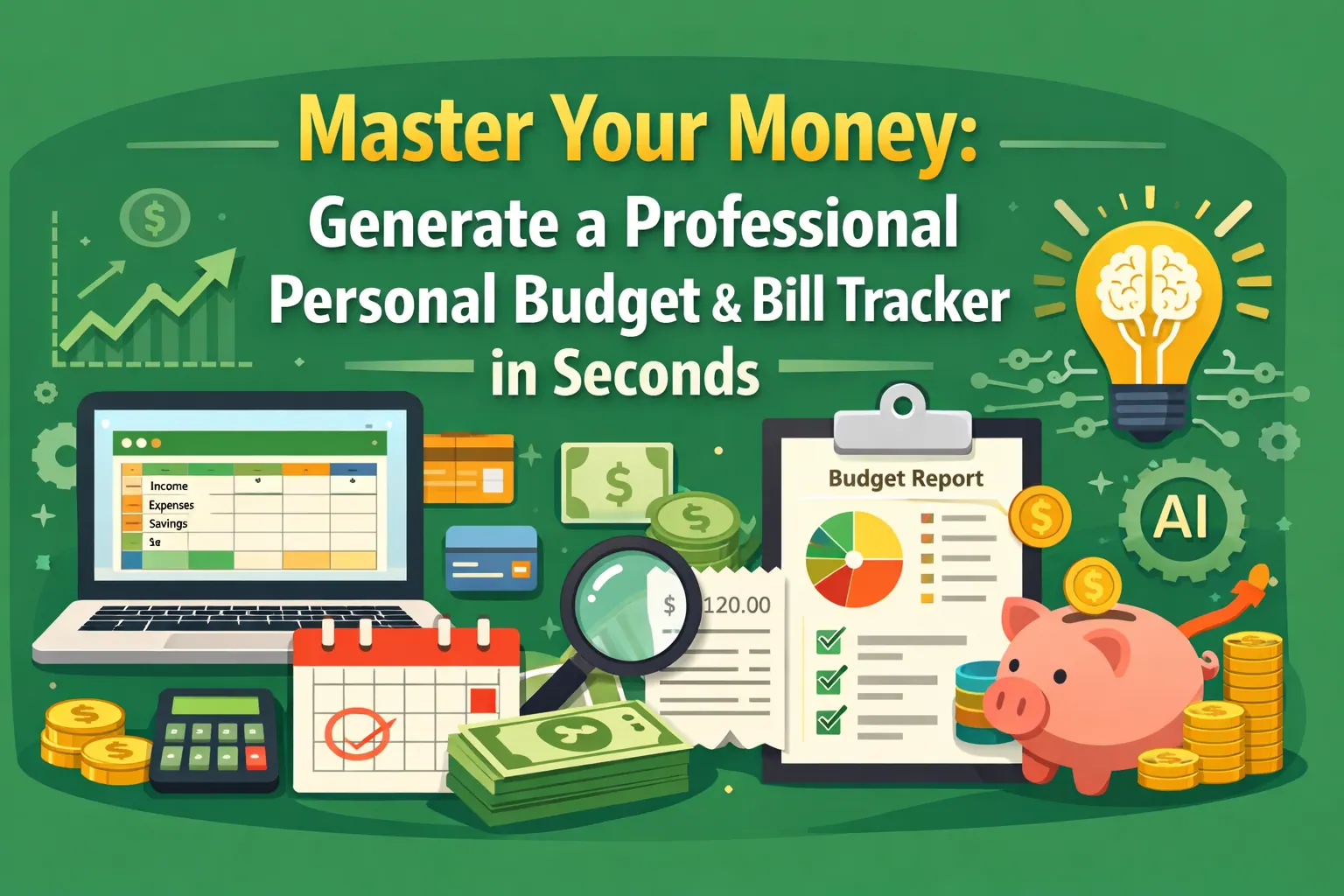
Financial freedom starts with professional-grade order. By using AI to generate your budget infrastructure, you stop reacting to your bank statement and start directing your growth. Stop fighting with formulas and start commanding your future.
🚀 Ready to Master Your Money?
Join the professionals using AI to turn financial goals into reality.
Generate Your Budget Now