Critical Insights
- Unified Data Flow: Stop toggling between tabs; learn to centralize fragmented data into a single, cohesive reporting portal.
- Automated Aggregation: RowSpeak Template Generation automatically configures the complex pivot relationships required for multi-sheet analysis.
- Interactive Visualization: Move beyond static grids to dynamic charts that respond to your business's real-time velocity.
- Blueprint Excellence: If you are starting from zero, the Template Library provides elite-level dashboard frameworks ready for immediate deployment.
The "Silo" Problem: Why Your Data Isn't Speaking
In most professional environments, data is scattered across multiple workbooks. One sheet holds sales, another holds marketing spend, and a third holds inventory levels. The biggest hurdle isn't the data itself—it's the architecture required to link them.
Users often spend hours trying to unhide hidden columns from legacy files or attempting to merge multiple sheets manually, only to have their pivot tables break upon the first update.
Phase 1: Building the Data Foundation
A high-end KPI dashboard is only as good as the underlying structure. Before you can visualize, you must standardize.
1. Data Sanitization
Visual errors in dashboards often stem from inconsistent formatting. RowSpeak helps you clean messy data across all your sheets simultaneously, ensuring that your pivot tables categorize "E-commerce" and "eCommerce" as the same entity.
2. Strategic Command
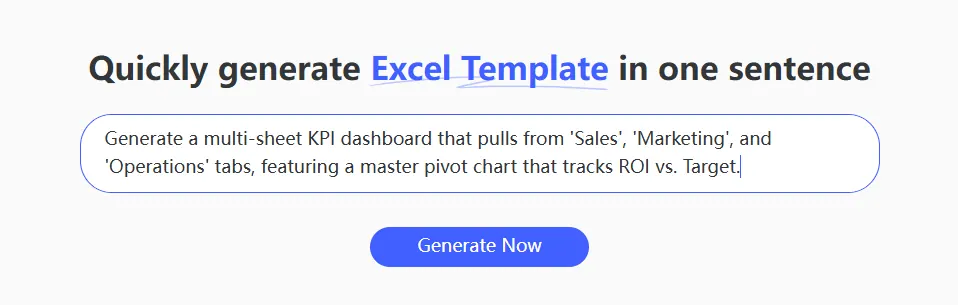
Instead of manually building relationships, issue a command that defines the business outcome.
The Analyst's Command:
Generate a multi-sheet KPI dashboard that pulls from 'Sales', 'Marketing', and 'Operations' tabs, featuring a master pivot chart that tracks ROI vs. Target.
Phase 2: From Pivot Logic to Boardroom Visuals
While Excel’s native Pivot Tables are powerful, they are notoriously fragile. A single row insertion or a protected workbook can halt your reporting cycle.
The RowSpeak Advantage
RowSpeak doesn't just "make a chart"—it builds an Analytical Ecosystem:
- Auto-Pivot Configuration: The AI automatically detects your data ranges and creates the optimal pivot structure.
- Statistical Intelligence: Built-in statistical logic allows your dashboard to forecast future performance based on historical trends.
- UI/UX Optimization: The dashboard is generated with high-contrast visuals, removing the need for manual formatting like adding prefixes to labels.
Strategic Comparison: Manual Building vs. AI Generation
| Feature | The Manual Pivot Grind | RowSpeak AI Infrastructure |
|---|---|---|
| Data Linking | Fragile VLOOKUP chains |
Intelligent Multi-sheet Mapping |
| Chart Setup | Manual styling & axis fixing | Boardroom-ready "App-style" UI |
| Scalability | Breaks when inserting rows | Self-adjusting AI Architecture |
| Speed | 4-6 Hours per dashboard | < 60 Seconds |
No Idea? No Problem.
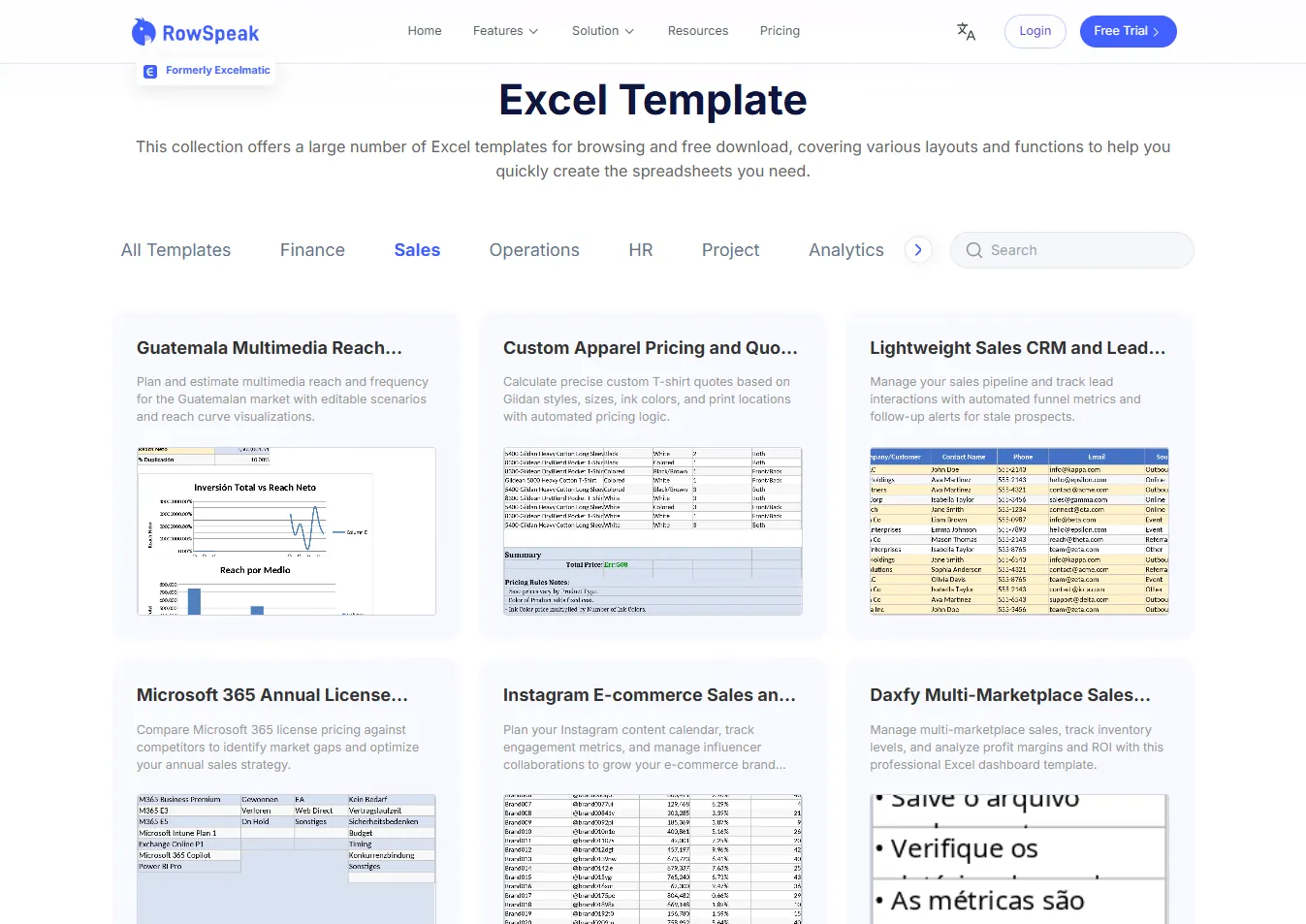
If you aren't sure how to structure your reporting hub, you don't have to start with a blank screen. The Template Library serves as a massive repository of battle-tested, professional Excel assets. Whether it is a Project Task Tracker or a Financial Dashboard, you can skip the brainstorming phase and go straight to the "Download" button to get a high-end foundation instantly.
Beyond the Dashboard: Mastering Your Insights
Once your infrastructure is built, the focus shifts to Decision Science. It’s no longer about "making the sheet"—it's about interpreting the data analysis to drive growth.
Expert Tip: If you encounter data trapped in a legacy file you can no longer edit, use RowSpeak to unlock and extract the core values before integrating them into your new, AI-generated master dashboard.
Own Your Business Intelligence
Modern leadership requires a single source of truth. By using AI to architect your KPI dashboards, you eliminate the technical friction of spreadsheet management and reclaim your time for strategy. Stop building tables—start commanding insights.
🚀 Ready to Centralize Your Reporting?
Join the organizations using AI to turn fragmented sheets into unified growth engines.
Generate Your KPI Dashboard Now