Key Takeaways
- The Visual Warehouse: Move from a chaotic list of items to a high-contrast dashboard that highlights exactly what needs your attention.
- Intelligent Automation: RowSpeak Template Generation builds the complex logic for low-stock alerts and valuation without manual formula entry.
- Cross-Industry Utility: Whether you manage e-commerce products, raw materials, or office assets, the AI adapts the structure to your specific units and categories.
- Ready-to-Use Assets: If you need a foundation fast, explore the Template Library for battle-tested inventory frameworks.
The Hidden Cost of "Guesswork" Inventory
In any business—from a boutique shop to a tech startup—inventory represents tied-up capital. Managing it manually often leads to two expensive extremes: Stockouts (lost sales) or Overstocking (wasted cash).
Most professionals struggle with static spreadsheets where they have to manually insert rows for every new shipment or constantly unhide columns to find supplier data. It’s time to move toward a Command-Based Infrastructure.
Method 1: The Manual "Sheet-Building" Struggle
Building a professional inventory system manually is a technical minefield:
- Logic Mapping: Creating a formula that subtracts "Sales" from "Initial Stock" across multiple sheets using
VLOOKUP. - Visual Friction: Setting up conditional formatting so cells turn red when stock hits a certain level.
- Data Fragility: Accidental edits to protected workbooks can break the entire link between your warehouse and your profit report.
- Scaling Issues: Trying to insert multiple columns for new attributes (like 'Warehouse Location') often ruins the dashboard's layout.
The Result: You spend more time "fixing the tool" than managing your products.
Method 2: The RowSpeak "Intelligent Engine" Solution
RowSpeak replaces hours of manual construction with a single, intelligent prompt. The AI doesn't just give you a "form"; it generates a decision-making asset.
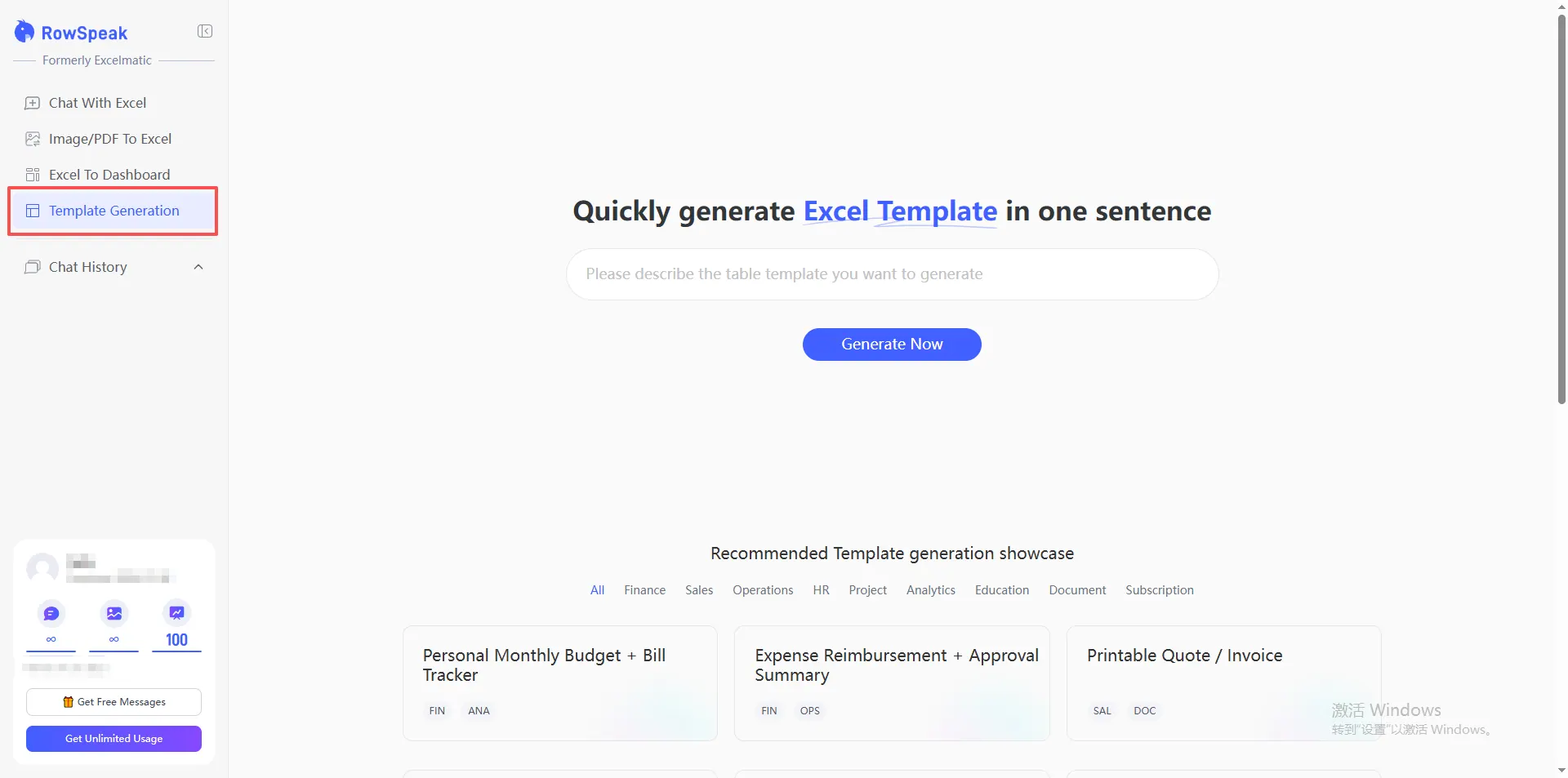
Step 1: Speak Your Inventory Needs
Don't settle for a generic grid. Tell the AI exactly how your business flows.
The Universal Command:
Generate an inventory management system that tracks 'Inward' and 'Outward' stock, automatically highlights low-stock items in neon red, and calculates the total inventory value at cost.
Step 2: AI Logic Assembly
RowSpeak instantly builds the backend. It ensures your statistical forecasting is built-in, allowing you to see not just what you have, but how long it will last based on current sales velocity.
Step 3: Customization & Branding
Need to add a letter prefix to SKU numbers or reorganize your layout for a team member? Just tell RowSpeak. The AI ensures that even after cleaning messy data, your dashboards remain visually stunning and boardroom-ready.
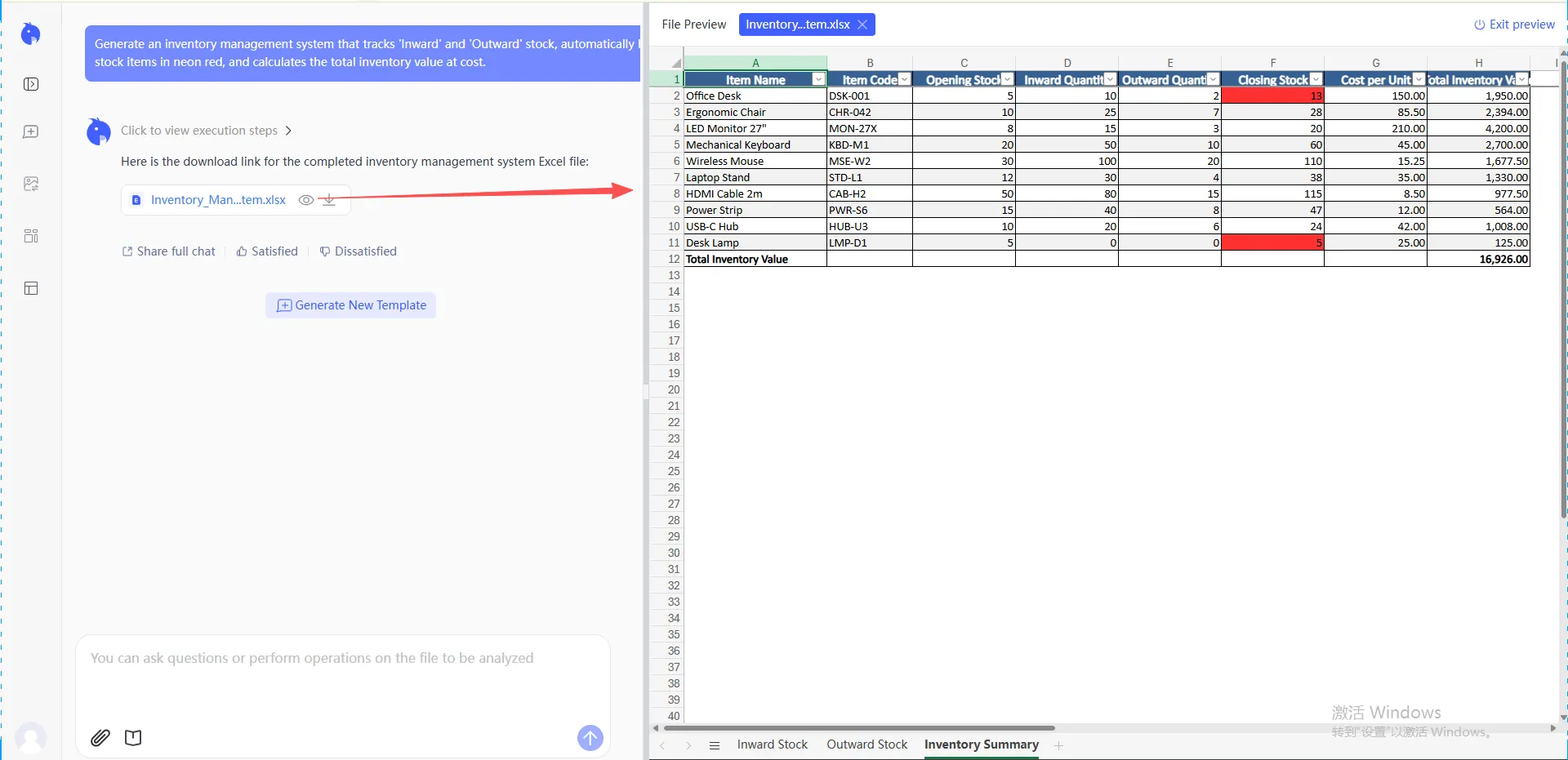
Comparison: Static Inventory Sheets vs. RowSpeak AI
| Feature | Standard Excel Template | RowSpeak AI Infrastructure |
|---|---|---|
| Setup Time | Hours of troubleshooting | < 60 Seconds |
| Stock Alerts | Manual formula setup | Automated & Visual |
| Flexibility | Breaks when scaled | Adapts to any product type |
| Reporting | Static grids | Dynamic, App-like Dashboards |
FAQ: Mastering Your Stock Flow
1. Can I link this to my sales report? Absolutely. You can command RowSpeak to build a VLOOKUP relationship between your inventory and a separate sales sheet, so stock levels update automatically.
2. What if my warehouse data is currently a mess? No problem. You can merge multiple sheets into one clean, AI-generated framework. RowSpeak helps you reorganize and sanitize your data as it builds.
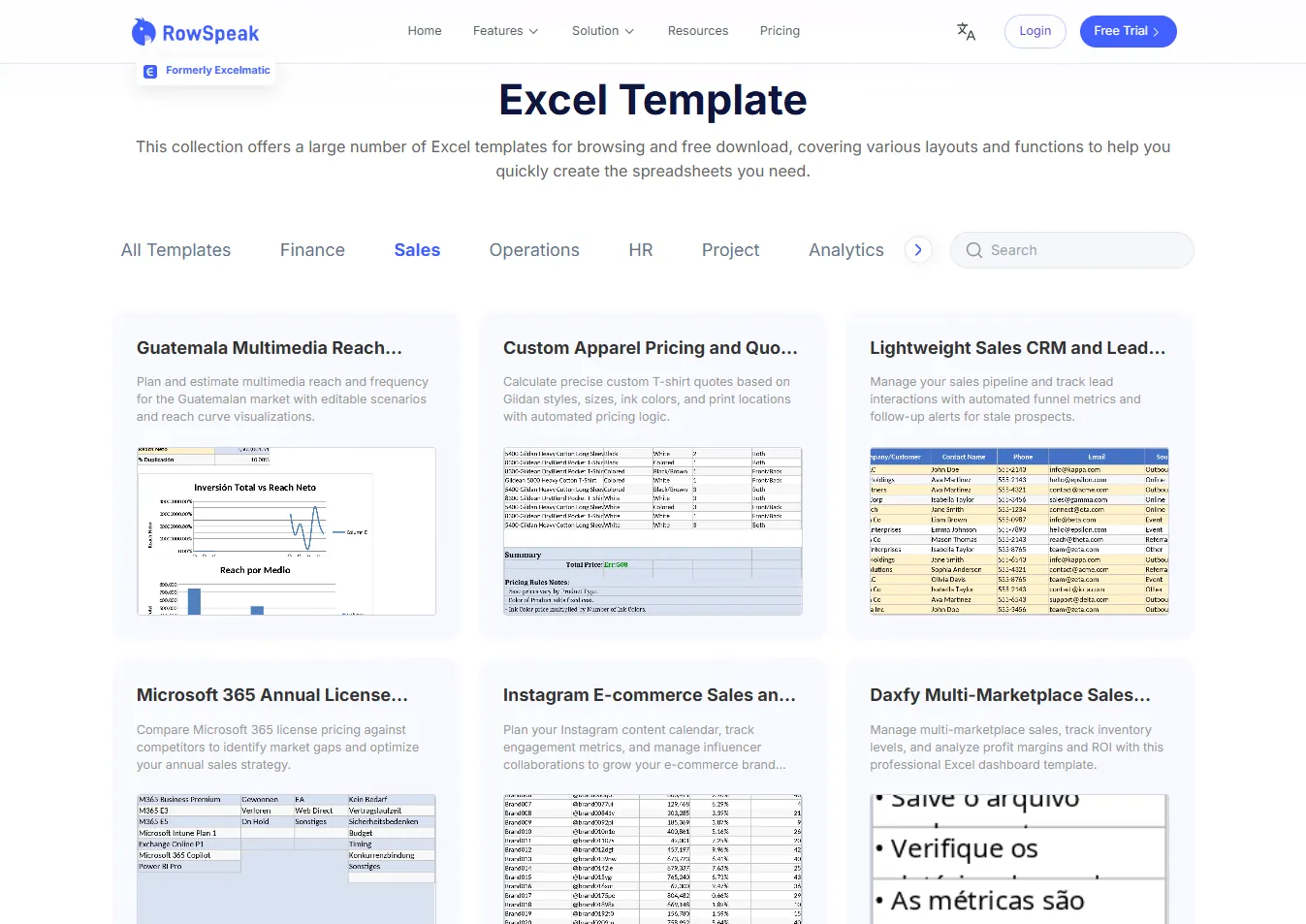
3. I need a foundation immediately. Where can I find one? If you don't want to build from scratch, visit the Template Library. We have thousands of specialized frameworks for retail, manufacturing, and asset management available for instant download.
From Rows of Numbers to Total Control
Inventory management is the heartbeat of operational success. By using AI to generate your infrastructure, you ensure that your focus stays on selling and growing, not on fixing broken formulas. Stop counting cells and start commanding your warehouse.
🚀 Ready to Optimize Your Stock?
Join the professionals using AI to turn inventory chaos into streamlined profit.
Generate Your Inventory System Now