Key Takeaways
- Visual Authority: Move from dry lists to high-impact dashboards that communicate progress and professional authority instantly.
- Instant Logic: RowSpeak Template Generation builds the underlying time-tracking and status-calculation logic so you don't have to.
- Effortless Reporting: Generate boardroom-ready reports in seconds, eliminating hours of manual formatting and alignment.
- Expert Frameworks: Not sure where to start? Browse the Template Library for proven project management structures used by top performers.
Beyond To-Do Lists: The Rise of Visual Management
In today’s fast-paced corporate environment, your ability to visualize data is just as important as your ability to execute tasks. Many project managers spend 40% of their time just updating trackers—struggling to unhide hidden columns or fighting with protected sheets that someone else built.
The goal isn't just to "keep a record"—it's to create a Real-Time Intelligence Hub. When you command AI to build your infrastructure, you move from "recording history" to "directing the future."
Method 1: The Manual "Design Struggle"
The traditional approach to project tracking usually involves trying to force Excel into becoming a design tool:
- Gantt Chart Grinding: Spending hours manually coloring cells to represent timelines.
- Formula Fragility: One wrong row insertion can break the links between your task list and your summary charts.
- Visual Inconsistency: Trying to insert multiple columns and realizing your chart axes no longer align.
- Data Cleaning: Wasting time trying to clean messy data inherited from previous team members.
The Bottleneck: When the tool is hard to update, the data is never current.
Method 2: The RowSpeak "Command & Control" Solution
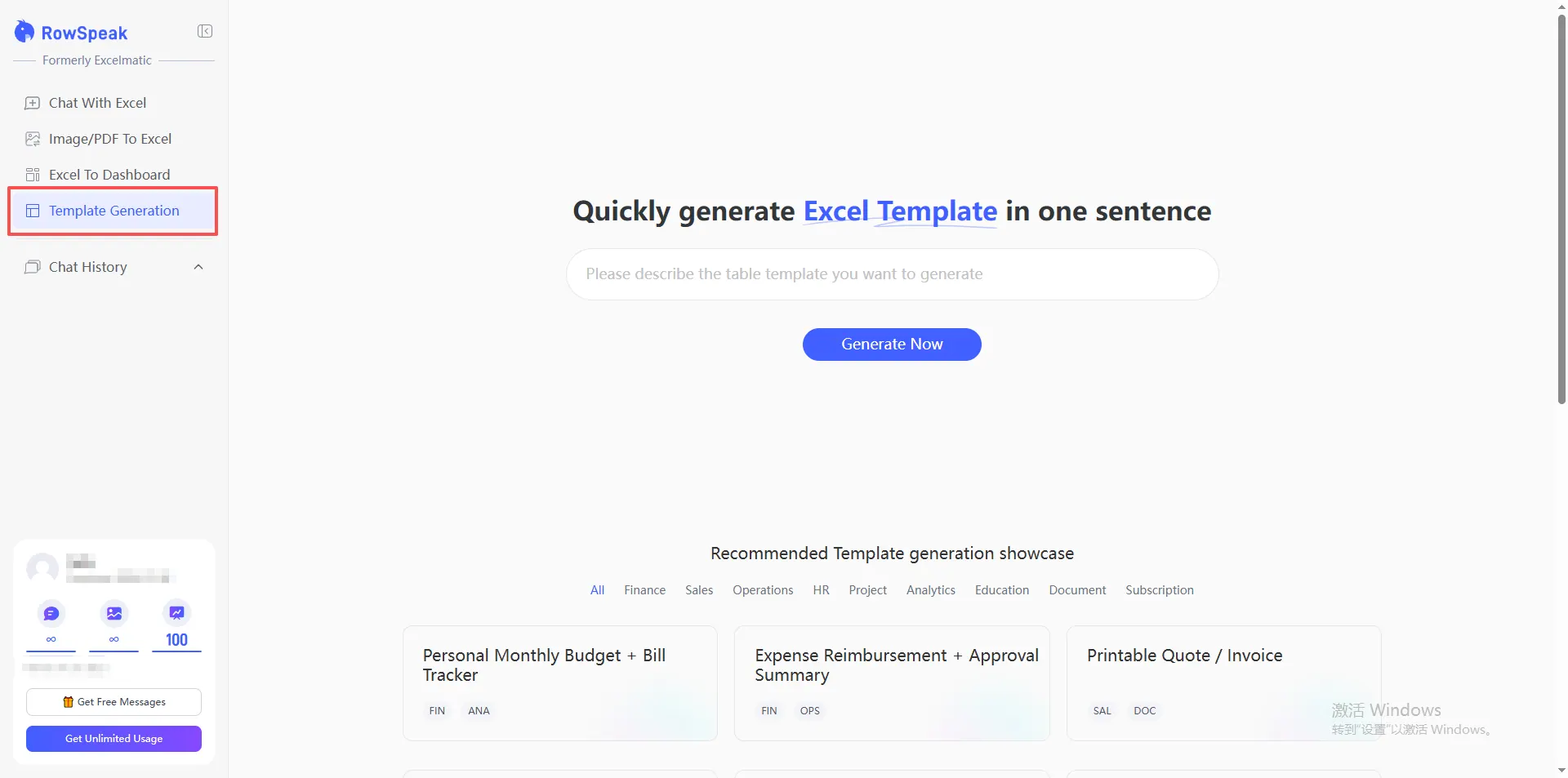
RowSpeak eliminates the "design tax" by using AI to generate professional-grade management tools based on your specific project parameters.
Step 1: Define the Scope
Don't settle for a generic template. Tell the AI exactly how your project works.
The Career-Climber Command:
Generate a project management dashboard with a visual Gantt chart, a team workload heat-map, and an automated 'days-until-deadline' counter for each task.
Step 2: Intelligent Assembly
RowSpeak instantly builds the complex relationships between your dates, statuses, and visuals. It handles the statistical forecasting and ensures that your charts update automatically as you change a single value.
Step 3: Refine for the Boardroom
Need to add a "Priority Level" or add a specific prefix to your task IDs? Simply command the update. RowSpeak ensures the data analysis remains consistent even as you evolve the tool.
Why AI-Generated Dashboards Outperform Manual Sheets
| Feature | Manual Project Trackers | RowSpeak AI Dashboards |
|---|---|---|
| Visual Appeal | Grayscale and dull | Vibrant, "App-like" UI |
| Logic | Static and prone to breaks | Dynamic and AI-validated |
| Updating | High effort / Menu diving | Instant / Prompt-based |
| Stakeholder Impact | "Just a spreadsheet" | "A professional management system" |
Turn Every Task into an Asset
Too often, project history is lost in locked or messy workbooks. RowSpeak helps you reorganize that legacy data into high-performance frameworks that make your VLOOKUPs and lookups feel like magic.
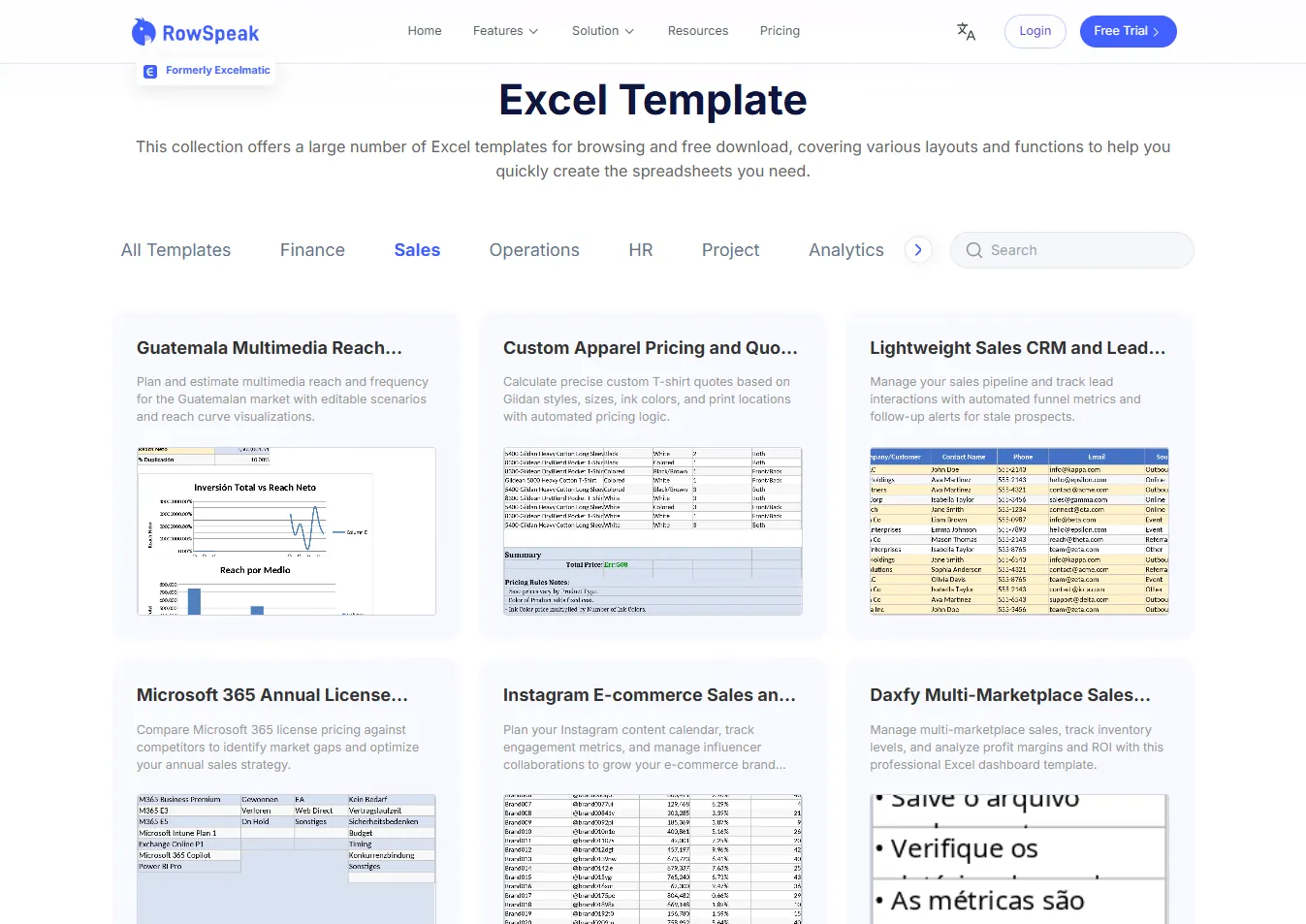
If you are facing a blank screen, visit the Template Library. It’s a repository of "Elite-Style" assets—from KPI Trackers to Resource Allocators—that you can download instantly to start your next win.
Command Your Career
Your reputation is built on the clarity of your work. By using AI to generate your project infrastructure, you ensure your focus stays on the strategy, not the formatting. Stop being the person who "manages spreadsheets" and start being the person who commands data.
🚀 Ready to Lead with Data?
Impress your stakeholders with a custom-built management dashboard today.
Generate Your Dashboard Now