“By the time I get the data, the decision I needed to make is already late.”
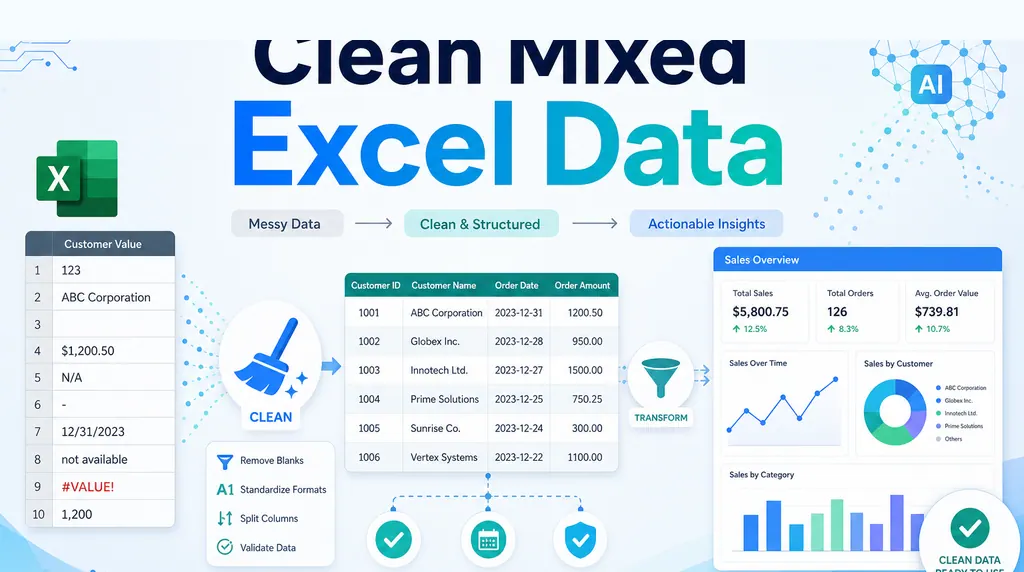
That sentence captures a familiar problem for insurance CEOs, operations leads, and agencies. The data exists, but it is spread across dozens of disconnected Excel files, CSV exports, PDFs, and team trackers. Someone has to find the files, match columns, copy rows, check duplicates, build charts, and write an executive summary. When the report finally reaches leadership, a renewal window, pricing issue, or claims exception may already be behind you.
A post in r/smallbusiness describes a similar situation: an insurance business had dozens of disconnected spreadsheets, and each report took days to prepare. The post also says an agency helped save about 10–12 hours per week. That number is a single case report, not a RowSpeak benchmark or promise. The useful signal is the workflow problem: late reporting is often caused by an unrepeatable data preparation process, not by a lack of data.
This guide turns that problem into a five-step RowSpeak AI workflow. You will see how to inventory files, define safe join rules, check data quality, generate a management report, and turn the result into a reusable dashboard and weekly process.
Imagine Monday morning: you upload the policy, claims, renewal, and agent exports from the previous week. A few minutes later, you have an exception list and a one-page answer to “what happened, why does it matter, and what should we do next?” Leadership can review the decision points while they are still useful. That is the outcome worth testing.
Key takeaways:
- Start by asking RowSpeak to describe each file, its date range, row meaning, unique ID, and joinable fields.
- Use reusable prompts for field mapping, data quality checks, KPI analysis, exception explanations, and executive summaries.
- Keep the numbers and the records that need human review in the same output, so the report stays traceable.
- Save the file naming rules, field map, prompts, and review checklist so the next report starts with a file refresh instead of a rebuild.
Why dozens of spreadsheets make decisions late
Insurance data is usually exported by system or team:
- The policy system contains policy numbers, products, premiums, effective dates, and expiration dates.
- The claims system contains claim numbers, reported dates, paid amounts, and statuses.
- CRM or agent trackers contain customers, channels, owners, and follow-up stages.
- Finance exports contain payments, refunds, commissions, and receivables.
Each file can be correct on its own while still using different customer names, date formats, status labels, or IDs. One person matches by customer name; another matches by policy number. “Renewed” and “Renewal complete” may mean the same thing but appear as two categories. Manual consolidation makes it hard to move quickly while keeping the logic reviewable.
A simple chat answer over one table is not enough here. The workflow has to work with real business files, preserve checks, and produce an output people can review and share. RowSpeak’s Excel AI workflow is designed for starting from Excel, CSV, PDF, or image-based tables and moving from messy files to business answers.
A five-step RowSpeak AI workflow
Step 1: Inventory the files before combining them
Upload the files for the same reporting period to RowSpeak. Use names that make the period visible:
policies_2026-09.xlsx
claims_2026-09.csv
renewals_2026-09.xlsx
agents_2026-09.xlsx
Do not ask for the final total first. Ask RowSpeak to describe the file structure:
Inventory every file I uploaded. Do not calculate final conclusions yet.
For each file, return:
1. Its purpose;
2. What one row represents;
3. Its date range;
4. Possible unique IDs;
5. Key dimensions and measures;
6. Missing values, duplicates, inconsistent column names, and date-format issues;
7. Fields that could connect to another file.
If something is uncertain, label it “needs human review” instead of guessing.
The key question is what one row represents. If one claims row is a payment event rather than a claim, counting rows as claims will distort every later metric.
Step 2: Define join rules and standard fields
Ask RowSpeak to write the field map before it applies one. A reasonable priority for insurance reporting is:
- Policy number or claim number;
- Customer ID;
- If no ID exists, a combination of customer name, product, and date, marked as a low-confidence match.
Use this prompt:
Create a “field map and join rules” table from the file inventory.
Include:
- source file and source field;
- standardized field name;
- data type;
- join key;
- conflict rule;
- handling for unmatched records.
Do not replace a policy number with a customer name automatically.
List every low-confidence match separately.
The expected output is a rule table plus a review queue. Your team can approve the assumptions before the report is shared instead of reconstructing the logic after a CEO questions a number.
Step 3: Check data quality before calculating KPIs
Once the map is approved, ask RowSpeak for a quality report. Do not mix “correct” with “delete.” Every excluded record should have a reason.
Check this reporting period using the approved field map:
- find duplicate policy numbers, claim numbers, and transactions;
- check dates outside the reporting period;
- flag missing policy numbers, claim numbers, customer IDs, and channels;
- standardize date, amount, and status formats;
- check negative premiums, paid amounts, and refunds;
- count each issue and keep a list of the affected records;
- do not delete anything yet; output a recommended correction and its reason.
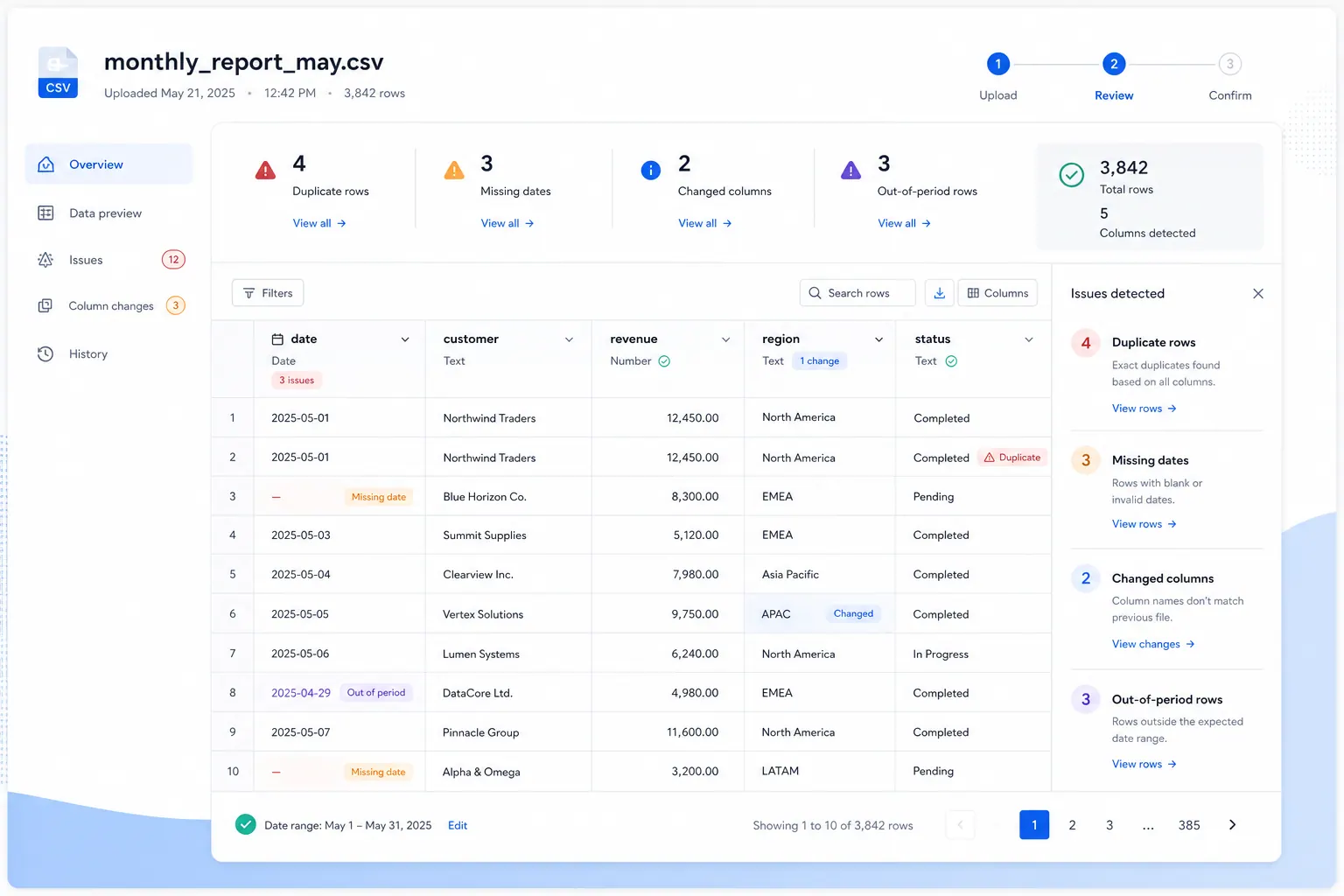
Keep this check with the report. Reviewers can see which records were flagged and which rules were used. The next reporting cycle can reuse the same checks instead of starting over from memory.
For sensitive data, follow your company’s access and redaction rules. Remove personal fields that are not needed for the analysis. If your organization needs stricter data boundaries, review the RowSpeak private deployment information before choosing a workflow.
Step 4: Generate the “what, why, and next action” report
After the quality review, ask RowSpeak to create the management report. A useful insurance report should explain more than total premiums and claims. It should show what moved, what drove the movement, and what deserves attention.
Using the checked data, create a September 2026 management report with:
1. An executive summary in no more than five points;
2. Premium, renewal rate, claim amount, claim count, and average paid amount;
3. Absolute and percentage changes versus August 2026;
4. The main drivers by product, region, channel, and agent;
5. Exceptions with record counts, amounts, and possible causes;
6. Assumptions and data-quality issues that need human review;
7. Recommended actions for next week, with an owner type for each action.
Cite the field, filter, or summary table behind every conclusion.
Label any cause that cannot be proven from the files as “to be validated.”
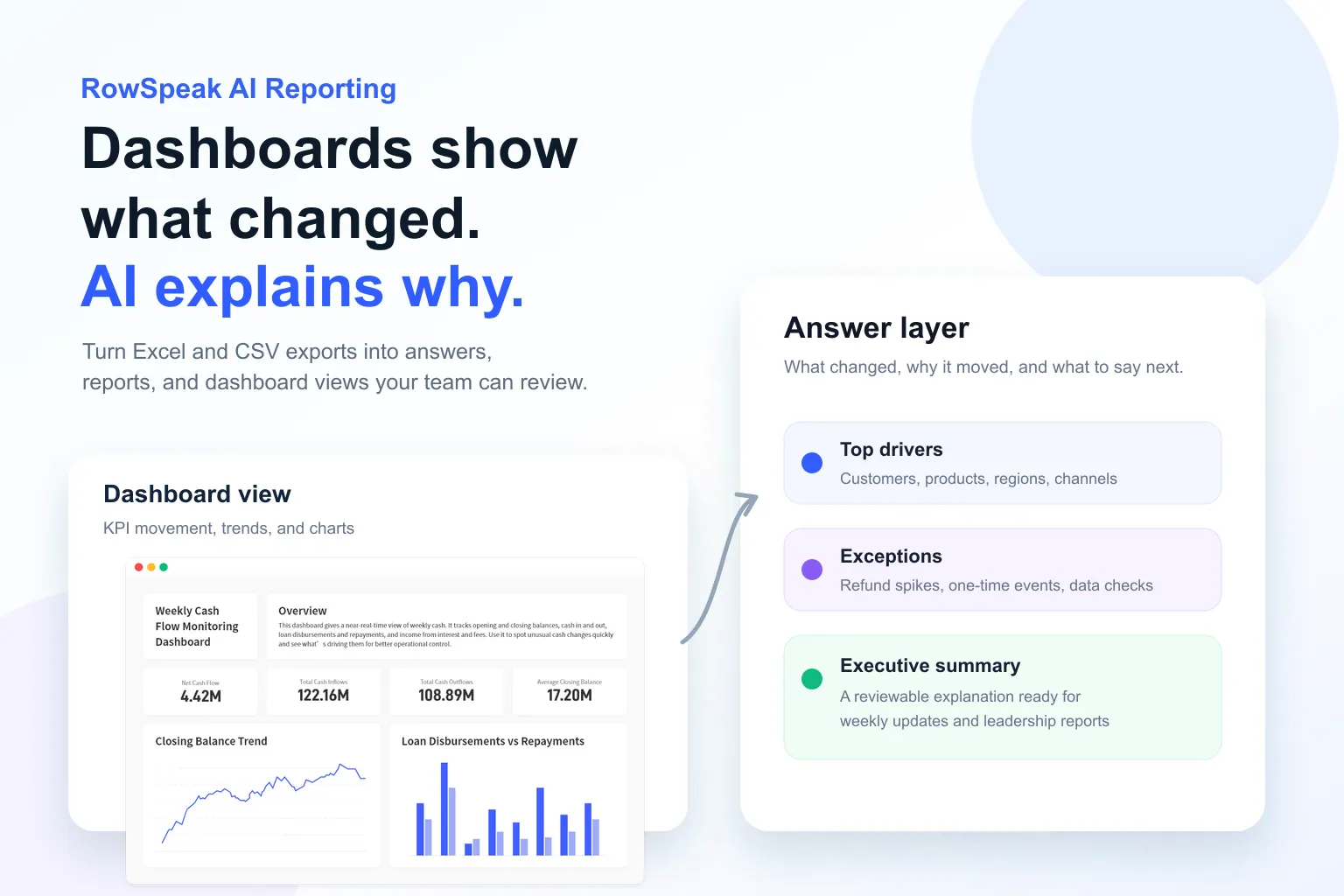
Use RowSpeak’s AI reporting workflow to produce the written summary, metric tables, and an output you can refine. You can ask follow-up questions such as “show only the agent channel,” “exclude test policies,” or “rewrite the summary for a board meeting” without copying the data into another workbook.
Step 5: Turn the result into a reusable dashboard and weekly report
Leadership usually wants the trend first and the detail second. A compact insurance dashboard can show:
- current premium, renewal rate, and loss ratio;
- change versus the previous period;
- product or channel ranking;
- high-value claims and exceptions;
- policies approaching renewal;
- data-quality issue counts.
Use the Excel-to-dashboard workflow to turn the cleaned table into a filterable visual summary. If the audience needs a fuller leadership narrative, see the management reporting workflow.
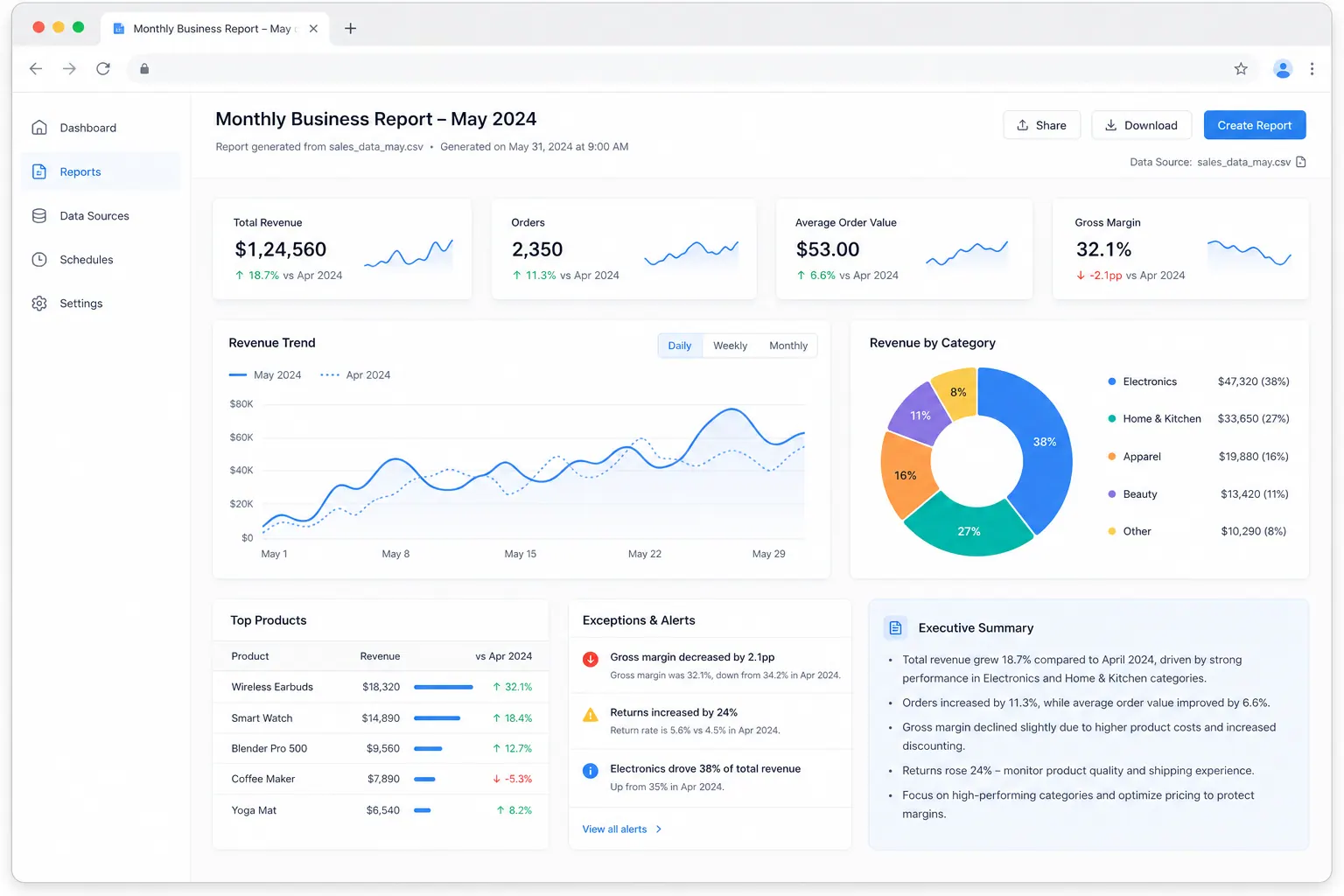
Save the files, field map, prompts, and review checklist as a team template. That creates a recurring spreadsheet reporting workflow that starts with a controlled file refresh instead of another manual rebuild.
How agencies turn saved hours into consistent delivery
For an agency or external reporting team, the repeatable asset is the delivery process:
- File checklist: define which exports and date ranges each client must provide.
- Field map: record the client’s product, channel, agent, and status labels.
- Prompt template: keep the four-part sequence: inventory, check, analyze, report.
- Delivery checklist: verify the period, duplicates, missing fields, KPIs, and review queue.
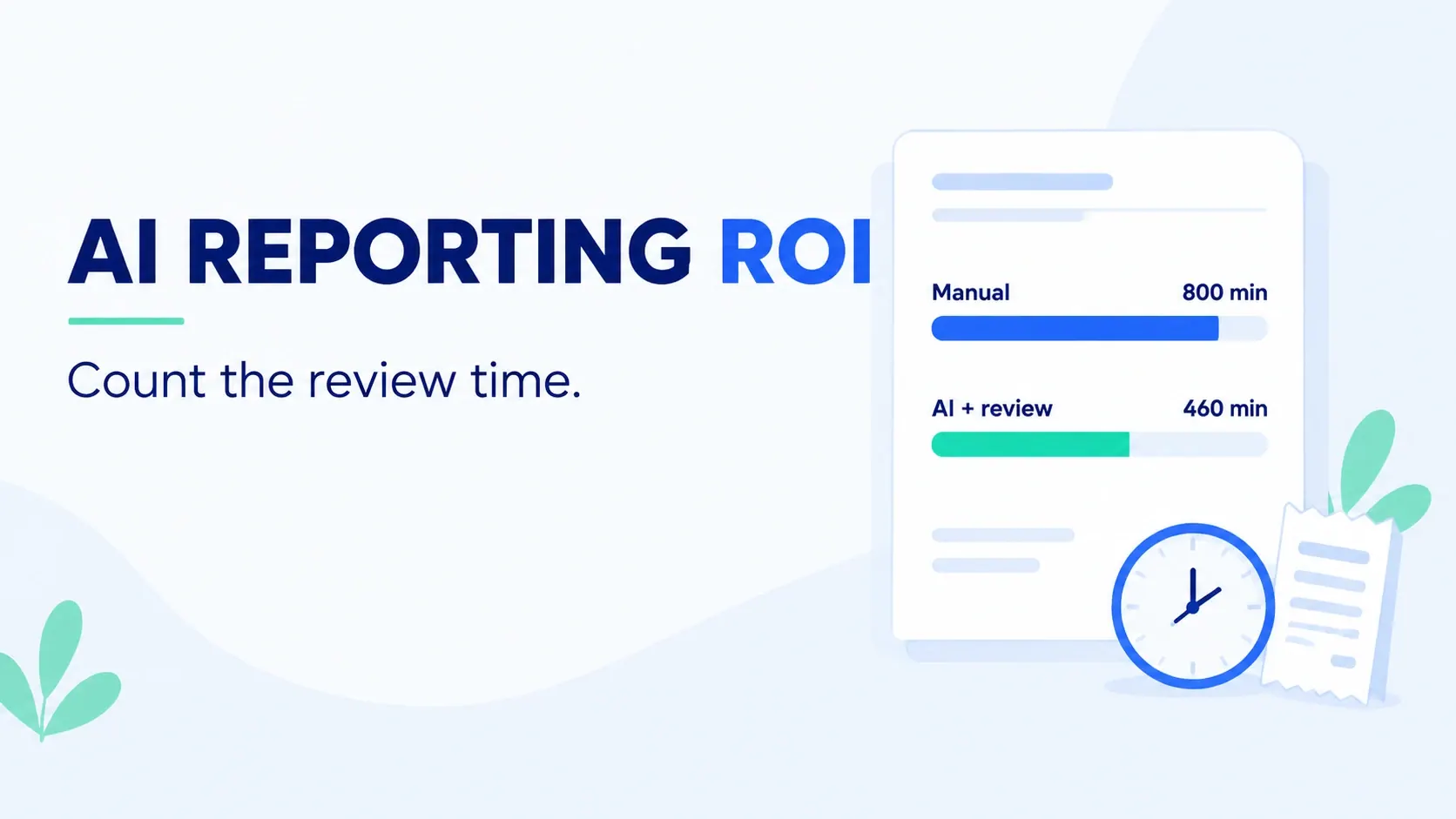
The 10–12 hour figure in the source case can be used as a pilot baseline. Record the current weekly time, rework count, and delivery time first. Then compare the same measures after adopting the workflow. Treat the case number as an observation, not a promise.
What a person must still review
RowSpeak can speed up the work, but a business owner should review the final report:
- Is the reporting period complete, with no future or prior-period records mixed in?
- Does each join key represent the same policy, customer, or claim?
- Are negative values, refunds, and reversals handled according to the business rule?
- Can a known event explain the largest exception?
- Is a stated cause supported by the files, or is it only a plausible guess?
- Are records marked for human review assigned before the report is shared?
If a conclusion cannot be traced to a field, filter, or summary table, do not present it as a fact. A trustworthy automated report makes uncertainty visible so decisions move faster without hiding the checks.
Start before the next reporting window closes
The best time to test this workflow is before the next weekly report is due. Record your current preparation time, rework count, and delivery time. Upload one period of redacted files, run the five steps, and note which fields can be standardized and which rules still need a person.
That gives your team a concrete baseline, a reviewable first result, and a reason to expand the workflow to another client or business line. The goal is not a more complicated spreadsheet. It is to make the decision appear while the decision window is still open.
Source note: The problem context comes from this r/smallbusiness post (post ID: 1l3mjcq). The references to dozens of spreadsheets, reports taking days, and saving about 10–12 hours per week are treated as one case’s self-reported experience, not as a RowSpeak statistic or guarantee.