
Excel AI Agent
Excel AI Agent
 Excel AI
Excel and Google Sheets AI Agents in 2026: Real Tests, Failure Cases, and a Buyer’s Guide
An evidence-led buyer’s guide to spreadsheet AI agents, including real RowSpeak outputs, visible failures, test fixtures, and review gates.
Alex • Excel AI
Copilot Agent Mode vs RowSpeak: Which Excel AI Workflow Fits Business Reporting?
Copilot Agent Mode is useful when work stays inside Excel and Microsoft 365. RowSpeak is stronger when business teams need to turn Excel, CSV, PDF, screenshots, and exported data into reviewable charts, dashboards, and reports.
Ruby • Excel AI
Best Excel AI Agents for Business Reporting in 2026
The best Excel AI agent depends on the job: workbook-native editing, audit evidence, formula automation, ad hoc analysis, or file-to-report workflows from messy business data.
Alex • Excel AI
What Is an Excel AI Agent? Turn Excel Files Into Charts, Dashboards, and Reports
An Excel AI agent is useful only when it can work with the real files business teams use, explain the analysis path, and produce outputs people can review before they share them.
Alex •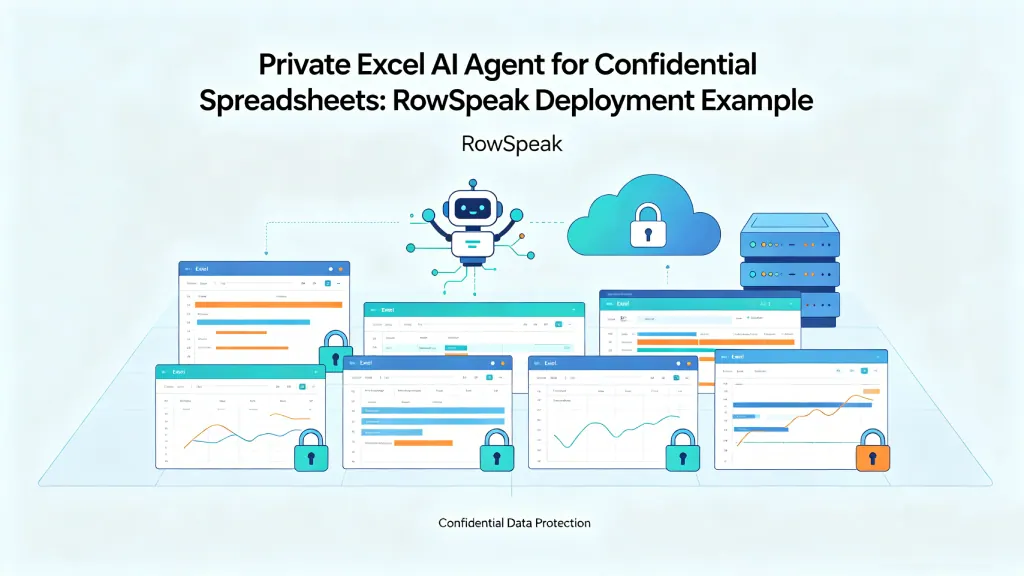 AI Deployment
How to Use an Excel AI Agent Without Exposing Confidential Spreadsheets
A practical guide for teams with sensitive Excel files: how to use a private Excel AI Agent for finance reports, sales exports, inventory sheets, and internal analysis without sending confidential data outside your environment.
Ruby •