
RowSpeak - Page 2
RowSpeak Page 2 of 3, showing results 37-72 of 76.
 Excel AI
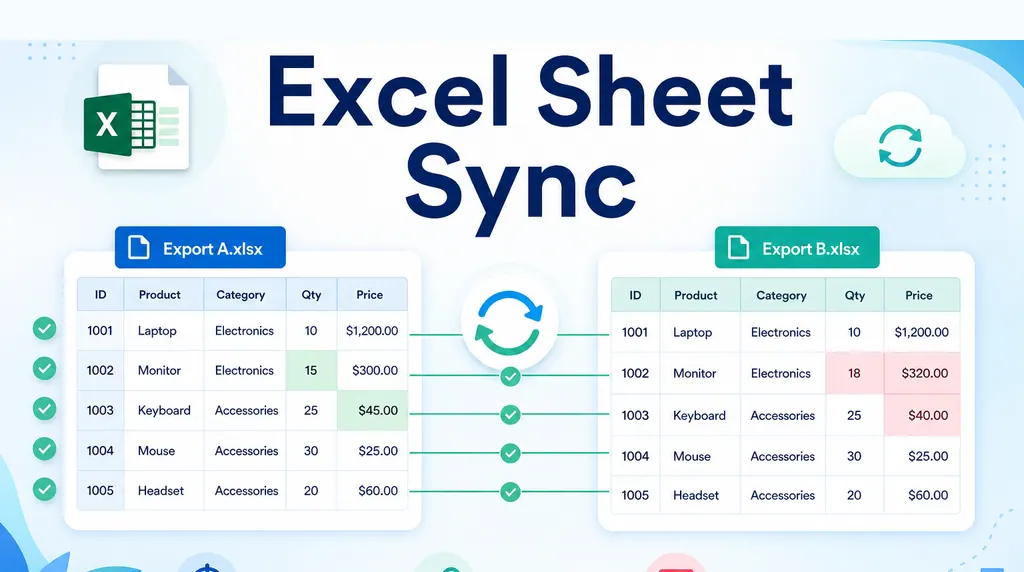
Automate Weekly Excel Reports and Preserve Review Notes
Weekly Excel reports break when comments are tied to row numbers. Use a stable-key workflow to refresh exports while preserving review notes.
Ruby • Excel AI
Excel Management Reporting: From Spreadsheet to Board Report
A repeatable Excel management reporting workflow helps teams move from month-end exports to board-ready reports without stale charts or mismatched commentary.
Ruby •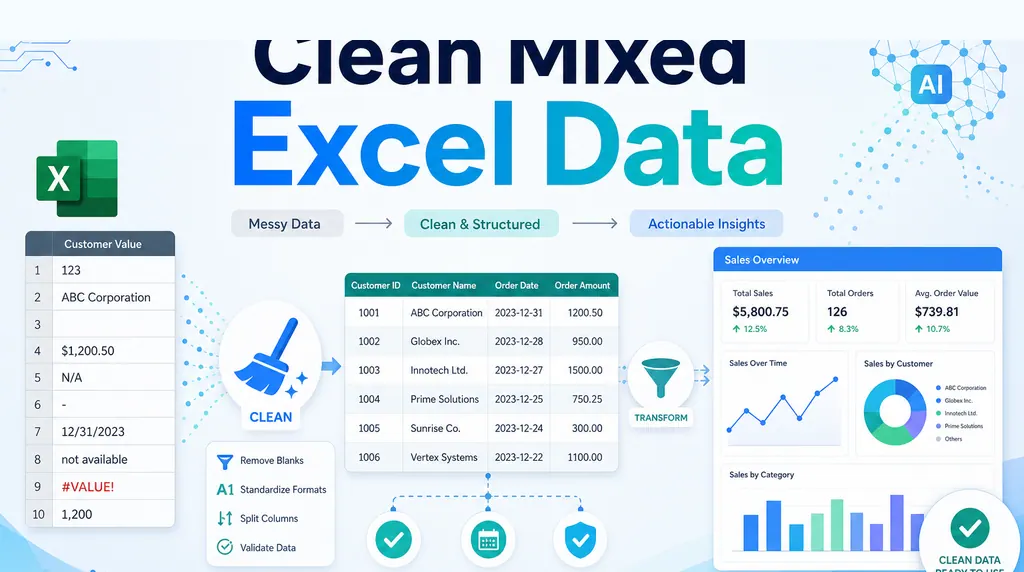 Excel AI
How to Clean Mixed Data in an Excel Column Before Summing
A column that looks numeric can still be unusable. Before summing it, clean the messy values and keep a review trail.
Ruby •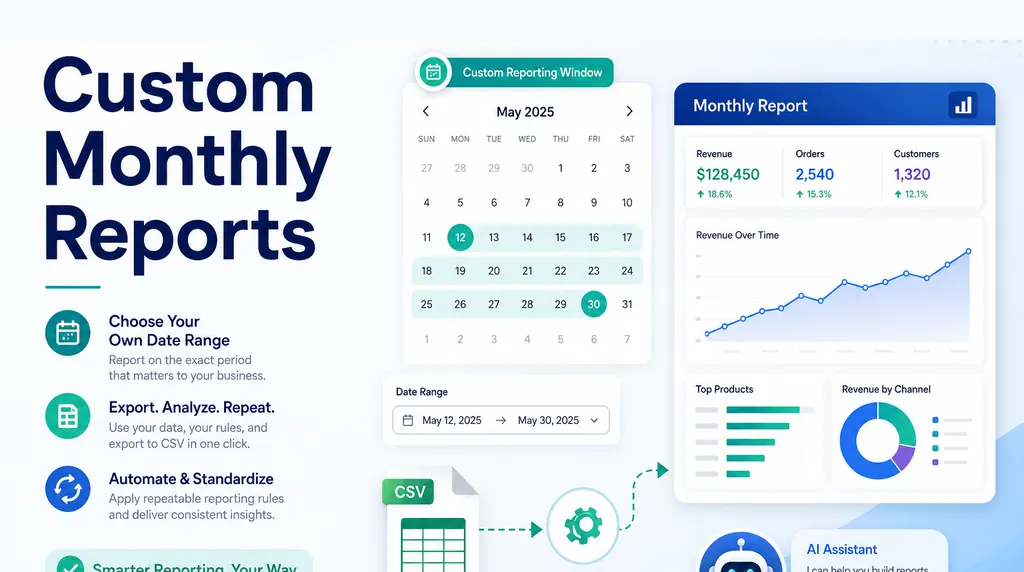 Excel AI
How to Create Monthly Reports for a Custom Date Range
Many reports do not follow calendar months. If your business reports from the 24th to the 23rd, the date window must be part of the reporting logic, not a manual afterthought.
Ruby •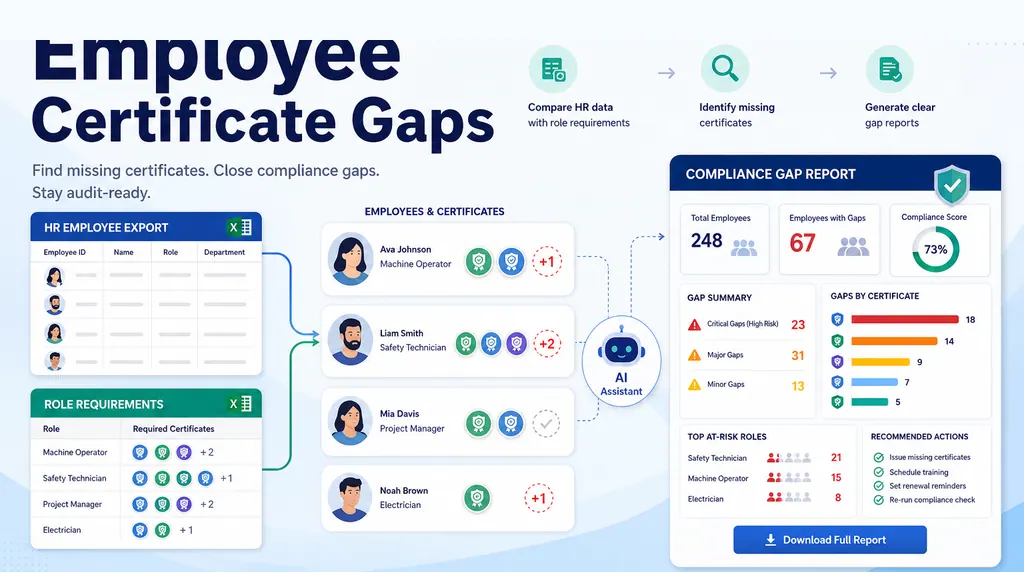 Excel AI
How to Build an Employee Training Gap Report in Excel
Two spreadsheets are not a compliance report. Here is a practical workflow for matching employee training records against role requirements and finding the real gaps.
Ruby •- Excel AI
How to Keep Two Excel Views in Sync with Different Sort Orders
When two tabs need the same records in different orders, the safest answer is usually one source table, formulas for generated views, and checks for missing records.
Ruby • 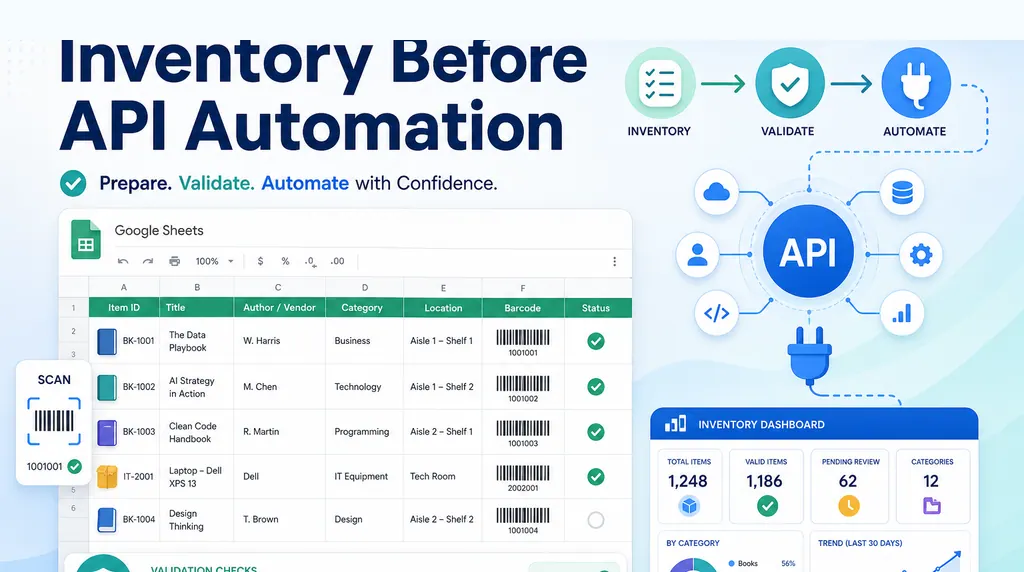 Excel AI
How to Design a Google Sheets Library Inventory Before API Automation
For a small library, the first challenge is not the API. It is designing a simple inventory table that non-technical volunteers can maintain.
Ruby •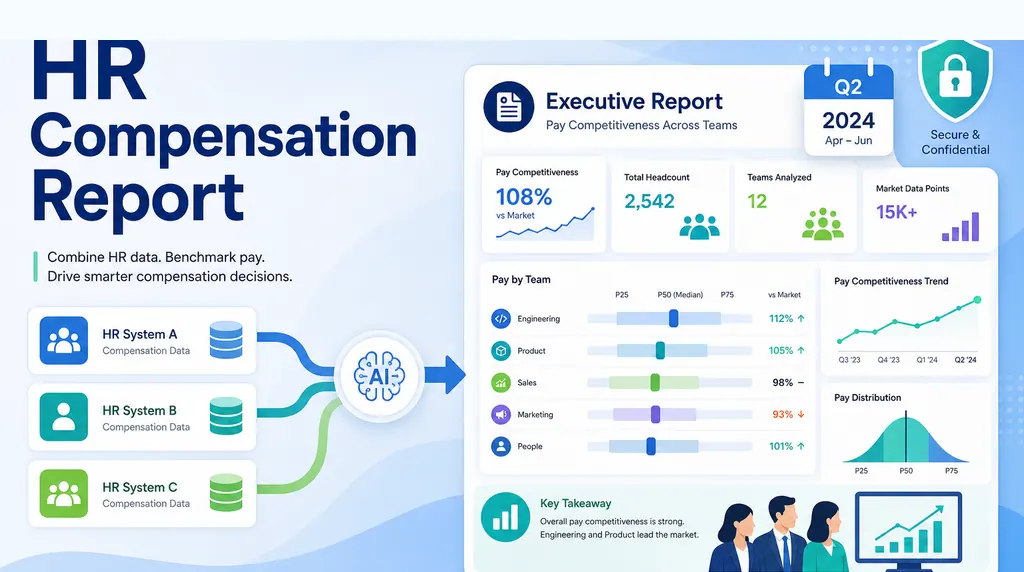 Excel AI
How to Create an HR Compensation Report from Multiple Systems
When compensation data lives in three systems, the quarterly leadership question needs more than a spreadsheet merge. It needs a repeatable executive reporting workflow.
Ruby •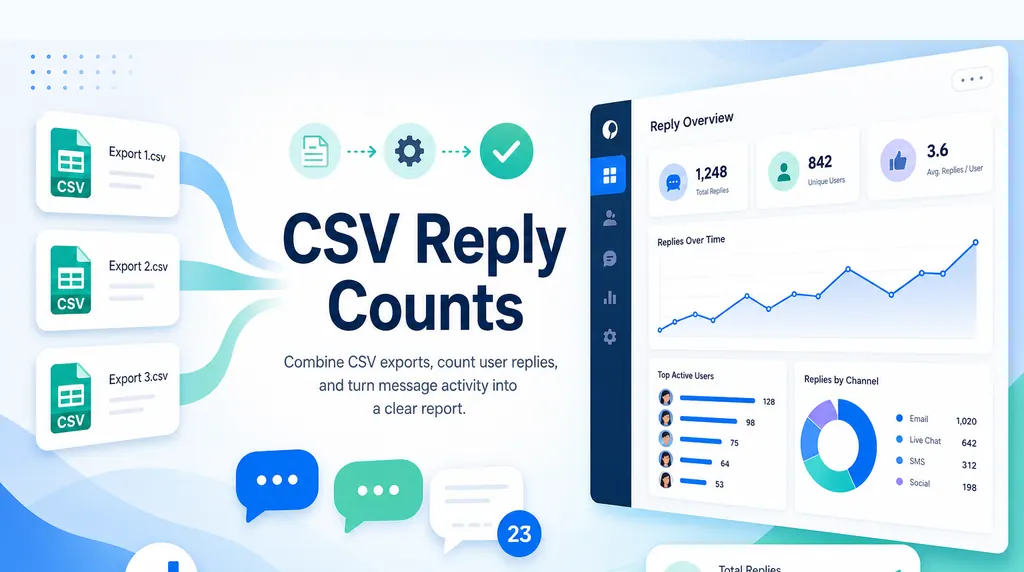 Excel AI
How to Merge and Count Records Across Multiple CSV Files
When every system exports its own CSV, the real job is combining files, counting records correctly, and keeping the result traceable.
Ruby •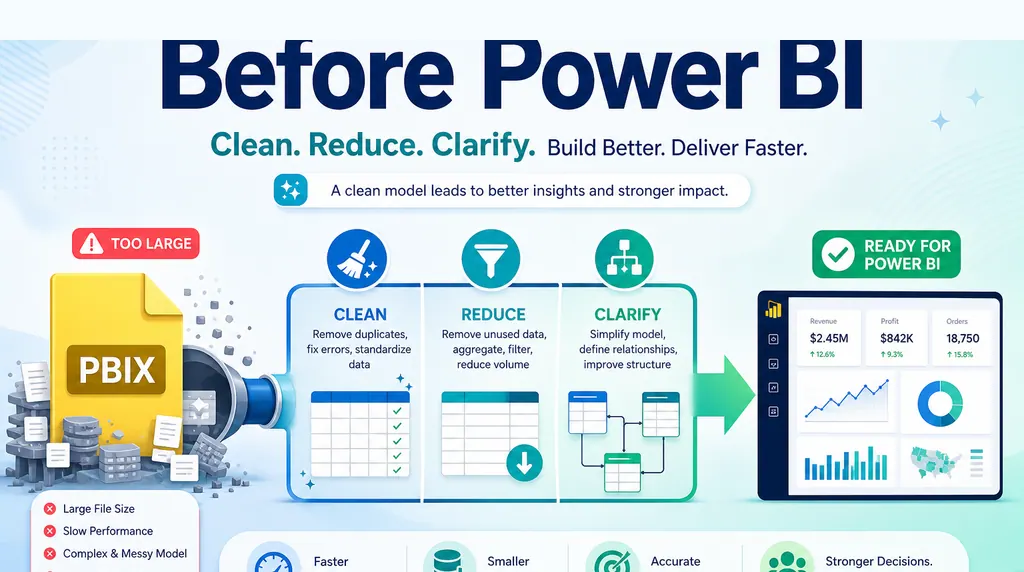 Excel AI
Power BI PBIX File Too Large? What to Do Before Development
A giant PBIX before development is often a sign that the report logic has not been narrowed yet. Before building the model, validate what the business actually needs to see.
Ruby •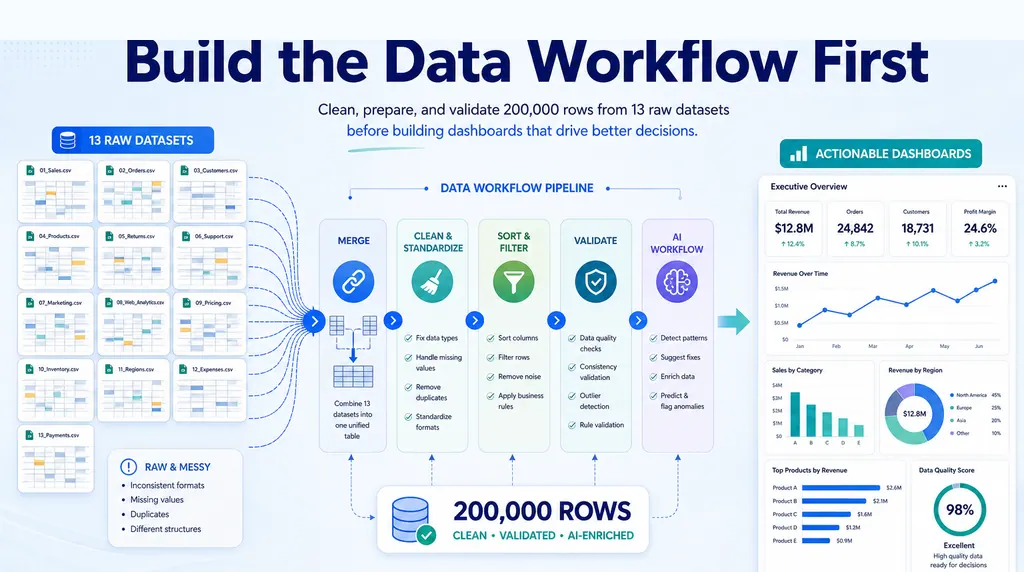 Excel AI
How to Clean Data Before Building a Dashboard in Excel
Before charting, decide which rows can be cleaned and which need an owner. Follow a seven-row example with exact checks, prompts, and a release checklist.
Ruby •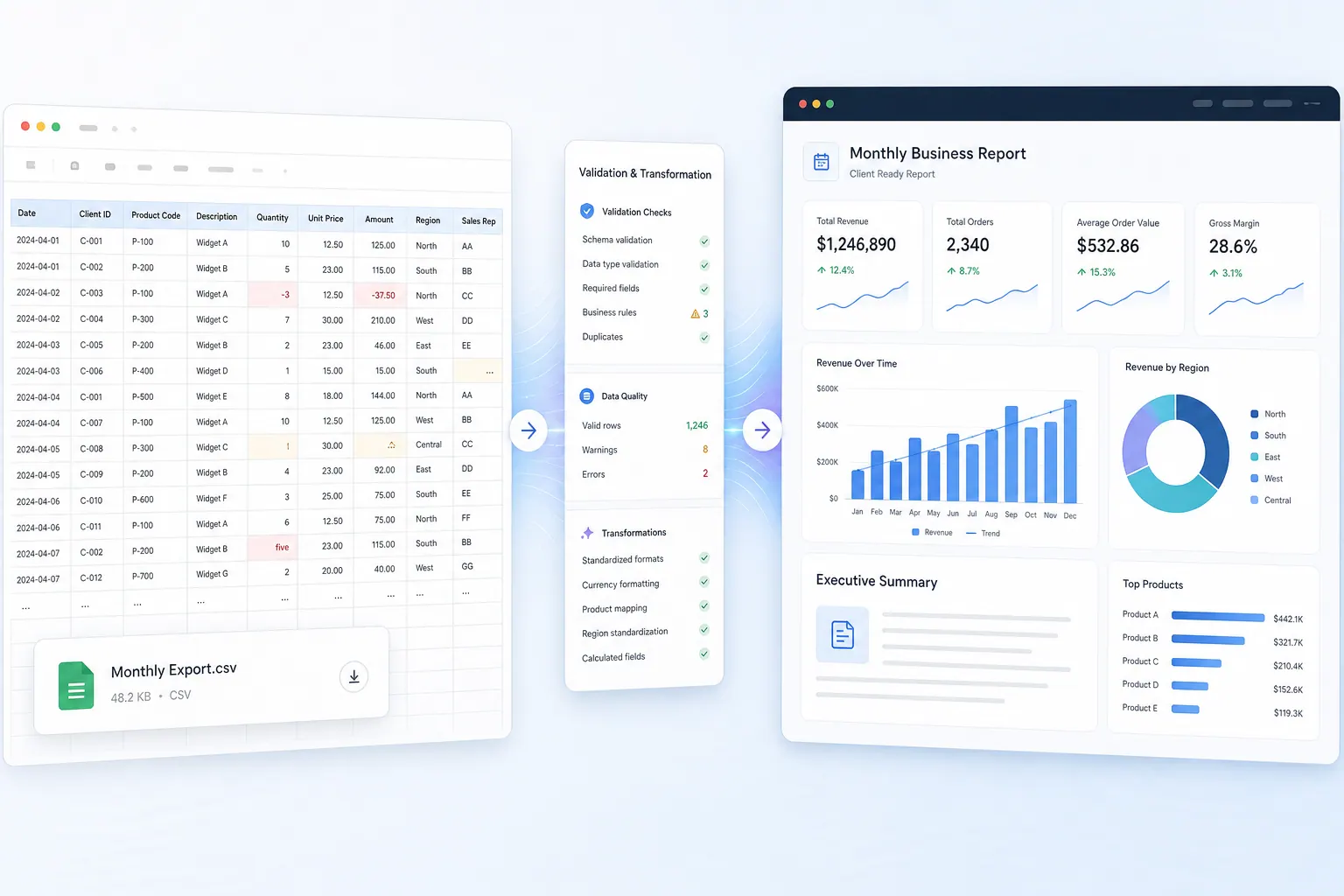 Excel AI
How to Turn a Monthly CSV Export Into a Client-Ready Report
Stop rebuilding your CSV report each month. Save the reporting rules, test the numbers, and hand over a clear summary with visible exceptions.
Ruby • Excel AI
How to Audit an Excel Model Before One Small Error Becomes a Business Problem
Old Excel models can keep producing reports long after the audit trail has disappeared. Here is a practical way to review sources, logic, exceptions, and outputs before a small error becomes a business problem.
Ruby • Excel AI
When Power BI Is Overkill: A Practical Decision Rule for Excel Reports
The real choice is not Excel versus Power BI. It is whether the workflow needs governed BI or a faster spreadsheet-to-answer layer.
Ruby • Excel AI
What FP&A Teams Actually Want From AI: Less Manual Excel, More Evidence
Finance teams do not need AI that hides the work. They need AI that cleans the file, drafts the analysis, and shows the evidence behind every answer.
Alex • Excel AI
Excel AI Governance: How to Let Agents Analyze Workbooks Without Losing Control
The next Excel AI risk is not whether agents can analyze a workbook. It is whether the company can control, review, and audit what they do.
Ruby • Excel AI
Can Finance Teams Trust Excel AI? Only If the Answers Come With Evidence
Excel AI is useful only when the numbers can be checked. Here is what finance teams should demand before trusting AI-generated spreadsheet work.
Ruby •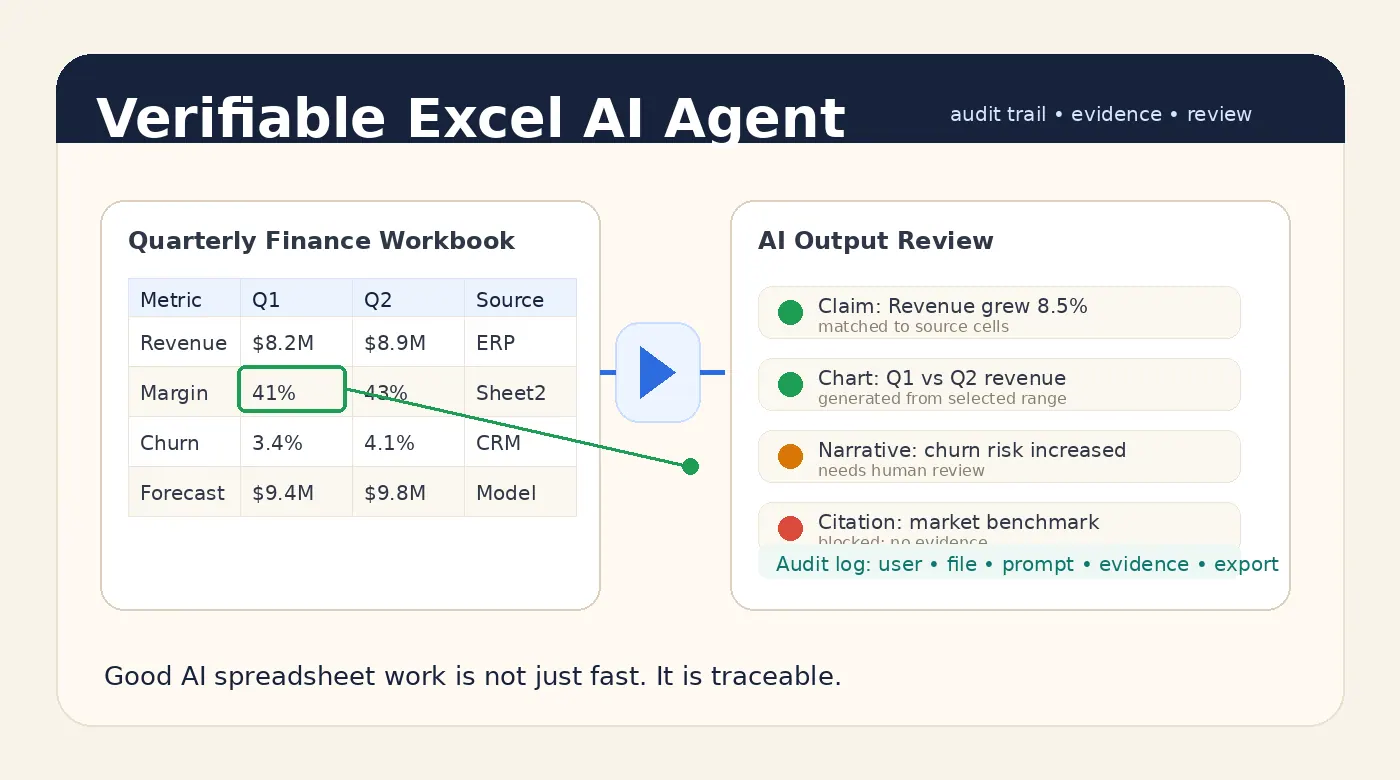 Excel AI
A Good Excel AI Agent Should Produce Answers You Can Verify
A good Excel AI Agent should not only answer quickly. It should show where the numbers came from, what was checked, what remains uncertain, and who approved the final output.
Alex •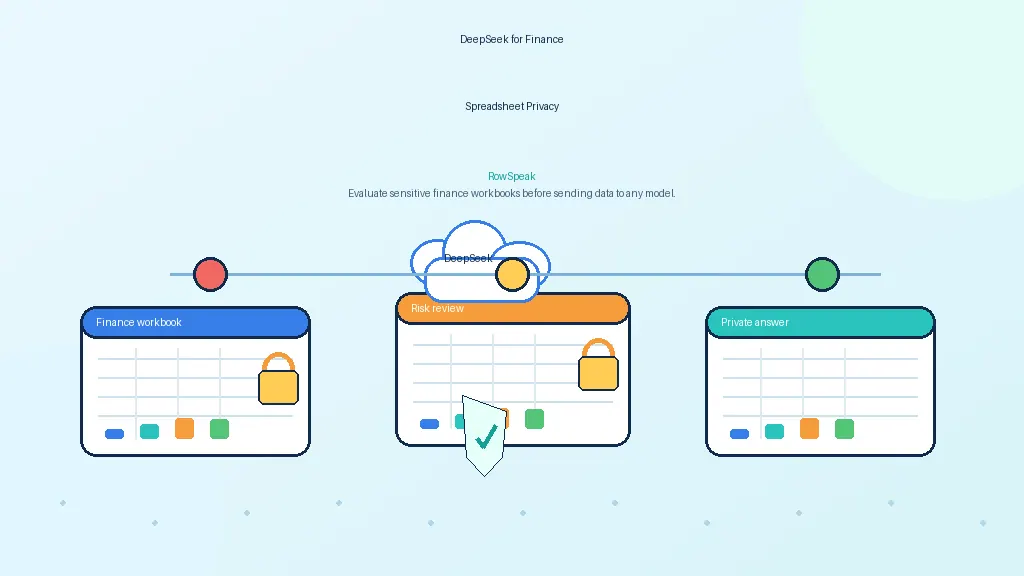 AI for Finance
DeepSeek for Financial Spreadsheets: Powerful, But Should You Upload Private Excel Data?
Finance teams want AI for variance analysis, forecasts, and reports. Before uploading spreadsheets to DeepSeek or any AI tool, understand the privacy and governance tradeoffs.
Ruby •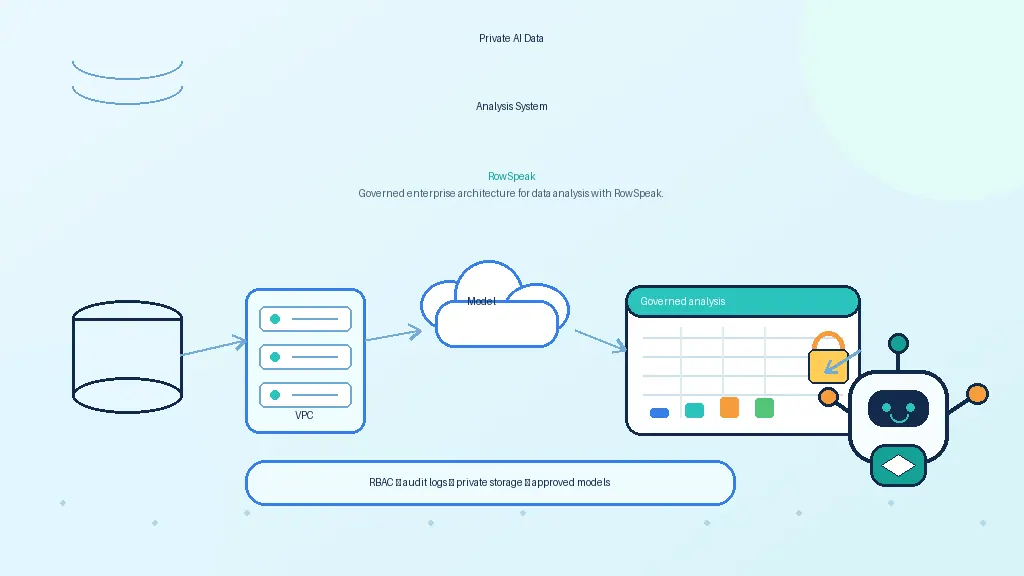 AI Data Analysis
How to Build a Private AI Data Analysis System for Enterprise Teams
Enterprise teams want ChatGPT for company data, but a chatbot is not enough. A private AI analyst needs governed access, deterministic computation, citations, and auditability.
Ruby •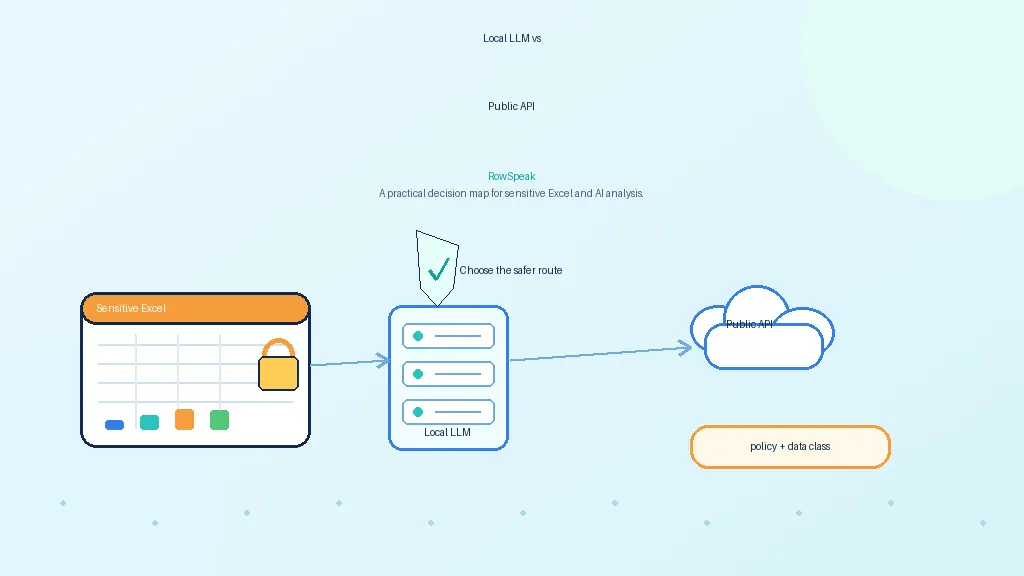 Data Privacy
Local LLM vs Public API for Sensitive Excel Data: How to Choose
Sensitive spreadsheets need more than a model choice. This guide compares local LLMs, public APIs, enterprise AI services, and private deployments for Excel data.
Ruby •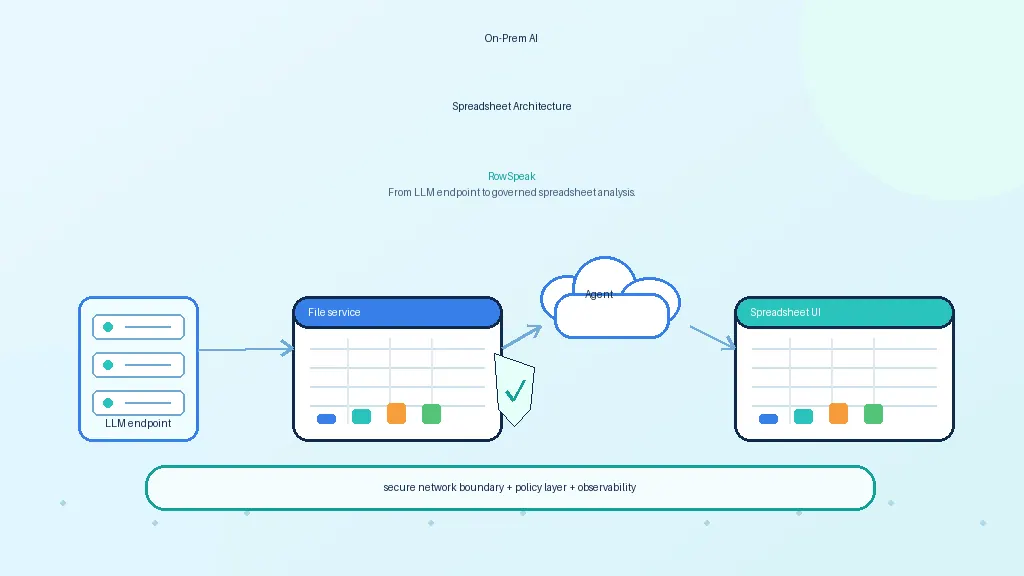 AI Deployment
On-Prem AI Spreadsheet Architecture: From LLM Endpoint to Governed Analysis
An on-prem AI spreadsheet system is more than a self-hosted LLM. This guide shows the architecture needed to turn a private model endpoint into governed spreadsheet analysis.
Ruby •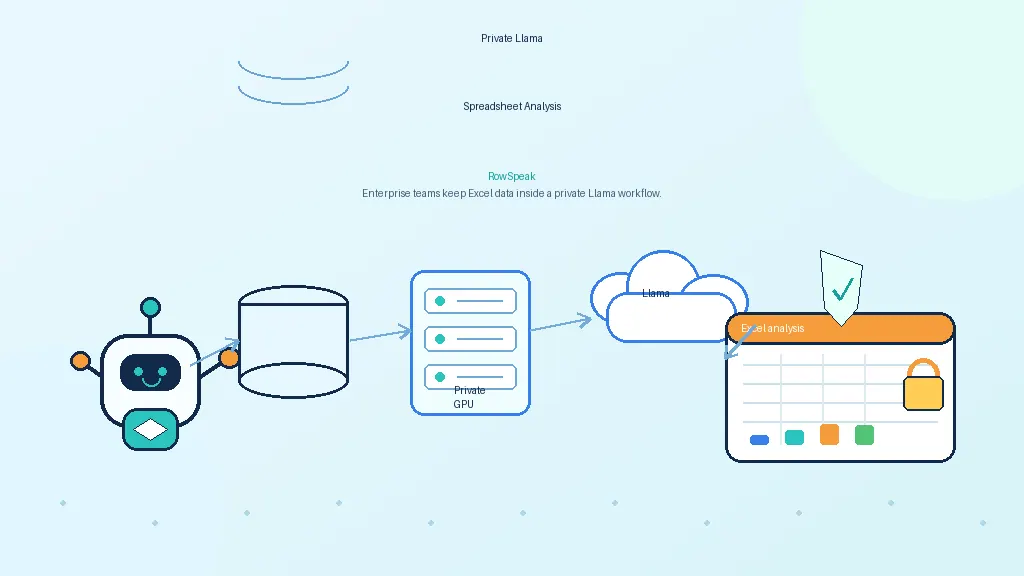 AI Deployment
Can Llama Analyze Spreadsheets Privately? A Practical Guide for Enterprise Teams
Llama can be part of a private AI spreadsheet analyst, but the model is only one layer. This guide explains parsing, deterministic computation, citations, governance, and where a workflow layer fits.
Ruby •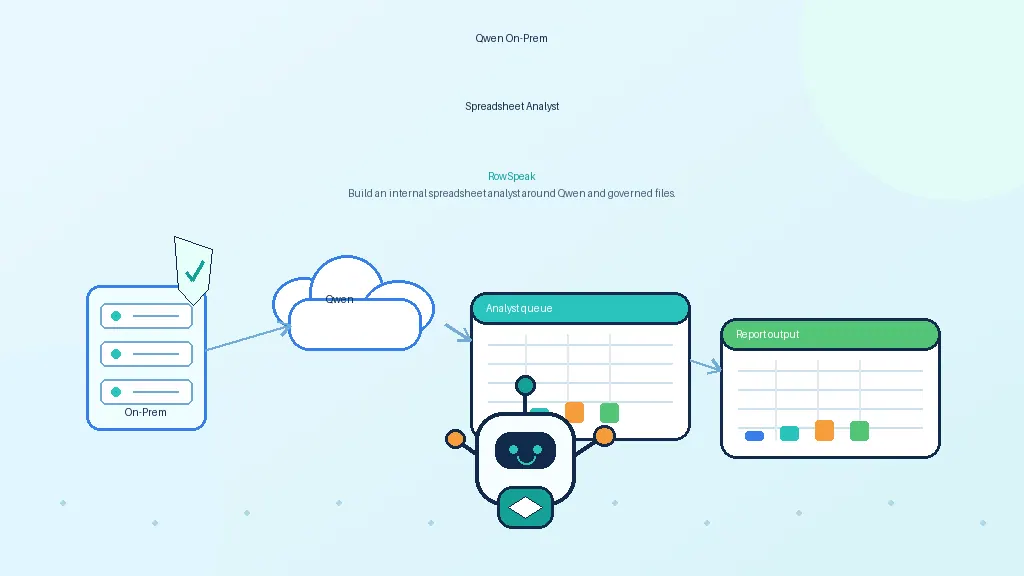 AI Deployment
How to Build an On-Prem AI Spreadsheet Analyst with Qwen
Qwen is attractive for private spreadsheet workflows because of its coding, math, and tool-use strengths. This guide explains how to turn it into a governed on-prem AI analyst.
Ruby •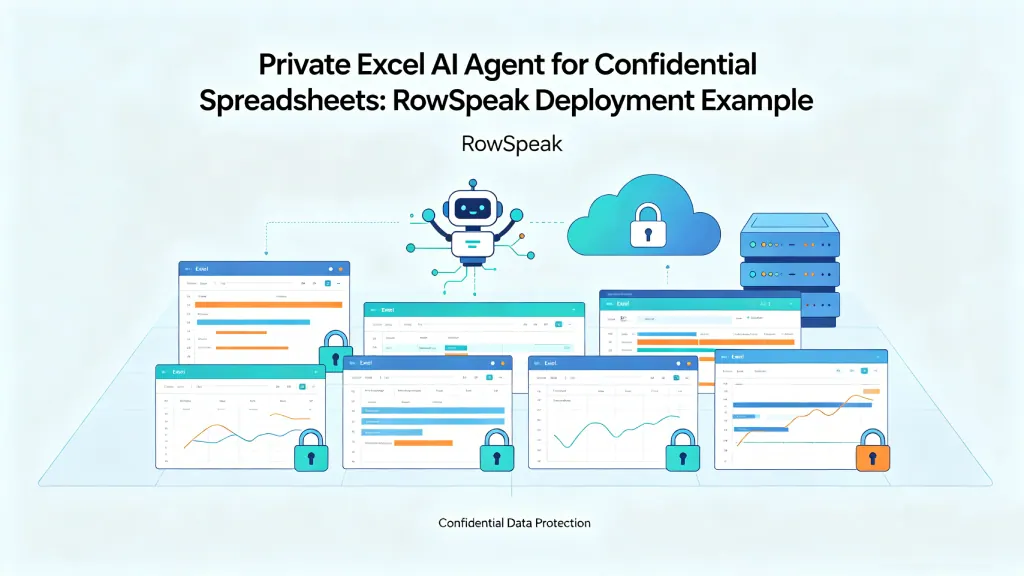 AI Deployment
How to Use an Excel AI Agent Without Exposing Confidential Spreadsheets
A practical guide for teams with sensitive Excel files: how to use a private Excel AI Agent for finance reports, sales exports, inventory sheets, and internal analysis without sending confidential data outside your environment.
Ruby •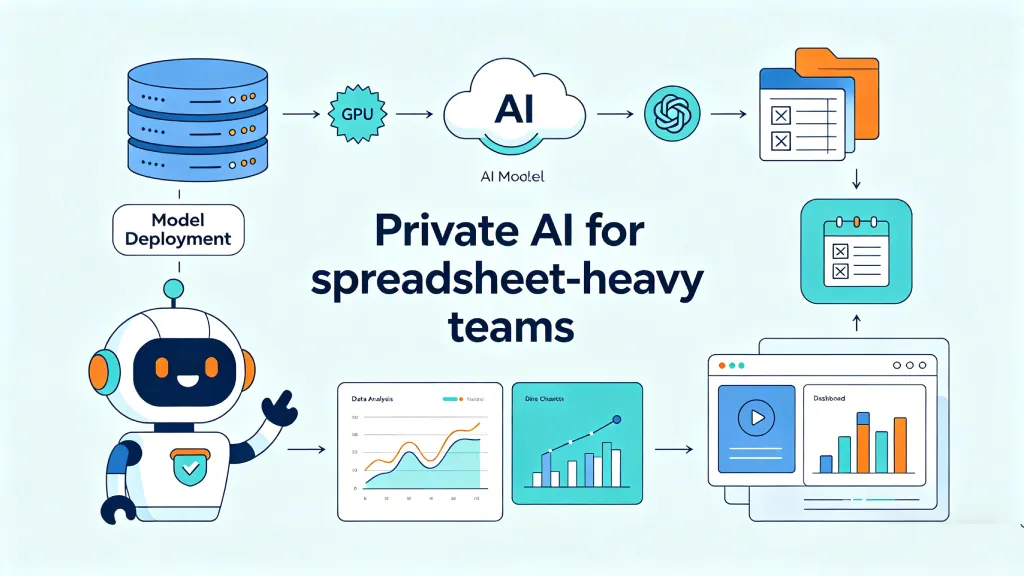 AI Deployment
How to Run DeepSeek-V4-Flash as a Private AI Server for Internal Spreadsheet Analysis
A practical guide for teams evaluating private AI: deploy DeepSeek-V4-Flash on your own GPU server, expose a secure internal API, and use it for spreadsheet analysis workflows.
Ruby • Excel Template
Beyond Static Sheets: Commanding AI to Build Your Bespoke Business Infrastructure
Stop settling for generic templates. Discover how to command RowSpeak AI to generate high-end, bespoke Excel backends that adapt to your unique business logic in real-time.
Ruby • Excel Template
The Digital Nomad Survival Kit: 3 AI-Generated Templates to Manage Your Global Empire
The Digital Nomad Survival Kit: How RowSpeak’s AI turns chaotic global operations into a streamlined, high-end business empire.
Ruby • Excel Template
The 15-Minute Challenge: Building a Professional Business Backend from Scratch with AI
The 15-minute challenge: Moving from zero organization to a fully operational business system using nothing but RowSpeak's AI Template Generation.
Ruby •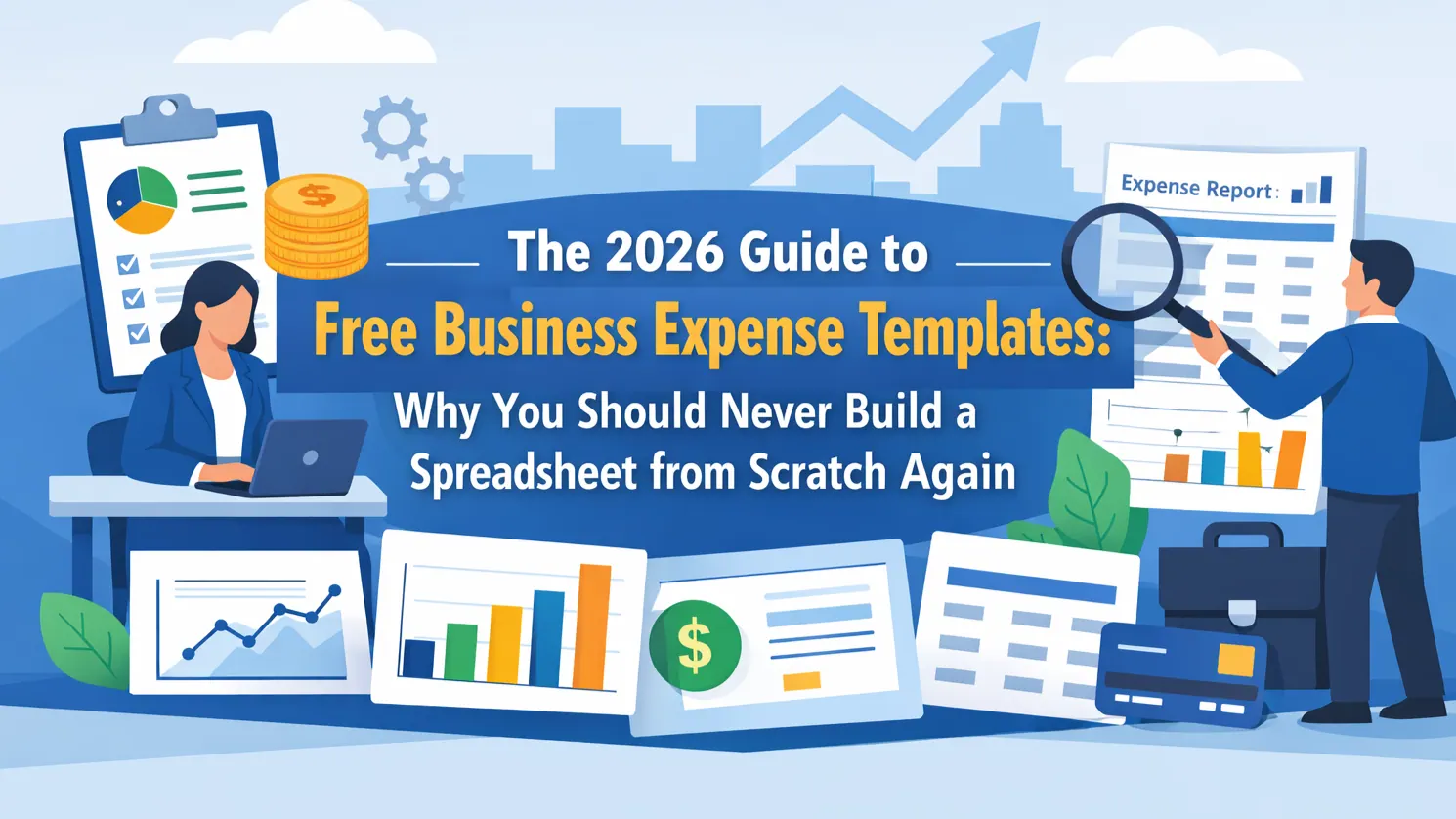 Excel Template
The 2026 Guide to Free Business Expense Templates: Why You Should Never Build a Spreadsheet from Scratch Again
Stop settled for basic grids. Discover the ultimate collection of free, high-end Excel templates and learn how to generate your own bespoke financial dashboards with RowSpeak AI.
Ruby •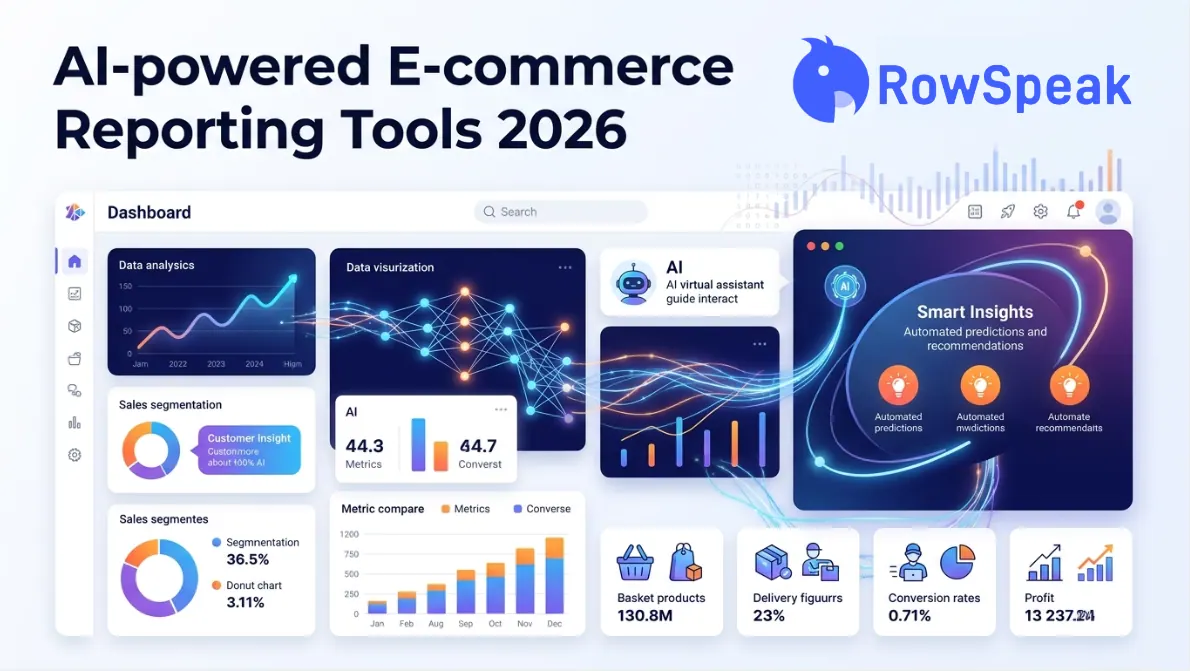 AI Dashboard
Best AI-Powered E-commerce Dashboard Reporting Tools for 2026: A Complete Buyer's Guide
Not all AI reporting tools are built for e-commerce sellers. We break down every major category — BI platforms, native analytics, AI assistants, and Excel-to-dashboard converters — so you can choose the right one without wasting a sprint.
Ruby •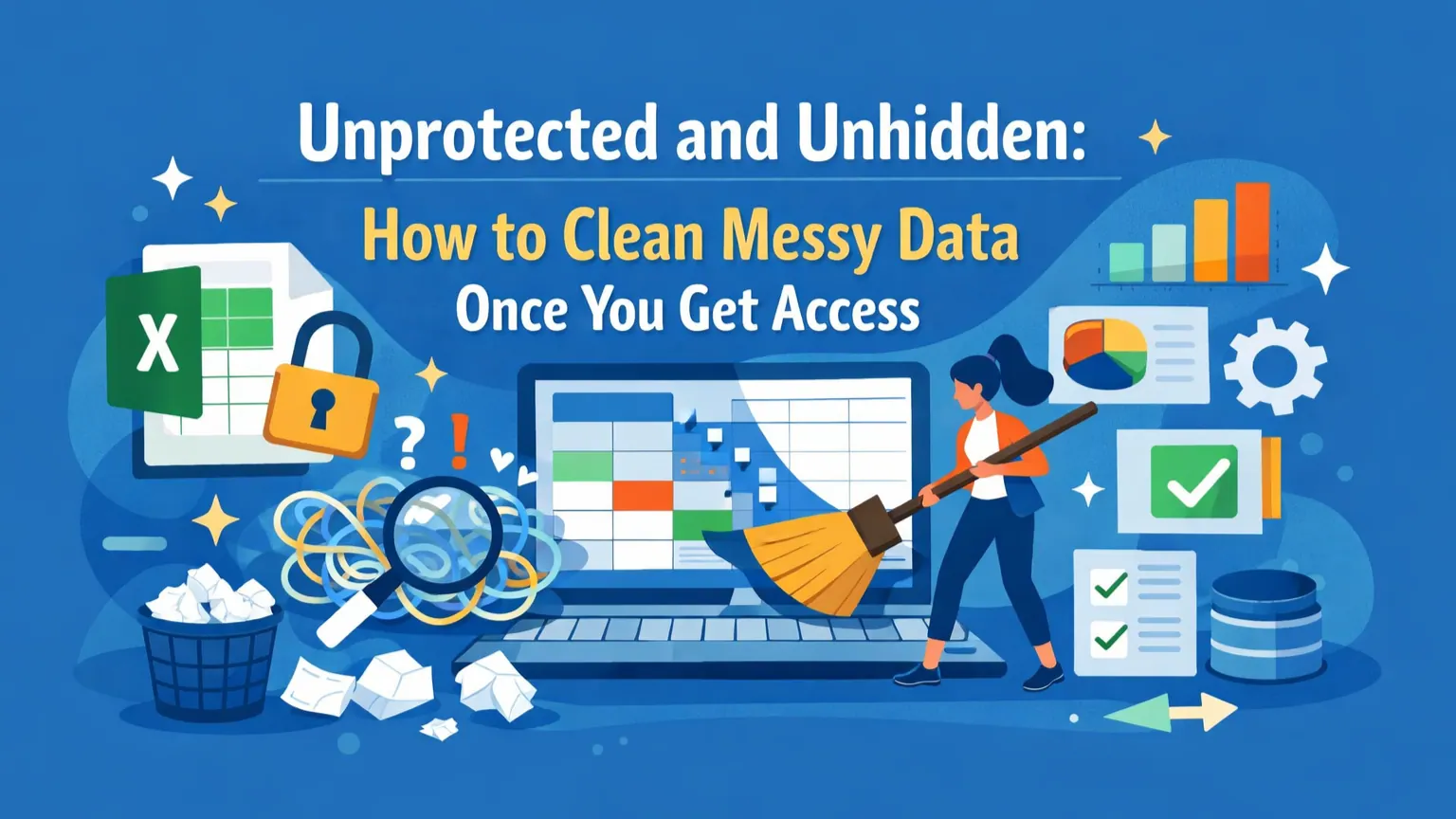 Data Cleaning
Unprotected and Unhidden: How to Clean Messy Data Once You Get Access
Locked sheets often hide the messiest data. Discover how to transform chaotic, unprotected rows into structured insights without manual formatting marathons.
Ruby •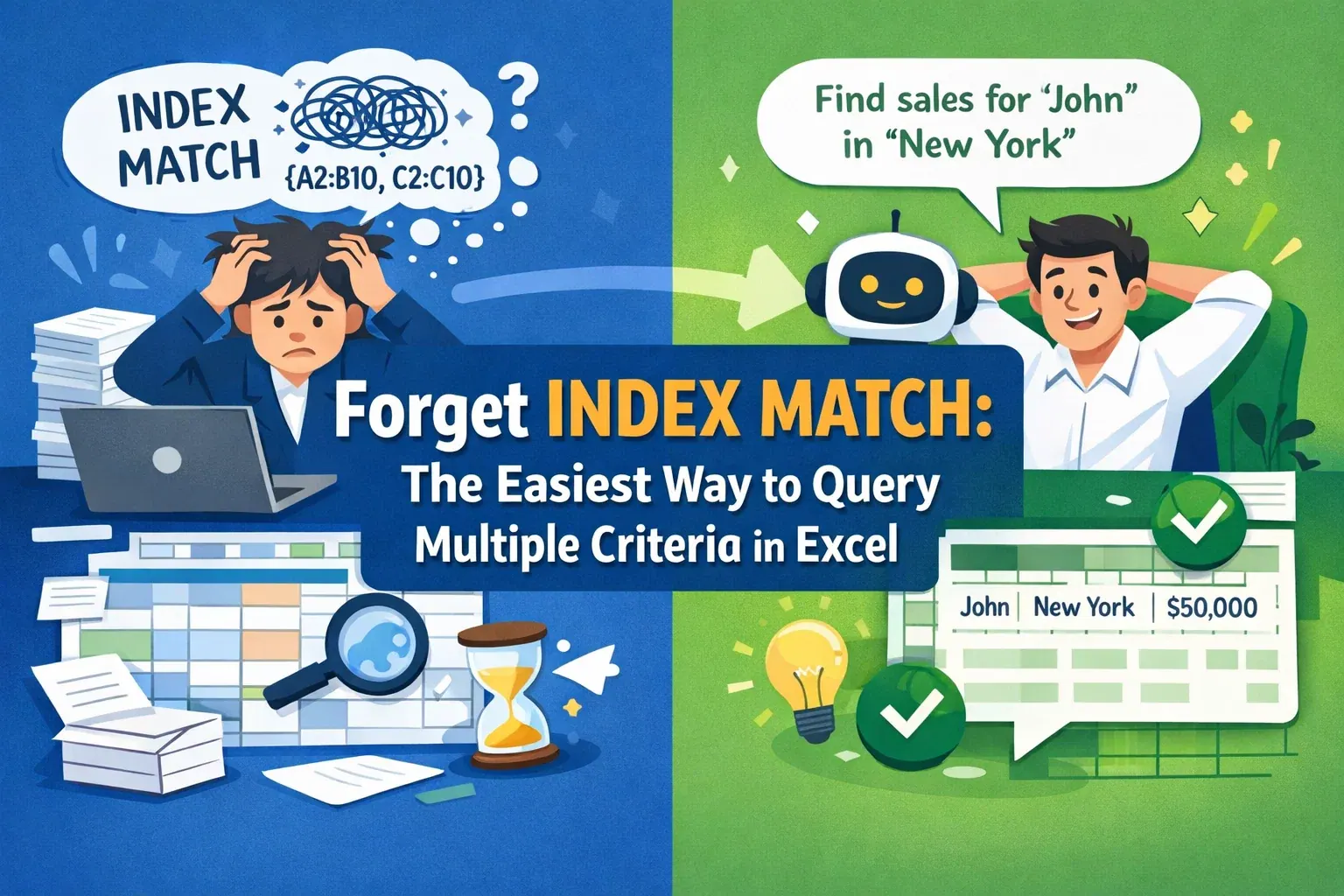 Excel Tips
Forget INDEX MATCH: The Easiest Way to Query Multiple Criteria in Excel
Is nesting INDEX MATCH with multiple criteria giving you a headache? Learn a smarter, faster way to query complex data using plain language and AI automation.
Ruby •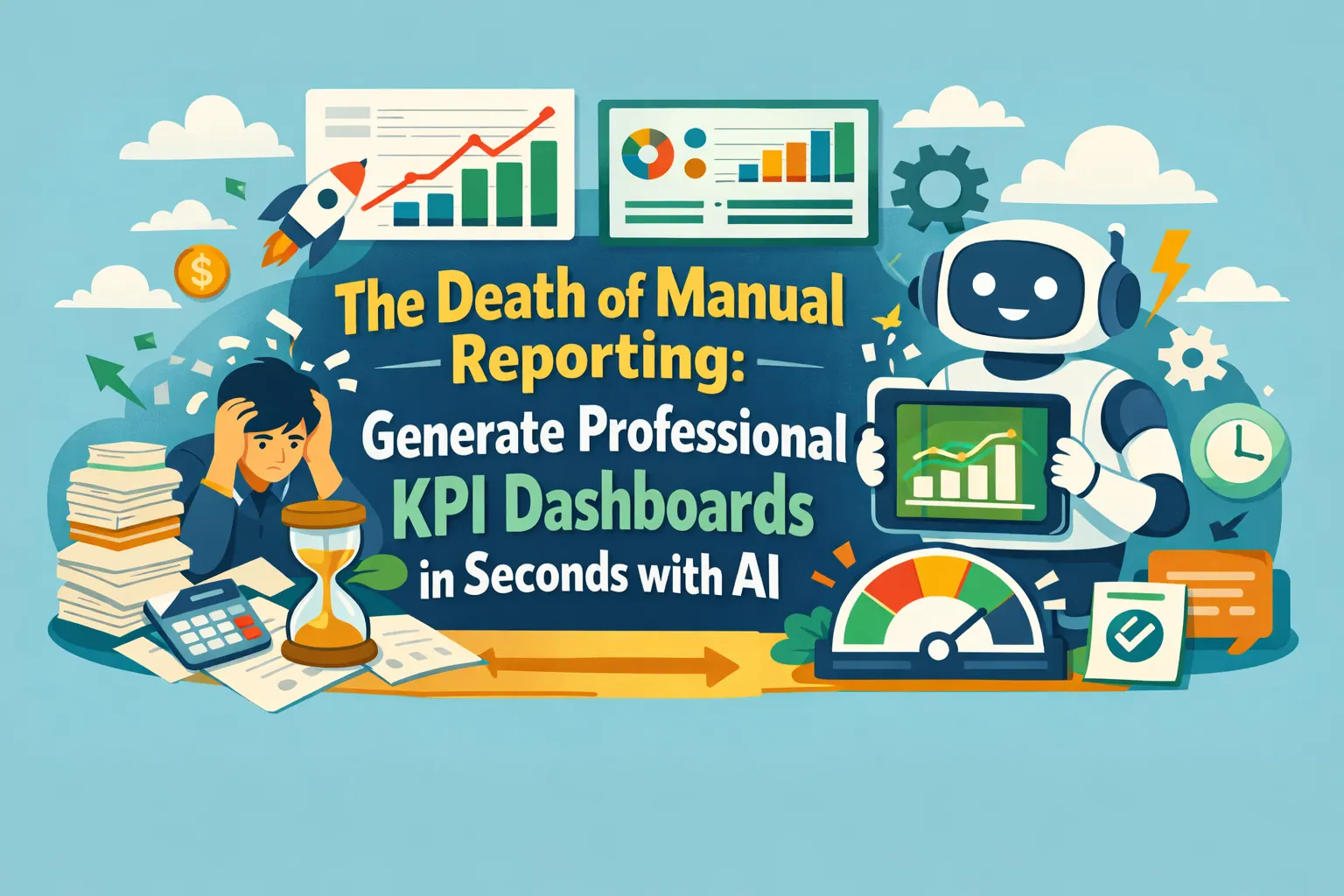 Excel Template
The Death of Manual Reporting: Generate Professional KPI Dashboards in Seconds with AI
Stop wrestling with complex Pivot Tables and manual chart updates. Discover how RowSpeak's AI generates dynamic KPI dashboards from a single prompt or one-click professional showcases.
Ruby •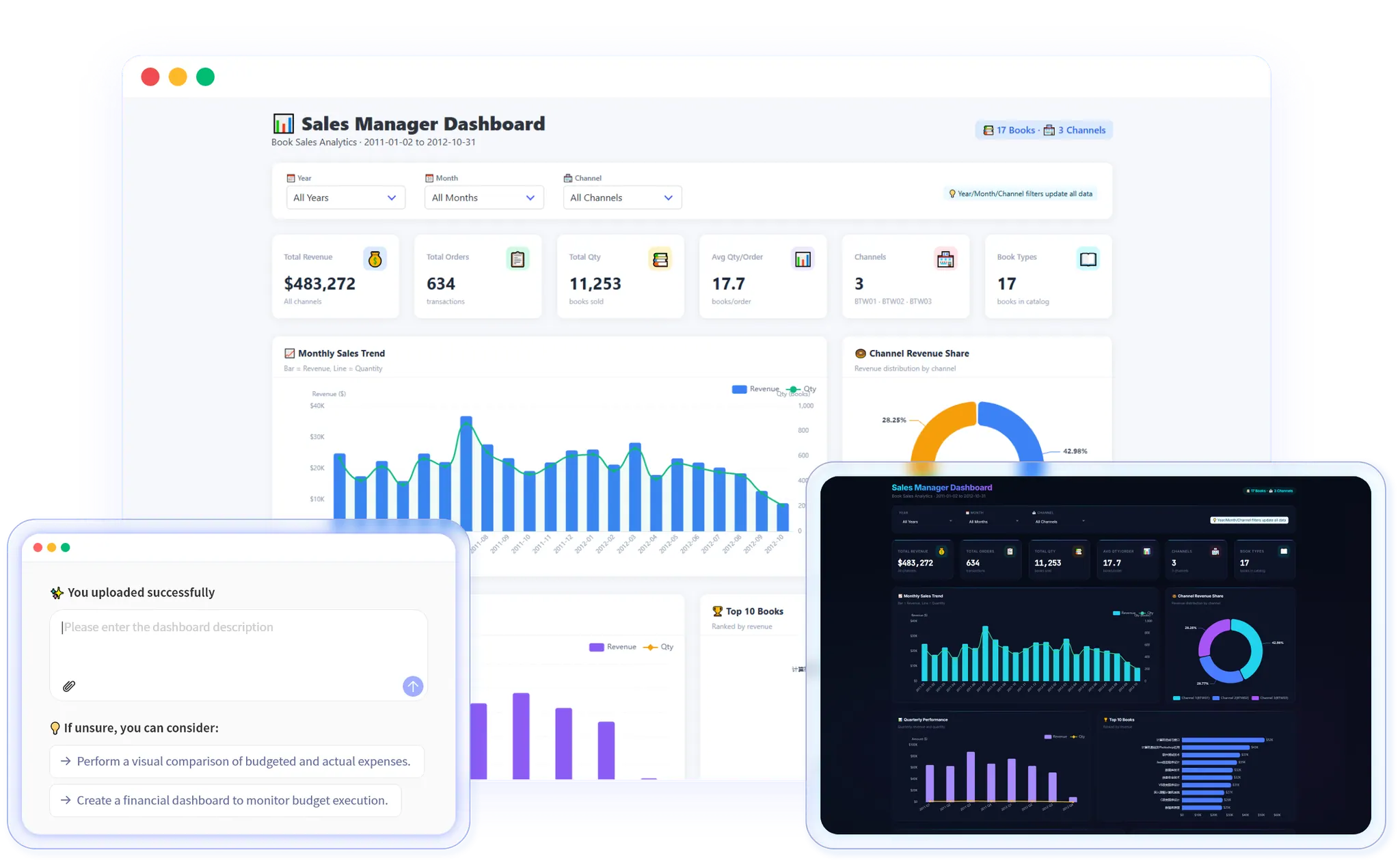 AI Dashboard
AI Dashboard Prompts: Examples You Can Check and Reuse
Build a dashboard brief you can check: use a six-row example, define your calculations, fix one assumption at a time, and keep the reporting period visible.
Gogo •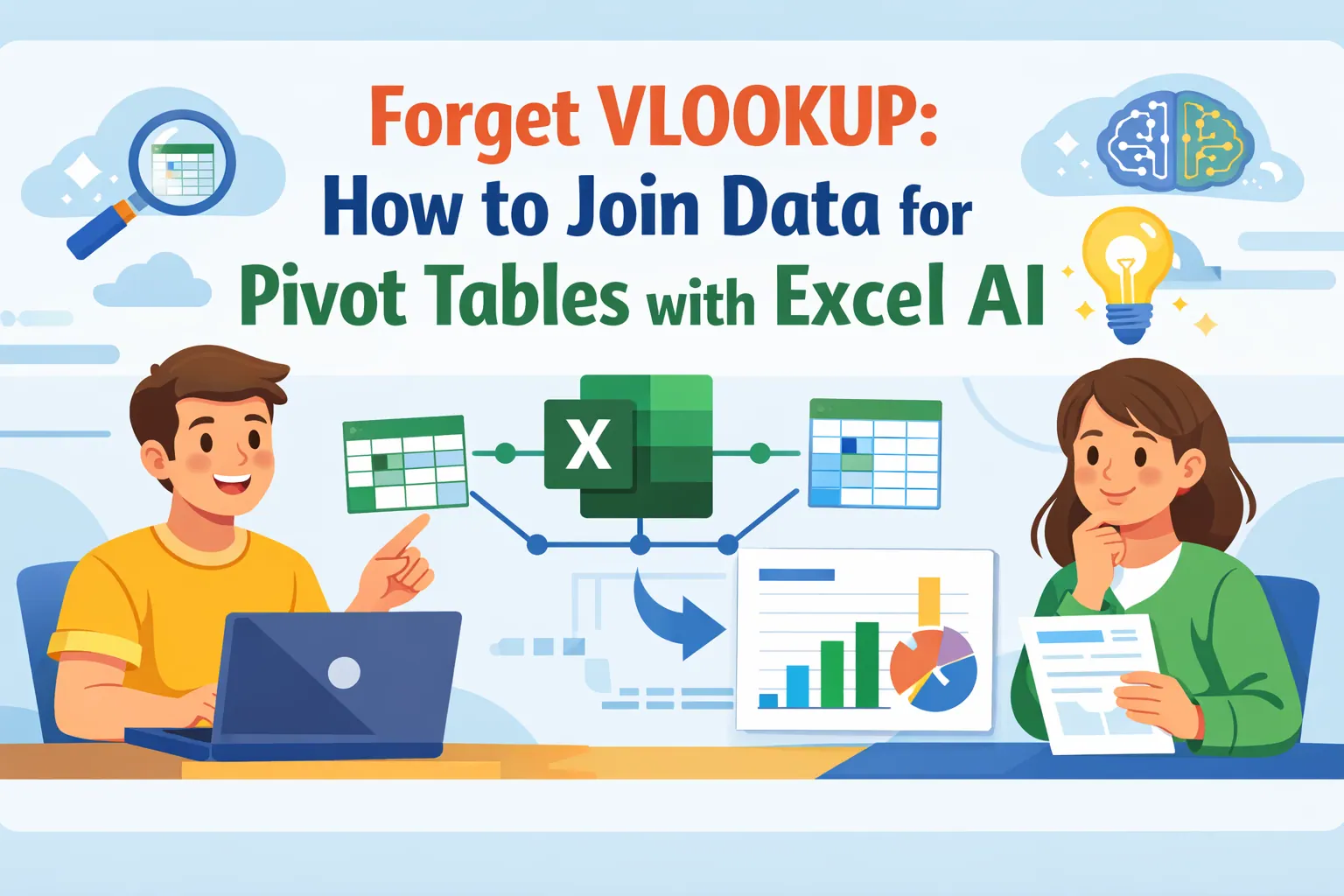 Excel
ExcelForget VLOOKUP: How to Join Data for Pivot Tables with Excel AI
Stop wasting time with VLOOKUP to merge sales and product data. This guide shows you the old, painful way and introduces a new, faster method using Excel AI. Let RowSpeak join your tables and build reports for you in seconds.
Ruby •