Key takeaways:
- Dashboard work should start with the business question and source-file inventory, not chart selection.
- Cleaning before dashboarding means standardizing dates, IDs, categories, numeric fields, joins, and exclusions so the final visuals are explainable.
- RowSpeak can inspect messy Excel or CSV exports, identify data-quality problems, suggest cleanup priorities, and generate a review-first dashboard/report workflow.
A dashboard request often starts in the wrong place.
For reports that repeat every week or month, RowSpeak's automated spreadsheet reports keeps file cleanup, metric checks, and summaries reusable.
Someone says, “Can you visualize this data?” Then you open the folder and find 13 raw datasets, inconsistent columns, unclear definitions, duplicate records, missing values, and no obvious answer to the bigger question.
That is not a charting problem yet. It is a data preparation problem.
This article is based on a common workflow pattern: a manager asks for dashboards from large scraped or exported datasets, but the data is not ready to compare. The temptation is to jump into Excel charts, pivot tables, Power BI, or a dashboard template. The better first step is to make the data trustworthy enough that the dashboard has something useful to say.
A dashboard is only as good as the question behind it
Before cleaning columns, ask what decision the dashboard is supposed to support.
A dashboard can answer many different questions:
- Which category is growing fastest?
- Which customer segment is underperforming?
- Which operational issue needs attention first?
- Which campaign, product, or region changed this month?
- Which records should be reviewed before reporting?
Those are different dashboards. They may need different joins, filters, time windows, and summary metrics.
If you skip this step, you may spend hours cleaning fields that do not matter while ignoring the fields that explain the business problem.
A useful dashboard starts with a sentence like this:
We need to compare performance across 13 datasets and identify which segments are driving the biggest change.
That sentence gives you a cleaning plan. It tells you which fields must be standardized, which dates matter, which dimensions need consistent labels, and which metrics should be checked before charting.
Inventory the files before merging anything
When multiple raw datasets are involved, make a quick inventory before touching formulas.
For each file, note:
- source system or scraping method
- date range
- row count
- key identifier fields
- metric fields
- category fields
- missing or unusual columns
- duplicate logic
- refresh frequency
This sounds basic, but it prevents one of the most common dashboard mistakes: comparing files that do not cover the same scope.
For example, one file may contain active customers only while another includes inactive customers. One may use order date while another uses shipment date. One may count refunds as negative revenue while another stores them in a separate field.
If those differences are hidden, the dashboard may look polished and still be wrong.
For 13 raw datasets, the inventory can be a short control table:
| file | grain | date field | key field | main metric | cleanup risk |
|---|---|---|---|---|---|
| orders.csv | one row per order | order_date | order_id | revenue | refunds stored separately |
| customers.csv | one row per customer | signup_date | customer_id | segment | inactive customers included |
| campaigns.csv | one row per campaign day | spend_date | campaign_id | spend | platform names inconsistent |
| products.csv | one row per SKU | updated_at | sku | category | duplicate SKU aliases |
Clean the fields that affect the analysis
Data cleaning should be tied to the dashboard question.
Start with the fields that control the output:
- dates
- IDs
- customer or product names
- category labels
- status fields
- numeric measures
- currency and percentage fields
- missing-value indicators
The goal is not to make the dataset beautiful. The goal is to make the analysis explainable.
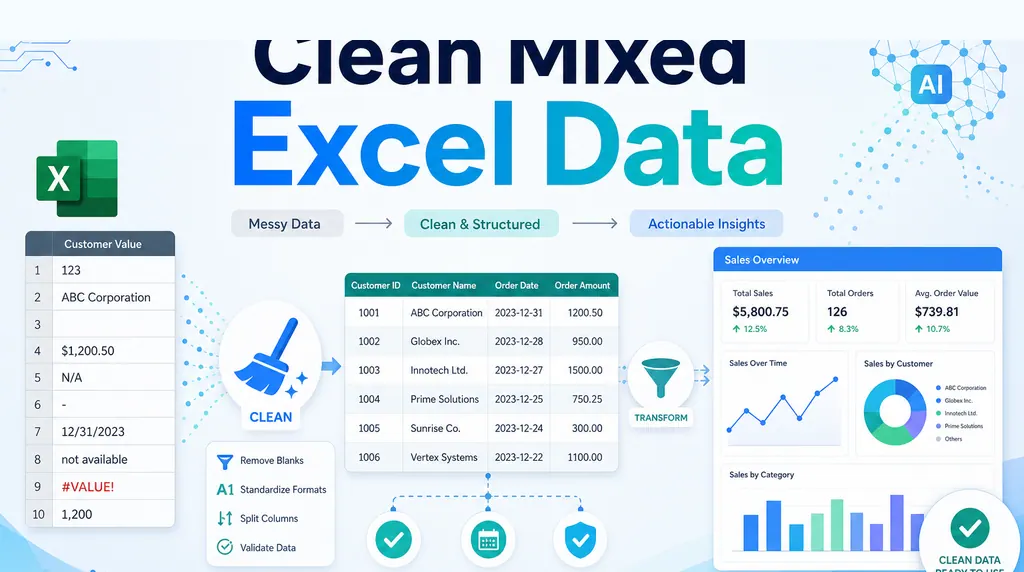
Common fixes include:
- trimming spaces
- standardizing date formats
- converting text numbers into real numbers
- mapping inconsistent categories
- removing duplicate rows
- separating notes from numeric fields
- flagging rows that should not be included
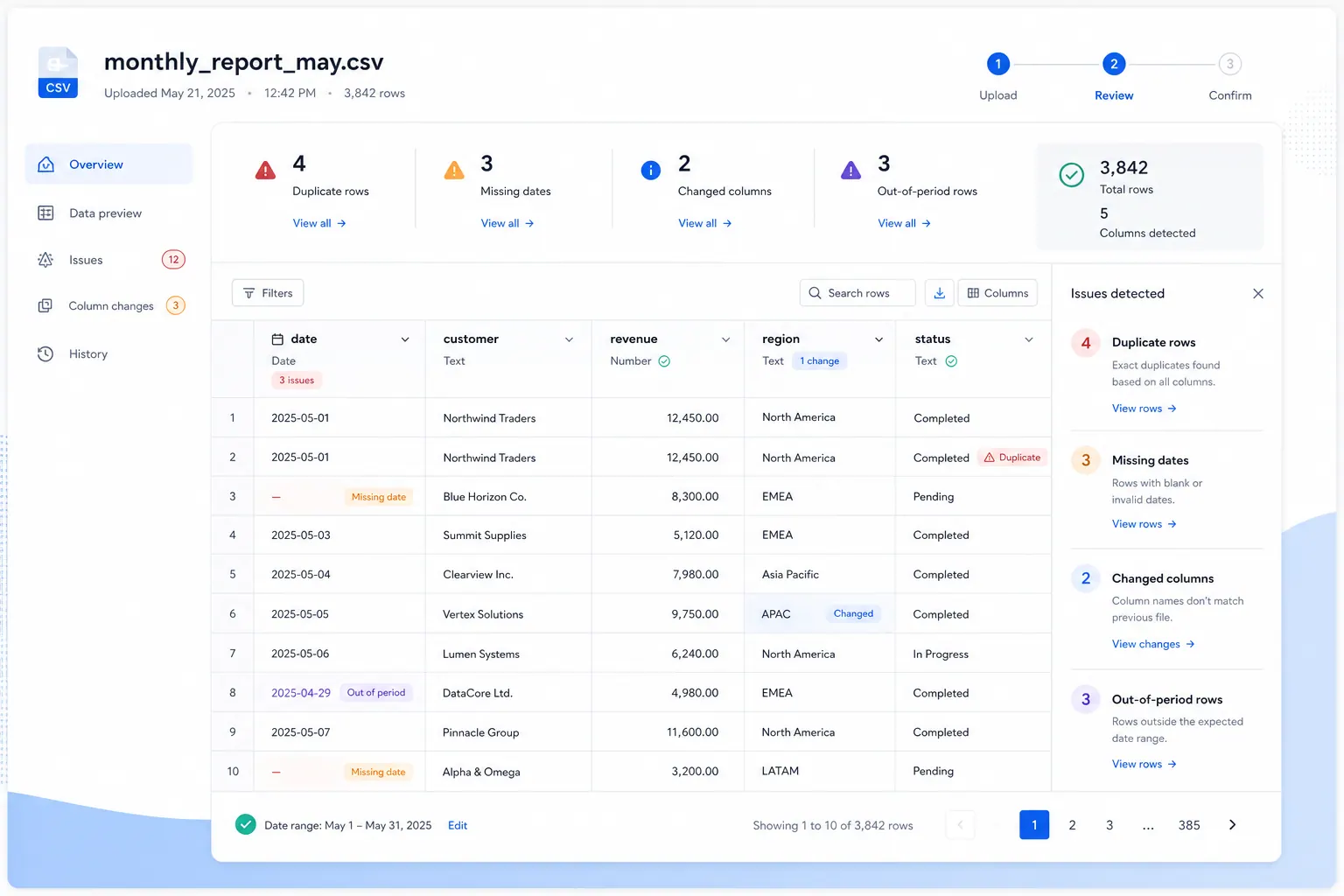
Keep a cleanup log. If a stakeholder asks why a record was excluded or why two categories were combined, the report should have an answer.
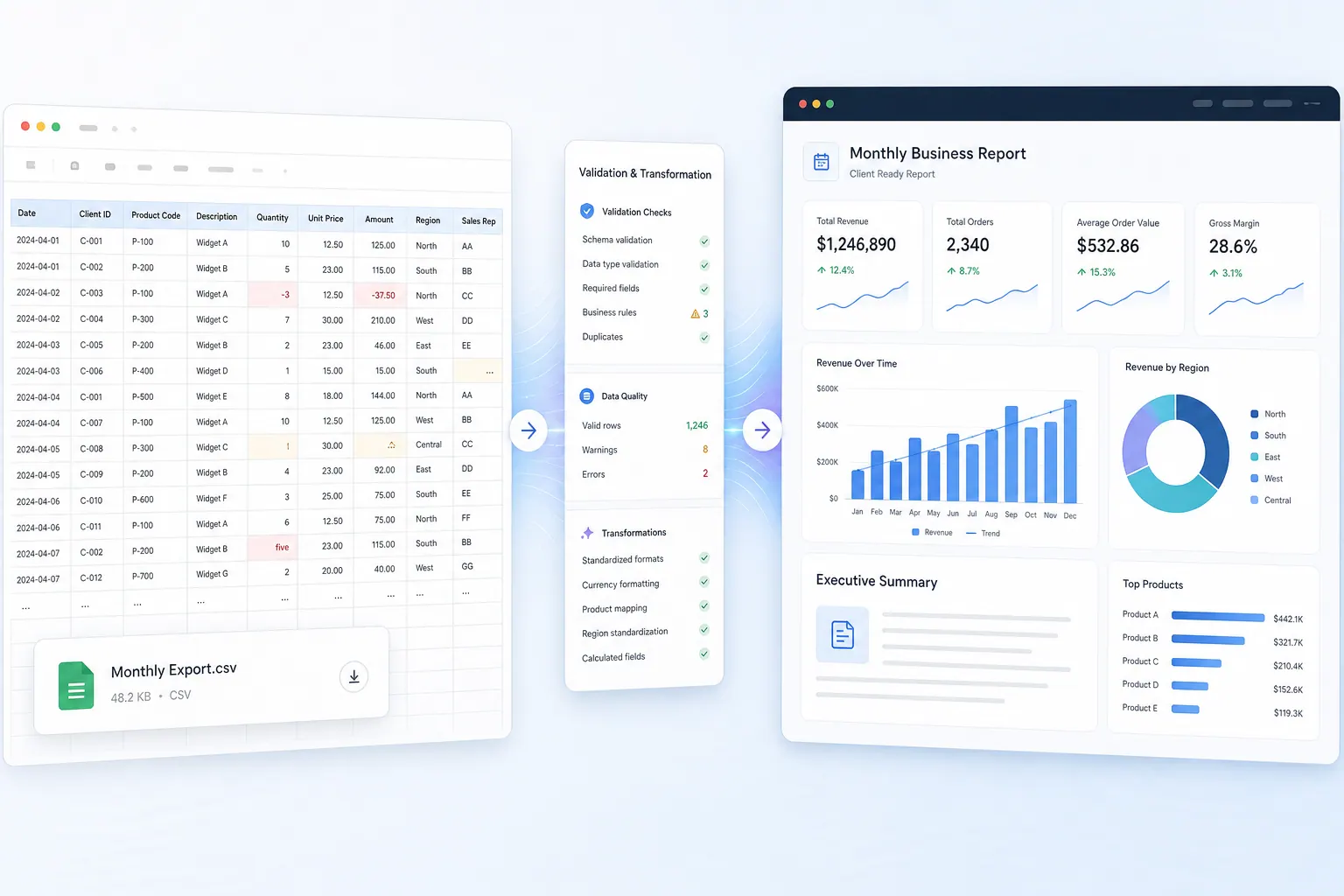
This is the point where a cleaned preview is more useful than a hidden formula. You want to see which fields changed and which rows still need review before any chart is built.
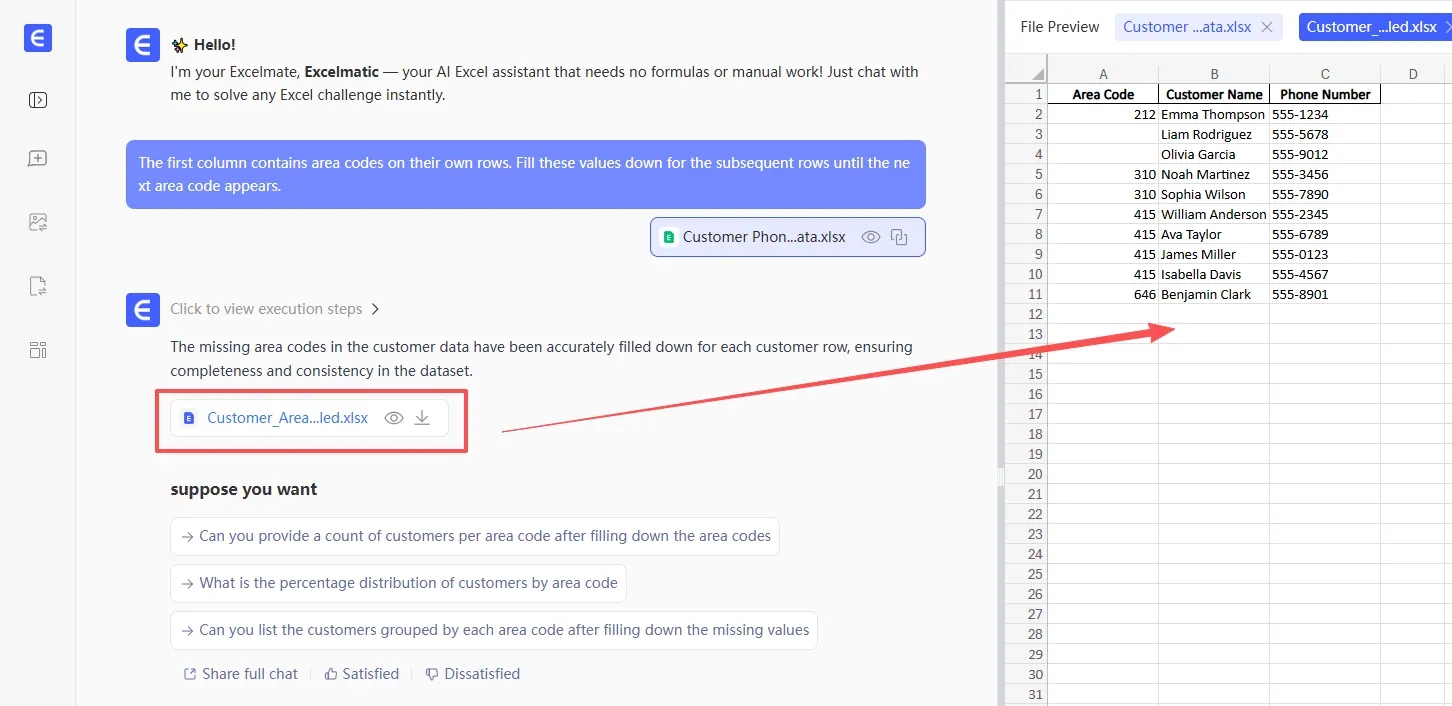
This is where many dashboard projects start to feel heavier than expected. A simple request becomes a data pipeline. If the goal is a recurring report from exported files, an Excel-to-dashboard workflow can be a better fit than building a full BI stack immediately.
Combine files only after the keys are clear
Merging datasets before you understand the keys is risky.
Ask what connects the files:
- customer ID
- product SKU
- order ID
- employee ID
- campaign ID
- region
- date
- a combination of fields
Then check whether those keys are unique, missing, duplicated, or formatted differently across files.
A dashboard built on a bad join can create inflated totals, missing segments, or misleading averages. For example, joining a customer table with an orders table without handling one-to-many relationships can duplicate customer-level metrics.
Before creating charts, build a reconciliation view:
- records matched successfully
- records missing from one side
- duplicate keys
- unmatched categories
- totals before and after merge
This is not busywork. It is how you keep the dashboard from becoming a confident-looking mistake.
Create the first dashboard as a review tool
The first dashboard should not be treated as the final presentation.
Use it to review whether the cleaned data makes sense. Start with simple views:
- total rows by source file
- missing values by field
- duplicate records by key
- top categories by volume
- metric totals by period
- outliers or suspicious records
These views help you catch problems before the dashboard becomes a leadership artifact.
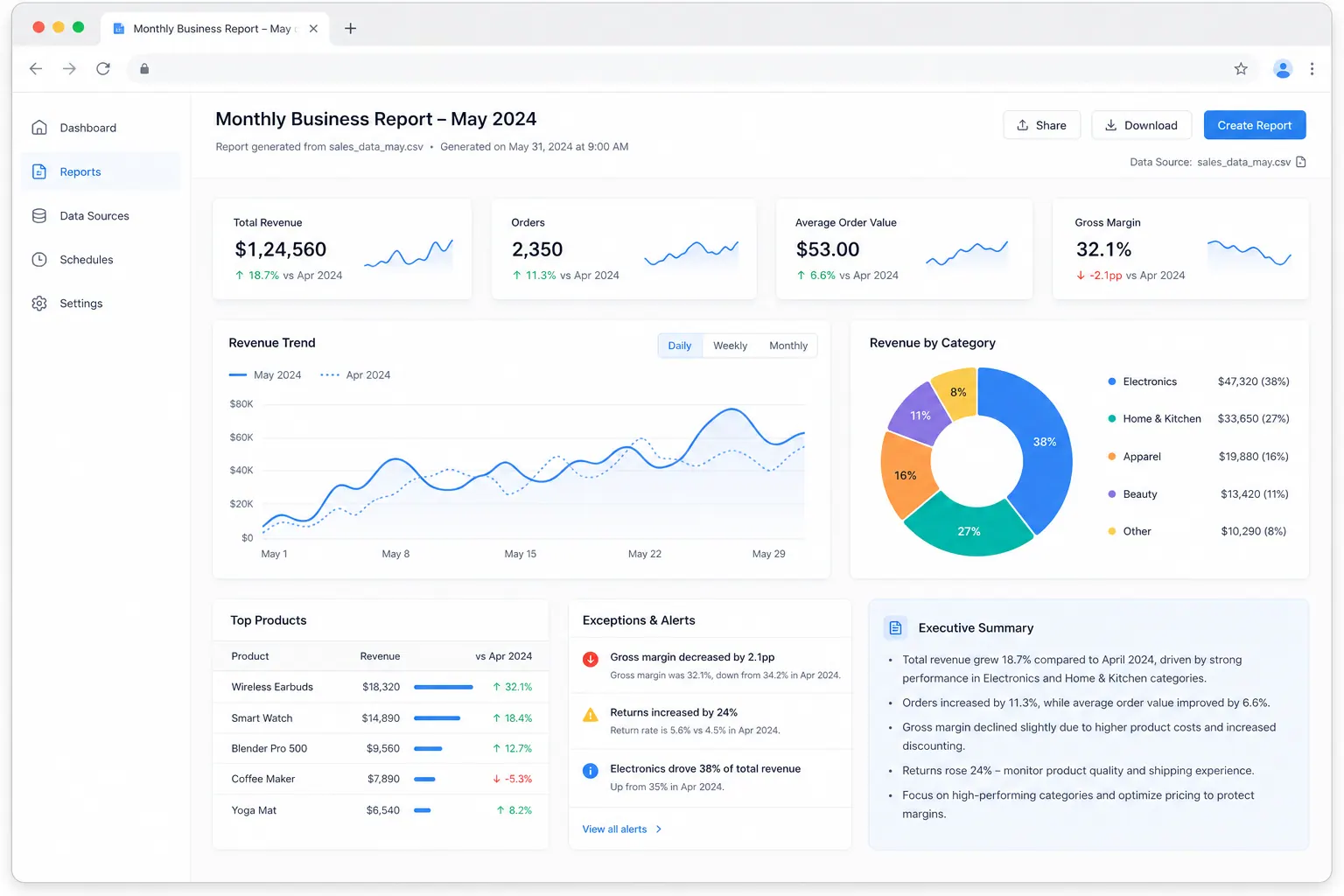
Once the data passes review, you can build the business dashboard with KPI cards, trend charts, ranked tables, and written insights. If you need the output to become a shareable report, connect the work to an AI reporting workflow instead of stopping at charts.
At this stage, the first dashboard should still expose the assumptions. A useful report view shows KPIs and charts, but also calls out excluded rows, missing values, and definitions that need approval.
Where RowSpeak fits
RowSpeak is useful when the dashboard job starts with messy files rather than a clean warehouse table.
You can upload Excel or CSV exports and ask RowSpeak to inspect the structure, explain data quality problems, identify fields worth standardizing, and suggest a dashboard/report structure based on the business question.
That does not remove the need for judgment. It gives you a faster review loop.
For example, you can ask:
I have 13 datasets with product, region, date, and performance fields. Identify the fields that need cleanup before I build a dashboard, then recommend the first three dashboard views.
That is different from asking a generic chatbot to “make a dashboard.” The useful work is in the review: what is missing, what should be merged, which assumptions matter, and what the output should explain.
If your use case is recurring, RowSpeak can help turn the cleaned export into a repeatable spreadsheet analysis workflow, with summaries and report views your team can review.
Common mistakes before dashboarding
The first mistake is charting before defining the business question. A dashboard without a question becomes a gallery of metrics.
The second mistake is merging files too early. Bad joins are harder to spot once the dashboard is already built.
The third mistake is hiding data exclusions. If you removed duplicates, filtered dates, or mapped categories, those decisions should be visible somewhere.
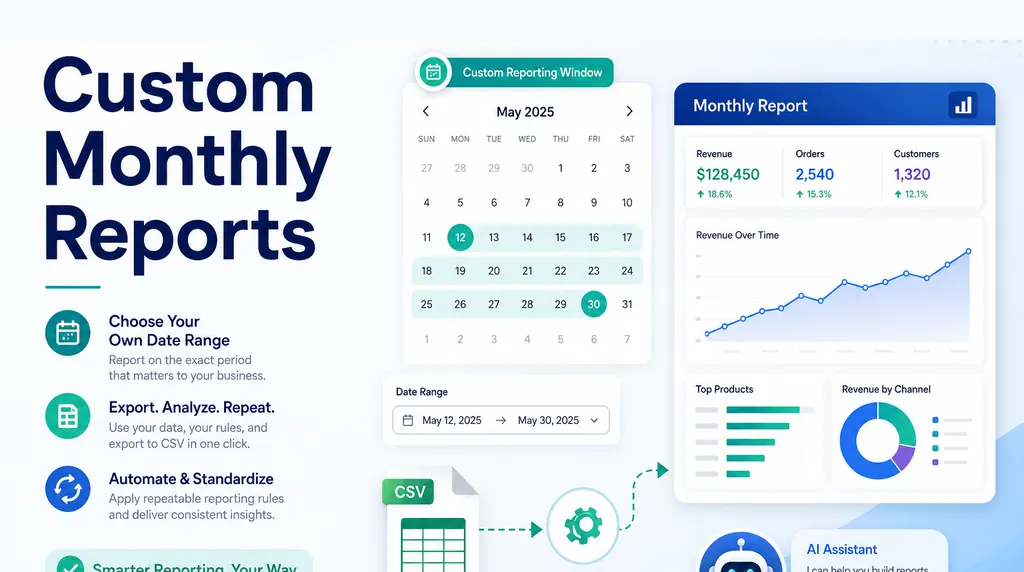
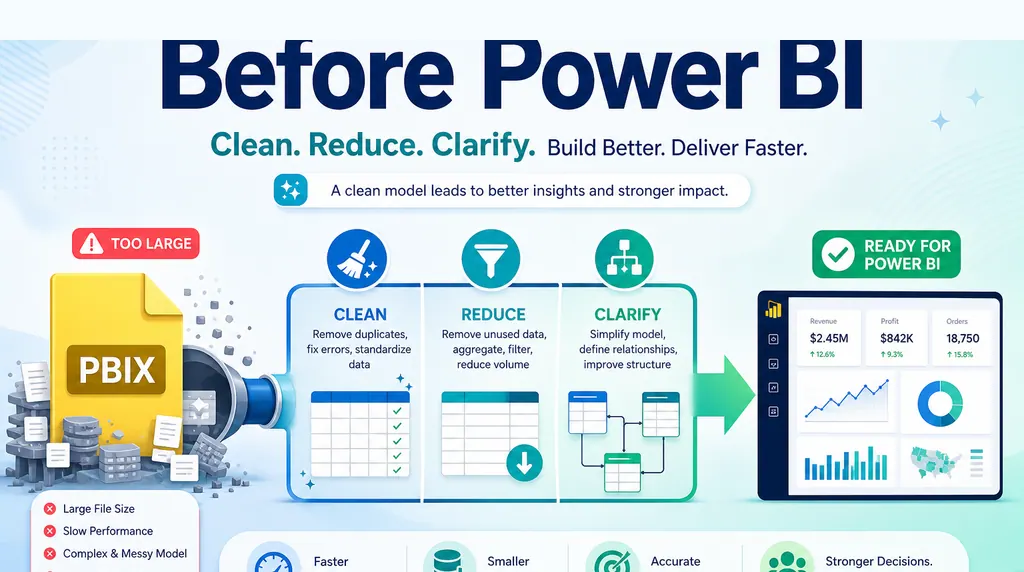
The fourth mistake is overbuilding the tool. If the team needs a monthly report from exported files, a lighter monthly CSV reporting workflow may be enough before investing in BI development.
A practical pre-dashboard checklist
Before building the dashboard, confirm:
- the decision the dashboard supports
- the exact reporting period
- the source files included
- the unique keys for joins
- the metric definitions
- the cleanup rules
- the excluded records
- the first review views
- the final audience
- the format for sharing
If you cannot answer those, the dashboard is not ready. The charts may still render, but the story will be weak.
The takeaway
Cleaning data before building a dashboard is not a separate chore. It is the foundation of the dashboard.
Excel can handle many cleanup steps. Power Query can make them repeatable. RowSpeak fits when the team needs help moving from raw exports to a reviewable dashboard/report workflow, especially when the source files are messy and the business question is still being clarified.
A reliable dashboard starts before the first chart.
Get Started: Clean the Data Before You Build the Dashboard
If you have a folder of raw exports and a request to “make a dashboard,” upload the files to RowSpeak first. Ask it to inventory the sources, identify cleanup issues, recommend the first review views, and only then build the dashboard structure.
Try RowSpeak today and turn messy files into a dashboard workflow people can trust.