AI-Powered Excel Data Analysis: Unlock Insights with RowSpeak

Still struggling with complex Excel data analysis? Manually organizing data, writing formulas, and creating charts can be time-consuming and error-prone. RowSpeak leverages AI technology to make data analysis as easy as having a conversation!

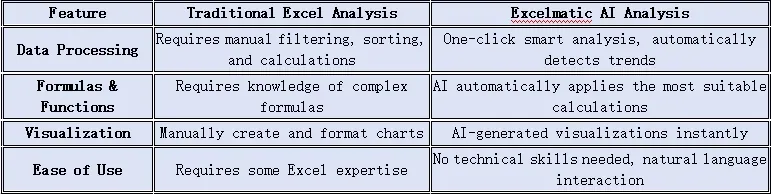
Traditional Excel vs. RowSpeak: Which is Better?
depart

How Does RowSpeak Enhance Data Analysis?

1. Natural Language Interaction—Say Goodbye to Complex Formulas

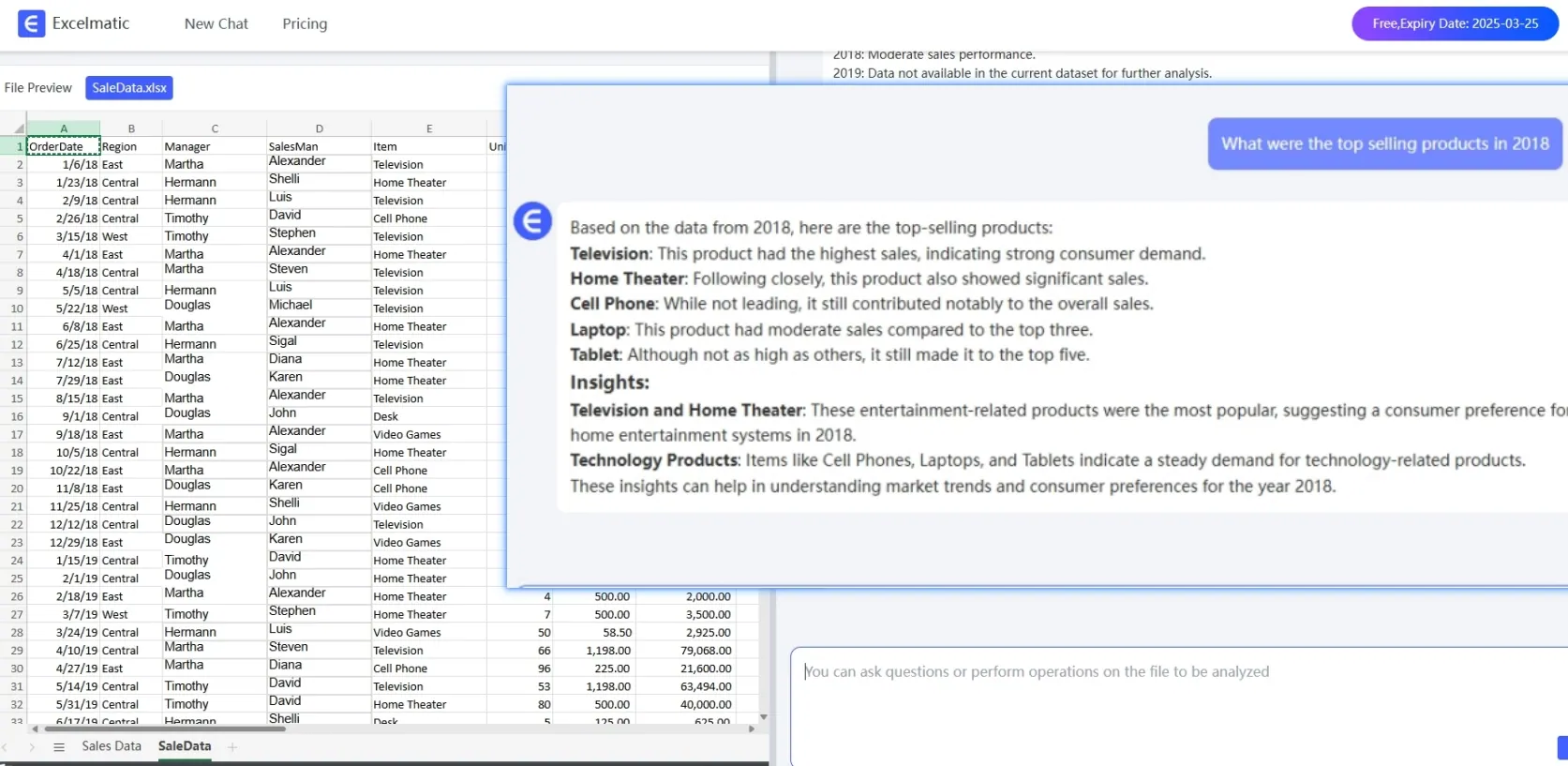
Simply ask questions like, What was total sales? and RowSpeak instantly delivers the answer.No need for complex formulas like VLOOKUP or SUMIFS—AI automatically detects data patterns.
depart

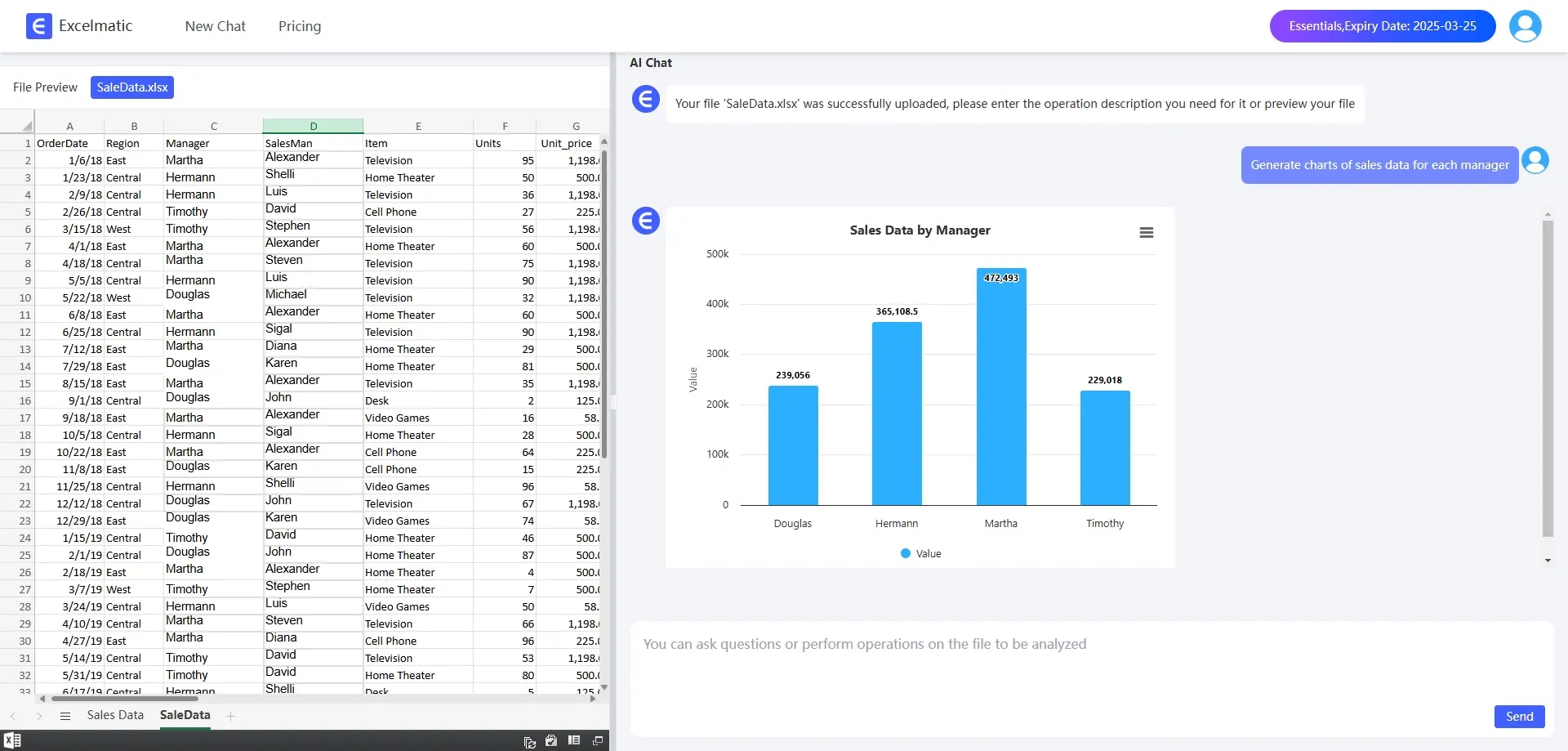
2. Smart Data Visualization

Instantly generates Bar Charts, line graphs, pie charts, and more for clear insights.Automatically recommends the best chart type based on trends in the data.
depart

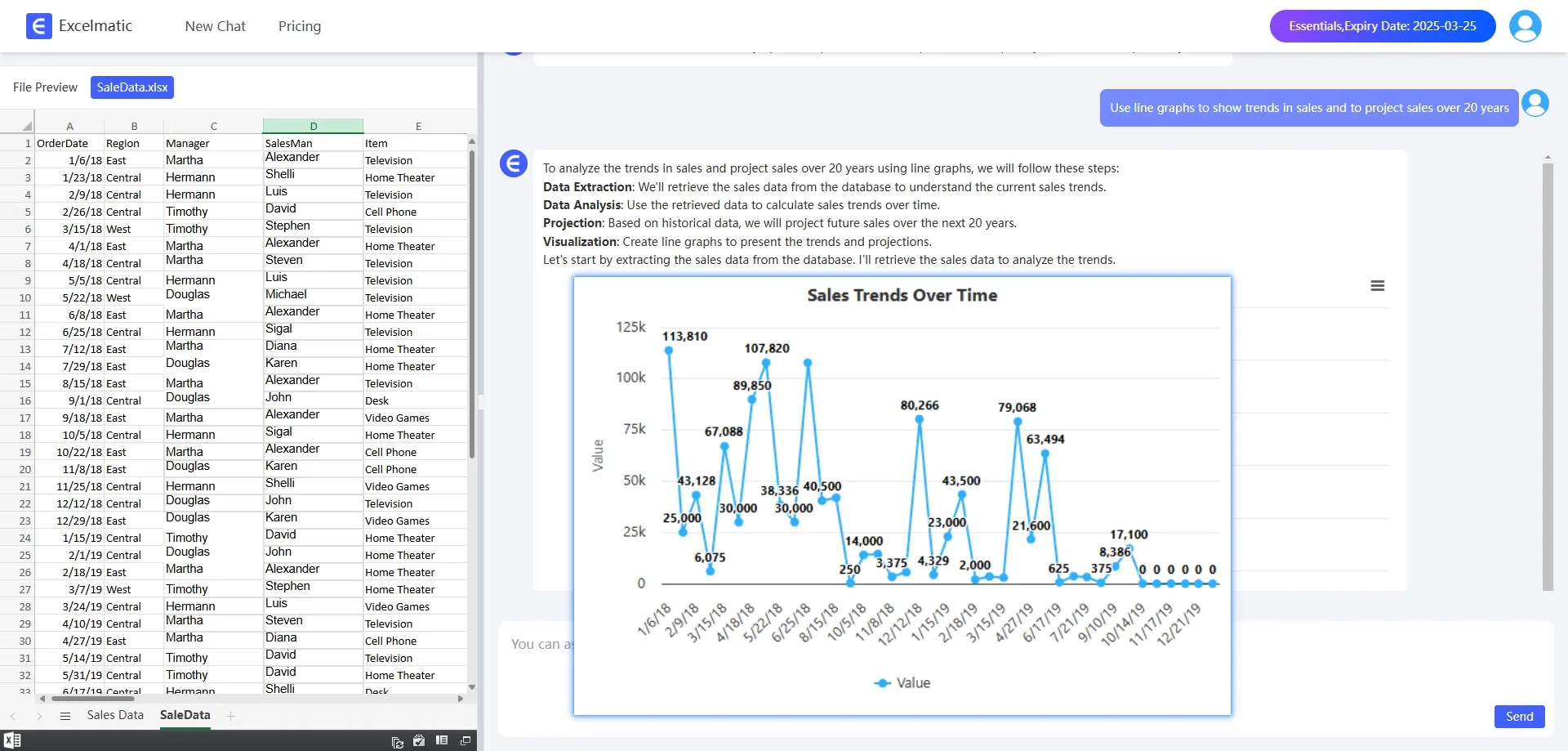
3. Pivot Tables & Trend Analysis

AI detects trends and hidden insights in your data.Quickly organizes large datasets into readable, actionable reports.
depart

How does RowSpeak work?

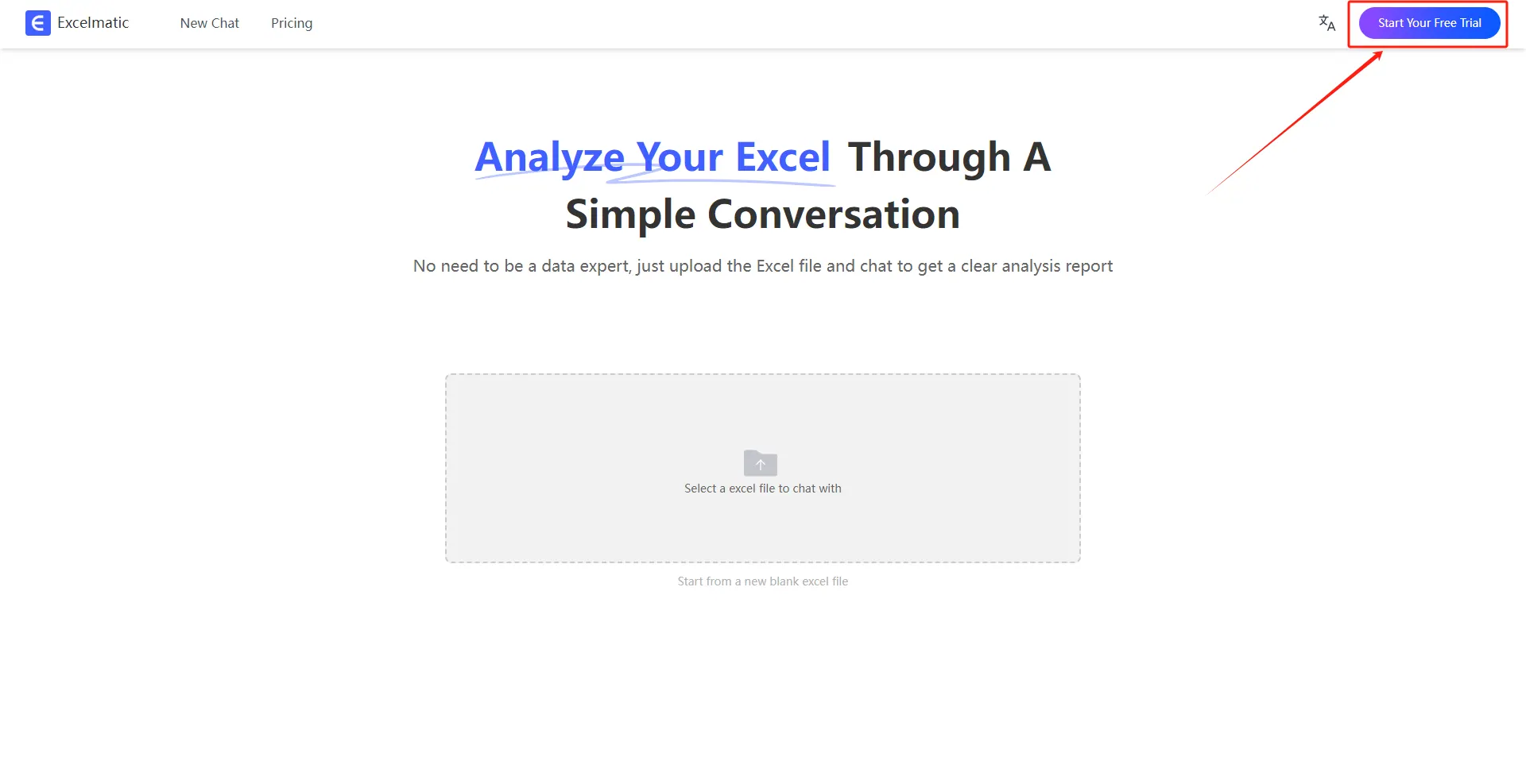
  1. Register and Log In

Visit the RowSpeak website and log in to your account.
register login

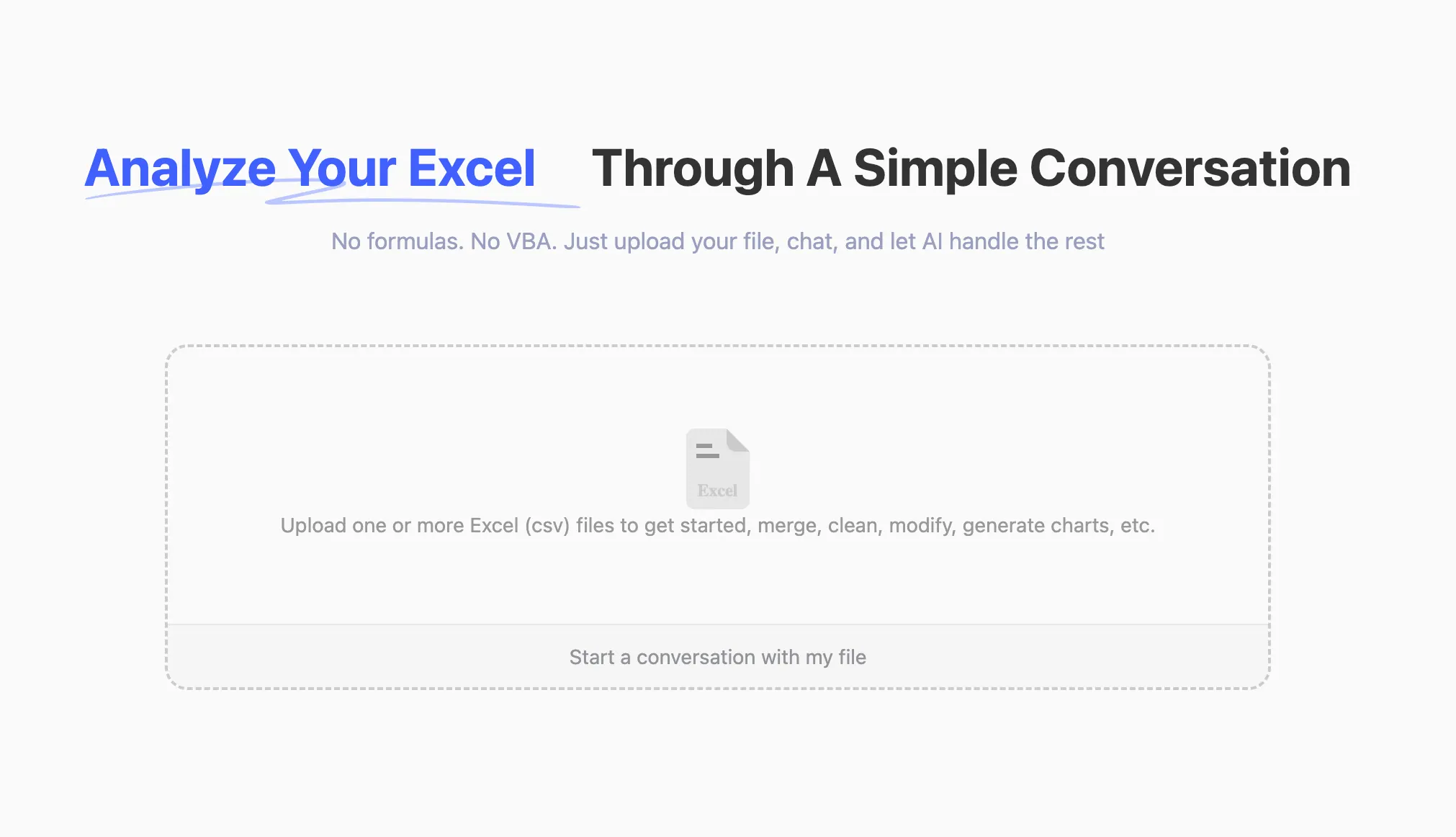
  1. Upload Excel Files

Upload your Excel files to RowSpeak. The system supports all common formats, including .xlsx, .xls, and .csv.
upload

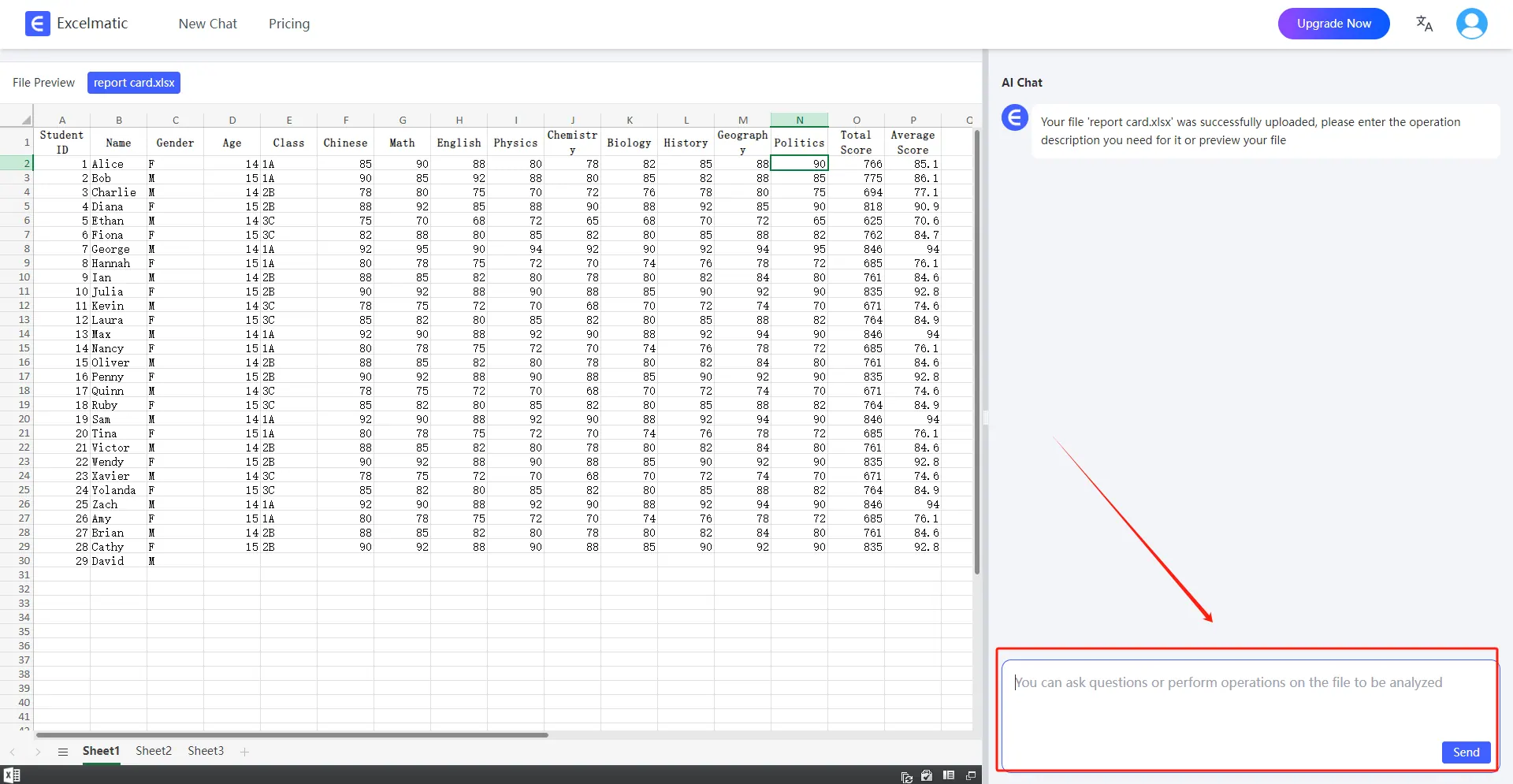
  1. Ask Questions in Natural Language

Once your file is uploaded, you can start asking questions in natural language. For example: “Help me count the total sales each month.”
ask question

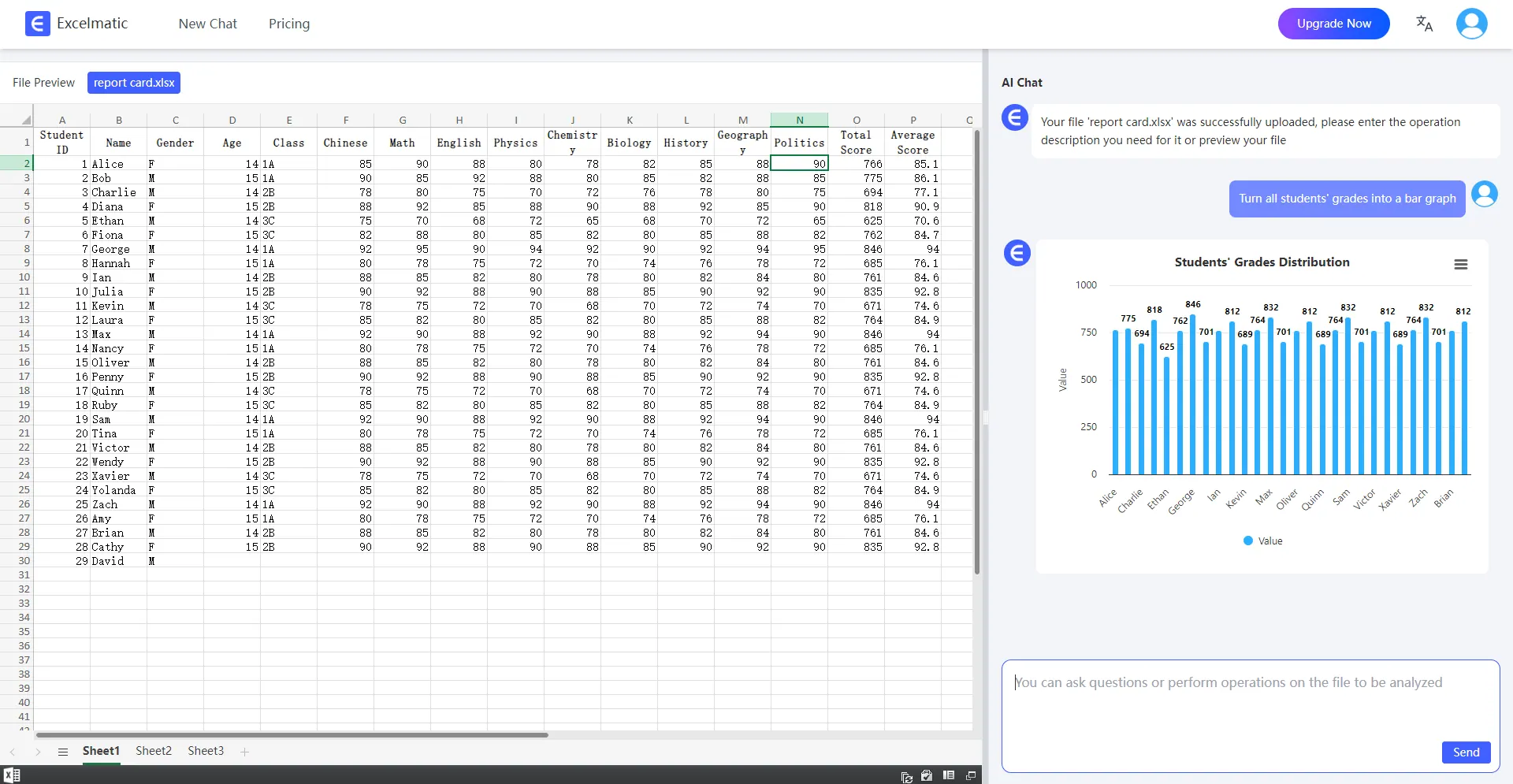
  1. Get Analysis Reports

RowSpeak will immediately process your request and generate detailed analysis reports. These reports highlight key metrics and trends, provide data interpretations and recommendations, and support automatic data visualization charts.
analysis

Conclusion

RowSpeak is leading the AI revolution in data analysis, transforming Excel from just a spreadsheet tool into an intelligent data partner. Whether you’re a business professional or an individual user, you can leverage AI to quickly extract valuable insights. Ready to experience AI-powered Excel analysis? Try RowSpeak today and make your data work smarter!

Ditch Complex Formulas – Get Insights Instantly

No VBA or function memorization needed. Tell RowSpeak what you need in plain English, and let AI handle data processing, analysis, and chart creation

Try RowSpeak Free Now

Recommended Posts

How to Analyze User Purchase Paths Using Excel AI
Excel Tips

How to Analyze User Purchase Paths Using Excel AI

Understand how users convert using Excel AI tools. Analyze session trends, traffic source performance, and user behavior without complex formulas.

Sally
Ditch Your Excel Templates: Automate Data Analysis with AI (ChatGPT + RowSpeak in Action)
Excel Tips

Ditch Your Excel Templates: Automate Data Analysis with AI (ChatGPT + RowSpeak in Action)

Break free from Excel template limitations with ChatGPT and RowSpeak. Learn AI-powered data analysis workflow for dynamic business insights without complex formulas.

Sally
Tired of Messy Excel Tables? Unpivot Your Data in Seconds with AI
Excel Tips

Tired of Messy Excel Tables? Unpivot Your Data in Seconds with AI

Struggling with 'wide' Excel tables where months or categories are in columns? This layout makes filtering and analysis a nightmare. Discover how to unpivot your data from a clunky manual process to a simple conversation with Excel AI.

Ruby
A Smarter Way to Clean and Transform Excel Data :5 Proven Methods
Excel Tips

A Smarter Way to Clean and Transform Excel Data :5 Proven Methods

Struggling with messy Excel data? This guide covers everything from manual cleaning and Python scripts to RowSpeak's revolutionary AI method. Handle data formatting, calculations, and analysis with ease. Find the fastest, most reliable way for your needs.

Ruby
Your Excel Data Is in the Wrong Format? How to Unpivot It for Analysis (The Easy Way)
Excel Tips

Your Excel Data Is in the Wrong Format? How to Unpivot It for Analysis (The Easy Way)

Struggling with wide, pivot-style reports that are impossible to analyze? We'll show you how to transform messy data into a clean, usable format—first with Power Query, and then see how an Excel AI agent like RowSpeak can do it in seconds with a simple sentence.

Ruby
Stop Fighting with Formulas: Extract Text in Excel the Smart Way with AI
Excel Tips

Stop Fighting with Formulas: Extract Text in Excel the Smart Way with AI

Tired of wrestling with nested LEFT, SEARCH, and MID formulas just to extract a piece of text in Excel? Discover how an Excel AI tool like RowSpeak can automate this entire process, saving you time and eliminating formula errors.

Ruby
Stop Manually Splitting Cells in Excel. Do It with One Sentence Instead.
Excel Tips

Stop Manually Splitting Cells in Excel. Do It with One Sentence Instead.

Tired of manually separating names, addresses, or codes in Excel? Discover how RowSpeak's AI transforms this tedious task into a simple conversation—saving you hours and eliminating formula headaches.

Ruby
Two Smart Ways to Count Blank Cells and Find Data Gaps in Excel
Excel Tips

Two Smart Ways to Count Blank Cells and Find Data Gaps in Excel

Blank cells can disrupt your data analysis. Discover how to quickly identify these gaps using Excel's COUNTBLANK function. We'll also introduce a revolutionary AI-powered method that lets you find missing data just by asking a simple question, no formulas needed.

Ruby