
Excel AI: Intelligence Meets Spreadsheets
Discover how AI enhances Excel capabilities. Learn to use AI for data analysis, automated insights, smart formulas, and intelligent data processing in Excel.
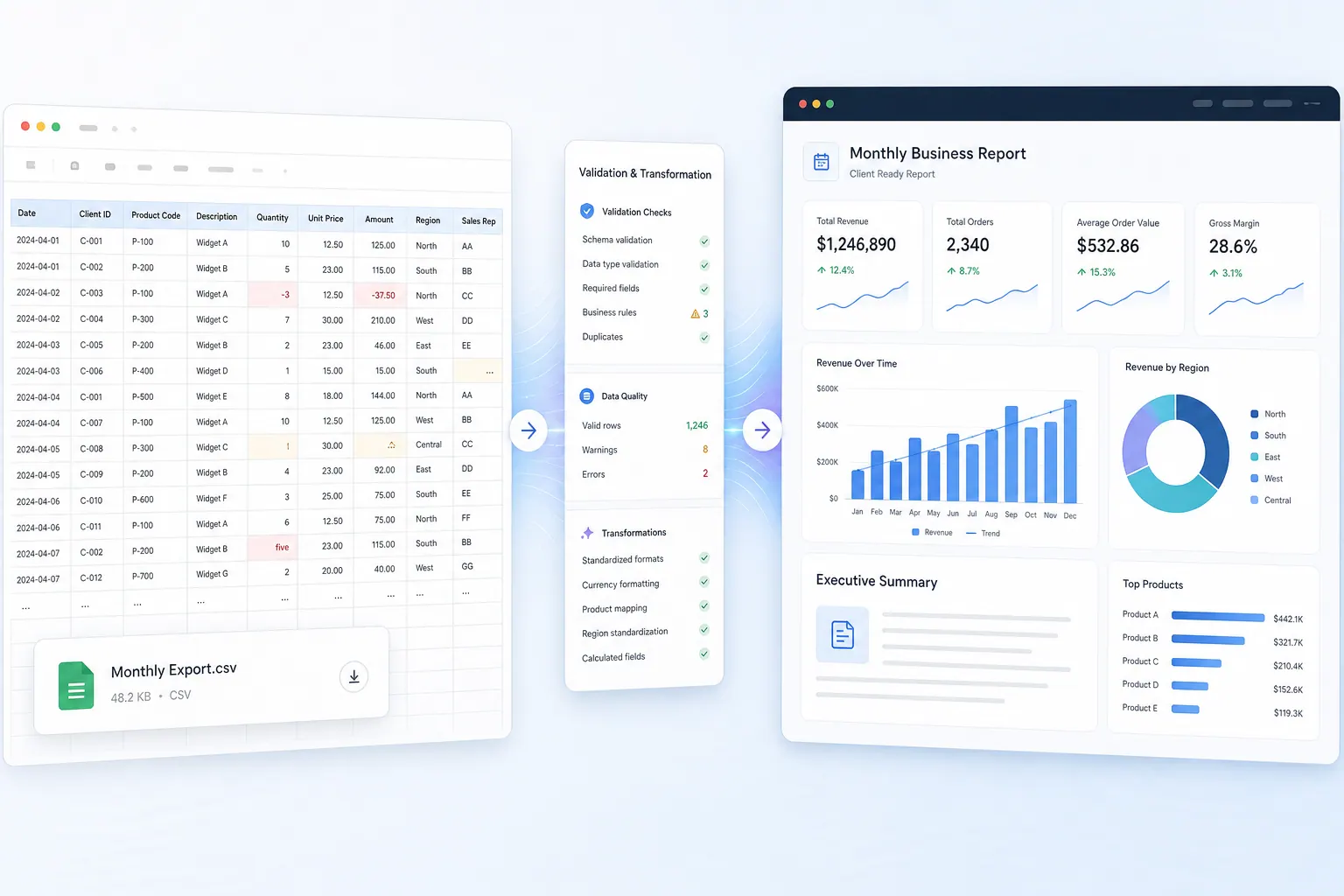 Excel AI
From Messy CSVs to Board-Ready Reports: A Finance Team Workflow
A practical workflow for combining quarterly CSV exports, cleaning messy fields, running repeatable finance analysis, and sharing a report leadership can review.
Ruby • Excel AI
Grok for Excel vs RowSpeak: Which AI Tool Respects Your Data?
Grok-style Excel assistance can help at the cell level. RowSpeak is designed for file-to-report work. The right choice depends on data boundaries, review needs, and the output your team needs.
Alex • Excel AI
Excel and Google Sheets AI Agents in 2026: Real Tests, Failure Cases, and a Buyer’s Guide
An evidence-led buyer’s guide to spreadsheet AI agents, including real RowSpeak outputs, visible failures, test fixtures, and review gates.
Alex • Excel AI
25 AI Spreadsheet Analysis Tasks for Finance and Operations (With Prompts)
Twenty-five testable spreadsheet prompts supported by recorded RowSpeak evidence, seeded edge cases, control totals, and a reusable review log.
Alex • Excel AI
What Is an AI Spreadsheet? From Chat to Reviewable Business Reporting
A practical definition of AI spreadsheets supported by recorded RowSpeak evidence, visible failures, seeded defects, and a reviewable reporting workflow.
Alex •- Excel AI
12 Best AI Tools for Excel Data Analysis in 2026: Choose by Workflow
An evidence-led comparison of 12 Excel AI tools, with recorded outputs, vendor-documentation boundaries, seeded defects, and reviewer acceptance gates.
Alex •  Excel AI
How to Build Reliable AI-Powered Excel Automation for Recurring Reports
An evidence-led workflow for recurring Excel reports, including recorded RowSpeak outputs, seeded defects, reconciliation checks, and human review gates.
Alex • Excel AI
AI Spreadsheet Tools Compared: 8 Tools for 2026
A research-led guide to 8 spreadsheet-adjacent AI tools that separates publicly documented scope from capabilities that still need an in-product trial.
Alex • Excel AI
5 Best Rows Alternatives in 2026: Compare Features, Fit, and Trade-Offs
The closest Rows replacement depends on the job: an online spreadsheet, AI inside Excel or Sheets, flexible analysis, or a report built from real business files.
Ruby •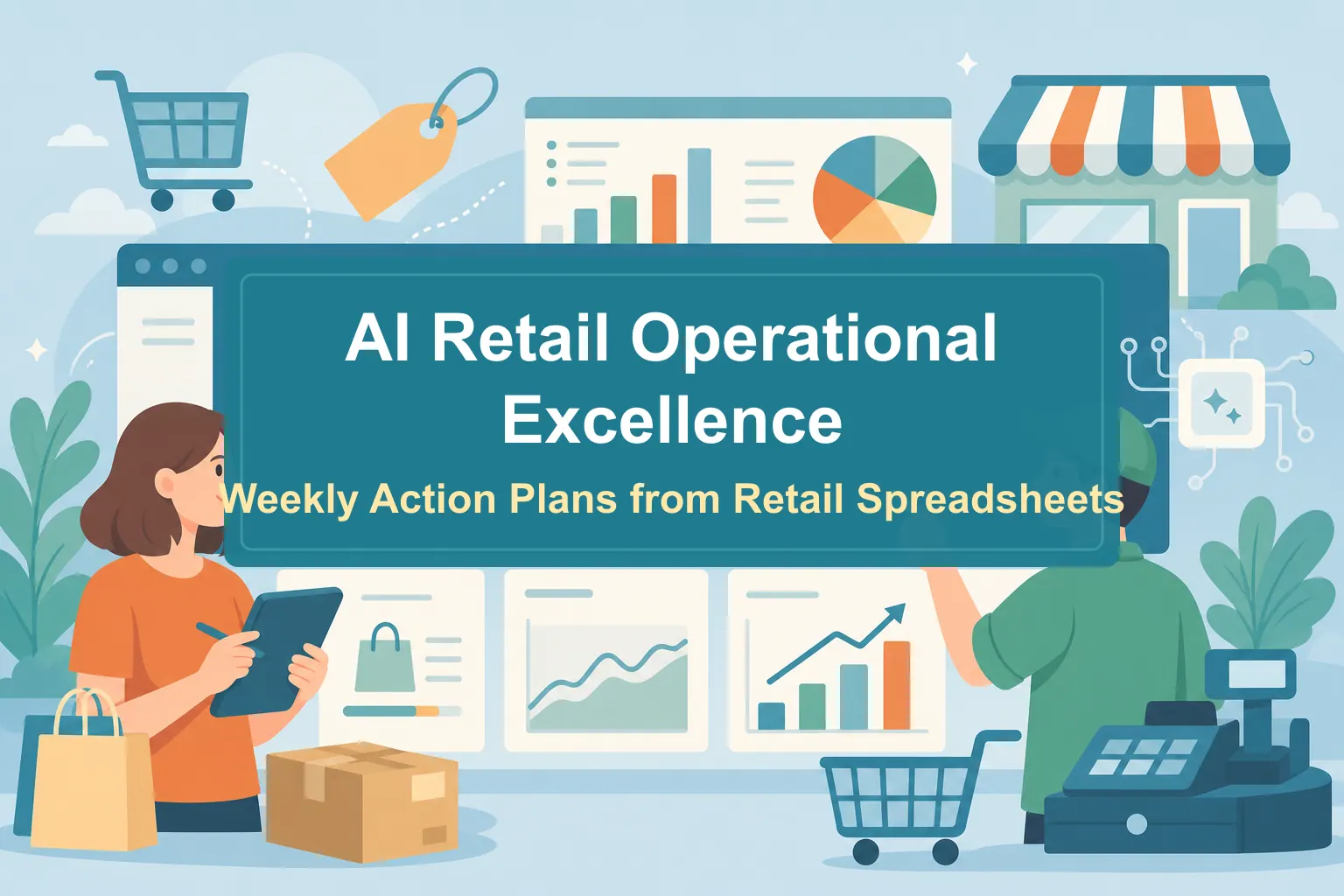 Excel AI
AI Retail Operational Excellence: Turn Retail Spreadsheets Into Weekly Action Plans
A practical workflow for using AI to turn retail spreadsheets into store, inventory, sales, and promotion action plans.
Ruby • Excel AI
Excel Copilot Tutorial: How to Use It and When to Choose RowSpeak Instead
A practical Copilot in Excel tutorial for business users, with a decision framework for when to use Microsoft 365 Copilot and when to use RowSpeak for file-to-report workflows.
Ruby • Excel AI
AI Pivot Table Alternative for Excel Reporting: When to Switch
Pivot tables are still useful, but they are not the whole reporting workflow. Learn when AI can help you move from summaries to reviewable business reports.
Ruby •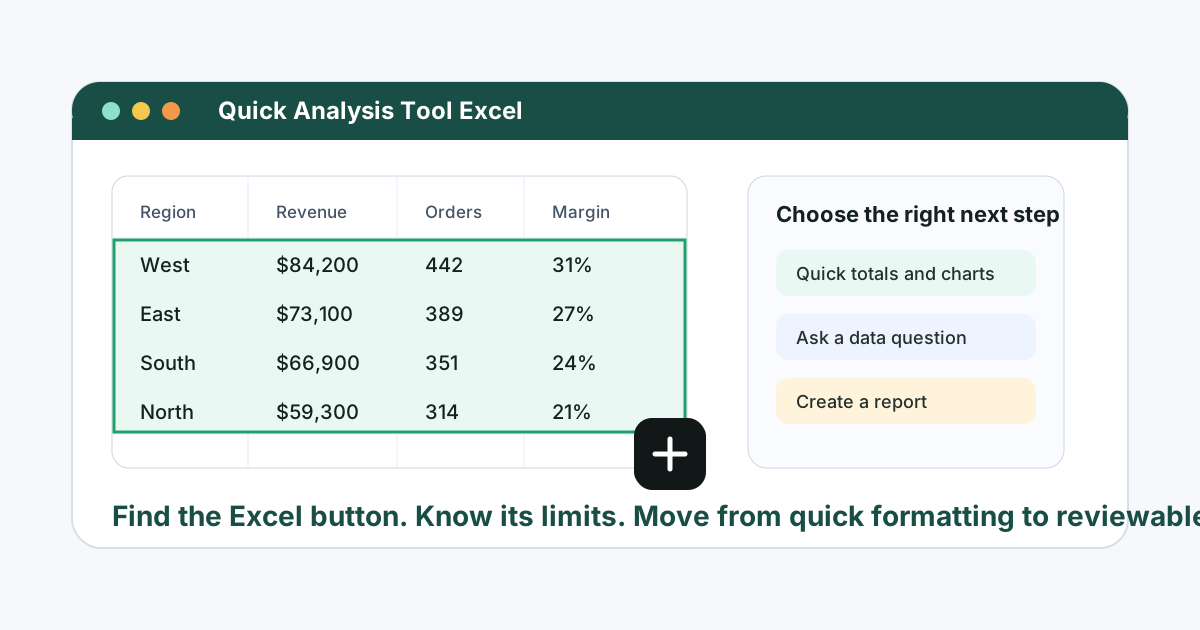 Excel AI
Quick Analysis Tool in Excel: Where It Is, How to Use It, and When to Use AI Instead
A practical guide to Excel's Quick Analysis tool: where to find it, how to use it, why it disappears, and when RowSpeak is a better workflow for real business analysis.
Ruby • Excel AI
Copilot Agent Mode vs RowSpeak: Which Excel AI Workflow Fits Business Reporting?
Copilot Agent Mode is useful when work stays inside Excel and Microsoft 365. RowSpeak is stronger when business teams need to turn Excel, CSV, PDF, screenshots, and exported data into reviewable charts, dashboards, and reports.
Ruby • Excel AI
Best Excel AI Agents for Business Reporting in 2026
The best Excel AI agent depends on the job: workbook-native editing, audit evidence, formula automation, ad hoc analysis, or file-to-report workflows from messy business data.
Alex • Excel AI
What Is an Excel AI Agent? Turn Excel Files Into Charts, Dashboards, and Reports
An Excel AI agent is useful only when it can work with the real files business teams use, explain the analysis path, and produce outputs people can review before they share them.
Alex •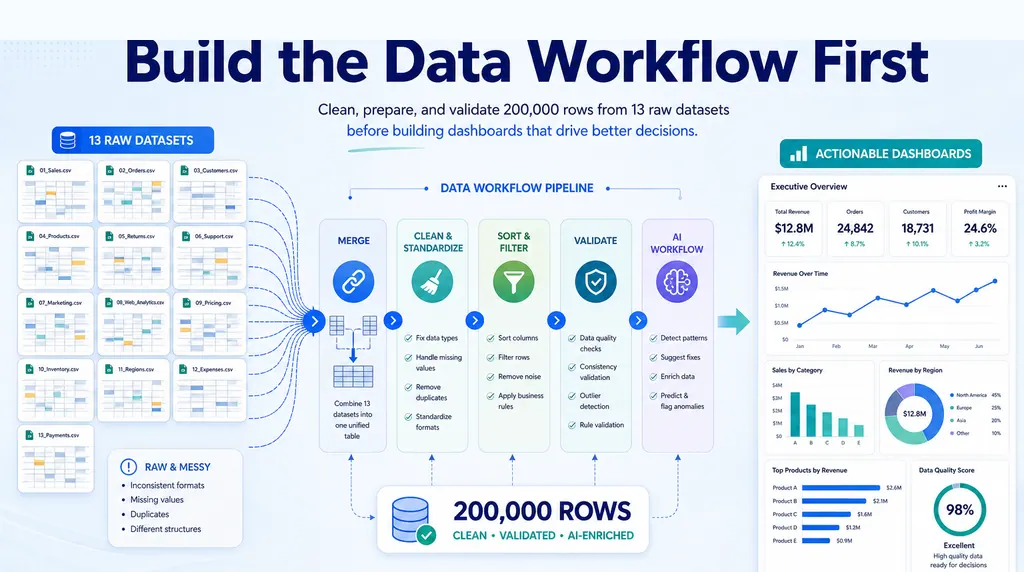 Excel AI
How to Clean Messy CSV and SAP Exports Before Reporting
Messy CSV and SAP exports break reporting before charts begin. Use a safer cleanup workflow before building dashboards, summaries, or analysis reports.
Ruby •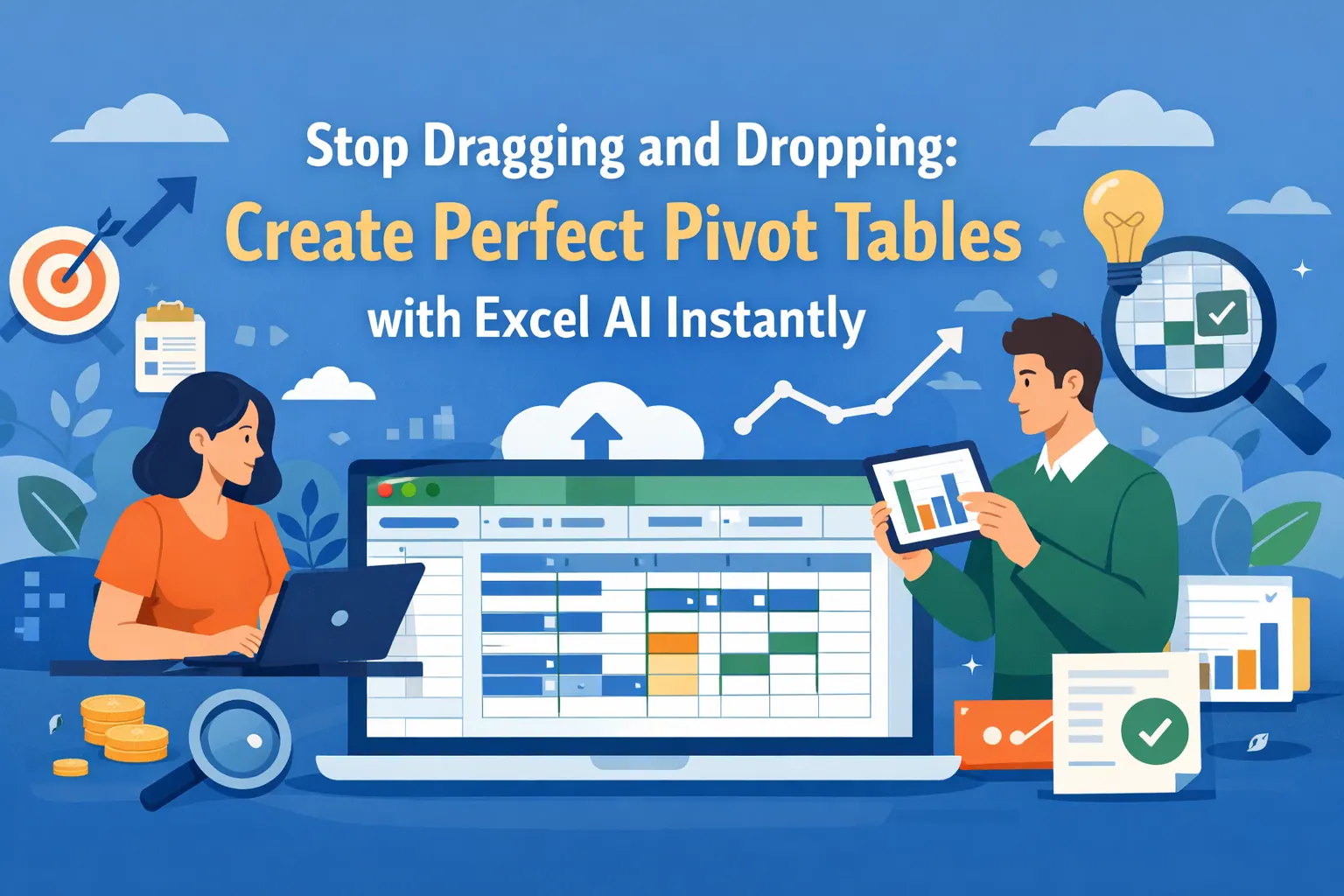 Excel AI
How to Create a Pivot Table: AI vs Manual Excel Tutorial
A practical pivot table tutorial in two paths: first create the analysis with RowSpeak prompts, then follow the manual Excel workflow shown in Kevin Stratvert's step-by-step video.
Ruby •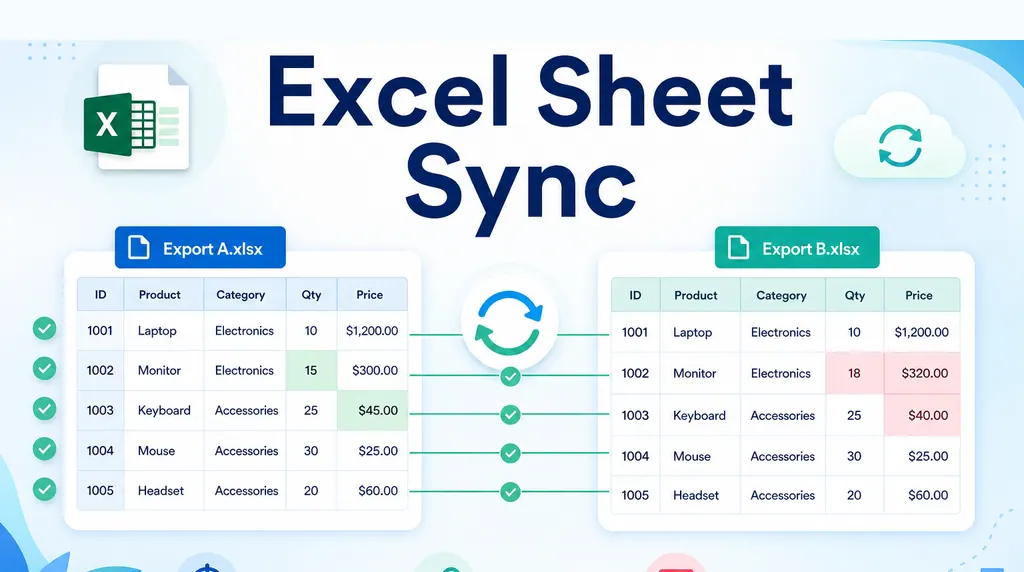 Excel AI
Automate Weekly Excel Reports and Preserve Review Notes
Weekly Excel reports break when comments are tied to row numbers. Use a stable-key workflow to refresh exports while preserving review notes.
Ruby •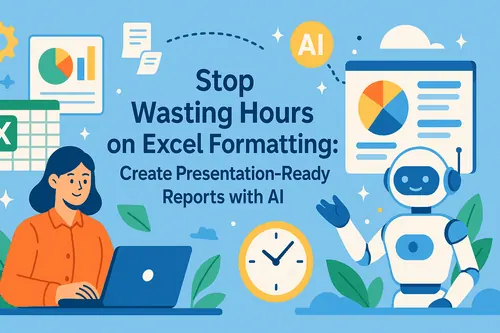 Excel AI
Excel Management Reporting: From Spreadsheet to Board Report
A repeatable Excel management reporting workflow helps teams move from month-end exports to board-ready reports without stale charts or mismatched commentary.
Ruby •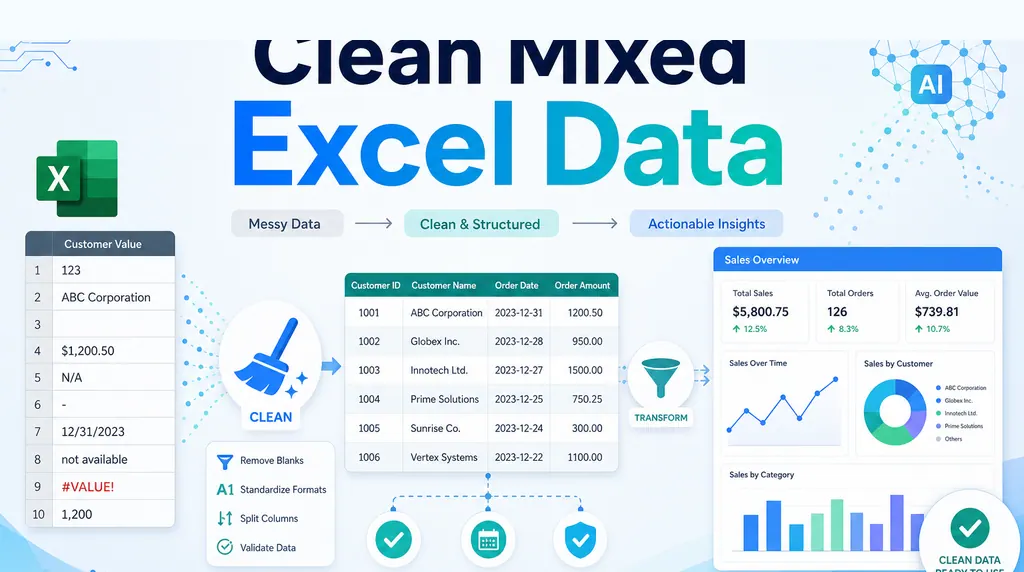 Excel AI
How to Clean Mixed Data in an Excel Column Before Summing
A column that looks numeric can still be unusable. Before summing it, clean the messy values and keep a review trail.
Ruby •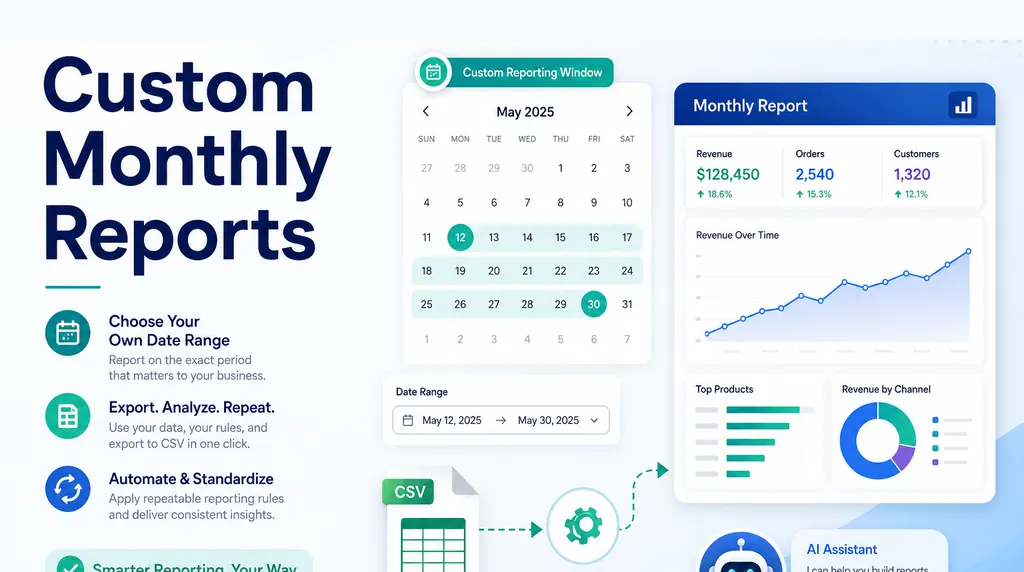 Excel AI
How to Create Monthly Reports for a Custom Date Range
Many reports do not follow calendar months. If your business reports from the 24th to the 23rd, the date window must be part of the reporting logic, not a manual afterthought.
Ruby •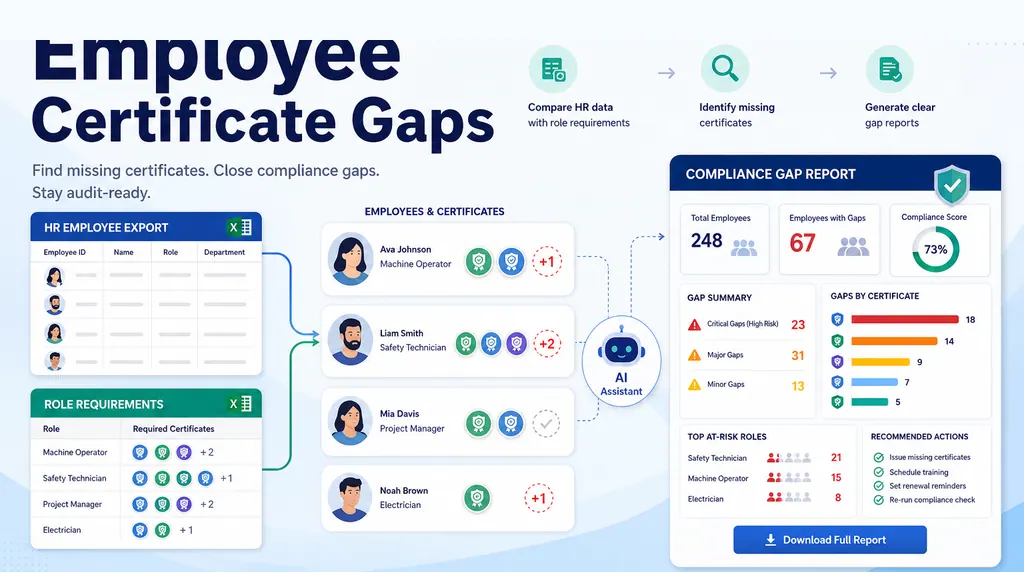 Excel AI
How to Build an Employee Training Gap Report in Excel
Two spreadsheets are not a compliance report. Here is a practical workflow for matching employee training records against role requirements and finding the real gaps.
Ruby •- Excel AI
How to Keep Two Excel Views in Sync with Different Sort Orders
When two tabs need the same records in different orders, the safest answer is usually one source table, formulas for generated views, and checks for missing records.
Ruby • 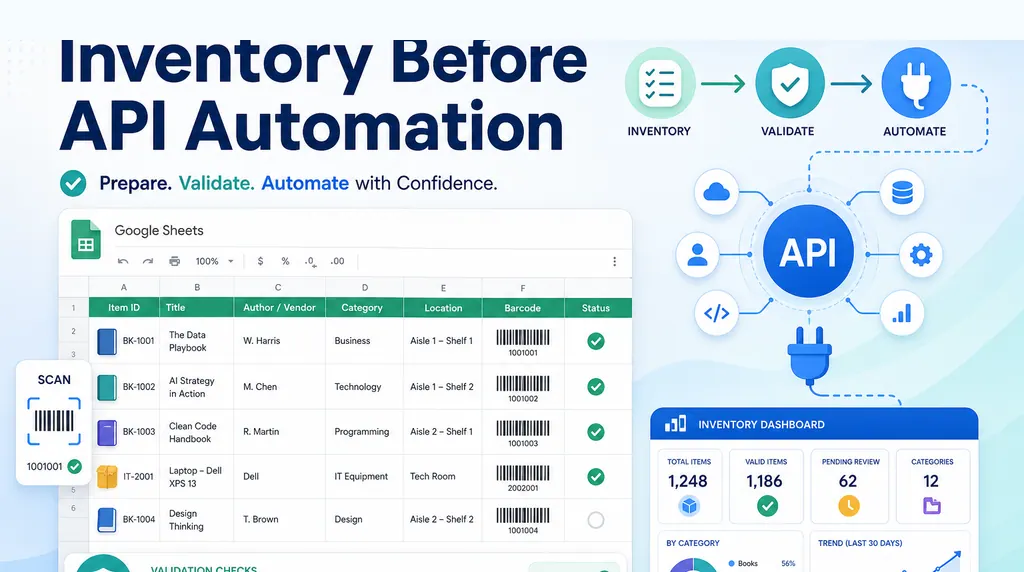 Excel AI
How to Design a Google Sheets Library Inventory Before API Automation
For a small library, the first challenge is not the API. It is designing a simple inventory table that non-technical volunteers can maintain.
Ruby •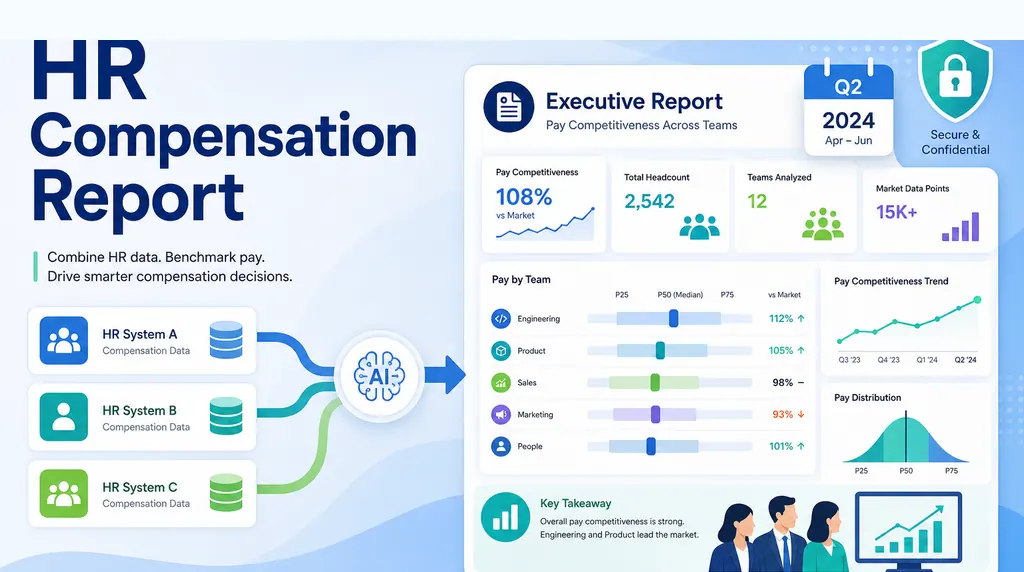 Excel AI
How to Create an HR Compensation Report from Multiple Systems
When compensation data lives in three systems, the quarterly leadership question needs more than a spreadsheet merge. It needs a repeatable executive reporting workflow.
Ruby •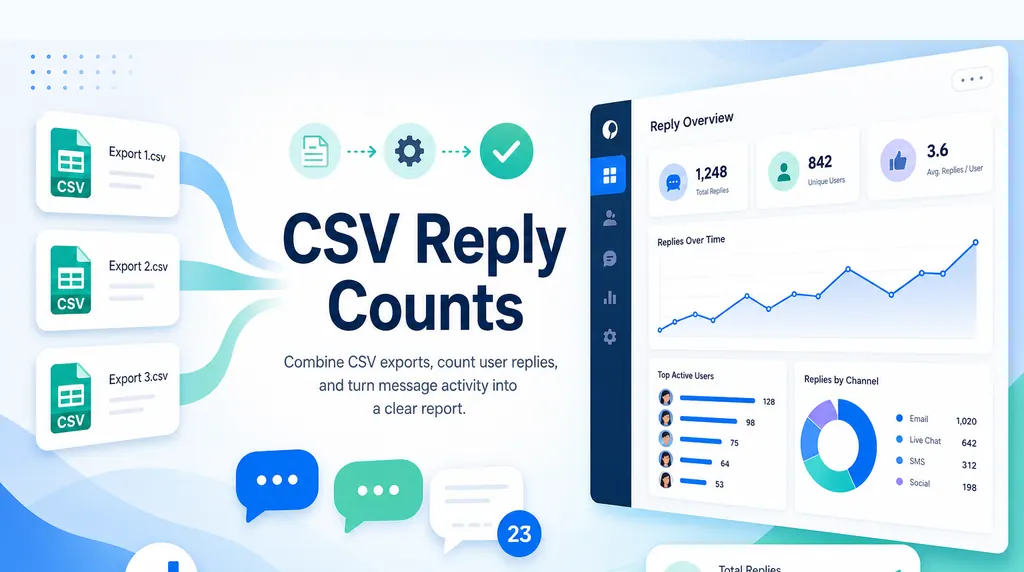 Excel AI
How to Merge and Count Records Across Multiple CSV Files
When every system exports its own CSV, the real job is combining files, counting records correctly, and keeping the result traceable.
Ruby •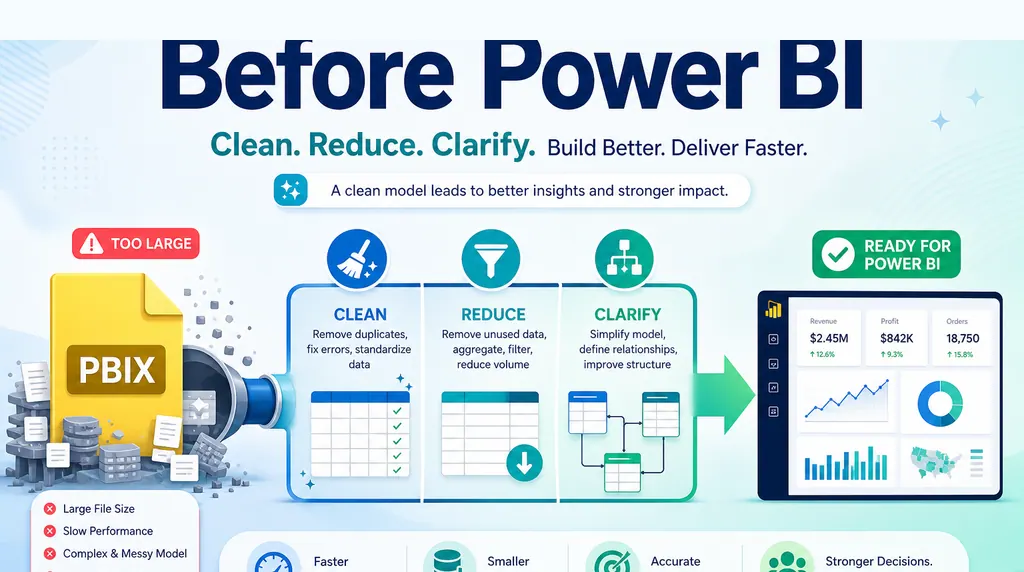 Excel AI
Power BI PBIX File Too Large? What to Do Before Development
A giant PBIX before development is often a sign that the report logic has not been narrowed yet. Before building the model, validate what the business actually needs to see.
Ruby •- Excel AI
How to Clean Data Before Building a Dashboard in Excel
When a boss asks for dashboards from 13 raw datasets, the first job is not charting. It is building the data workflow that makes the charts meaningful.
Ruby • - Excel AI
How to Turn a Monthly CSV Export Into a Client-Ready Report
A CSV export is not a report. Here is a repeatable workflow for turning raw rows into a clean analysis report, executive summary, dashboard/report view, and shareable link stakeholders can actually review.
Ruby •  Excel AI
How to Audit an Excel Model Before One Small Error Becomes a Business Problem
Old Excel models can keep producing reports long after the audit trail has disappeared. Here is a practical way to review sources, logic, exceptions, and outputs before a small error becomes a business problem.
Ruby • Excel AI
When Power BI Is Overkill: A Practical Decision Rule for Excel Reports
The real choice is not Excel versus Power BI. It is whether the workflow needs governed BI or a faster spreadsheet-to-answer layer.
Ruby • Excel AI
What FP&A Teams Actually Want From AI: Less Manual Excel, More Evidence
Finance teams do not need AI that hides the work. They need AI that cleans the file, drafts the analysis, and shows the evidence behind every answer.
Alex • Excel AI
Excel AI Governance: How to Let Agents Analyze Workbooks Without Losing Control
The next Excel AI risk is not whether agents can analyze a workbook. It is whether the company can control, review, and audit what they do.
Ruby •- Excel AI
Can Finance Teams Trust Excel AI? Only If the Answers Come With Evidence
Excel AI is useful only when the numbers can be checked. Here is what finance teams should demand before trusting AI-generated spreadsheet work.
Ruby • 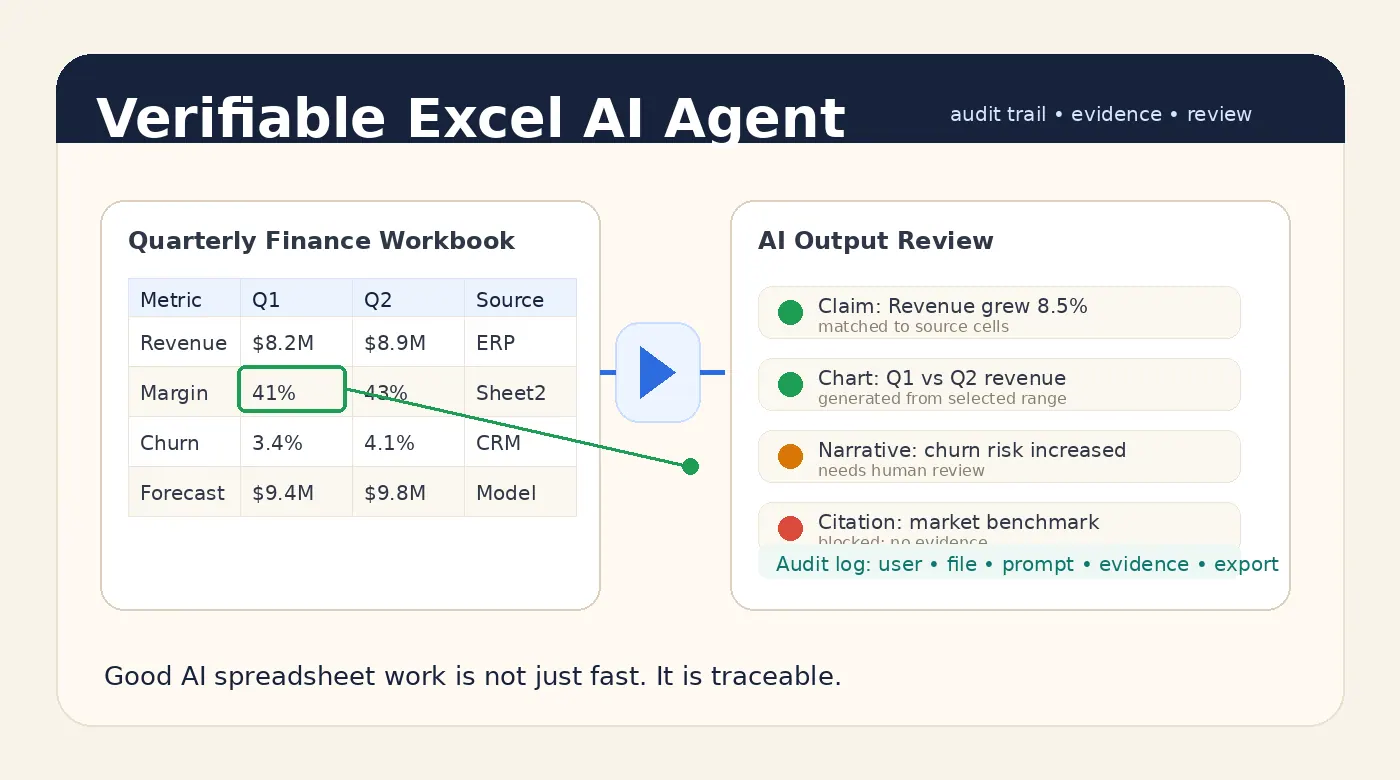 Excel AI
A Good Excel AI Agent Should Produce Answers You Can Verify
A good Excel AI Agent should not only answer quickly. It should show where the numbers came from, what was checked, what remains uncertain, and who approved the final output.
Alex •