Key takeaways:
- Quarterly compensation reporting is sensitive because HRIS, payroll, performance, benchmark, and org-structure exports may not describe the same workforce at the same point in time.
- A useful compensation report starts with anonymized employee-level exceptions and review notes before leadership sees averages, charts, or broad pay conclusions.
- For HR, payroll, and finance data, RowSpeak is best evaluated through private deployment so sensitive spreadsheet analysis can stay inside the company's controlled environment.
A quarterly compensation report usually starts with a leadership question that sounds simple.
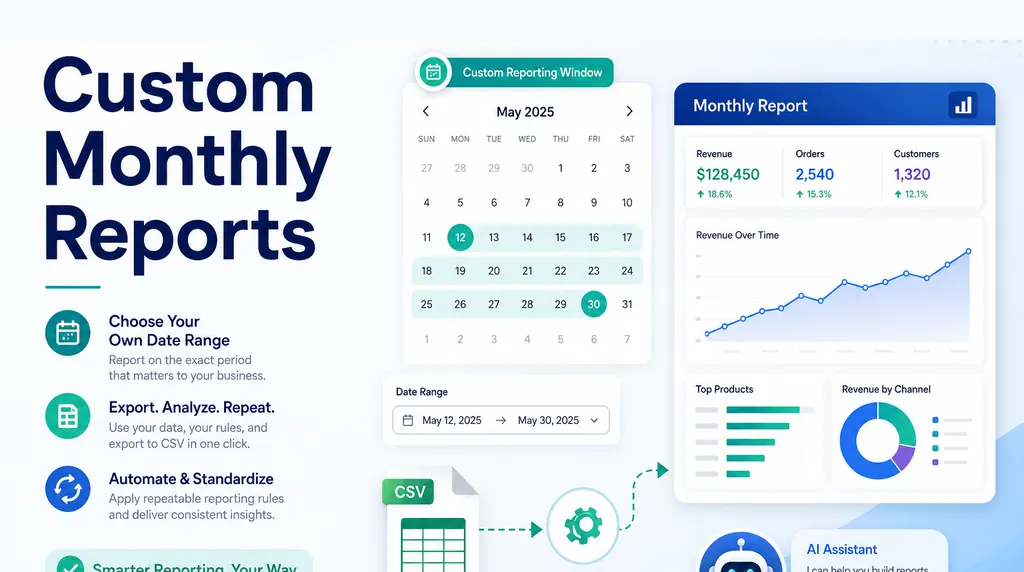
For reports that repeat every week or month, RowSpeak's weekly KPI reporting keeps file cleanup, metric checks, and summaries reusable.
Are we paying competitively? Are there outliers by role, department, location, gender, tenure, compa-ratio, or performance band? Which teams need review before the next compensation cycle?
Then the data problem appears.
Base pay may live in the HRIS. Bonus data may come from payroll. Job levels may be tracked in a separate planning file. Market benchmarks may come from a survey export. Performance ratings may sit in another spreadsheet. By the time HR or People Ops starts building the report, the work is less about charting and more about reconciling multiple systems into one reviewable view.
This is why an HR compensation report should be treated as a recurring reporting workflow, not a last-minute spreadsheet merge.
Start with the compensation decision
Before combining files, define the decision the report is meant to support.
A compensation report can answer different questions:
- Are employees within their expected salary bands?
- Which roles are below market midpoint?
- Which teams have the widest pay spread?
- Are compensation changes aligned with performance?
- Which employees need review before merit planning?
- Which outliers require explanation before leadership sees the report?
Those questions require different fields and different levels of sensitivity.
For example, a leadership summary may need department-level patterns, while an HR review file may need employee-level exceptions. Mixing those audiences can create a report that is either too vague to act on or too sensitive to share broadly.
Define the audience first. Then build the data model around the decision.
For sensitive compensation work, the first rule is to anonymize employee-level data wherever possible. Use employee IDs or pseudonymous keys in the analysis workbook. Keep names, personal identifiers, and manager comments out of the working file unless they are necessary for an approved HR review process.
Inventory every source file
Compensation reporting often fails because the source files do not mean the same thing.
Create a source inventory before merging:
- HRIS employee export
- payroll export
- bonus or commission file
- job architecture or level table
- department and manager hierarchy
- location and currency table
- performance rating file
- compensation benchmark file
For each source, note the reporting date, owner, key fields, refresh cadence, and known limitations.
The key question is not only “Can I join these files?” It is “Should these files be compared as of the same date?”
Use a source inventory table before you merge:
| source file | key field | reporting date | fields used | review risk |
|---|---|---|---|---|
| HRIS export | employee_id | June 30 | role, level, department, manager | current org may differ from payroll |
| payroll export | employee_id | June 30 pay run | base pay, bonus, currency | may include terminated employees |
| performance file | employee_id | Q2 close | rating, reviewer | ratings may be missing |
| benchmark file | job_code, location | current survey | range min, midpoint, max | job mapping may be stale |
An employee’s department may have changed after the pay period. A manager hierarchy may be current while payroll reflects last month. A bonus file may include terminated employees. Those timing differences can create misleading compensation conclusions.
Standardize employee, role, and pay fields
Once the scope is clear, standardize the fields that control the analysis.
Important cleanup steps include:
- confirming a stable employee ID
- mapping job titles to job families and levels
- standardizing department names
- normalizing location and currency
- separating base pay, variable pay, and total compensation
- converting hourly pay to annualized pay when appropriate
- marking full-time, part-time, contractor, and inactive workers
- identifying missing or stale performance ratings
Do not hide these steps. Compensation data is sensitive. If a number is challenged, HR needs to know which source it came from and how it was transformed.
This is where a repeatable management reporting workflow matters. Leadership does not only need a chart. They need a report that can survive follow-up questions.
Fields such as gender, performance rating, compa-ratio, and benchmark percentile are commonly used in real compensation analysis, but they need stricter handling:
- use them only when the analysis has a legitimate HR or compliance purpose
- aggregate sensitive demographic views where possible
- avoid exposing names in leadership-facing reports
- document the definition of each metric
- have HR, legal, or compliance review policy-sensitive conclusions
RowSpeak can help analyze the spreadsheet, but it should not decide whether a pay difference is lawful, fair, or policy-compliant. That judgment belongs to the company's HR and compliance owners.
Build the exception layer before the dashboard
The most useful compensation reports usually include an exception layer.
Examples:
- employees below range minimum
- employees above range maximum
- pay outliers within the same level
- missing job level
- missing manager
- missing performance rating
- high compa-ratio changes
- mismatched currency or location
- duplicate employee records
These exceptions should be reviewed before the final summary is written.
A dashboard that shows average compensation by department may look clean, but it can hide the real issues. A single misclassified executive, duplicate employee record, or currency mismatch can distort the result.
Build the review table first. Then build the leadership summary.
For compensation, the exception layer is often the most useful part of the report:
| employee ID | job family | level | location | issue | suggested review |
|---|---|---|---|---|---|
| E-2190 | Customer Success | L3 | Austin | below range minimum | confirm level and merit plan |
| E-3021 | Engineering | L5 | Berlin | currency mismatch | validate EUR conversion |
| E-4177 | Sales | L4 | New York | missing performance rating | request manager update |
| E-5094 | Finance | blank | London | missing job level | map to job architecture |
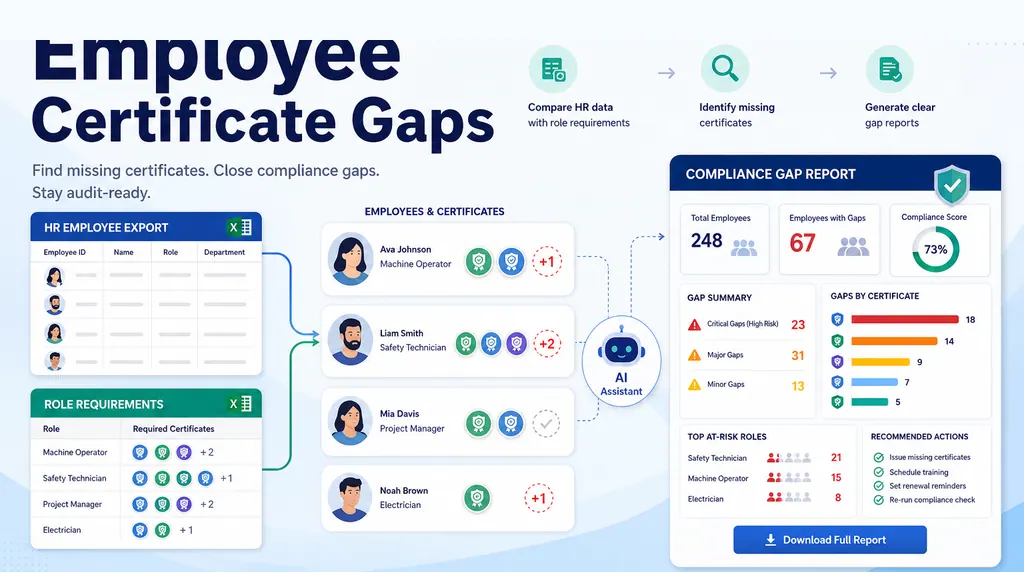
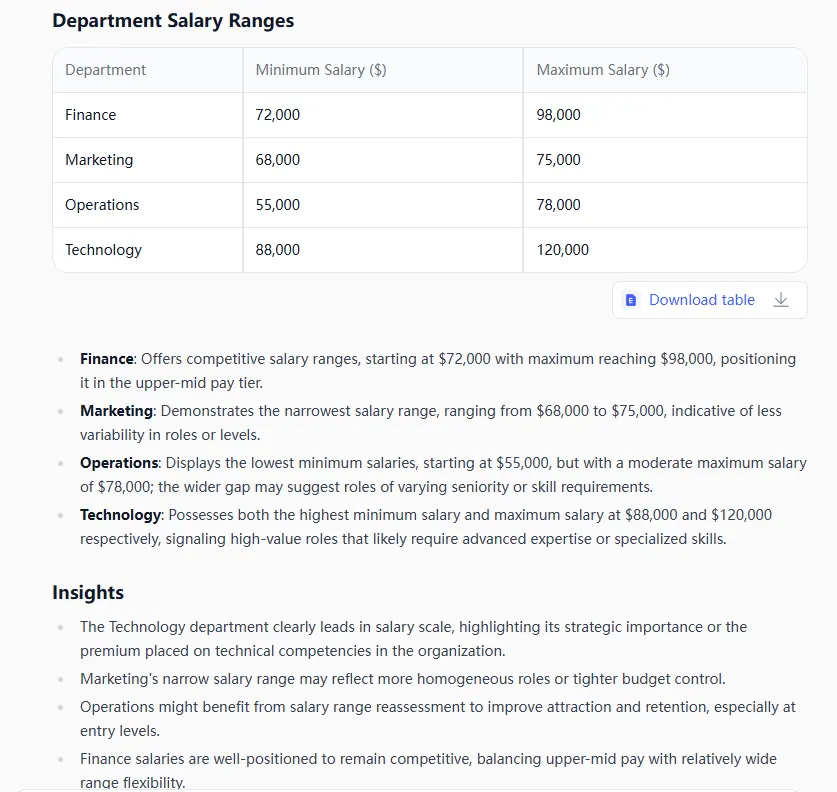
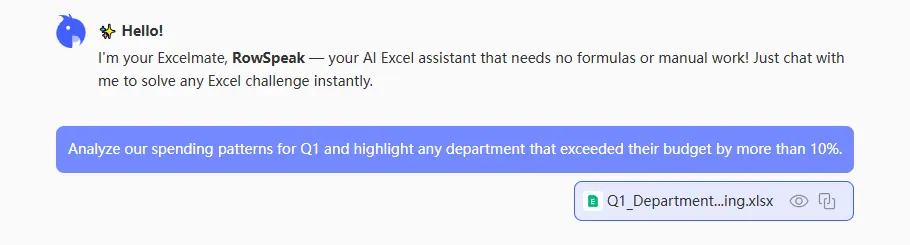
Existing HR reporting screenshots show the right output pattern: summary tables first, then the employee-level records that need review.
Write the report in plain business language
A compensation report should not only show metrics. It should explain what the metrics mean and what still needs review.
A useful summary might say:
The Q2 compensation review covers active full-time employees as of June 30. Most roles sit within the expected range, but 18 employees are below band minimum, concentrated in two job families. Seven records need HR review because job level or currency data is incomplete.
That kind of summary gives leadership a decision path. It separates the signal from the cleanup issues.
Avoid vague statements like “compensation trends are improving.” A compensation report should identify the comparison, the affected group, and the recommended next step.
If the output needs to be distributed regularly, an AI reporting workflow can help turn the cleaned compensation dataset into a consistent summary, exception report, and shareable view.
Where RowSpeak fits
RowSpeak fits when compensation data starts as multiple exports and the team needs a reviewable report before a leadership meeting.
For compensation, payroll, and finance data, private deployment is the safer default. Public SaaS may be fine for anonymized sample files, but real employee-level pay data should normally stay inside an approved company environment.
You can use RowSpeak Private Deployment to analyze HRIS, payroll, and compensation files in a controlled workflow. In that setup, RowSpeak can:
- identify join keys and mismatched employee records
- detect missing job levels or departments
- separate base pay, variable pay, and total compensation
- flag outliers and exceptions
- summarize compensation patterns by team or role
- create a report view for review before sharing
RowSpeak should not be treated as the authority on compensation policy. HR owns the policy, definitions, and final judgment. RowSpeak helps with the file-based analysis workflow: cleaning, comparing, summarizing, and making the output easier to review.
That makes it useful as the layer between raw spreadsheets and heavy BI. If the company already has a mature compensation analytics warehouse, BI may be the right reporting layer. If the quarterly process still starts with exports and spreadsheets, RowSpeak can help the team move faster without losing the review trail.
For teams evaluating private AI, see the guide to running DeepSeek-V4-Flash as a private AI server for internal spreadsheet analysis and the RowSpeak private deployment overview. The goal is to let HR and finance teams work with sensitive spreadsheets without routing the files through a public model API.
Use a prompt like this in a private RowSpeak environment:
I uploaded anonymized HRIS, payroll, performance, benchmark, and org-structure exports.
Create a quarterly compensation review workbook with:
1. Source Inventory: list each uploaded file, reporting date, key fields, and data-quality risks.
2. Exception Review: employee ID only, job family, level, location, issue type, and suggested HR review.
3. Pay Range Summary: department and job-family summaries by salary band, compa-ratio, and benchmark position.
4. Sensitive Review Notes: flag missing performance ratings, missing levels, currency issues, and demographic slices that require HR/legal review before conclusions are shared.
5. Leadership Summary: aggregated findings only, with no employee names.
Do not treat AI output as compensation policy advice. Keep employee-level findings as review items for HR.
A practical quarterly workflow
A reliable compensation reporting workflow can look like this:
Define the audience and decision
Separate HR working files from leadership summaries.Lock the reporting date
Make sure HRIS, payroll, and performance files are compared on a consistent basis.Normalize employee and role data
Use anonymized employee IDs, job families, levels, departments, and locations consistently.Validate pay fields
Separate base, bonus, commission, and total compensation.Build exception tables
Flag missing data, outliers, below-band employees, and mismatched records.Create the leadership report
Summarize patterns, risks, and next actions.Keep source evidence available
Compensation reporting needs traceability.Review privacy and access controls
Confirm who can see employee-level rows, who only gets aggregated summaries, and where the files are stored.
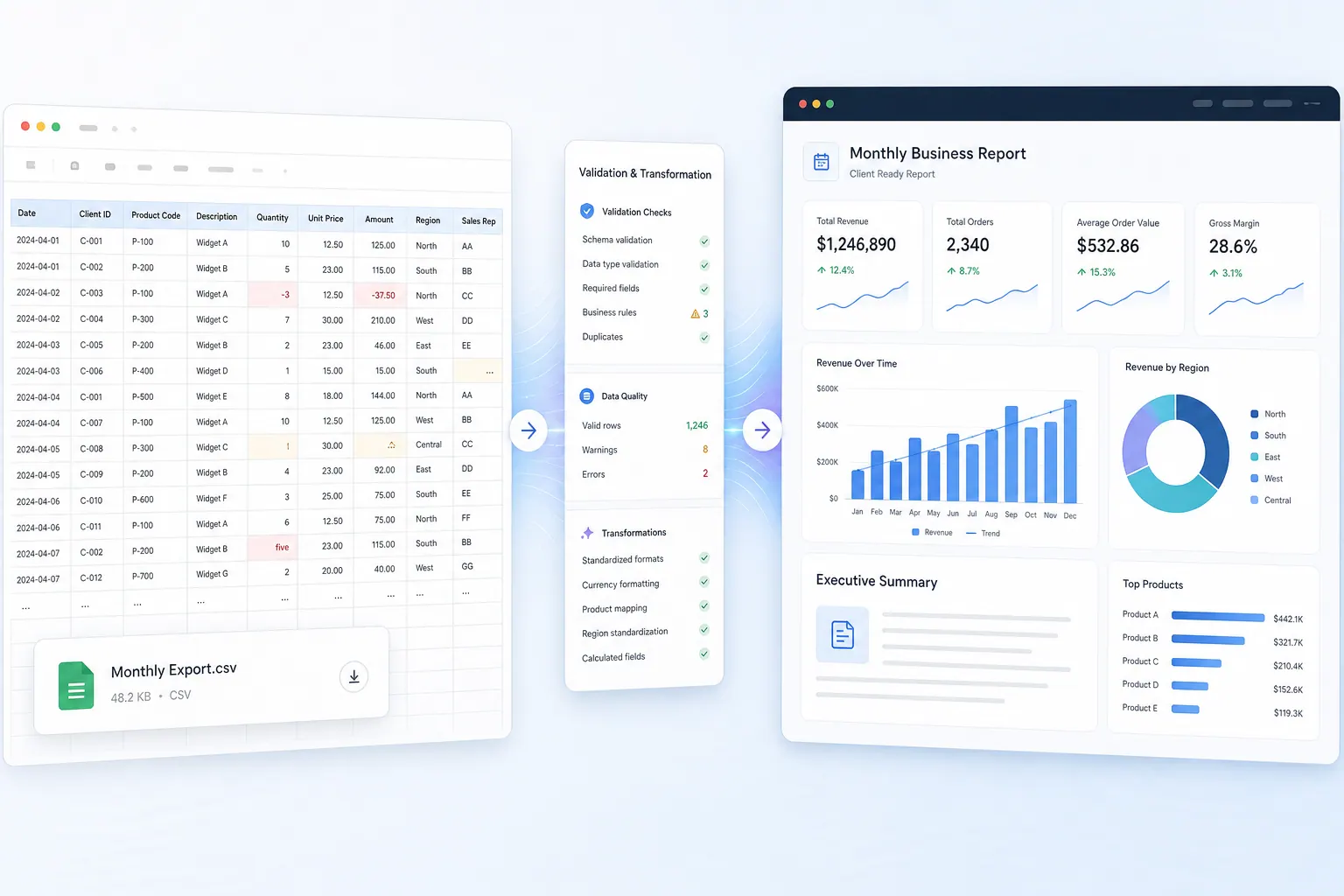
This structure also connects naturally to broader finance and operating reports. If the process depends on exported files every month or quarter, see the monthly CSV reporting workflow for a lighter reporting pattern.
Common mistakes to avoid
Do not start with averages. Averages can hide outliers, missing levels, and currency mistakes.
Do not merge files without checking timing. A current org chart and last month’s payroll file may not describe the same workforce.
Do not share employee-level details when the audience only needs department-level trends.
Do not treat AI output as compensation judgment. AI can help analyze files, but HR owns policy interpretation and final decisions.
Do not upload identifiable payroll or compensation files into tools that have not been approved for that data. Use anonymized samples for testing and private deployment for real HR or finance workflows.
The takeaway
Creating an HR compensation report from multiple systems is not only a data merge. It is a sensitive reporting workflow.
The best output shows the decision, the source data, the exceptions, the summary, and the review path. Excel can support the analysis. BI can support mature recurring reporting. RowSpeak fits when the team still works from exports and needs a faster way to turn those files into a report leadership can actually review.
For HR and finance teams, the goal is not a prettier spreadsheet. It is a clearer compensation conversation.
Get Started: Review Compensation Reports in a Private RowSpeak Environment
If your quarterly compensation review starts with HRIS, payroll, benchmark, and performance exports, start with a private deployment review. Use anonymized samples for a first test, then evaluate whether RowSpeak can run inside your company's approved infrastructure for real employee-level work.
Explore RowSpeak Private Deployment and see how sensitive HR, payroll, and finance spreadsheets can be analyzed without sending files to a public model API.