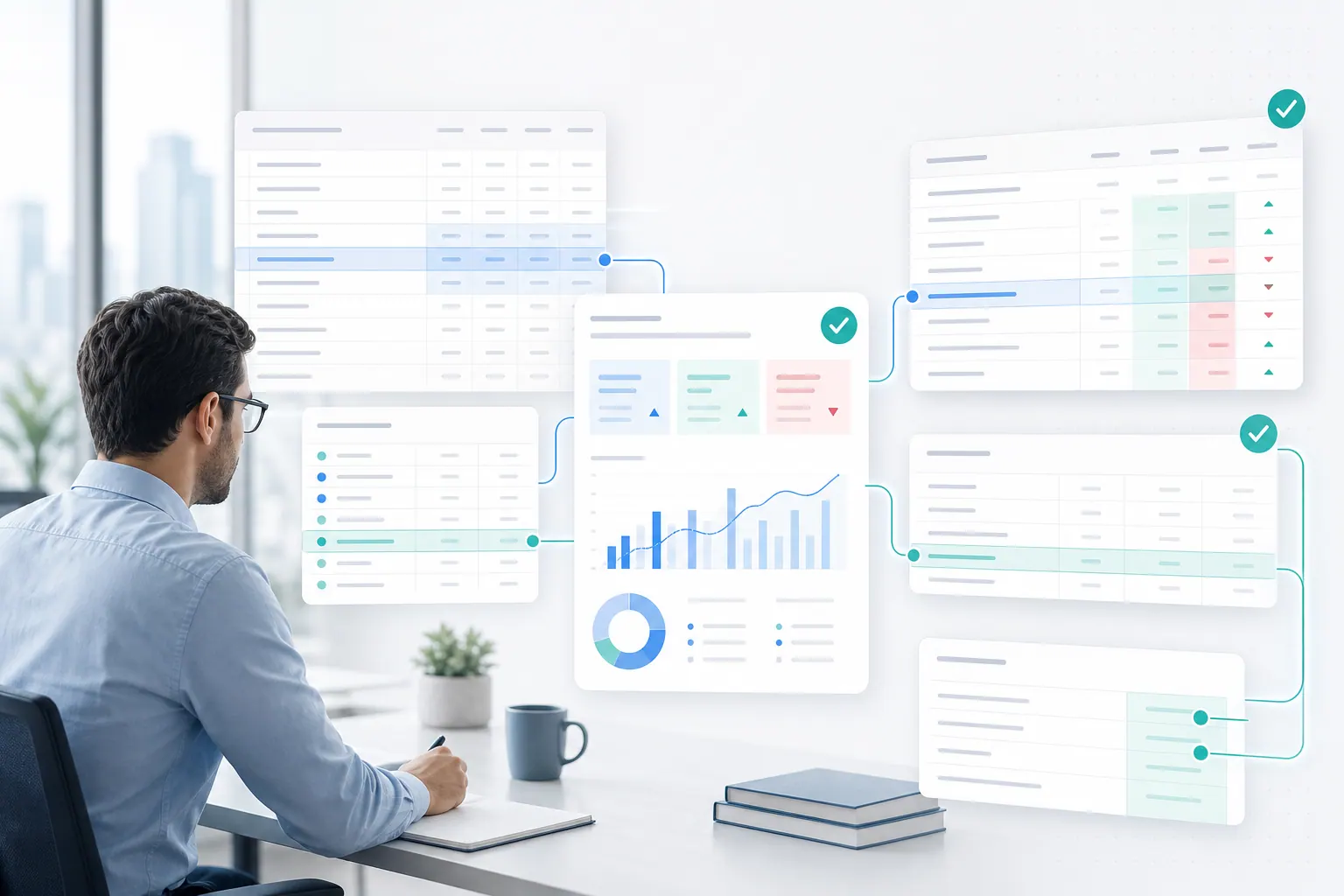
A small manufacturing accountant recently described a familiar month-end process on Reddit.
The company uses QuickBooks. The old CFO generated P&L and balance sheet reports, then manually entered them into Excel templates that became the financial statement package. The package included an income statement, balance sheet, statement of cash flows, month-by-month income statement, and year-to-date view.
The question was obvious: there has to be a better way to automate this.
There usually is. But the answer is not always replace Excel. Finance teams keep Excel because the month-end package is more than raw data. It is a working format for review, adjustment, explanation, and presentation.
The better goal is to remove the manual rekeying while keeping the review discipline.

Why the month-end package stays in Excel
Excel survives in finance because it fits the close process.
A month-end package is not just a report. It preserves a familiar template, maps accounts into management categories, compares current month with prior year and budget, gives the team room to add notes, and turns accounting output into something an owner, board, or operating team can actually read.
A BI dashboard may show the numbers. The month-end package explains and packages them.
That is why finance automation has to respect the workflow. If automation only moves data faster but makes review harder, the team will not trust it.
What should be automated
The repeatable work should be reduced as much as possible.
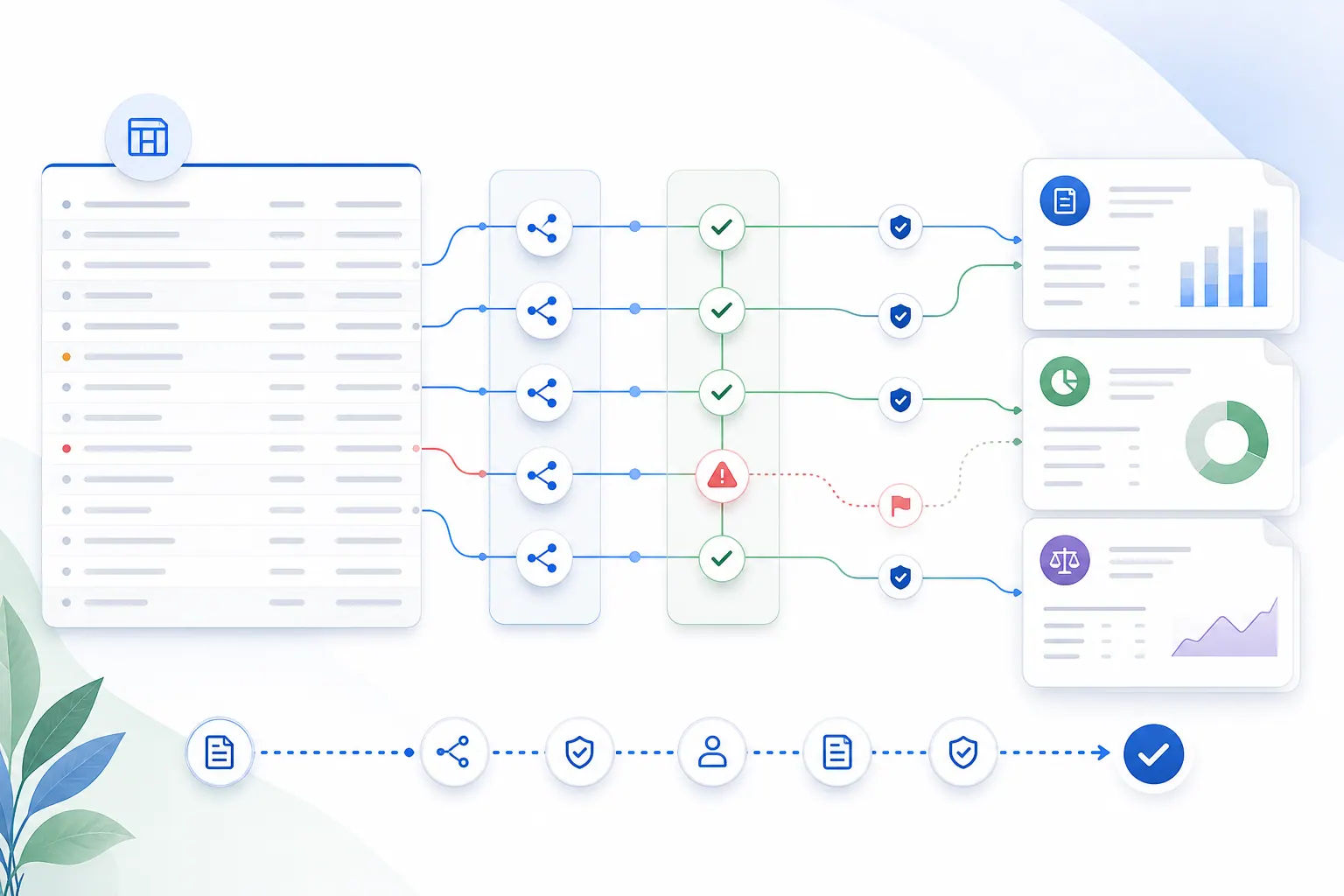
Importing the accounting export should not be a manual ritual every month. The same is true for detecting periods, mapping accounts into the reporting template, creating variance tables, building charts for major movements, and drafting basic commentary.
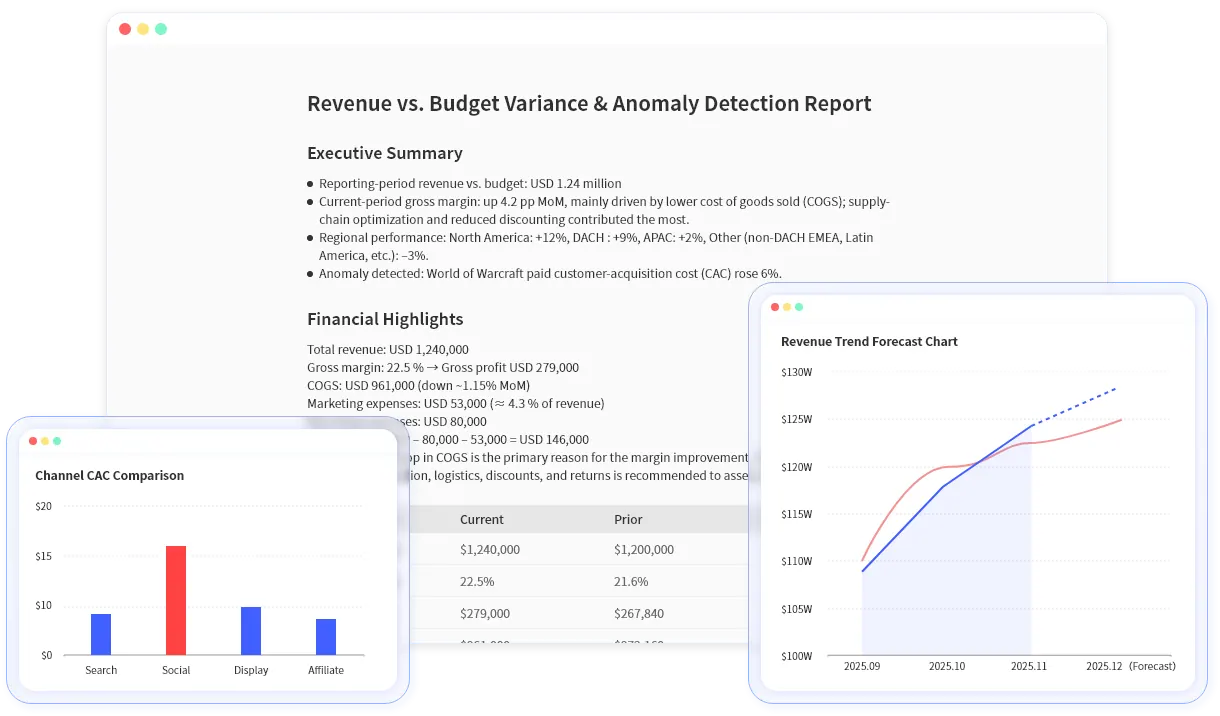
This is where AI spreadsheet analysis can help. The user should be able to upload an export and ask for a first-draft reporting package. The system can inspect the workbook, find the relevant statement sections, calculate the movement, and help prepare the first version of the story.
That does not mean the AI should finalize the close. It means the team should spend less time copying numbers and more time reviewing what changed.
What should stay under human review
The risky parts should not disappear into a black box.
A finance reviewer still needs to check account mappings, unusual classifications, large variances, missing periods, cash flow logic, manual adjustments, and the final wording in the report.
AI can draft. It should not silently finalize the close.
This distinction matters because month-end reporting is full of small judgments. A cost may be a one-time setup fee rather than a new run-rate expense. A margin change may be mix, freight, discounting, or timing. A cash movement may need explanation that the source report alone cannot provide.
The spreadsheet can show the number. The finance team still explains what the number means.
A RowSpeak-style workflow
A practical RowSpeak workflow starts with the QuickBooks export or the Excel package the team already uses. RowSpeak can help identify the income statement, balance sheet, and monthly columns, then generate a variance summary by account group. From there, the user can ask for a first draft of management commentary, review the source rows and calculations, and export the chart, table, or written summary back into the month-end package.
A useful prompt might be:
Create a month-end summary from this workbook. Show revenue, gross margin, operating expenses, EBITDA, and cash movement. Compare current month to prior month and budget. Flag any variance above 10% and draft CFO-ready commentary with the supporting rows.
The key phrase is with the supporting rows.
Finance teams do not only need faster words. They need words that can be traced back to the spreadsheet.
The bigger lesson
Month-end reporting is a perfect example of why Excel still runs the business.
The source system matters. The template matters. The review process matters. The final explanation matters.
RowSpeak fits the space between raw export and finished report. It helps finance teams turn spreadsheets into analysis, charts, and first-draft commentary without pretending that review no longer matters.
If your month-end package still depends on copying numbers into Excel, try RowSpeak at https://dash.rowspeak.ai