Let’s face it—finance teams are Excel power users. We run budgets, forecasts, reconciliations, expense reports, and month-end summaries, often with files that go 30 sheets deep and formulas that look like a math thesis. And yet, we spend hours every week doing repetitive tasks we secretly wish a robot could handle.
Good news: that robot now exists. And it speaks Excel.
In this post, I’ll walk you through a set of powerful Excel AI tools that make life easier for everyone from junior analysts to CFOs. I’ll start with one I use almost daily—RowSpeak—and then we’ll explore other tools for different needs like audit checks, cash flow forecasting, and FP&A.
This isn’t a listicle full of generic AI tools. These are tested, task-specific, Excel-savvy helpers built to actually solve finance problems.
If your immediate need is file-based analysis rather than a broad tool shortlist, start with RowSpeak's finance AI for Excel workflow for variance analysis, forecasts, anomaly checks, and shareable reports.
1. RowSpeak – Ask Questions, Get Analysis (No Formulas)
You know that feeling when your manager asks,
"Can you show me ROI by investment and highlight the underperformers?"
And suddenly you're in a rabbit hole of IFERROR, nested SUMPRODUCT, and debugging a formula that’s one bracket short.
That’s where RowSpeak comes in.
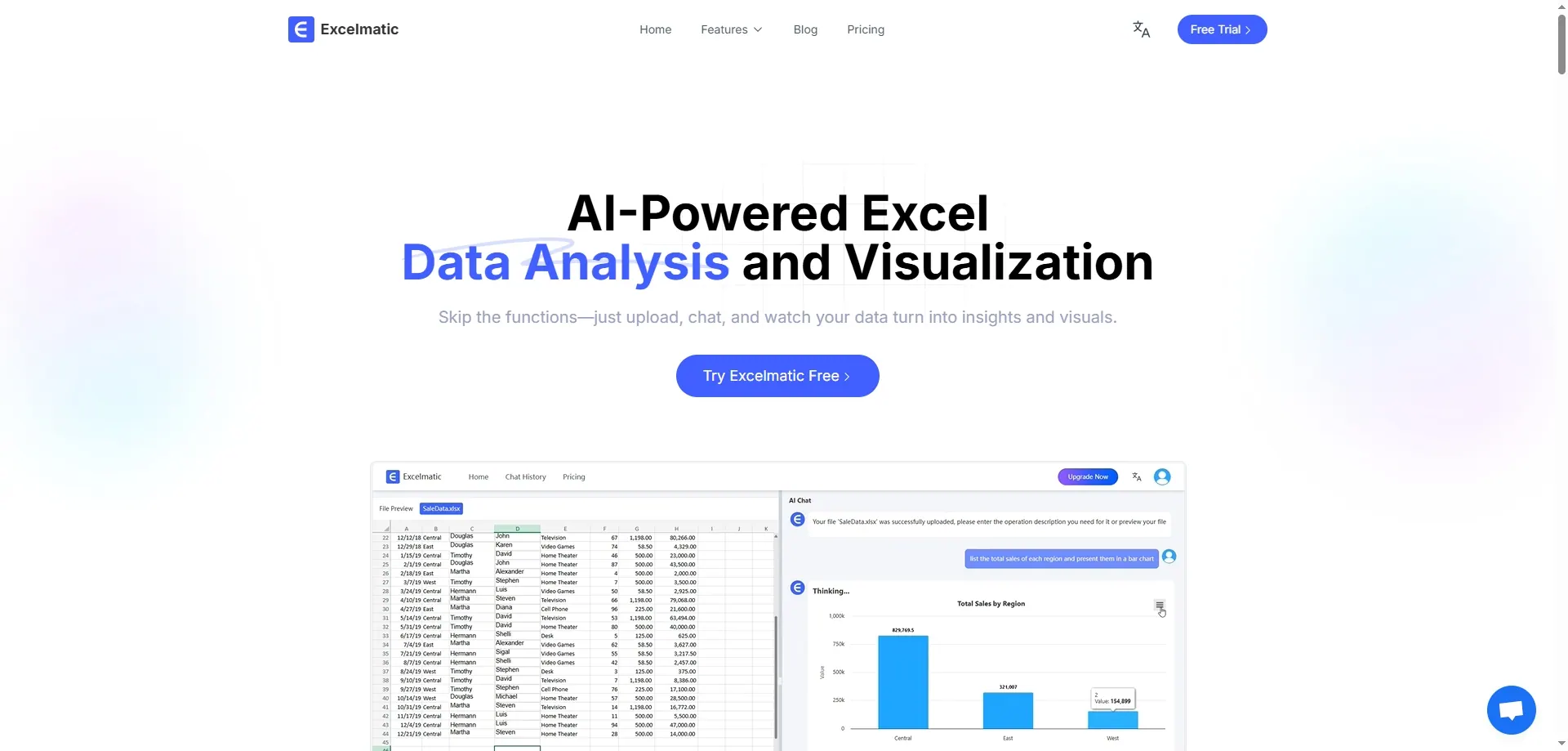
With Excel AI, you can complete these calculations through simple dialogue:
- Open RowSpeak and load your investment data.
- In the dialogue box of RowSpeak, type the question: "Calculate the ROI for each investment."
- RowSpeak's AI instantly analyzes your data and displays the ROI calculation results for each project:
No formulas. No syntax stress. Just clear numbers and a chart that’s ready to drop into your next board deck.
Whether you’re analyzing marketing spend, project returns, or campaign efficiency, RowSpeak gets you answers—fast.
Who it's best for: Finance analysts, controllers, budget owners, and anyone who wants answers without writing Excel math from scratch.
2. Datarails – FP&A on Autopilot
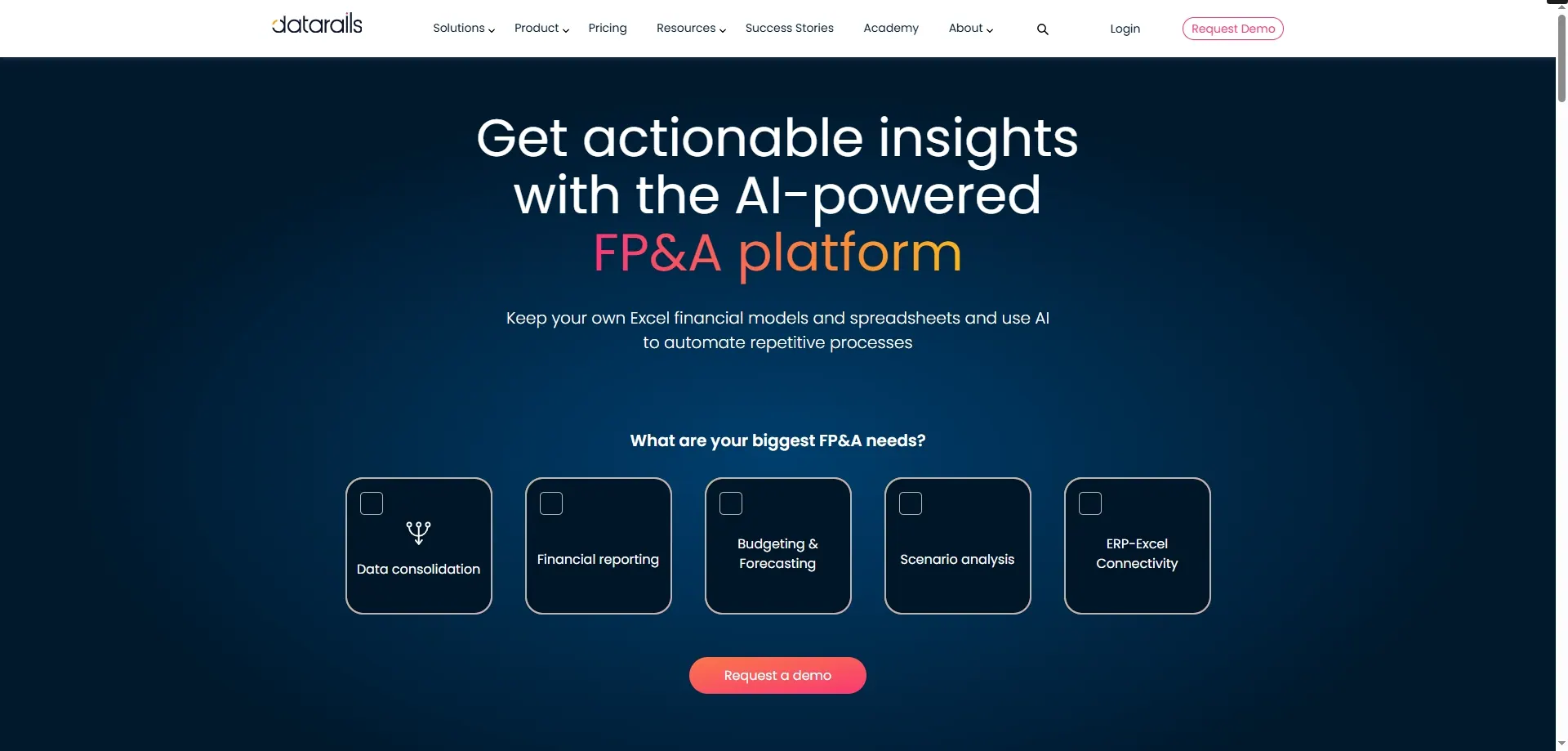
If Excel is your financial system of record, Datarails is your autopilot. It connects your live spreadsheets to a structured database in the cloud, so you can roll up reports across entities without version hell.
Picture this: You’ve got 12 business units, each with their own forecast file. Datarails consolidates everything—instantly. No copy-paste. No human error.
Then it gives you dashboards, variance reports, and “what-if” scenario modeling right on top of Excel.
Who it's best for: FP&A managers, CFOs, and mid-size finance teams doing regular forecasting and board reporting.
3. SheetAI – Formula Writing Assistant (and more)
Ever stared at your screen thinking:
"I know what I want to calculate... I just don’t know how to write the formula."
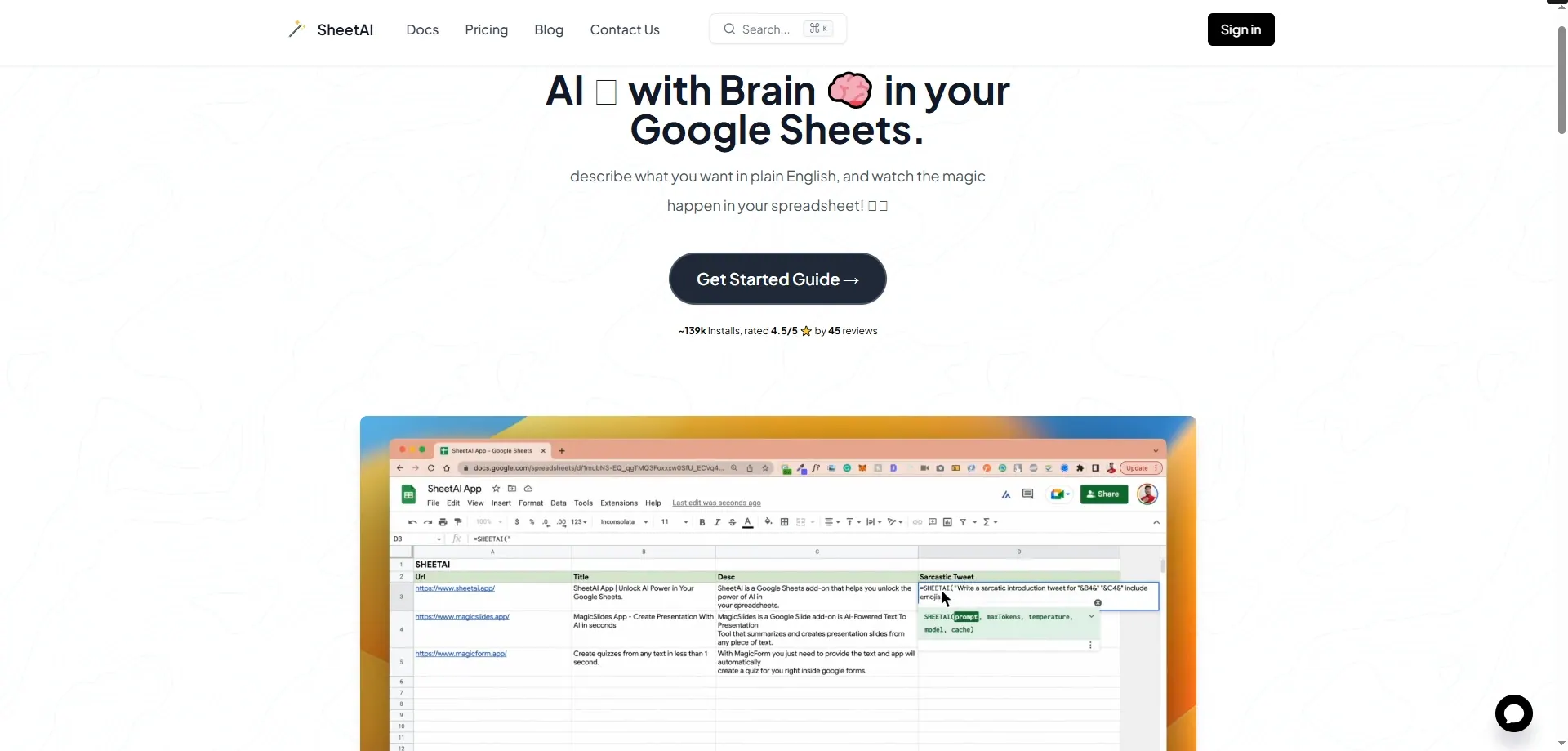
SheetAI is a Google Sheets plugin that turns your natural-language query into an Excel (or Sheets) formula. You can say:
“Give me the average revenue by region where the value is above $10,000” And it will generate:
=AVERAGEIF(B2:B100, ">10000")
It’s like having an Excel tutor in your sidebar.
Who it's best for: New analysts, business users, or anyone who doesn’t want to memorize every Excel function.
4. Brex Empower + AI Insights – Expense Intelligence in Real Time
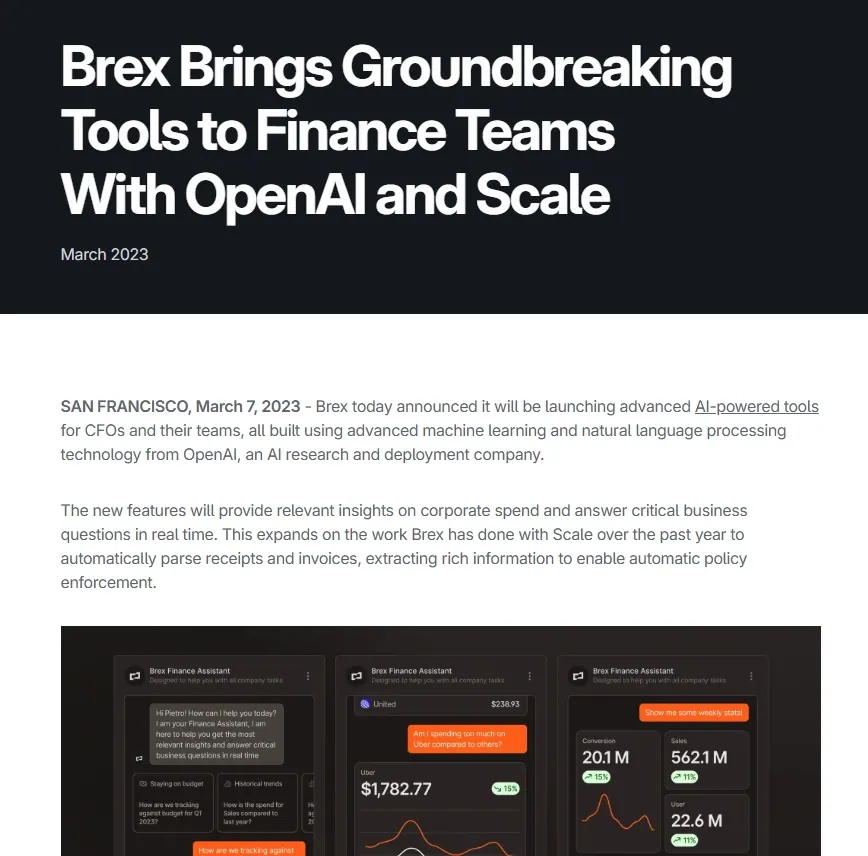
Managing company spend isn’t just about what was spent—it's why and how. Brex has recently added AI-powered categorization and spend anomaly detection.
That means if someone submits five Uber receipts in a row at 2 a.m. in Miami, the system flags it.
And no, you don’t have to build rules. The system learns.
Bonus: You can export those flagged expenses straight into Excel with notes, saving you from doing detective work later.
Who it's best for: Finance ops, AP teams, expense managers.
5. Grid – Turn Excel Models into Interactive Dashboards

You’ve built the perfect Excel model. Now your execs want a clean dashboard view without opening Excel.
Grid connects to your spreadsheet and turns it into a shareable, interactive web dashboard. Think sliders for assumptions, real-time charts, and mobile-friendly views.
No code. No Tableau.
Who it's best for: Finance leads, startup founders, internal reporting owners.
6. Cube – Real-Time FP&A Without Leaving Excel
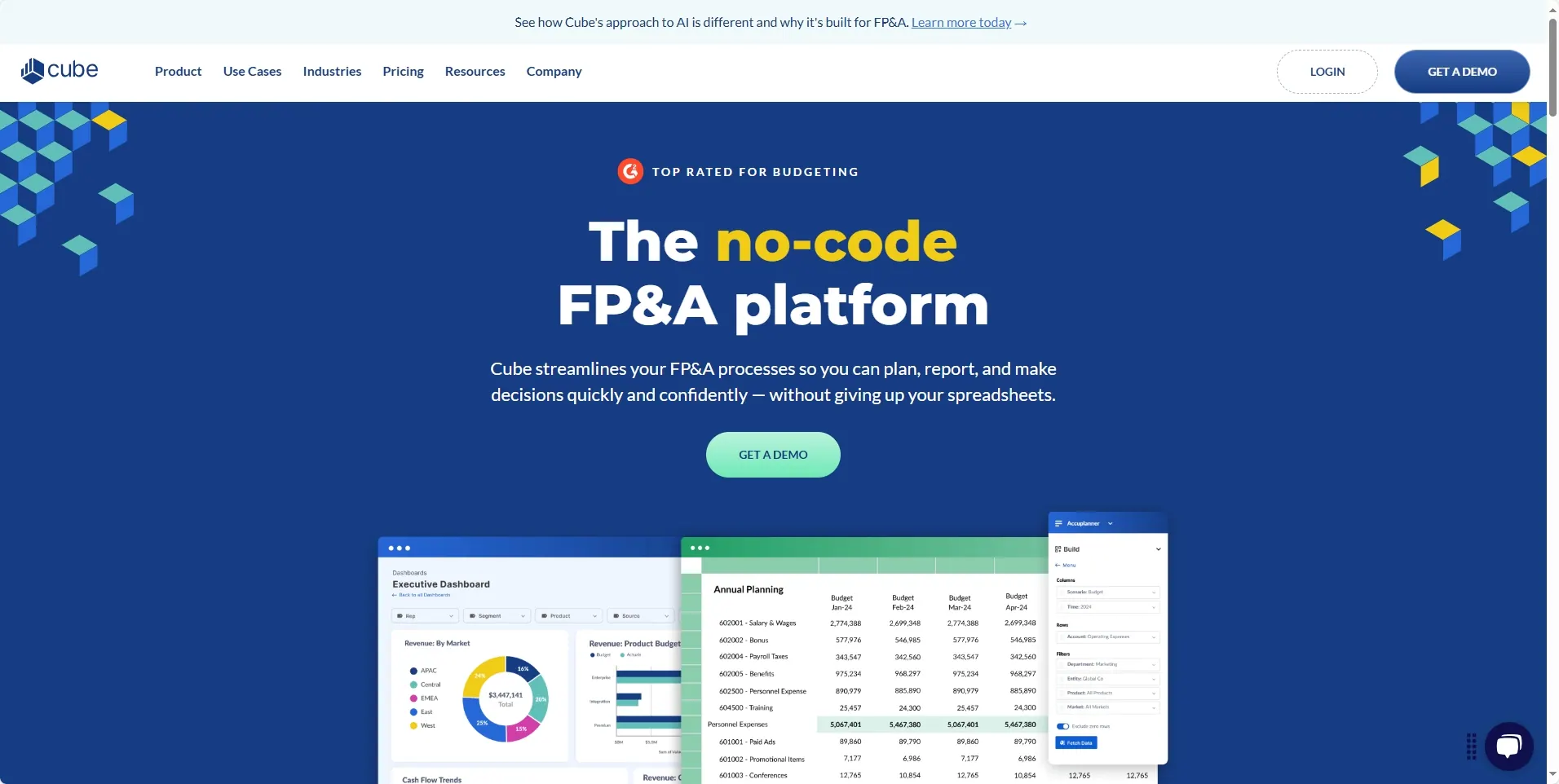
Cube plugs into Excel and Google Sheets, allowing you to plan, consolidate, and report without breaking your existing workflow. Unlike traditional planning software that forces you to migrate everything to a new interface, Cube lets you work within Excel. But with all the version control, audit trail, and access management your CFO dreams of.
Use Cube when you want to:
- Roll up regional forecasts in seconds
- Lock templates for quarterly budgeting
- Run “what if” models that don’t break
Perfect for: Mid-size teams doing collaborative forecasting or multi-entity consolidation.
7. Truewind – AI Bookkeeping for Startups
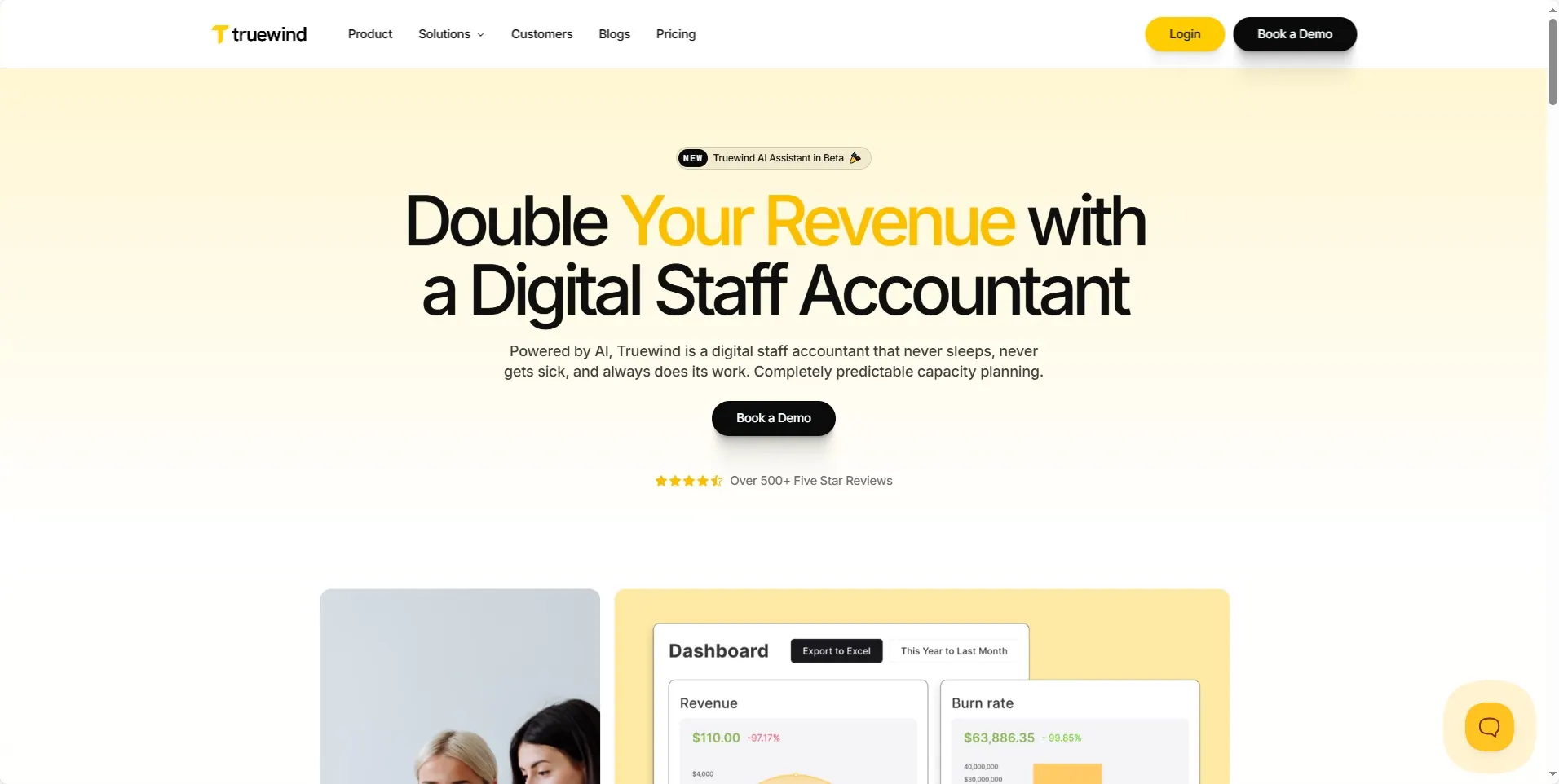
Truewind is like an invisible back-office for early-stage startups. It connects to your banking, payroll, and expense tools, then uses AI to categorize, reconcile, and post journal entries—all into your Excel-ready reports.
While most AI tools start with a blank prompt, Truewind works from structured financial logic. And when it gets stuck, a human controller steps in.
It’s great if you're a founder who dreads spreadsheets but still wants a clean P&L and cash flow every week.
8. FlowCog – Revenue Forecasting Built on Excel
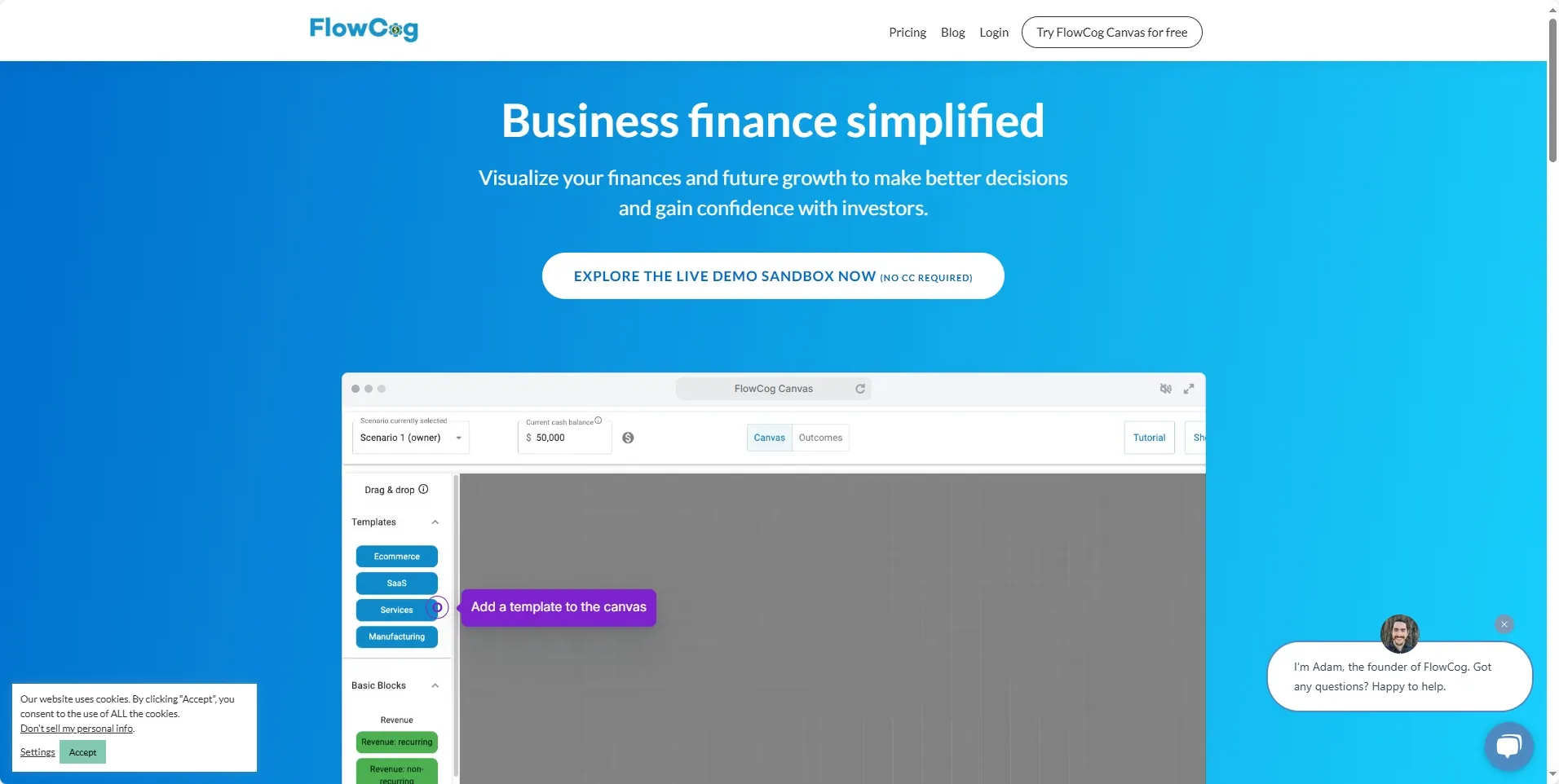
You could build a custom revenue model in Excel… or you could use FlowCog, which gives you plug-and-play logic for SaaS, usage-based, or multi-product forecasts—right in the spreadsheet you already use.
FlowCog adapts to your model, not the other way around. It lets you tweak assumptions like churn, expansion, or new customer growth, and the charts update instantly.
It’s like having a revenue analyst on demand, without hiring one.
9. Mosaic – AI-Powered Strategic Finance

Mosaic is a full-blown strategic finance platform, but what makes it unique is how it augments Excel with AI-powered trend detection and variance alerts.
Imagine your dashboard not just showing spend variances but explaining them. Mosaic can tell you:
- “Spending in R&D jumped 23% due to contractor onboarding”
- “Churn rose due to seasonality in EMEA customers”
It’s as if your spreadsheet learned to talk back. And it does.
10. Glean – AI Knowledge Layer for Finance Files

This one’s not technically an Excel tool—but it changes how you use Excel data.
Glean connects to your spreadsheets, Docs, and reporting tools. Then it acts like an internal search engine with context. You can ask:
“Where’s the Q1 sales-to-cash forecast?” “What assumptions were used for the April budget?”
And it pulls the exact spreadsheet tab, comment, or sentence from a report.
For finance teams drowning in folders and version chaos, it’s a lifesaver.
Final Thought
This isn’t just about automating Excel. It’s about rethinking who does what—and how much time you spend wrestling formulas vs. actually thinking.
Every finance team is different. Some tools will save you 10 minutes a week. Others will save you a full-time hire.
Try one. Then try another. See what clicks.
Smarter spreadsheets aren't about replacing Excel. They're about unlocking Excel’s full potential—without needing to be an Excel wizard.
Ready to stop copy-pasting and start analyzing?