Whether you're a data analyst, a finance pro, or just someone trying to make sense of your spreadsheets, AI for Excel can make the work easier, faster, and more reliable.
Thanks to a new wave of AI-powered Excel tools, you can now clean data, build dashboards, and even predict trends without writing a single formula.
We’ve rounded up 10 of the best free (or free-tier) AI tools that plug into your Excel workflow — including RowSpeak, a tool we built to automate tedious spreadsheet tasks using smart AI.
Before choosing a tool, check three practical details: what data formats it accepts, how useful the free tier really is, and whether it can generate charts or reports instead of stopping at formula suggestions. Those details matter more than a long feature list when you are working with real Excel files.
How to Choose Free AI for Excel Tools
Use the same checklist for every tool:
- Data formats: Look for support for
.xlsx,.csv, Google Sheets, and, when needed, PDFs or image-based tables. - Free tier: Confirm the monthly limits for prompts, uploads, file size, and generated outputs before moving real work into the tool.
- Formula help: A good AI for Excel tool should generate formulas, explain them, and help debug errors.
- Data cleaning: Prioritize tools that can remove duplicates, standardize formats, split columns, and handle blank cells.
- Generate charts: If your end goal is a dashboard or presentation, choose tools that create charts and summaries, not only formulas.
| Tool | Free tier | Main data formats | Best use case | Can generate charts? |
|---|---|---|---|---|
| RowSpeak | Yes | Excel, CSV, PDF, images | File-based analysis, cleaning, reports, dashboards | Yes |
| ChatGPT for Sheets & Docs | Yes with API setup | Google Sheets | Formulas, summaries, text cleanup | Limited |
| Power BI Desktop | Free desktop app | Excel, CSV, databases | Interactive BI reports | Yes |
| Excel Analyze Data | Included with Microsoft 365 Excel | Excel tables | Quick built-in insights | Yes |
| Sheet+ AI | Limited free use | Excel, Sheets | Formula generation and explanations | No |
| PromptLoop | Limited free use | Excel, Sheets | AI formulas at scale | Limited |
| Arcwise AI | Free tier varies | Google Sheets | Text cleanup and restructuring | Limited |
| AI Office Bot | Free tier varies | Sheets/web | Prompt-based spreadsheet tasks | Limited |
| Excel Formula Bot | Free tier varies | Web, Excel add-in | Formula generation | No |
| GPTExcel | Free tier varies | Excel/web | Spreadsheet Q&A and formulas | Limited |
Free plans and product limits change often, so treat this as a shortlist and verify each tool’s current free tier before you build it into a recurring workflow.
1. RowSpeak
Best for: All-in-one AI assistant for Excel
Free plan: Yes
Free Try it here
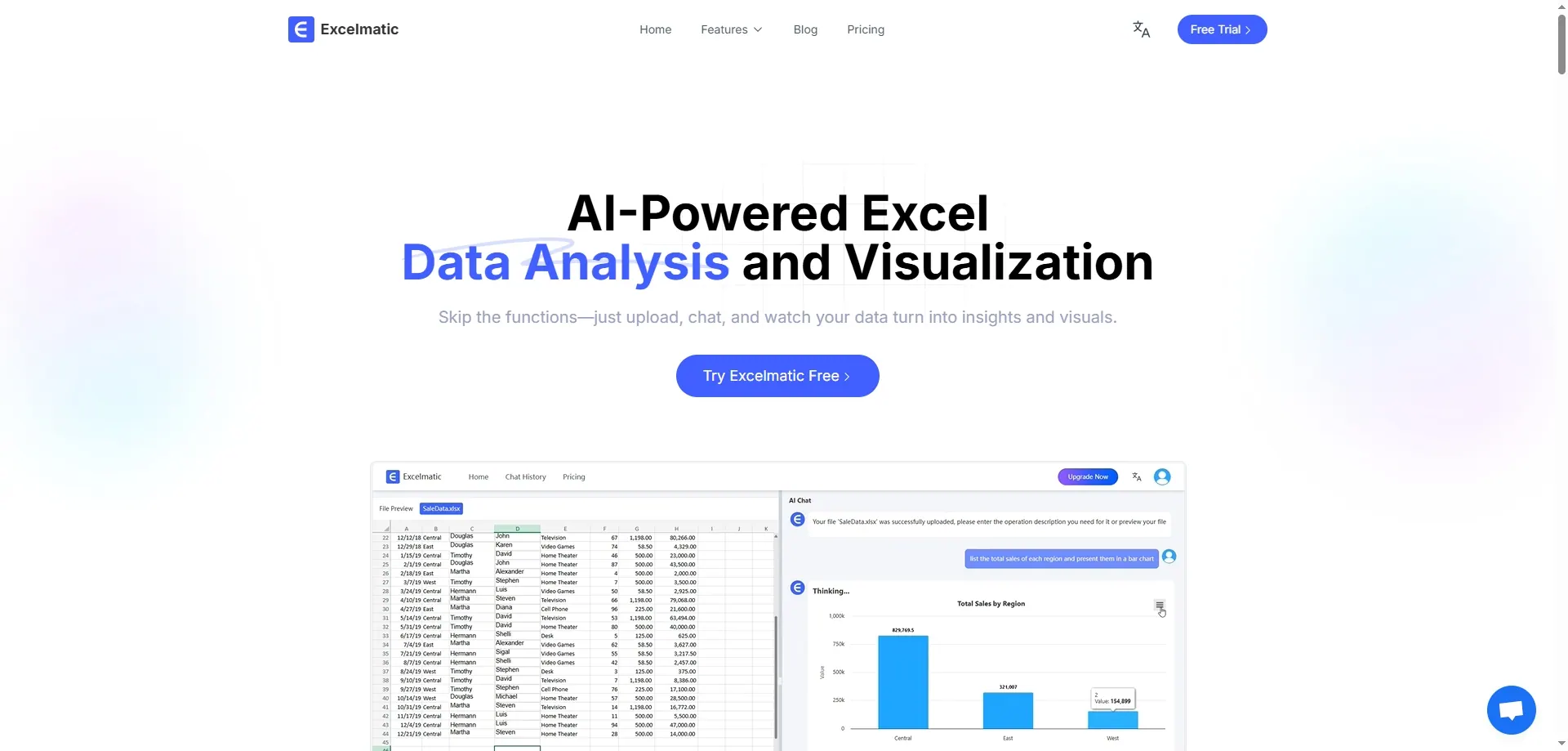
RowSpeak is your AI co-pilot for Excel. It helps you automate repetitive tasks like cleaning data, generating reports, and even building formulas based on plain language prompts. If you’re tired of VLOOKUPs and endless copy-paste, this tool will be your new best friend.
Key Features:
- AI-powered data cleaning (duplicates, formatting, blank cells)
- Natural language queries ("Show me top 5 sales regions")
- Auto-generate pivot tables and charts
- Forecasting and trend analysis in one click
- Google Sheets support (coming soon)
2. ChatGPT for Sheets & Docs

Best for: Formula generation, summaries
Free plan: Yes with OpenAI API key
Get the add-on
This free Google Sheets add-on lets you use OpenAI’s power directly inside your spreadsheet. Whether you want to generate formulas, summarize text, or clean up customer feedback, it’s surprisingly useful.
Key Features:
- Use
=GPT("Create a summary of this")in any cell - Generate formulas based on natural language
- Translate, reformat, or even brainstorm ideas in Sheets
3. Power BI + Excel Integration

Best for: Business users needing visual dashboards
Free plan: Yes, Power BI Desktop is free
Learn more
Power BI integrates with Excel to create interactive dashboards. While not Excel-native, it connects seamlessly with spreadsheets and uses AI visuals to detect trends, outliers, and forecasts.
Key Features:
- Auto-generated visuals from Excel tables
- AI insights on trends and anomalies
- Q&A natural language interaction
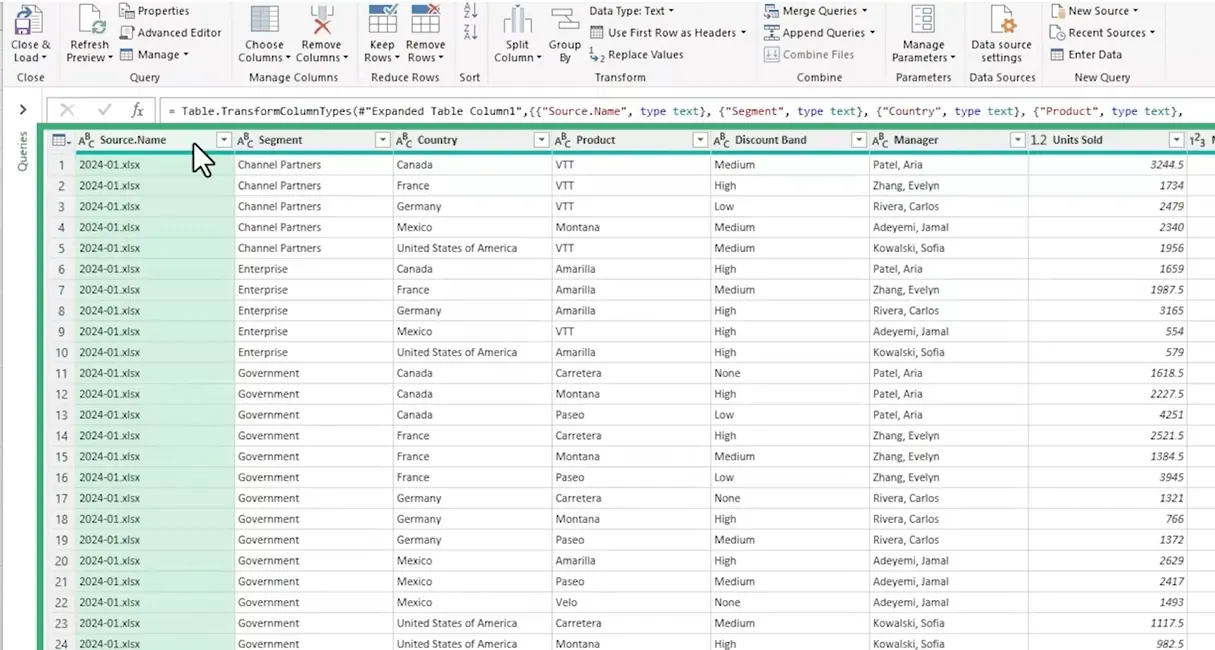
4. Excel’s Analyze Data Tool
Best for: Quick insights without add-ons
Free plan: Yes, built into Excel 365
How to use
Formerly “Ideas,” this built-in tool uses AI to recommend charts, highlight key trends, and help answer questions about your data with a single click.
Key Features:
- Highlights outliers and patterns
- Suggests pivot tables and visualizations
- Accepts natural language prompts
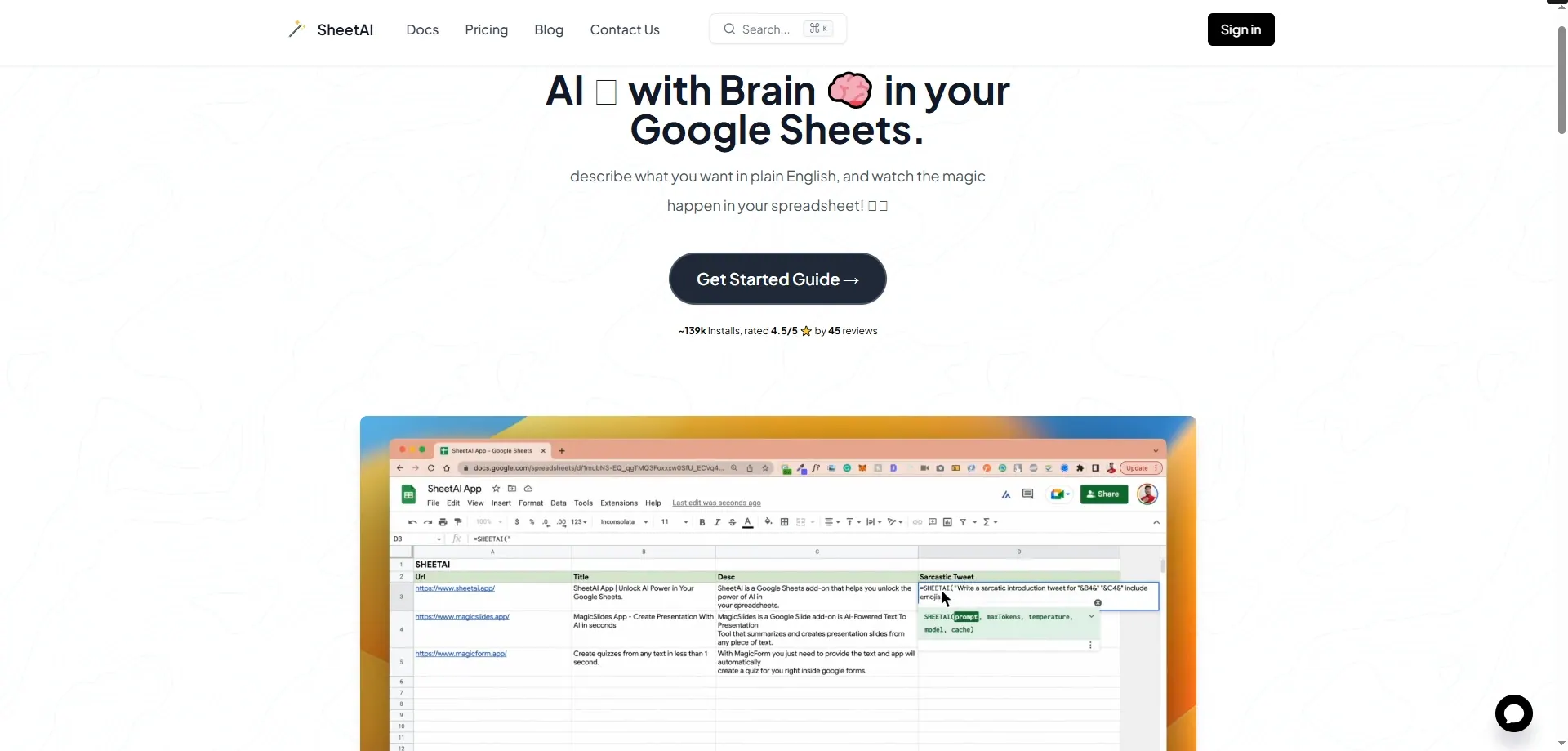
5. Sheet+ AI
Best for: AI formula assistant
Free plan: Yes (limited usage)
Visit site
If you constantly forget Excel syntax, Sheet+ is a great formula translator and generator. Just type what you want, and it turns it into a working Excel formula.
Key Features:
- Converts plain text to formulas
- Explains complex formulas
- Supports Excel and Google Sheets
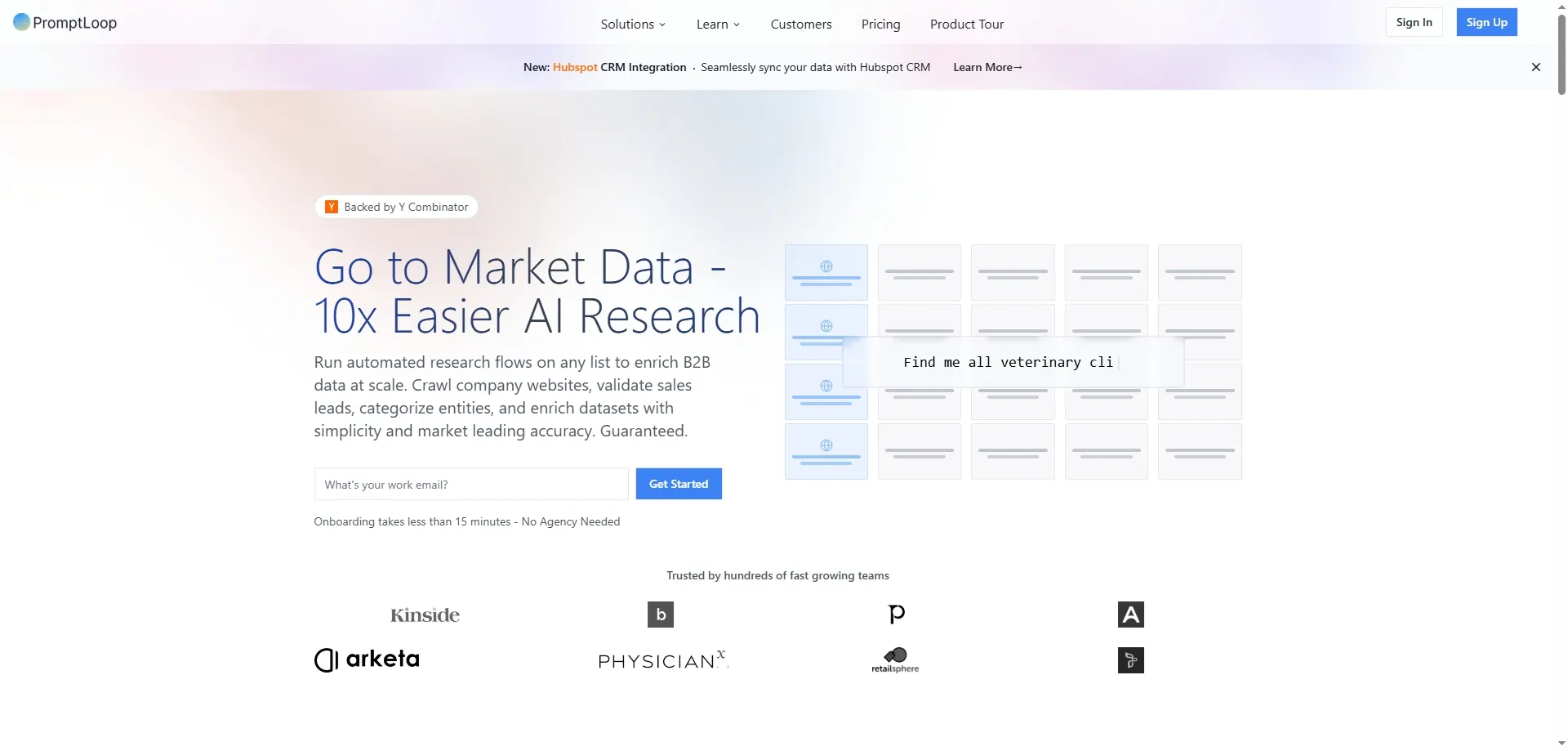
6. PromptLoop
Best for: Running AI models inside Excel
Free plan: Yes (usage limits apply)
Try it
PromptLoop lets you bring GPT-like AI into Excel formulas. You can classify text, extract information, or even generate content at scale.
Key Features:
=PROMPTLOOP()function works like=SUM()- Perfect for content tagging, summarizing, etc.
- Integrates with Excel and Sheets
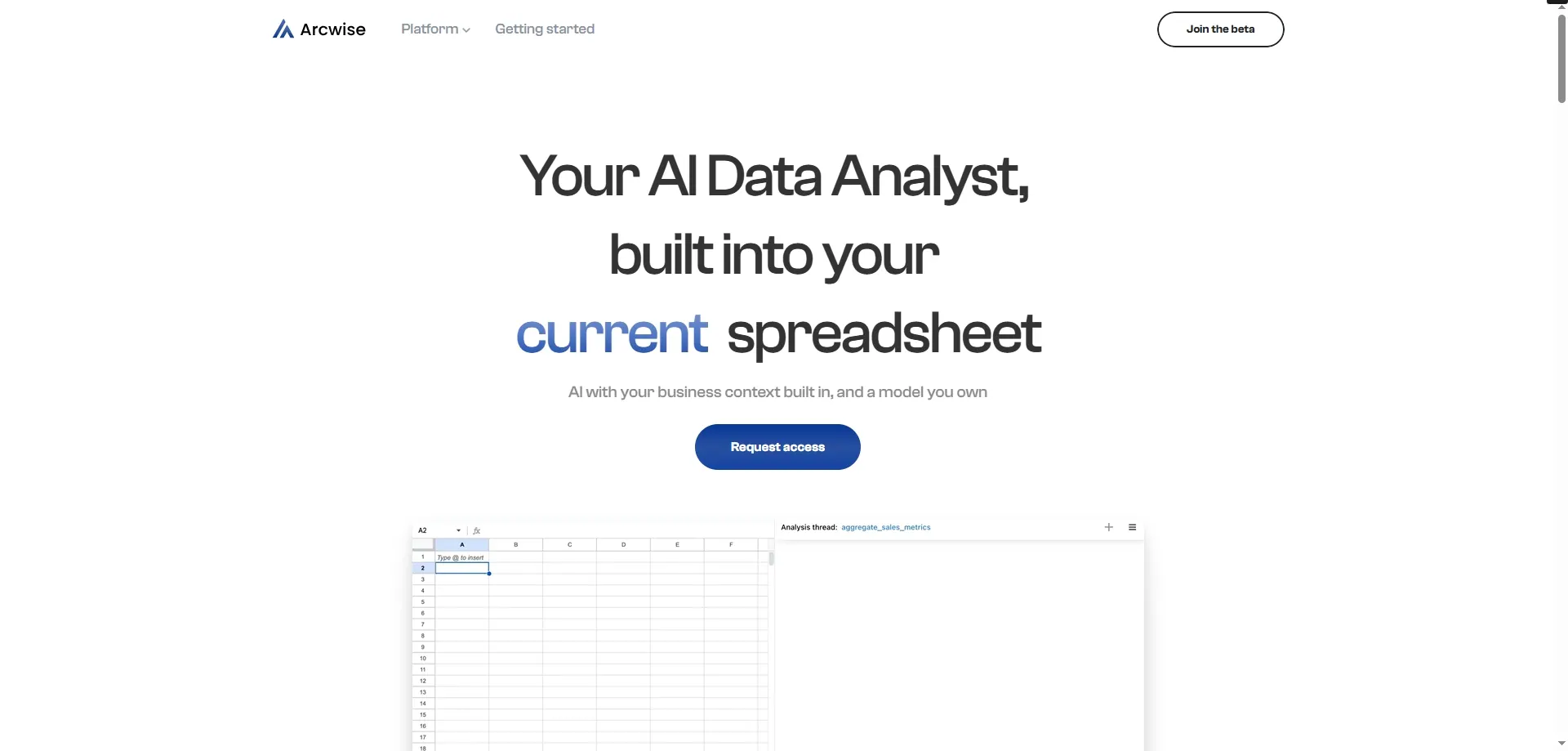
7. Arcwise AI (for Sheets)
Best for: Cleaning and restructuring text-heavy data
Free plan: Yes
Learn more
If you manage messy, customer-facing data in spreadsheets, Arcwise helps you structure it into usable formats — great for surveys, reviews, etc.
Key Features:
- Summarizes text blocks
- Categorizes responses
- Cleans inconsistent phrasing
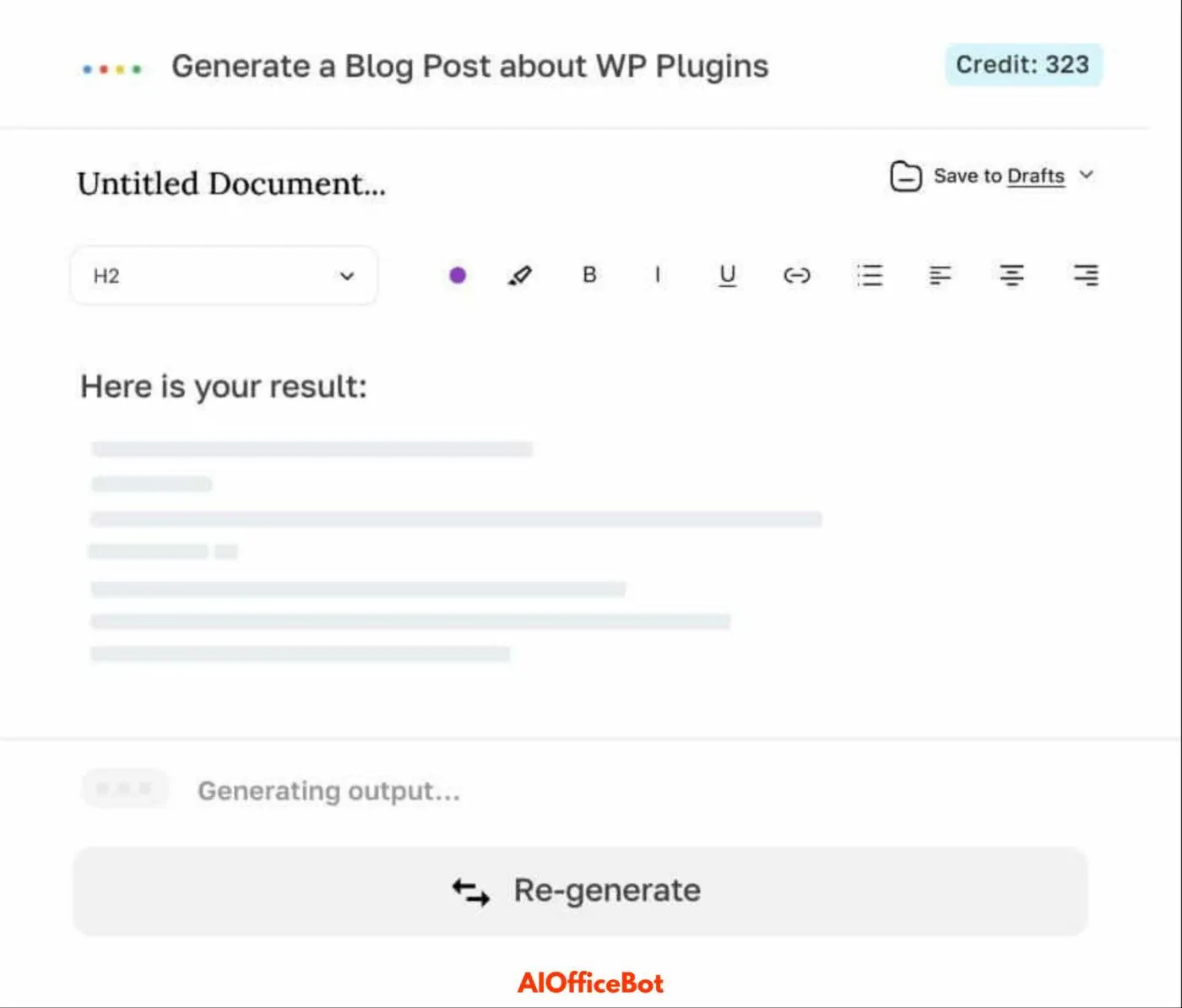
8. AI Office Bot by SheetAI
Best for: Prompt-based automation
Free plan: Yes
Explore
This tool brings ChatGPT-like prompts into your spreadsheet. It’s great for generating quick insights, writing product descriptions, or classifying customer data.
Key Features:
- Custom AI prompts per cell
- Works with Sheets
- Use cases from HR to e-commerce
9. Excel Formula Bot (Web + Add-on)

Best for: Quick Excel formula help
Free plan: Yes
Try it
A web tool and add-in combo that helps you write Excel formulas instantly. Just describe what you need, and the bot writes the formula for you.
Key Features:
- Turn sentences into Excel functions
- Mobile and desktop friendly
- Explains how each formula works
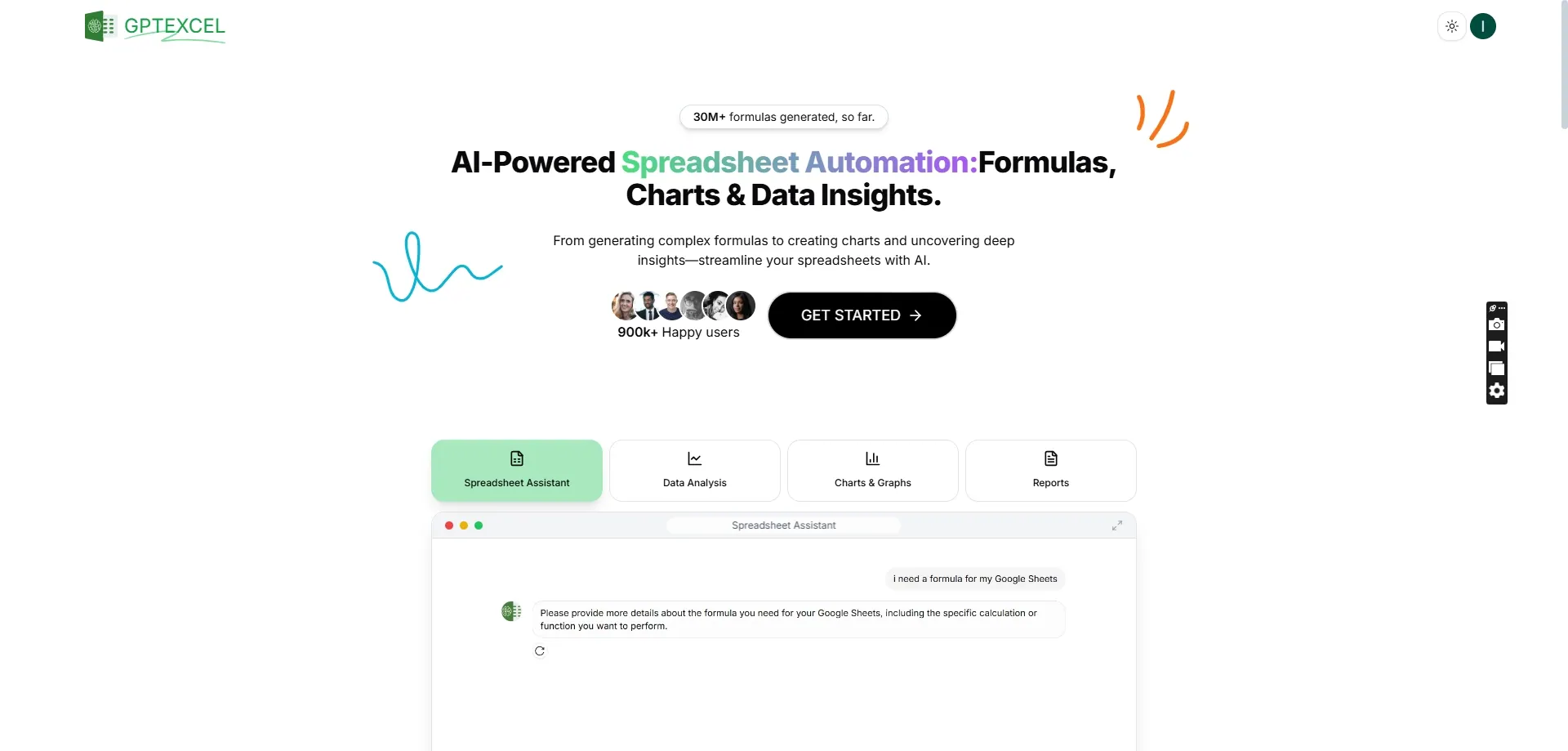
10. GPTExcel (Beta)
Best for: Quick, AI-powered Excel Q&A
Free plan: Yes
Join beta
Still in beta, this tool is designed to “chat” with your Excel files. Upload a file, and ask questions like “What are the top 3 cost drivers?” — and get instant answers.
Key Features:
- Chat interface for spreadsheets
- File-based analysis
- Great for exploring large datasets
Final Thoughts
AI isn’t here to replace Excel — it’s here to enhance it.
Whether you need to clean messy CSVs, generate insightful dashboards, or stop Googling formulas, there’s now an AI tool for that.
If you're looking for a smart, all-in-one AI assistant, try RowSpeak — built to help everyday users automate data tasks without the tech jargon.