In today’s data-driven world, Excel remains a core tool for data analysis, yet its complexity often discourages users—daunting formulas, tedious steps, and a steep learning curve for advanced functions frequently hinder efficiency. However, the rise of Excel AI tools is changing this landscape. RowSpeak, an innovative tool that deeply integrates AI with Natural Language Processing (NLP), empowers users to perform professional-level data analysis through simple conversations.
Why Do You Need a Natural Language Conversation Feature?
For most non-technical users, Excel’s pain points are clear:
- High Formula Barriers: Functions like VLOOKUP and SUMIFS require extensive learning.
- Low Operational Efficiency: Manual filtering, sorting, and chart creation are time-consuming.
- Unintuitive Analysis: Lack of smart insights delays value extraction.
RowSpeak’s natural language conversation feature addresses these challenges. Users no longer need to memorize formulas—simply ask questions in plain language, such as:
Calculate the average sales per quarter?Compare profit trends between East China and South China regions?Generate a pie chart for 2023 product line sales distribution?
The AI instantly understands requests, automates data processing, statistical analysis, and visualization, delivering results in seconds.
Three Core AI Advantages of RowSpeak
Zero-Learning Curve: Ditch Complex Formulas
Whether cleaning data, aggregating metrics, or running complex calculations, describe your needs in natural language. For example, typingCalculate total salestriggers percentile calculations and generates a list—no manual coding.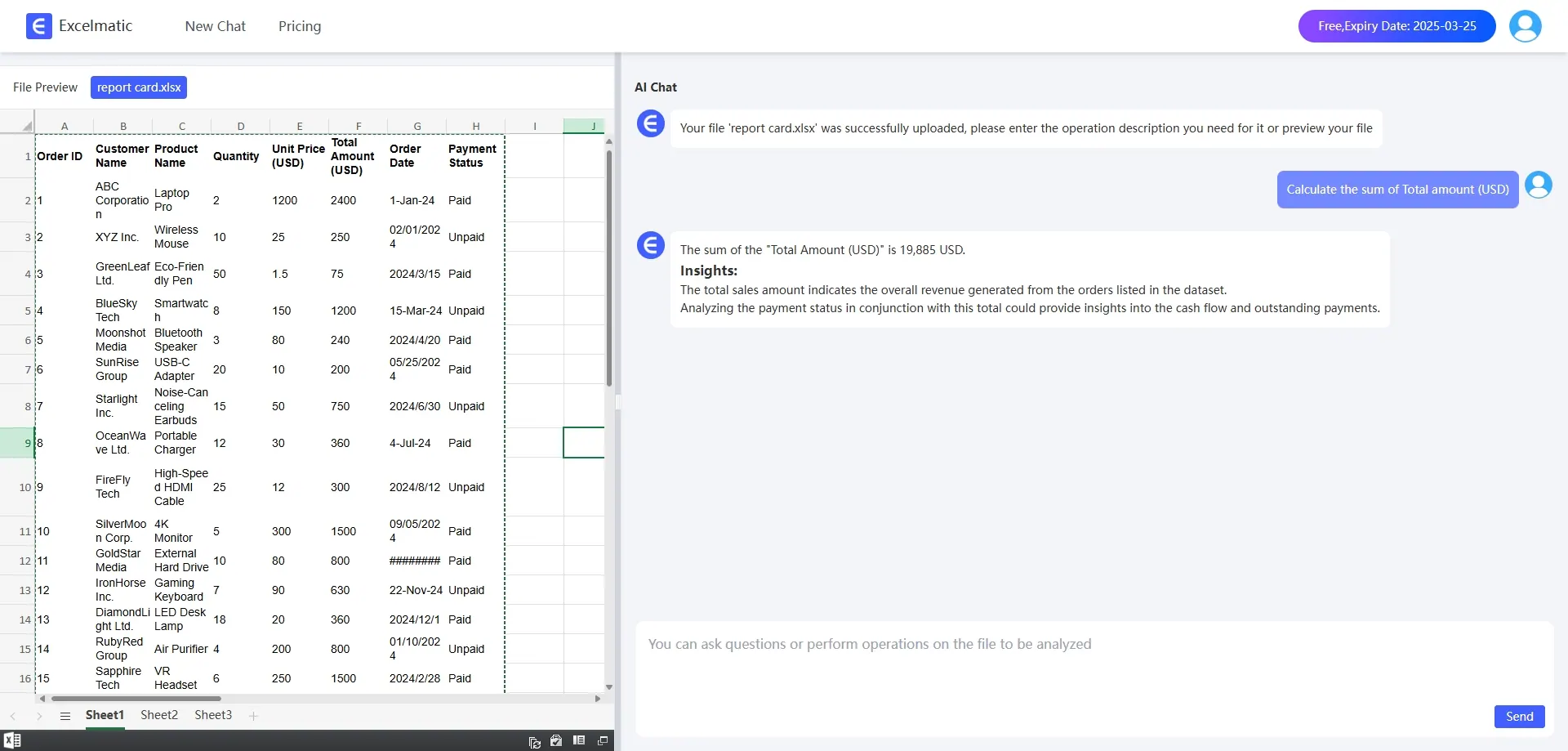
One-Click Professional Charts & Reports
Traditional chart creation requires multiple parameter adjustments. KuangYou Excel auto-recommends chart types and generates reports with key insights. AskingShow monthly cost fluctuationsyields a line chart with anomaly alerts and optimization tips.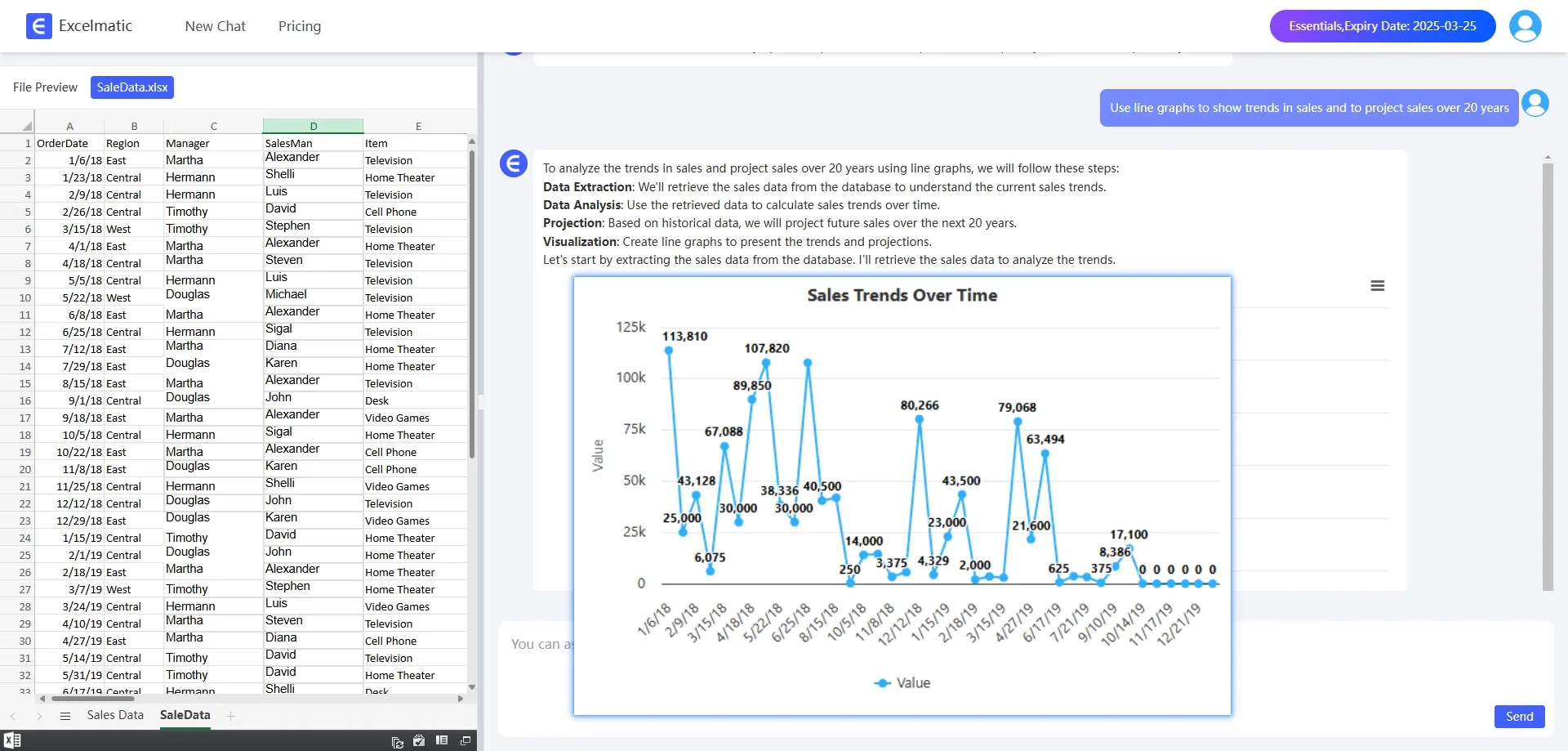
Smart Explanations for Better Decisions
Raw data results can confuse non-experts. RowSpeak adds plain-language annotations, e.g., bridging the gap between data and actionable insights.
How to Achieve Efficient Analysis with RowSpeak?
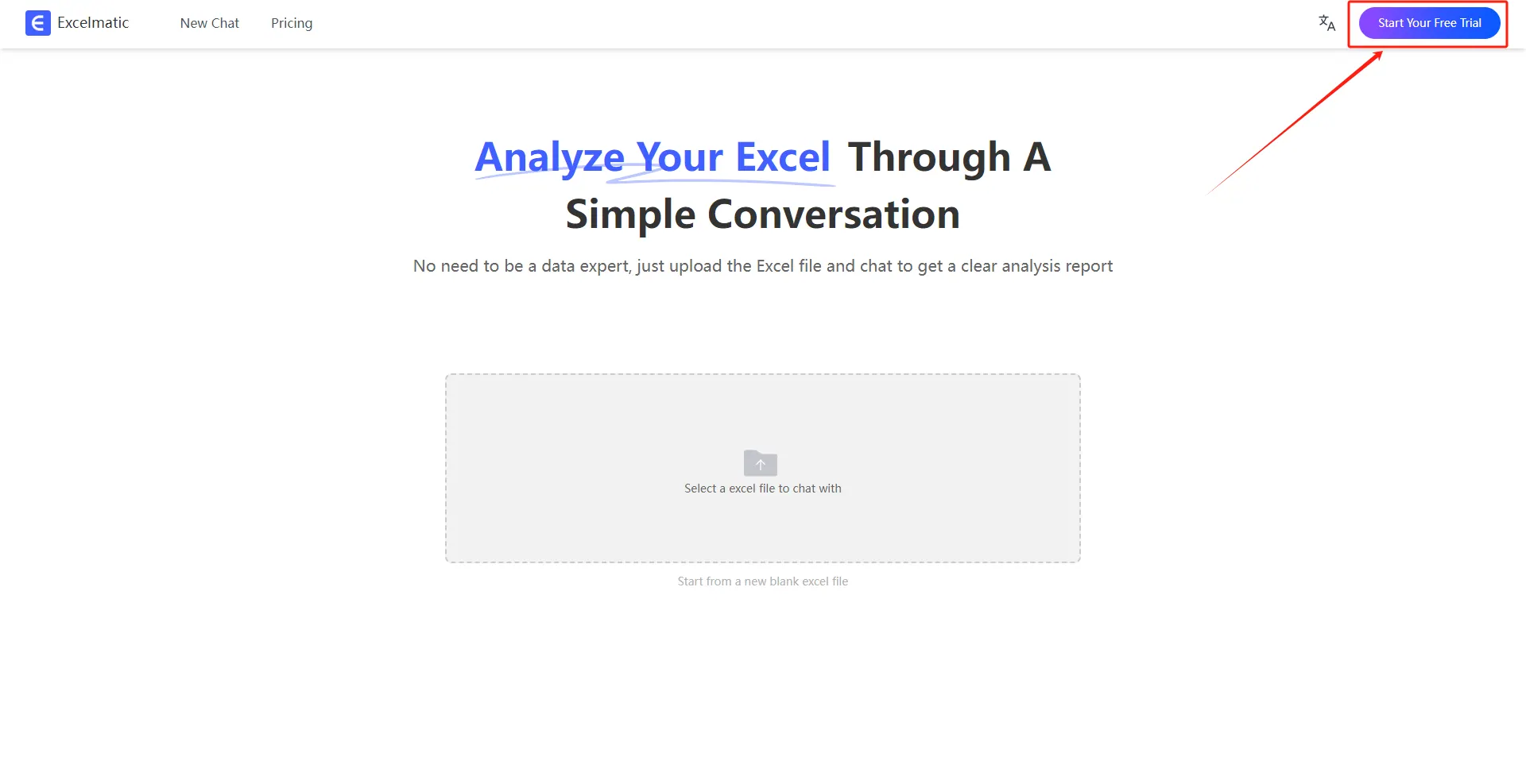
1.Register and Log In
Visit the RowSpeak website and log in to your account.
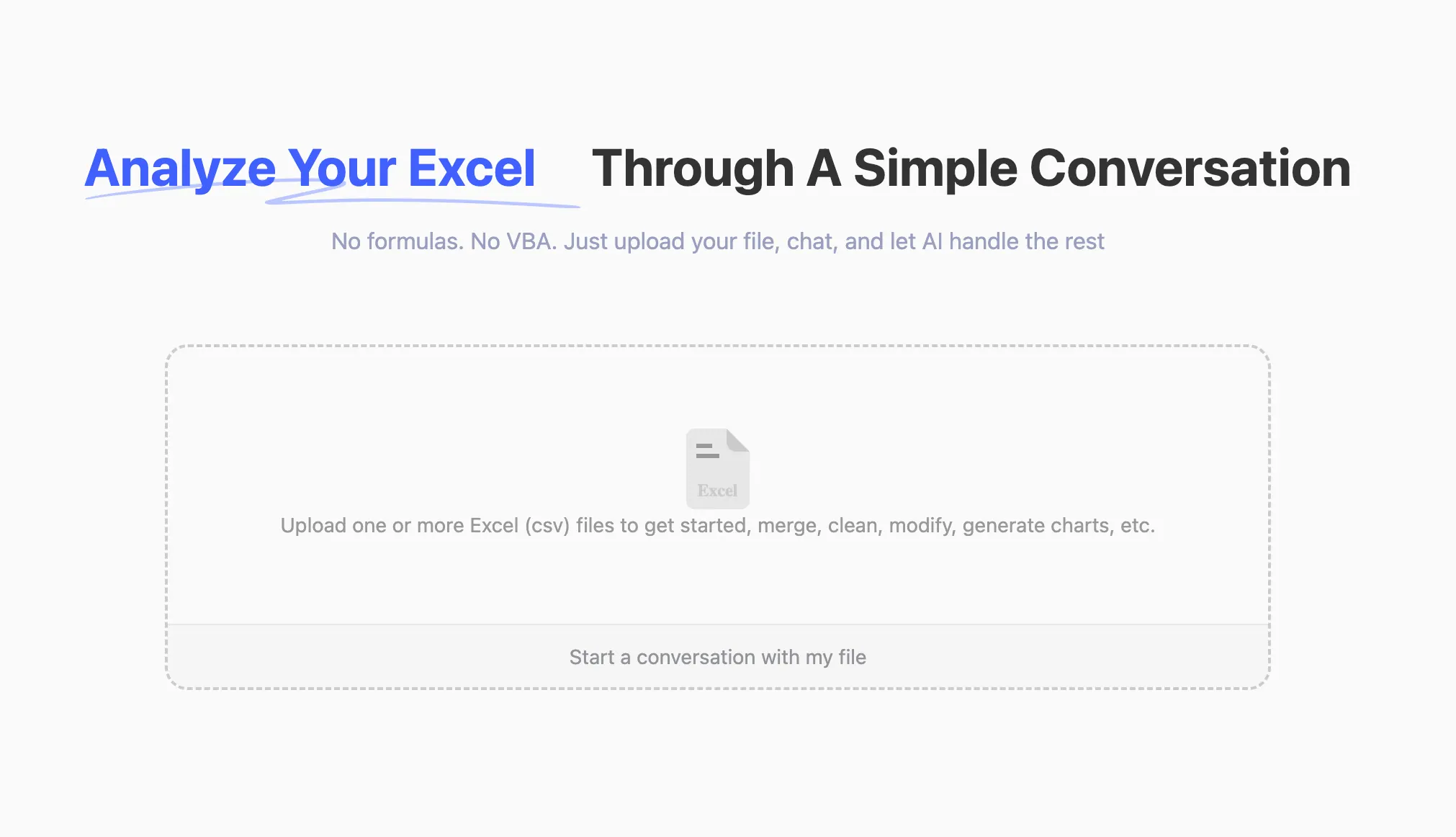
2.Upload Excel Files
Upload your Excel files to RowSpeak. The system supports all common formats, including .xlsx, .xls, and .csv.
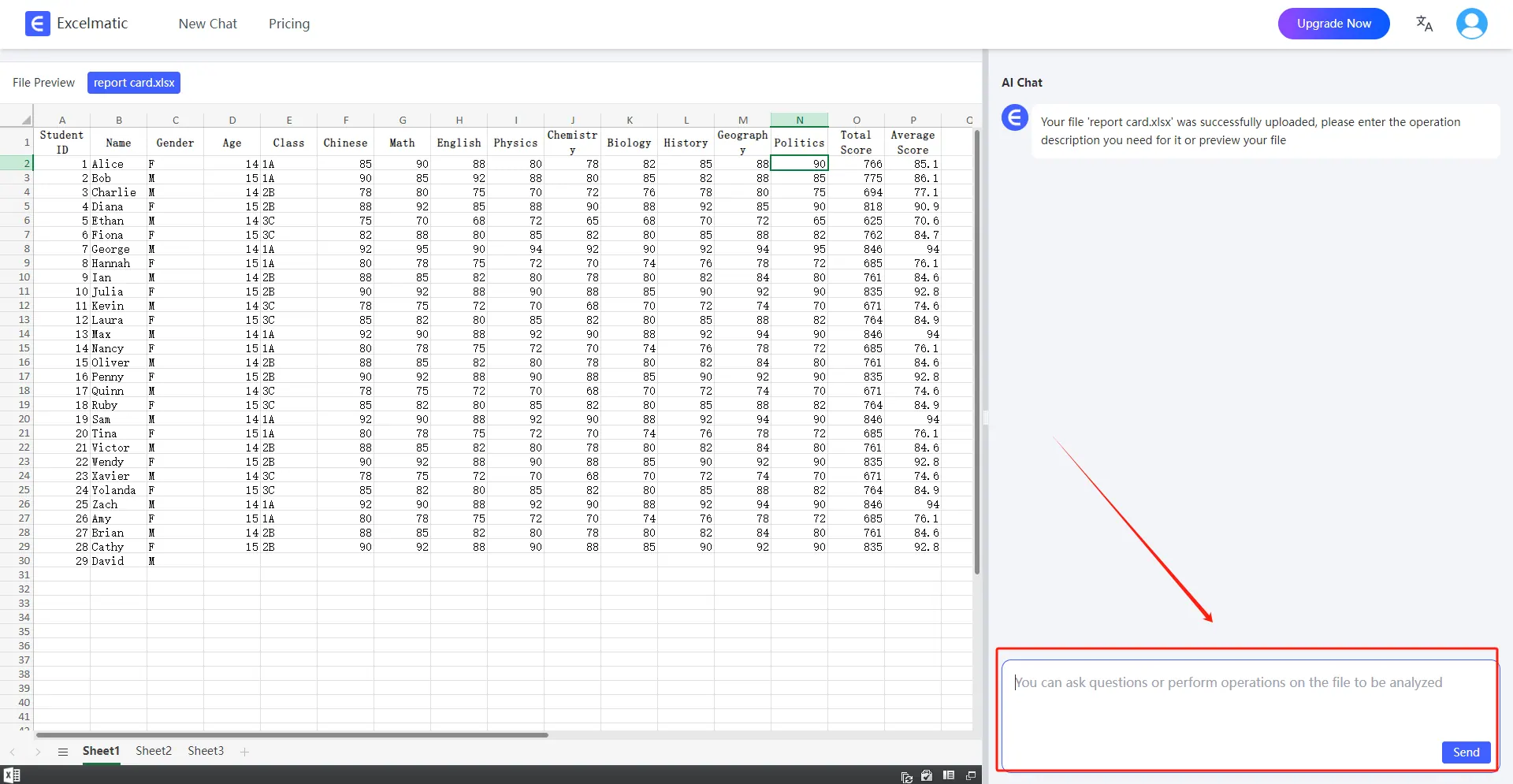
3.Ask Questions in Natural Language
Once your file is uploaded, you can start asking questions in natural language. For example: “Help me count the total sales each month.”
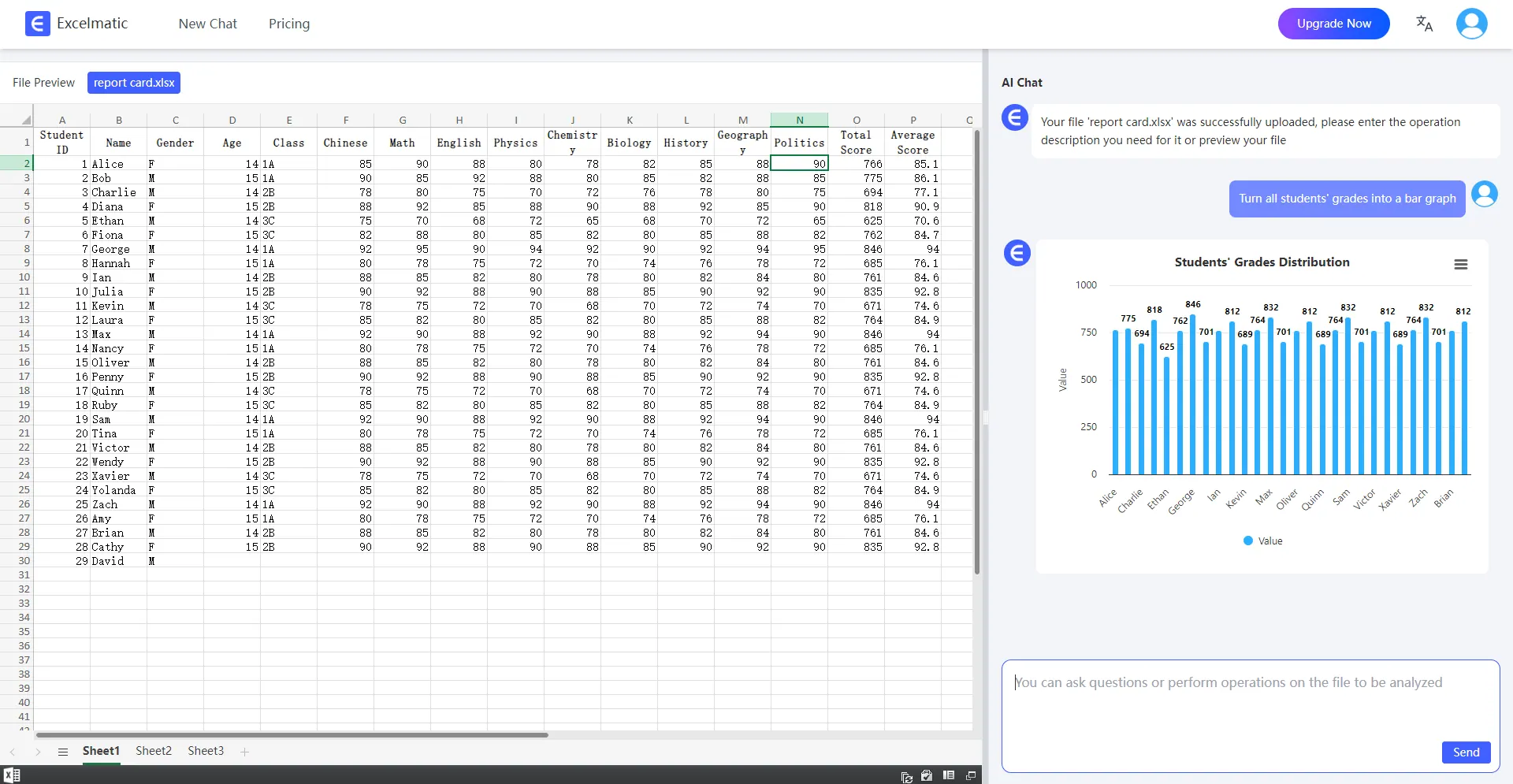
4.Get Analysis Reports
RowSpeak will immediately process your request and generate detailed analysis reports. These reports highlight key metrics and trends, provide data interpretations and recommendations, and support automatic data visualization charts.
Use Cases for Excel AI Tools
- Financial Management: Automate budget vs. actual comparisons, generate P&L statements.
- Market Research: Analyze user behavior to identify high-potential products.
- Project Management: Track progress, budget deviations, and risks in real time.
- Personal Finance: Categorize expenses and visualize monthly spending trends.
Why Choose RowSpeak?
As a natural language-powered Excel AI tool, RowSpeak democratizes data analysis:
- Save 90% Time: Automation from query to report.
- Enterprise-Grade Analytics: Built-in statistical models for descriptive and predictive analysis.
Experience the AI-Driven Data Analysis Revolution
Whether you’re a finance professional, marketing manager, or solopreneur, RowSpeak lets you master data through conversation. Visit our website for a free trial and unlock smarter, faster analysis!