In today's fast-paced digital world, efficiency is key. Excel has long been a staple tool for data management and analysis, but integrating AI into your Excel workflow can take your productivity to new heights. These AI-powered tools can help automate tasks, provide deeper insights, and simplify complex operations. In this blog post, we'll explore the top 10 free AI tools for Excel that can transform the way you work with spreadsheets.
1. RowSpeak
Features
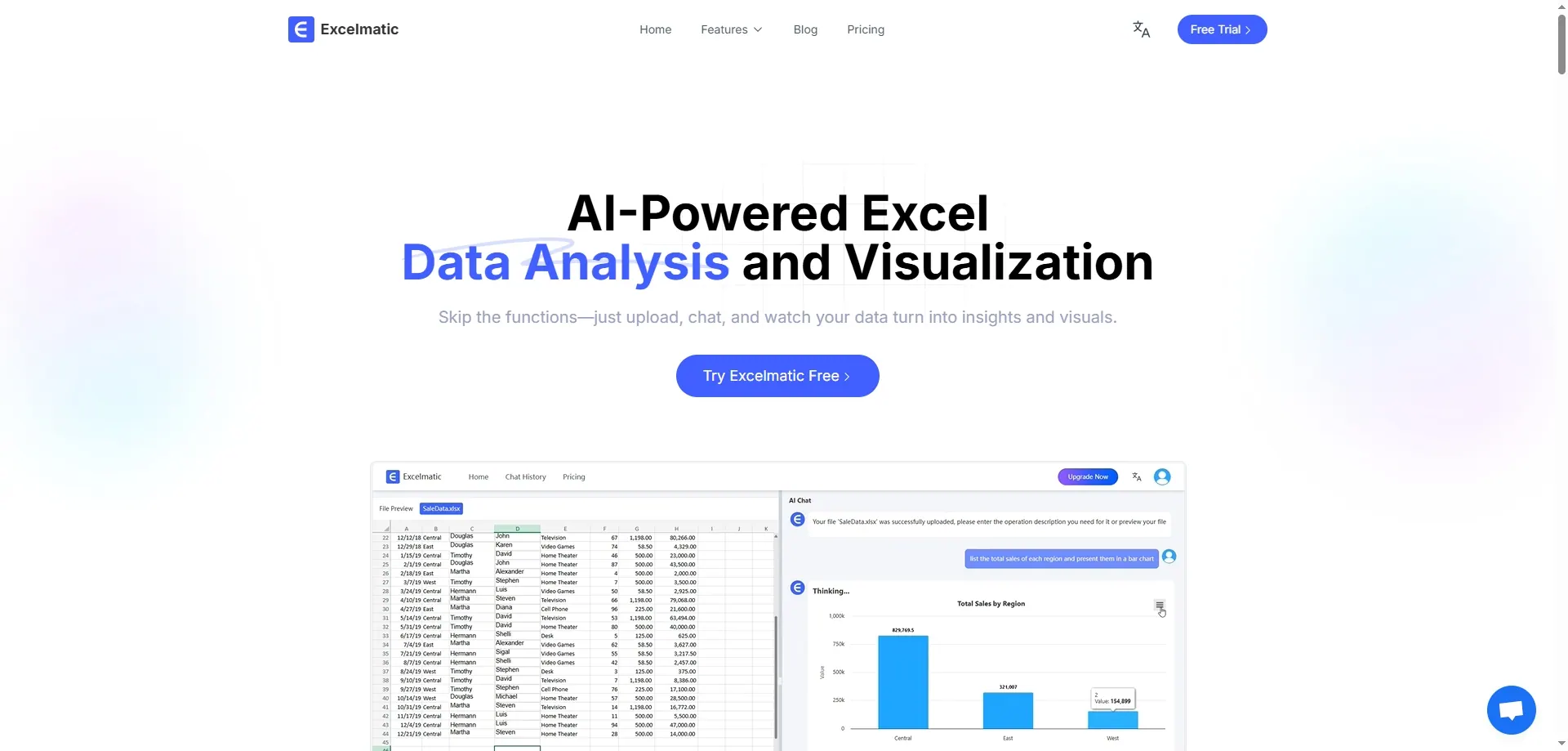
RowSpeak stands out as a comprehensive AI assistant for Excel users. Its Excel AI workflow offers automated formula generation, AI-driven data analysis, and data-cleaning capabilities. Whether you're struggling with complex formulas or need quick insights from your data, RowSpeak can handle it with ease.
Pros and Cons
Pros:
- Conversations lead to results
- Saves time on repetitive tasks
- Reduces errors in formula creation
- Provides valuable data insights
- User-friendly interface
- Free to use
Cons:
- Some advanced features might require subscription
Best For
RowSpeak is ideal for professionals of all levels, from beginners who find Excel formulas challenging to experienced users looking to streamline their workflow. It's particularly beneficial for those who frequently work with large datasets or need quick data analysis without manual effort.
2. Numerous
Features
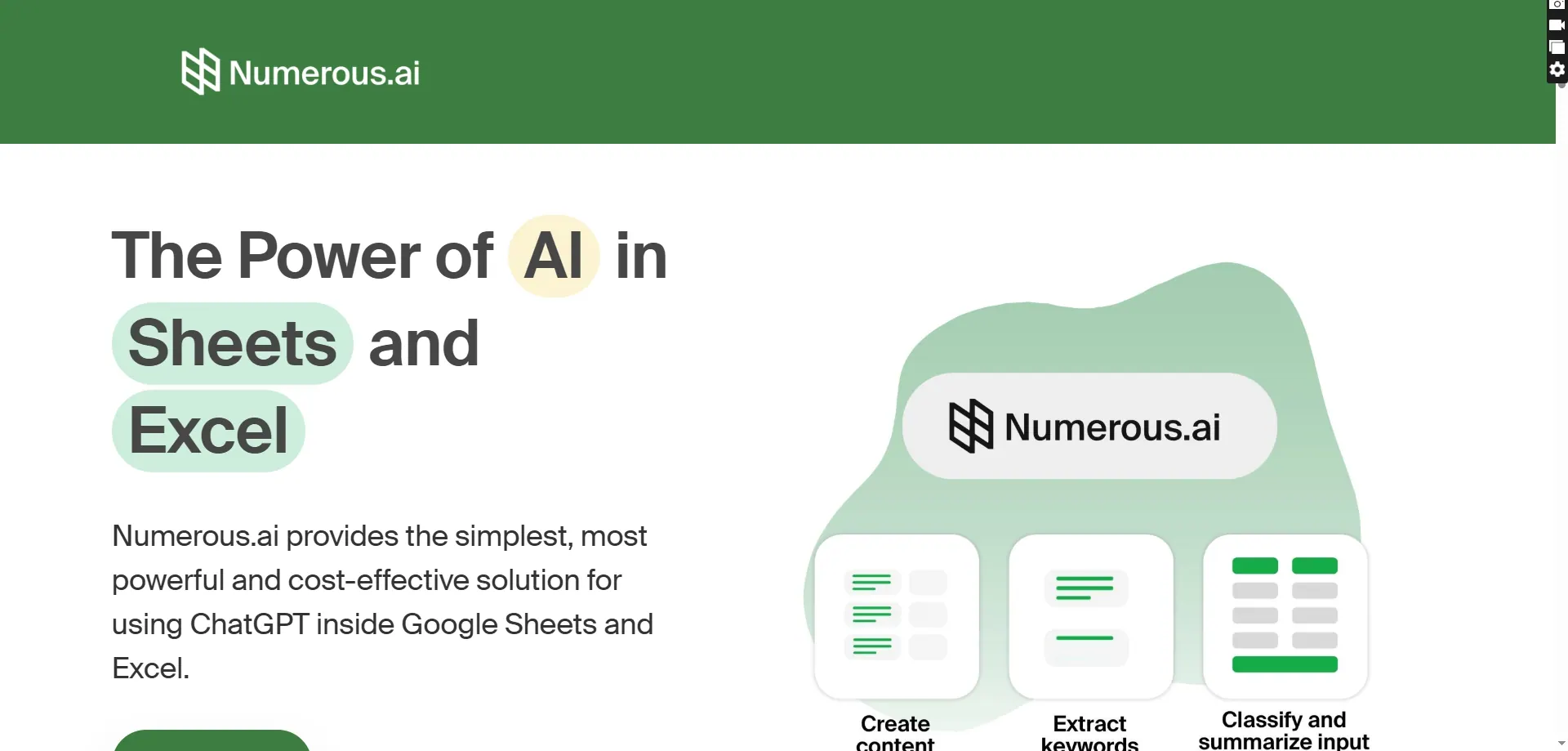
Numerous is a versatile AI-powered tool that allows users to complete tasks at scale within spreadsheets. It can handle everything from sentiment analysis to generating SEO data, making it a powerful addition to your Excel toolkit.
Pros and Cons
Pros:
- Handles complex tasks efficiently
- Integrates with both Excel and Google Sheets
- No sign-up required for basic use
- Unlimited usage on free plan
Cons:
- Some advanced features require payment
- Interface might be overwhelming for beginners
Best For
Content marketers, e-commerce businesses, and data analysts who need to process large volumes of data or generate insights quickly will find Numerous invaluable.
3. Akkio AI Formula Generator

Features
Akkio's AI Formula Generator specializes in creating Excel formulas based on natural language prompts. Simply describe what you need, and the tool generates the appropriate formula for your dataset.
Pros and Cons
Pros:
- Eliminates formula creation headaches
- Reduces syntax errors
- Works with various Excel versions
- Free basic usage
Cons:
- Limited to formula generation only
- Advanced features require subscription
Best For
Perfect for users who struggle with Excel's extensive formula library or need quick solutions for specific calculations without deep Excel knowledge.
4. Wolfram Alpha Plugin
Features
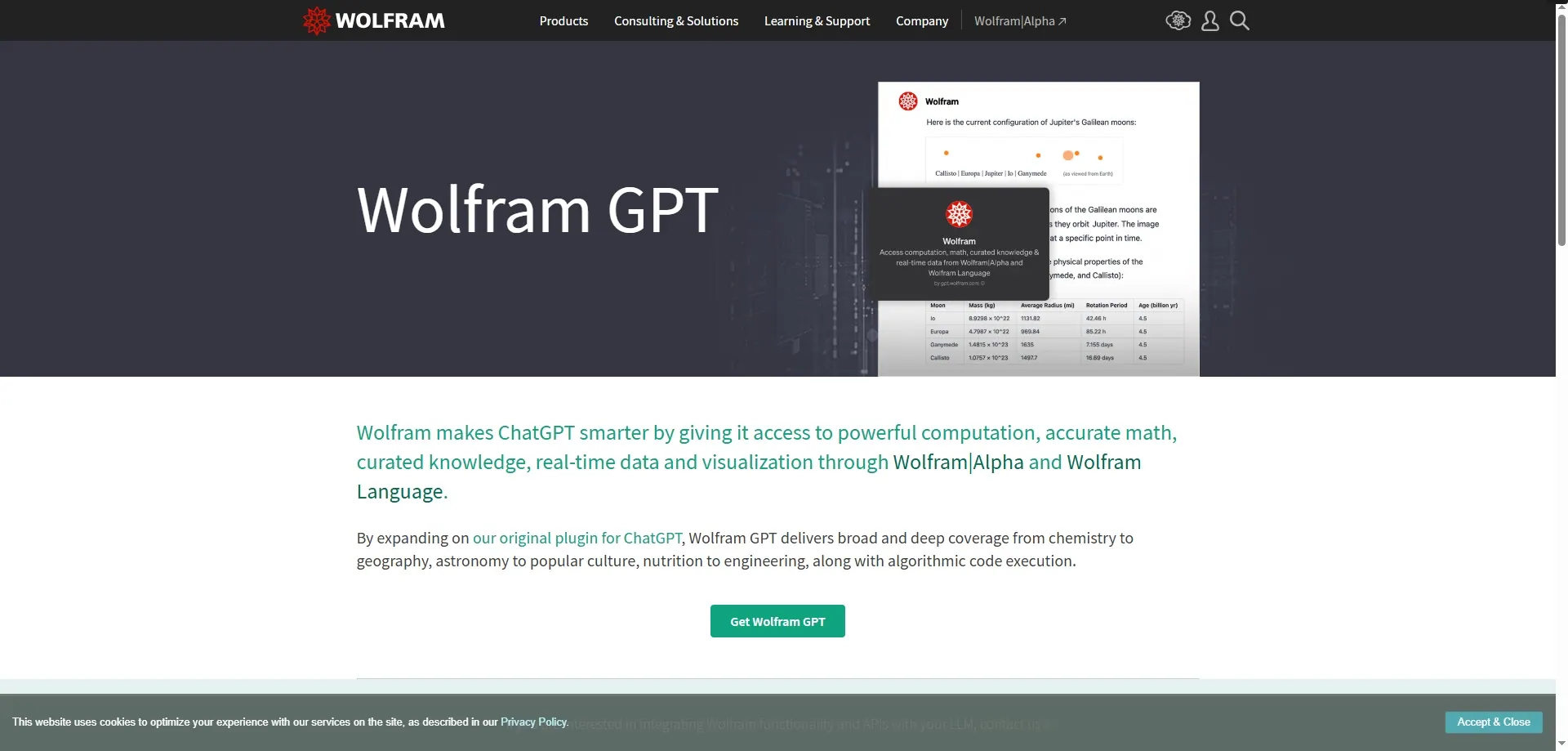
This plugin brings computational intelligence to Excel, enabling advanced mathematical calculations and real-time data integration from various sources.
Pros and Cons
Pros:
- Excellent for complex mathematical tasks
- Fetches real-time data insights
- Free basic version available
Cons:
- Primarily for advanced users
- Some features require payment
Best For
Students, researchers, and financial analysts who require high-level mathematical computations and data integration capabilities.
5. Tableau Add-In for Excel

Features
Enhance your data visualization capabilities with Tableau's add-in, creating dynamic dashboards and interactive charts directly from your Excel data.
Pros and Cons
Pros:
- Creates stunning visualizations
- Connects to live data sources
- Drag-and-drop simplicity
Cons:
- Free version has limitations
- Full features require subscription
Best For
Business analysts, consultants, and decision-makers who need to present complex data in visually compelling ways.
6. Automate.io for Excel
Features
Connect Excel with over 200 apps to automate workflows, report generation, and data synchronization across platforms.
Pros and Cons
Pros:
- Streamlines cross-platform workflows
- Saves time on repetitive tasks
- Free plan available
Cons:
- Limited features on free tier
- Some integrations require payment
Best For
Small businesses and marketing teams looking to integrate Excel with other tools they use daily.
7. Sheet AI
Features
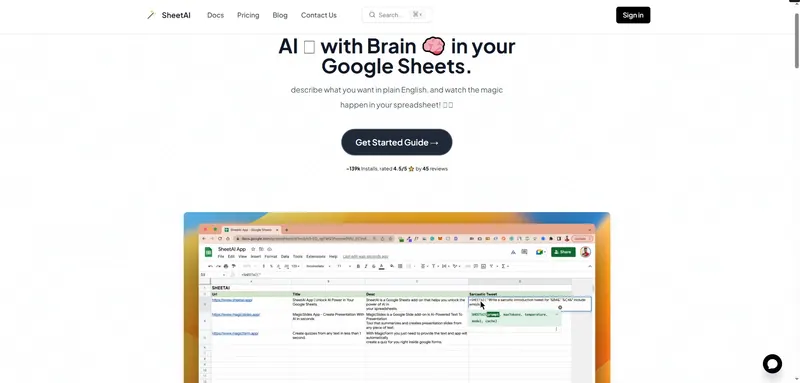
Combines AI with real-time collaboration, offering data cleaning, predictions, and integration with the Zoho ecosystem.
Pros and Cons
Pros:
- Real-time collaboration features
- Integrated AI tools
- Free for individual use
Cons:
- Best suited for Zoho users
- Some advanced features require subscription
Best For
Remote teams and businesses already using Zoho products who need collaborative spreadsheet capabilities with AI assistance.
8. Excel AI Office Bot
Features
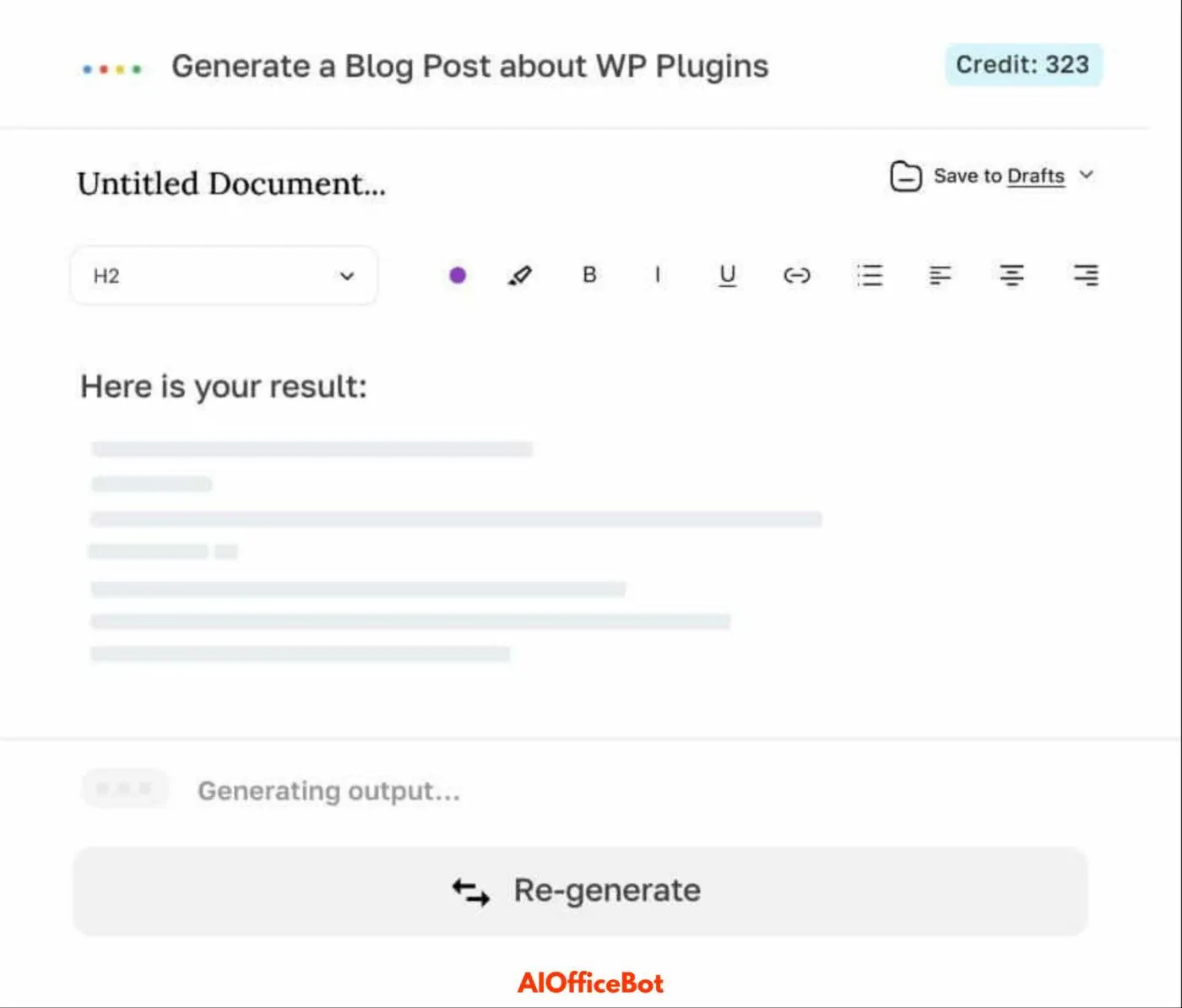
This AI-powered bot helps with various Excel tasks, including data entry, formatting, and basic analysis through simple conversational commands.
Pros and Cons
Pros:
- Easy to use with natural language commands
- Reduces manual data entry time
- Free to use
Cons:
- Limited to basic tasks
- May not handle complex operations
Best For
Beginners or those who need quick assistance with routine Excel tasks without deep technical knowledge.
9. GPTExcel
Features
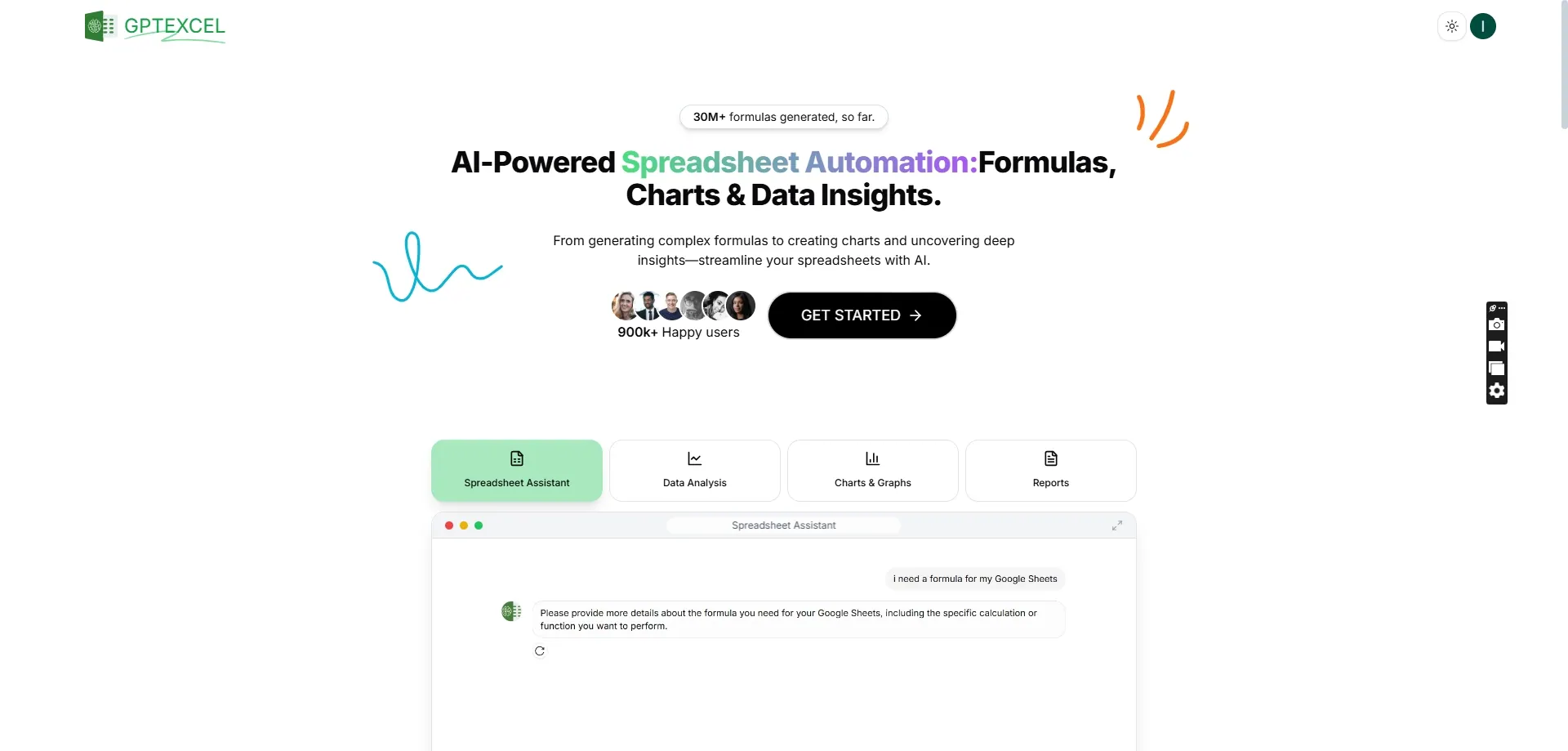
Leverages AI to generate Excel formulas, create charts, and provide data analysis based on natural language prompts within your spreadsheet.
Pros and Cons
Pros:
- Integrates seamlessly with Excel
- Handles various data tasks
- Free basic usage
Cons:
- Advanced features require payment
- Occasionally needs manual adjustments
Best For
Users who prefer working within Excel but want AI assistance for formula creation and data visualization.
10. Formularizer

Features
Transforms natural language instructions into Excel formulas, making complex calculations accessible to all skill levels.
Pros and Cons
Pros:
- Simplifies formula creation
- Reduces syntax errors
- Free to use
Cons:
- Limited to formula generation
- May not cover all Excel functions
Best For
Anyone who finds Excel formulas intimidating or time-consuming to create manually.
Why RowSpeak Stands Out
Among these excellent tools, RowSpeak deserves special recognition for its comprehensive approach to AI-powered Excel assistance. Unlike tools that focus on specific tasks, RowSpeak offers a full suite of capabilities including:
- Formula Automation: Generates accurate formulas instantly
- Data Analysis: Provides actionable insights from your data
- Data Cleaning: Automates tedious data preparation tasks
Its intuitive design makes it accessible to users of all skill levels, while its powerful backend handles even complex operations efficiently. Whether you're a spreadsheet novice or an Excel veteran looking to enhance your productivity, RowSpeak offers tangible benefits that can significantly improve your workflow.
Conclusion
These free AI tools for Excel represent a significant advancement in spreadsheet technology, making complex tasks more manageable and unlocking new levels of efficiency. While each tool has its unique strengths, RowSpeak emerges as a top choice for its versatility and user-friendly approach to AI-powered Excel enhancement. By incorporating these tools into your workflow, you can transform your spreadsheet experience, saving time, reducing errors, and gaining deeper insights from your data without breaking the bank.