A general ledger export looks like a perfect automation target.
For finance-specific reporting, RowSpeak's financial reporting automation connects budgets, forecasts, variance checks, and leadership-ready summaries.
It has dates, account codes, descriptions, debit and credit values, and transaction-level detail. In theory, a script or AI tool should be able to turn that file into an income statement and balance sheet quickly.
But accountants know the hard part is not opening the file. The hard part is trusting the output.
A recent r/DataAnalysis post captured the issue well. A public accountant was building a Python pipeline to transform a transaction-level general ledger into financial statements. They had already handled loading and cleaning. The next question was how to design the transformation layer for production, with a focus on correctness, auditability, and scalability.
Source: https://www.reddit.com/r/dataanalysis/comments/1t2sxcl/transforming_a_general_ledger_into_financial/
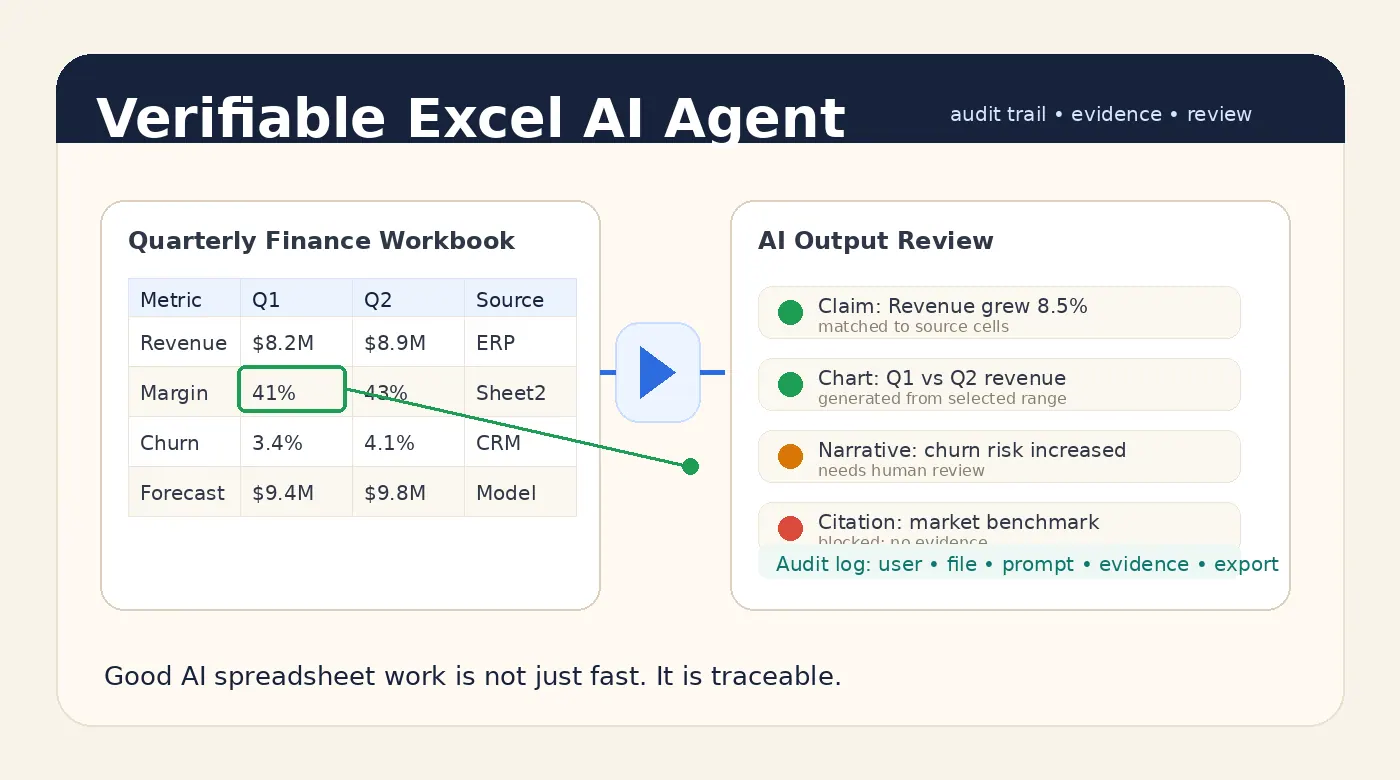
That is exactly the right framing. For financial-statement automation, speed is useful only if the workflow preserves control.
The file-to-report workflow is bigger than one transformation
Turning a GL export into statements is not a single conversion step. The team has to load the export, clean fields and dates, handle signs correctly, map accounts to statement lines, apply period cutoff rules, and catch unmapped accounts or unusual entries before the draft report is trusted.
AI can help with parts of that workflow. It can summarize the ledger structure, detect odd descriptions, suggest mappings, explain changes, and draft the first version of a report.
But it should not hide the checks. For finance work, the system must show what happened between the raw ledger and the final number.
The checks are the product
A good GL-to-statement workflow needs review checkpoints, not just a prettier output. The reviewer should be able to see whether debits and credits balance, which accounts are unmapped, which accounts were mapped to each statement line, and whether the reporting period was applied correctly.
They also need to understand sign handling, duplicate or reversing entries, retained earnings logic, manual adjustments, and the rows behind any material variance. Those details are not optional polish. They are the difference between a useful draft and a risky report.
This is why generic automation often disappoints accounting teams. It can create a statement-looking result, but it may not make the result defensible.
Where RowSpeak fits
RowSpeak should be positioned as a spreadsheet-to-report assistant, not as an unsupervised accounting system.
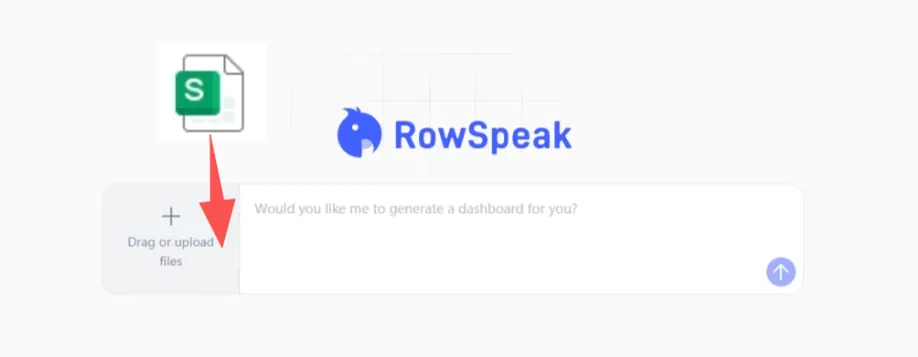
A practical RowSpeak workflow starts with the ledger export. The user asks RowSpeak to inspect the columns, summarize the structure, surface unmapped accounts or unusual balances, and help draft an income-statement or balance-sheet view based on a reviewed mapping. From there, the accountant can ask follow-up questions about specific line items and export a draft report with caveats and supporting evidence.
The important phrase is draft report.
The accountant still owns the mapping. The accountant still reviews the exceptions. The accountant still approves the final statement. AI helps make the review faster and more complete.
A useful prompt for ledger review
Review this general ledger export for financial-statement preparation.
Identify the available fields, check whether debits and credits balance, list unmapped or unusual accounts, and suggest a draft income-statement grouping.
For every material line item, show the supporting accounts and transactions used.
This kind of prompt is better than asking AI to simply create the financial statements. It asks the AI to expose the work, which makes the result easier for the accountant to validate.
Auditability matters more than automation theater
Many finance automation demos stop at the prettiest output. The spreadsheet becomes a chart. The chart becomes a report. The report becomes a polished paragraph.
That looks impressive, but it skips the buyer’s real question: can I defend this number?
If the answer is no, the output is not ready for accounting work.
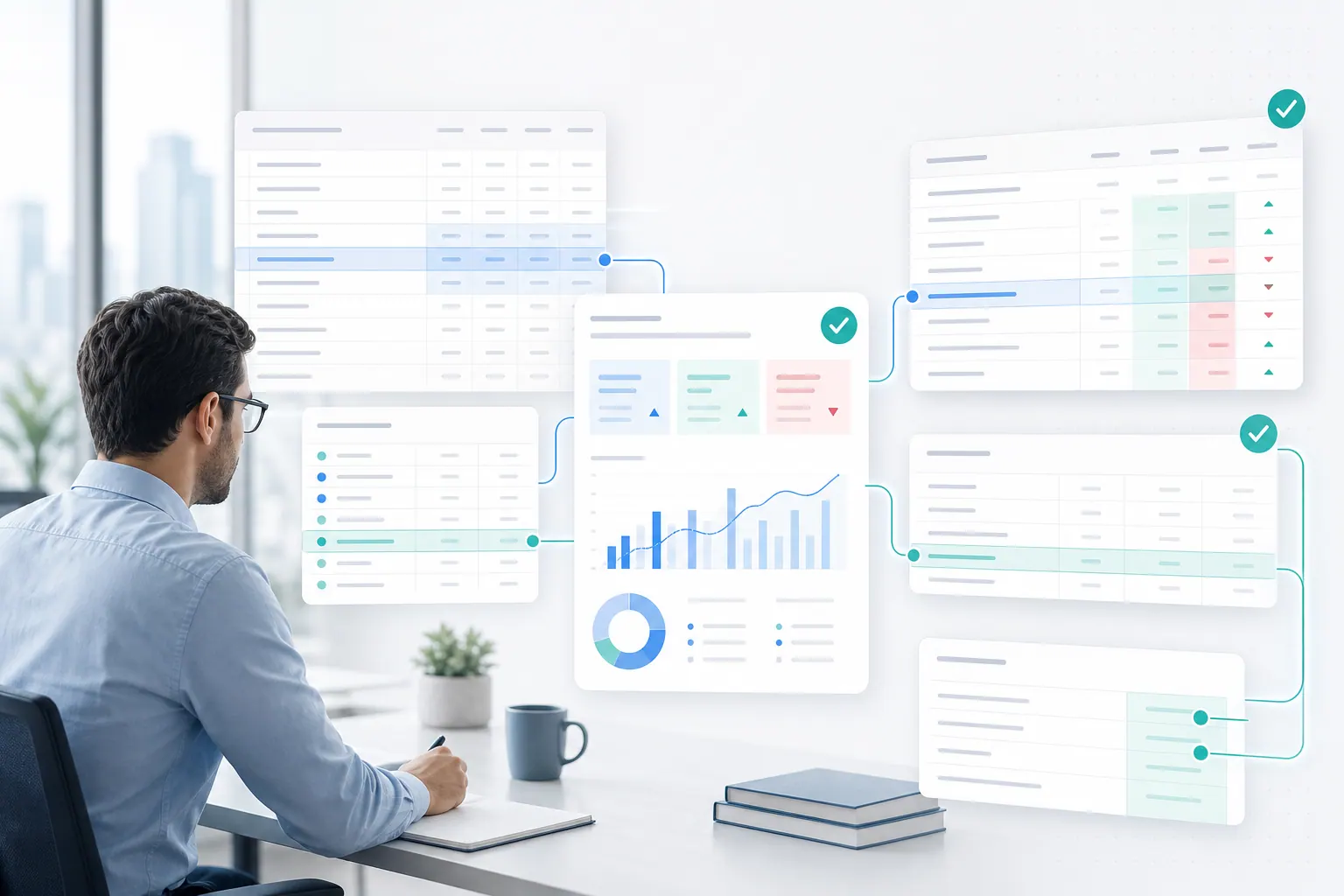
A business-ready spreadsheet assistant should help the user trace the path from source file to final answer. That means source rows, calculations, mappings, assumptions, and review status.
This is the same standard discussed in our article on verifiable Excel AI outputs.
The bottom line
General-ledger automation is a strong use case for AI spreadsheet tools. But the goal is not to skip accounting judgment.
The goal is to reduce the manual work around cleaning, mapping, checking, summarizing, and drafting while keeping the accountant in control of the final output.
For GL-to-financial-statement workflows, the best AI is not the one that gives the fastest answer. It is the one that leaves the clearest audit trail.
You can try RowSpeak with your own spreadsheet here: https://dash.rowspeak.ai