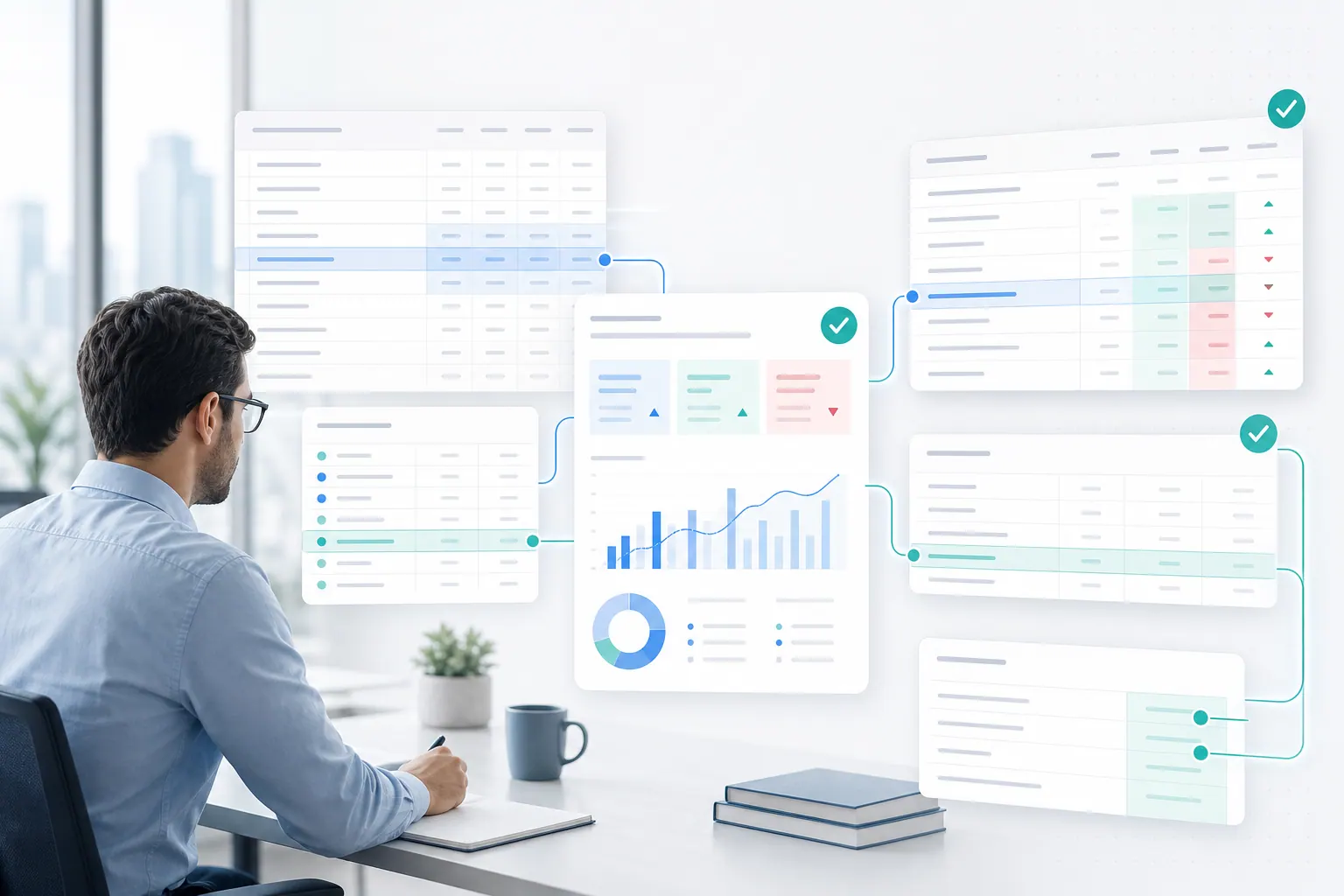
Excel AI is starting to look less like a chatbot and more like a teammate.
It can clean messy data, explain budget variance, generate charts, and draft the first version of a report. For finance, FP&A, operations, sales, and BI teams, that is exactly the promise: less spreadsheet busywork and faster answers from the files they already use every day.
But speed is not the reason a finance team trusts an answer.
They trust an answer when they can see where it came from, which rows supported it, what assumptions were used, and whether someone reviewed it before it reached a report or board deck. That is why Microsoft’s April 2026 announcement that Copilot's agentic capabilities in Word, Excel, and PowerPoint are generally available matters. It is a market signal that Excel AI is moving from simple Q&A toward action.
The buying question for business teams is now sharper: if AI can do more inside a spreadsheet, how does the team know the result is safe to use?

That is the real enterprise issue. The question is not whether AI can generate a polished answer, create a chart, or draft a report. It can already do those things. The question is whether a team can verify the output before it reaches a manager, a customer, a board deck, or a financial decision.
The shift from chat to action changes the risk
A spreadsheet chatbot is useful. It can explain a formula, summarize a table, or suggest a next step.
An agentic spreadsheet workflow is different. It does not only respond. It may interpret the workbook, choose a range, transform data, generate a chart, write a summary, and prepare something the user can export.
That creates more value. It also creates more responsibility.
A weak AI answer in a chat window is easy to ignore. A weak AI-generated table inside a workbook may look like finished work. A weak chart may look board-ready. A weak variance explanation may travel into a monthly report before anyone asks which rows supported it.
That is why spreadsheet AI needs a higher standard than general chat.
In a business spreadsheet, the answer is rarely isolated. It sits inside a chain:
- source workbook
- sheet and table structure
- formulas and assumptions
- filters and exclusions
- calculations and transformations
- written interpretation
- chart or report output
- human review
- final export or sharing
If AI participates in that chain, the system should preserve enough context for a reviewer to understand what happened.
Why business users want agentic Excel
The demand is real because spreadsheet work is still full of slow, repetitive steps.
A finance analyst may spend hours cleaning department-level actuals before writing a variance note. A revenue operations manager may merge CRM exports and billing spreadsheets to understand pipeline quality. A procurement lead may compare supplier costs across multiple tabs. A COO may ask for a quick dashboard before an operating review.
These are not exotic AI use cases. They are normal business workflows.
The reason agentic Excel feels important is that users do not want a separate AI toy. They want help inside the flow of real work. They want to ask a direct question and get a useful result:
Analyze actuals versus budget by department. Flag any department more than 10% over budget, explain the main drivers, and prepare a management note with a chart.
A good system should not force that user to build every pivot table by hand. It should help them move from file to answer.
But it should also show what happened along the way.
That is where a spreadsheet assistant becomes more than a chat box. It needs to understand workbook structure, help with the analysis, and keep the user close enough to the evidence to review the result.
The hidden problem: polished output can hide weak evidence
AI-generated spreadsheet output often fails in quiet ways.
It may use the wrong denominator. It may summarize a filtered table as if it were the full dataset. It may treat a subtotal row as a transaction row. It may compare months that use different date formats. It may describe a trend from two data points. It may infer a business explanation that is not actually present in the data.
The problem is not only that the AI might be wrong. People already know AI can be wrong.
The deeper problem is that spreadsheet outputs can look credible even when the evidence is weak.
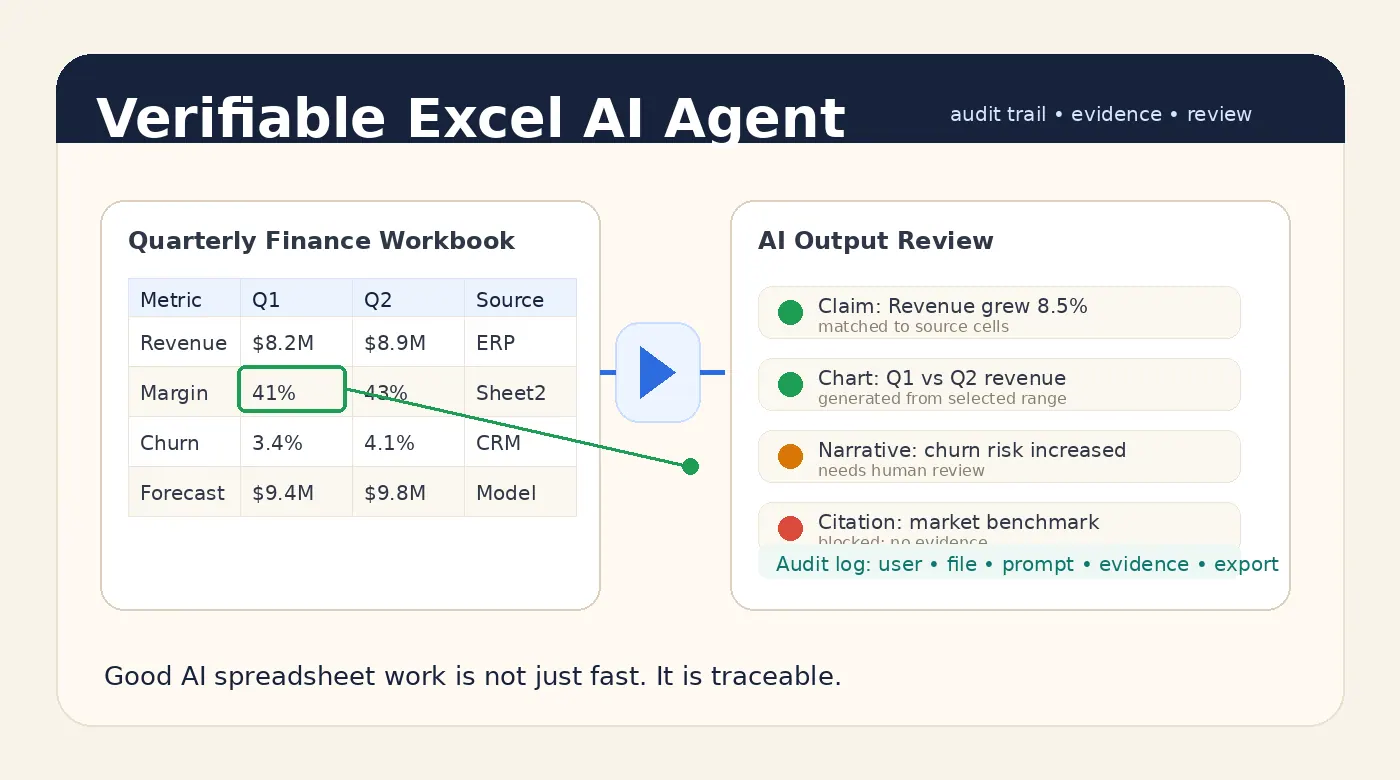
A clean chart feels authoritative. A well-written paragraph feels reviewed. A formatted report feels done. If the output does not expose its source range, calculation path, caveats, or assumptions, the user has to trust the presentation instead of checking the work.
That is dangerous for teams that use spreadsheets in recurring business processes.
Finance reports, sales reviews, inventory decisions, board updates, and operating dashboards all need a trail from the final statement back to the data. Without that trail, AI does not remove spreadsheet risk. It makes the risk harder to see.

What verifiable agentic Excel should provide
Agentic spreadsheet workflows need verification built into the product experience.
At minimum, a business-ready Excel AI Agent should show:
- which workbook version was used
- which sheets and tables were analyzed
- which rows, columns, filters, and date ranges supported the answer
- which calculations were deterministic
- which parts were model-generated interpretation
- which caveats or data-quality warnings were found
- which output was reviewed, edited, exported, or shared
This does not mean users need to inspect every cell manually. That would defeat the point.
It means the system should keep the evidence attached to the output. When a chart is generated, the user should be able to see the selected data range. When a summary says revenue grew 8.5%, the reviewer should be able to see the source values and formula. When a management note includes a caveat, that caveat should not disappear during export.
That is the difference between fast AI and trustworthy AI.
Where RowSpeak fits into this new baseline
RowSpeak is built for the spreadsheet work that sits between raw data and business decisions.
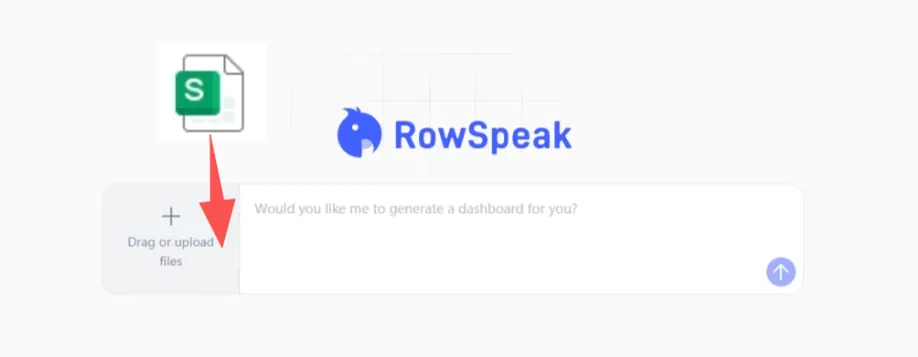
The product direction is simple: let users work with spreadsheets in plain English while keeping the structure of the underlying data visible enough for review. Upload, analysis, charting, reporting, and export should feel like one workflow, not five disconnected tools.
For a user, that means asking a question in natural language and getting a useful answer. For a team, it means the workflow can be designed around review, repeatability, and data boundaries.
That matters because many companies do not only want faster Excel work. They want an approved path for AI spreadsheet work.
A practical AI spreadsheet analysis workflow should combine model reasoning with deterministic computation where possible. The model can explain and summarize. The system should calculate, check, and preserve evidence.
Agentic workflows still need human review
A common mistake is to frame AI adoption as a choice between automation and control.
That is the wrong tradeoff.
Good spreadsheet AI should automate the boring parts while making review easier. The user should not have to rebuild every calculation. But they should be able to inspect the important ones. They should not have to write every sentence from scratch. But they should be able to see which claims are supported by data and which claims are interpretation.
For low-risk work, the review step can be light. A user may simply check the output and move on.
For finance, HR, legal, customer, compliance, or board-facing work, the review step should be explicit. Teams should know who generated the output, what file was used, which caveats appeared, and who approved the final export.
This is especially important for management reporting workflows, where the same process repeats every month. If each month depends on a different prompt, different file version, and different hidden assumptions, the process will not scale.
Private and governed deployment will matter more
Agentic Excel also changes the security conversation.
When AI only answers generic questions, security teams worry about model access and prompt leakage. When AI works with business spreadsheets, the concern becomes broader. Files, formulas, prompts, intermediate outputs, generated reports, user edits, and logs all become part of the workflow.
That is why sensitive spreadsheet teams often need more than a public chatbot. They may need private deployment, controlled retention, access policies, and audit history that match their internal risk posture.
This is not just an enterprise compliance checkbox. It is what makes adoption possible.
If the official tool is slow or hard to trust, people will paste data into whatever tool is easiest. If the approved workflow is fast, useful, and reviewable, teams are more likely to stay inside it.
A practical rollout model for teams
Companies do not need to turn every spreadsheet into an autonomous agent on day one.
A safer rollout usually starts with bounded workflows:
- Start with repeatable reporting tasks. Monthly variance analysis, sales pipeline reviews, inventory summaries, and KPI dashboard drafts are good candidates.
- Separate calculation from explanation. Use deterministic calculation for numbers and let the model explain results in plain English.
- Preserve evidence. Keep sheet names, row ranges, formulas, filters, and caveats tied to the output.
- Add human review for high-risk outputs. Require review before exporting finance, HR, legal, or executive-facing reports.
- Move sensitive work into controlled environments. Use private deployment where files and logs need stronger boundaries.
This approach lets teams get value from agentic Excel without pretending that every AI output is automatically safe.
What buyers should ask vendors now
Microsoft's Copilot announcement shows where the market is going. But buyers still need to ask hard questions of every Excel AI product they evaluate.
Useful questions include:
- Can the system show the source rows and columns behind an answer?
- Can it identify workbook structure before analyzing the file?
- Are numeric outputs calculated by tools or generated only by the model?
- Can caveats survive from analysis into the exported report?
- Can users see which file version and prompt created a result?
- Can admins review usage and exports?
- Can the workflow run in a private environment for sensitive files?
- What happens when the workbook is ambiguous or messy?
These questions are not blockers. They are the path to responsible adoption.
Bottom line
Agentic Excel is becoming mainstream. That is good news for spreadsheet-heavy teams.
But the products that win serious business workflows will not be the ones that only generate the fastest answer. They will be the ones that make the answer easier to verify.
The future of Excel AI is not just agents that act.
It is agents that act with evidence, context, and a workflow humans can still inspect.
Ready to try AI spreadsheet work with a reviewable workflow?
Use RowSpeak to turn spreadsheets into analysis, charts, and reports while keeping the workflow easy to inspect.
Try RowSpeak Free