The most dangerous Excel models are often the ones that still work.
For finance-specific reporting, RowSpeak's AI finance workflow connects budgets, forecasts, variance checks, and leadership-ready summaries.
They have been around for years. They have ten or more sheets. They pull from multiple sources. Everyone knows which tabs to refresh and which outputs to copy into the report. But very few people can explain the full path from source data to final number.
That is why a recent discussion among Excel users felt so familiar. A controller with almost 20 years of experience asked how people audit advanced Excel models with multiple sources and years of accumulated logic. Their own admission was blunt: in practice, they usually do not audit the model unless they notice that the result is wrong.
That is how many business-critical spreadsheets operate. They are trusted until they surprise someone.
Why old Excel models become risky
The problem is not that Excel is bad. Excel is still the fastest place for many finance and operations teams to model a business problem. The problem is that spreadsheet logic often grows faster than spreadsheet review. A workbook starts as a useful analysis. Then it becomes a recurring report. Then it becomes an inherited system.
By the time the model matters, the audit trail is usually missing.
The risk is rarely one dramatic formula error. More often, it is a chain of small assumptions: a pasted export that changed shape, a lookup table that missed a new category, a helper tab nobody opens anymore, or a report step that lives only in one person's memory.
What experienced spreadsheet users recommended
The replies to that discussion were useful because they came from people who had actually lived with these models. One person described the simplest control layer: put checks around totals, lookups, missing data, and any place where the model can break. Another described a team process where one person documents the data collection and transformation flow, then presents it to another team member for validation before the model is used again.
A more regulated example was even stricter. The team traced backward from every result, annotated the links, tested each path independently, and archived the marked-up copy with the model at that point in time. They also kept a checklist tab for every operator step, because the risk was not only in the formulas. It was also in the monthly or quarterly process around the file.
Those comments point to the same lesson: a practical Excel audit is not a single button. It is a reviewable path from source data to final decision.

A practical Excel model audit workflow
A practical audit does not start with every formula. It starts with the flow of the workbook.
Start with the source data
First, identify the sources. Which exports, tabs, pasted ranges, linked workbooks, or manual inputs feed the model? Which ones are refreshed every cycle? Which ones depend on one person remembering a step?
Map the transformations
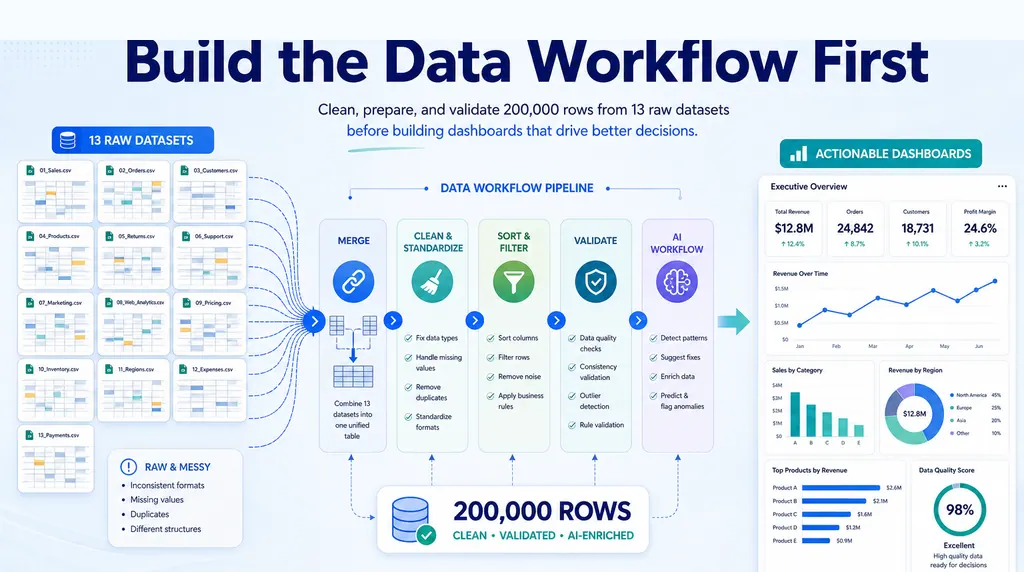
Second, map the transformations. This does not need to be beautiful. A simple review note is enough: source data enters here, gets cleaned here, joins to this lookup table, flows into these calculations, and ends in these report tabs.
Add control checks where errors hide
Third, add control checks around the places where errors are likely to hide. Totals should reconcile between source and output. Lookup tables should flag missing keys. Date ranges should match the reporting period. Blank rows, duplicate IDs, unusual signs, and unexpected categories should become visible exceptions.
Review the outputs like a skeptic
Fourth, review the outputs like a skeptic. Which final numbers drive decisions? Which numbers would be expensive if wrong? Which assumptions are buried in formulas or old helper tabs? Those are the parts that deserve the most attention.
Make the audit explainable to another person
Finally, make another person review the explanation. A good spreadsheet audit is not only technical. It is also about whether someone else can understand and challenge the model.
Where AI can help without becoming another black box
This is where AI can help, but only if it is used carefully.
AI should not be treated as a magic auditor that declares a model correct. That would create a new black box on top of the old one. The useful role for AI is narrower and more practical: summarize workbook structure, generate review questions, find suspicious patterns, explain formulas in plain English, and draft a review note that a human can verify.
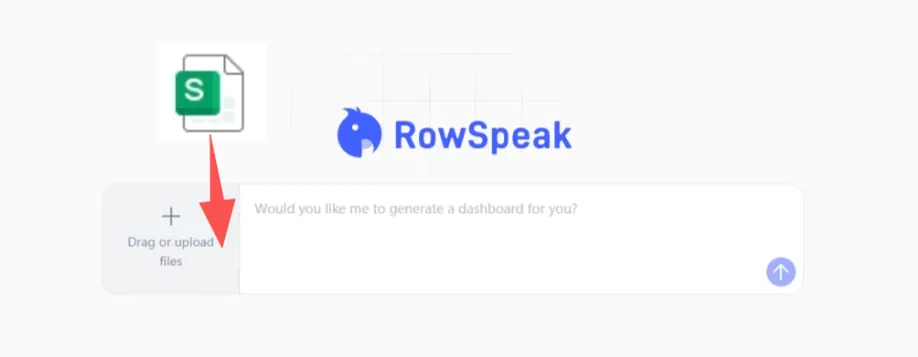
For example, a finance team could upload an Excel model and ask:
Review this workbook as a finance model.
List the source tabs and final output tabs.
Identify formulas or joins that look high risk.
Check for missing lookup values, blank categories, and unusual sign changes.
Draft a short review note with the assumptions I should verify manually.
The value is not that the AI removes responsibility. The value is that it helps the owner see the workbook as a system instead of a pile of tabs.
That distinction matters. Finance and operations teams do not need generic AI confidence. They need reviewable output. If an AI tool says a number changed, it should point to the rows, columns, or assumptions behind the answer. If it writes a summary, the summary should tell the reader what to check before using it.
What a good audit should produce
A strong spreadsheet audit workflow usually produces four things.
It produces a source inventory so the team knows what feeds the model.
It produces a calculation map so the team can follow the logic.
It produces exception checks so obvious breaks do not hide inside the workbook.
It produces a review note so future users understand what was checked, what remains uncertain, and where judgment is still required.
That last part is important. A spreadsheet model does not become safe because it has been opened. It becomes safer when the team can explain it, test it, and review the evidence behind its outputs.
Use RowSpeak to make spreadsheet review easier
RowSpeak is useful in this kind of workflow because it starts where the business user already is: the spreadsheet. You can upload the file, ask plain-English review questions, generate summaries, and turn the results into a report or checklist that supports human review.
The goal is not to make Excel disappear. The goal is to make critical Excel work less opaque.
If your team depends on a workbook that no one fully understands, start with one review question today: what final number would hurt the business most if it were wrong?
Then trace that number backward.
Try RowSpeak with your next spreadsheet review: https://dash.rowspeak.ai