
AI Reporting
Explain changes and share results
Start here
Editor pick · reviewed quarterly AI Reporting
Tired of Complex VBA If-Then-Else? Automate Conditional Logic with Excel AI
Struggling with VBA's steep learning curve just to apply some business rules? Forget cryptic If-Then-Else syntax. Discover how Excel AI lets you automate conditional logic using plain language, saving you hours and eliminating coding errors.
 AI Reporting
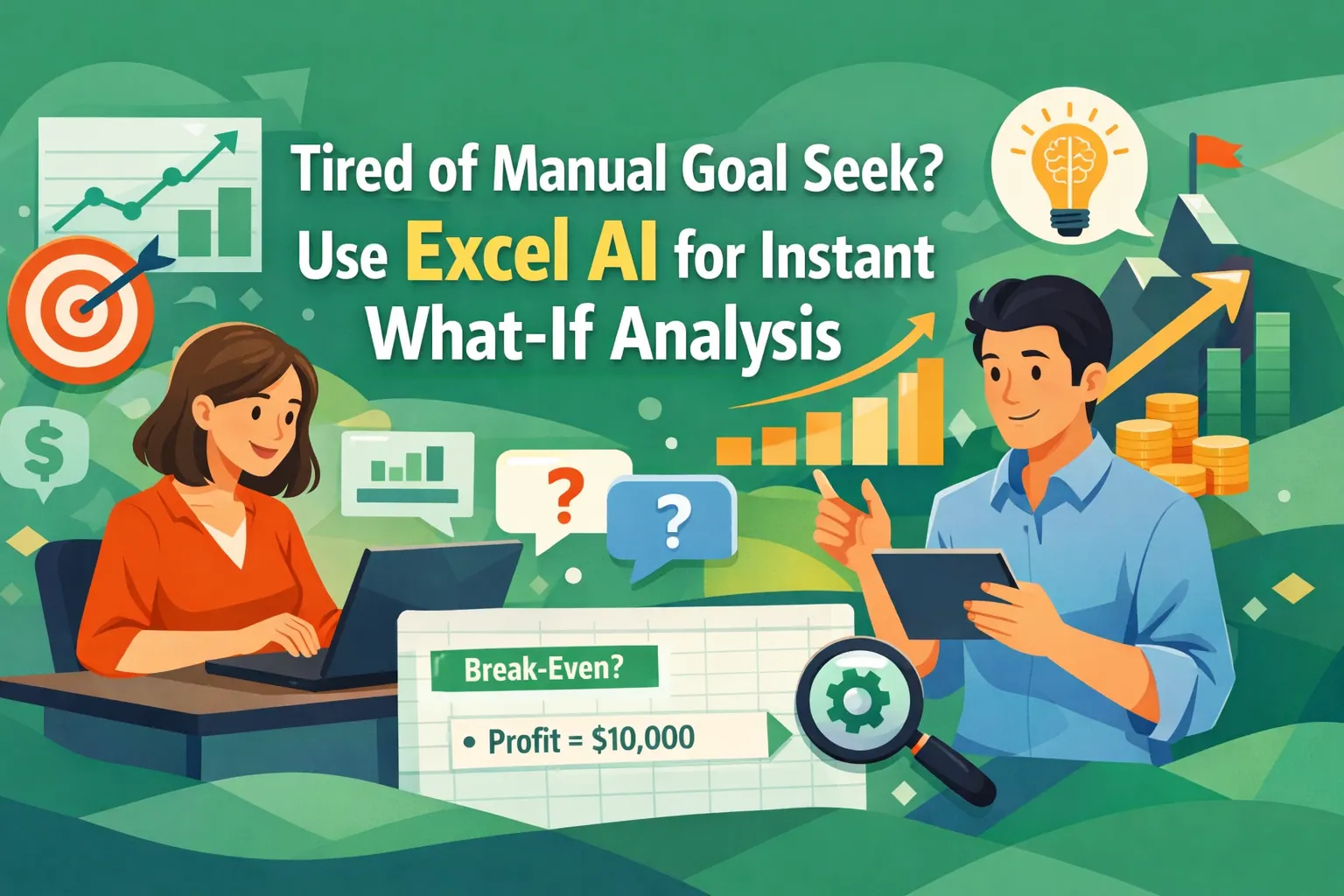
Tired of Manual Goal Seek? Use Excel AI for Instant What-If Analysis
Tired of the clunky, multi-step Goal Seek tool in Excel? Automating it requires complex VBA macros. Discover how an Excel AI agent like RowSpeak revolutionizes what-if analysis, letting you find break-even points and financial targets just by asking questions.
 AI Reporting
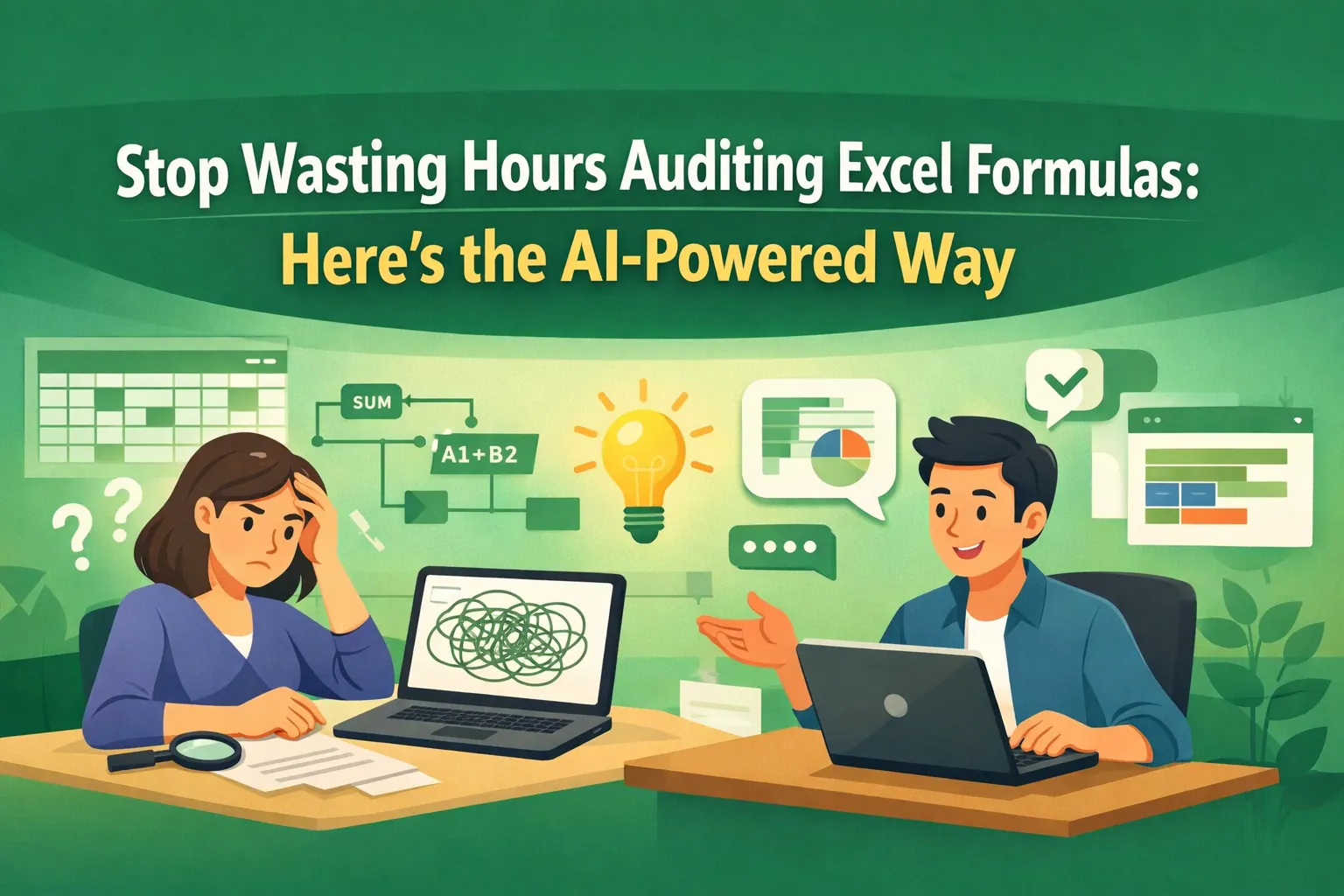
Stop Wasting Hours Auditing Excel Formulas: Here's the AI-Powered Way
Ever inherited an Excel file and felt lost in a sea of formulas? We'll show you why traditional formula auditing is so painful and how an Excel AI like RowSpeak can explain everything in plain language, saving you hours of detective work.
 AI Reporting
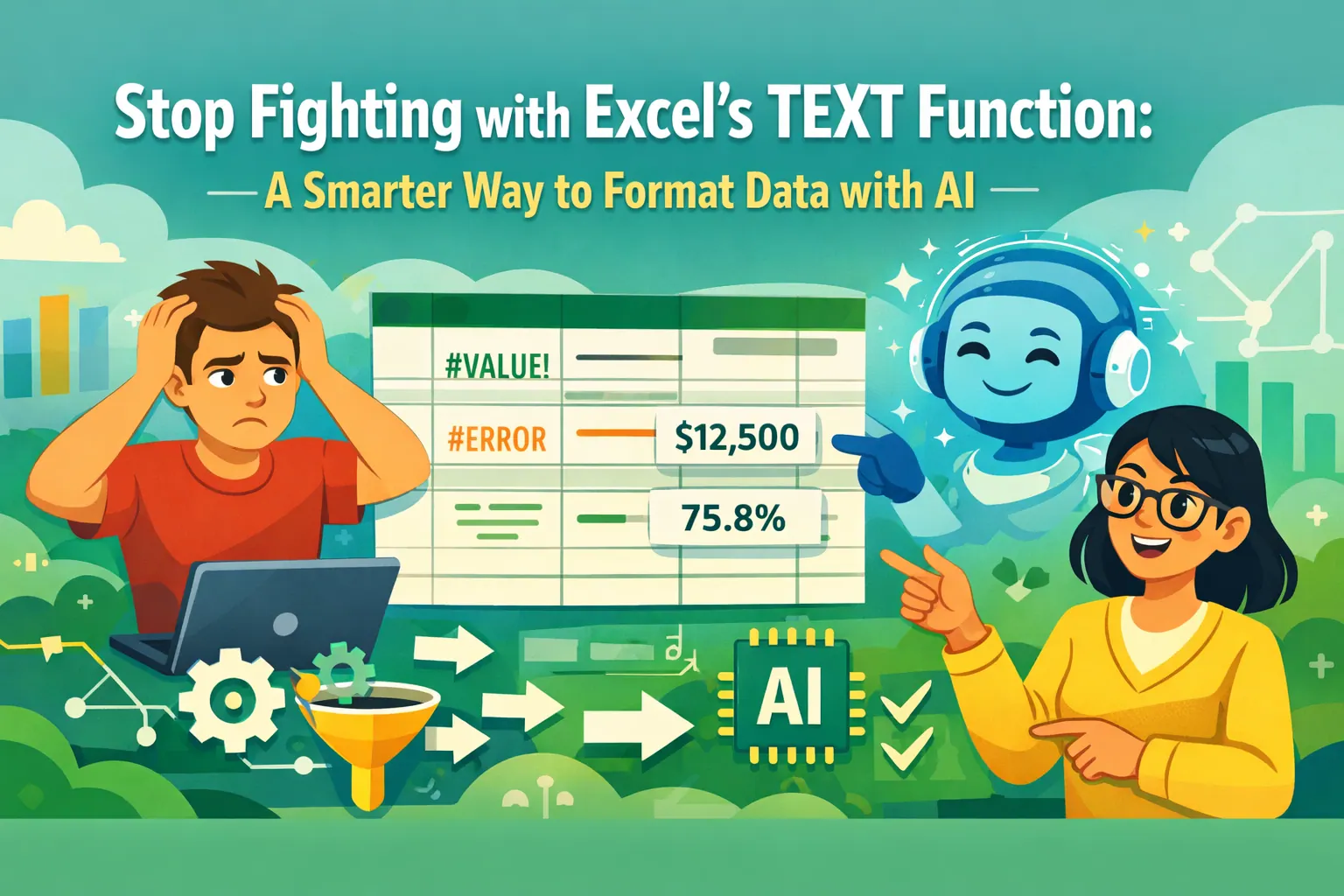
Stop Fighting with Excel's TEXT Function: A Smarter Way to Format Data with AI
Tired of wrestling with complex TEXT formulas just to create a simple report summary? Forget memorizing format codes! Discover how RowSpeak's AI lets you use plain English to combine dates, numbers, and text effortlessly, saving you time and preventing formula errors.
 AI Reporting
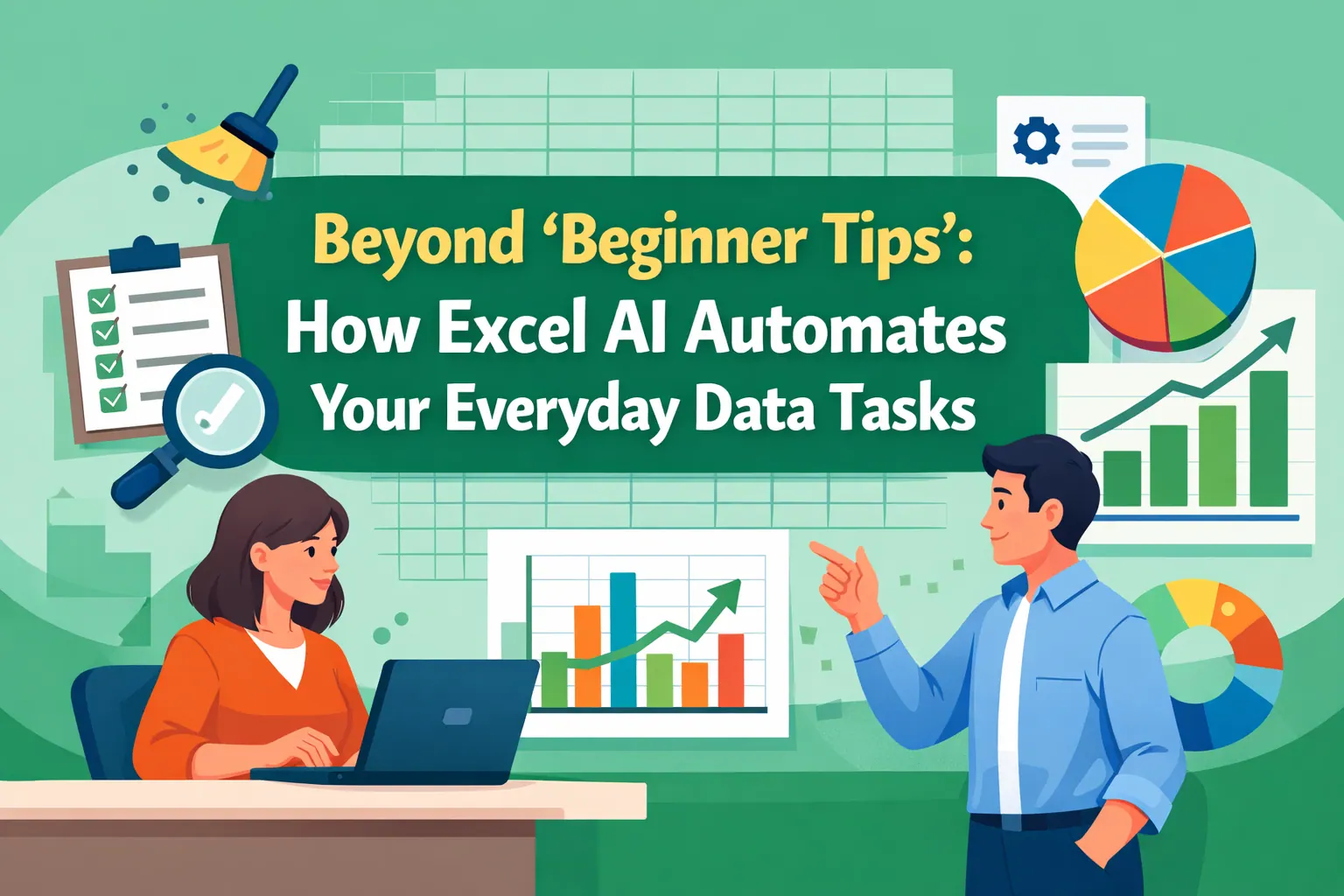
Beyond 'Beginner Tips': How Excel AI Automates Your Everyday Data Tasks
Stop wasting time on repetitive Excel 'tips and tricks'. Discover how an Excel AI agent can automate fundamental tasks like data cleaning, filtering, and chart creation, turning hours of manual clicking into a simple conversation.
 AI Reporting
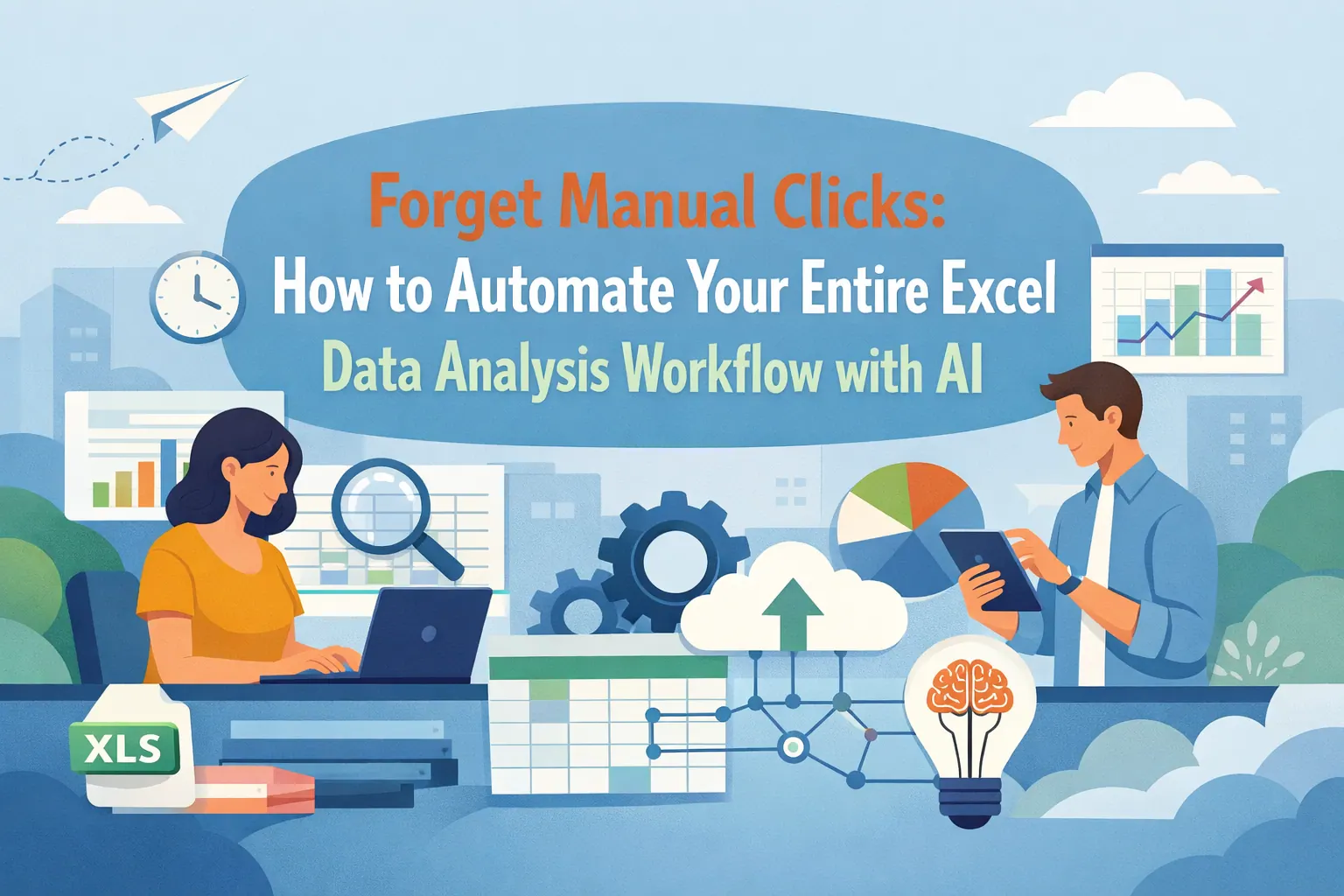
Forget Manual Clicks: How to Automate Your Entire Excel Data Analysis Workflow with AI
Stop wrestling with complex formulas and endless clicks for your data analysis. Discover how RowSpeak, an AI-powered tool, lets you chat with your data to generate reports, pivot tables, and charts in seconds, turning tedious tasks into a simple conversation.
 AI Reporting
Forget VBA: How to Create Custom Excel Functions with AI in Plain Language
Stuck when a built-in Excel function doesn't exist? While VBA User-Defined Functions were the old solution, they're complex and hard to share. Discover how RowSpeak's AI lets you create powerful custom logic with simple text prompts, no coding required.
 AI Reporting
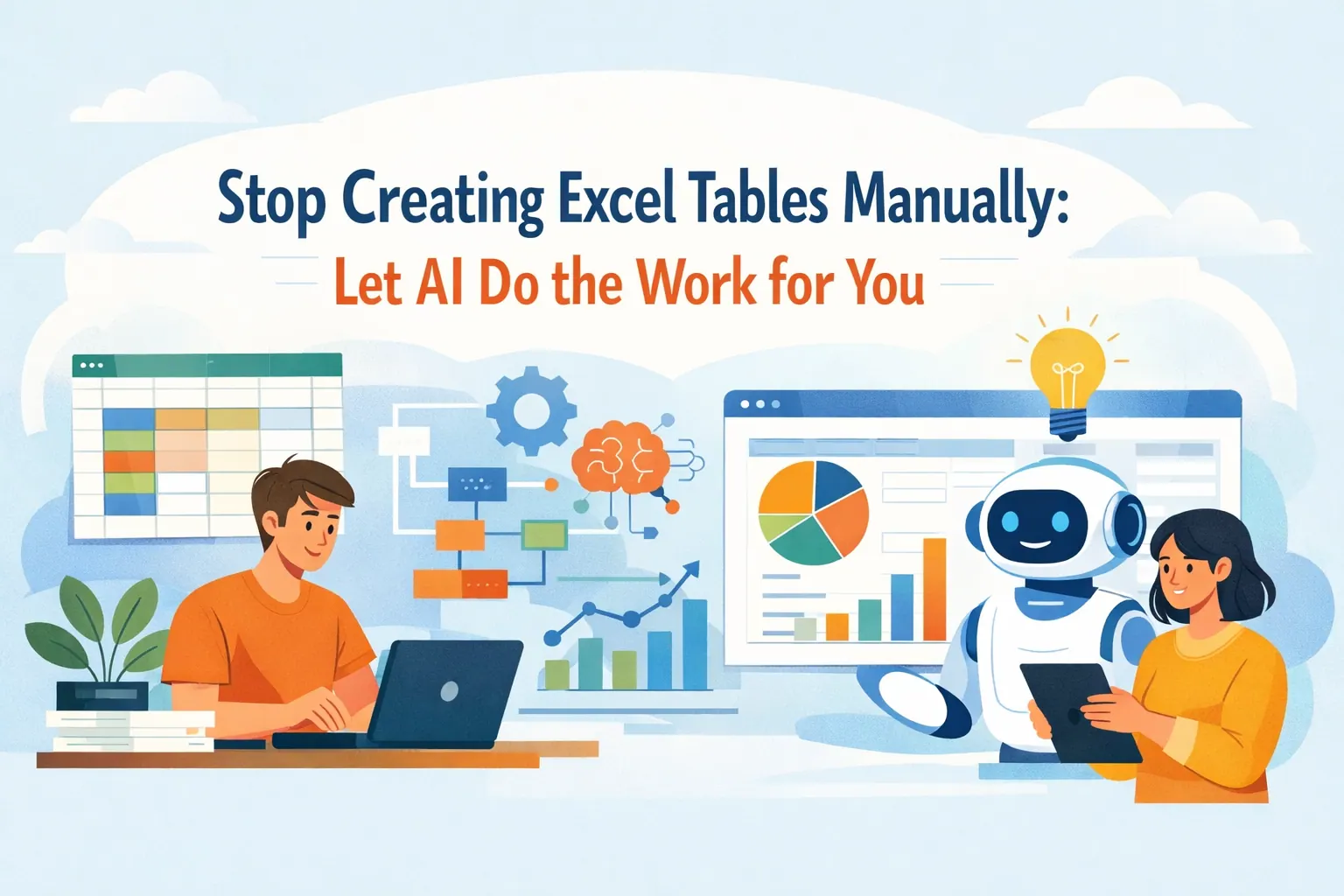
Stop Creating Excel Tables Manually: Let AI Do the Work for You
Stop wasting time with Ctrl+T and endless menu clicks. Discover how to move beyond traditional Excel tables and use AI to instantly format, filter, and analyze your data just by describing what you need. This guide shows you the future of data management.
 AI Reporting
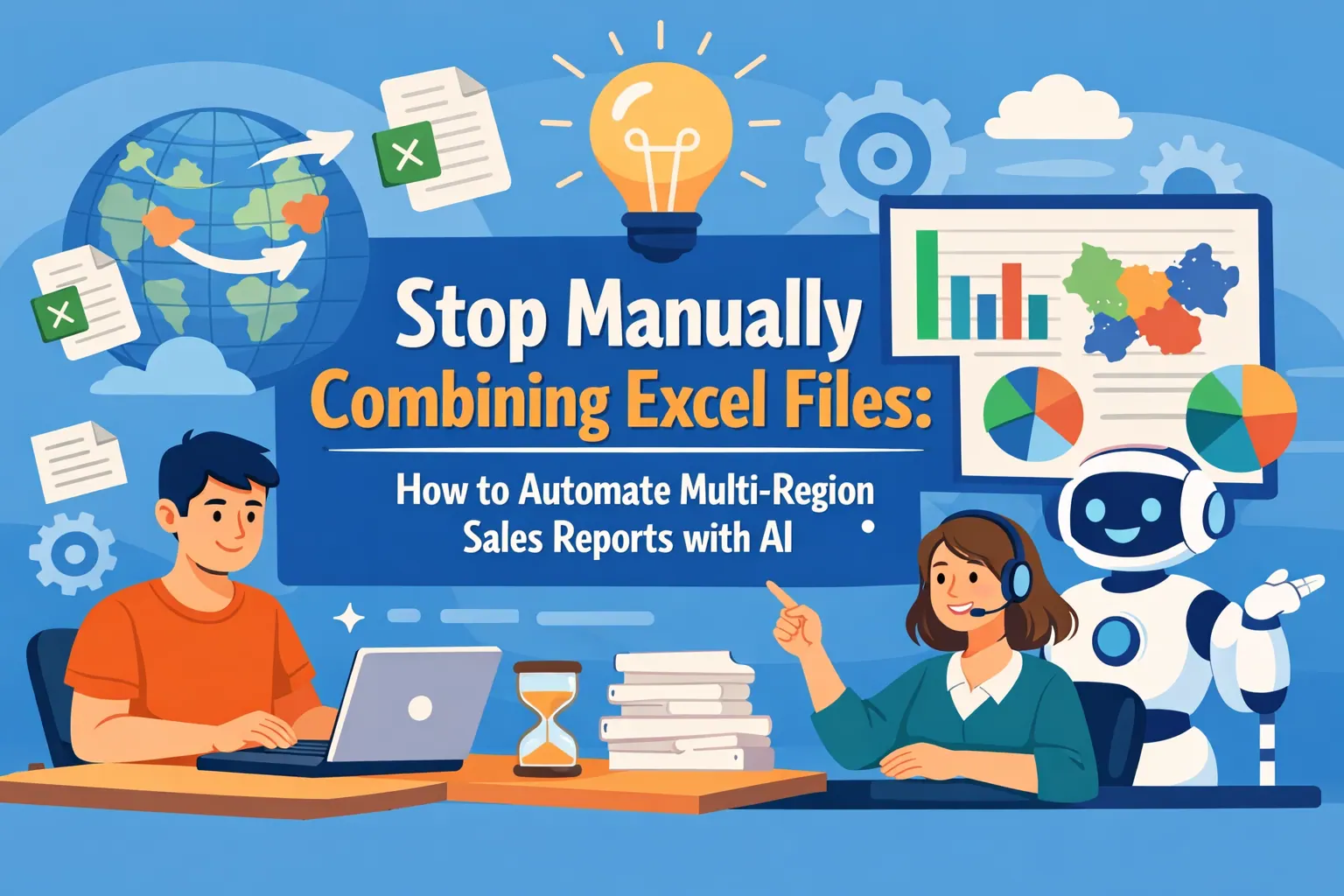
Stop Manually Combining Excel Files: How to Automate Multi-Region Sales Reports with AI
Tired of manually combining sales reports from different regions? This guide shows you the old Power Query way and a new, faster method using Excel AI. Stop wrestling with data joins and let AI build your reports in seconds.
 AI Reporting
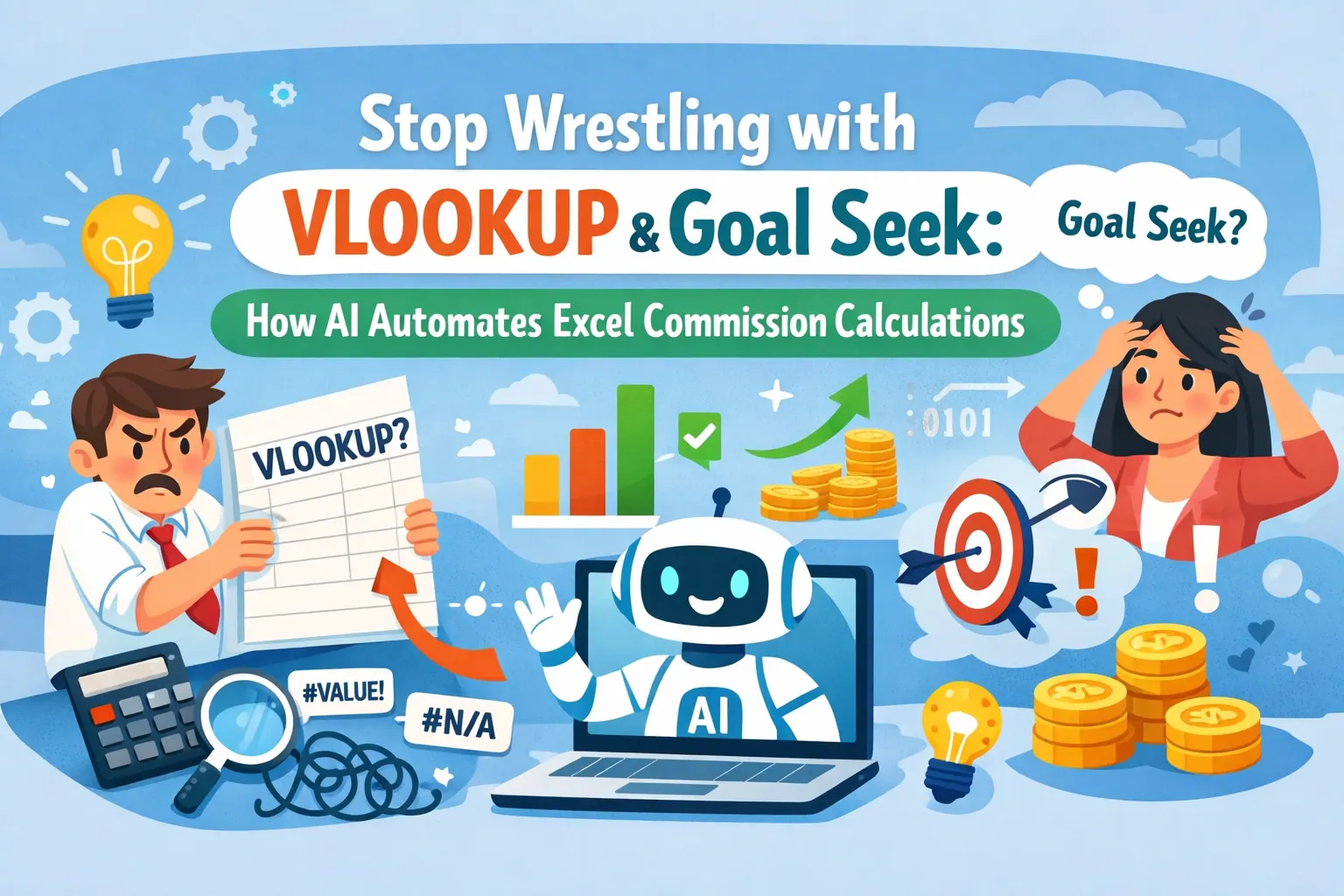
Stop Wrestling with VLOOKUP & Goal Seek: How AI Automates Excel Commission Calculations
Tired of wrestling with complex VLOOKUPs and the clunky Goal Seek tool just to calculate sales commissions? This guide reveals how Excel AI can automate the entire process, from tiered lookups to budget optimization, turning hours of work into a simple conversation.
 AI Reporting
Stop Drowning in Spreadsheets: How Excel AI is Reshaping High-Value Jobs
Tired of your high-paying job feeling like a data entry role? Many top careers are bogged down by manual Excel work. See how Excel AI tools like RowSpeak are changing the game, letting you automate reports and analysis with simple English, freeing you to focus on strategy and accelerate your career.
 AI Reporting
Stop Memorizing Formulas: How Excel AI Simplifies Excel Basics for Everyone
Feeling overwhelmed by Excel's steep learning curve? You're not alone. This guide breaks down why traditional methods for basic tasks are so tedious and shows how Excel AI can handle them in seconds, no formulas required.
 AI Reporting
Stop Memorizing Excel Formulas: How to Use AI for Everyday Calculations
Struggling to remember the syntax for VLOOKUP or SUMIFS? You're not alone. Discover how you can skip the steep learning curve and get instant results in Excel by simply asking questions to an AI.
 AI Reporting
Stop Copying VBA Code: Automate Excel Tasks with AI in Plain language
Still searching for VBA code snippets to automate your Excel work? There's a better way. Discover how Excel AI lets you ditch the code and get straight to the results, saving you hours of manual effort and debugging frustration.
 AI Reporting
Tired of Writing Excel VBA Loops? Automate Repetitive Tasks with AI Instead
Tired of writing and debugging complex Excel VBA loops for repetitive tasks? Discover a modern alternative. This guide shows you how an Excel AI like RowSpeak can automate tasks across multiple sheets or files using simple language commands, saving you hours of work.
 AI Reporting
Stop Recording Excel Macros: Automate Your Quarterly Reports with AI
Tired of spending hours every quarter creating the same charts in Excel? Recording macros is a pain and they break easily. What if you could just ask for the charts you need? Here's how Excel AI is changing the game for repetitive reporting tasks.
 AI Reporting
Excel Is More Than Spreadsheets: How AI Can Build Your Custom Tools for You
Tired of manually building complex calendars, inventory trackers, or project plans in Excel? This guide shows you the limitations of traditional templates and formulas and introduces a new way: using an Excel AI to generate these tools automatically with simple language prompts.
 AI Reporting
Tired of Manual Formatting? Style Your Excel Reports Instantly with AI
Tired of manually formatting every Excel report? Applying cell styles and conditional formatting rules is tedious and inconsistent. Discover how an Excel AI like RowSpeak can instantly create professional, data-driven formatting from a simple text command.
 AI Reporting
Stop Doing These Basic Excel Tasks Manually: The AI-Powered Way
Tired of repetitive Excel chores like sorting lists and deleting duplicates? These simple tasks eat up hours and are prone to errors. Discover how Excel AI tools like RowSpeak let you automate them with simple language commands, saving you time and boosting accuracy.
 AI Reporting
Beyond the Fill Handle: How Excel AI Automates Repetitive Data Entry
Stop wasting hours on tedious Excel data entry! While AutoFill and Flash Fill are helpful, they have their limits. Learn how an Excel AI agent like RowSpeak takes automation to the next level, letting you generate complex data series and clean up messy text just by asking.
 AI Reporting
Stop Writing Excel VBA: Automate Range Manipulation with AI Instead
Stuck writing or debugging Excel VBA code just to copy a range or format some cells? Discover a modern, no-code alternative. See how RowSpeak's AI lets you manage your data with simple language commands, saving you hours of programming.
 AI Reporting
Forget the VBA Editor: Automate Excel with AI and Plain Language
Struggling with repetitive Excel tasks? While VBA macros have been the traditional solution, they come with a steep learning curve. See how RowSpeak, an Excel AI agent, empowers you to automate workflows with simple language commands, saving you hours of coding and debugging.
 AI Reporting
Stop Wrestling with Advanced Pivot Tables: Use Excel AI Instead
Tired of wrestling with advanced Pivot Table features like slicers and calculated fields? Discover how an Excel AI like RowSpeak can automate these tasks, letting you create interactive reports and dashboards in seconds just by asking questions.
 AI Reporting
Ditch VBA: A Smarter Way to Do Advanced Filtering in Excel with AI
Stop wrestling with rigid criteria ranges and fragile VBA code just to filter your data. Discover how Excel AI tools like RowSpeak let you apply complex filters using simple language, saving you hours and eliminating errors.
 AI Reporting
Stop Searching for the "Perfect" Excel Template—Let AI Build It for You
Tired of wrestling with generic Excel templates that don't fit your needs? Stop wasting hours trying to adapt pre-built sheets. See how Excel AI can build the perfect, custom business tool for you with simple English commands.
 AI Reporting
Stop Wasting Time: Generate Custom Sample Datasets in Excel with AI
Tired of hunting for the perfect sample dataset for your Excel practice or testing? Stop wrestling with complex formulas like RANDARRAY and SEQUENCE. This guide reveals how to instantly generate custom employee data using the power of Excel AI, saving you hours of manual work.
 AI Reporting
Stop Wasting Hours on Excel Formatting: Create Presentation-Ready Reports with AI
Tired of spending hours manually formatting Excel reports to make them look professional? You're not alone. Discover how an Excel AI agent like RowSpeak can instantly transform your raw data into polished, presentation-ready charts and tables, saving you time and eliminating tedious work.
 AI Reporting
Tired of Manual Loan Schedules? Build an Amortization Table in Seconds with Excel AI
Struggling with complex financial formulas like PMT to build a loan amortization schedule? Discover how Excel AI can generate a complete, accurate schedule from a simple sentence, saving you hours of manual setup and reducing errors.
 AI Reporting
Forget Drag-and-Drop: How to Create Excel Pivot Tables by Just Asking
Stop wrestling with complex Pivot Table fields and wasting hours dragging and dropping data. Discover how an Excel AI agent like RowSpeak can build your sales reports from a simple sentence, giving you instant insights without the manual hassle.
 AI Reporting
Stop Wasting Hours: How to Consolidate Data from Multiple Excel Files the Smart Way
Tired of manually copying and pasting data from multiple Excel files every month? This guide shows you how to automate the consolidation process. We'll cover the powerful but complex Power Query method and introduce a faster, simpler alternative with the Excel AI tool, RowSpeak.
 AI Reporting
Stop Manually Striking Through Tasks in Excel: Here’s How to Automate It with AI
Manually striking through completed tasks in your Excel to-do list is tedious and error-prone. What if you could just tell Excel what to do? Discover how an Excel AI agent like RowSpeak can automate strikethrough and other formatting rules with simple language commands, saving you time and keeping your project trackers perfectly up-to-date.
 AI Reporting
Stop Wasting Hours on Sales Reports: How to Automate Excel Analysis with AI
Tired of spending hours cleaning raw sales data and wrestling with MID, SUMIFS, and COUNTIFS formulas? Discover how an Excel AI agent like RowSpeak can automate the entire process, from data extraction to creating summary charts, just by using plain English commands.
 AI Reporting
Stop Wrestling with Formulas: Build a Dynamic Employee Performance Review Sheet with AI
Tired of spending hours building complex, error-prone performance review sheets in Excel? Forget nested IFs and SUMPRODUCT. Discover how an Excel AI agent like RowSpeak can automate the entire process—from calculating weighted scores to generating dynamic charts—using simple English commands.
 AI Reporting
Stop Manually Tracking Invoices in Excel: Build an AI-Powered Tracker in Minutes
Tired of manually cleaning up invoice data, writing complex IF formulas, and setting up conditional formatting? Discover how an Excel AI agent like RowSpeak can transform your messy invoice export into a clean, actionable tracker with simple language commands.
 AI Reporting
Stop Tedious Formatting: Automate Excel Cell Styling with AI Instead of Macros
Stop wasting hours on manual formatting! While Excel macros offer some relief, they come with a steep learning curve. Discover how an Excel AI agent like RowSpeak can automate complex formatting tasks in seconds, just by using plain English.
 AI Reporting
How to Calculate Compound Interest in Excel The Easy Way
Unlock the power of compound interest for your financial planning. This guide covers everything from basic formulas to advanced amortization schedules in Excel, and introduces a faster, AI-driven approach to get instant insights without complex functions.