
Excel & AI
Analyze and work with spreadsheets
Start here
Editor pick · reviewed quarterly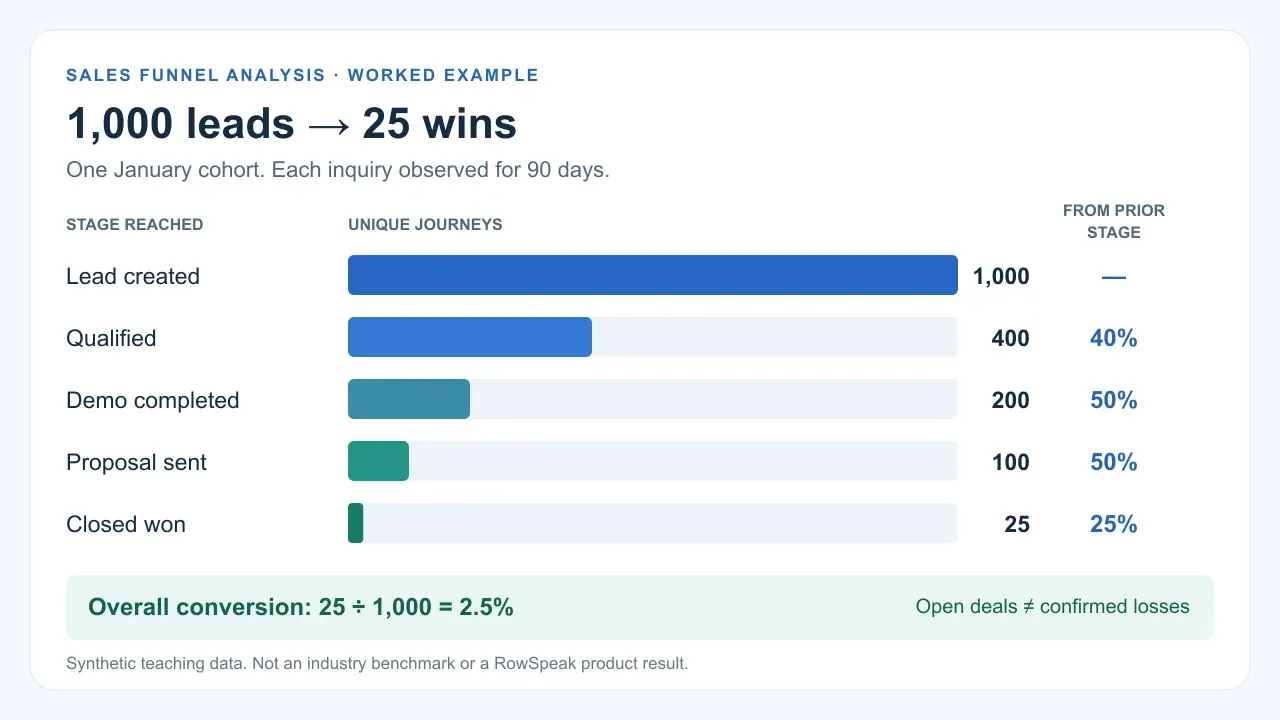 Excel & AI
What Is a Sales Funnel Analysis? Metrics, Steps & Example
Watch a real RowSpeak walkthrough turn a 1,000-lead CSV into a funnel report and downloadable workbook. Then learn the manual Excel method and review checks.
 Excel & AI
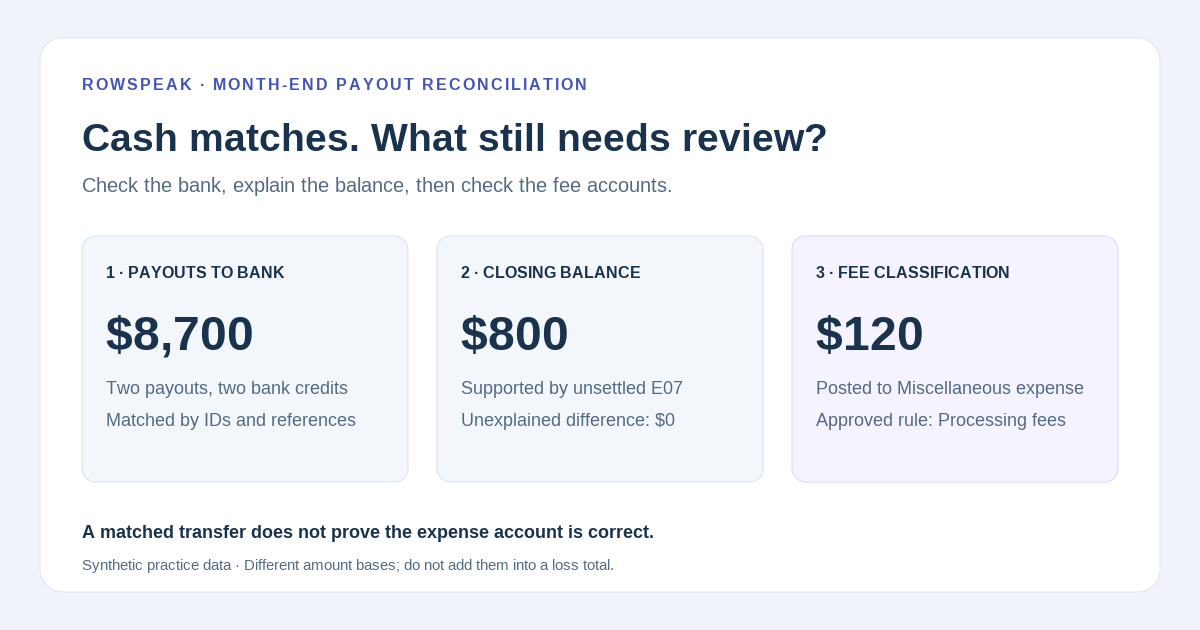
Ecommerce Payout Reconciliation: Build a Month-End Exception Queue
Your payouts can match the bank while fee accounts are wrong. Follow a downloadable month-end example with source IDs, review prompts, and a $30 failure test.
 Excel & AI
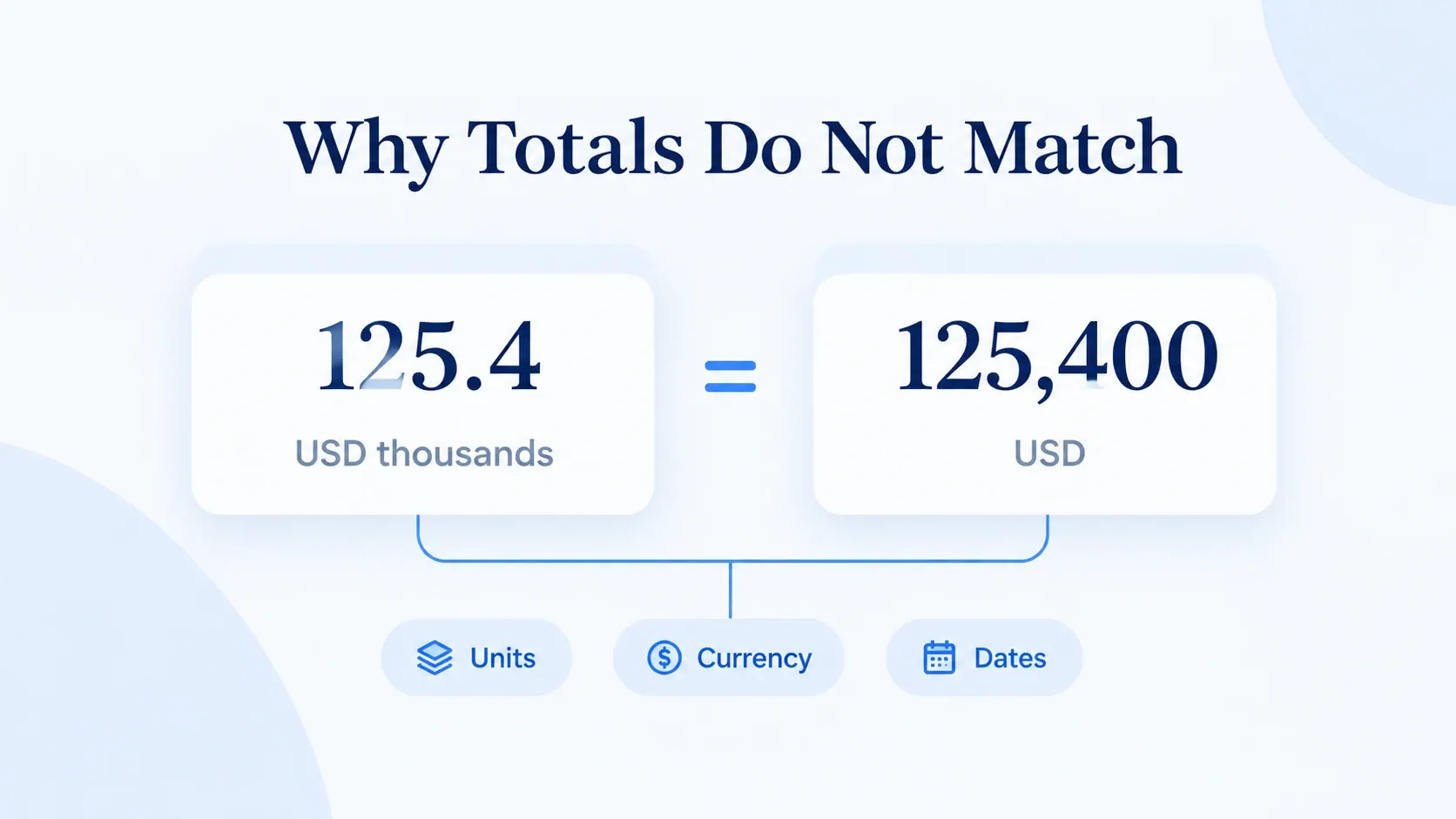
Excel Report Totals Don't Match? Check Units, Currencies, and Dates
125.4 and 125,400 may describe the same revenue. Learn which differences to correct, which to keep separate, and which need confirmation before your next report.
 Excel & AI
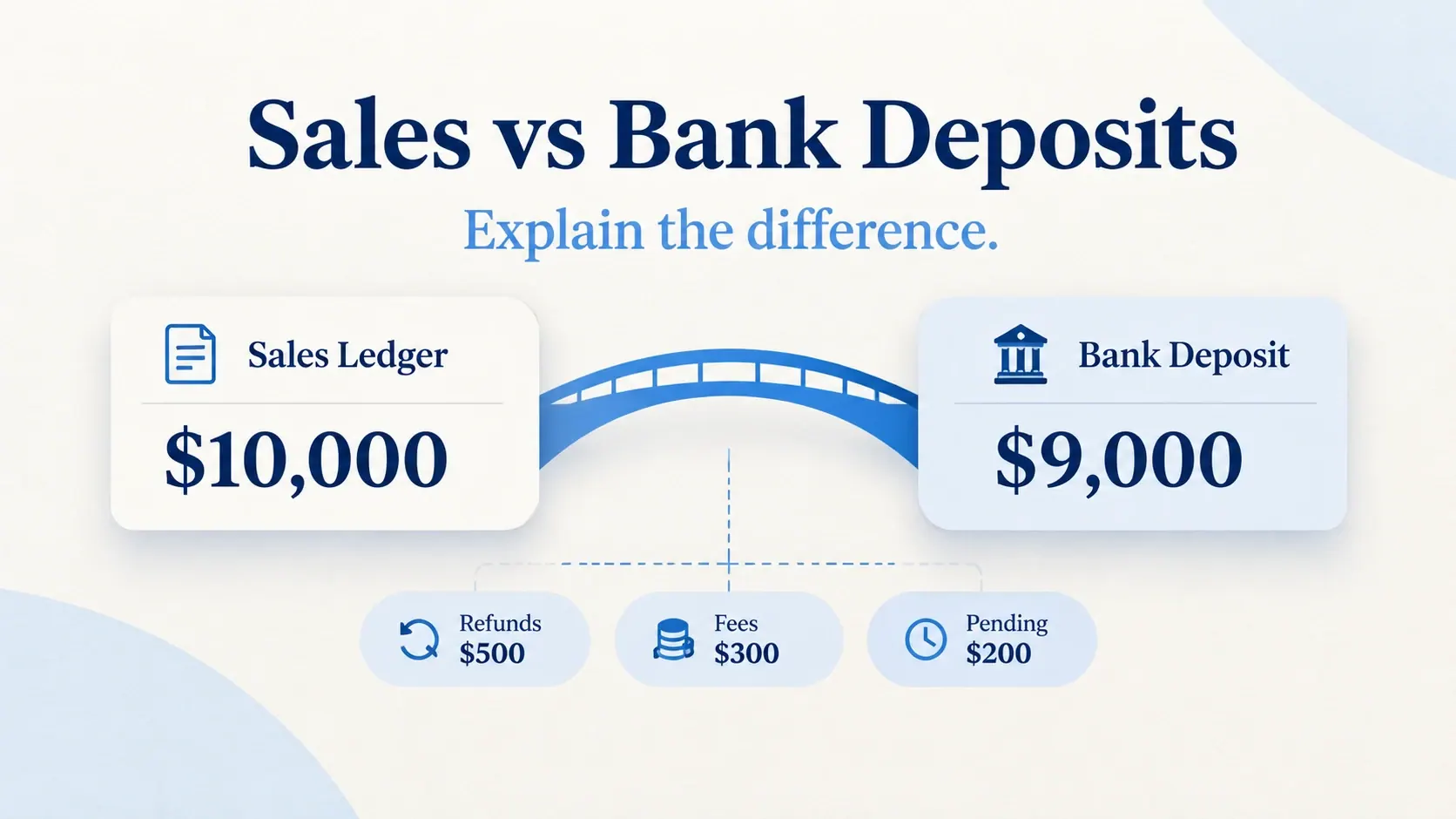
Why Sales Don't Match Bank Deposits: Reconcile Your CSV Exports
Explain the gap between sales and cash without forcing the totals to match. Trace refunds, fees, pending funds, and bank receipts with a four-file practice pack.
 Excel & AI
6 Best AI Tools for Excel in 2026: Which One Fits Your Workflow?
A practical guide to six AI tools for Excel: what each is designed to help with, when to use it, and what to check before trusting the result.
 Excel & AI
Best AI Tools for Excel Data Analysis in 2026: 12 Compared
A practical comparison of AI tools for Excel data analysis, including workbook assistants, file-to-report tools, formula helpers, and BI platforms.
 Excel & AI
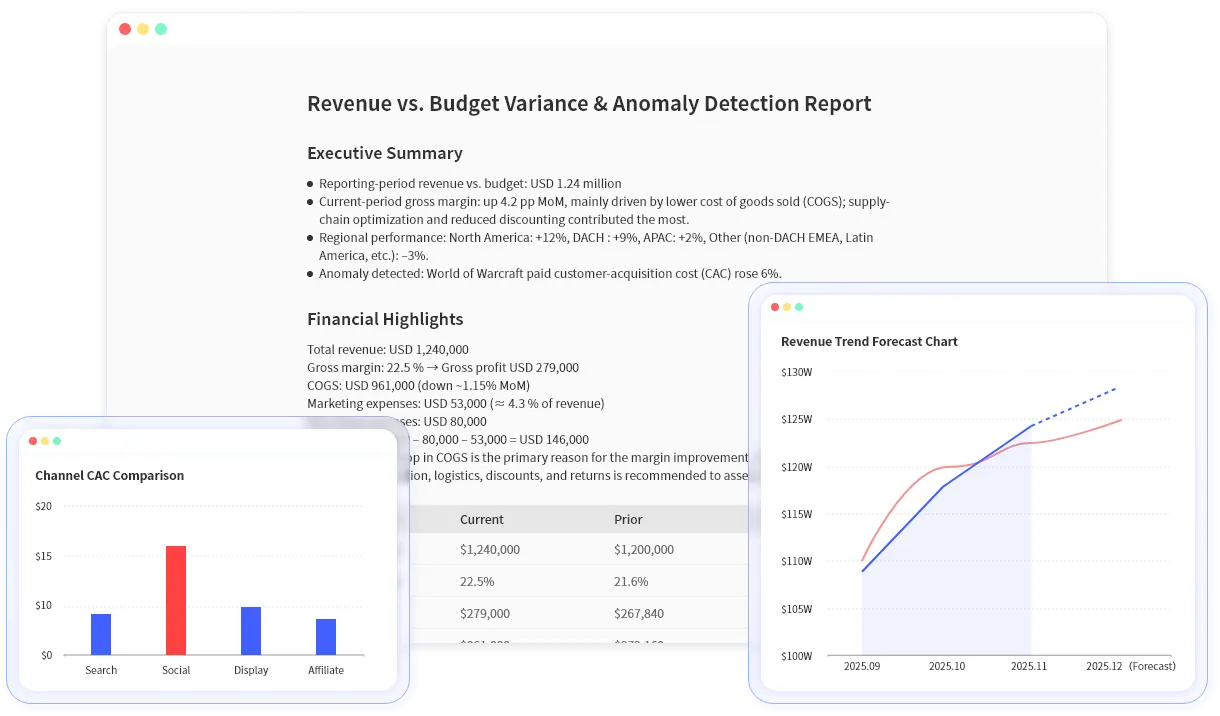
How to Audit an AI-Generated Excel Report Before You Share It
AI can make an Excel report look finished before the numbers are trustworthy. Use this review workflow to trace inputs, recalculate KPIs, and separate facts from guesses.
 Excel & AI
Claude in Google Sheets vs Excel AI: Which Fits Finance Teams in 2026?
Claude in Google Sheets is useful for in-sheet work. This comparison shows when finance teams need Excel AI, a file-based analysis workflow, or a reviewable report instead.
 Excel & AI
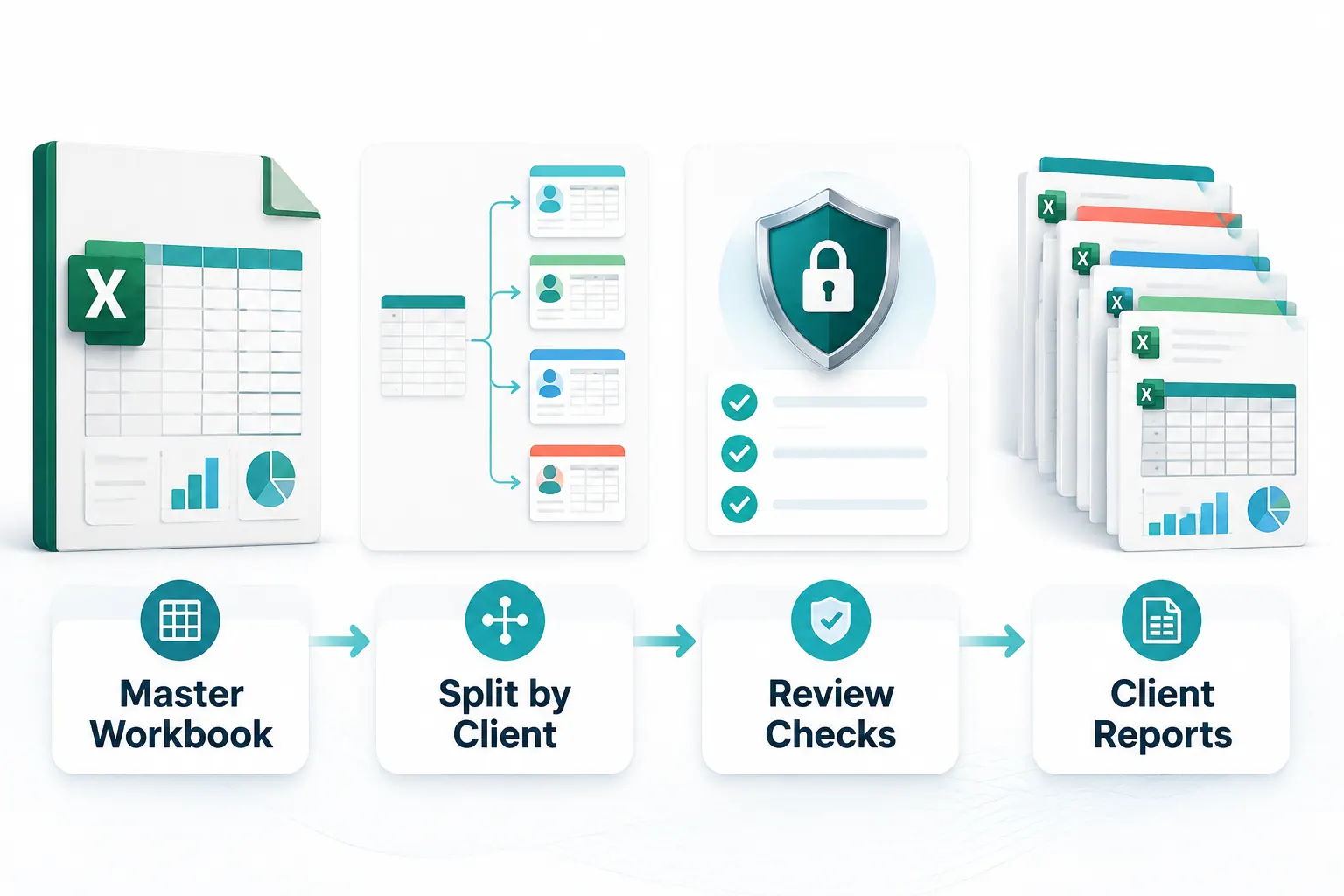
How to Automate Supplier Invoice Reports in Excel
Use a four-layer workflow to reconcile supplier invoices, flag exceptions, and prepare a client-ready report from Excel, CSV, or PDF exports.
 Excel & AI
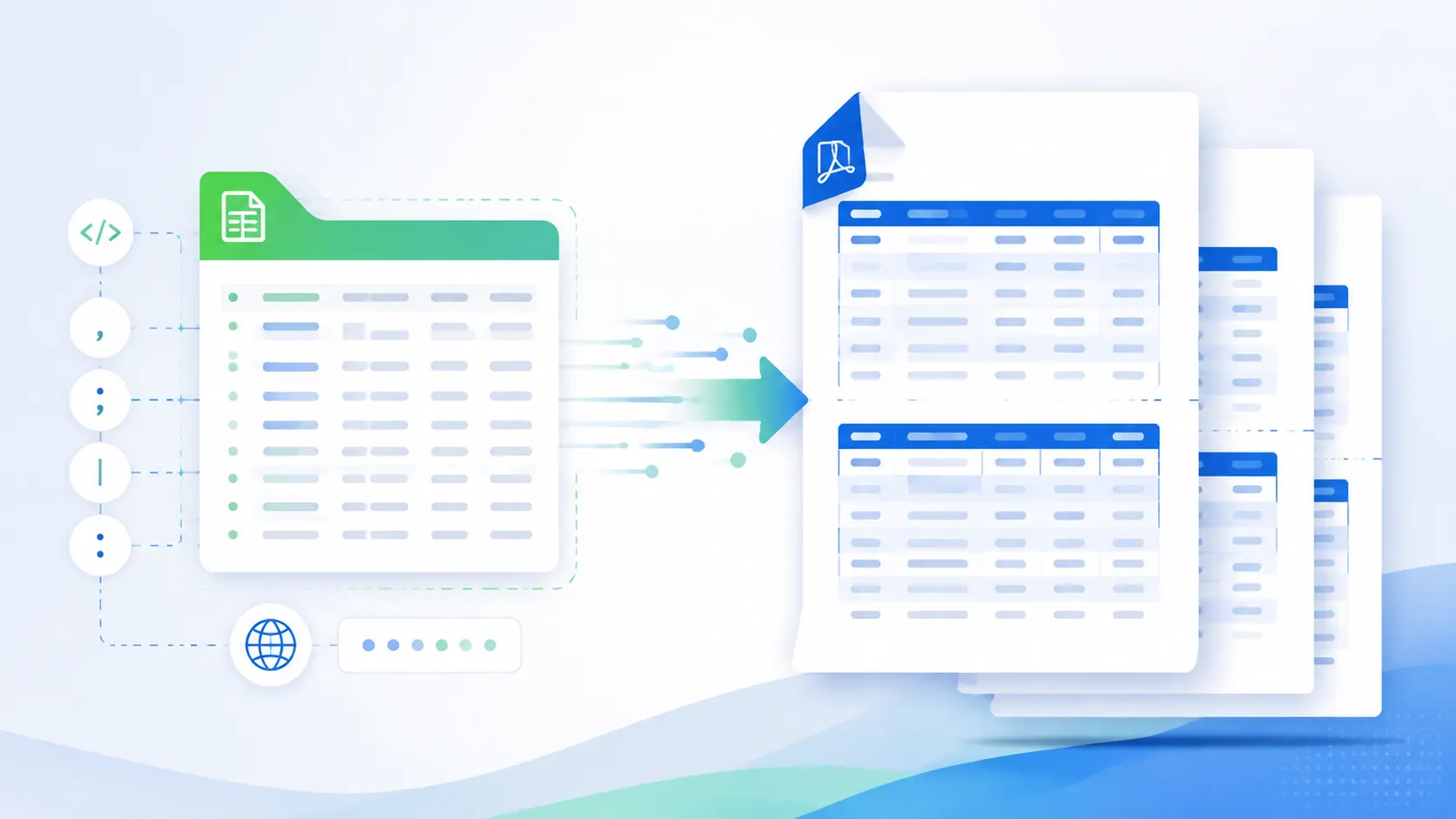
10 Best CSV to PDF Converters in 2026: Choose by Workflow
A practical, evidence-labeled guide to choosing a CSV to PDF converter for wide tables, leading zeros, CJK text, recurring reports, and automated workflows.
 Excel & AI
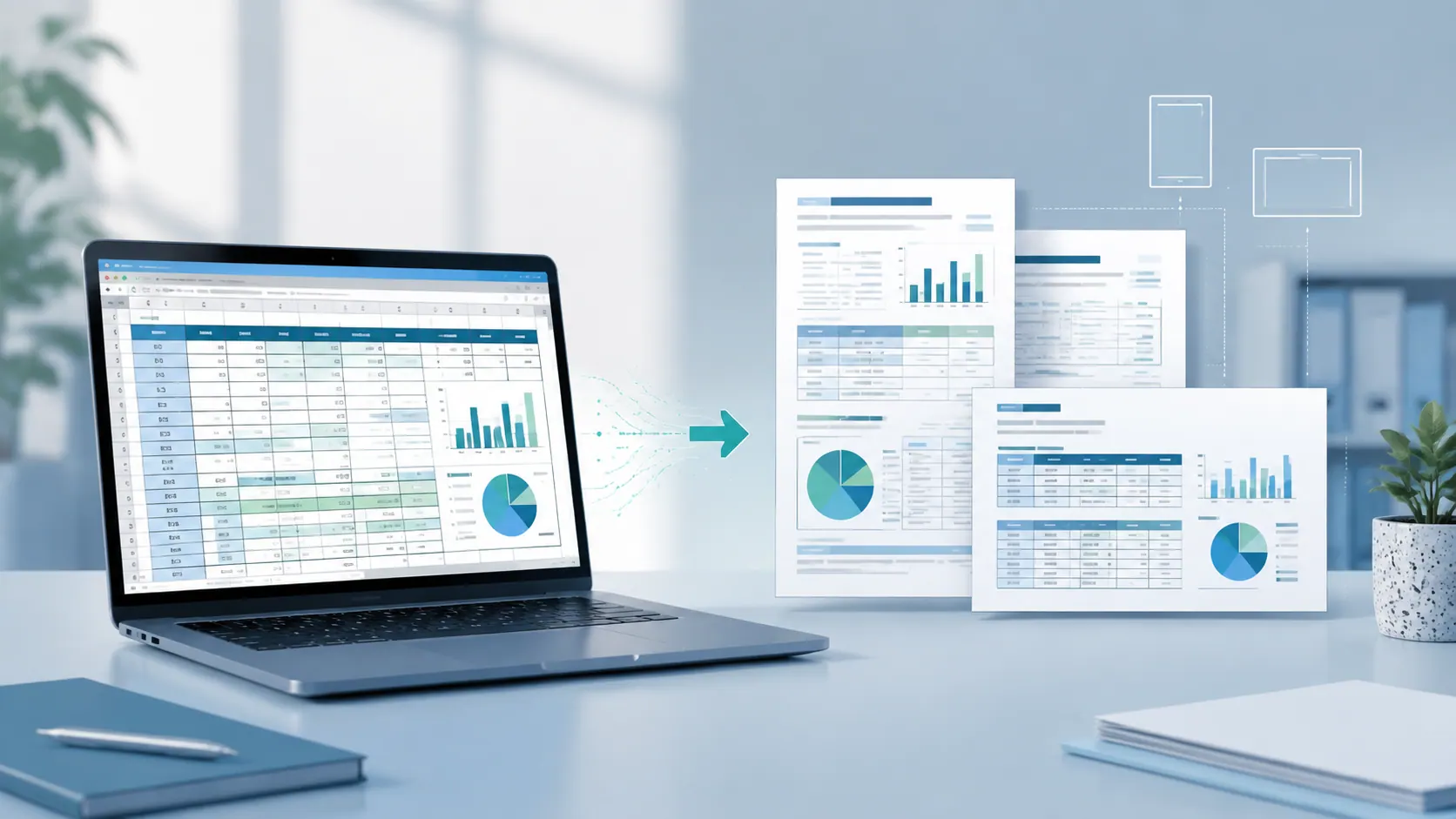
10 Best Excel to PDF Converters in 2026: How to Choose
A practical guide to Microsoft Excel, Google Sheets, LibreOffice, PDF services, and RowSpeak for turning real workbooks into readable PDFs.
 Excel & AI
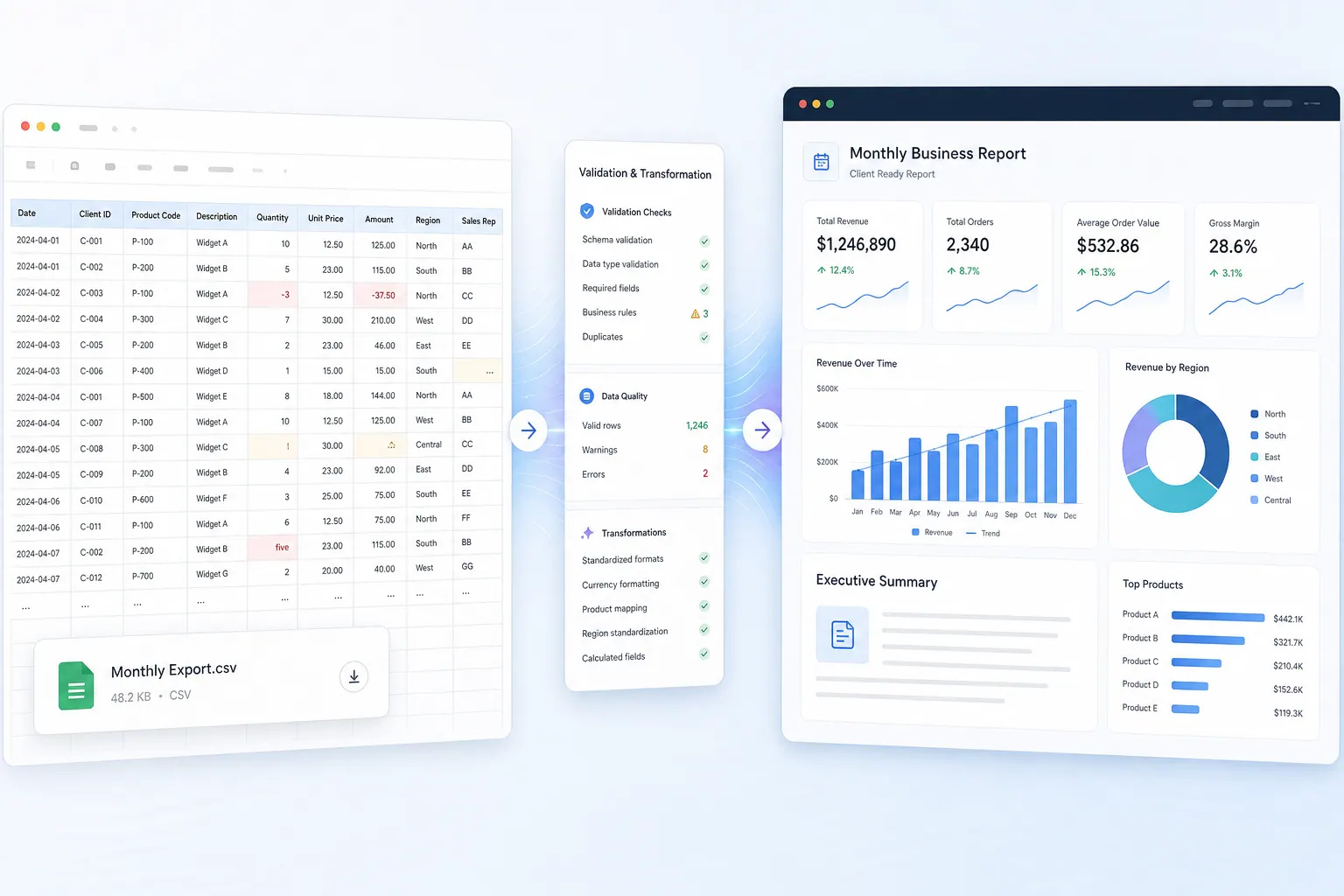
From Messy CSVs to Board-Ready Reports: A Finance Team Workflow
A practical workflow for combining quarterly CSV exports, cleaning messy fields, running repeatable finance analysis, and sharing a report leadership can review.
- Excel & AI
Grok for Excel vs RowSpeak: Which AI Tool Respects Your Data?
Grok-style Excel assistance can help at the cell level. RowSpeak is designed for file-to-report work. The right choice depends on data boundaries, review needs, and the output your team needs.
 Excel & AI
Excel and Google Sheets AI Agents in 2026: Real Tests, Failure Cases, and a Buyer’s Guide
An evidence-led buyer’s guide to spreadsheet AI agents, including real RowSpeak outputs, visible failures, test fixtures, and review gates.
 Excel & AI
AI vs Excel vs BI in 2026: Where Each Tool Fits in Business Reporting
An evidence-led AI vs Excel vs BI comparison using recorded RowSpeak outputs, a controlled workbook, governance triggers, and review gates.
 Excel & AI
25 AI Spreadsheet Analysis Tasks for Finance and Operations (With Prompts)
Twenty-five testable spreadsheet prompts supported by recorded RowSpeak evidence, seeded edge cases, control totals, and a reusable review log.
 Excel & AI
How to Build Reliable AI-Powered Excel Automation for Recurring Reports
An evidence-led workflow for recurring Excel reports, including recorded RowSpeak outputs, seeded defects, reconciliation checks, and human review gates.
 Excel & AI
AI Spreadsheet Tools Compared: 8 Tools for 2026
A research-led guide to 8 spreadsheet-adjacent AI tools that separates publicly documented scope from capabilities that still need an in-product trial.
 Excel & AI
5 Best Rows Alternatives in 2026: Compare Features, Fit, and Trade-Offs
The closest Rows replacement depends on the job: an online spreadsheet, AI inside Excel or Sheets, flexible analysis, or a report built from real business files.
 Excel & AI
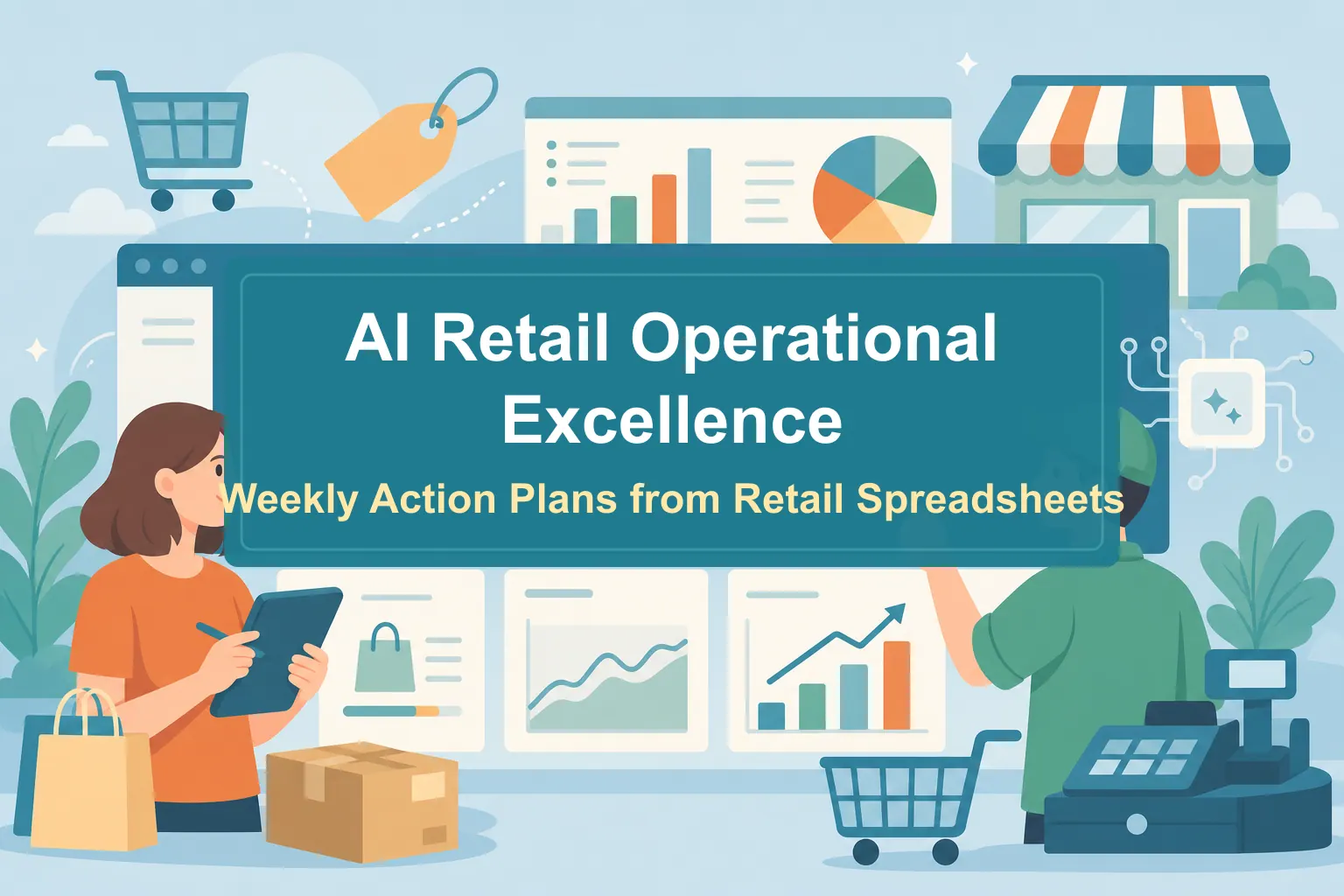
AI Retail Operational Excellence: Turn Retail Spreadsheets Into Weekly Action Plans
A practical workflow for using AI to turn retail spreadsheets into store, inventory, sales, and promotion action plans.
 Excel & AI
Can Copilot Cowork See Too Much? RowSpeak Alternative
Security teams reviewing Copilot Cowork need to know whether an AI assistant can reach files beyond the spreadsheet task. This guide compares that risk with RowSpeak's upload-only analysis boundary.
 Excel & AI
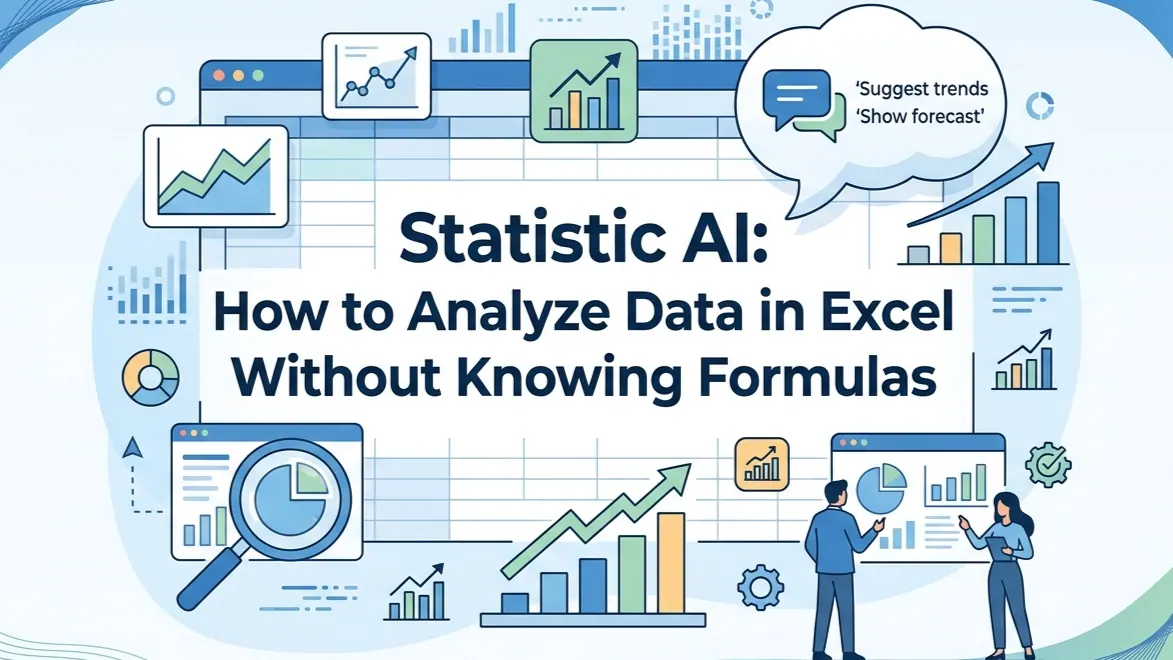
Statistic AI: How to Analyze Data in Excel Without Knowing Formulas
Searching for a way to simplify statistical analysis in Excel? Discover how Statistic AI and RowSpeak allow you to analyze data instantly without memorizing math formulas.
 Excel & AI
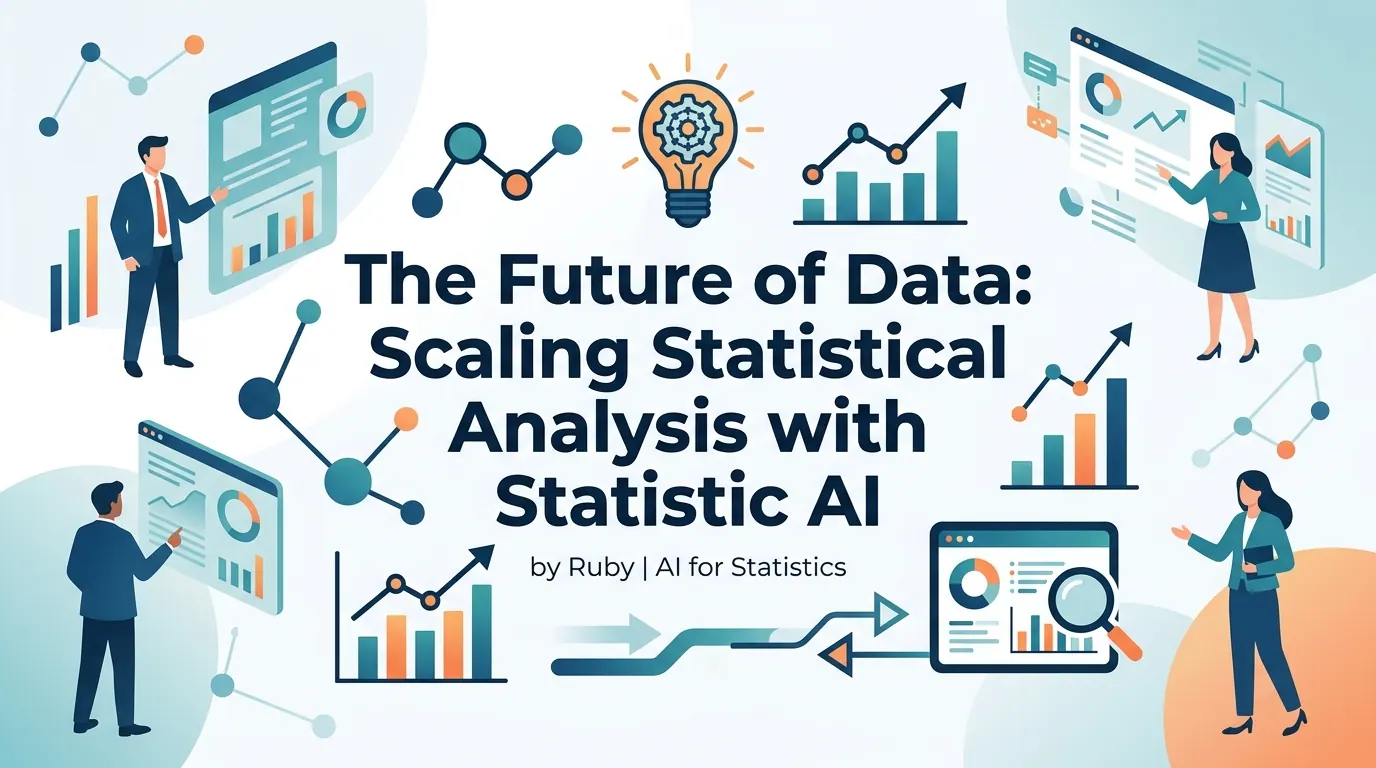
The Future of Data: Scaling Statistical Analysis with Statistic AI
Struggling with p-values, regressions, or standard deviations? Learn how Statistic AI turns complex data into clear insights using simple conversational commands.
 Excel & AI
Excel Copilot Tutorial: How to Use It and When to Choose RowSpeak Instead
A practical Copilot in Excel tutorial for business users, with a decision framework for when to use Microsoft 365 Copilot and when to use RowSpeak for file-to-report workflows.
 Excel & AI
Best AI Tools for Data Analysis in 2026
The best AI data analysis tool depends on where your data starts and what output your team needs: charts, dashboards, reports, evidence, or governed BI.
 Excel & AI
AI Business Intelligence for Teams That Still Live in Excel
Business intelligence often starts in Excel. This guide shows how AI BI can help spreadsheet-heavy teams turn messy files into analysis, reports, and dashboards.
 Excel & AI
Power BI Alternative for Spreadsheet-Heavy Teams: A Practical Decision Guide
Power BI is powerful, but not every spreadsheet report needs a BI project. Learn when RowSpeak is a better reporting layer for Excel-heavy teams.
 Excel & AI
AI Pivot Table Alternative for Excel Reporting: When to Switch
Pivot tables are still useful, but they are not the whole reporting workflow. Learn when AI can help you move from summaries to reviewable business reports.
 Excel & AI
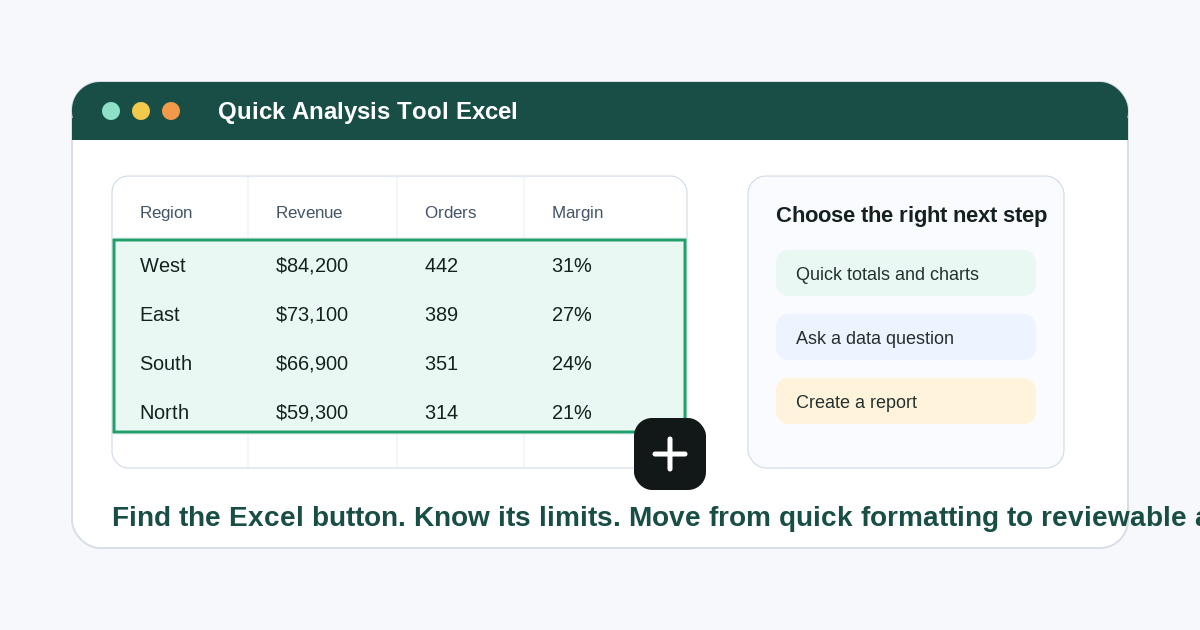
Quick Analysis Tool in Excel: Where It Is, How to Use It, and When to Use AI Instead
A practical guide to Excel's Quick Analysis tool: where to find it, how to use it, why it disappears, and when RowSpeak is a better workflow for real business analysis.
 Excel & AI
Copilot Agent Mode vs RowSpeak: Which Excel AI Workflow Fits Business Reporting?
Copilot Agent Mode is useful when work stays inside Excel and Microsoft 365. RowSpeak is stronger when business teams need to turn Excel, CSV, PDF, screenshots, and exported data into reviewable charts, dashboards, and reports.
- Excel & AI
Best Excel AI Agents for Business Reporting in 2026
The best Excel AI agent depends on the job: workbook-native editing, audit evidence, formula automation, ad hoc analysis, or file-to-report workflows from messy business data.
 Excel & AI
What Is an Excel AI Agent? Turn Excel Files Into Charts, Dashboards, and Reports
An Excel AI agent is useful only when it can work with the real files business teams use, explain the analysis path, and produce outputs people can review before they share them.
- Excel & AI
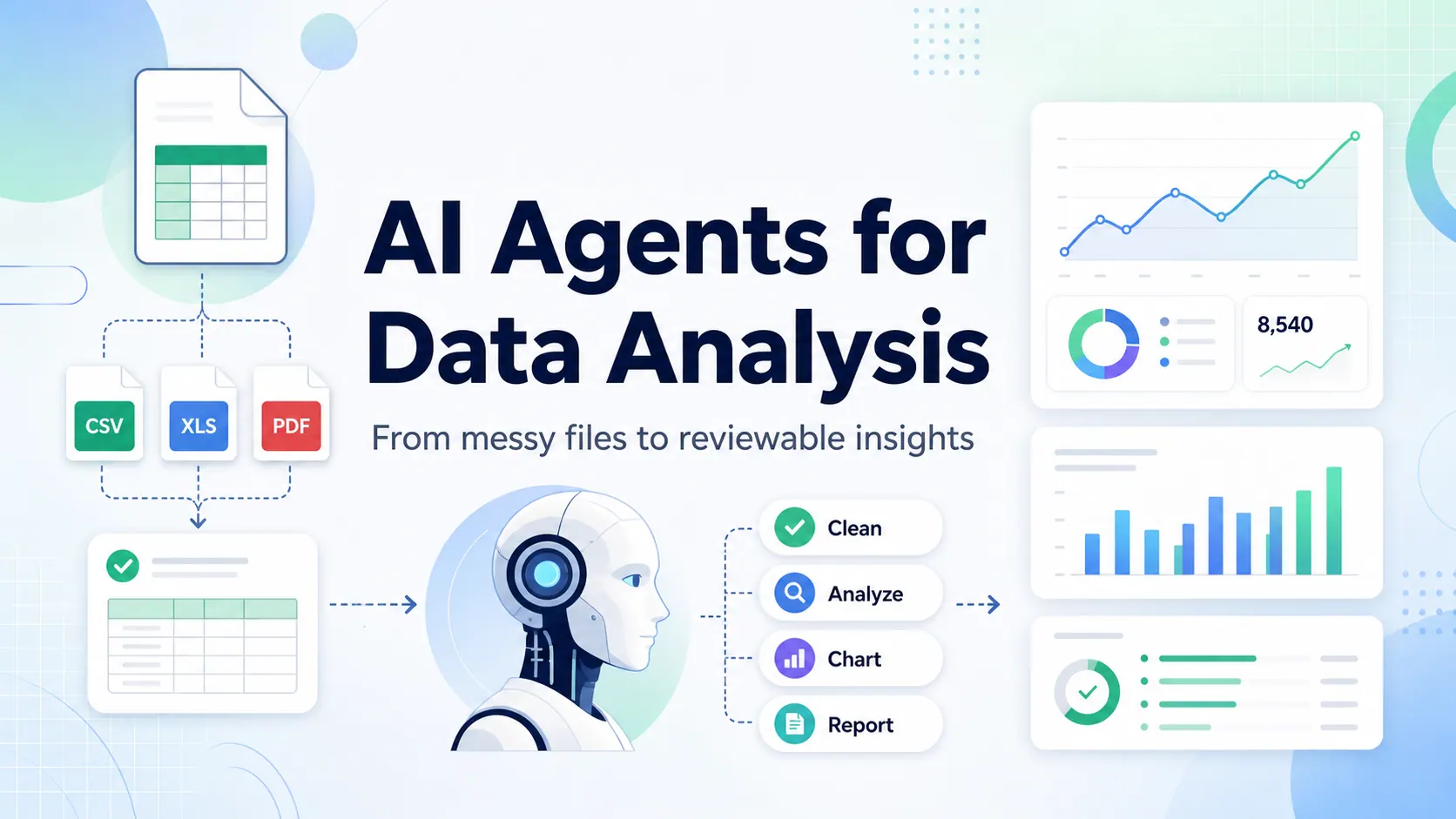
AI Agents for Data Analysis: A Practical Guide for Spreadsheet-Heavy Teams
AI agents for data analysis are useful only when they can work with real business files, explain their reasoning, and produce outputs teams can review.
 Excel & AI
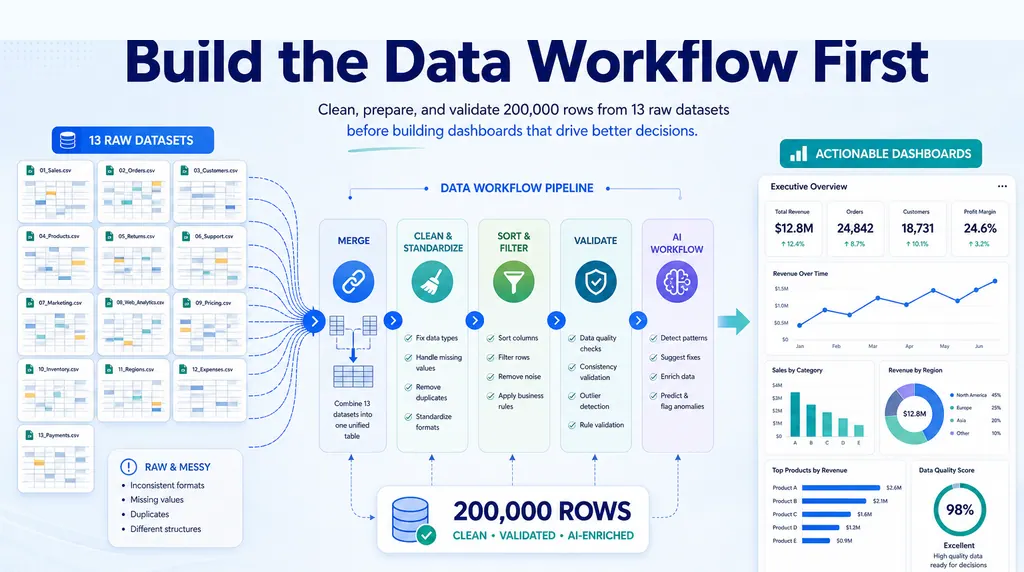
How to Clean Messy CSV and SAP Exports Before Reporting
Messy CSV and SAP exports break reporting before charts begin. Use a safer cleanup workflow before building dashboards, summaries, or analysis reports.
 Excel & AI
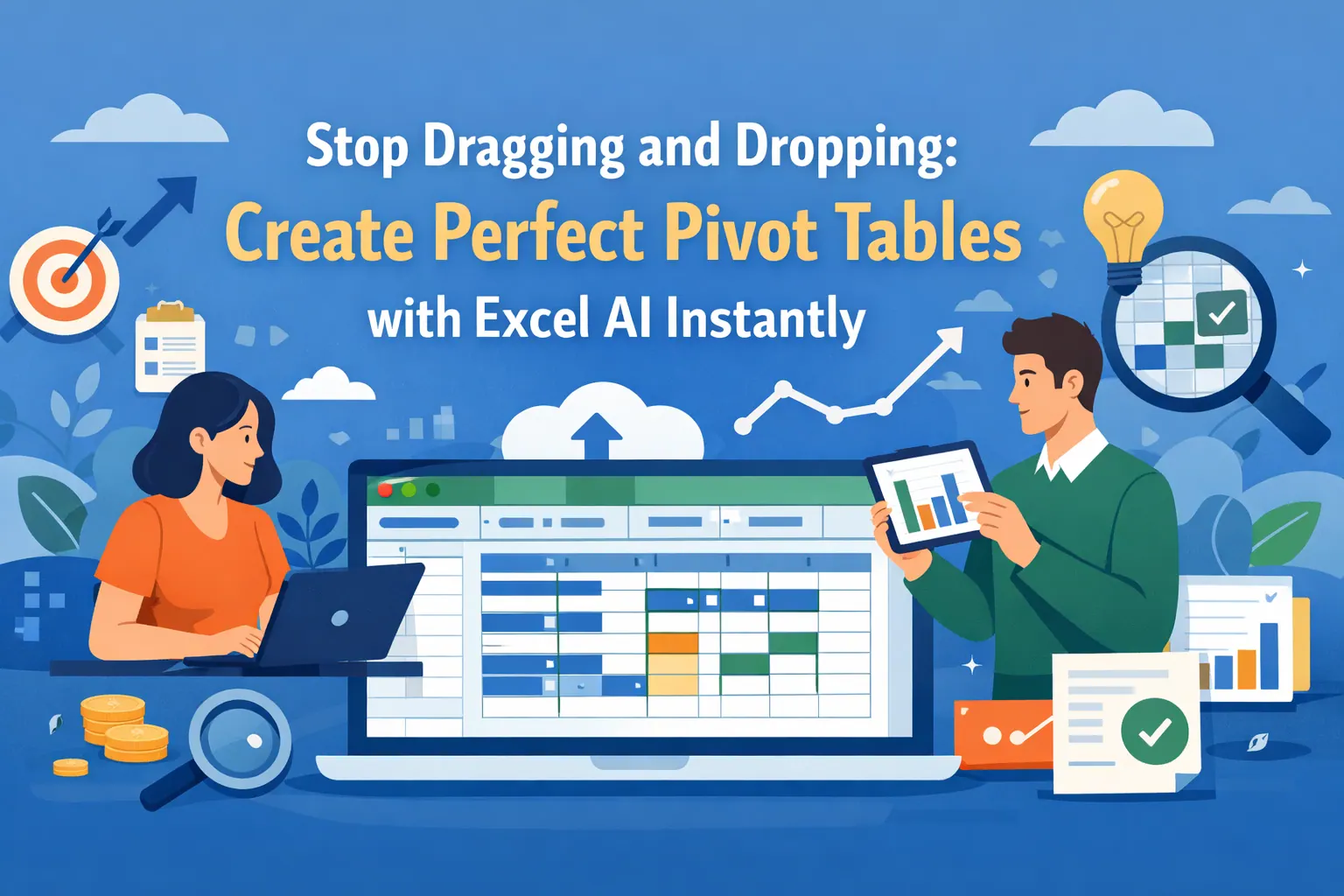
How to Create a Pivot Table: AI vs Manual Excel Tutorial
A practical pivot table tutorial in two paths: first create the analysis with RowSpeak prompts, then follow the manual Excel workflow shown in Kevin Stratvert's step-by-step video.
 Excel & AI
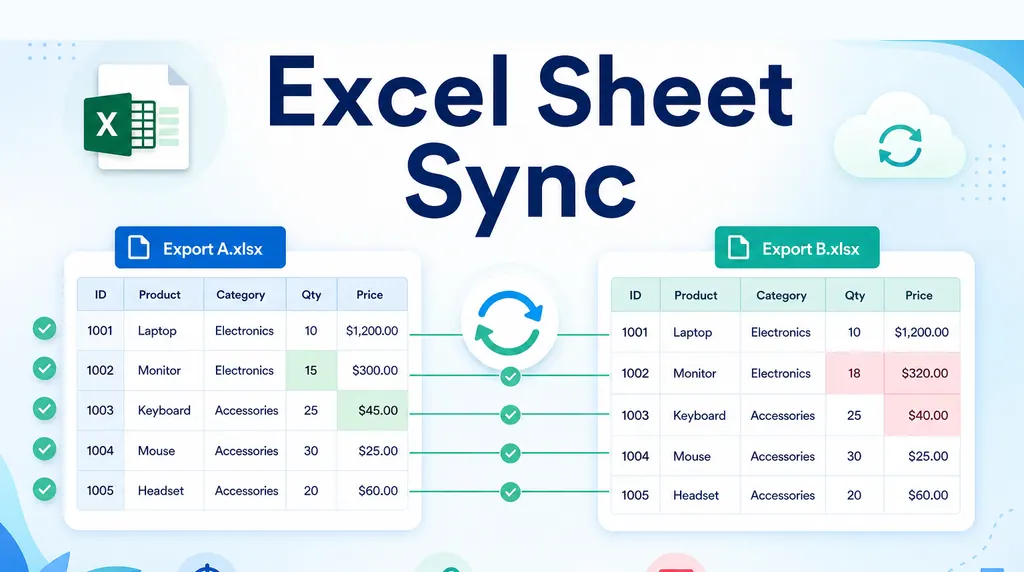
Automate Weekly Excel Reports and Preserve Review Notes
Weekly Excel reports break when comments are tied to row numbers. Use a stable-key workflow to refresh exports while preserving review notes.