
AI Reporting
Explain changes and share results
Start here
Editor pick · reviewed quarterly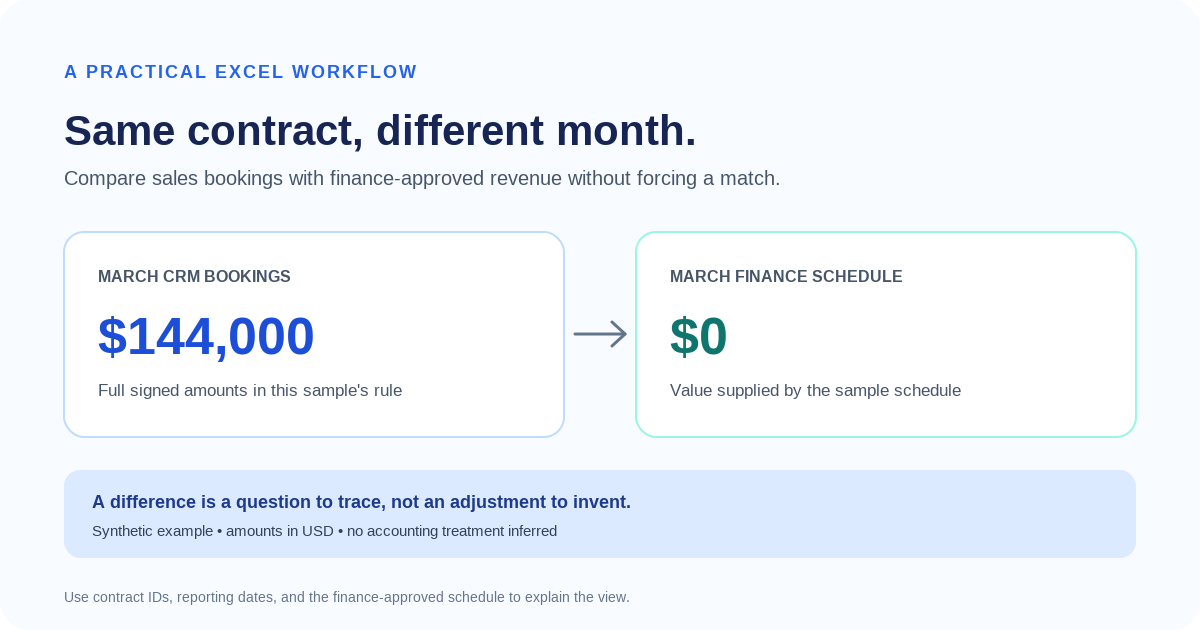 AI Reporting
Why Sales and Finance Revenue Reports Differ: An Excel Workflow
Compare CRM bookings with finance-approved revenue schedules in Excel. Use a synthetic example, control totals, join checks, and a copyable review prompt.
 AI Reporting
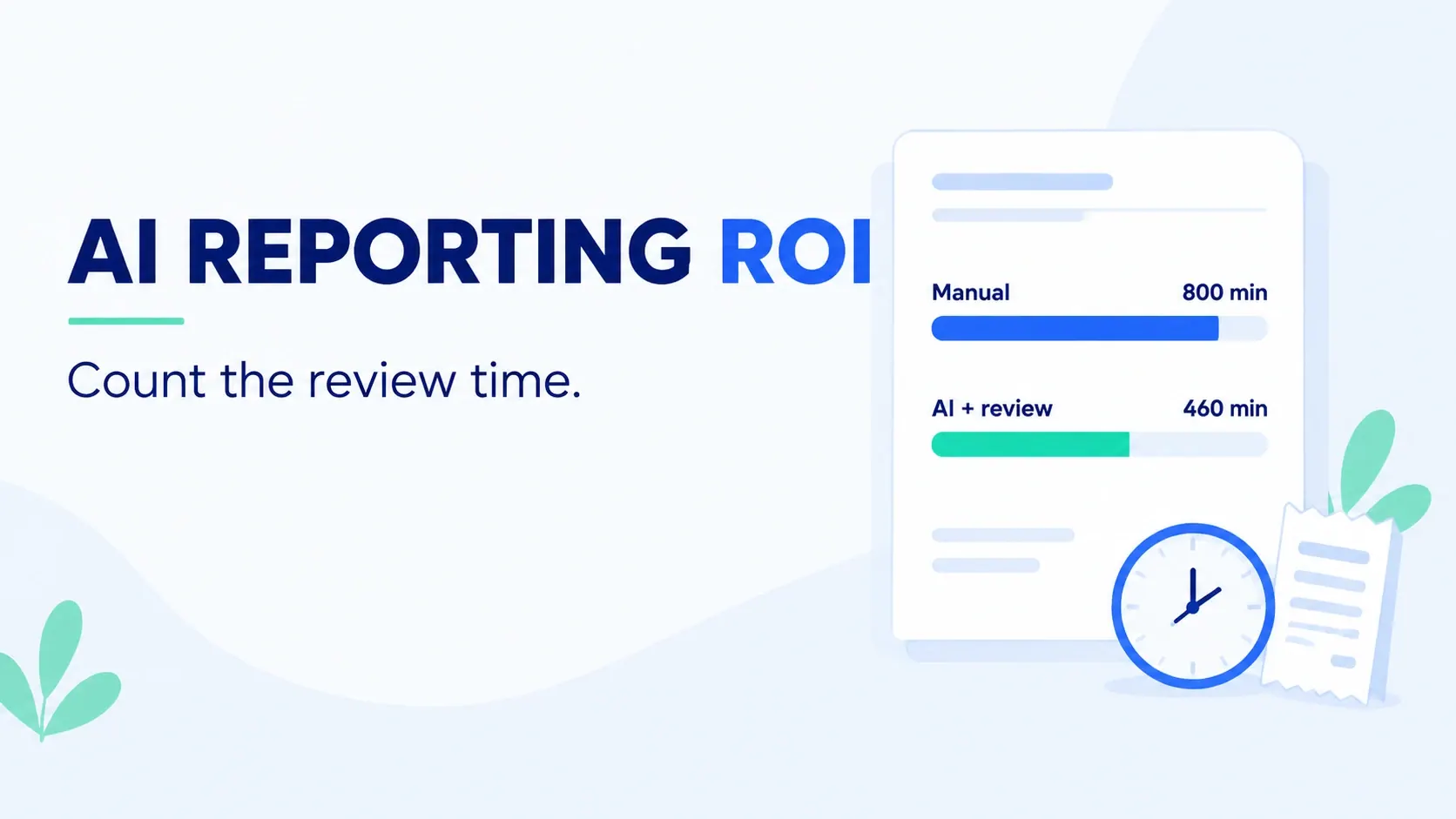
 ROI: Measure Time Saved After Review
A faster first draft is only part of the saving. Use a complete reporting log to decide whether your AI workflow earns its cost.
 AI Reporting
Insurance Reports Always Arrive Too Late? Use RowSpeak AI to Decide Faster
“By the time I get the data, the decision I needed to make is already late.” This guide shows how RowSpeak AI turns policy, claims, renewal, and agent exports into a repeatable reporting workflow.
 AI Reporting
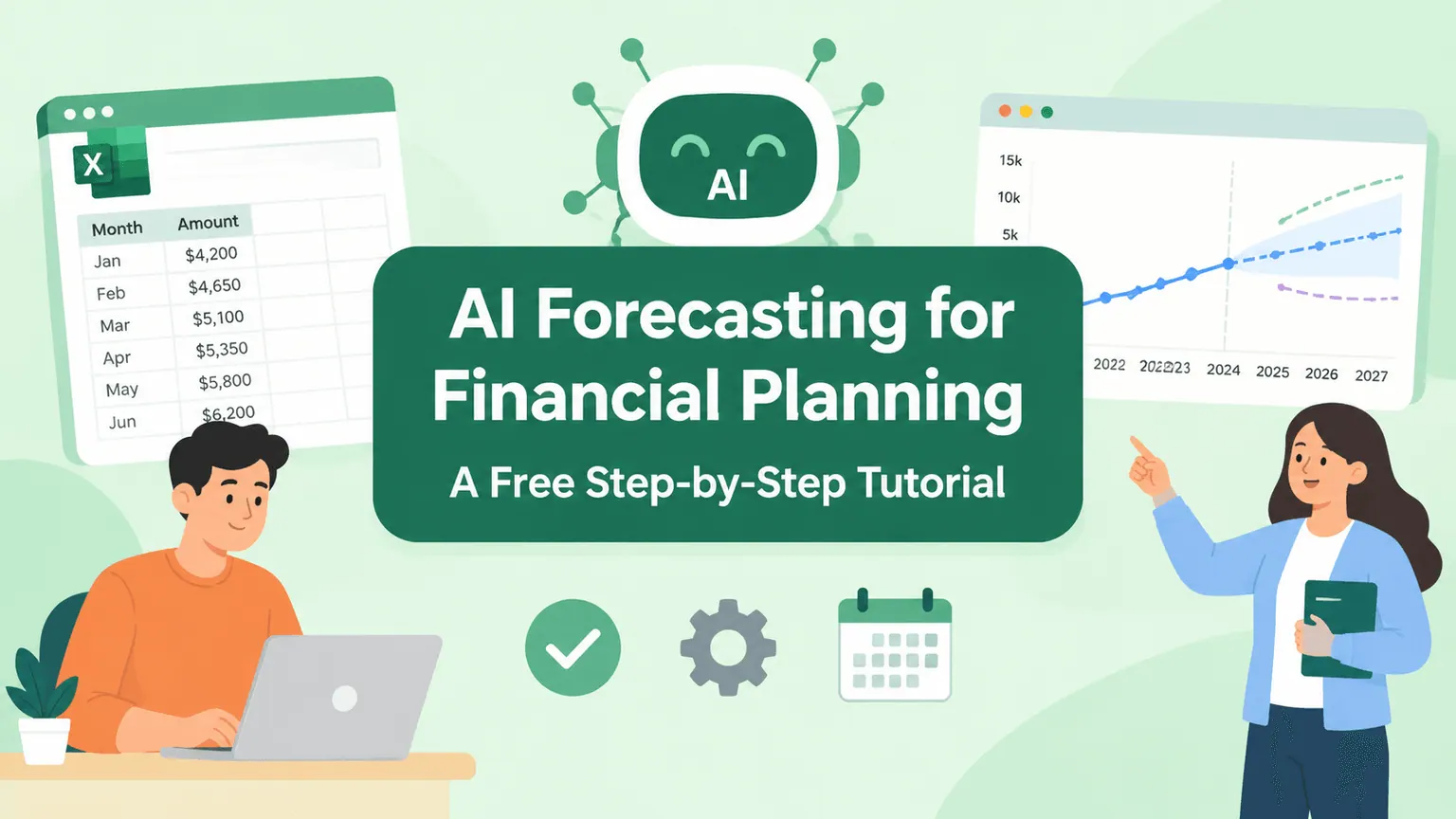
AI Forecasting for Financial Planning: A Free Step-by-Step Tutorial
Build a 12-month revenue and cash forecast from a spreadsheet you already have, using copyable prompts and a free tool. No modelling background needed.
 AI Reporting
AI for Financial Analysis: What It Does Well, and How to Check It
You do not need to be a data specialist to use AI for financial analysis. You need to know which tasks it handles, how to check the numbers, and where to stop.
 AI Reporting
How to Build a Facebook Ads Report From Messy Exports (With a Campaign ROI Template)
A practical Facebook Ads reporting workflow: export the right fields, clean messy CSVs, separate platform ROAS from order-based ROI, and turn campaign data into a report people can trust.
 AI Reporting
How to Generate 100+ Client Excel Reports from One Pivot Table
If your team creates dozens or hundreds of client reports from the same Excel pivot table every month, the problem is not only speed. You need a repeatable workflow that controls filters, formatting, review, and client data boundaries.
 AI Reporting
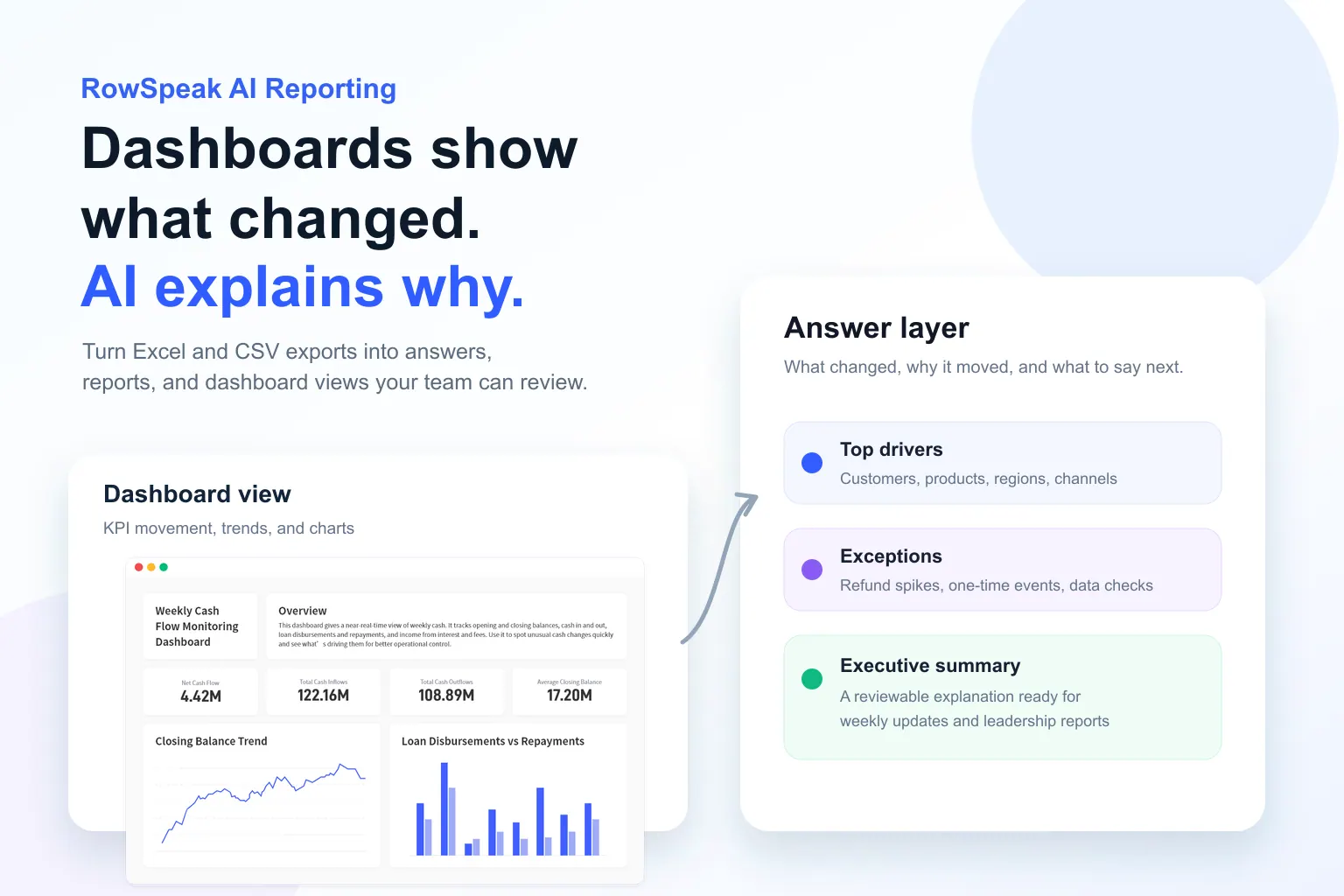
Dashboards Show What Changed. AI Reporting Explains Why.
A dashboard can show that a metric moved. It usually cannot explain the customers, products, regions, and one-time events behind the movement. Here is how AI reporting closes that gap.
 AI Reporting
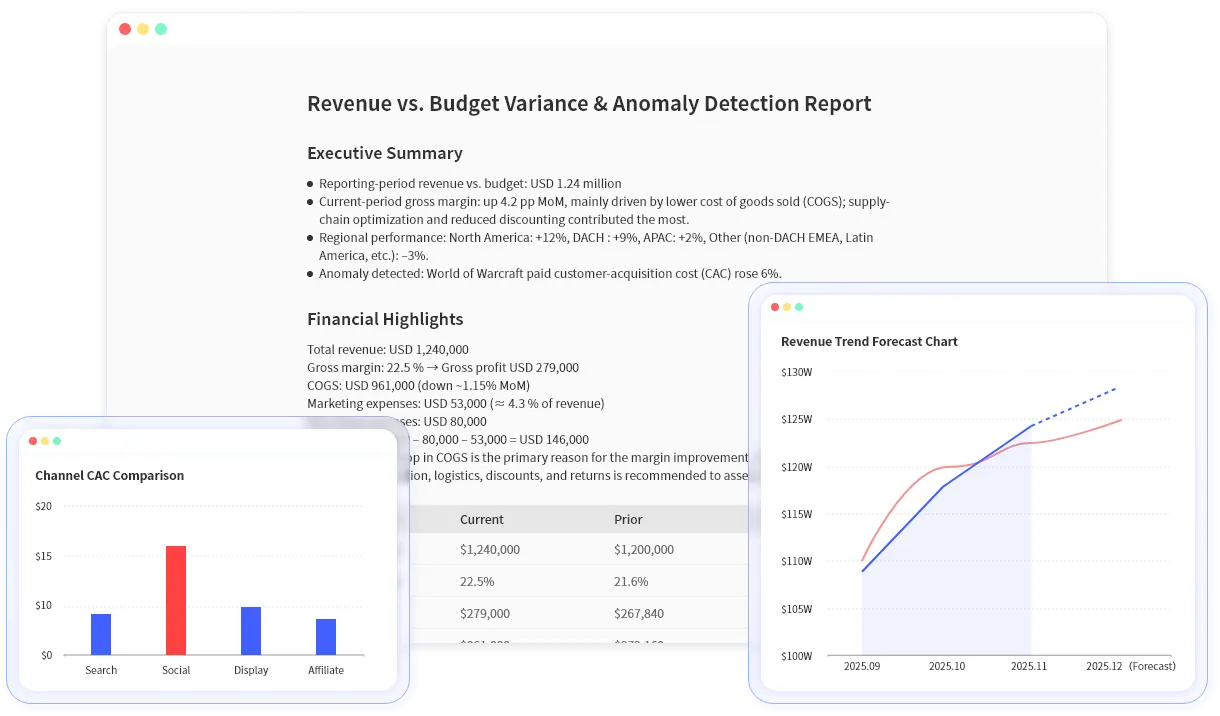
Cash Flow Forecasting with AI in Excel: A Practical Finance Team Workflow
Cash flow forecasting with AI works best when the assumptions, periods, and review checks are explicit. This guide shows a practical Excel workflow.
- AI Reporting
AI Finance Tools for Excel: How to Choose the Right Workflow
Finance teams do not need another abstract AI trend. They need a practical way to turn Excel files, exports, and PDFs into reviewable analysis.
 AI Reporting
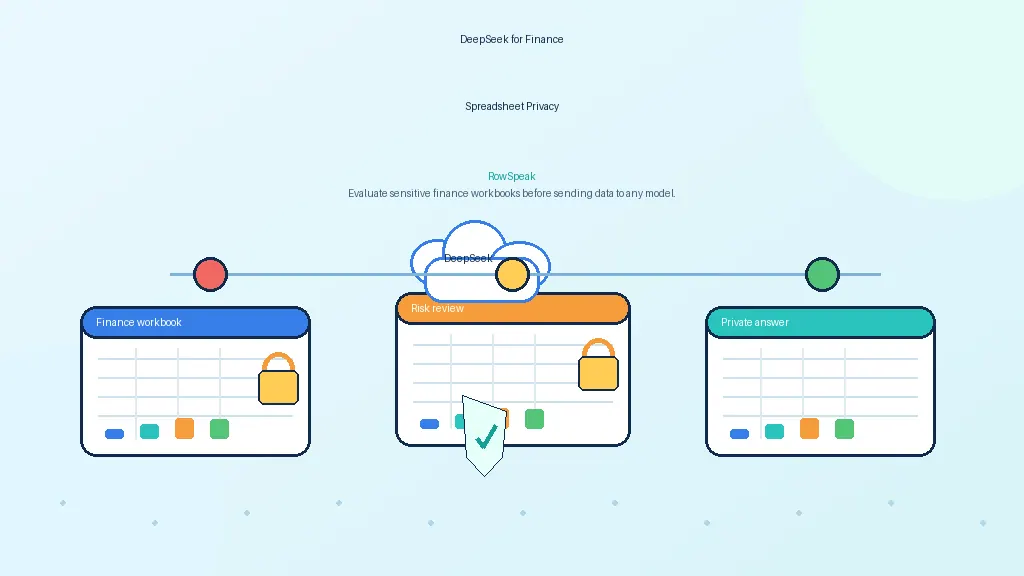
DeepSeek for Financial Spreadsheets: Powerful, But Should You Upload Private Excel Data?
Finance teams want AI for variance analysis, forecasts, and reports. Before uploading spreadsheets to DeepSeek or any AI tool, understand the privacy and governance tradeoffs.
 AI Reporting
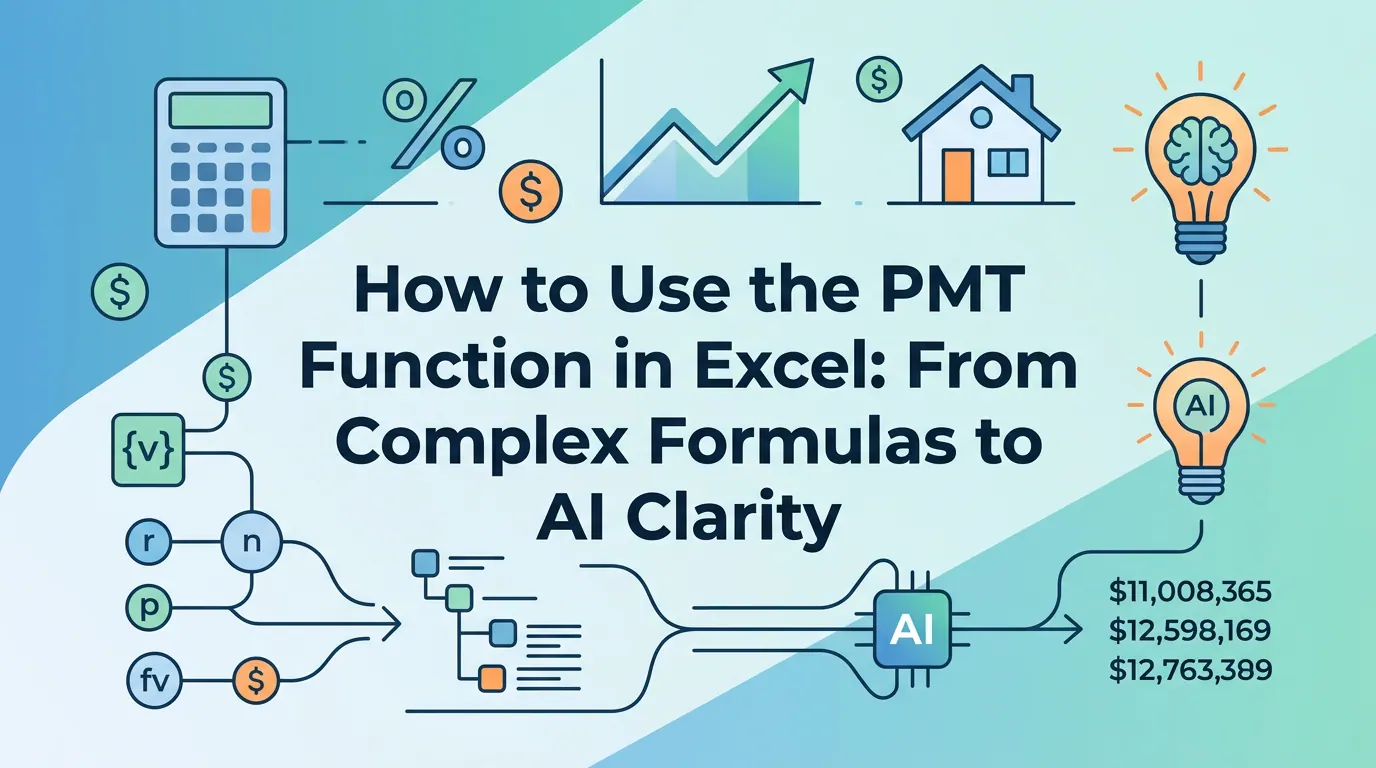
How to Use the PMT Function in Excel: From Complex Formulas to AI Clarity
Struggling with the PMT function syntax? Calculate monthly mortgage or car payments without memorizing complex financial arguments using RowSpeak.
 AI Reporting
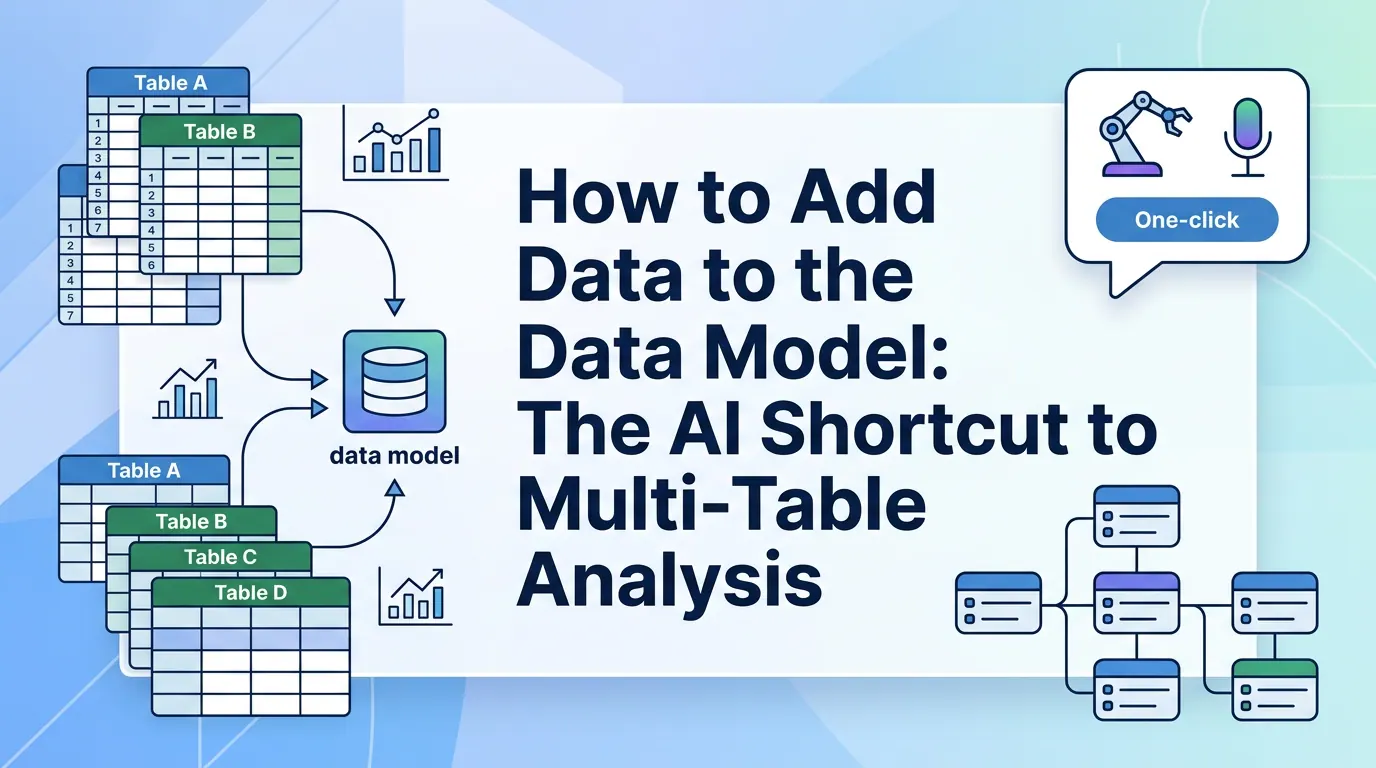
How to Add Data to the Data Model: The AI Shortcut to Multi-Table Analysis
Stop wasting hours setting up Excel Relationships. Discover how RowSpeak automates the 'Add to Data Model' process, allowing you to merge tables with a single voice command.
 AI Reporting
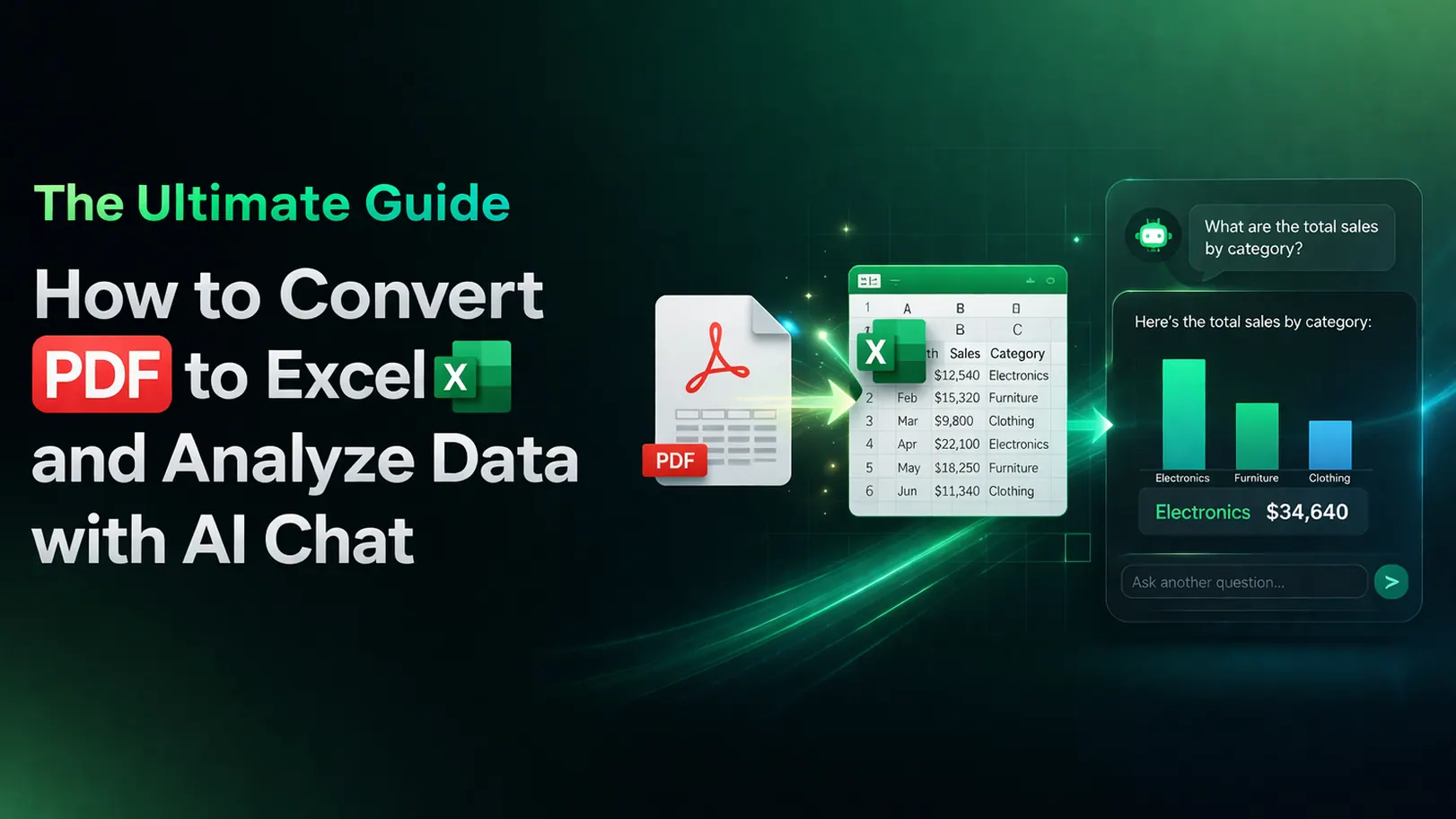
The Ultimate Guide: How to Convert PDF to Excel and Analyze Data with AI Chat
Stop wasting hours on manual data entry. Our two-step AI guide shows you how to convert any PDF to Excel and use natural language to analyze the results.
 AI Reporting
Stop Drowning in Formulas: Master In-Demand Excel Skills with AI
Tired of spending hours building reports and debugging formulas? What if you could just *ask* your spreadsheet for the answers? Learn how Excel AI is revolutionizing data analysis, turning complex tasks like creating Pivot Tables and VLOOKUPs into simple conversations.
 AI Reporting
Tired of Writing Excel VBA? Automate Your Tasks with AI Instead
Dreaming of automating your repetitive Excel tasks but hit a wall with VBA? Learning variables, data types, and syntax is a time-sink. See how Excel AI lets you use plain language to get the same results, no coding required.
 AI Reporting
Stop Writing VBA: Calculate Custom Sales Commissions in Excel with AI
Tired of complex nested IFs or learning VBA just for custom calculations like tiered sales commissions? Discover the old-school VBA method and see how a new Excel AI tool, RowSpeak, lets you do the same in seconds with plain language.
 AI Reporting
Stop Wasting Hours on Custom Sorting in Excel: Here's a Faster Way with AI
Struggling to sort Excel data by a custom, non-alphabetical order? Manually creating Custom Lists is a frustrating bottleneck. Discover how an Excel AI agent like RowSpeak can handle complex, multi-level sorting with a simple English sentence, turning a tedious task into a few clicks.
 AI Reporting
Forget Goal Seek: Run Excel What-If Analysis with AI Instead
Stop wrestling with clunky dialog boxes for Goal Seek and Scenario Manager. This guide shows you a modern way to perform What-If Analysis in Excel. Discover how an Excel AI can run complex financial scenarios and sensitivity analyses for you, just by asking plain language questions.
 AI Reporting
Tired of Power Query & DAX? Meet the Excel AI That Simplifies Your Data Workflow
Feeling overwhelmed by Power Query, Power Pivot, and DAX for your data analysis? You're not alone. These powerful tools are complex. Learn how Excel AI offers a revolutionary alternative, letting you merge files, clean data, and build reports just by chatting.
 AI Reporting
Tired of Juggling Excel Add-ins? Here’s the All-in-One AI Alternative
Stop juggling countless Excel add-ins for every little task! This creates a messy, expensive, and insecure workflow. We'll show you why the traditional add-in approach is broken and how a unified Excel AI tool like RowSpeak lets you do it all—from data cleaning to advanced charting—with simple chat commands.
 AI Reporting
Tired of Manually Tracking Vacation Days? Automate Your Excel Vacation Tracker with AI
Tired of spending hours manually calculating employee vacation days with complex formulas? This guide shows you how to ditch the error-prone spreadsheets and use Excel AI to build an automated vacation tracker, saving you time and ensuring accuracy.
 AI Reporting
Stop Drowning in Spreadsheets: Manage Your Travel Budget with Excel AI
Stop wasting vacation time buried in spreadsheets. This guide contrasts the tedious manual way of managing a travel budget in Excel with a new, AI-powered approach. Discover how RowSpeak can automate your expense analysis and give you instant financial insights.
 AI Reporting
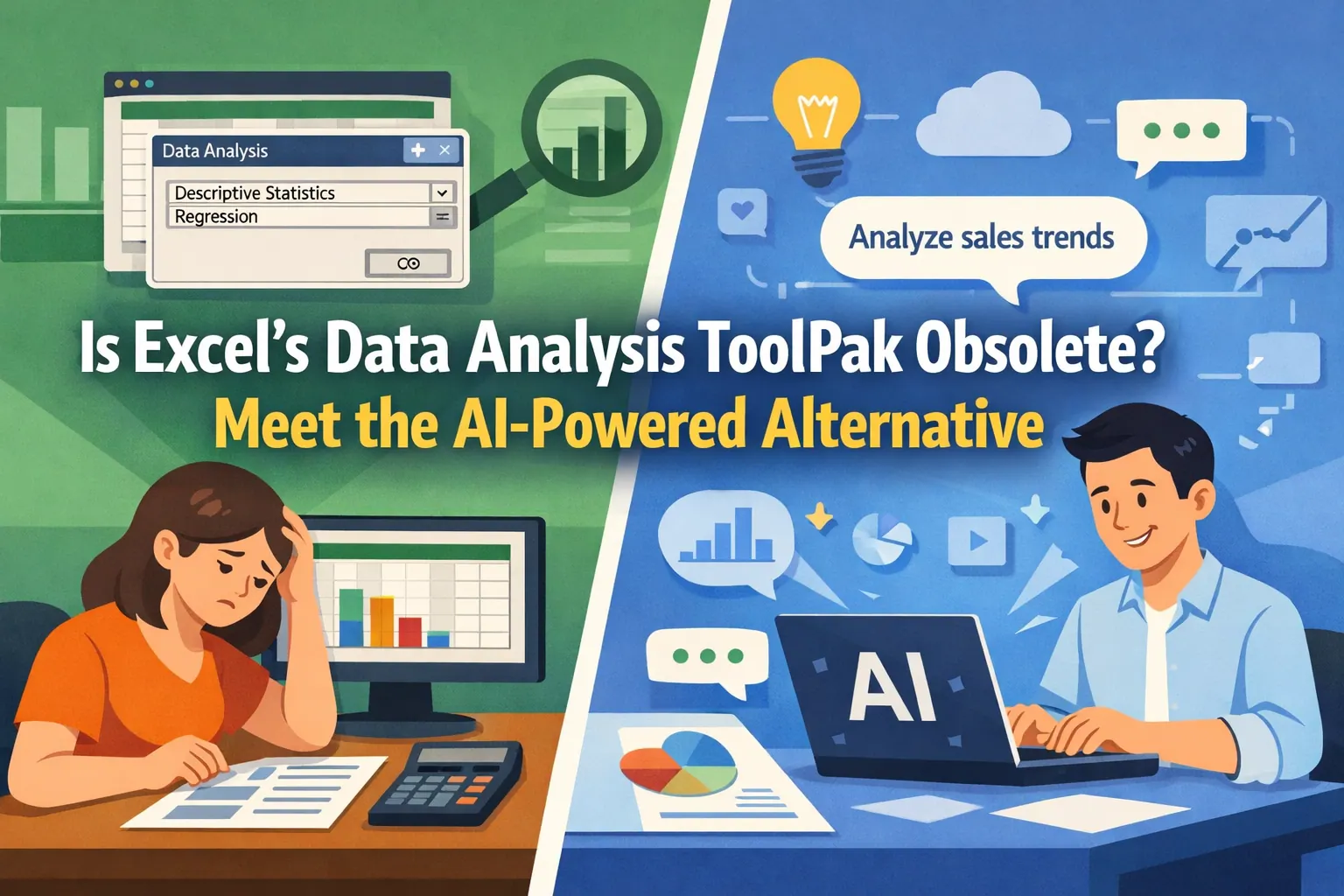
Is Excel's Data Analysis ToolPak Obsolete? Meet the AI-Powered Alternative
Tired of the clunky, hidden Data Analysis ToolPak in Excel? This guide shows you a better way. We'll compare the rigid, manual process of the old ToolPak with the new, conversational power of Excel AI, letting you run complex statistical analysis in seconds.
 AI Reporting
Tired of Excel Solver? Optimize Your Schedules and Budgets with AI Instead
Struggling with Excel's complex Solver for scheduling or budgeting? It's powerful but clunky. Discover how an Excel AI Agent like RowSpeak lets you find the optimal solution using simple language, no complex dialog boxes required.
 AI Reporting
How Excel AI Builds Custom Reports Without Rigid Templates
Tired of wrestling with rigid Excel templates that never quite fit your needs? Discover a smarter way. This guide shows you how to ditch the template hunt and use Excel AI to build flexible, custom reports and dashboards in minutes.
 AI Reporting
Stop Hunting for Buttons: How Excel AI Replaces the Cluttered Ribbon
Feeling lost in the maze of tabs and buttons that is the Excel Ribbon? You're not alone. This guide shows you how to ditch the endless clicking and use Excel AI to get your data analysis, charts, and reports done just by describing what you want.
 AI Reporting
Stop Using the Complex OFFSET Function: Create Dynamic Ranges with Excel AI
Struggling with complex OFFSET formulas to create dynamic ranges for your reports? This guide shows you a better way. Discover how an Excel AI agent can replace these fragile, hard-to-maintain formulas, letting you build dynamic reports and lists in seconds just by asking.
 AI Reporting
Stop Wasting Hours on Manual Scheduling: Build a Random Schedule in Excel with AI
Tired of manually creating random schedules or wrestling with complex Excel formulas? Discover the limitations of old-school methods and see how Excel AI can generate, update, and query your schedules with simple language commands.
 AI Reporting
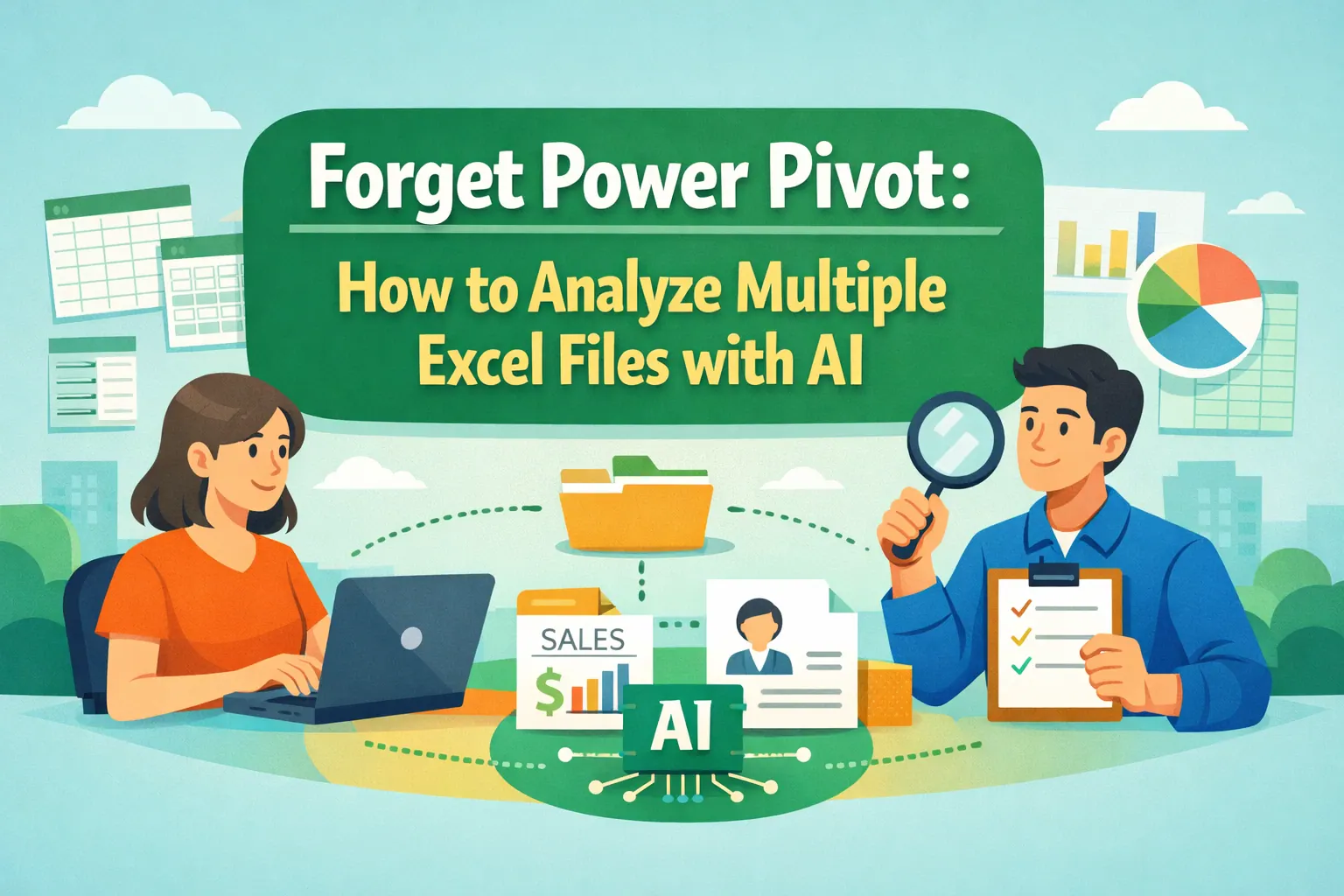
Forget Power Pivot: How to Analyze Multiple Excel Files with AI
Struggling to connect sales, customer, and product data in Excel? Forget complex VLOOKUPs and the steep learning curve of Power Pivot. Discover how RowSpeak, an Excel AI, lets you analyze multiple tables using simple conversation, saving you hours of manual work.
 AI Reporting
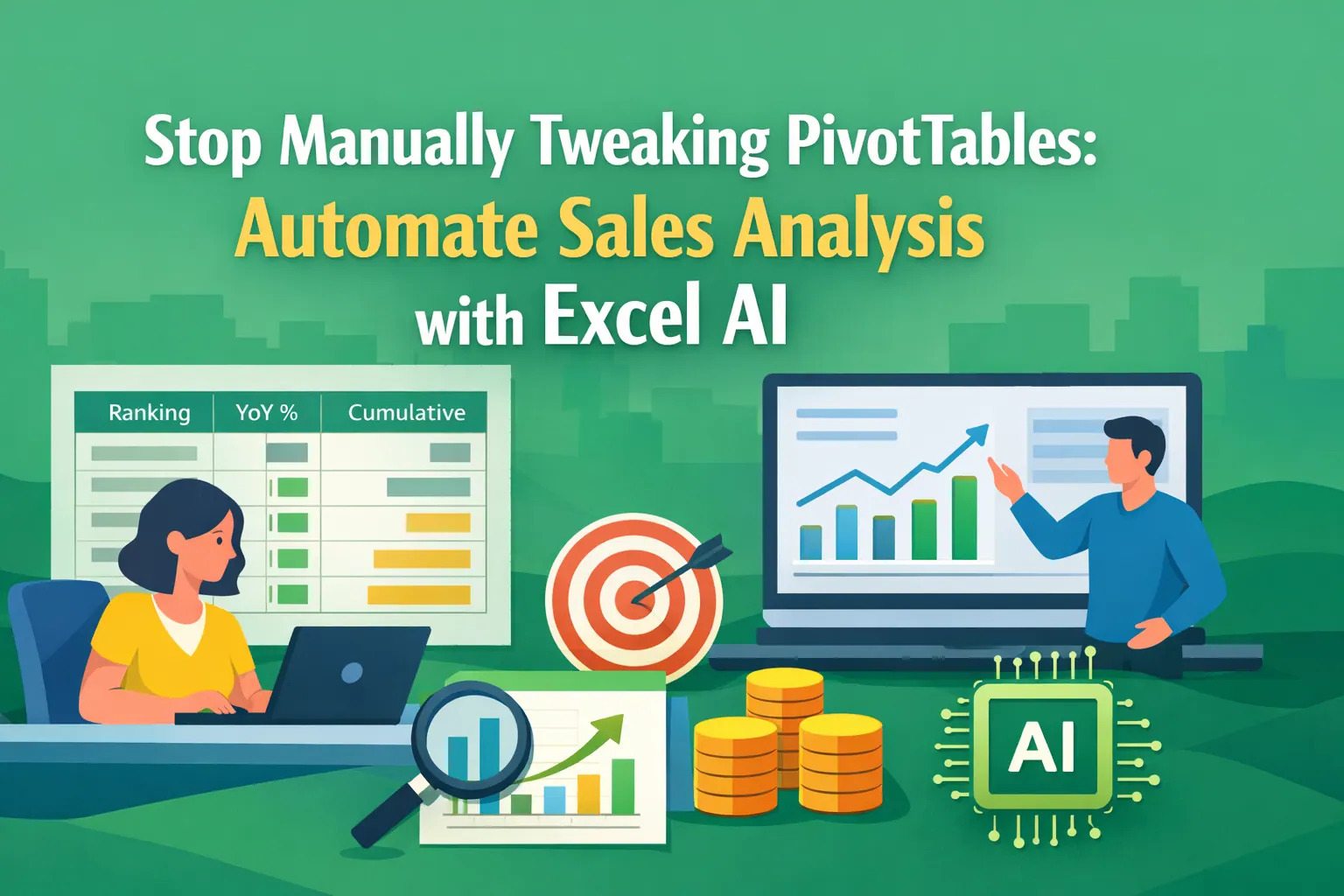
Stop Manually Tweaking PivotTables: Automate Sales Analysis with Excel AI
Tired of spending hours manually configuring PivotTables for sales reports? This guide shows you how to move beyond tedious 'Show Values As' settings for ranking and YoY analysis by using an Excel AI agent to get the same results in seconds.
 AI Reporting
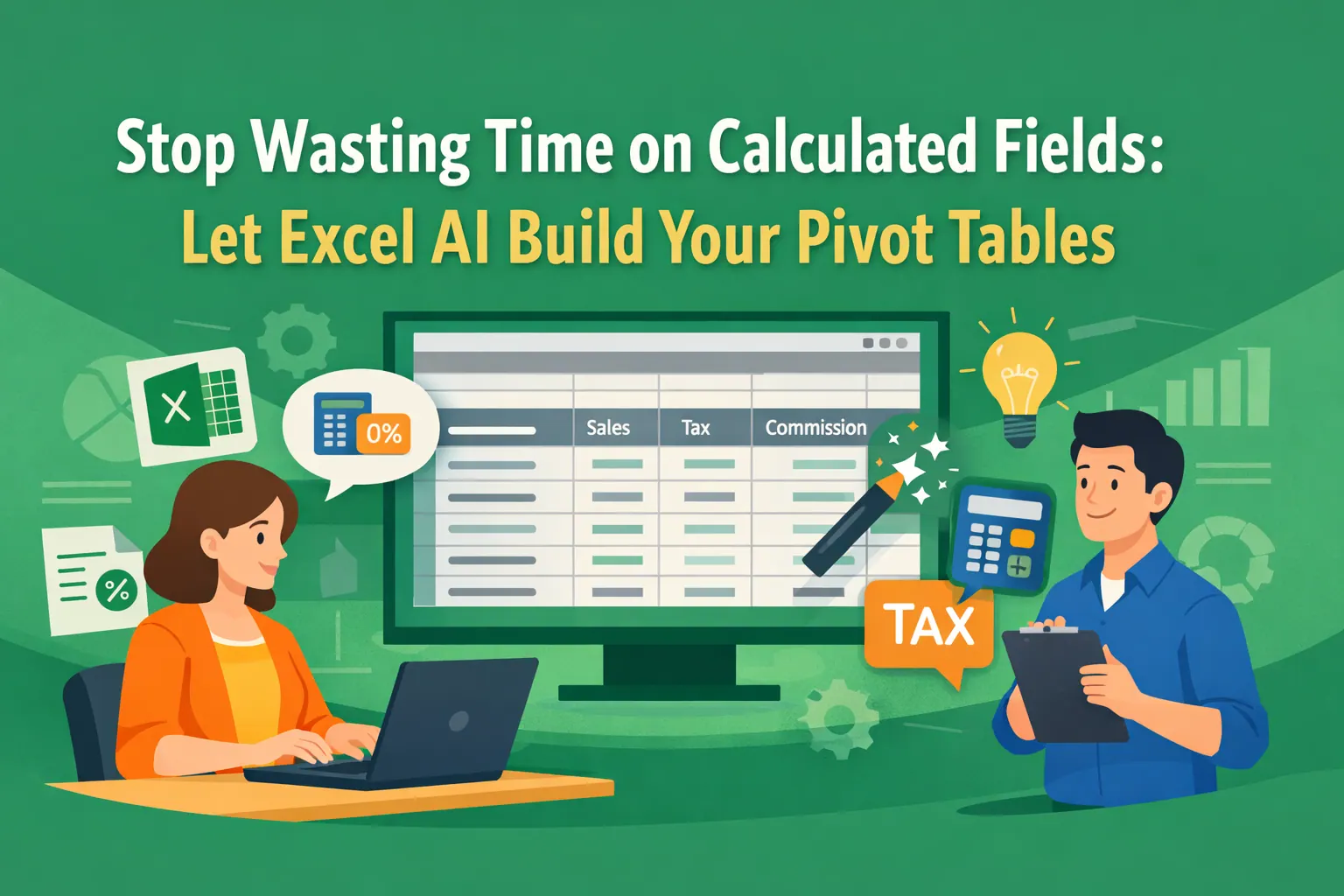
Stop Wasting Time on Calculated Fields: Let Excel AI Build Your Pivot Tables
Tired of digging through Excel's menus just to add a simple tax or commission column to your pivot table? Discover how an Excel AI agent like RowSpeak can create calculated fields for you from a single sentence, saving you time and preventing formula errors.
 AI Reporting
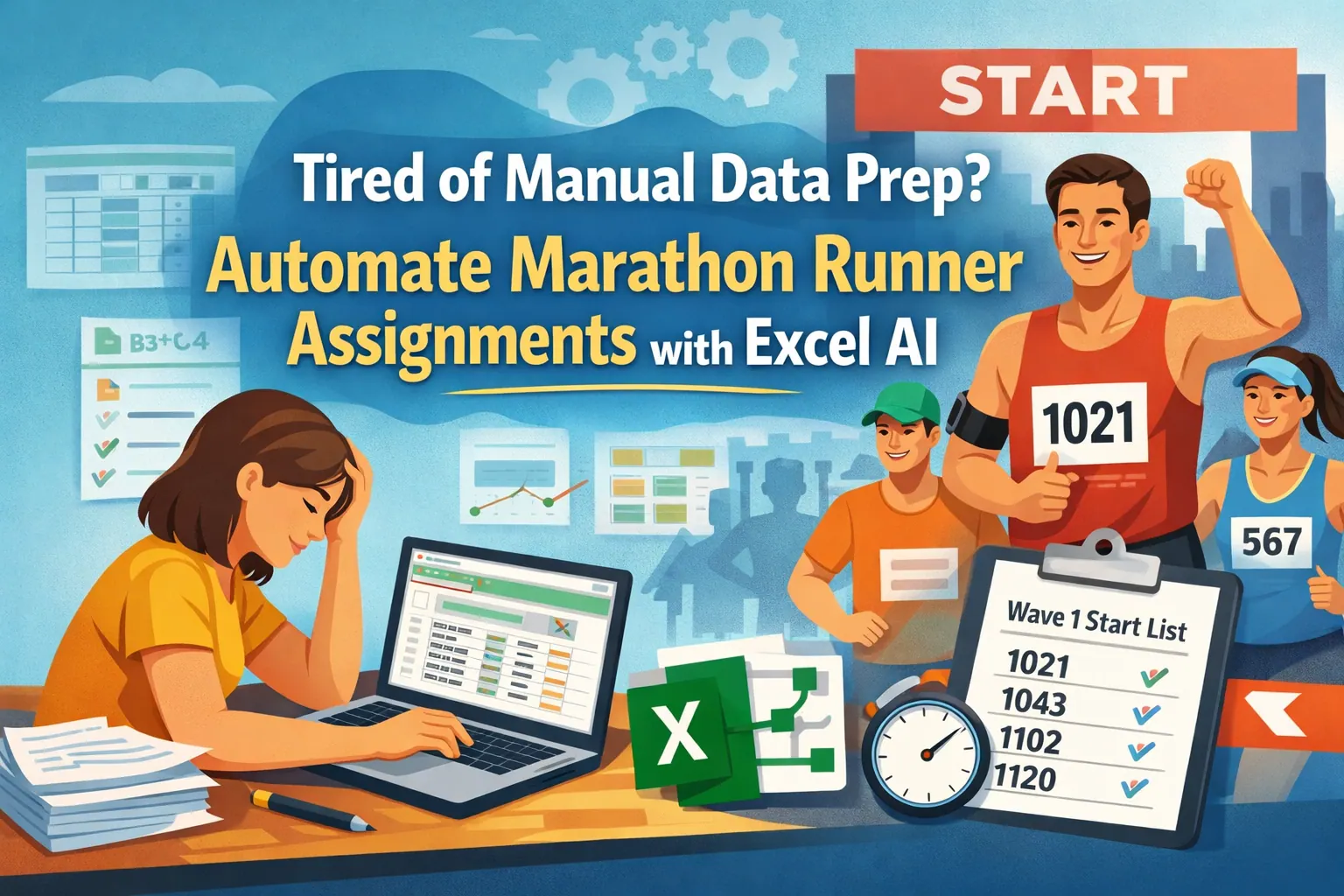
Tired of Manual Data Prep? Automate Marathon Runner Assignments with Excel AI
Tired of manually calculating race times, generating bib numbers, and sorting athletes into start waves? This guide shows you the old, formula-heavy way and the new, AI-powered way with RowSpeak to get it done in seconds.
 AI Reporting
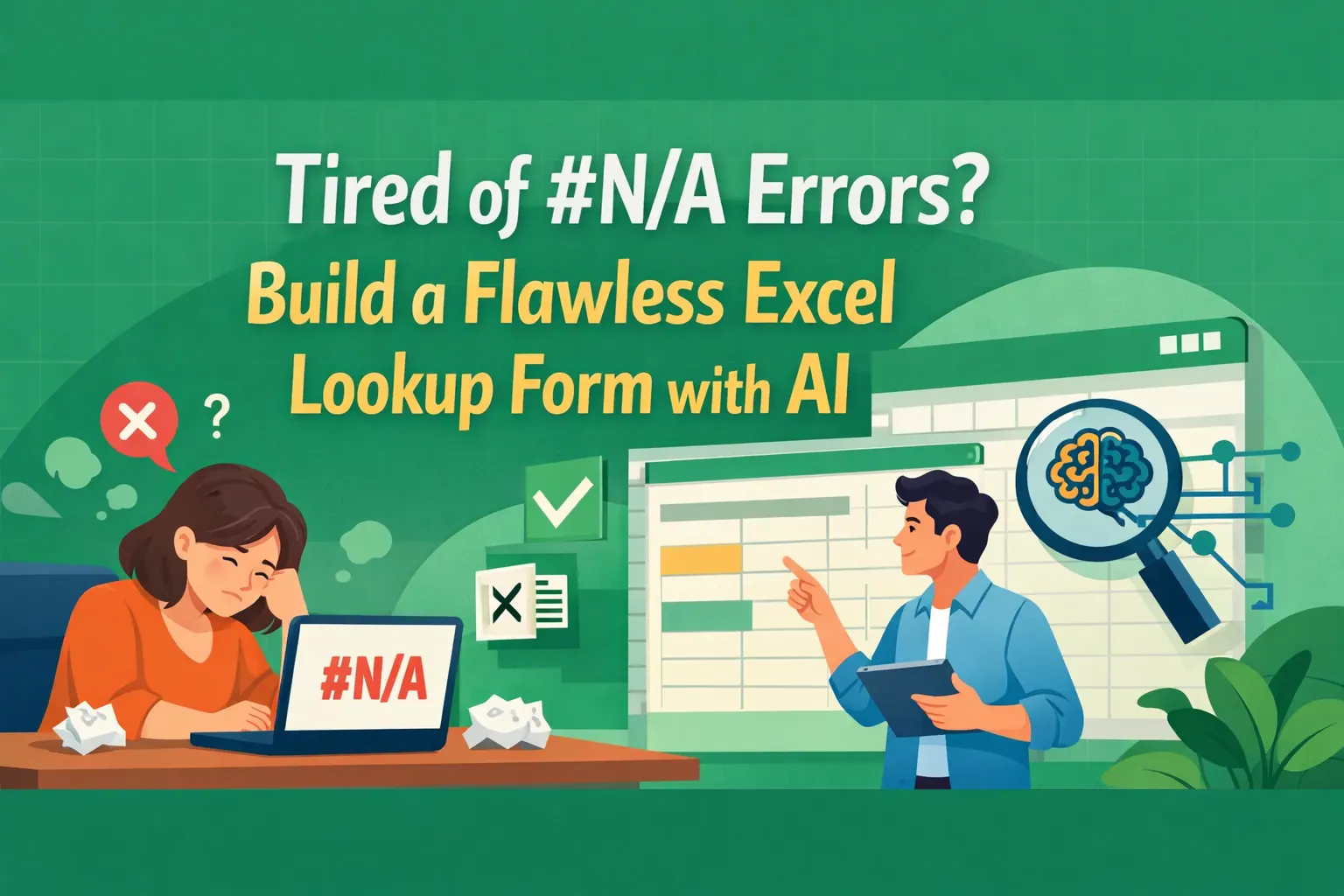
Tired of #N/A Errors? Build a Flawless Excel Lookup Form with AI
Struggling with messy #N/A errors and incorrect data entry in your Excel lookup forms? Discover how Excel AI tools like RowSpeak can automate the entire process, from data lookups to input validation, just by using simple chat commands.
 AI Reporting
Tired of VLOOKUP? Build a Dynamic Insurance Calculator in Excel with AI
Tired of wrestling with complex VLOOKUP or INDEX/MATCH formulas for your custom Excel calculators? This guide shows you the traditional way to build an insurance premium calculator and then reveals a much faster, error-free method using natural language with RowSpeak. Stop fighting with formulas and start getting answers.
 AI Reporting
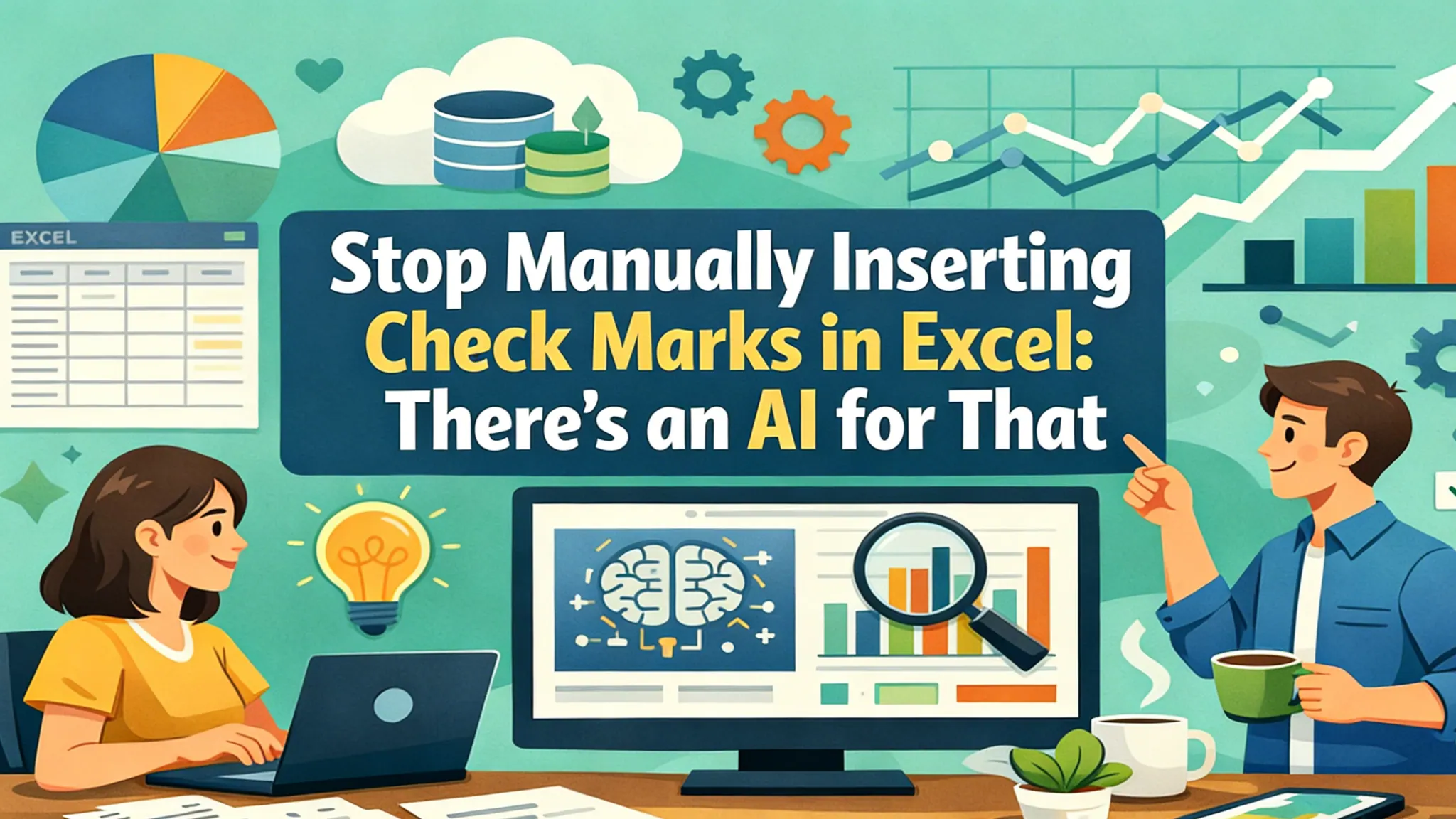
Stop Manually Inserting Check Marks in Excel: There's an AI for That
Tired of the tedious process of adding check marks in Excel for your task lists or status reports? Forget memorizing ALT codes or navigating complex menus. Discover how an Excel AI agent can automate this process, saving you time and reducing errors.