
Excel & AI
Analyze and work with spreadsheets
Start here
Editor pick · reviewed quarterly Excel & AI
Excel Management Reporting: From Spreadsheet to Board Report
A repeatable Excel management reporting workflow helps teams move from month-end exports to board-ready reports without stale charts or mismatched commentary.
 Excel & AI
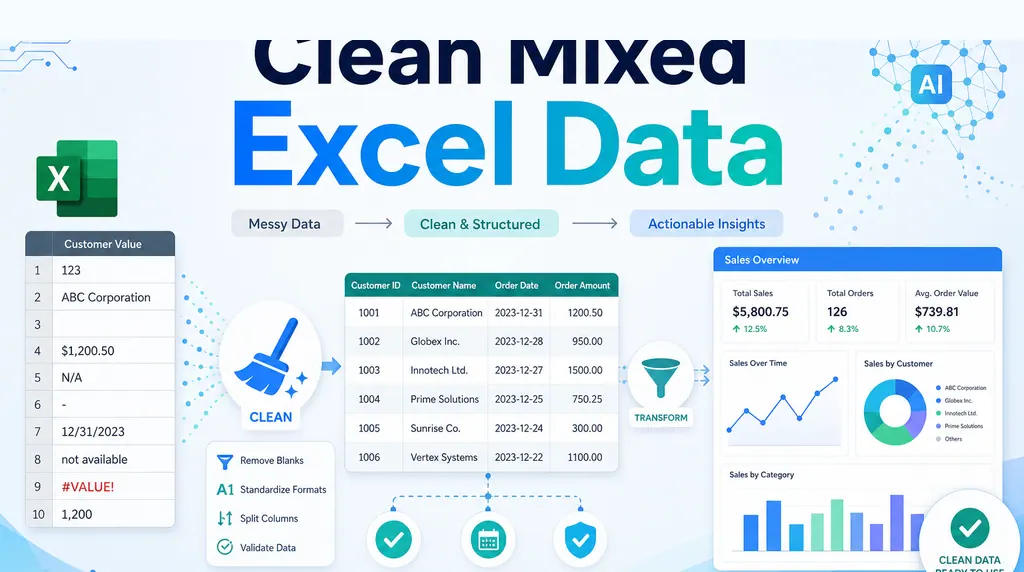
How to Clean Mixed Data in an Excel Column Before Summing
A column that looks numeric can still be unusable. Before summing it, clean the messy values and keep a review trail.
 Excel & AI
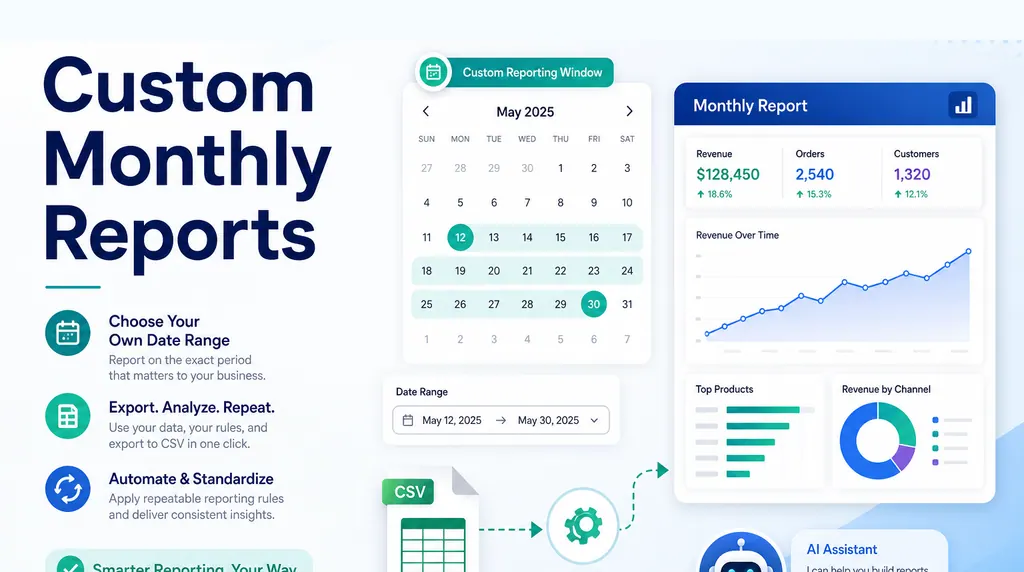
How to Create Monthly Reports for a Custom Date Range
Many reports do not follow calendar months. If your business reports from the 24th to the 23rd, the date window must be part of the reporting logic, not a manual afterthought.
 Excel & AI
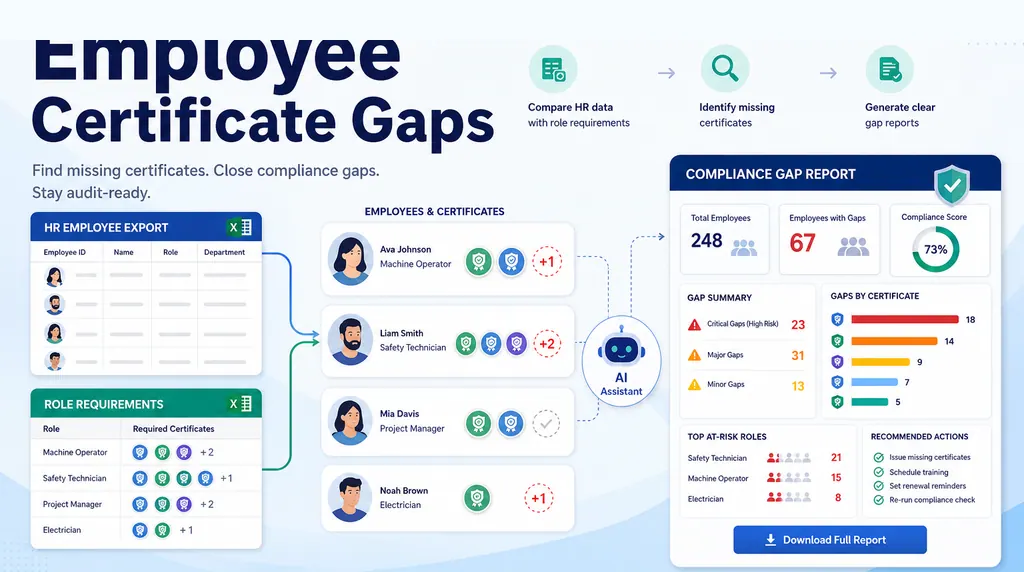
How to Build an Employee Training Gap Report in Excel
Two spreadsheets are not a compliance report. Here is a practical workflow for matching employee training records against role requirements and finding the real gaps.
 Excel & AI
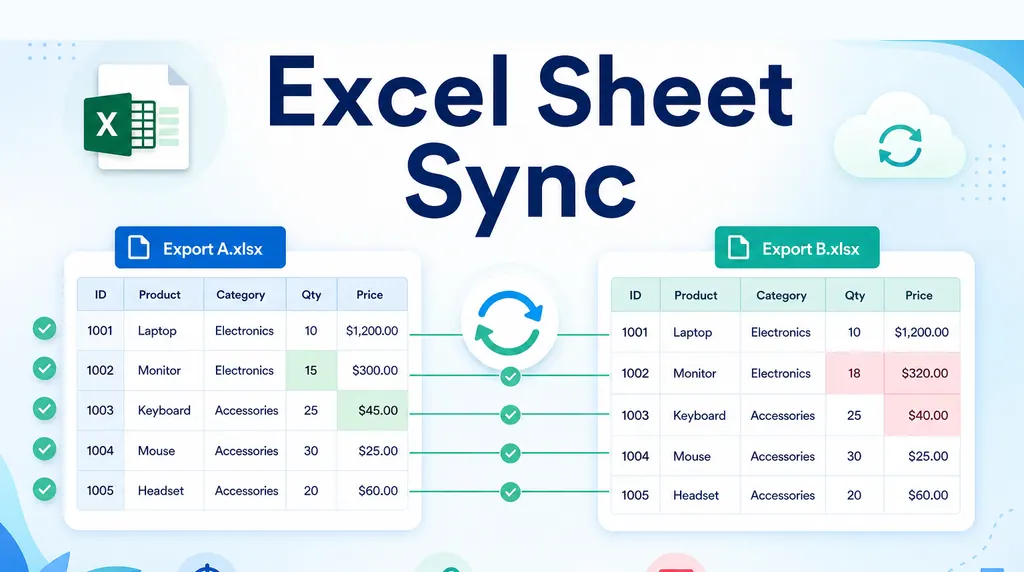
How to Keep Two Excel Views in Sync with Different Sort Orders
When two tabs need the same records in different orders, the safest answer is usually one source table, formulas for generated views, and checks for missing records.
 Excel & AI
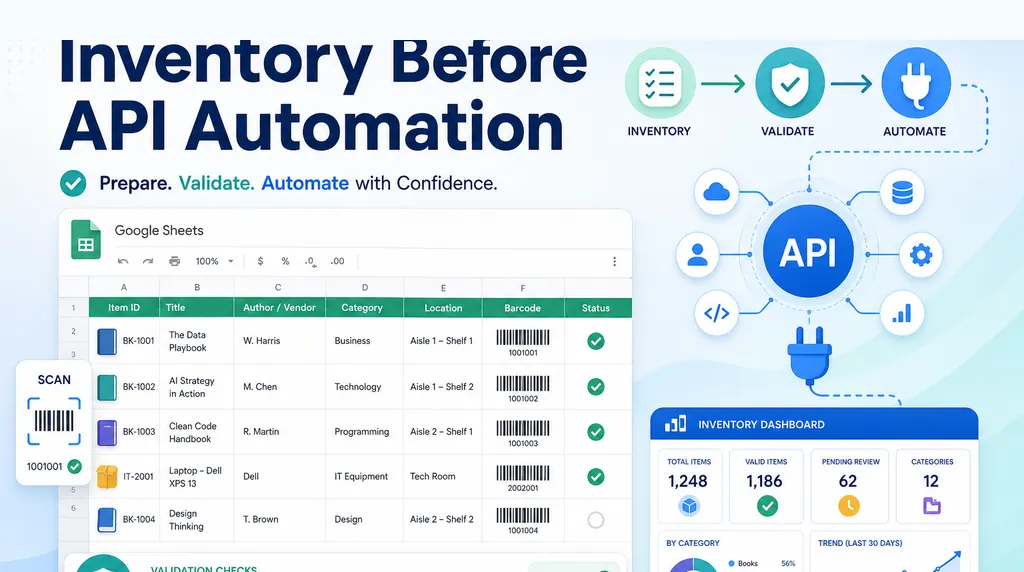
How to Design a Google Sheets Library Inventory Before API Automation
For a small library, the first challenge is not the API. It is designing a simple inventory table that non-technical volunteers can maintain.
 Excel & AI
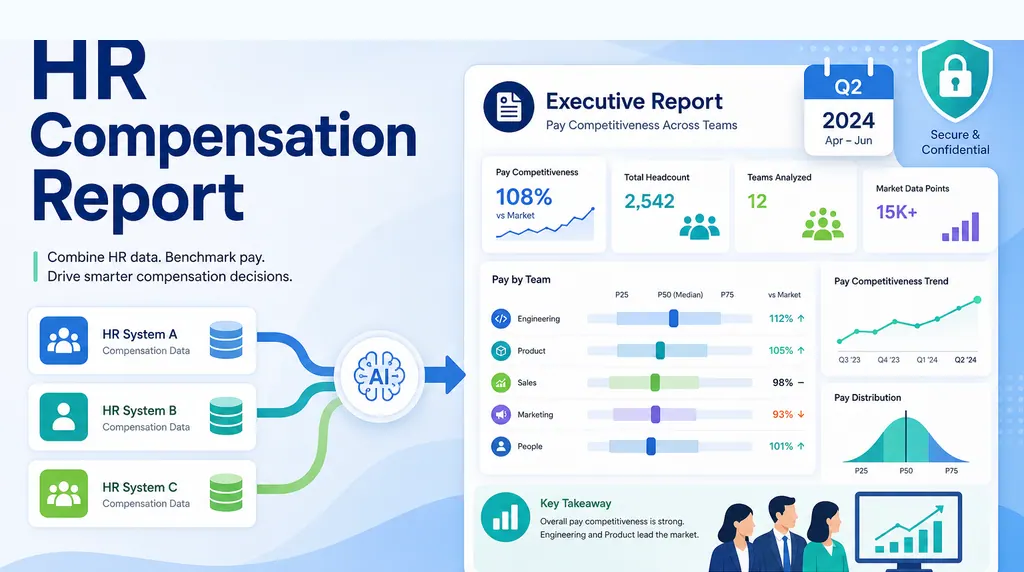
How to Create an HR Compensation Report from Multiple Systems
When compensation data lives in three systems, the quarterly leadership question needs more than a spreadsheet merge. It needs a repeatable executive reporting workflow.
 Excel & AI
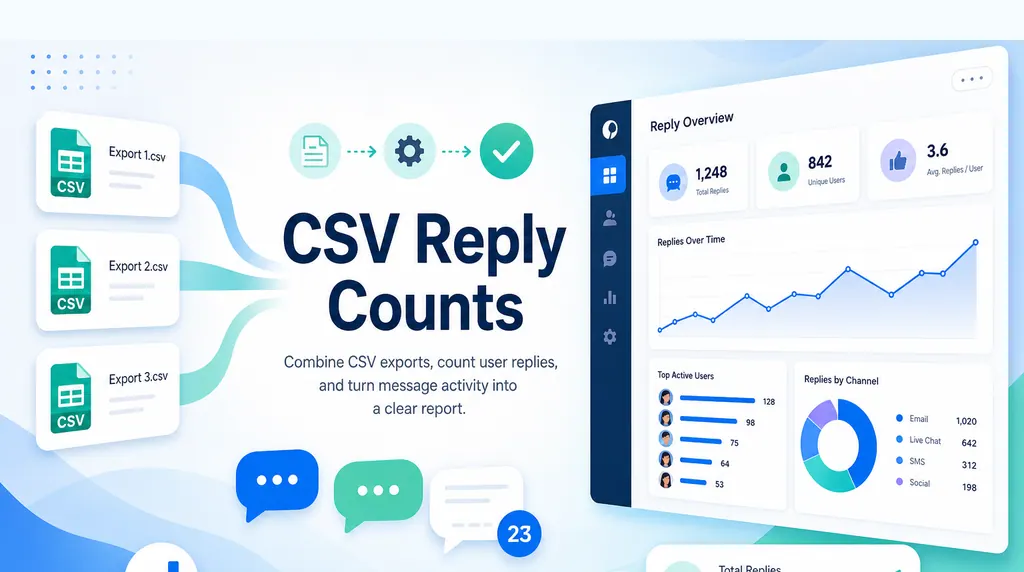
How to Merge and Count Records Across Multiple CSV Files
When every system exports its own CSV, the real job is combining files, counting records correctly, and keeping the result traceable.
 Excel & AI
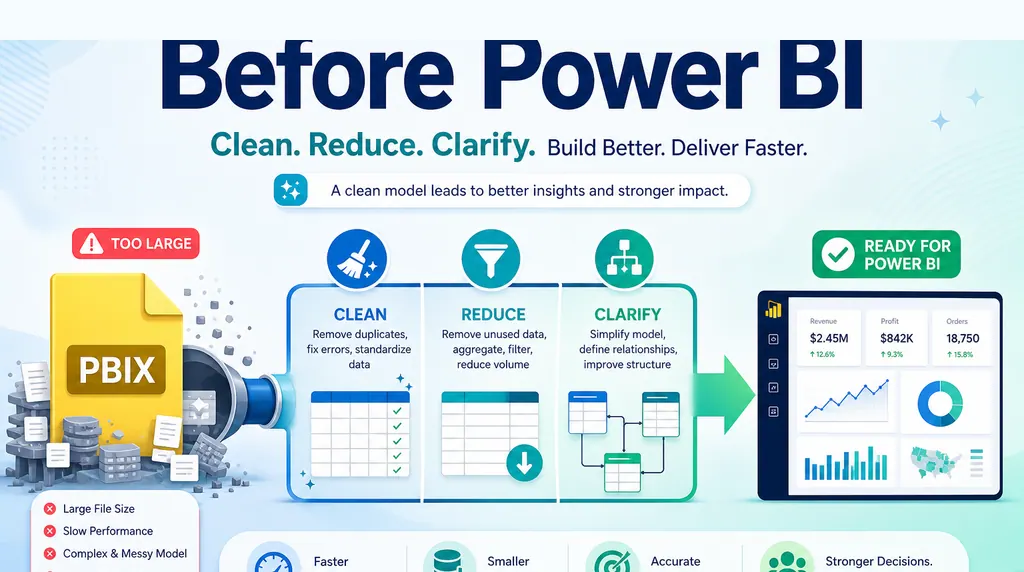
Power BI PBIX File Too Large? What to Do Before Development
A giant PBIX before development is often a sign that the report logic has not been narrowed yet. Before building the model, validate what the business actually needs to see.
 Excel & AI
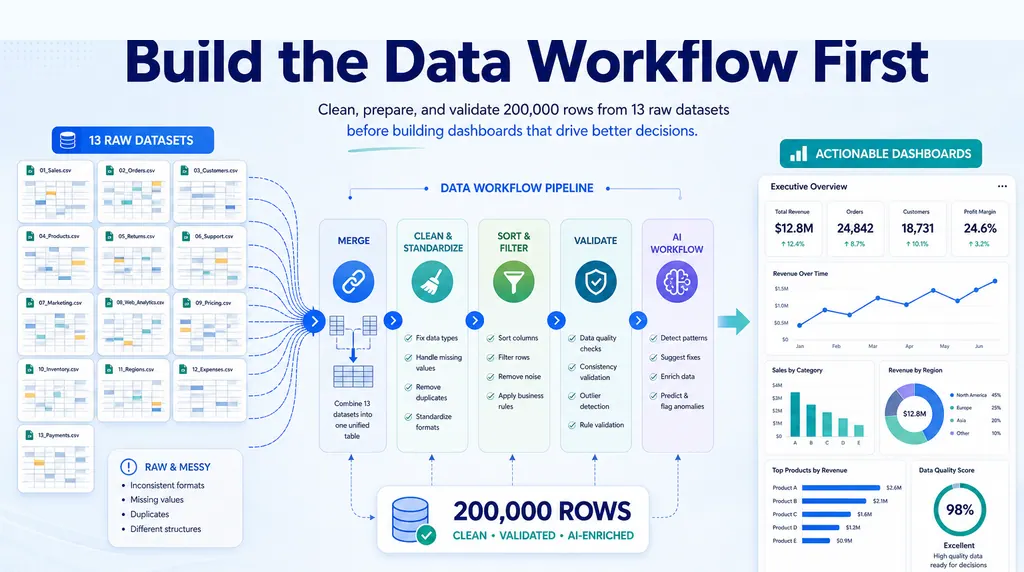
How to Clean Data Before Building a Dashboard in Excel
Before charting, decide which rows can be cleaned and which need an owner. Follow a seven-row example with exact checks, prompts, and a release checklist.
 Excel & AI
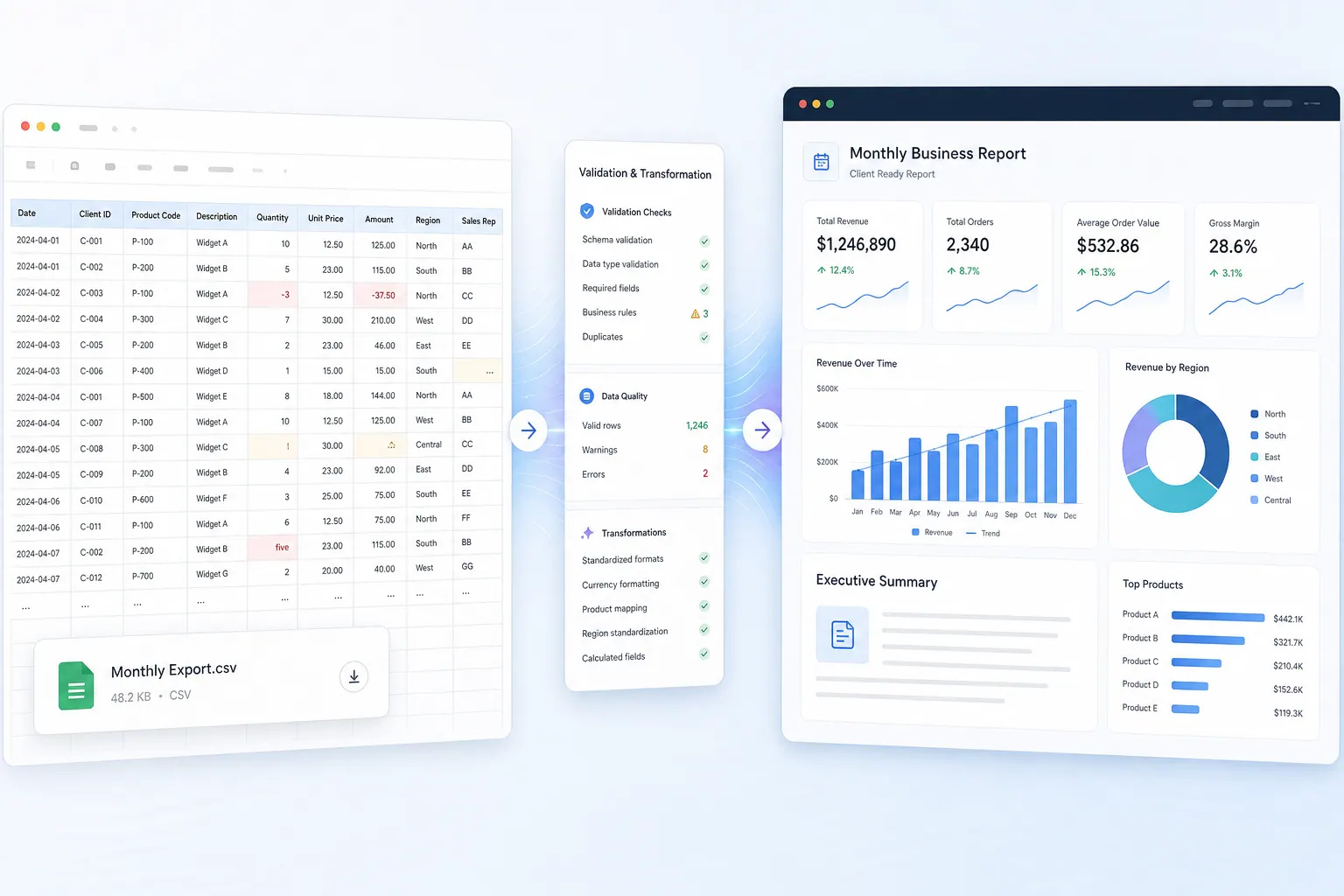
How to Turn a Monthly CSV Export Into a Client-Ready Report
Stop rebuilding your CSV report each month. Save the reporting rules, test the numbers, and hand over a clear summary with visible exceptions.
 Excel & AI
How to Audit an Excel Model: Formulas, Inputs and Checks
A forecast can show the right number while using the wrong formula. Trace one important output, test its inputs, and save a review note before the next reporting deadline.
 Excel & AI
When Power BI Is Overkill: A Practical Decision Rule for Excel Reports
The real choice is not Excel versus Power BI. It is whether the workflow needs governed BI or a faster spreadsheet-to-answer layer.
 Excel & AI
What FP&A Teams Actually Want From AI: Less Manual Excel, More Evidence
Finance teams do not need AI that hides the work. They need AI that cleans the file, drafts the analysis, and shows the evidence behind every answer.
 Excel & AI
Excel AI Governance: How to Let Agents Analyze Workbooks Without Losing Control
The next Excel AI risk is not whether agents can analyze a workbook. It is whether the company can control, review, and audit what they do.
 Excel & AI
Can Finance Teams Trust Excel AI? Only If the Answers Come With Evidence
Excel AI is useful only when the numbers can be checked. Here is what finance teams should demand before trusting AI-generated spreadsheet work.
 Excel & AI
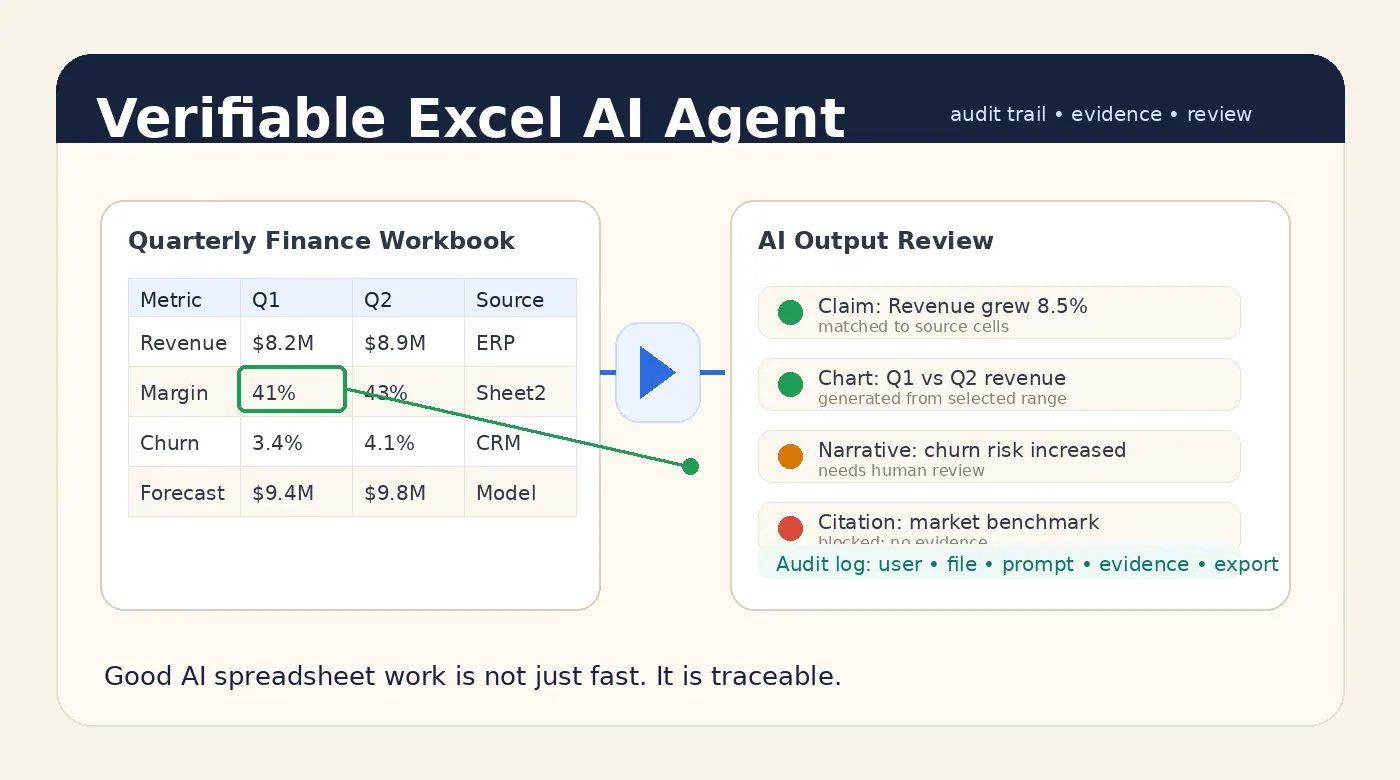
A Good Excel AI Agent Should Produce Answers You Can Verify
A good Excel AI Agent should not only answer quickly. It should show where the numbers came from, what was checked, what remains uncertain, and who approved the final output.
 Excel & AI
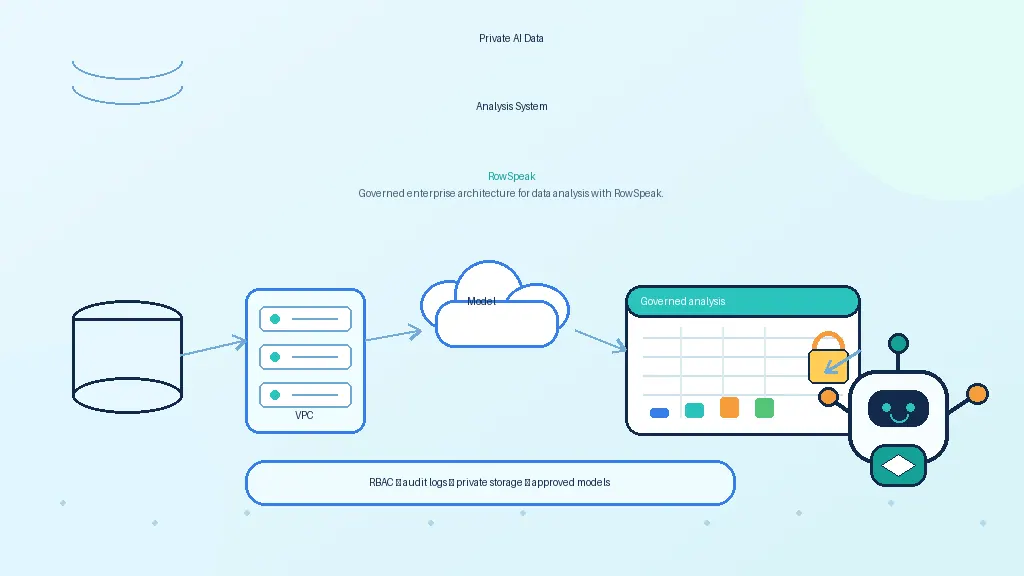
How to Build a Private AI Data Analysis System for Enterprise Teams
Enterprise teams want ChatGPT for company data, but a chatbot is not enough. A private AI analyst needs governed access, deterministic computation, citations, and auditability.
 Excel & AI
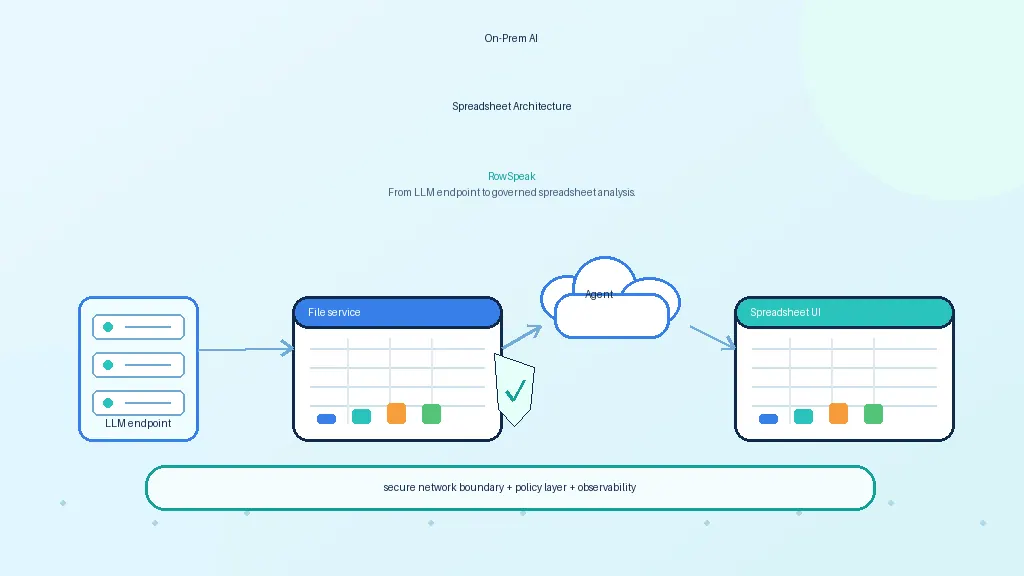
On-Prem AI Spreadsheet Architecture: From LLM Endpoint to Governed Analysis
An on-prem AI spreadsheet system is more than a self-hosted LLM. This guide shows the architecture needed to turn a private model endpoint into governed spreadsheet analysis.
 Excel & AI
Can Llama Analyze Spreadsheets Privately? A Practical Guide for Enterprise Teams
Llama can be part of a private AI spreadsheet analyst, but the model is only one layer. This guide explains parsing, deterministic computation, citations, governance, and where a workflow layer fits.
 Excel & AI
How to Build an On-Prem AI Spreadsheet Analyst with Qwen
Qwen is attractive for private spreadsheet workflows because of its coding, math, and tool-use strengths. This guide explains how to turn it into a governed on-prem AI analyst.
 Excel & AI
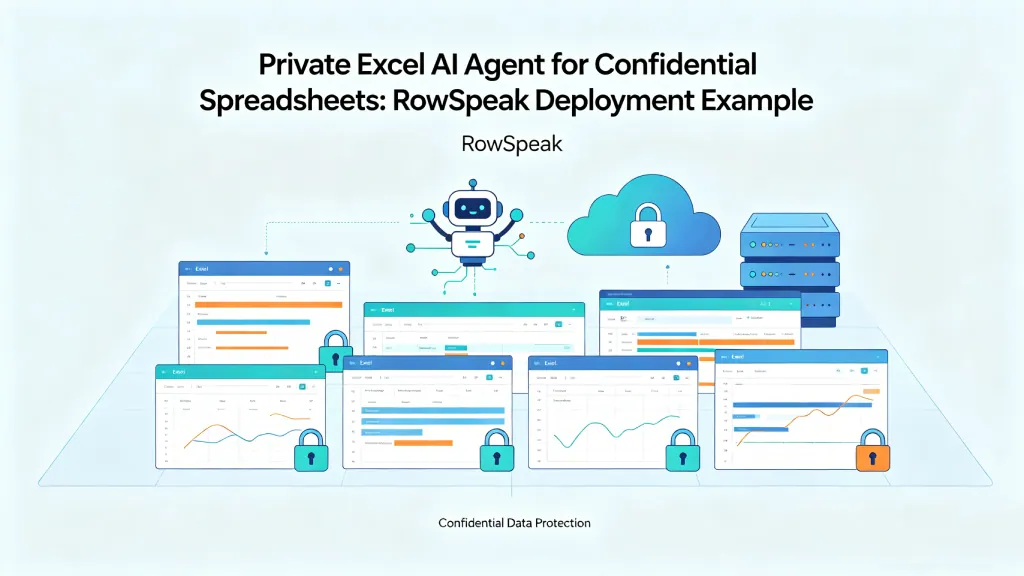
How to Use an Excel AI Agent Without Exposing Confidential Spreadsheets
A practical guide for teams with sensitive Excel files: how to use a private Excel AI Agent for finance reports, sales exports, inventory sheets, and internal analysis without sending confidential data outside your environment.
 Excel & AI
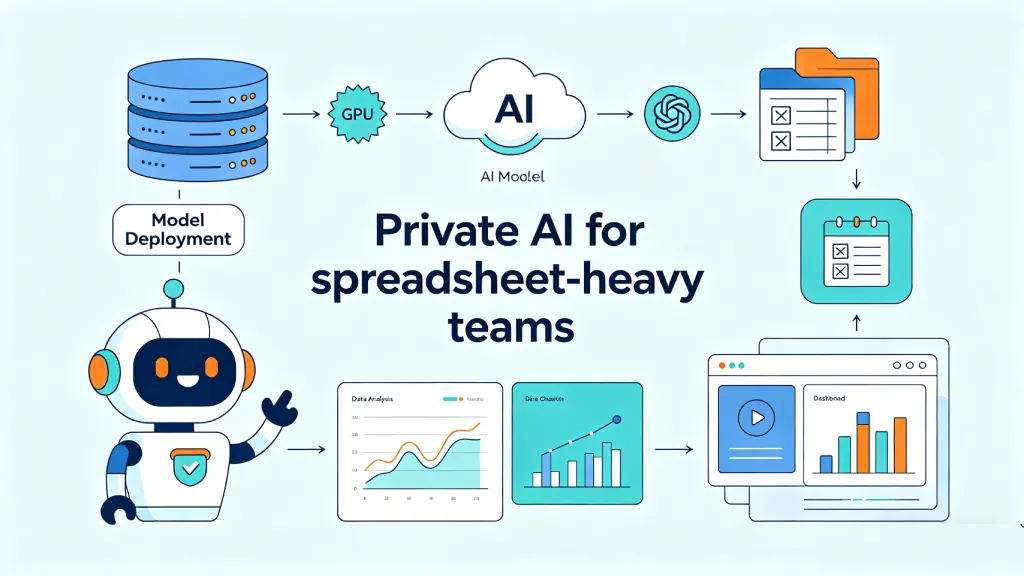
How to Run DeepSeek-V4-Flash as a Private AI Server for Internal Spreadsheet Analysis
A practical guide for teams evaluating private AI: deploy DeepSeek-V4-Flash on your own GPU server, expose a secure internal API, and use it for spreadsheet analysis workflows.
 Excel & AI
Tired of Learning Endless Excel Tricks? Master Your Data with AI Instead
Feeling overwhelmed by the sheer number of Excel features you're 'supposed' to know? From PivotTables to VBA, the learning curve is steep. What if you could skip the manual steps and just ask for what you need? This guide shows you how.
 Excel & AI
Forget Excel Hacks: Use AI to Automate These 11 Tedious Tasks Instantly
Stop memorizing hundreds of Excel shortcuts! While traditional hacks save a few clicks, they're still manual and error-prone. See how RowSpeak's AI lets you use plain language to format data, resize columns, and run analyses, transforming your productivity.
 Excel & AI
Beyond PivotTables: Why Accountants Are Turning to Excel AI
Still spending hours on manual Excel tasks for accounting? From complex PivotTables to tedious formula auditing, the old way is slow and error-prone. Learn how Excel AI tools like RowSpeak let you automate financial reporting and analysis using simple language commands.
 Excel & AI
Stop Wrestling with Excel's RIGHT Function: Extract Text with AI Instead
Tired of wrestling with complex formulas like RIGHT, LEN, and FIND just to split text in Excel? Discover how an Excel AI agent can do it for you with a simple sentence, saving you time and preventing formula headaches.
 Excel & AI
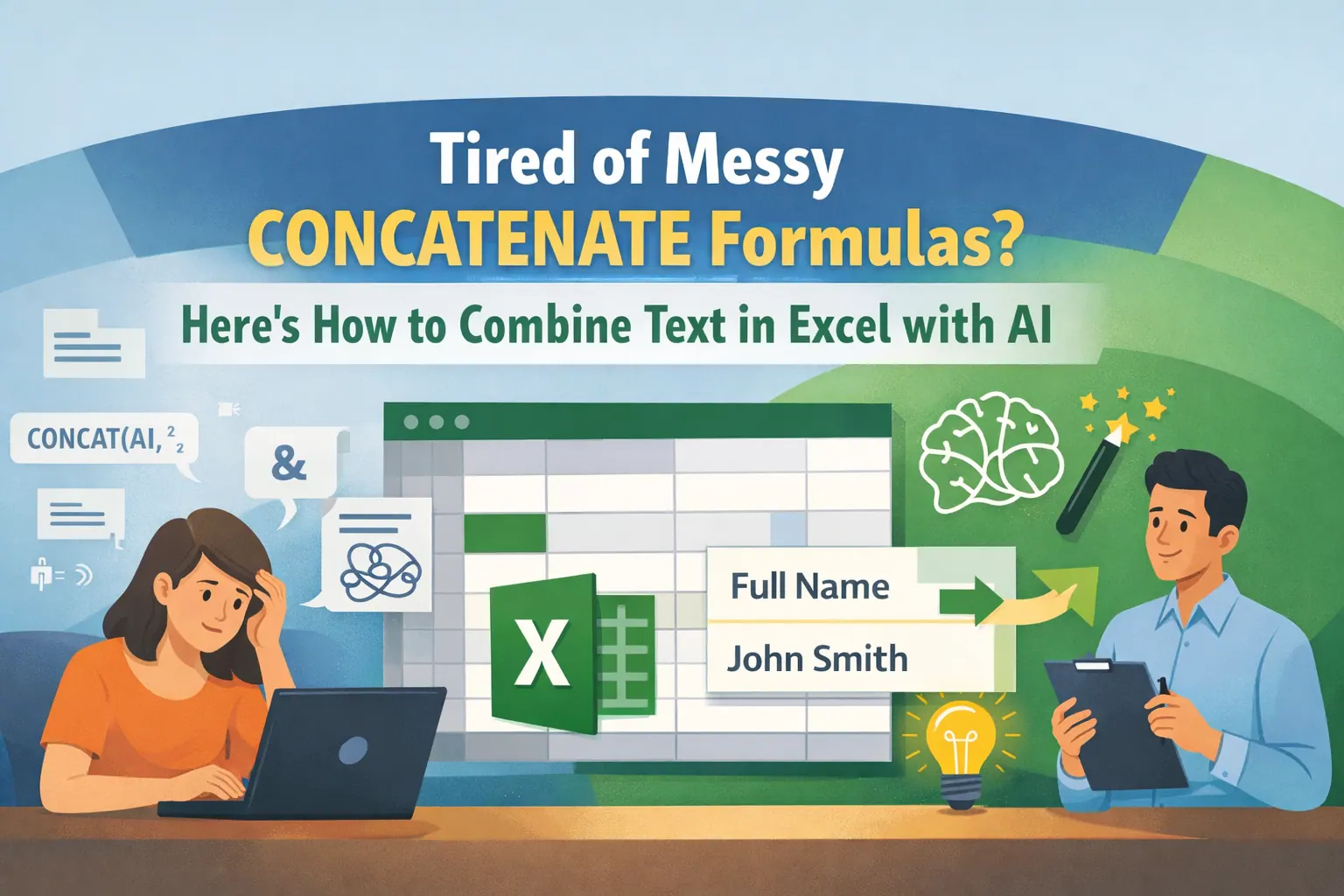
Tired of Messy CONCATENATE Formulas? Here’s How to Combine Text in Excel with AI
Tired of wrestling with messy CONCATENATE formulas to join names and addresses in Excel? This guide shows you the limitations of traditional methods and introduces a faster, error-free way to combine text from multiple cells using the Excel AI agent, RowSpeak.
 Excel & AI
Forget Complicated IF/AND Formulas: Use AI to Check Multiple Conditions in Excel
Tired of wrestling with nested IF(AND(...)) formulas just to check multiple conditions? This guide shows you the classic way and a much smarter alternative. Discover how Excel AI can handle complex logic with plain language, saving you time and preventing errors.
 Excel & AI
Forget XLOOKUP: How Excel AI is Revolutionizing Data Lookups
Still wrestling with VLOOKUP or trying to master XLOOKUP's six arguments? There's a better way. Discover how Excel AI lets you merge tables and find data just by describing what you need, saving you hours of formula-writing frustration.
 Excel & AI
Tired of Clicking? How Excel AI Replaces Manual Slicers for Interactive Reports
Tired of clicking through endless Excel slicers to filter your reports? We'll show you the limitations of traditional slicers and how an Excel AI agent can build, filter, and update your pivot tables and charts just by chatting with it.
 Excel & AI
VLOOKUP is Obsolete. Here's How to Look Up Data with Excel AI Instead.
Struggling with VLOOKUP's limitations? It's rigid, error-prone, and confusing. This guide shows you a better way. Discover how RowSpeak, an Excel AI agent, lets you merge tables and look up data just by asking questions, saving you hours of manual work.
 Excel & AI
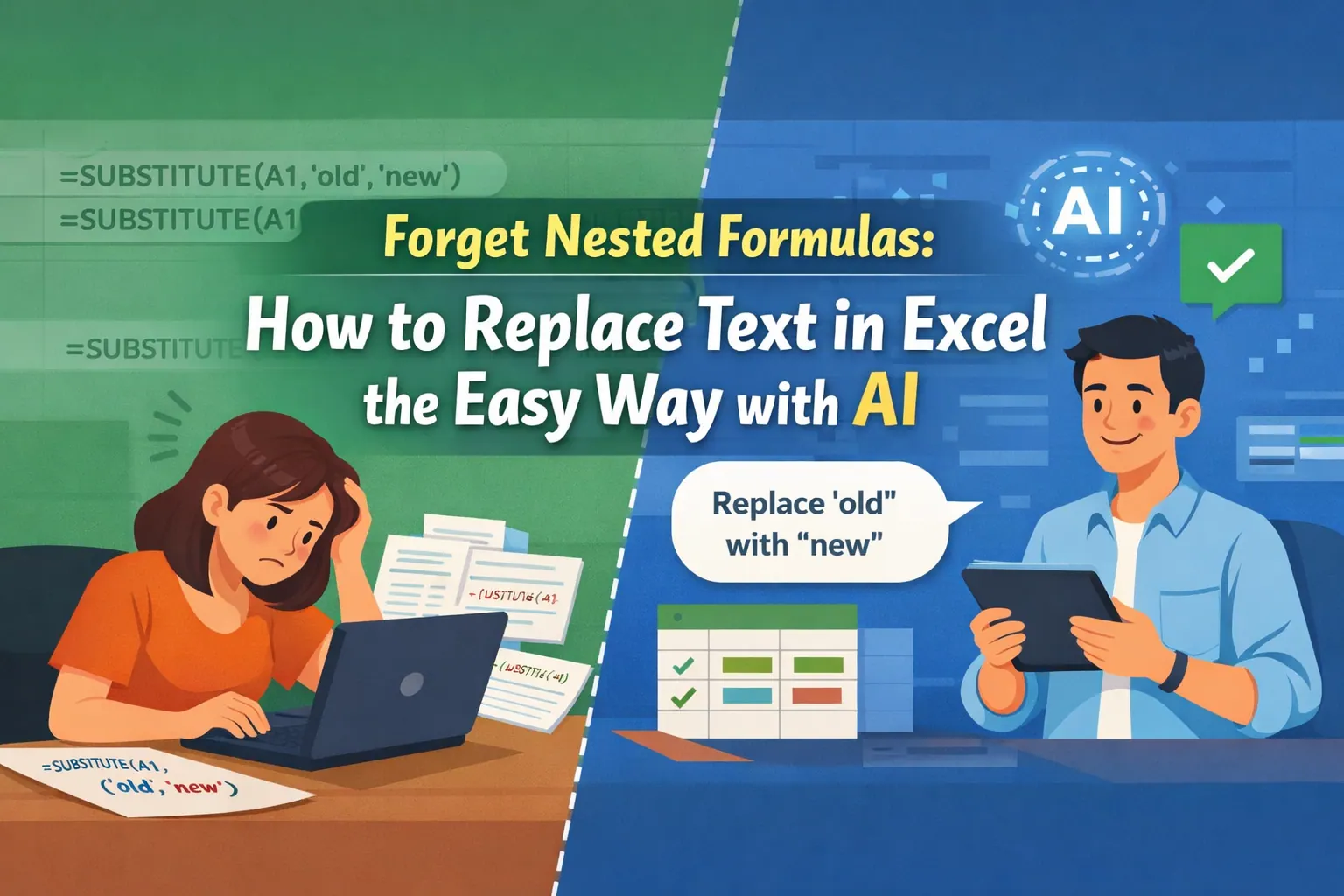
Forget Nested Formulas: How to Replace Text in Excel the Easy Way with AI
Tired of wrestling with nested SUBSTITUTE formulas to clean your data? This guide contrasts the tedious manual method with a new AI-powered solution. See how you can replace text in Excel by just telling an AI what you want, saving you hours of frustration.
 Excel & AI
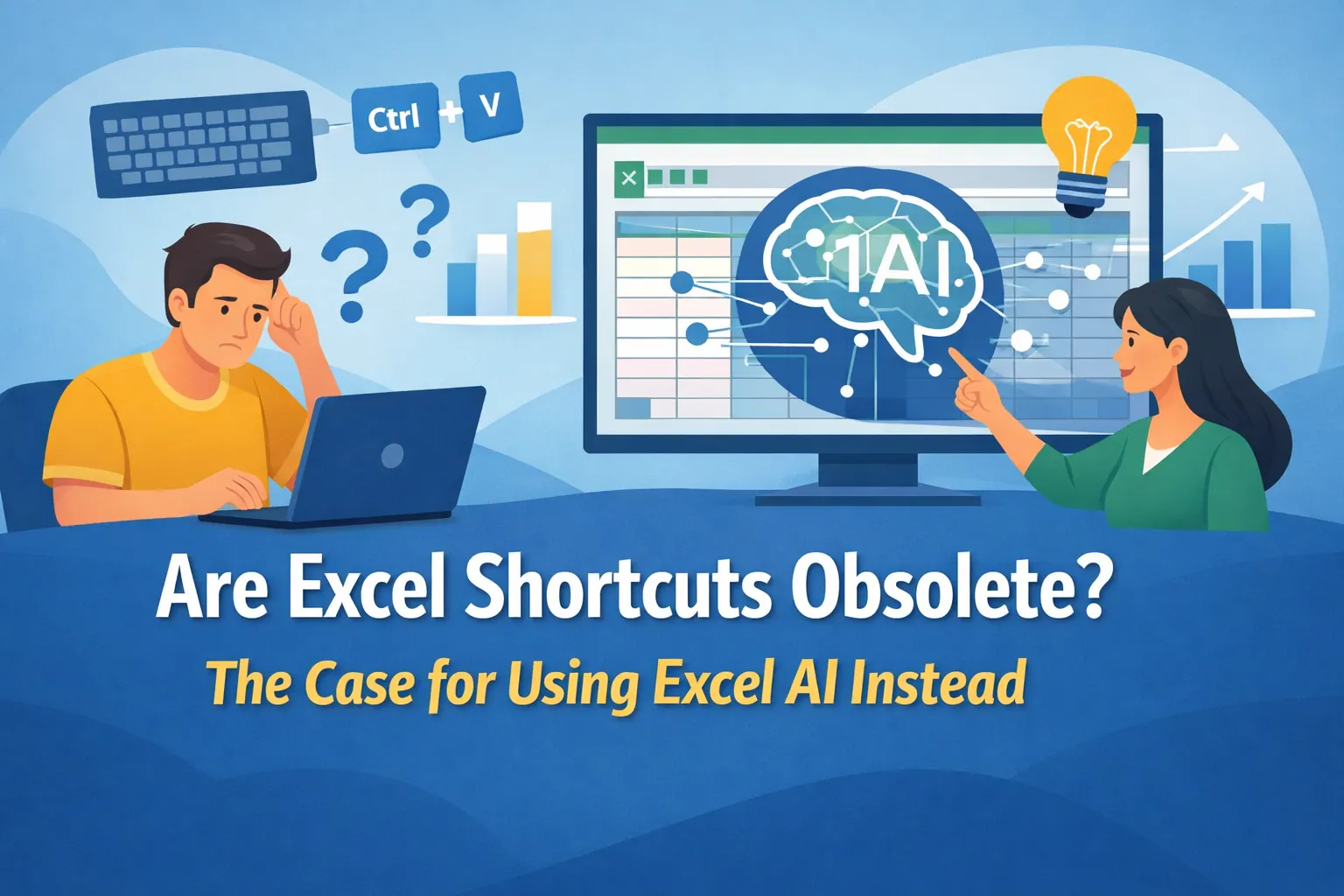
Are Excel Shortcuts Obsolete? The Case for Using Excel AI Instead
We all want to be faster in Excel, but is memorizing endless keyboard shortcuts the only way? This guide explores the limitations of the traditional shortcut-heavy approach and introduces a revolutionary alternative: using an Excel AI Agent to get work done with simple language commands.
 Excel & AI
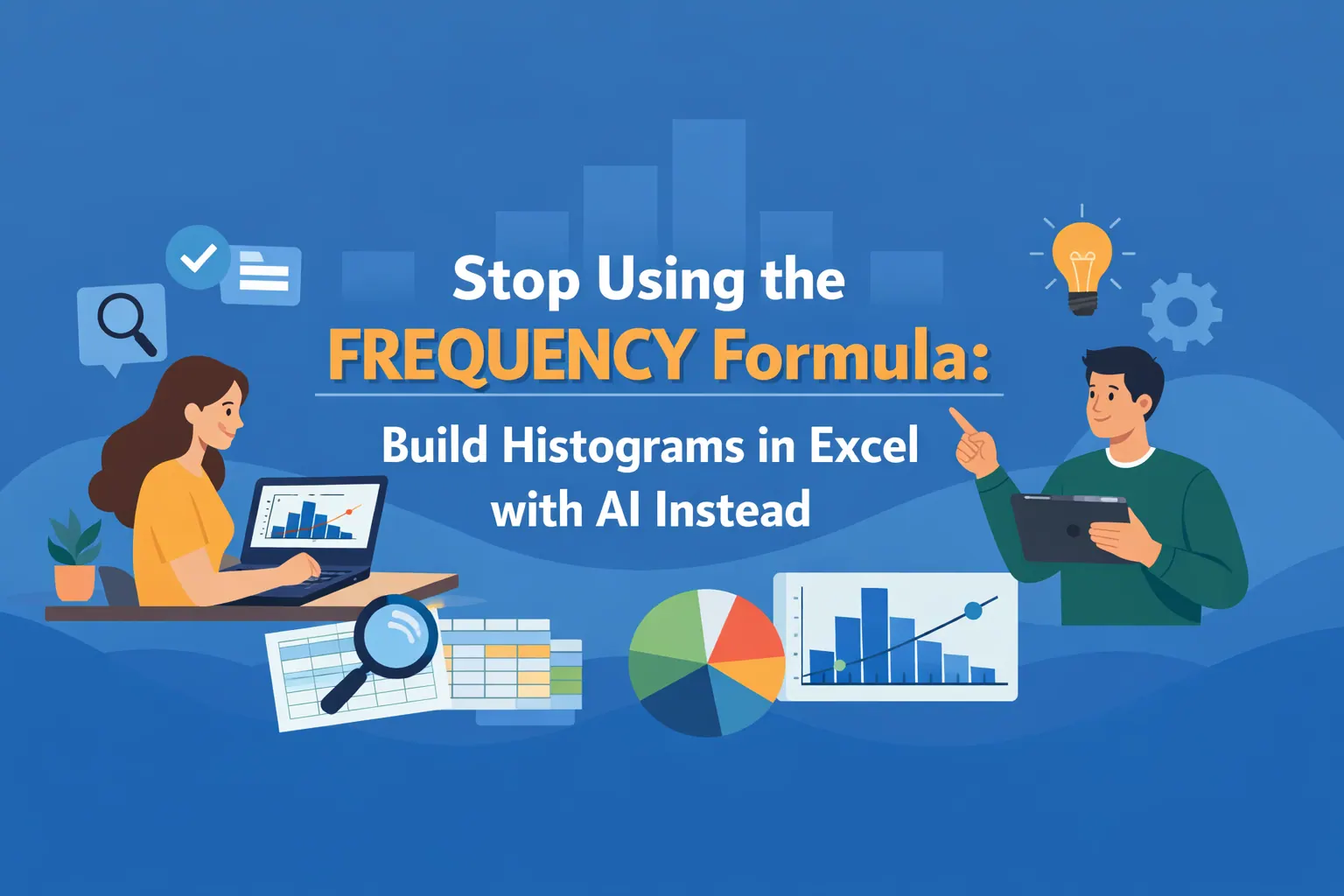
Stop Using the FREQUENCY Formula: Build Histograms in Excel with AI Instead
Stop wrestling with Excel's confusing FREQUENCY array formula and manual bin creation. Discover how an Excel AI agent can build a complete frequency distribution table and histogram from a simple chat command, saving you time and preventing errors.
 Excel & AI
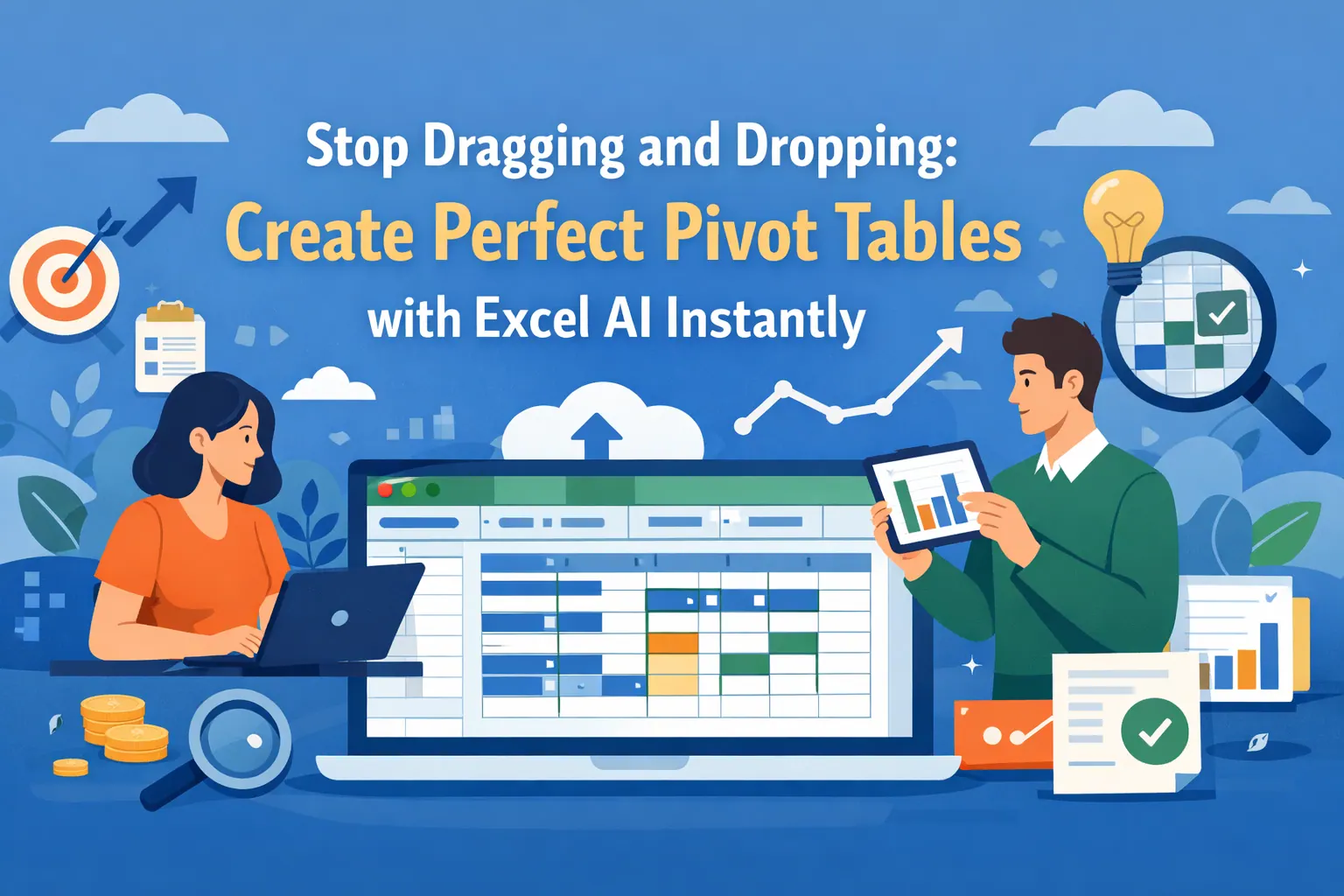
Stop Dragging and Dropping: Create Perfect Pivot Tables with Excel AI Instantly
Struggling with clunky Pivot Table fields? Dragging and dropping endlessly? Discover how an Excel AI agent can build, sort, and filter complex pivot tables for you in seconds, just by asking in plain English. Say goodbye to manual setup and hello to instant insights.